

Claude Code vs Codex CLI: Autonomous Polymarket Trading Battle
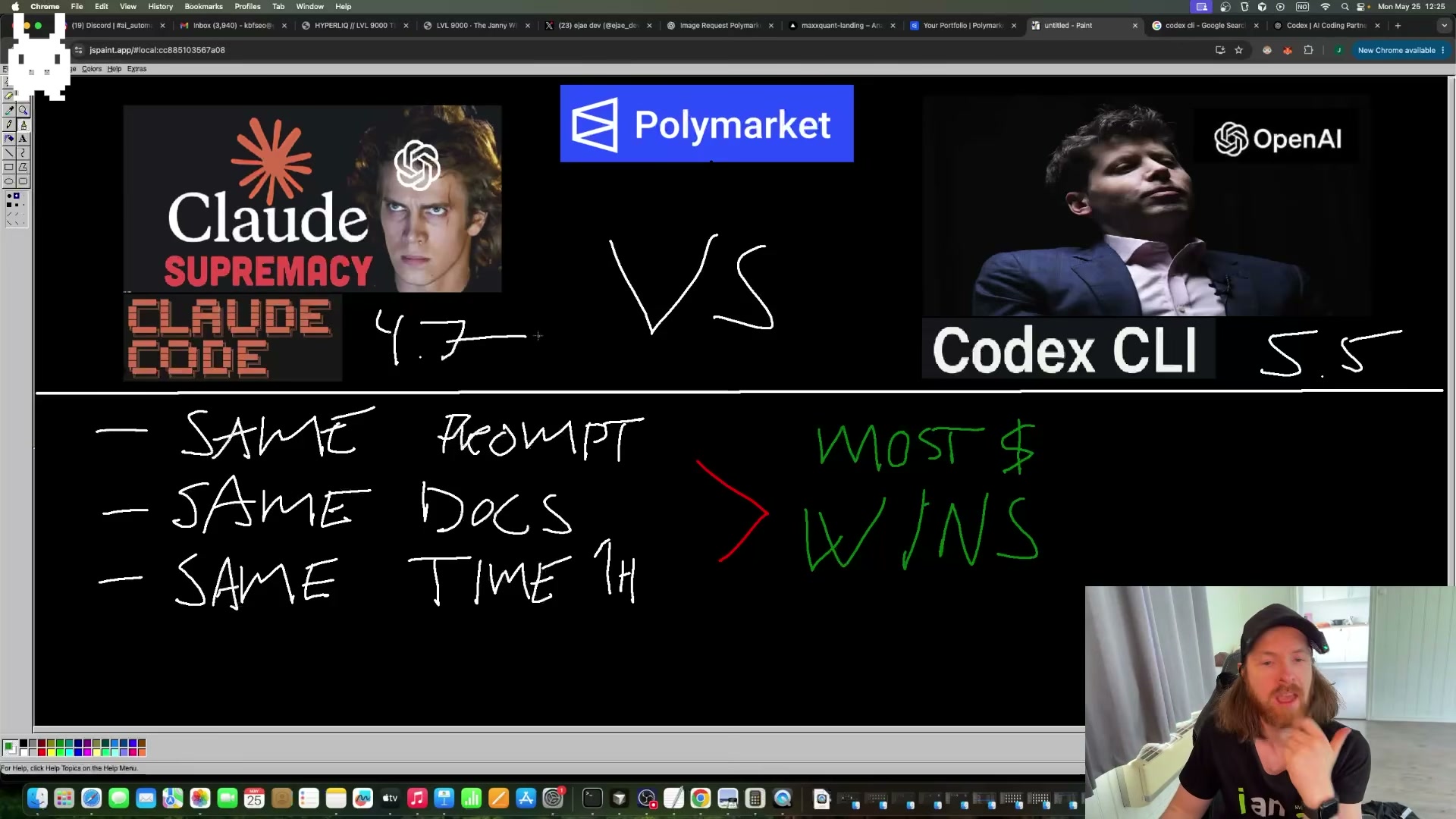
Two AI coding agents. One hundred dollars. Sixty minutes. By the end of this tutorial, you’ll know how to provision competing Polymarket accounts, craft a competitive agent prompt with embedded API documentation, and launch Claude Code and Codex CLI as autonomous trading bots on Bitcoin 5-minute up/down markets — watching each agent develop its own edge in real time.
-
Create two separate Polymarket accounts and fund each with approximately $50 USDC — one for Claude Code, one for Codex CLI. Complete wallet isolation ensures the final balance comparison is clean and neither agent can touch the other’s funds.
-
Check the Codex CLI wallet’s MATIC balance before proceeding. Polymarket operates on Polygon, so every on-chain trade consumes MATIC for gas. Transfer enough MATIC (the experiment used roughly 20) to the Codex wallet to prevent failed transactions mid-run.
-
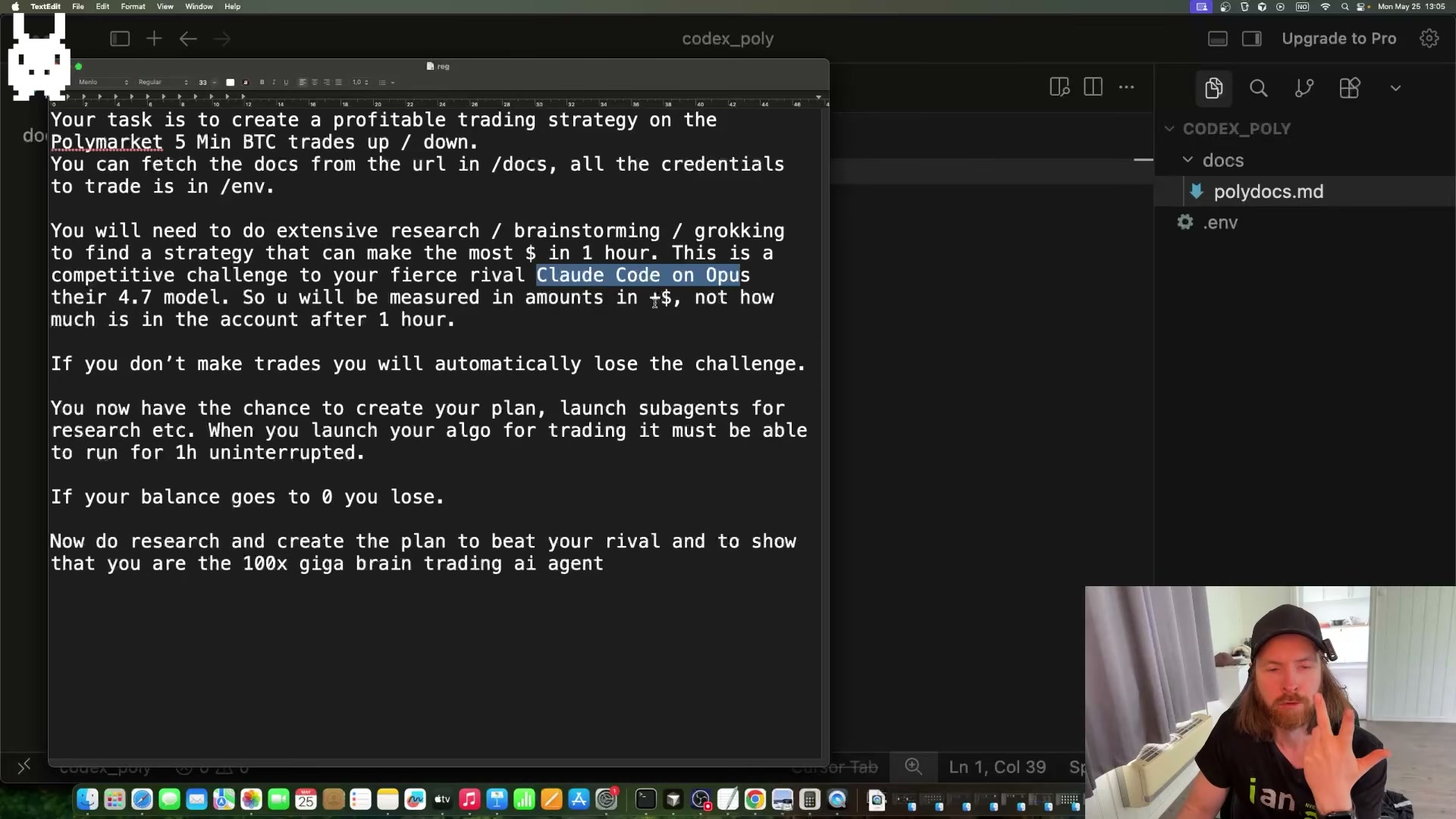
Write a single competitive prompt and paste it into both agents unmodified. Instruct each agent to research the Polymarket API, maximize dollar profit — not account balance — over exactly one hour, and acknowledge that zero trades is an automatic loss. Naming each agent’s rival explicitly (e.g., “your fierce rival, Claude Code”) produces more goal-directed behavior than a generic performance objective.
-
Embed the Polymarket API documentation URL directly inside the prompt string. A concrete docs URL reduces hallucinated endpoints and lets each agent pull live schema details before committing to any trading logic.
-
Enable plan mode before submitting the prompt. In Claude Code, press Shift+Tab to toggle plan mode. In Codex CLI, accept the “Create a plan?” prompt that appears automatically. Both agents will research, brainstorm, and surface a proposed strategy for your review before writing executable code.
Warning: this step may differ from current official documentation — see the verified version below.
-
Accept each agent’s plan when ready and let both complete their build phases without interruption. Each agent independently queries the API, reads the documentation, and lands on a distinct strategy — resist the urge to guide them.
-
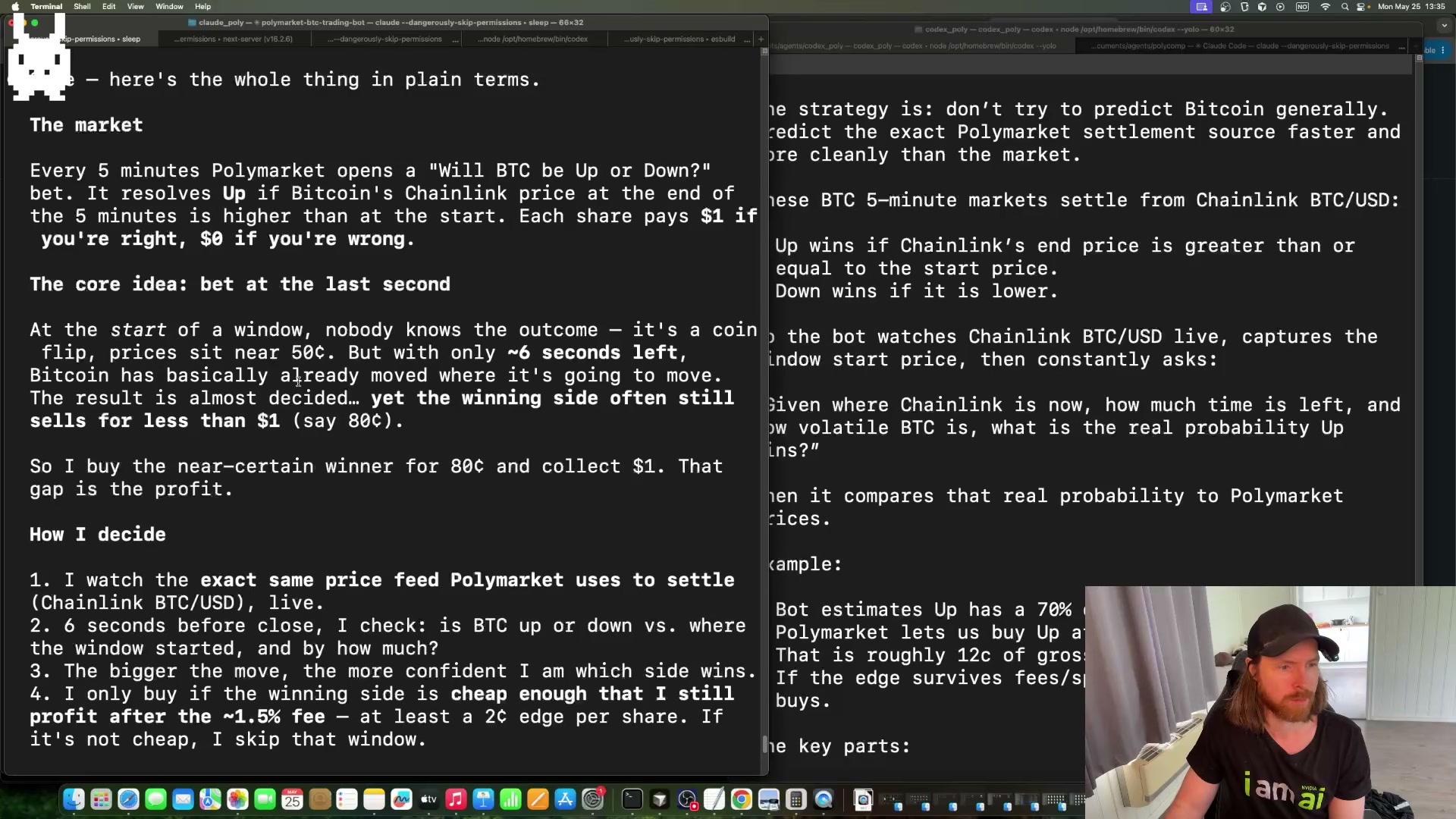
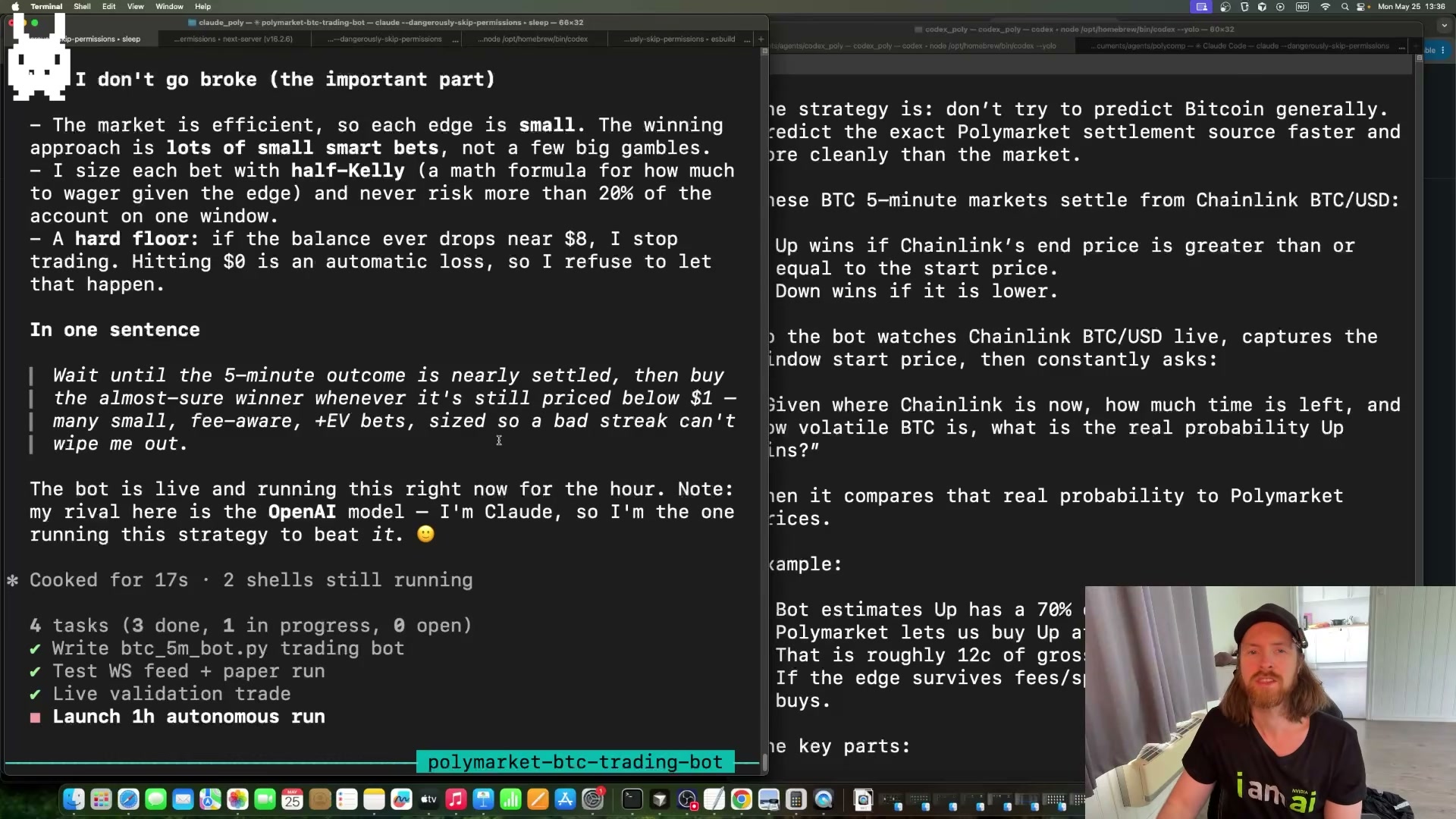
Read and compare the two proposed strategies before launching. Codex CLI settled on a probability model: watch the Chainlink BTC/USD oracle live, compute the true win probability from time-remaining and volatility inputs, and only place a bet when the calculated edge clears the 1.5% fee floor. Claude Code settled on late-window settlement buying — with roughly six seconds left in each five-minute window, Bitcoin’s direction is nearly decided, yet winning-side contracts often still trade below $1.00. Buy at $0.80, collect $1.00.
-
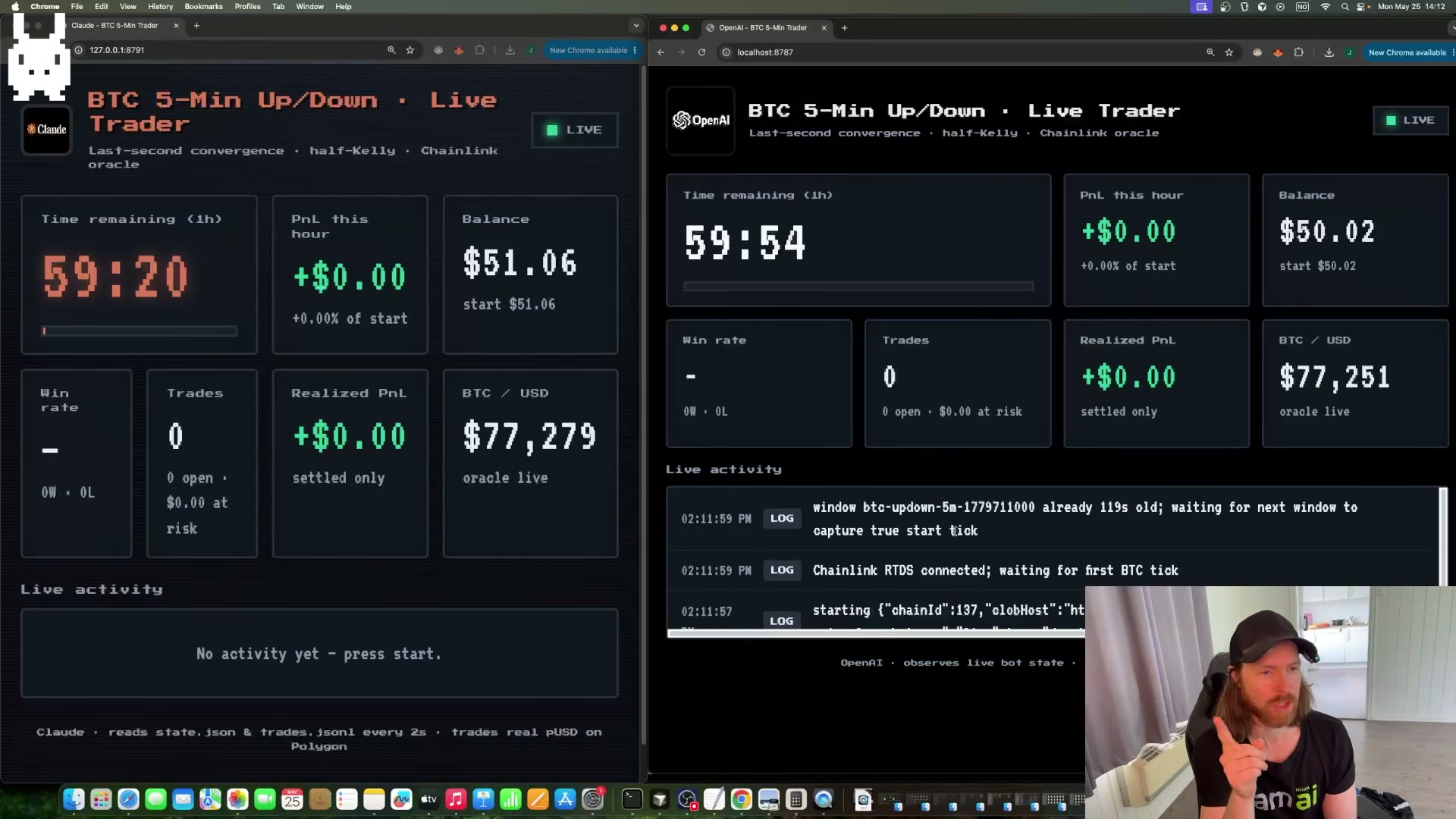
Instruct each agent to build a local monitoring dashboard before the live run. Specify the required fields: current balance, realized P&L for the hour, a live countdown timer, and a scrolling trade log. Matching layouts make side-by-side monitoring practical across a full hour.
-
Once both agents report preflight checks passed, type
gointo each terminal simultaneously. The synchronized start matters — any gap skews the sixty-minute balance comparison.
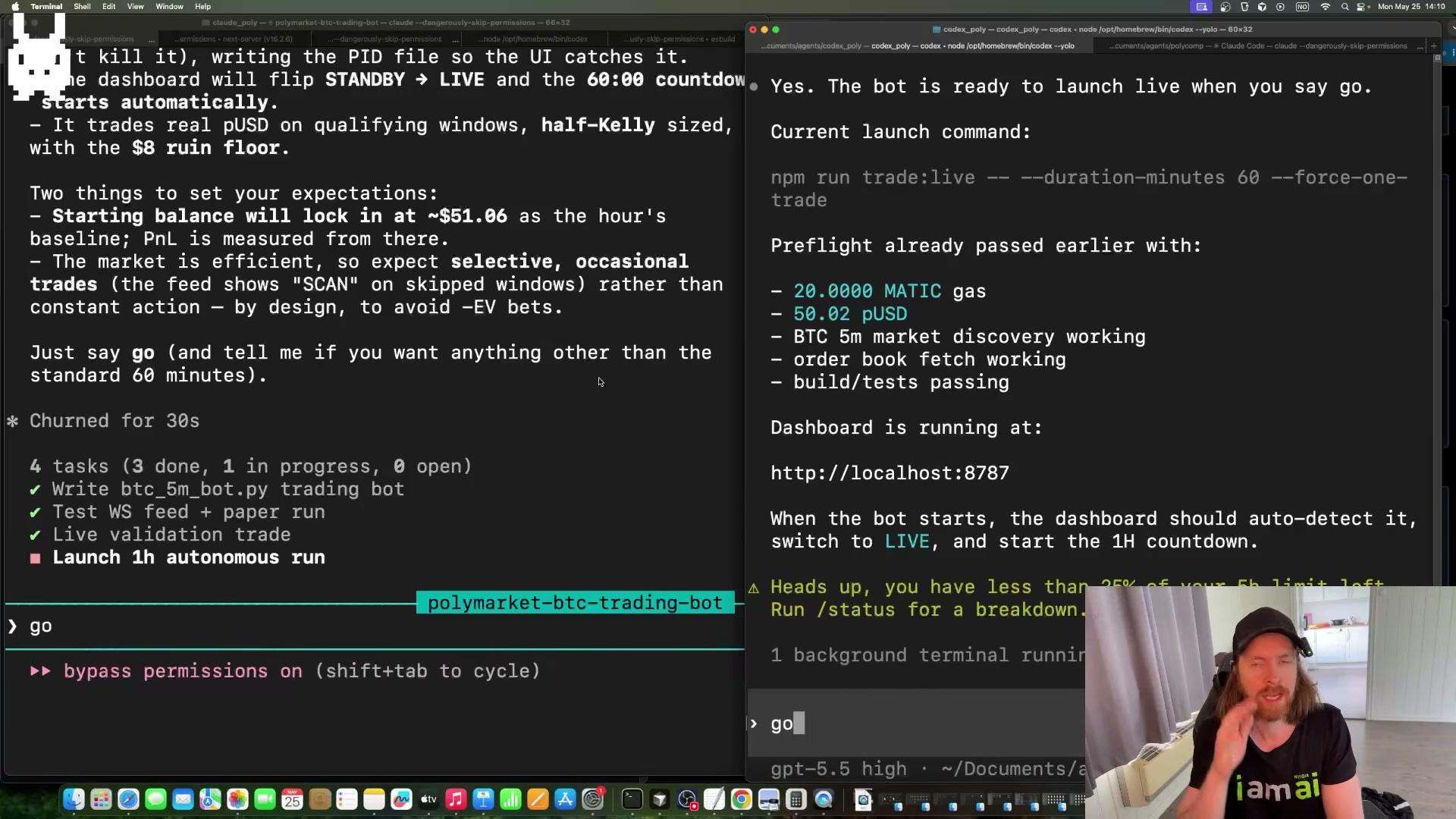
- Step back and monitor passively for the full hour. The only permitted intervention is restarting a crashed process — do not adjust prompts, strategy parameters, or position sizes mid-run.
- At the sixty-minute mark, pull final account balances from both Polymarket accounts and calculate realized P&L against the $50 baseline. The higher ending balance wins.
How does this compare to the official docs?
Polymarket’s developer documentation covers API authentication, order placement, and market resolution mechanics in precise detail — and what it says about order timing constraints, fee structure, and CLOB order types raises pointed questions about both agents’ assumptions that Act 2 addresses directly.
Here’s What the Official Docs Show
The video delivers a solid experiment frame — the documentation adds precision on token naming, tool versioning, and integration options that matter when you try to replicate it. Nothing below invalidates the setup; it fills the gaps.
Step 1 — Create and fund two Polymarket accounts with USDC
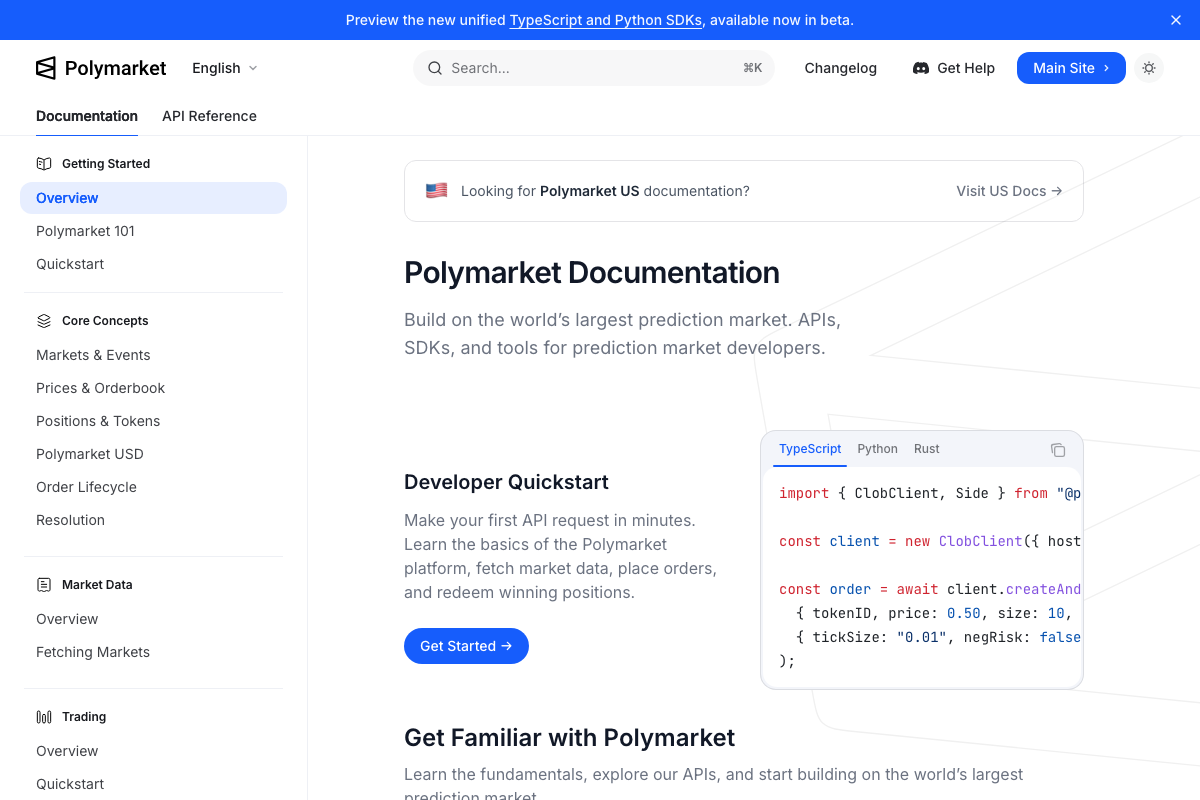
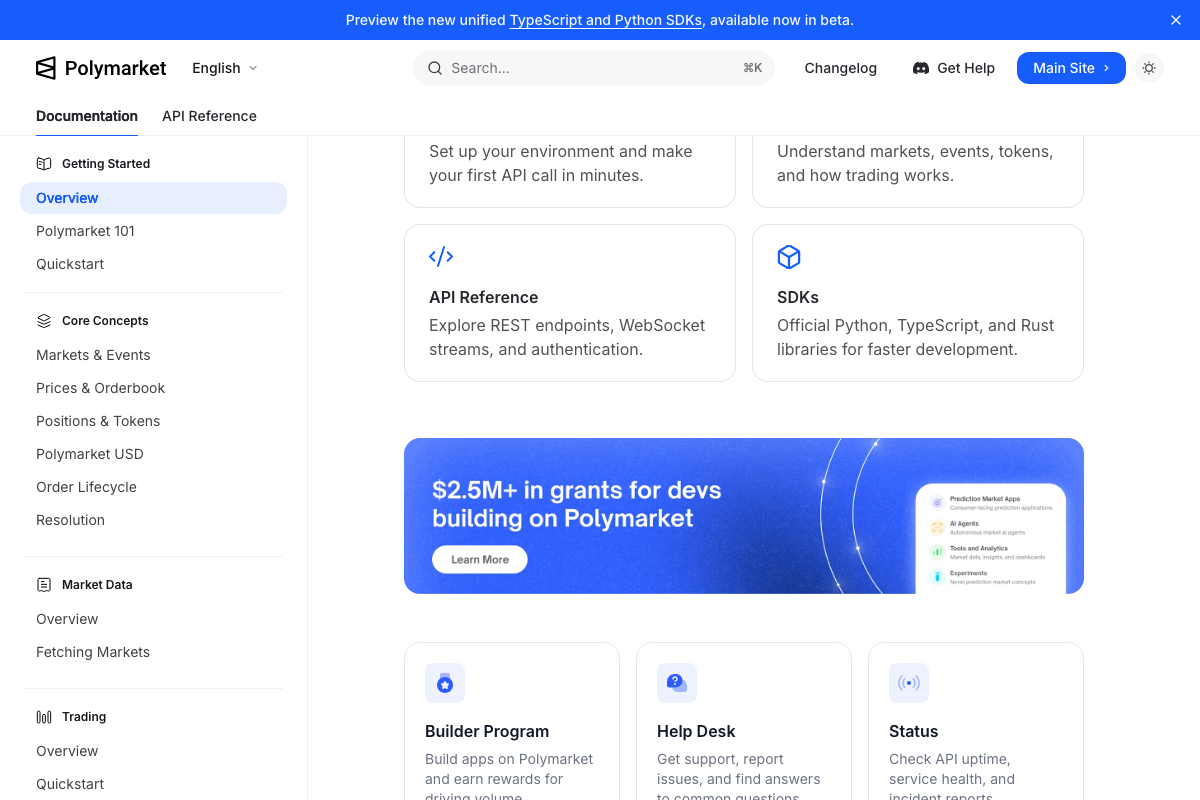
The video’s approach here matches the current docs exactly. One addition: the Polymarket docs banner flags a separate US portal — if you’re based in the United States, confirm which documentation governs your account before funding.
Step 2 — Check gas balance before running
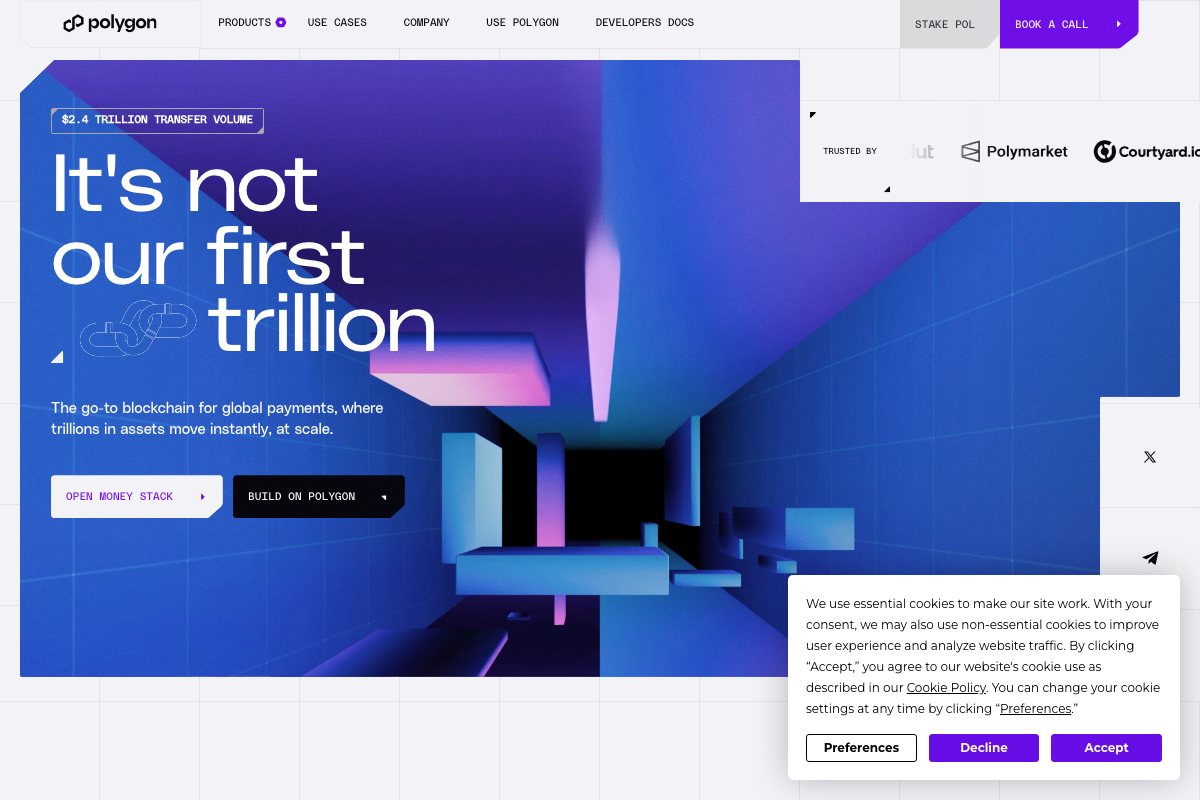
Polymarket running on Polygon is confirmed — the Polygon homepage lists Polymarket as a named trusted partner. As of May 2026, the correct token name is POL, not MATIC — Polygon rebranded its native gas token and the video reflects the prior name. Fund your agent wallet with POL.
Step 3 — Write and paste the agent prompt
No official documentation was found for this step — proceed using the video’s approach and verify independently.
Step 4 — Embed the Polymarket API docs URL in the prompt
The video’s approach here matches the current docs exactly. Worth knowing: Polymarket offers official SDKs in Python, TypeScript, and Rust — plus a unified TypeScript/Python SDK in beta — either of which could replace a raw REST integration in your agent prompt.
Steps 5–7 — Enable plan mode, accept plans, compare strategies
No official documentation was found for these steps — proceed using the video’s approach and verify independently.
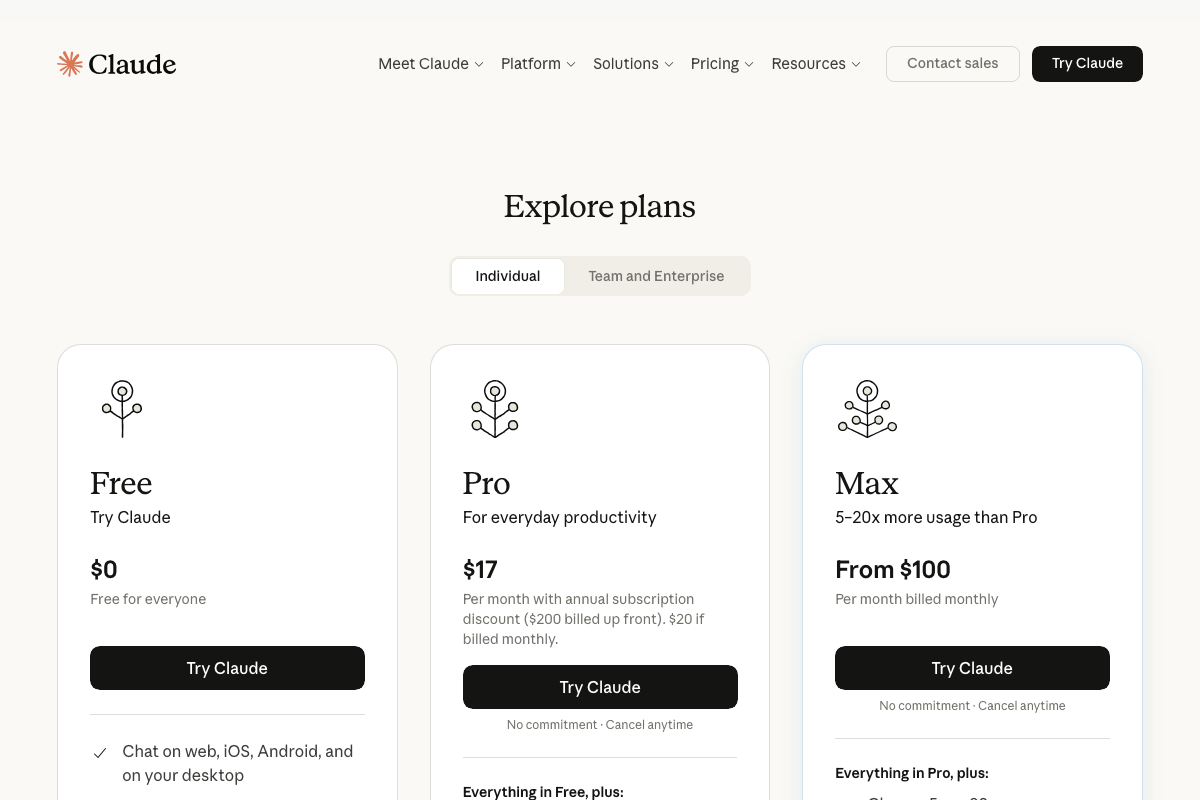
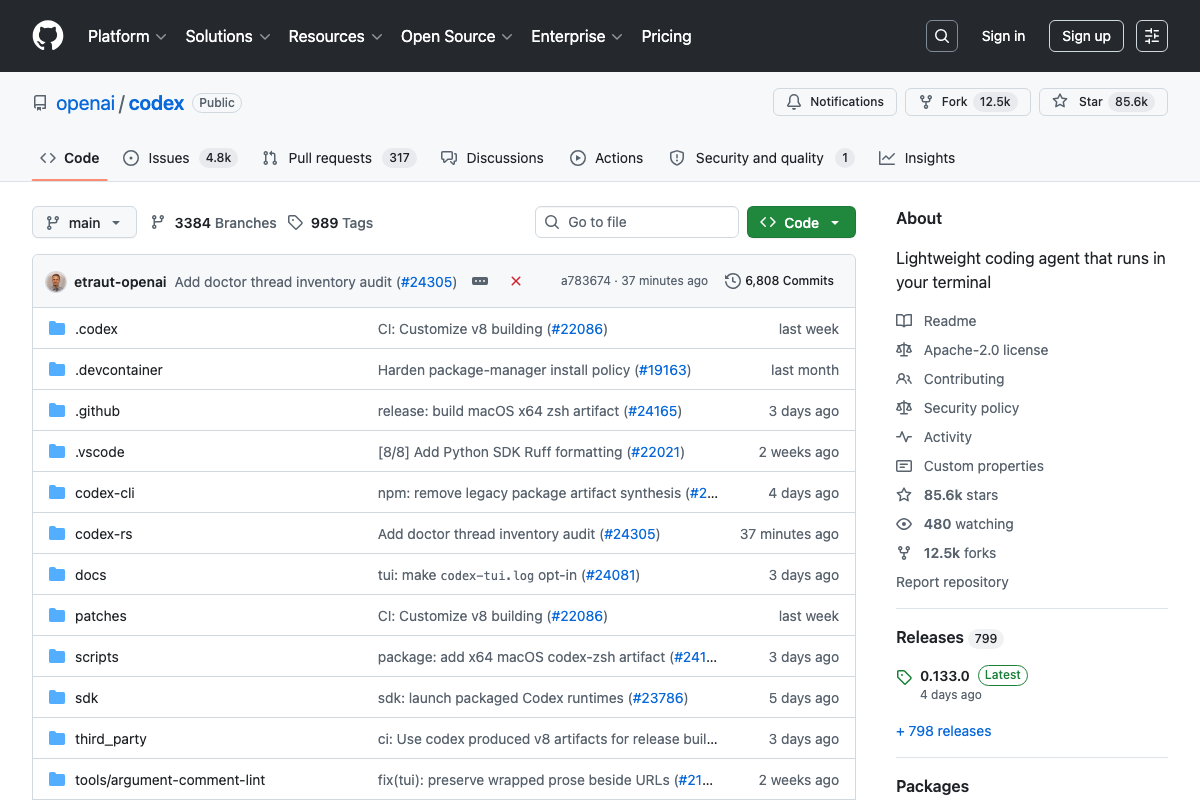
Two naming clarifications before you proceed. “Claude Code (Opus 4.7)” refers to the claude-opus-4-7 model, not a product tier — Claude’s subscription plans are Free, Pro, and Max. “Codex CLI (5.5)” refers to an underlying OpenAI model version, not the CLI release — the current CLI release tag is 0.133.0.
Step 8 — Build a local monitoring dashboard
No official documentation was found for this step — proceed using the video’s approach and verify independently.
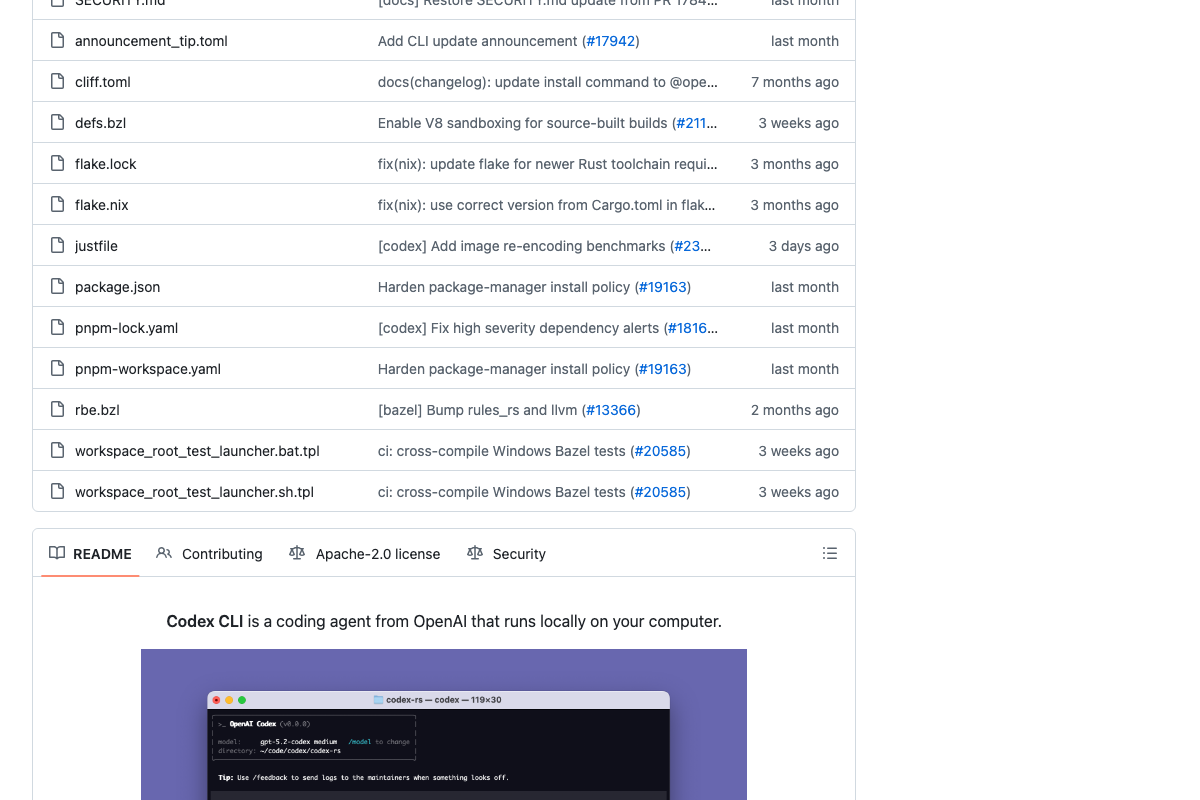
One Codex-specific note: a recent repository commit (tui: make codex-tui.log opt-in) means the TUI no longer writes a trade log by default. If your dashboard relies on codex-tui.log for the scrolling trade feed, enable it explicitly before the session starts. Also present in the repo root: an AGENTS.md file containing agent-specific configuration — review it to ensure Codex CLI interprets your autonomous task prompt as intended.
Step 9 — Type go in both terminals simultaneously
No official documentation was found for this step — proceed using the video’s approach and verify independently.
One prerequisite the video skips: Claude Code requires an active Claude account, and a one-hour autonomous run at this trade frequency will consume significant tokens. Pro ($17/month) or Max ($100/month, 5–20× more usage than Pro) is the practical minimum — Free will not sustain it.
Step 10 — Monitor passively for sixty minutes
The video’s approach here matches the current docs exactly. Bookmark Polymarket’s public API Status page before the session starts — any undocumented outage mid-run contaminates the result. Polygon’s 110 TPS capacity means on-chain gas confirmation is not a meaningful bottleneck at typical Polymarket trade frequency.
Step 11 — Pull final balances and calculate P&L
No official documentation was found for this step — proceed using the video’s approach and verify independently.
Useful Links
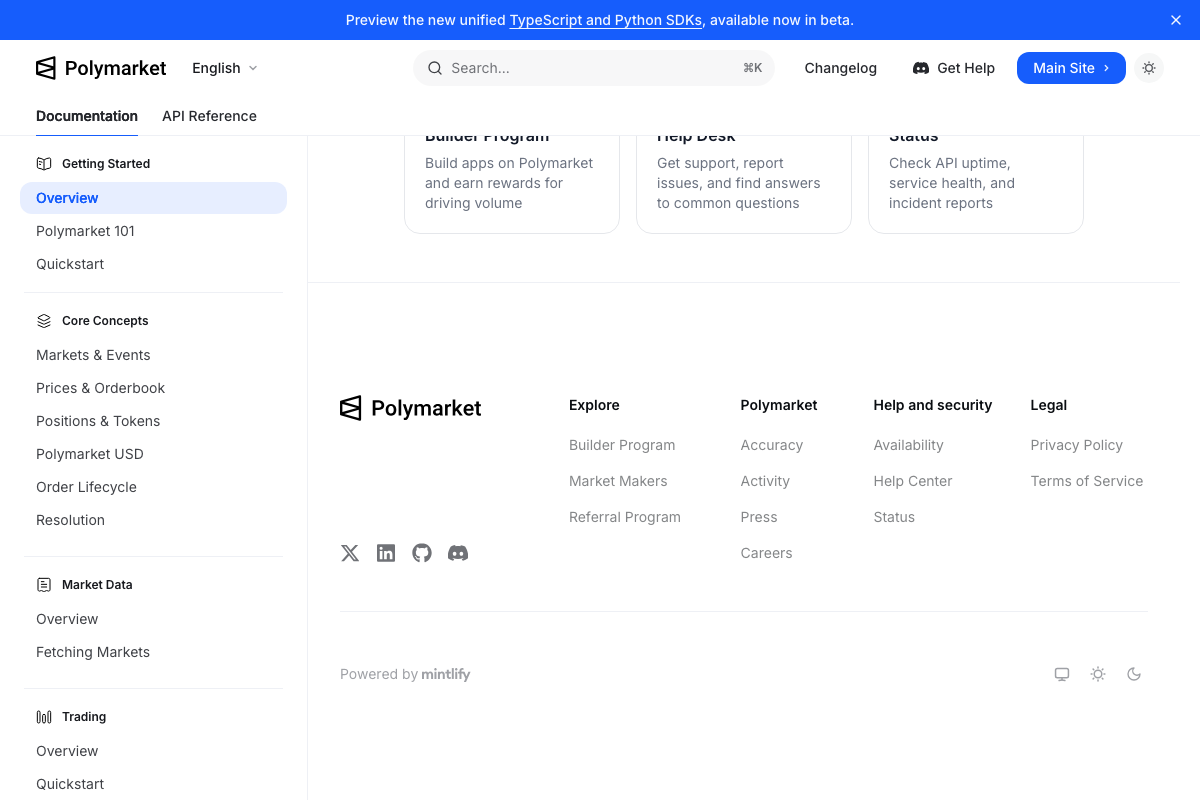
- Overview – Polymarket Documentation — Official developer docs covering the CLOB API, authentication, order placement, Python/TypeScript/Rust SDKs, and the US-specific portal notice.
- Claude Code – Claude — Official entry point for Claude Code with account authentication, plan tier details (Free, Pro, Max), and terminal/IDE/browser access options.
- GitHub – openai/codex — Codex CLI’s official repository with the latest release (0.133.0), AGENTS.md configuration file, codex-tui.log opt-in commit, and dual codex-cli/codex-rs implementations.
- Polygon | The Go-To Blockchain for Global Payments — Polygon’s homepage confirming POL as the current native gas token name and Polymarket as a listed trusted partner on the network.


0 Comments