

4 Prompt Tracking Mistakes Killing Your AI Brand Visibility
Most prompt tracking setups are built on assumptions borrowed from traditional SEO — and those assumptions are costing you accurate data. Tom Capper’s Whiteboard Friday breaks down four structural mistakes that undermine AI brand monitoring, then layers on four creative tracking strategies that turn a basic setup into a multi-dimensional intelligence system. Work through these steps and you’ll have a framework for tracking brand mentions in AI-generated responses at a scale and depth that actually reflects how users interact with tools like ChatGPT.
-
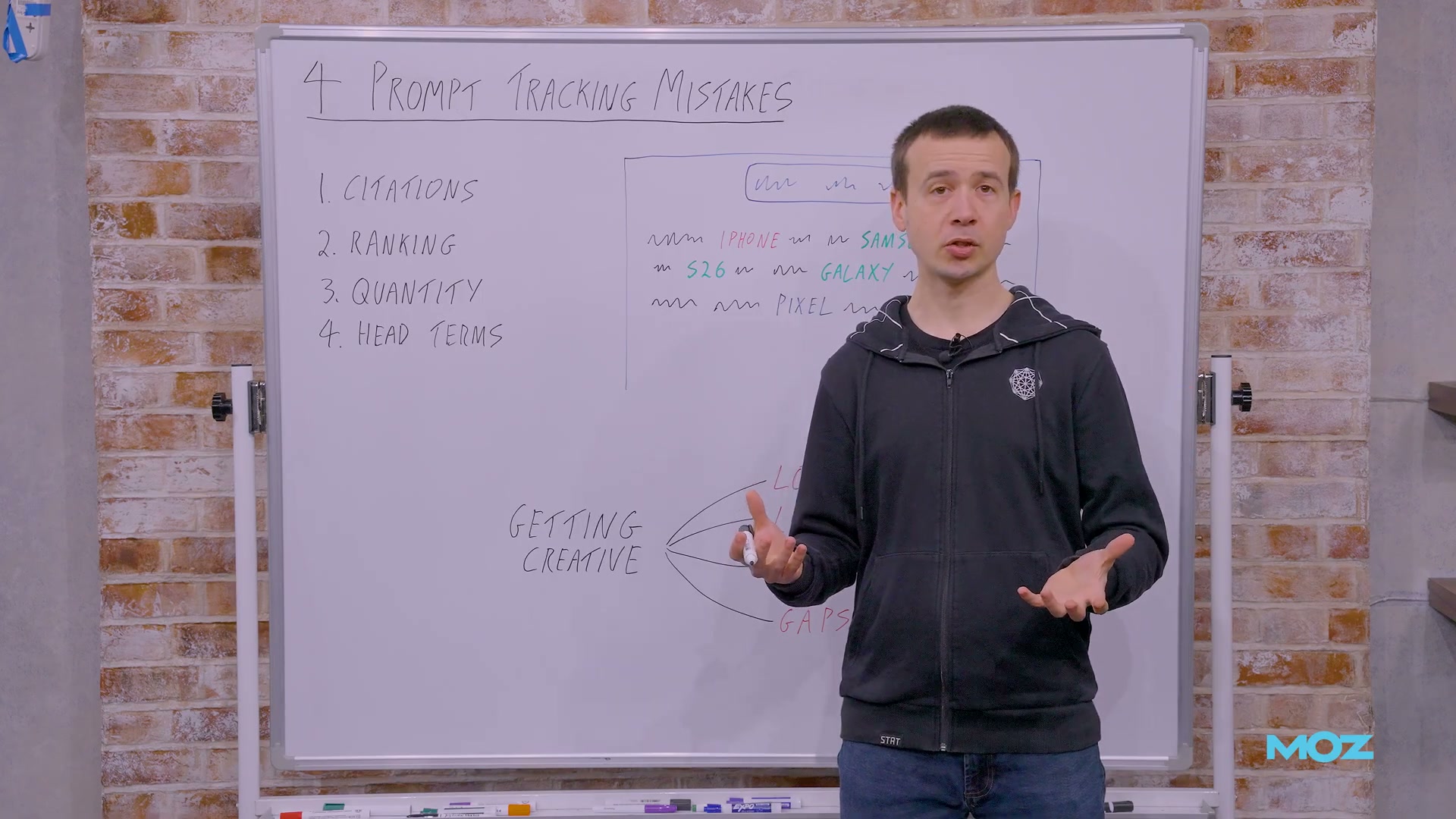
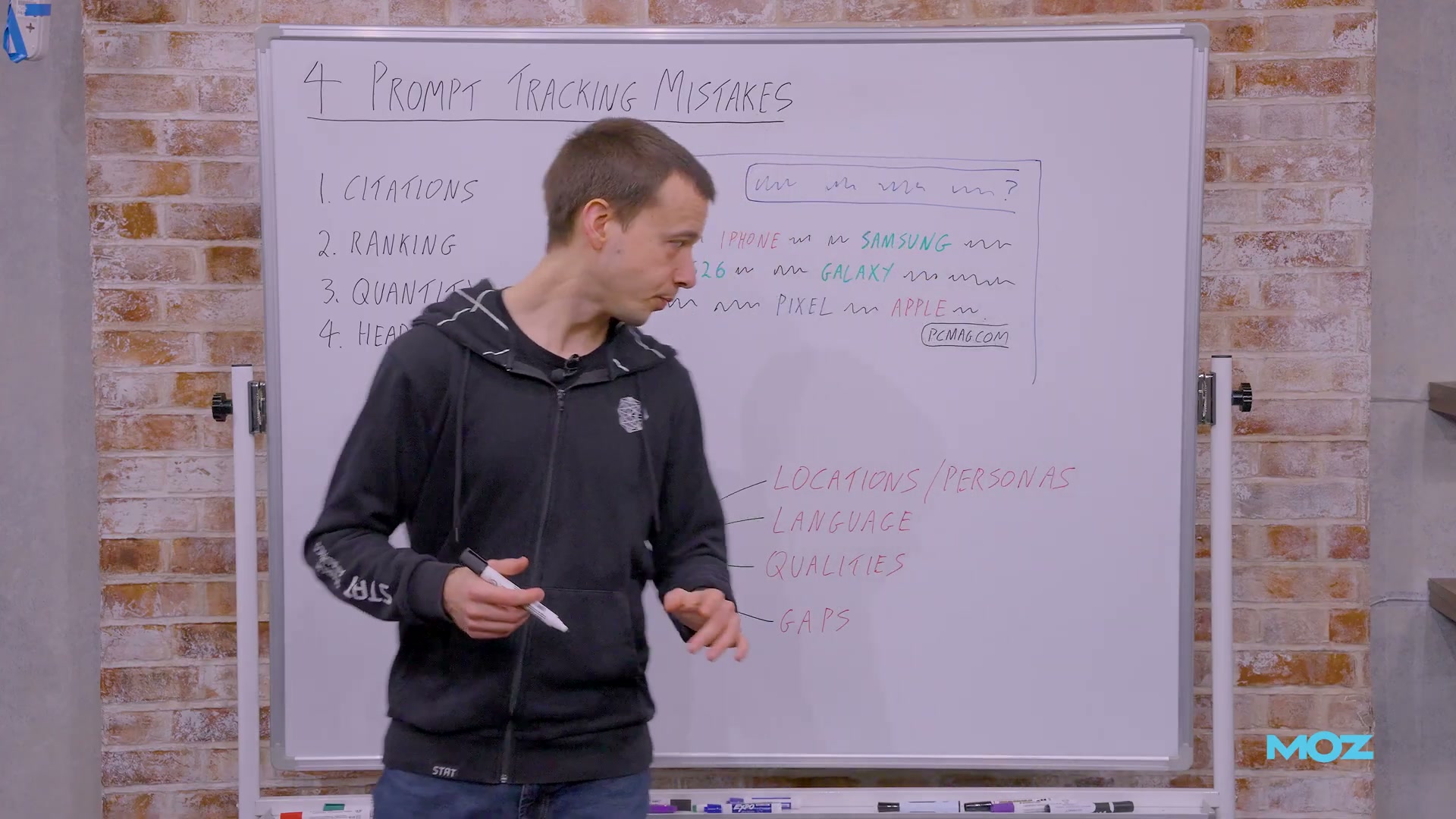
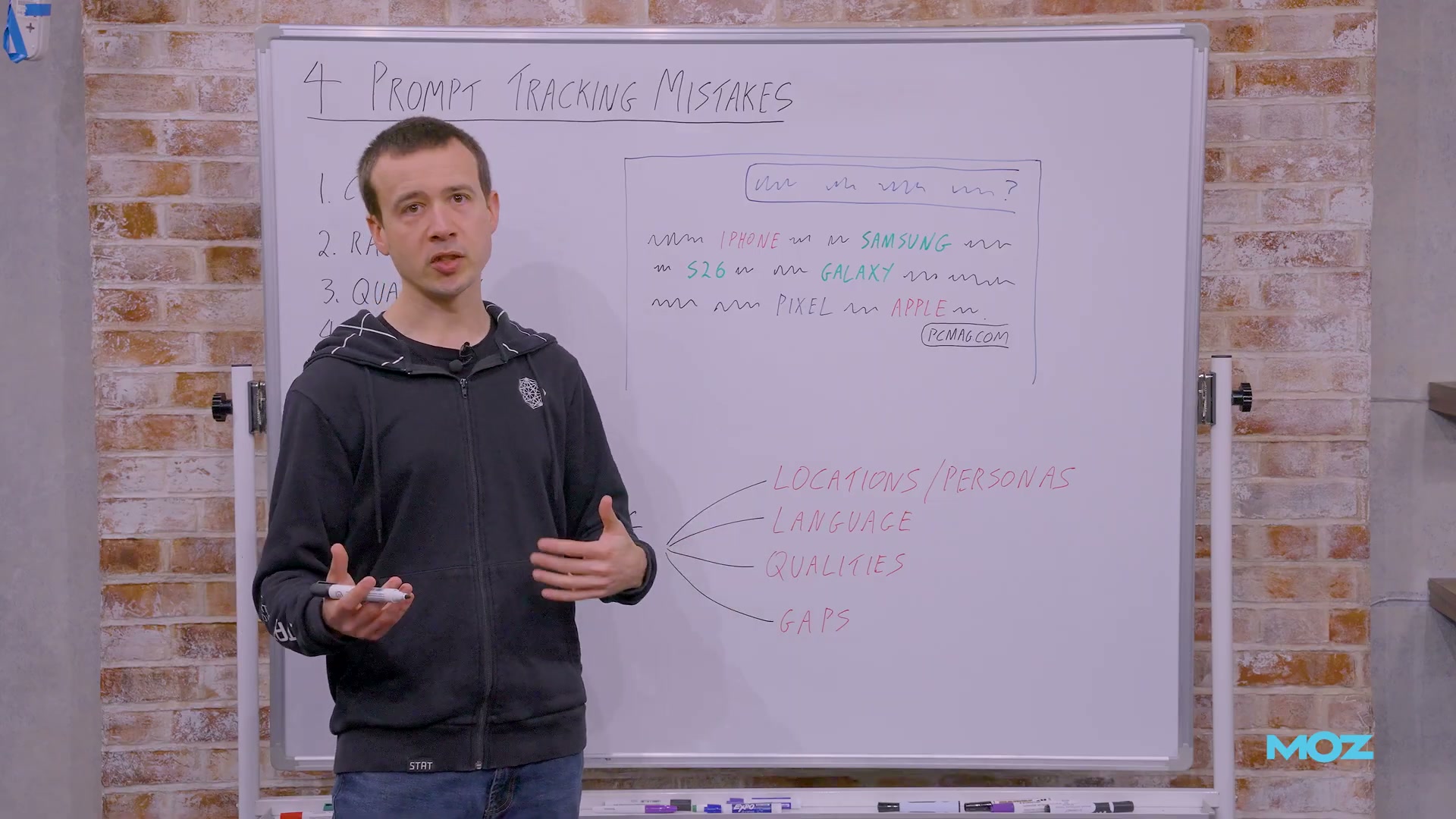
Stop penalizing third-party citations. When an AI response mentions your brand but cites PCMag rather than your own domain, that is not a failure — it is a win. What matters is that your brand or sub-brand (iPhone, not apple.com) appears in the response. AI responses rarely generate referral clicks; they operate at the awareness layer of the funnel. A third-party citation is often more authoritative than a self-citation. Track mentions, not citation sources.
-
Replace ranking with mention rate. Position-first thinking — “we’re mentioned first, therefore we’ve won” — imports an SEO metric into a space where it doesn’t apply. Establish mention rate as your baseline KPI: the percentage of responses across your full prompt set that include your brand at all. Adjective analysis, sentiment, and competitive co-mentions are all useful second-order signals, but mention rate is the primary dial to watch.
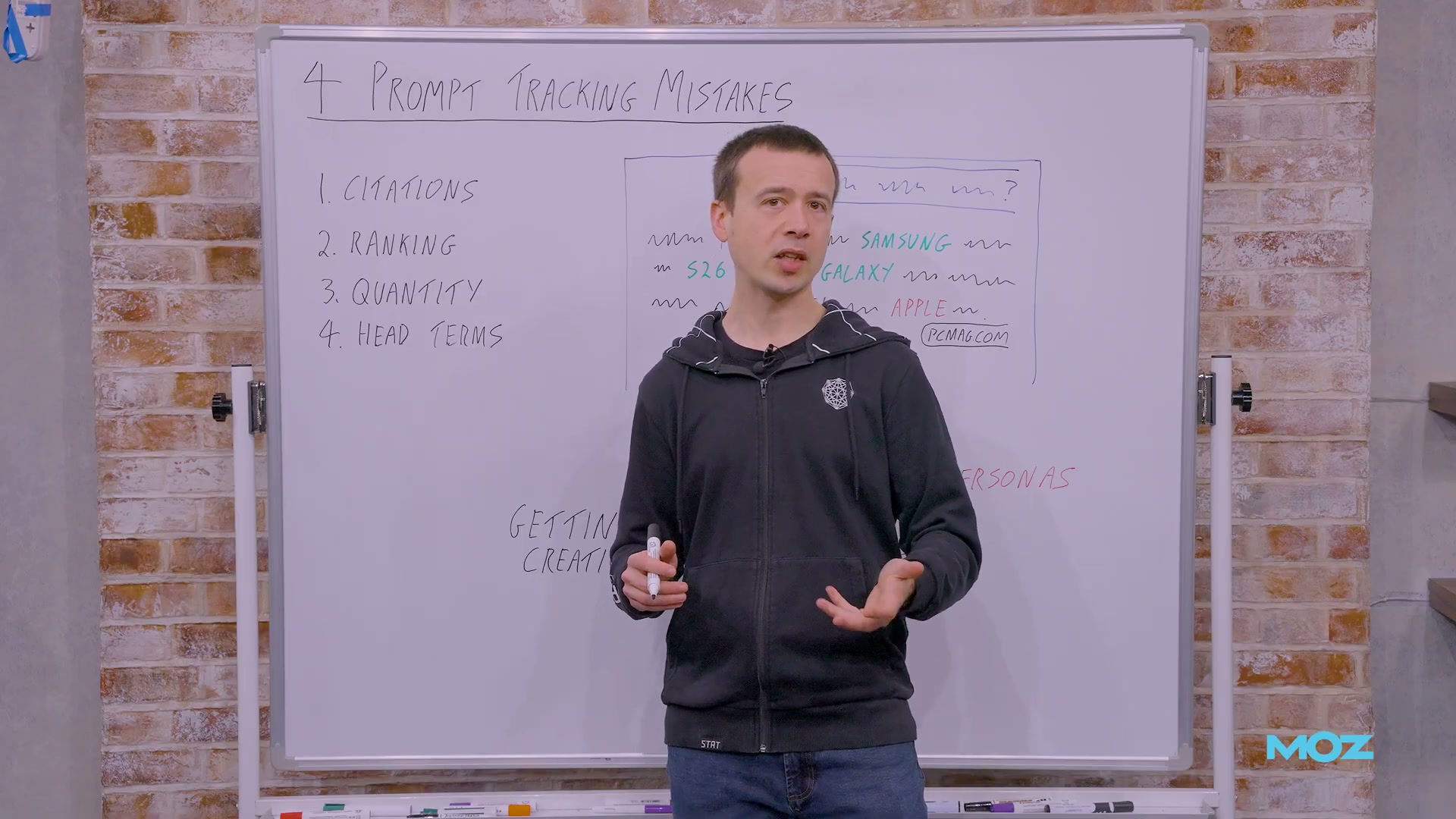
- Scale your prompt volume to match your keyword tracking footprint. Defaulting to 50 prompts is the AI-era equivalent of tracking 50 keywords for a national brand. If you were tracking tens of thousands of keywords before, you need a comparable prompt set — and likely a larger one, since AI outputs are less deterministic and more long-tail than traditional search results. A local business with a narrow keyword set may be fine with fewer prompts; scale to fit the business, not the tool’s default.
-
Ditch head terms. Write conversational queries. Almost no user opens ChatGPT and types a single noun. Dropping your existing keyword list into a prompt tracking tool produces artificial data. Build prompts that reflect real conversational intent — “what’s the best phone for a university student who edits documents on the go” rather than “best phone.” People Also Ask and similar long-tail discovery tools are useful starting points for drafting realistic prompts.
-
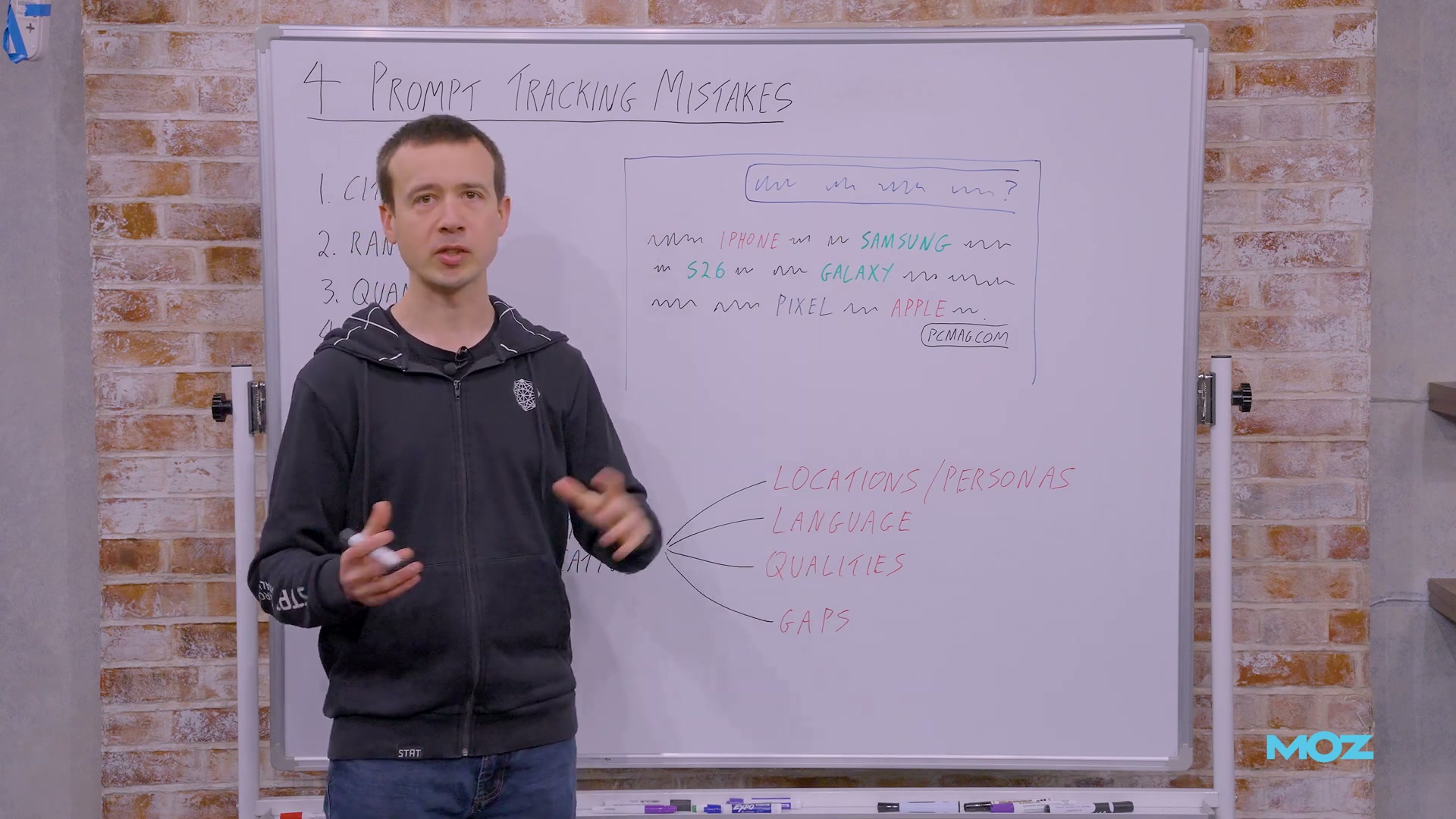
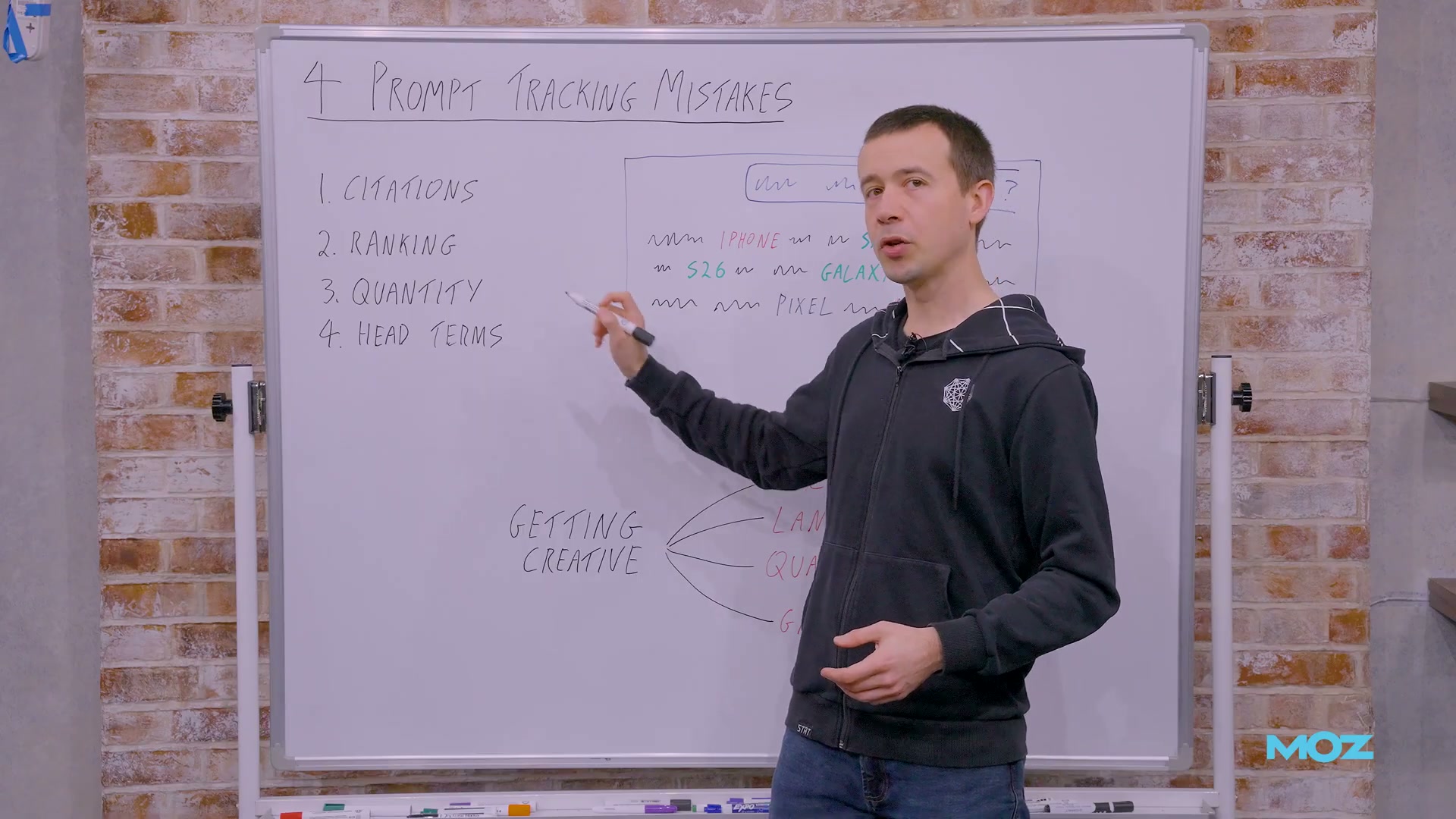
Expand coverage with locations and personas. Run the same prompt across 50 postcodes to surface geographic variation in AI responses, or swap in persona-specific language (“best phone for a remote worker on a tight budget”) to segment by audience type. Location and persona tracking mirror the localization strategies that proved valuable in keyword tracking a decade ago.
-
Track in your target-market languages. AI interfaces like ChatGPT respond in the language of the input, regardless of the interface language. Submit prompts in French, German, or Japanese to see how brand mentions differ by market. This approach can be layered directly on top of your location and persona variations.
-
Build attribute-based tracking campaigns. Instead of only asking which brand is best overall, create separate tracking campaigns around specific product attributes: cheapest, most durable, most privacy-respecting, most trustworthy. Each campaign surfaces a different dimension of your brand’s AI visibility and reveals where competitors hold a perception advantage you haven’t addressed.
-
Use competitive qualitative prompts to measure perception shifts. Ask AI tools directly what a competitor does better than your brand, then track the qualitative output over time. This requires more manual processing than a mention-rate metric, but it produces actionable intelligence about how your marketing is — or isn’t — moving the needle on brand perception.
How does this compare to the official docs?
The framework Capper outlines reflects one practitioner’s opinionated approach to a space where platform-level guidance is still evolving — which makes it worth checking his recommendations against what the tools and standards bodies actually specify.
Here’s What the Official Docs Show
The video gives you a solid practitioner framework for approaching AI prompt tracking — the steps below work through the same sequence using what the official product documentation and platform UIs actually show, adding a few details that will affect how you configure and interpret your setup.
Step 1 — Stop penalizing third-party citations
No official documentation was found for this step — proceed using the video’s approach and verify independently.
The video’s recommendation to track brand or sub-brand mentions regardless of citation source is sound strategic framing. STAT’s product-level segmentation (visible in its UI) does support tracking at the sub-brand level, which corroborates the underlying logic even if no platform doc explicitly codifies the “citation source doesn’t matter” rule.
Step 2 — Replace ranking with mention rate
The video’s approach here matches the current docs on the primary metric. STAT’s LLM Tracking dashboard surfaces Percentage of Responses as the headline brand visibility KPI — a bar chart comparing brands by the share of prompts where each brand appears at all.

One useful addition: STAT simultaneously surfaces Current Average Depth — Measured from top of prompt responses as a named secondary metric. The video advises abandoning position thinking entirely, but the platform retains positional depth as a data point you can monitor alongside mention rate. You don’t have to act on it, but it’s there if you want a secondary signal for response placement.
Also worth noting: STAT’s LLM tracking feature is labeled “LLM TRACKING IS NOW IN BETA” in the platform UI as of the screenshots captured. The tutorial doesn’t flag this — build your reporting workflows with that maturity status in mind.
Step 3 — Scale your prompt volume to match your keyword tracking footprint
The video’s approach here matches the current docs exactly. STAT’s homepage headline reads “LLM & SERP Tracking for Agencies & Big Brands,” explicitly pairing prompt tracking with keyword tracking at enterprise scale.
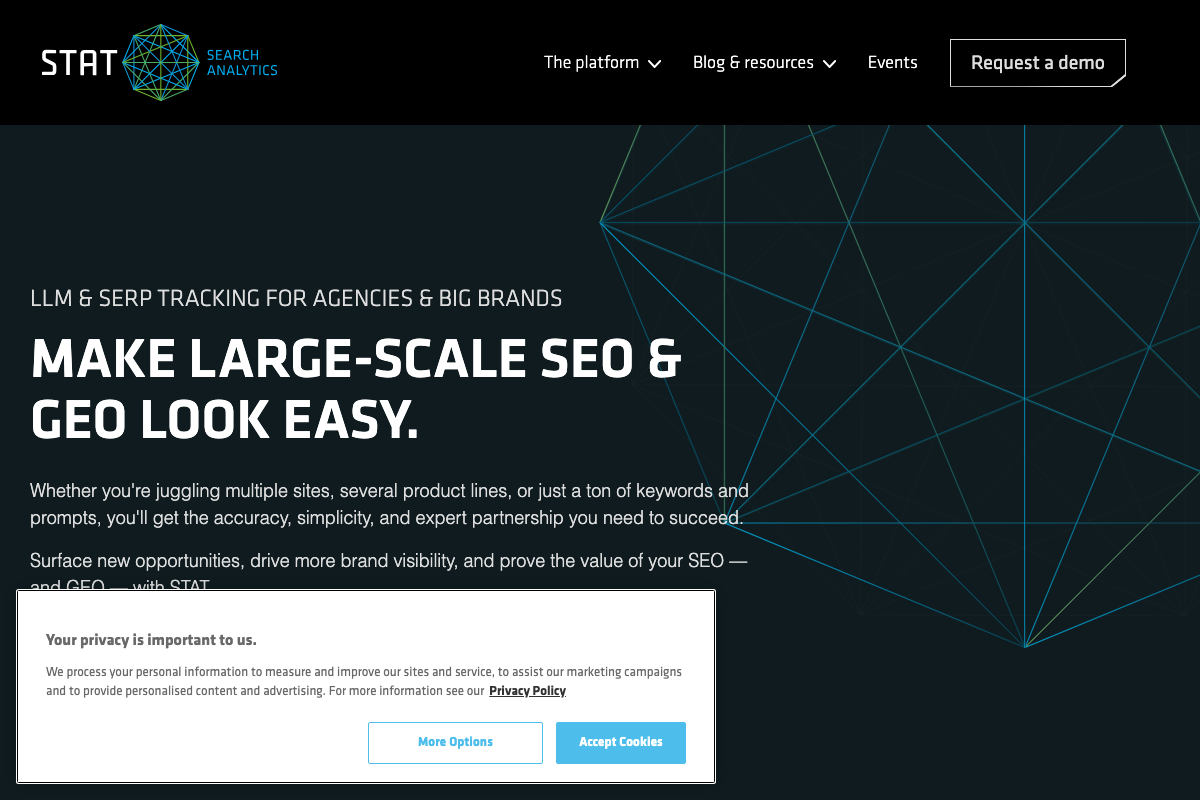
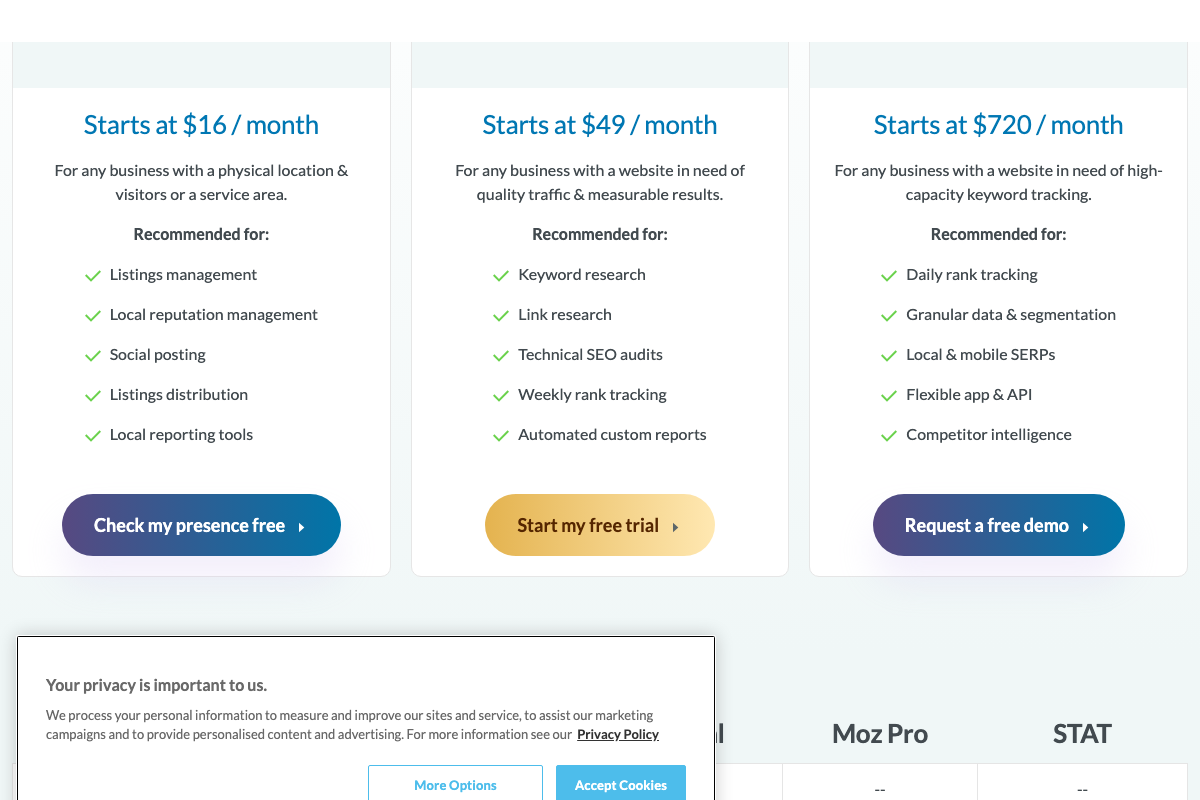
One product distinction worth flagging: the moz.com/pro pricing and feature comparison pages show no AI prompt tracking in any tier card — not for Moz Pro ($49/month) and not in STAT’s tier card either. The LLM tracking capability lives on getstat.com and is not currently reflected in the Moz umbrella pricing pages. If you’re evaluating the toolset, go directly to getstat.com rather than the Moz Pro comparison table.
The tutorial also doesn’t specify which LLM is queried during tracking — STAT’s UI labels it GPT-4 in the screenshots captured. Confirm the current model in your own account settings before building benchmark data, since model version affects response behavior.
Step 4 — Ditch head terms. Write conversational queries.
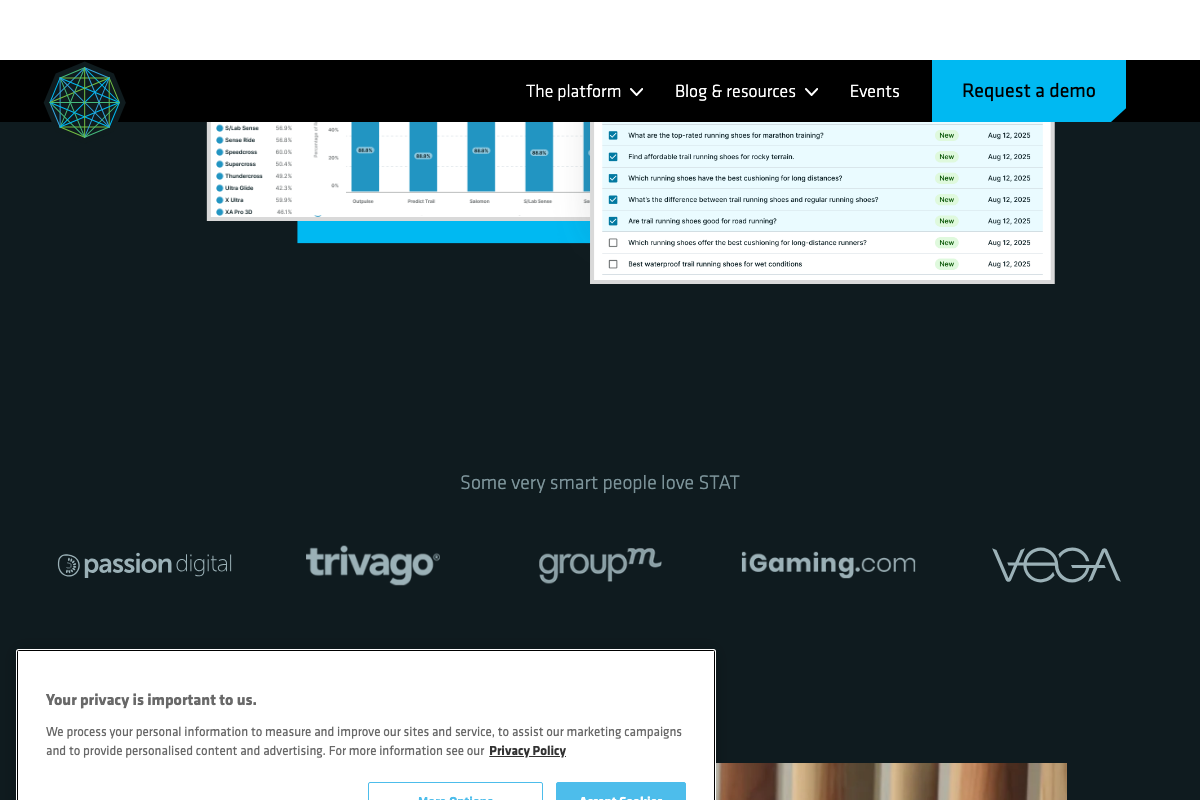
The video’s approach here matches the current docs exactly. Every prompt visible in STAT’s interface is a full conversational question auto-generated from short topic inputs.
The ChatGPT interface confirms the same point from the user side — a single open-ended input field with no structural separation between keyword and conversational input.

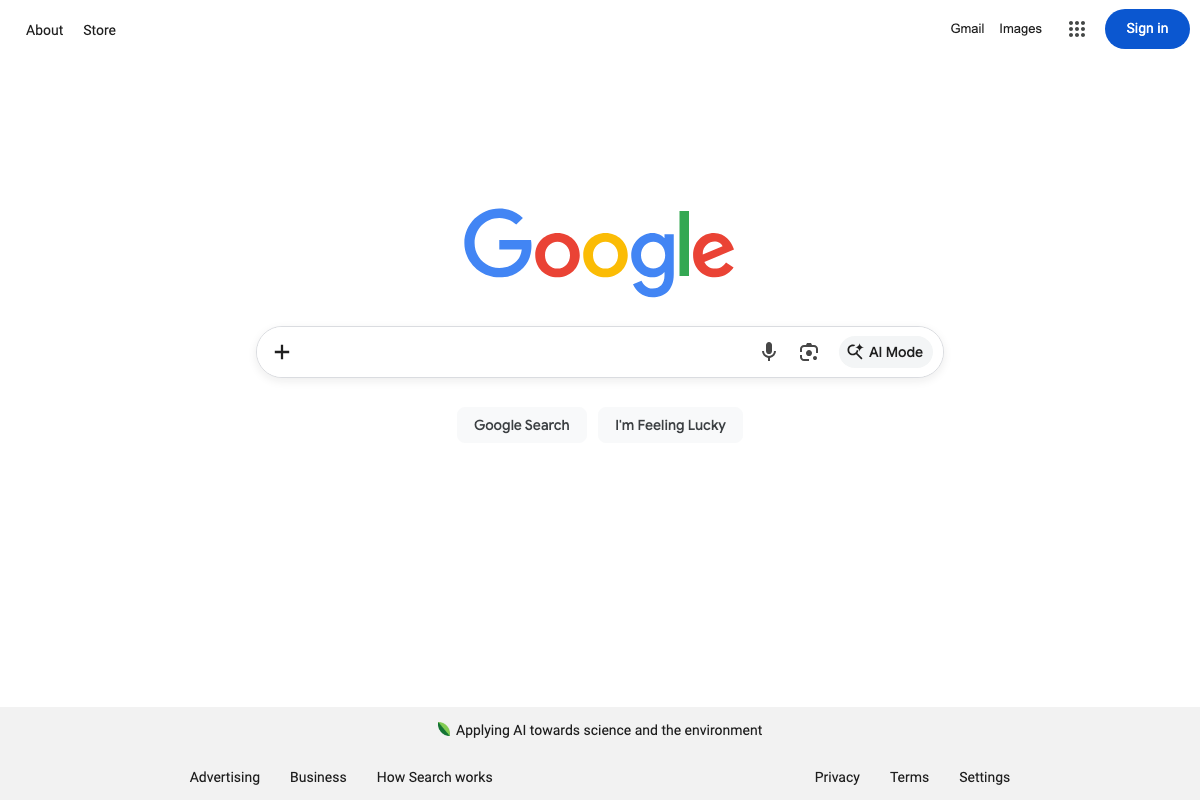
One surface the tutorial doesn’t address: Google has integrated an “AI Mode” button directly into the primary Google search bar alongside standard Search, voice, and image input. This is a distinct AI-powered search surface separate from ChatGPT and other LLM tools — if your brand is active in Google search, it’s worth assessing whether this mode warrants its own prompt tracking track.
Step 5 — Expand coverage with locations and personas
No official documentation was found for this step — proceed using the video’s approach and verify independently.
Step 6 — Track in your target-market languages
No official documentation was found for this step — proceed using the video’s approach and verify independently.
Step 7 — Build attribute-based tracking campaigns
No official documentation was found for this step — proceed using the video’s approach and verify independently.
Step 8 — Use competitive qualitative prompts to measure perception shifts
The video’s approach here matches the current docs exactly. STAT’s competitive brand comparison bar chart — showing one brand’s Percentage of Responses against multiple named competitors — confirms that tracking relative brand visibility over time is a first-class use case for the platform.
STAT also records a creation date for each prompt (visible as “Aug 12, 2025” in the UI), giving you an audit trail for when prompts were added — useful when you need to isolate perception shifts to a specific campaign window.
Useful Links
- STAT Search Analytics — The ultimate large-scale SEO insights tool — STAT’s product home, confirming LLM & SERP tracking positioning, beta status of LLM tracking, and the GPT-4 model used in prompt tracking workflows.
- Moz — SEO Products & Solutions for Better Search Performance — Moz product suite overview showing the separation between Moz Pro ($49/month) and STAT ($720/month), with feature comparison tables for both tiers.
- ChatGPT — OpenAI’s ChatGPT interface confirming the single open-ended input model that drives conversational prompt behavior.
- Google — Google homepage confirming the integration of “AI Mode” as a labeled first-class search option directly within the primary search bar.


0 Comments