

Understanding Claude Code’s Agent Loops, Desktop Scheduling, and GitHub Actions
Claude Code’s /loop command lets you schedule recurring tasks directly from your terminal — but it comes with constraints that matter. This tutorial walks through the /loop feature, compares it to Claude Code Desktop’s /schedule command, and covers when GitHub Actions is the better fit. By the end, you’ll know exactly which tool matches each automation scenario.
-
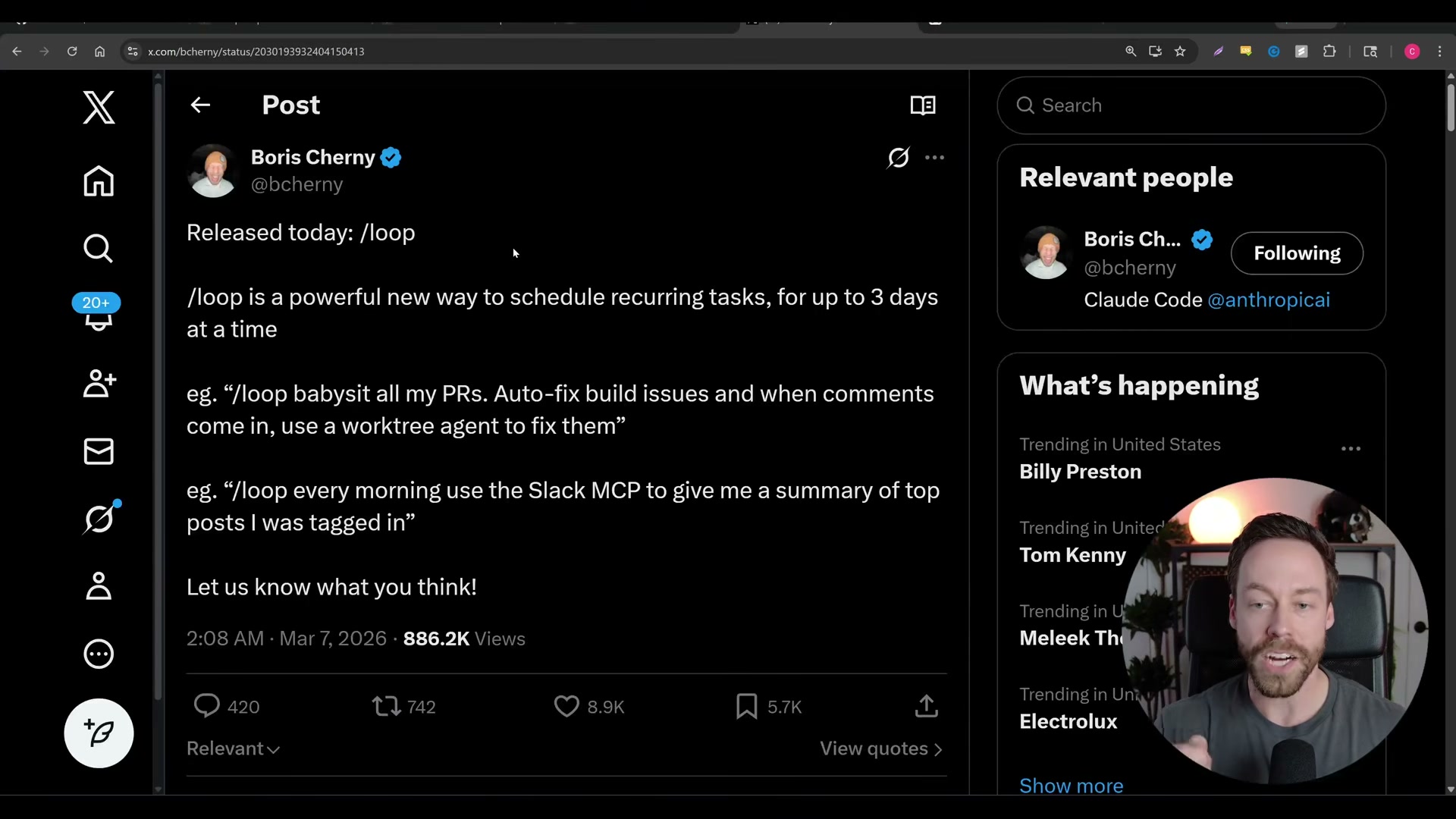
Update Claude Code CLI to the latest version. The
/loopcommand shipped in a recent release. If you don’t see it, run an upgrade. The command won’t appear in older builds. -
Run
/loopwith a time interval and a prompt. The syntax is natural language:/loop every 10 minutes check deployment statusor/loop every morning do a web report on Claude Code changes. The default interval is every 10 minutes if you don’t specify one. The prompt tells Claude Code what to execute on each cycle.

- Recognize that
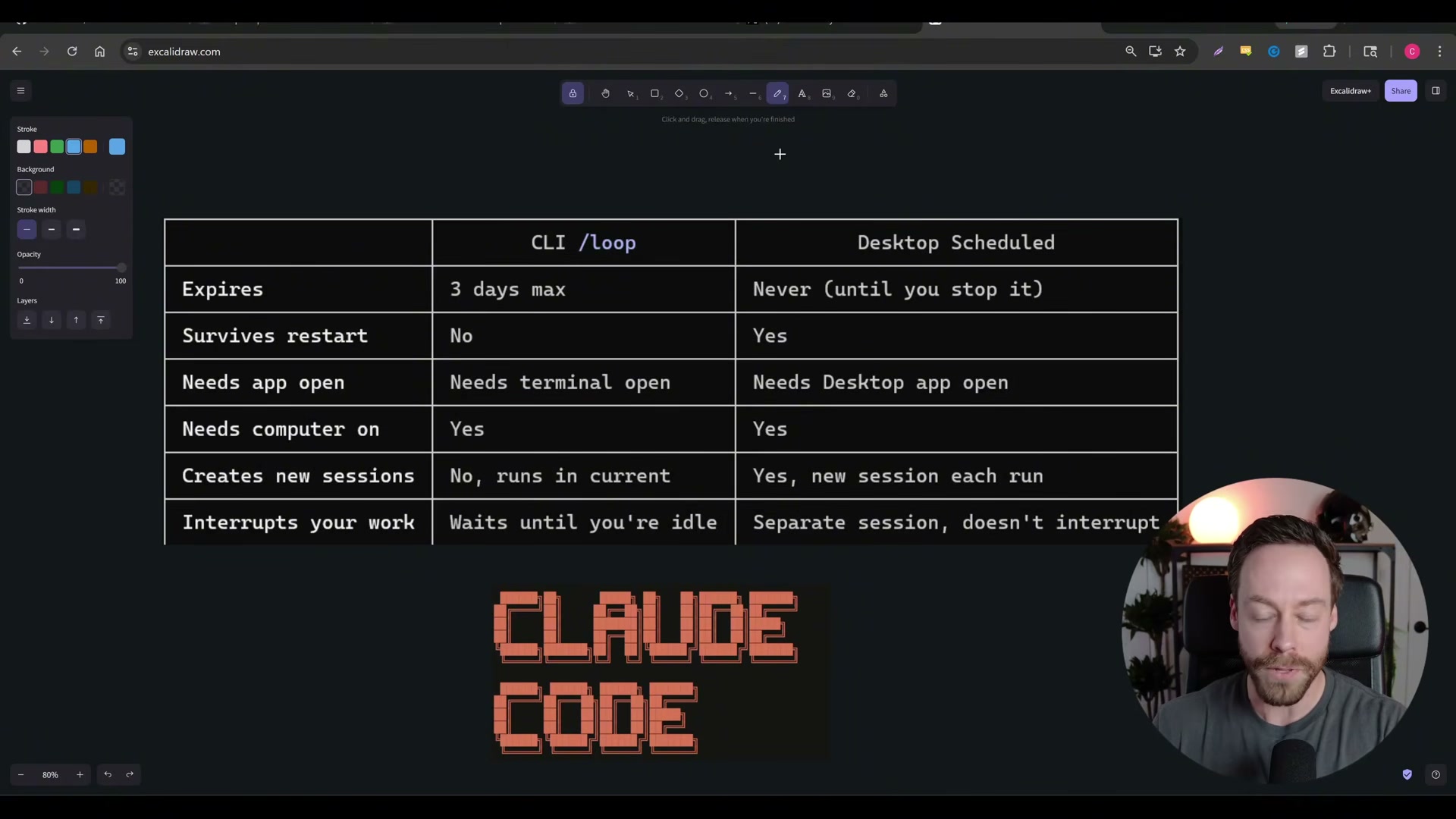
/loopis session-based. The loop only runs while the terminal window that created it stays open. Close the terminal, shut down your machine, or let your computer sleep — the loop dies. There is no background daemon keeping it alive.
-
Account for the 3-day expiry ceiling. Every agent loop automatically terminates after 3 days regardless of the interval you set. A daily morning report, for example, runs for at most three mornings before you need to re-issue the command.
-
Expect loops to queue behind active conversations. Because
/loopruns inside your current session, it shares the conversation thread. If you’re mid-exchange with Claude Code when a scheduled cycle fires, the loop waits until you finish. Output from the loop appears in the same terminal window.
-
Use Claude Code Desktop’s
/schedulecommand for persistent recurring tasks. Desktop scheduled tasks never expire, survive application restarts, and spawn a new session for each run — meaning they won’t interrupt your current work. -
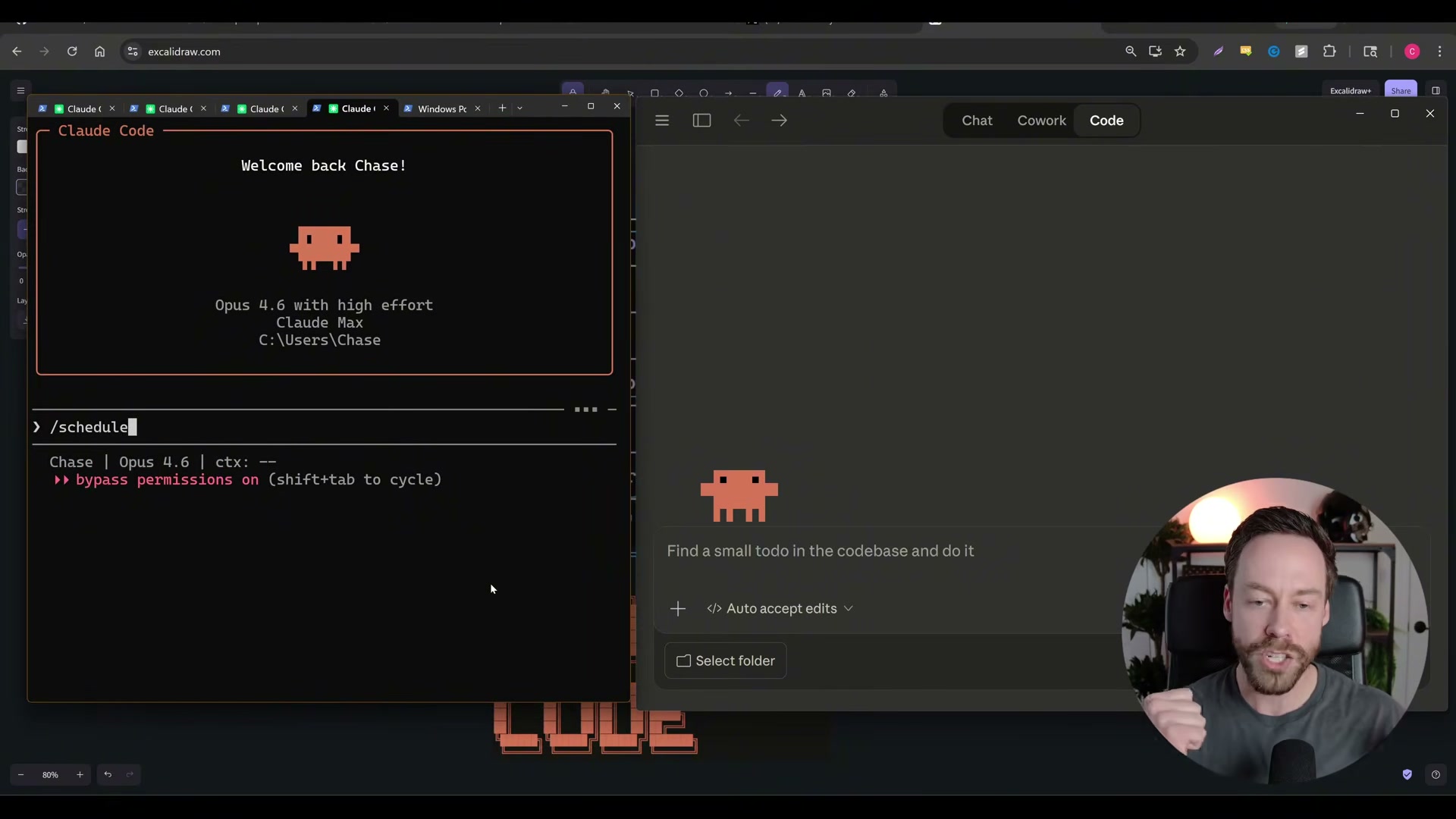
Create a scheduled task in Desktop by navigating to the Scheduled section or typing
/schedule. Fill in a task name, description, instructions, model selection, target folder, and frequency. A daily code review at 9 AM, for instance, runs every morning without manual re-entry.

-
Understand Desktop’s own constraint: the app must be open and the computer awake. Desktop scheduling is more durable than
/loop, but it is not cloud-hosted. If the machine sleeps or the Desktop app closes, scheduled runs pause until both are restored. -
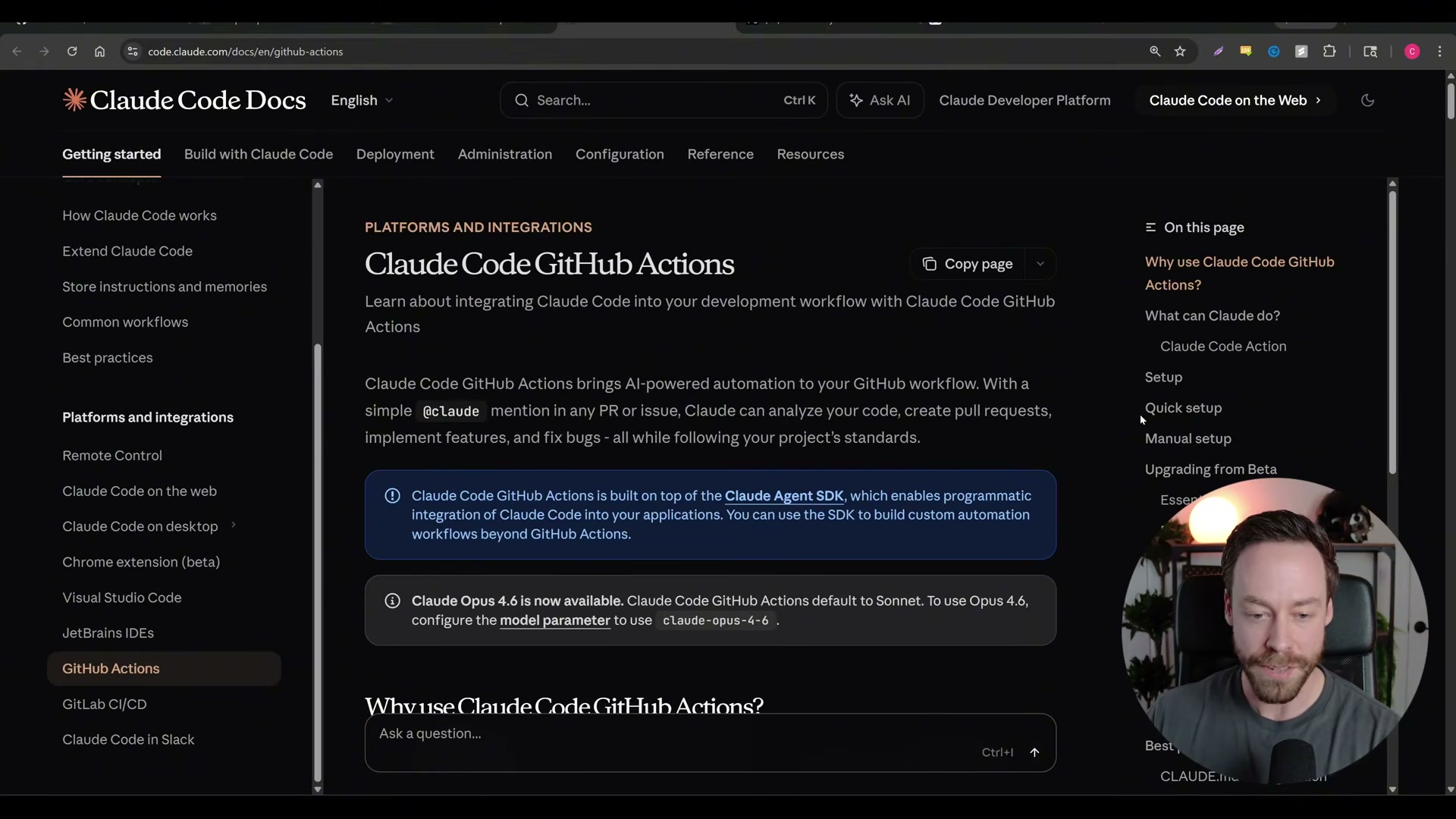
Turn to GitHub Actions for tasks scoped to GitHub infrastructure. PRs, build monitoring, and code review workflows can run on GitHub’s servers with no dependency on your local machine. This is the only option among the three that works when your computer is off.
- Match the tool to the job. Use
/loopfor short-duration, same-session micro-tasks (deployment checks, form validation runs). Use Desktop/schedulefor persistent, recurring work (daily reports, commit reviews). Use GitHub Actions for CI/CD-scoped automation that must run independently of your hardware.
How does this compare to the official docs?
The official Anthropic documentation provides additional detail on configuration options, permission scoping, and edge-case behavior for each of these three automation paths — differences worth examining before you commit to a workflow.
Here’s What the Official Docs Show
Act 1 walked through the video’s three-tier automation model — /loop, Desktop scheduling, and GitHub Actions. What follows fills in the picture with what Anthropic’s own documentation and product pages currently confirm, and flags where the docs haven’t caught up to the features shown on screen.
Step 1 — Update Claude Code CLI to the latest version. The video’s approach here matches the current docs exactly. The Claude Code overview page confirms that native installations auto-update in the background, so if you installed via the official curl or PowerShell command, you should already be running the latest build. The docs also confirm Claude Code is available across five surfaces: Terminal CLI, VS Code, Desktop app, Web, and JetBrains.
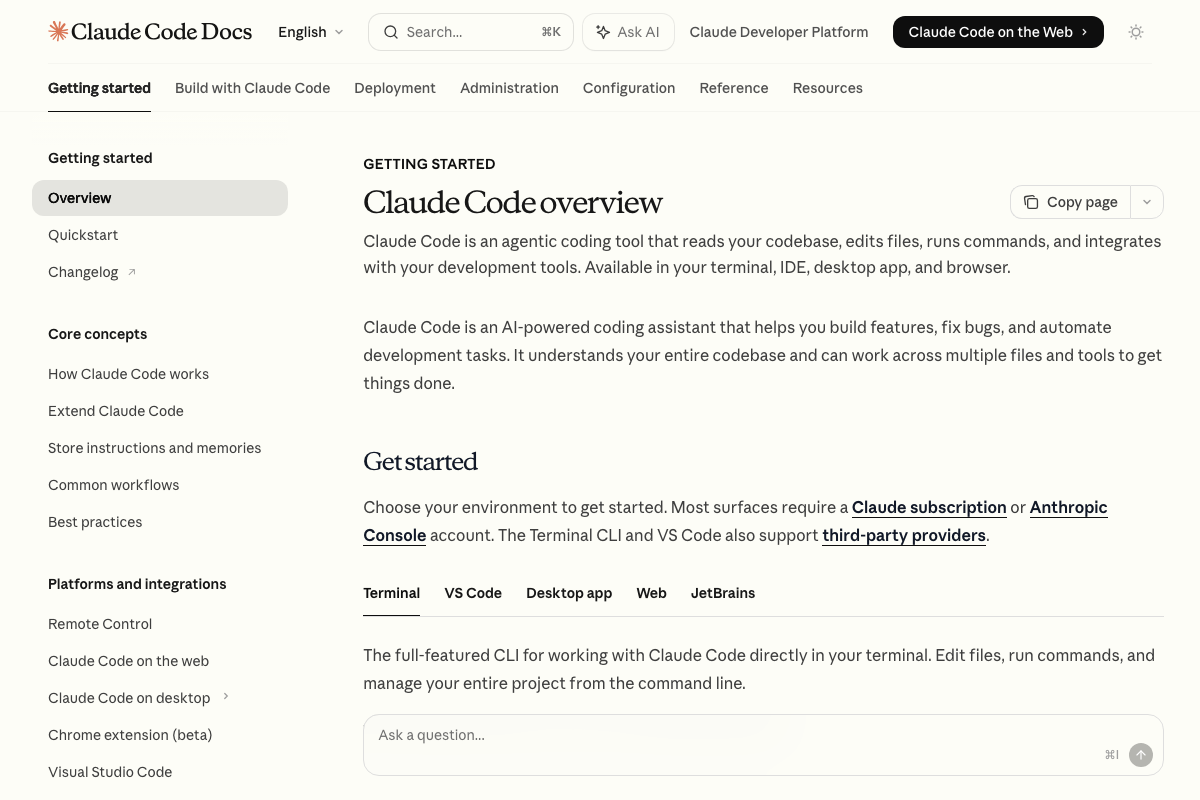

Steps 2–5 — The /loop command, session limits, 3-day expiry, and conversation queuing.
No official documentation was found for these steps — proceed using the video’s approach and verify independently.
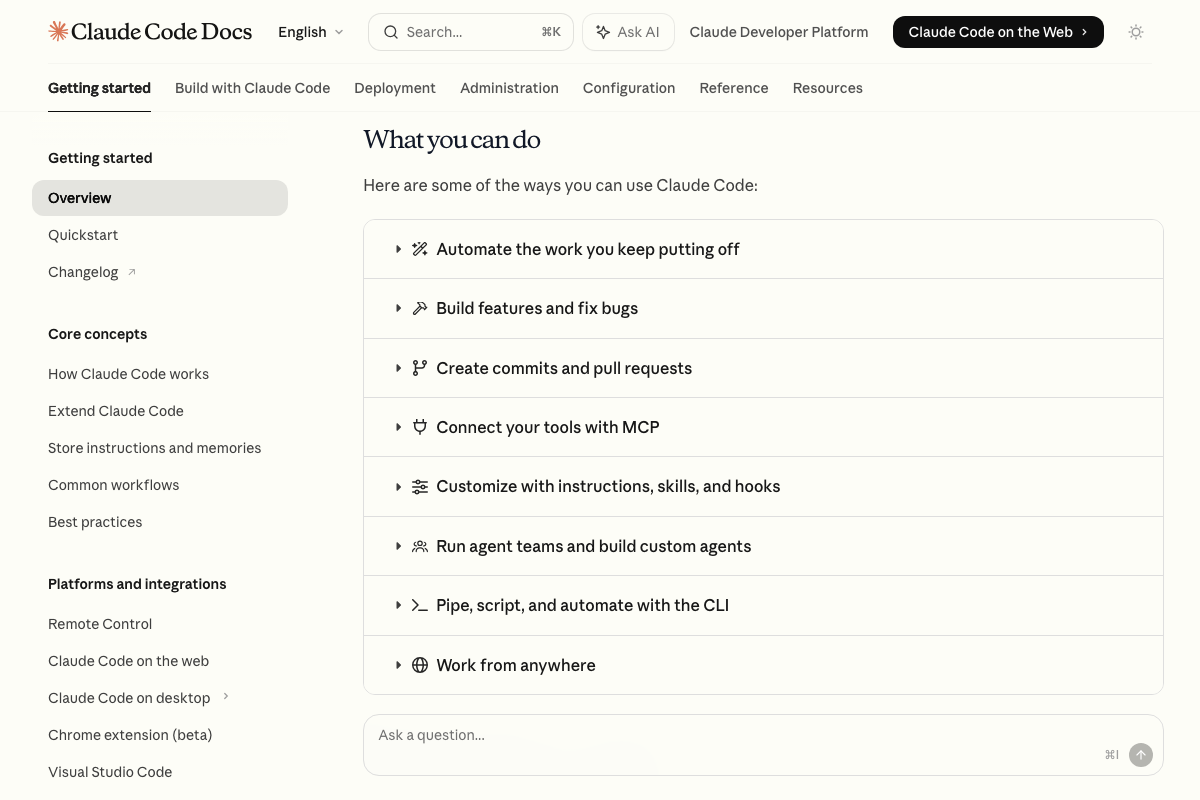
As of March 8, 2026, the CLI commands page at docs.anthropic.com/en/docs/claude-code/cli-commands returns a 404. The overview page describes Claude Code’s ability to “automate the work you keep putting off” and “pipe, script, and automate with the CLI,” but does not reference /loop, its syntax, the 3-day maximum, or session-based behavior. The feature may be documented in a slash-commands reference not yet publicly linked.
Steps 6–8 — Claude Desktop’s /schedule command, persistence, and restart behavior. The Claude Desktop download page confirms a desktop application with agentic capabilities — but as of March 8, 2026, the agentic feature is branded Cowork, not “Claude Code Desktop,” and is labeled a Research preview with agent safety still in development. The page highlights use cases like building daily briefings from Slack, Notion, and team dashboards, which aligns with the video’s recurring-task concept. However, no /schedule command, restart-survival behavior, or no-expiry claim appears on the page.
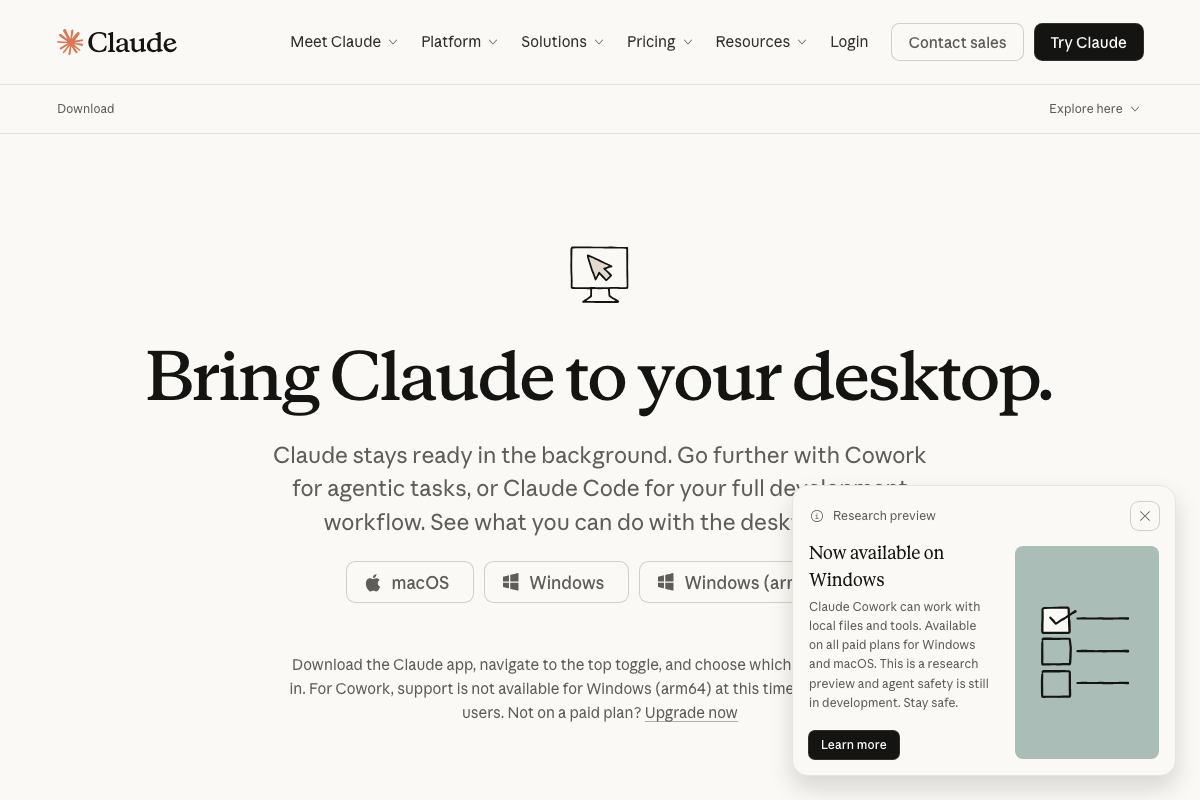
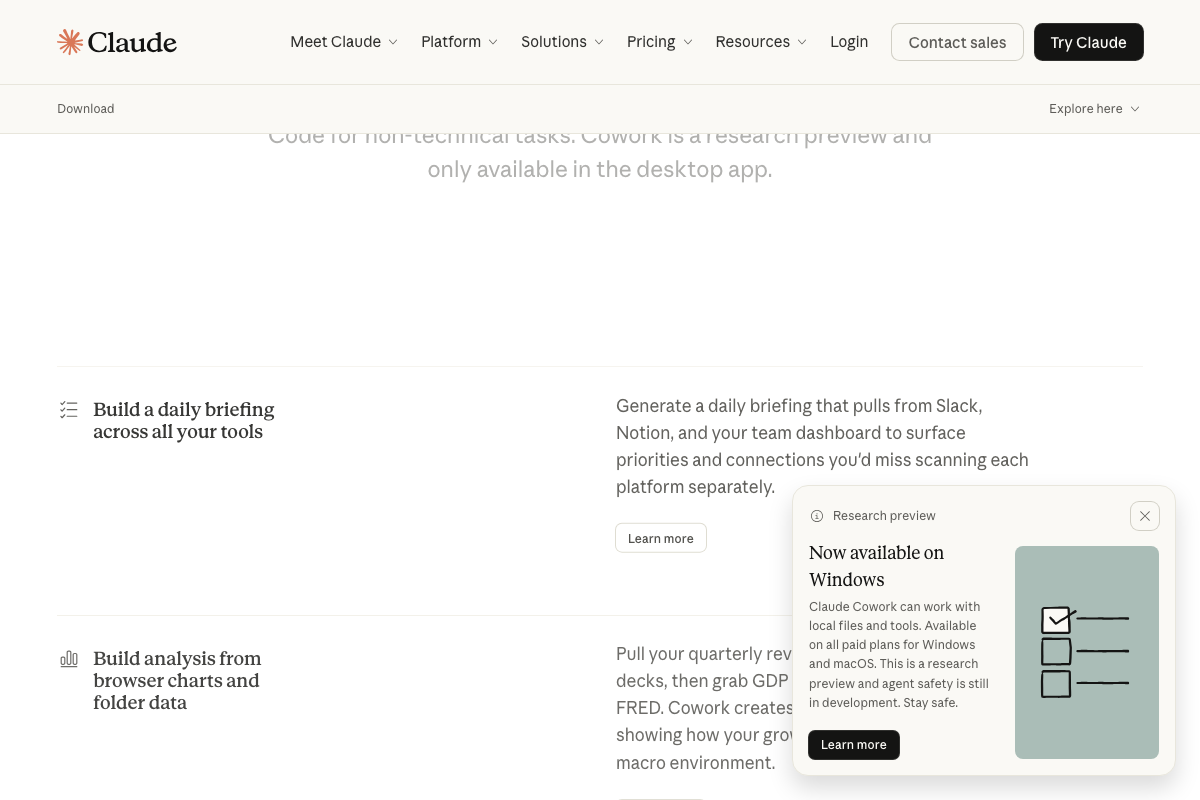
No official documentation was found for the
/schedulecommand or its persistence guarantees — proceed using the video’s approach and verify independently.
Step 9 — Claude Code Remote.
No official documentation was found for this step — proceed using the video’s approach and verify independently.
Step 10 — GitHub Actions for CI/CD-scoped automation. The video’s approach here matches the current docs exactly. GitHub’s own Actions page confirms hosted runners on Linux, macOS, Windows, ARM, and GPU — workflows execute on GitHub infrastructure with no local machine required. The docs also surface features the video didn’t cover: matrix builds for cross-platform testing, manual approval gates, a built-in secret store, and self-hosted runner options.
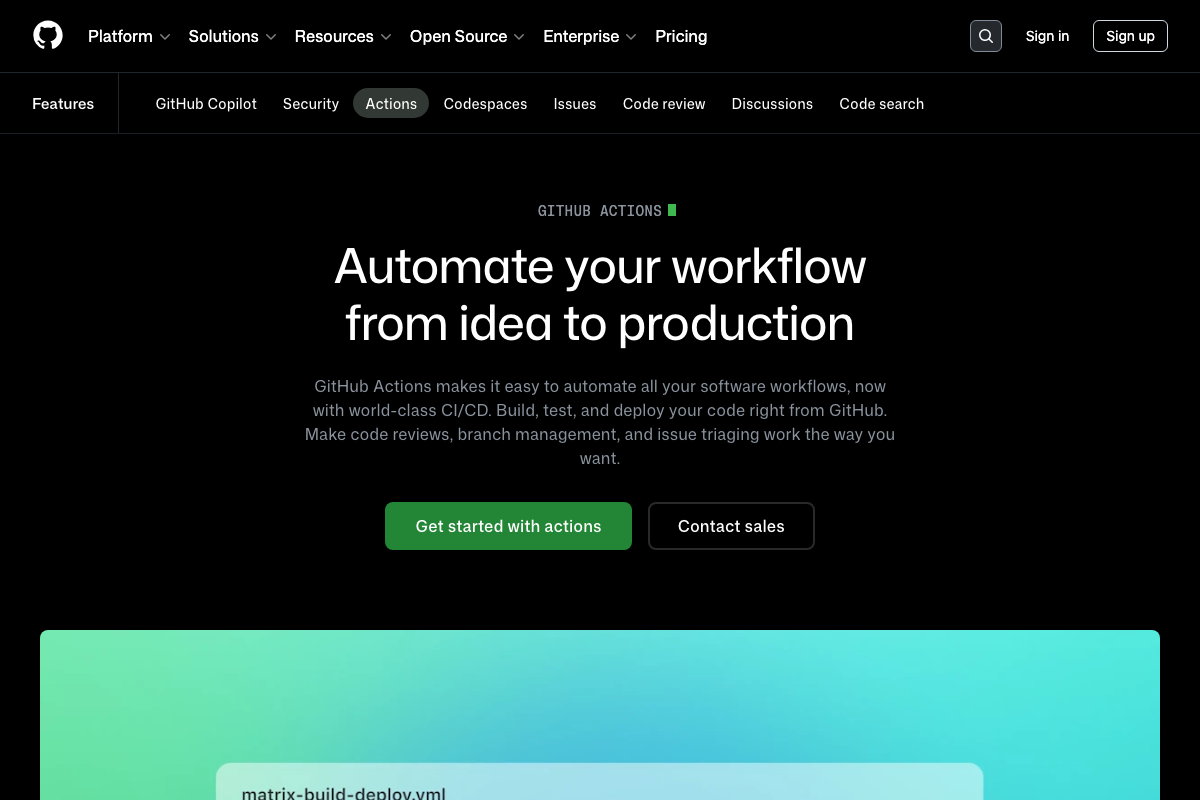
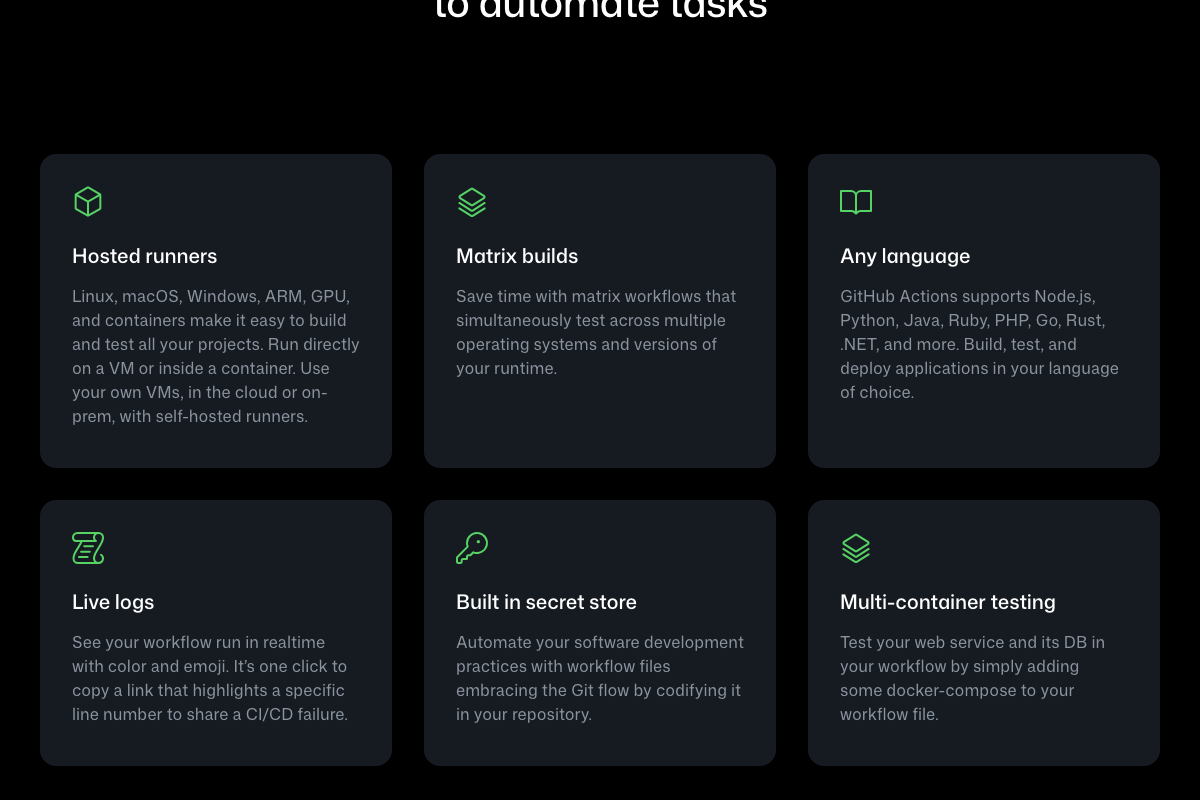
Note: these screenshots capture GitHub’s general Actions marketing page. The Anthropic-specific Claude Code GitHub Actions integration page (docs.anthropic.com/en/docs/claude-code/github-actions) was not captured, so Claude Code’s specific action configuration remains unverified here.
Step 12 — Choosing the right tool.
No official documentation was found for a consolidated comparison of these three automation paths — proceed using the video’s framework and verify independently.
Useful Links
- Claude Code overview — Official overview of Claude Code’s capabilities, installation, and supported surfaces
- Download Claude — Desktop app download page with Cowork research preview details and platform availability
- GitHub Actions — GitHub’s CI/CD platform for automating build, test, and deploy workflows on hosted infrastructure


0 Comments