

Managing AI Files, Multiplayer Apps, and Midjourney V8 Alpha in One Week
Three platforms shipped significant updates in the same week: ChatGPT’s new Library tab centralizes file management across all your conversations, Google AI Studio’s redesigned Build mode lets you deploy Firebase-backed multiplayer apps in minutes, and Midjourney V8 alpha is now accessible after a rating queue. Work through the steps below to understand each workflow and decide which belongs in your stack.
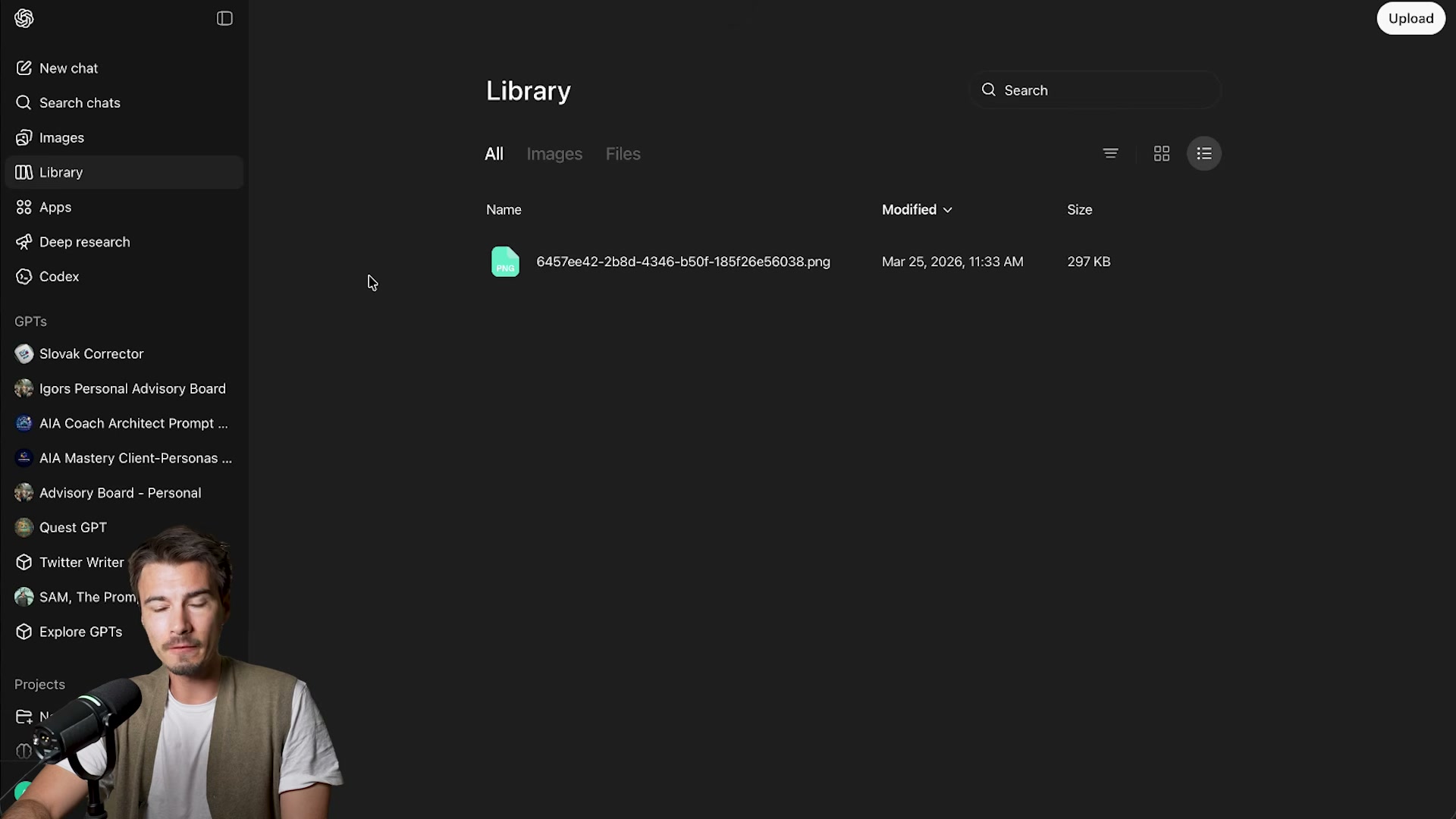
- Open ChatGPT and find the Library tab in the left sidebar. It aggregates every file you’ve uploaded or generated — screenshots, Excel sheets, Word documents — but only from March 25th onward. Files created before that date won’t appear.
-
Use the All / Images / Files filter tabs and sortable columns to locate a specific asset. The Library surfaces files that previously required scrolling through individual chat threads to find.
-
Click any file in the Library and download it directly from the panel — no need to locate the originating conversation.
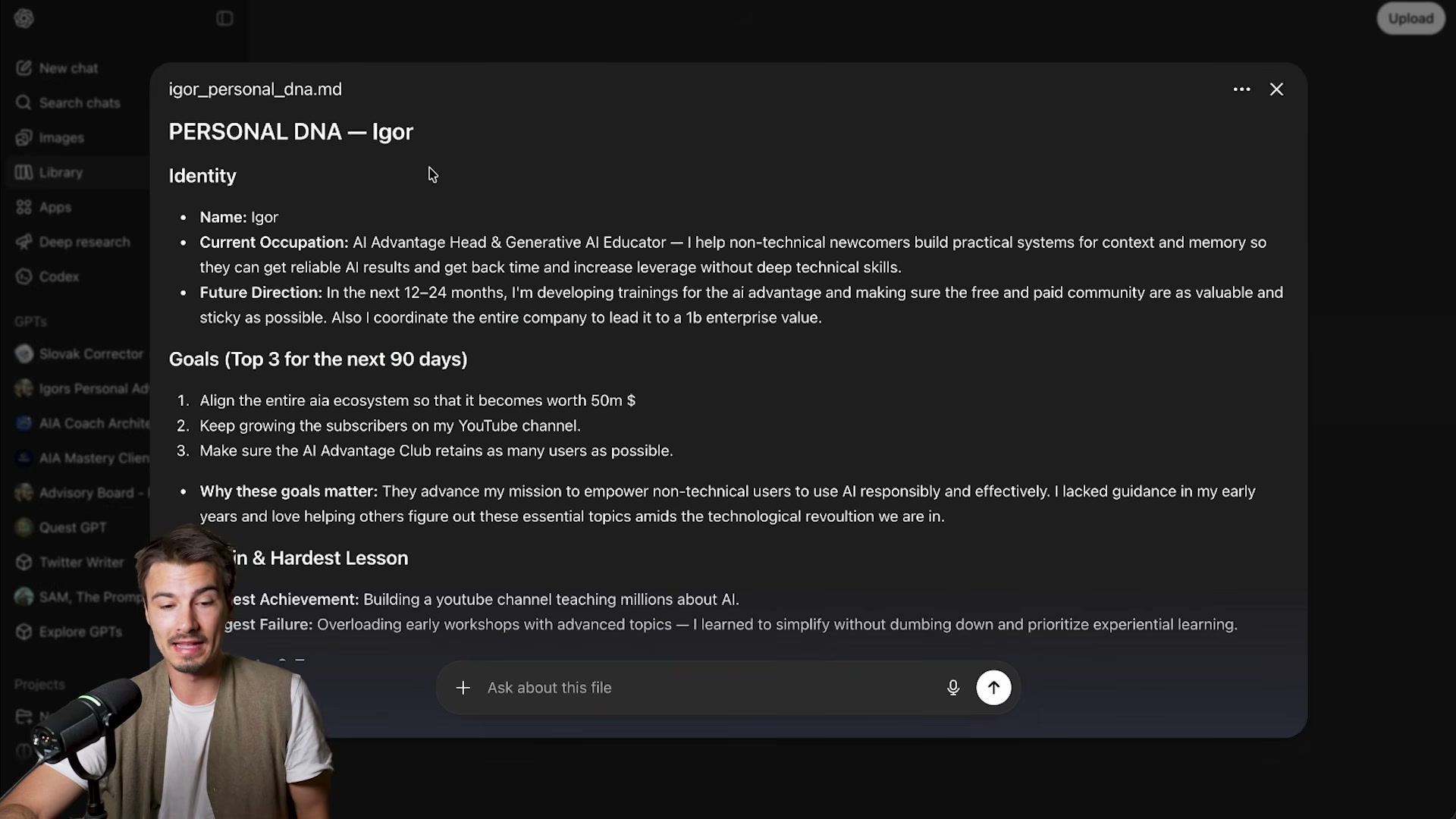
- Select a file and choose to open a new chat with it pre-loaded as context. Recurring context files — brand guidelines, personal bios, project briefs — become immediately reusable this way. Markdown files now render fully formatted rather than displaying raw syntax, replacing the prior plain-text display behavior.
-
Inside any existing chat, type
addto pull up the Library file picker and link a stored asset mid-conversation. This works in both new and ongoing threads. -
Open Google AI Studio and switch to the Build tab. The platform now merges the original AI Studio, the Antigravity agentic builder, and Firebase — Google’s database and authentication layer — into one interface. Six capability tracks appear on the landing screen: Featured, Code/Reasoning/Chat, Image Generation, Video Generation, Text to Speech, and Real-time.
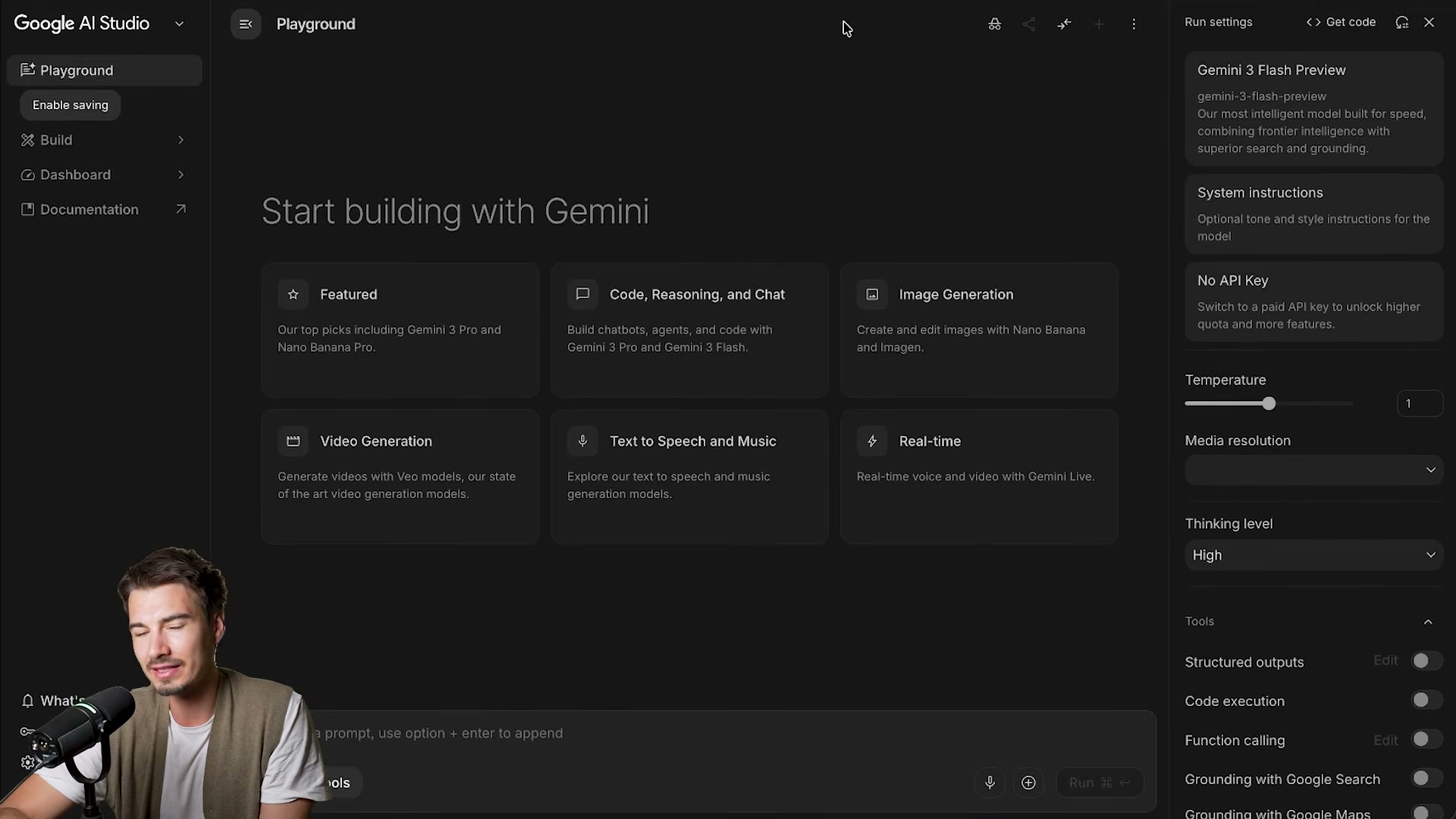
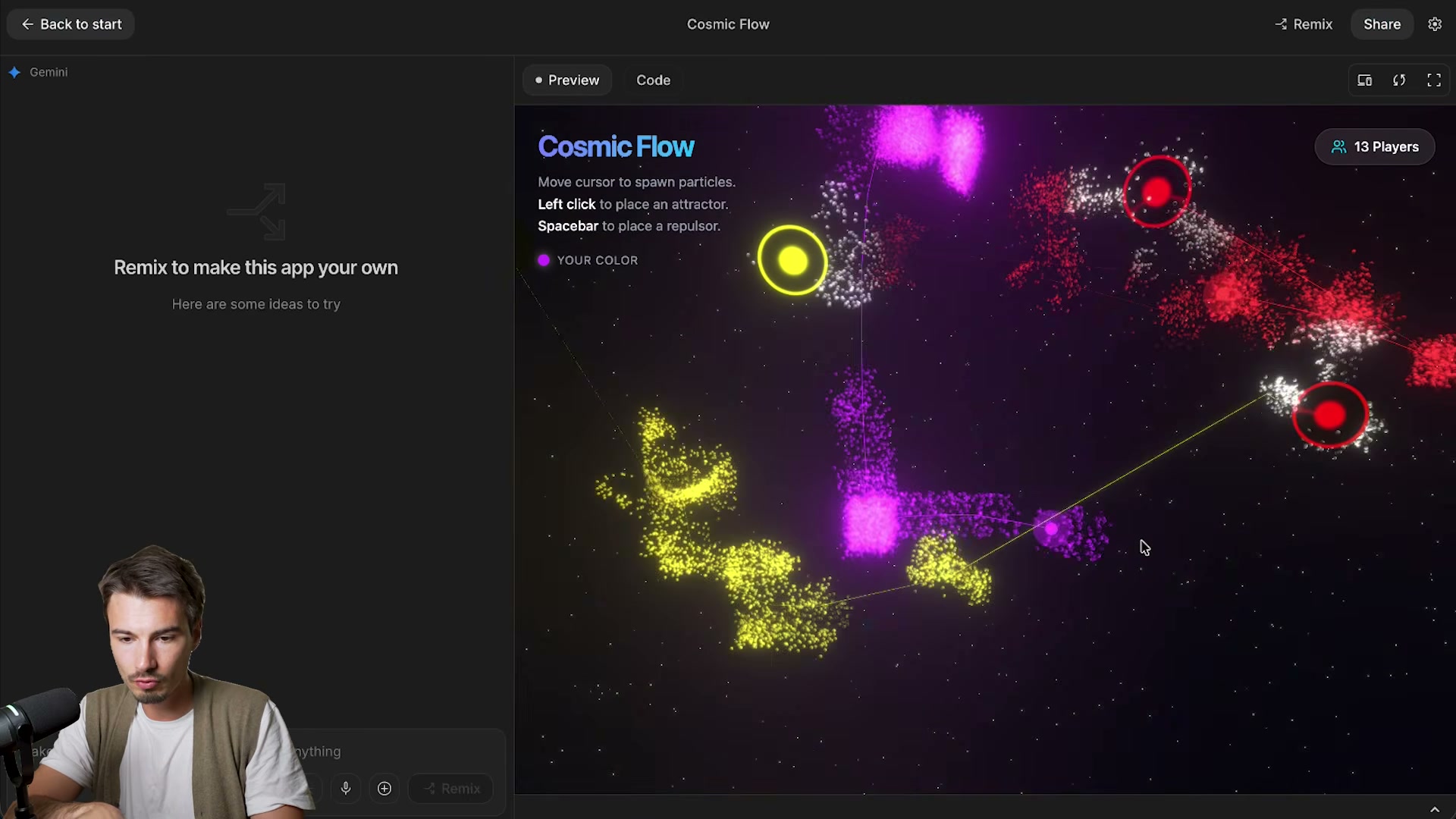
- Scroll to the example apps and click one to launch a live shared instance. The demos run as real multiplayer sessions — other users appear in the same environment with live cursors and active interactions visible in real time.
-
Click Remix, assign a name, and click Apply to fork the demo into a personal copy. Press Launch to test it locally within the Studio environment. Use the left-side chat panel to adjust parameters — particle lifetime, added functions, visual layout — before going public.
-
Add a billing profile (address and credit card) under your account settings, then click Publish to deploy the app at a live, publicly accessible URL.

- To access Midjourney V8 alpha, complete the required 300-image rating queue, then run your standard test prompts. Evaluate outputs across three dimensions: prompt adherence (whether the model renders the correct subject), element completeness (whether all requested components appear), and compositional framing — V8 tends toward off-axis subject placement compared to the centered compositions common in earlier versions.

How does this compare to the official docs?
Each of these features carries specific constraints — Library eligibility dates, billing prerequisites, Gemini API pricing tiers, and V8 access requirements — that the official documentation defines precisely, and Act 2 maps those details against what the video demonstrates.
Here’s What the Official Docs Show
The video walks through three genuinely useful new workflows, and most of what it demonstrates is plausible — but our documentation review turned up significant gaps in what the screenshots could confirm. What follows layers in everything the official sources actually show, flags what couldn’t be verified, and adds a few details the tutorial skipped entirely.
ChatGPT Library Tab (Steps 1–5)
Steps 1–5 — Finding and using the Library tab
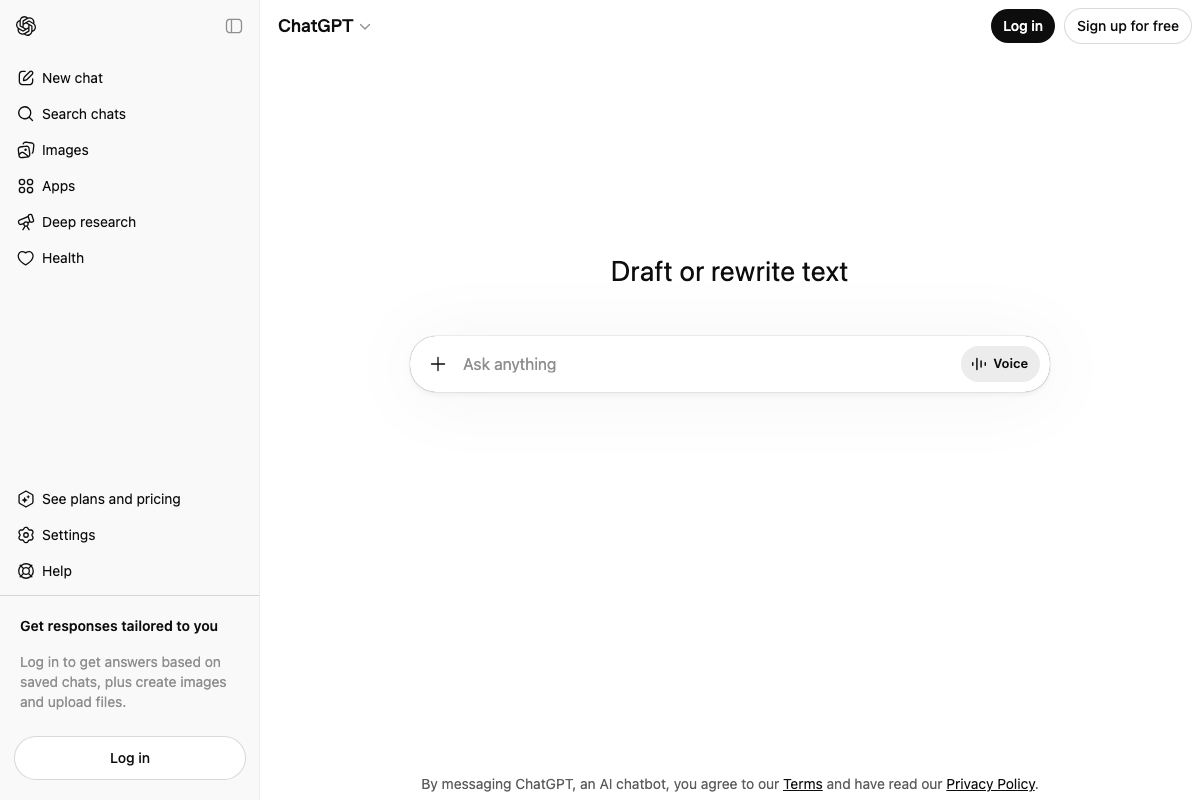
All three ChatGPT documentation screenshots captured the logged-out state of chatgpt.com. The logged-out left sidebar contains: New chat, Search chats, Images, Apps, Deep research, and Health — no Library entry appears anywhere in this view.

No official documentation was found for this step —
proceed using the video’s approach and verify independently.
To be precise about the limitation: the Library tab, if it exists, lives behind authentication. None of our captures reached a logged-in session, so the feature can be neither confirmed nor denied from this evidence. The sidebar controls visible in the attachment composer — a + button for file uploads and a Voice button — do not include a Library-specific trigger in the unauthenticated view. If you’re following along, sign in first; the sidebar you see logged out is not the full picture.
Google AI Studio — Build Tab and Firebase Deployment (Steps 6–12)
Steps 6–10 and Step 12 — Build tab, Remix, Launch, Publish
No official documentation was found for this step —
proceed using the video’s approach and verify independently.
All three “Google AI Studio” screenshots captured the Gemini API documentation site at ai.google.dev — a developer reference hub — not the AI Studio product UI at aistudio.google.com. These are distinct destinations. The Build tab, multiplayer app gallery, Remix button, Launch button, and Publish workflow described in steps 6–10 and 12 do not appear in any of the three captures.
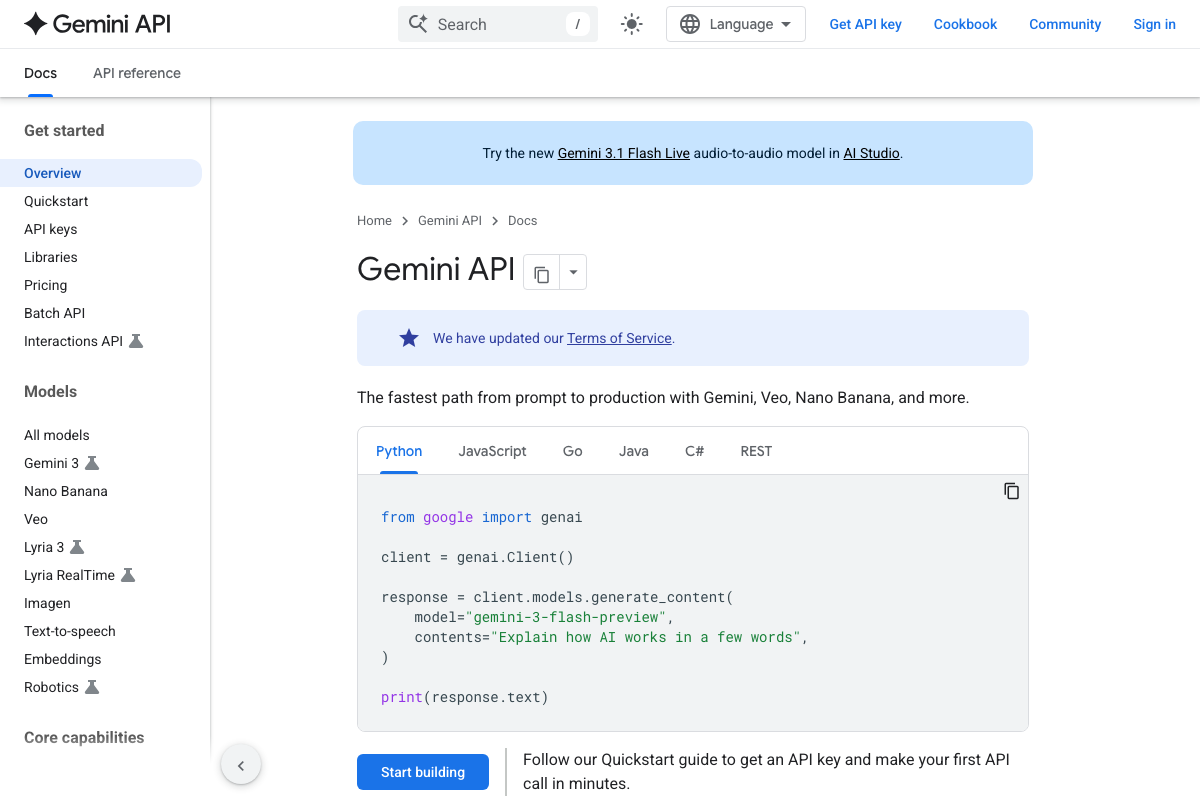
One detail worth noting: a banner at the top of the Gemini API docs promotes Gemini 3.1 Flash Live — an audio-to-audio model available in AI Studio — confirming AI Studio is an active, living product. The model catalog shown in the docs has also moved well past Gemini 2.x:

As of March 27, 2026, the current Gemini API model lineup is Gemini 3.1 Pro, Gemini 3 Flash, Gemini 3.1 Flash-Lite, Veo 3.1, Nano Banana 2, and Gemini Robotics — none of which carry Gemini 2.x branding. If the video references Gemini 2.x models in the AI Studio Build tab context, that reflects an earlier recording environment.
The capabilities documented at ai.google.dev include Function Calling, Video Generation via Veo 3.1, Voice Agents with Live API, Tools (Google Search, URL Context, Google Maps, Code Execution, Computer Use), Document Understanding up to 1,000 PDF pages, and Thinking. Google AI Studio appears as a linked resource in the footer — a clear signal it’s a separate product, not a section of the API docs.
Step 11 — Adding a billing profile before publishing
The video’s approach here matches the current docs exactly.
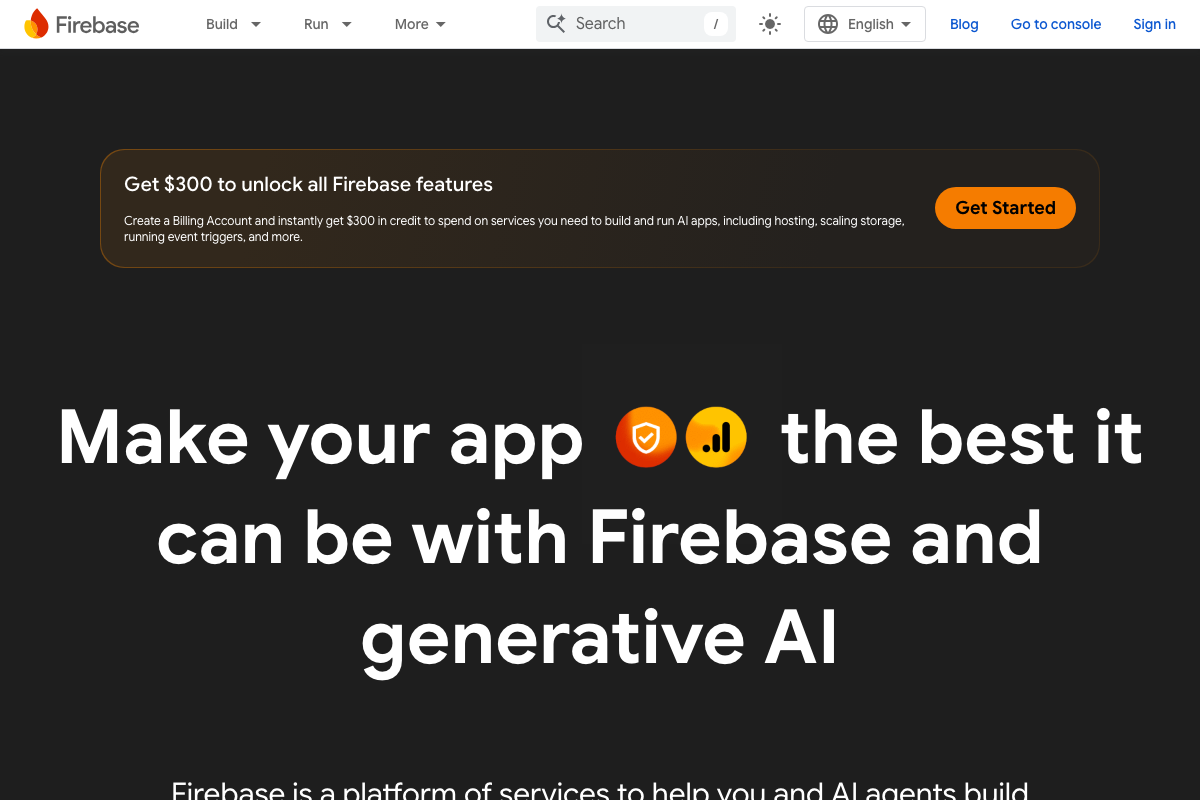
The Firebase homepage explicitly states a Billing Account must be created to unlock full Firebase features. One detail the tutorial skips: Firebase currently offers $300 in credits when you create a billing account — money you can apply toward hosting, scaling storage, and event triggers. When you arrive at the billing screen, you’ll see this offer before you’re charged anything.
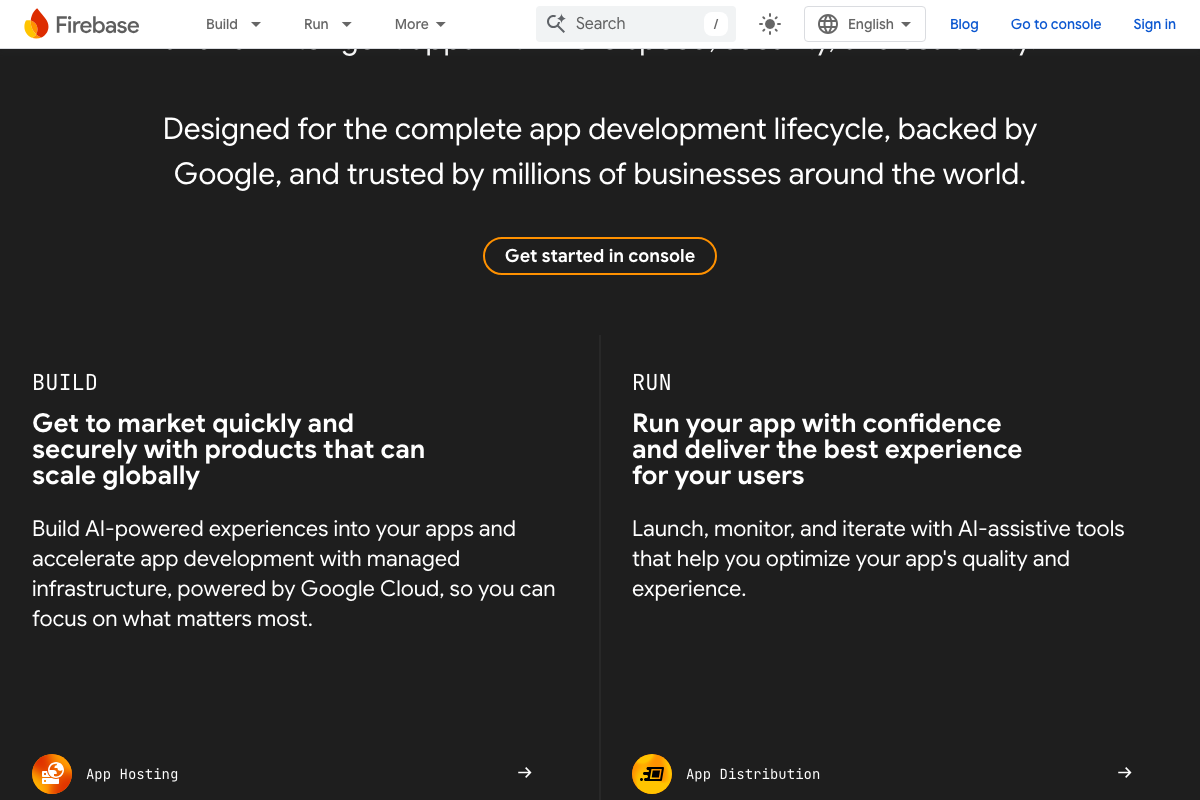
Firebase structures its products into BUILD and RUN categories. Firebase App Hosting sits under BUILD — that’s the service doing the work when the tutorial’s Publish button fires. App Distribution (under RUN) is a separate product for beta testing; the tutorial doesn’t distinguish between them, but they serve different purposes.
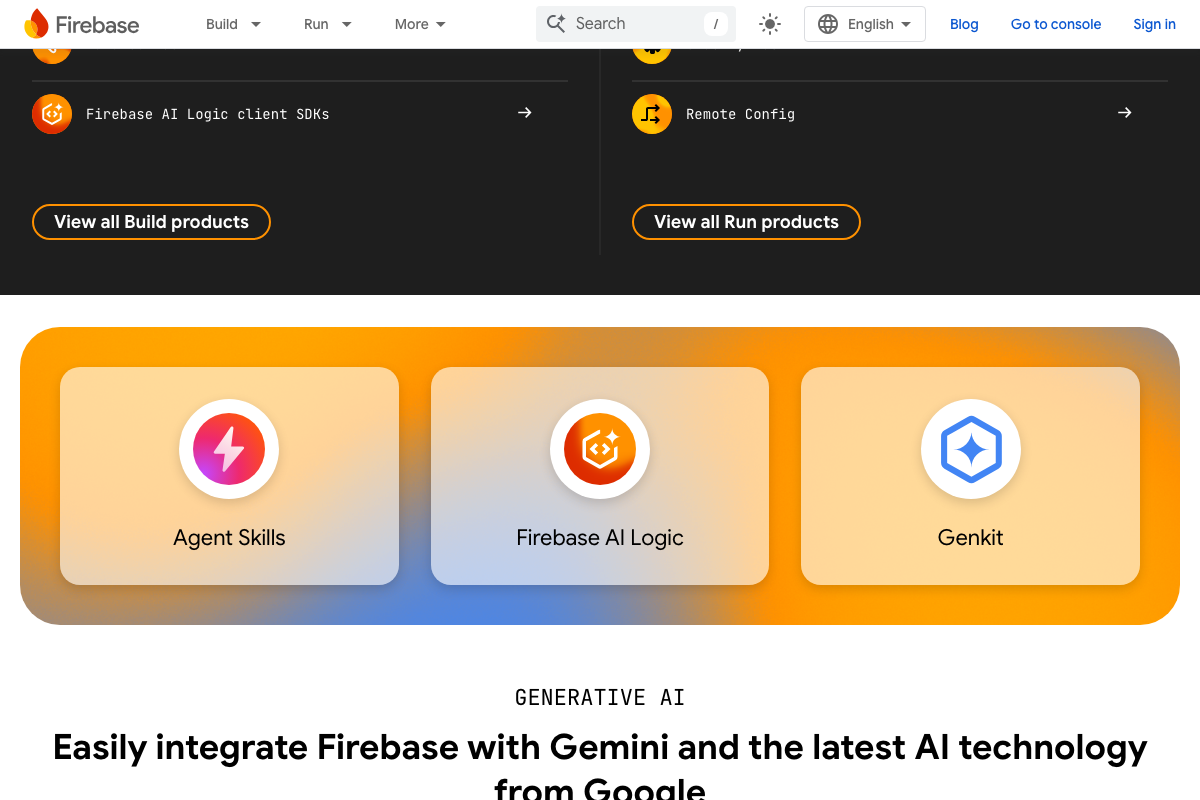
The Firebase screenshots also surface the platform’s current generative AI product suite — Agent Skills, Firebase AI Logic, and Genkit — none of which are named in the tutorial. Firebase AI Logic and Genkit are the documented integration layers connecting Firebase to Gemini models. If you’re building on top of this pipeline beyond what the tutorial covers, these are the named services to research.
Midjourney V8 Alpha (Steps 13–14)
Steps 13–14 — Accessing V8 alpha, rating queue, and evaluation methodology
No official documentation was found for this step —
proceed using the video’s approach and verify independently.
All three Midjourney screenshots capture the public-facing homepage — about-page content, upcoming project themes, and contact/careers information. No V8 alpha documentation, model version changelog, rating-queue interface, or prompt-adherence evaluation rubric appears anywhere. Midjourney’s support routes through Discord rather than a formal documentation portal; if V8 alpha documentation exists, it would be at docs.midjourney.com or behind an authenticated interface.
The video’s three-dimension evaluation framework — prompt adherence, element completeness, and compositional framing — is the creator’s own methodology, not a Midjourney-published rubric. That doesn’t make it less useful; it just means you’re adopting a practitioner framework, not a vendor specification.
Useful Links
- ChatGPT — ChatGPT’s main interface; sign in to access any Library tab or authenticated sidebar features not visible in logged-out captures.
- Gemini API | Google AI for Developers — Official Gemini API developer reference, including the current model lineup (Gemini 3.1 Pro, Gemini 3 Flash, Veo 3.1, and more) and capability documentation.
- Firebase | Google’s Mobile and Web App Development Platform — Firebase homepage detailing App Hosting, Firebase AI Logic, Genkit, and the $300 billing credit offer required to unlock full hosting features.
- Midjourney — Midjourney’s public homepage; V8 alpha documentation and rating-queue access are not available from this URL and should be sought via Discord or an authenticated session.


0 Comments