

10 CLI Tools That Make Claude Code Unstoppable
Claude Code’s native capabilities stop at the terminal prompt — these 10 CLI tools extend it into video editing, payment management, browser automation, and full Google Workspace control. Each follows the same pattern: install the dependency, optionally load a companion skill, and Claude Code inherits a domain it previously couldn’t touch. Work through this list and you’ll have a significantly wider agentic stack, whether you’re shipping SaaS products, running research pipelines, or automating your own content workflow.
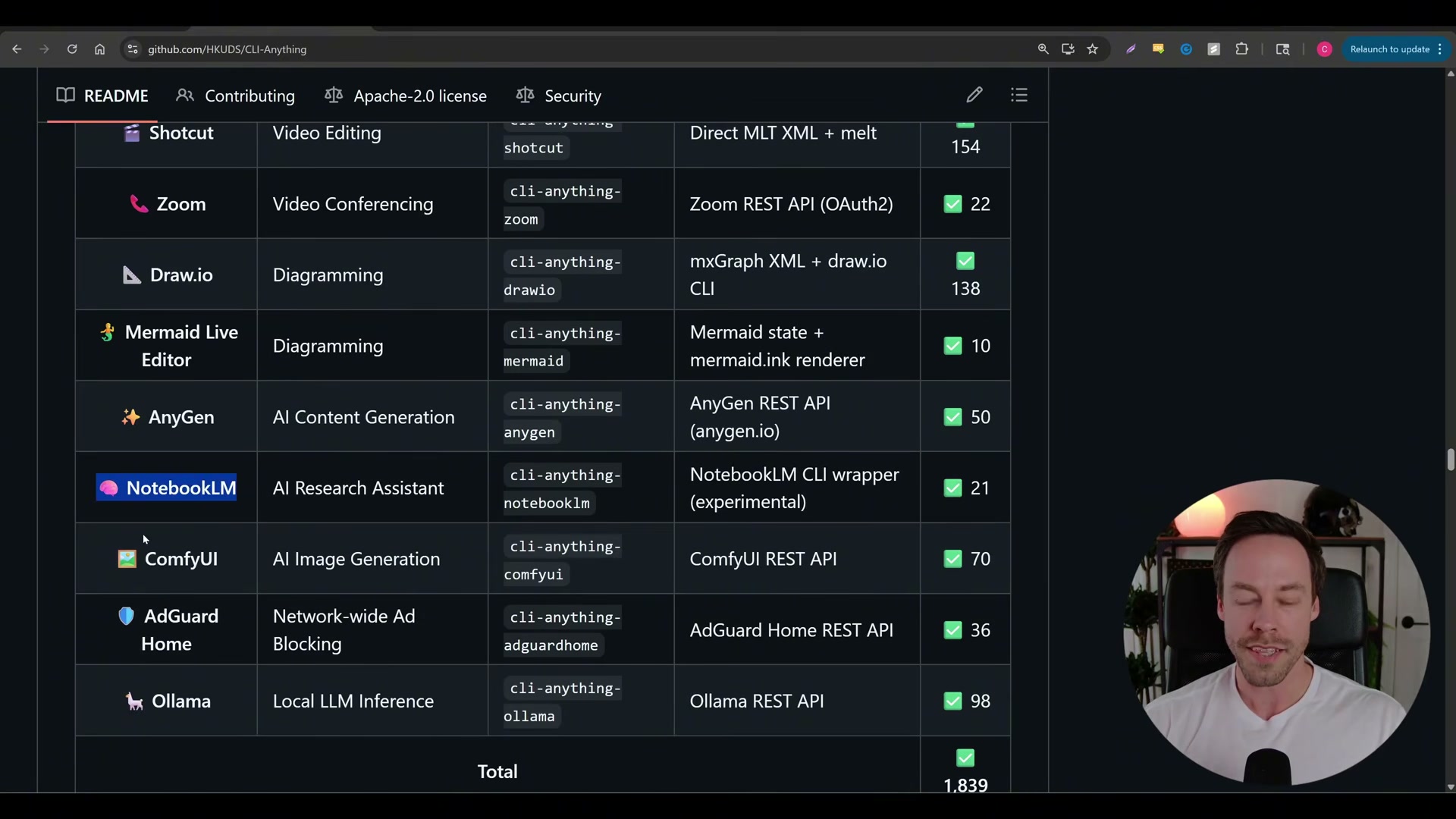
- Install CLI Anything by pointing Claude Code at any open-source project; it auto-generates a production-ready CLI wrapper complete with automated tests. The repo already ships wrappers for Blender, GIMP, Inkscape, Zoom, OBS, and NotebookLM — 1,839 tests across the ecosystem keep every integration production-stable. If a program is open source and lacks a clean API, this is the tool that bridges it into Claude Code.
- Install the NotebookLM CLI tool, then run
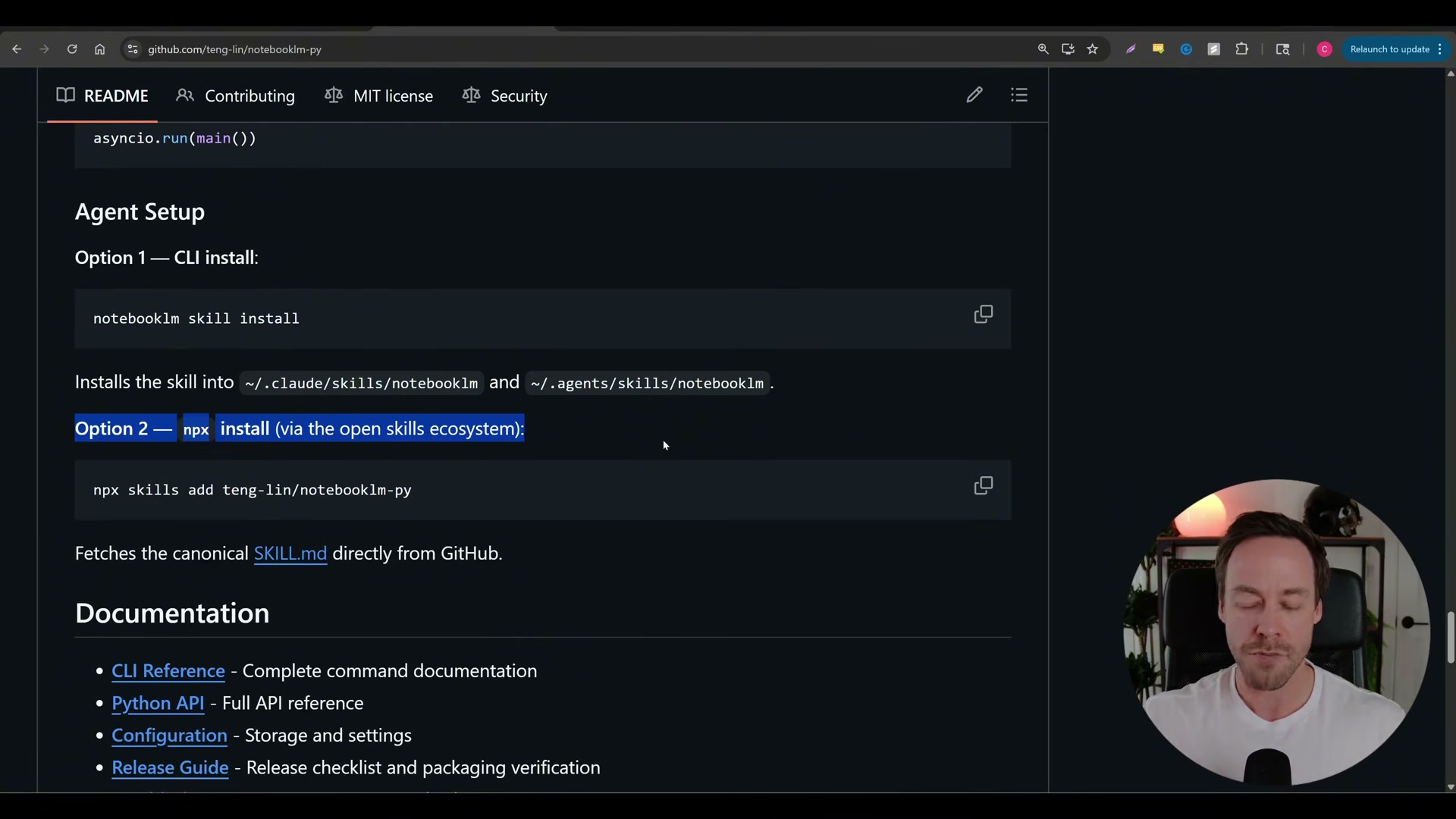
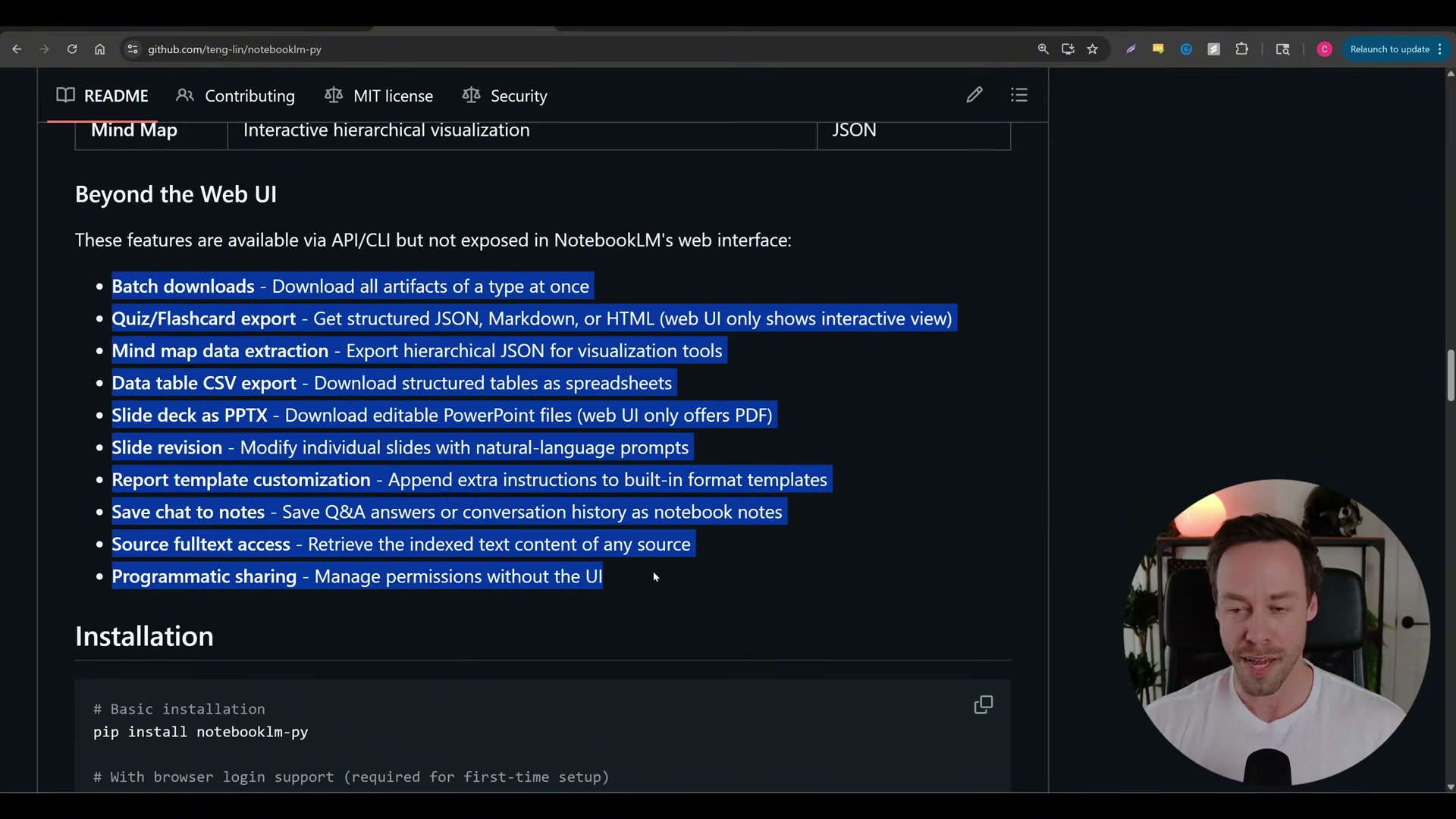
notebooklm skill installto load the companion skill into~/.claude/skills. Feed YouTube URLs directly to Claude Code and NotebookLM handles all video analysis on Google’s servers — free tokens, zero context overhead on your end. The unofficial API exposes eight capabilities the web UI never offers: batch artifact downloads, editable PPTX decks, quiz export, mind map JSON, CSV data tables, and programmatic sharing.
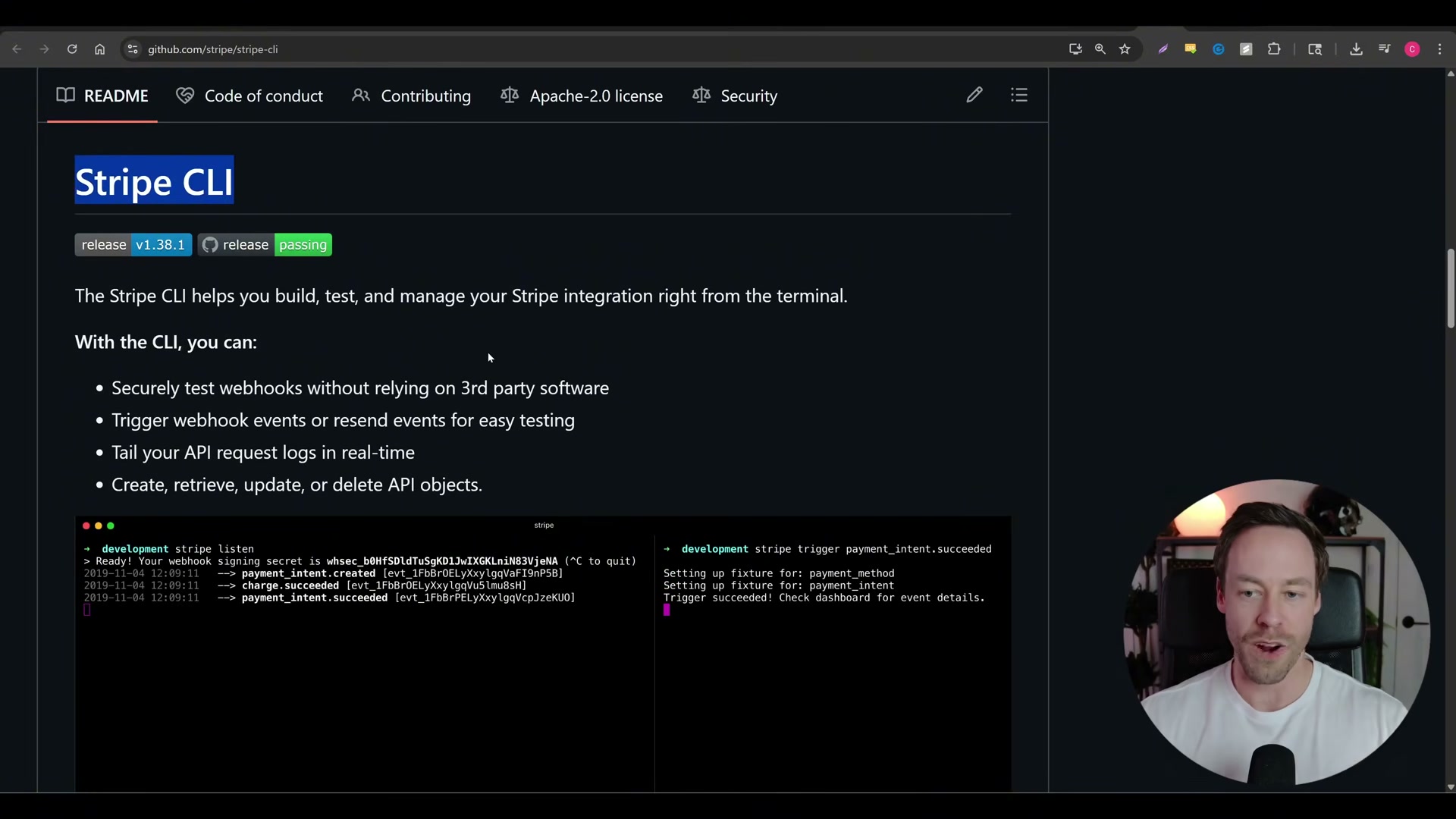
- Install the Stripe CLI to replace dashboard tab-hopping with terminal commands. Run
stripe listento capture webhook events locally andstripe triggerto fire test events — no third-party tunneling required. Product creation and configuration that normally spans 20 dashboard screens collapses into chainable commands Claude Code can script end-to-end.
-
Install FFmpeg to give Claude Code video and audio manipulation. Take a product video, chop it into individual frames, reverse it, and stitch it into a seamless looping hero animation — all in a single session. FFmpeg covers audio, subtitles, and format conversion alongside video, filling the multimedia gap Claude Code cannot address natively.
-
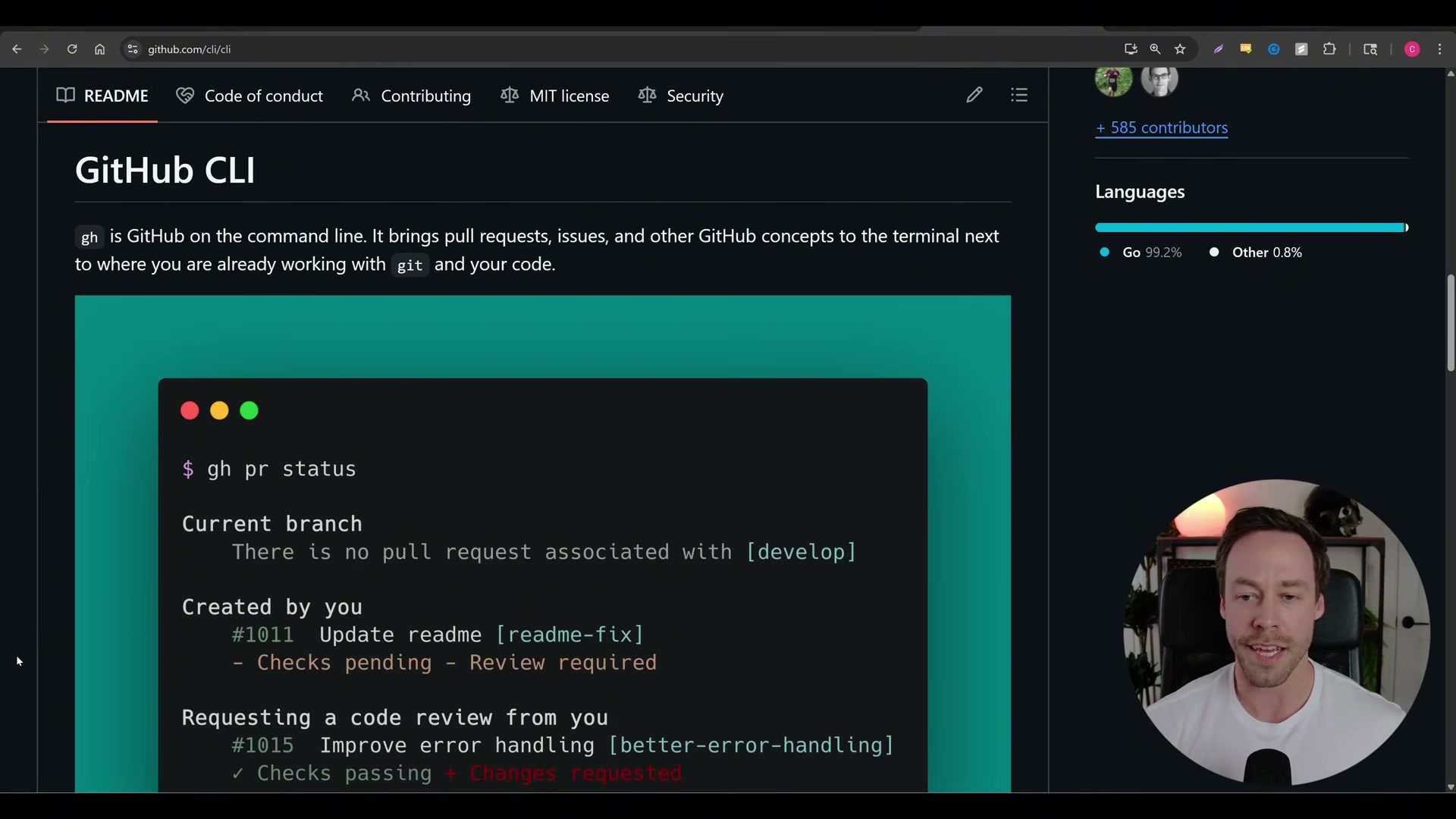
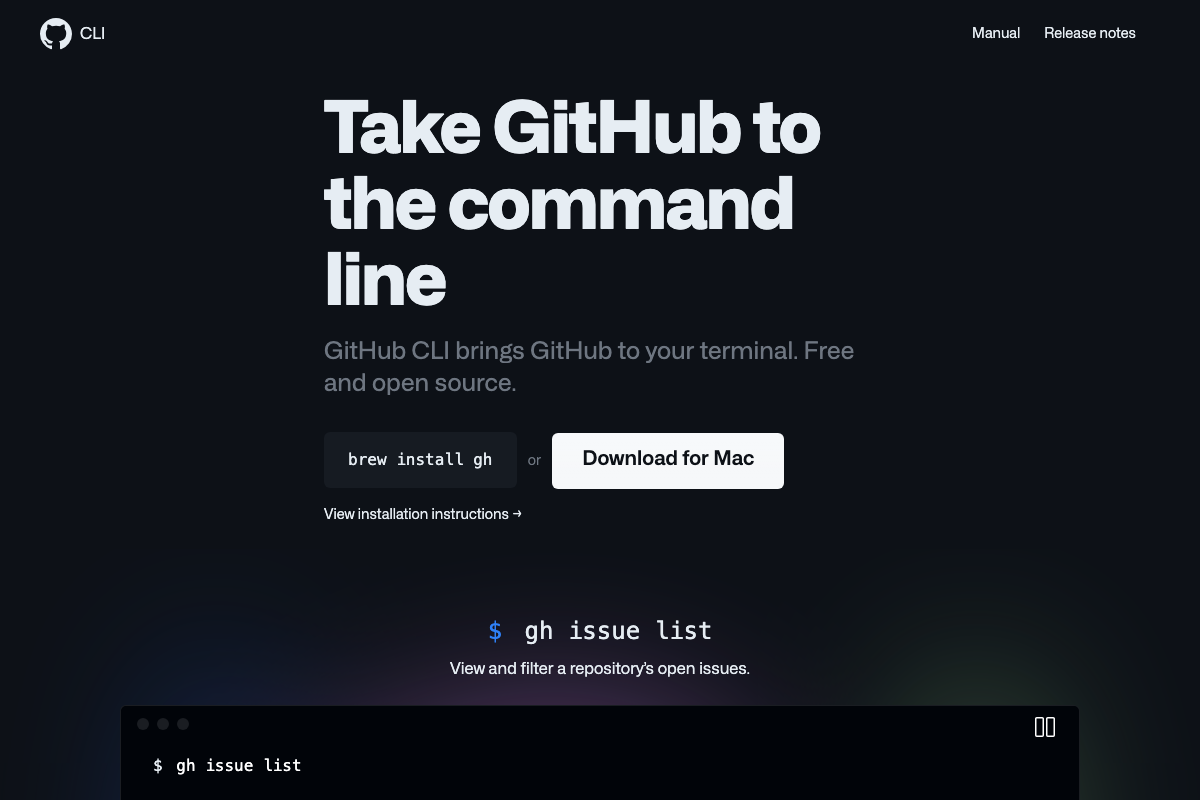
Install GitHub CLI by asking Claude Code to do it in one sentence. It installs the tool, prompts a browser-based authentication link, and from that point handles commits, branches, and pushes without leaving the terminal. Claude Code already has deep context on the Git model, so
ghintegrates into its workflows without additional coaching.
-
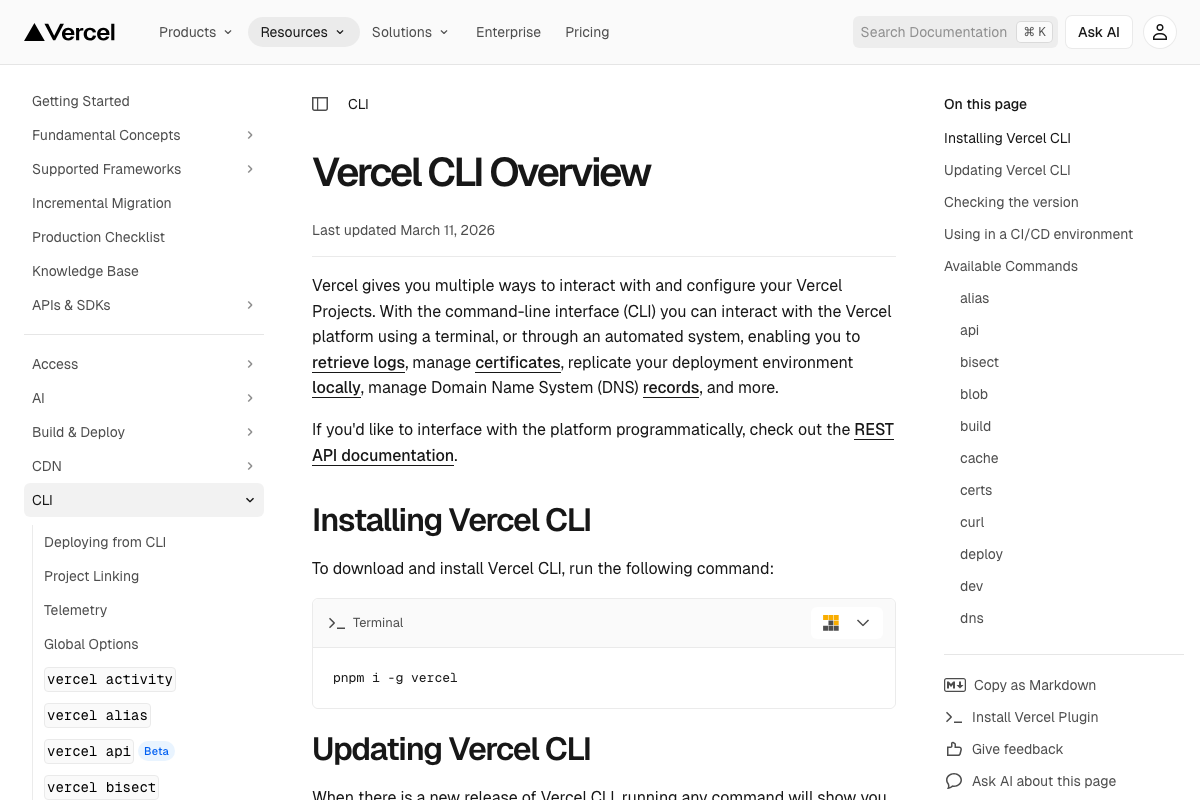
Install Vercel CLI and paste the CLI overview docs page into Claude Code for instant context. It surfaces deployment logs, DNS management, certificate handling, and local environment replication without touching the dashboard. Vercel also maintains its own Claude Code skills library covering deployment, browser automation, and UI workflows — worth reviewing before building your own.
-
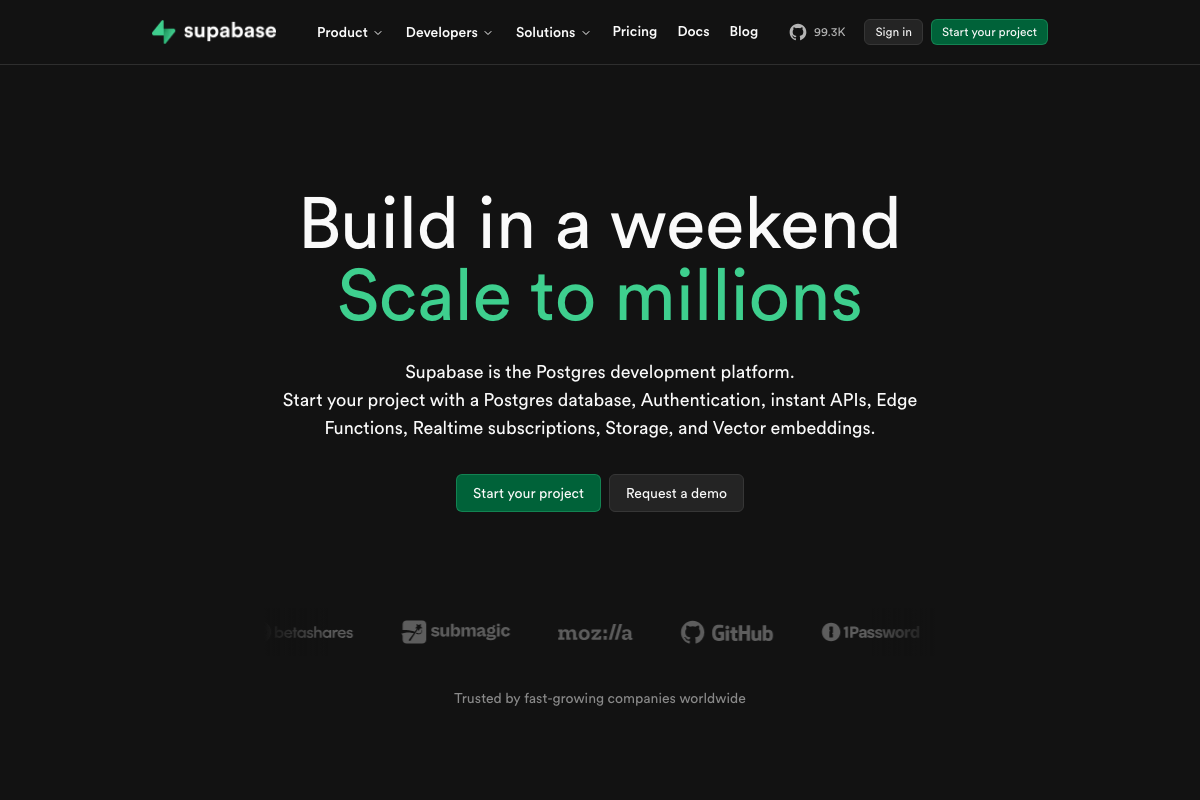
Install Supabase CLI to manage databases and authentication from a single terminal.
supabase initscaffolds the project;supabase startboots the full local stack including the database and auth service. Because Supabase is open source, the CLI supports completely offline development with no external service dependency. -
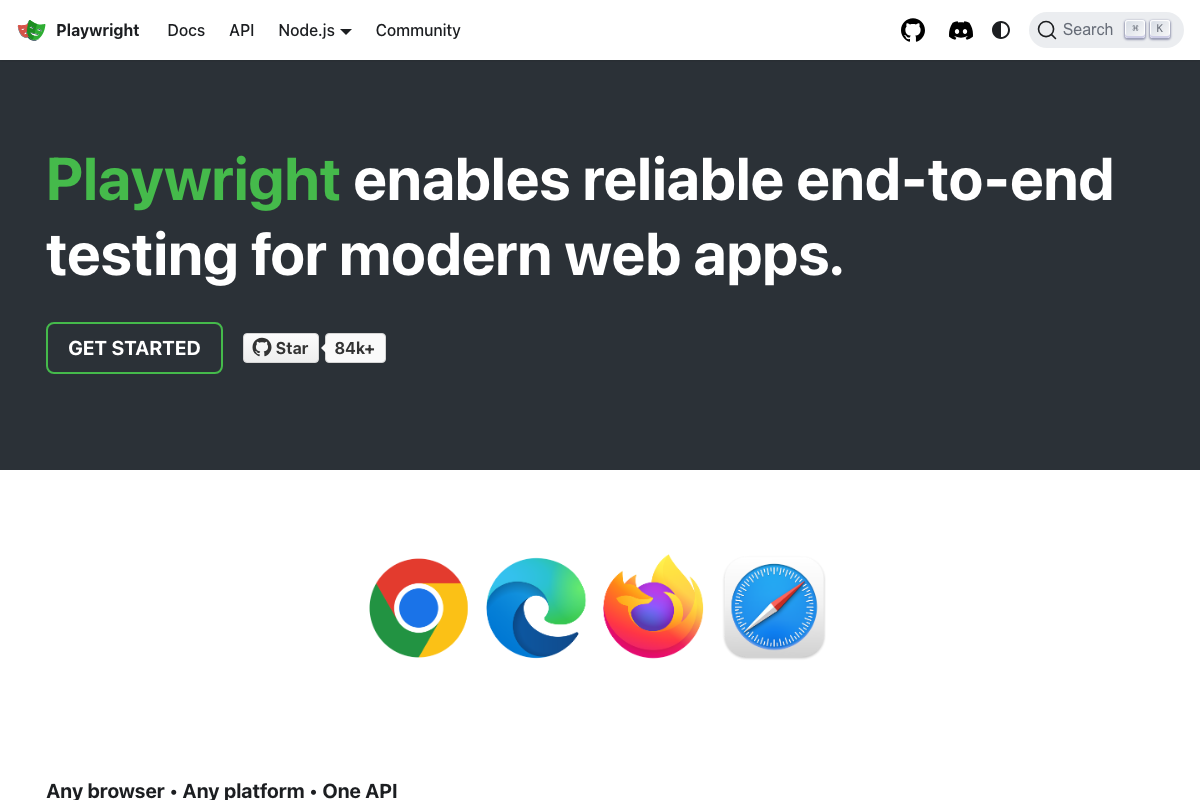
Install Playwright CLI and its companion skill via a single one-liner that drops both into
~/.claude. Claude Code gains autonomous Chrome control — it can open multiple browser instances simultaneously, navigate your dev server, interact with forms, and report results without manual review. The Playwright team benchmarked CLI versus MCP on identical tasks and found the CLI approach used roughly 90,000 fewer tokens.

-
Install LLM Fit CLI to scan local hardware and receive a ranked recommendation for the best-fit Ollama model. It removes the guesswork from local inference and prevents Claude Code from recommending a model your GPU cannot run.
-
Clone the GWS CLI repo into a dedicated directory and have Claude Code review the full repository before selecting any skills. Collaboratively filter down to the Google Workspace integrations most relevant to your workflow — Gmail, Drive, Calendar — then configure sandboxing and access limits. Review the built-in Google Armor prompt-injection protections before connecting any skill to live data.
Warning: this step may differ from current official documentation — see the verified version below.
How does this compare to the official docs?
Several of these tools — Stripe, GitHub CLI, Vercel, Supabase, and Playwright — have official documentation that goes significantly deeper than a ten-tool walkthrough can cover, and what those docs reveal about proper setup and security configuration changes some of what you just read.
Here’s What the Official Docs Show
Act 1 maps the full ten-tool stack — Act 2 adds the install commands the video omits, flags four steps where no official documentation exists, and corrects two tool descriptions that don’t match what the docs actually say. Nothing here invalidates the workflow; it fills in what documentation research turned up.
Step 1 — CLI Anything
No official documentation was found for this step — proceed using the video’s approach and verify independently.
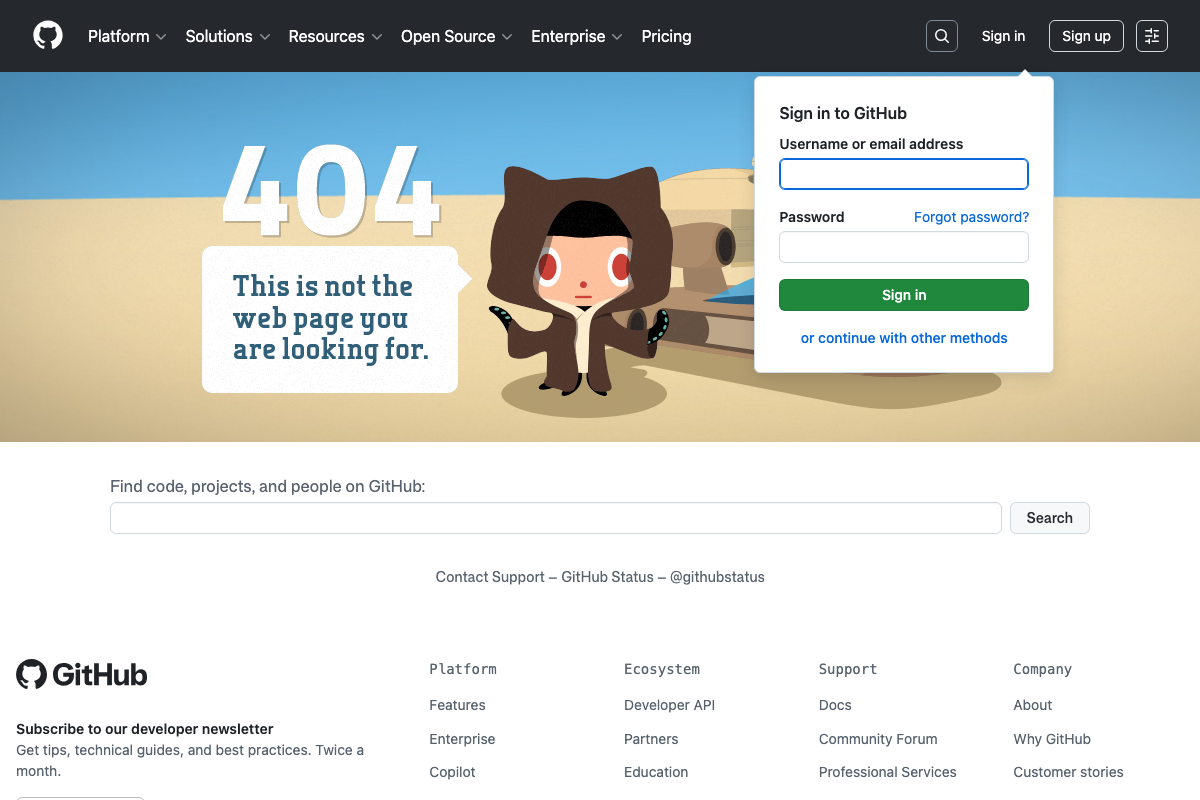
As of March 21, 2026, github.com/the-crypt-keeper/cli-anything returns a GitHub 404. The repository cannot be verified at this URL. Search for current forks before attempting this step.
Step 2 — NotebookLM CLI
No official documentation was found for this step — proceed using the video’s approach and verify independently.
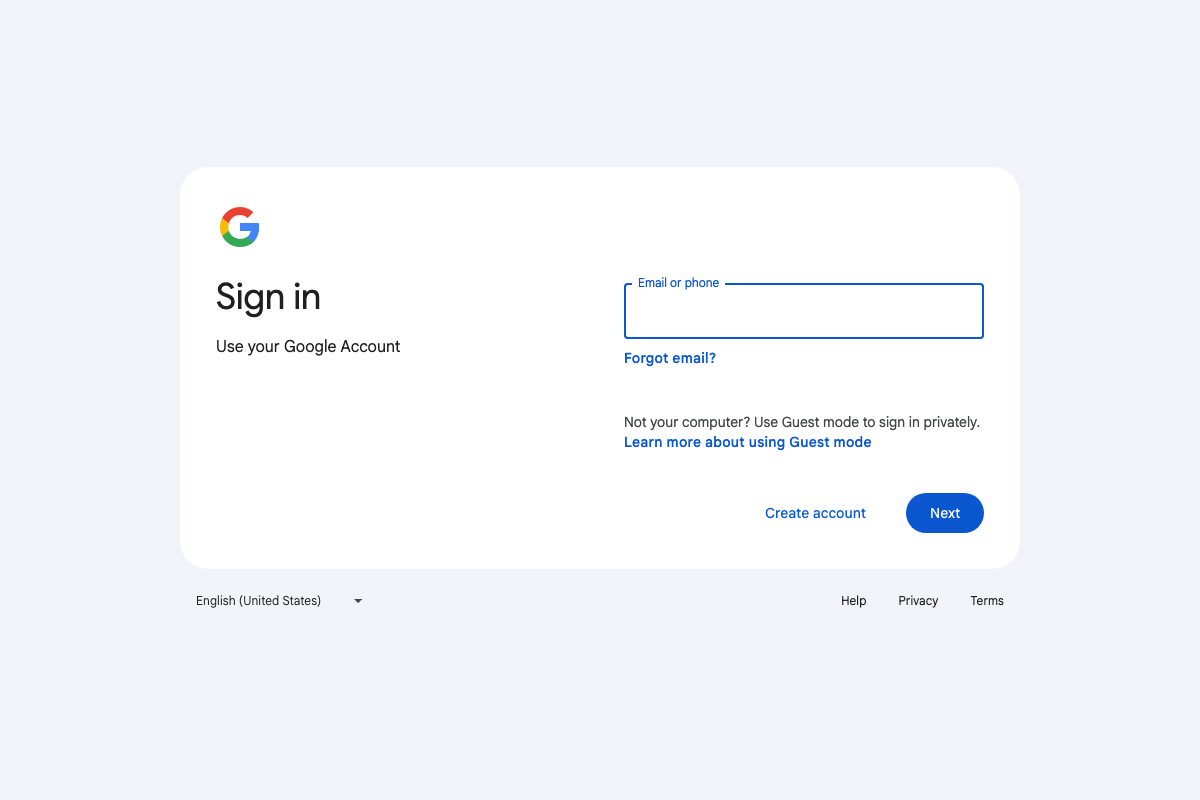
The “NotebookLM CLI tool” is not an official Google product. As of March 21, 2026, notebooklm.google.com is a web-only application gated behind Google account authentication — no CLI is documented at that URL. Verify the third-party tool’s source and maintenance status before integrating it.
Step 3 — Stripe CLI
No official documentation was found for this step — proceed using the video’s approach and verify independently.
Step 4 — FFmpeg
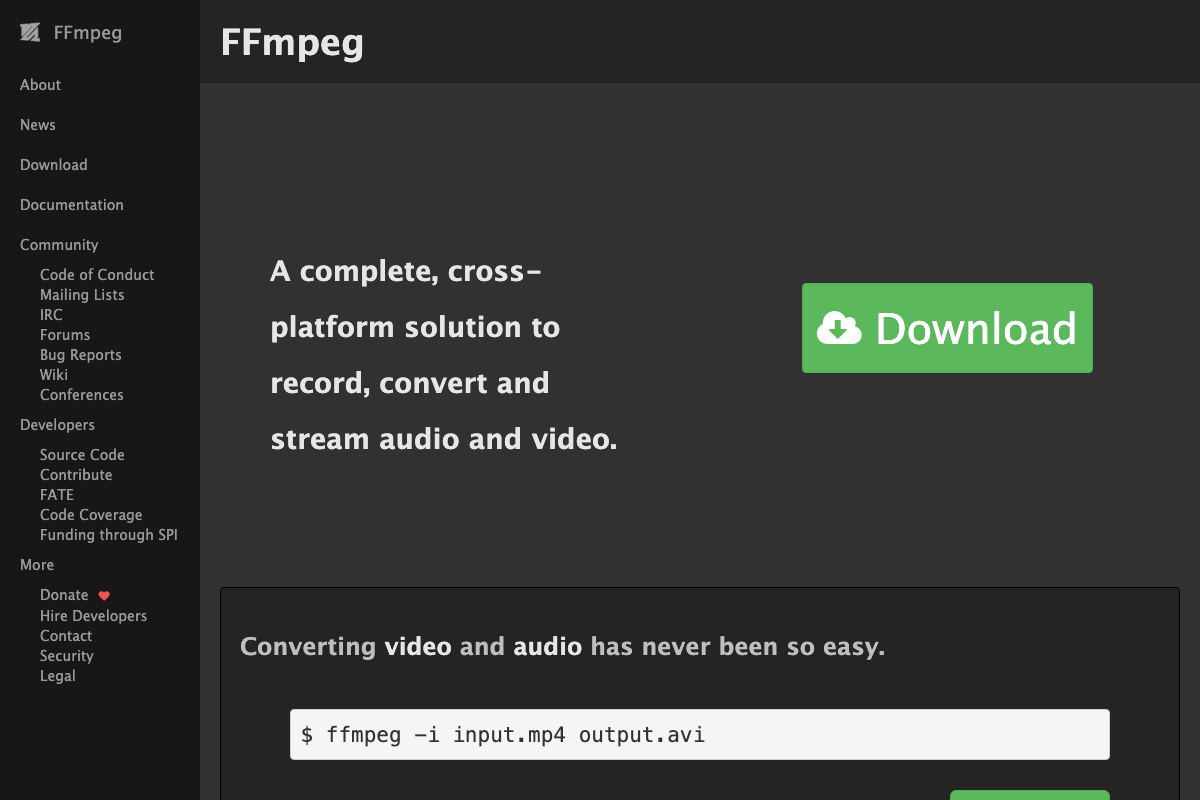
The video’s approach here matches the current docs exactly. FFmpeg is a standalone install from ffmpeg.org — not bundled with Claude Code. The current stable release is 8.1 ‘Hoare’ (March 16, 2026); confirm your version with ffmpeg -version if specific codec behavior matters to your workflow.
Step 5 — GitHub CLI
The video’s approach here matches the current docs exactly. The underlying install command is brew install gh — that’s what Claude Code executes when you phrase it as a one-sentence request. Beyond commits and branches, gh api enables raw API scripting, and GitHub Enterprise Server is fully supported out of the box.
Step 6 — Vercel CLI
The video’s approach here matches the current docs exactly. The official install command — which the video does not state — is pnpm i -g vercel (docs last updated March 11, 2026). For CI/CD pipelines where interactive login isn’t possible, generate a token at vercel.com/account/tokens and pass it via --token; vercel login alone will not work in automated environments. The vercel api subcommand is currently labeled Beta in official documentation.
Step 7 — Supabase CLI
The video’s approach here matches the current docs exactly. Supabase scope extends beyond databases and auth — Edge Functions, Storage, Realtime subscriptions, and Vector embeddings are all CLI-managed resources the video doesn’t cover. The CLI reference at supabase.com/docs/reference/cli/introduction was not successfully captured during verification; consult it directly for command-level specifics.
Step 8 — Playwright
The video’s approach here matches the current docs exactly, with one scope correction. As of March 21, 2026, the correct description is multi-browser automation — official Playwright documentation lists Chrome, Microsoft Edge, Firefox, and Safari as supported browsers. The video’s “autonomous Chrome control” reflects a narrower framing of the tool’s actual capability. Playwright also ships Codegen, which records browser interactions and exports reusable test scripts automatically.
Step 9 — LLM Fit CLI / Ollama
No official documentation was found for this step — proceed using the video’s approach and verify independently.
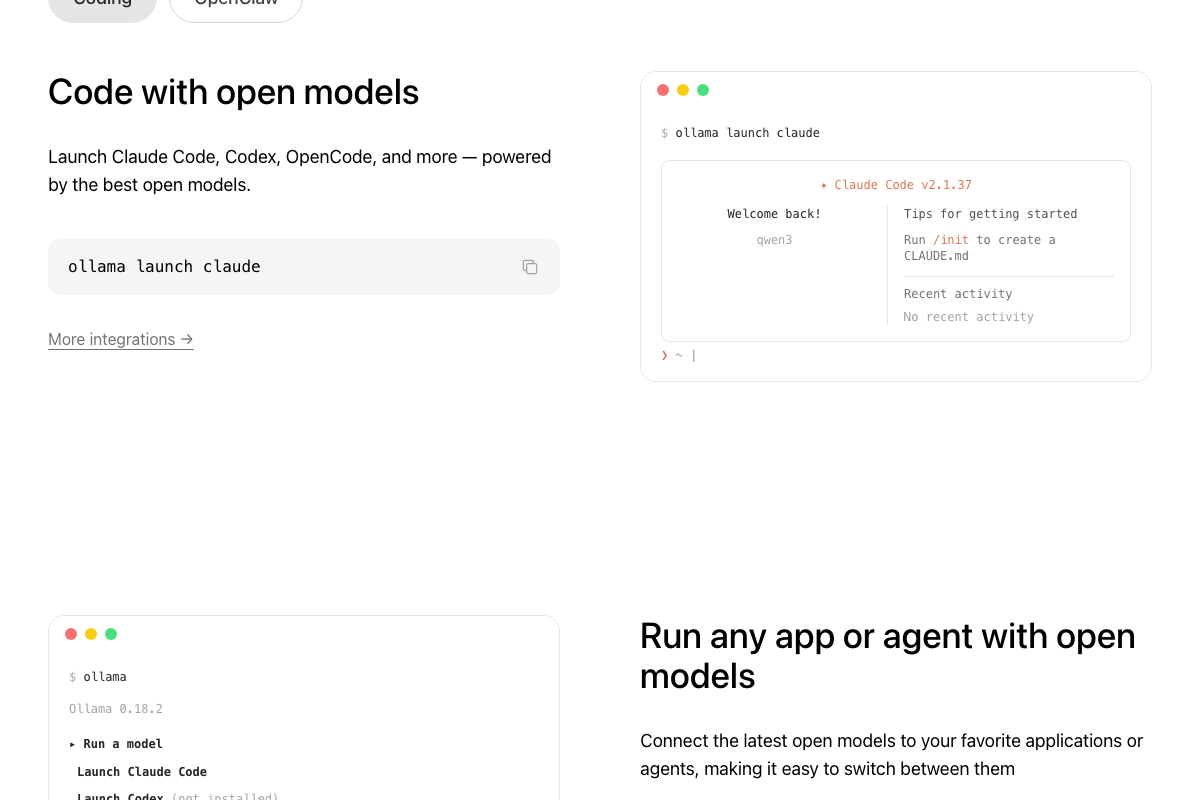
“LLM Fit CLI” does not appear in Ollama’s official documentation. More directly useful: Ollama natively launches Claude Code via ollama launch claude — a documented, built-in feature that removes the need for a separate hardware-scanning tool if Ollama is already installed. Official Ollama install command: curl -fsSL https://ollama.com/install.sh | sh.
Step 10 — GWS CLI
No official documentation was found for this step — proceed using the video’s approach and verify independently.
Useful Links
- Claude Code by Anthropic — Official product page with curl-based install command, supported environments, and current subscription pricing (Pro at $17/mo, Max 5x at $100/mo).
- CLI Anything on GitHub — Returned a 404 at time of verification; search for current forks or mirrors before attempting Step 1.
- NotebookLM — Google’s web-based NotebookLM application; requires Google Account sign-in and has no public CLI documentation.
- FFmpeg — Official site for the cross-platform audio/video processing tool, including version 8.1 ‘Hoare’ release notes from March 2026.
- GitHub CLI — Official
ghhomepage withbrew install gh, platform-specific installation instructions, and Enterprise Server documentation. - Vercel CLI Overview — Official docs covering
pnpm i -g vercel, authentication, CI/CD token requirements, and the full command reference. - Supabase — Supabase main site; visit
supabase.com/docs/reference/cli/introductionfor CLI-specific command documentation. - Playwright — Official documentation for multi-browser automation and end-to-end testing across Chrome, Edge, Firefox, and Safari.
- Ollama — Official site for running local open models, including the documented
ollama launch claudeintegration with Claude Code.


0 Comments