

Building a Multi-Source Data Pipeline for Agentic AI Trading on Polymarket
Prediction markets reward whoever has better information — and an AI agent without fresh, multi-source data is flying blind. This tutorial walks you through constructing a five-source collection pipeline that feeds OpenAI Codex structured intelligence before it evaluates any Polymarket trade. By the end, you’ll have a working agent that gathers social sentiment, competitor pricing, and whale wallet activity, then synthesizes it into a ranked trade recommendation with explicit edge calculations.
-
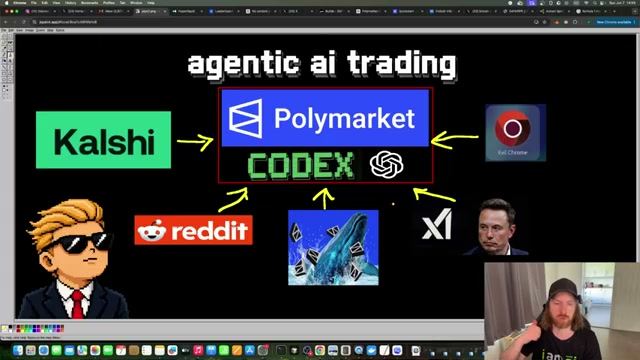
Map your five data sources. The pipeline draws from Kalshi (competitor market pricing via REST API or WebSocket), Reddit (via Surf Agent browser automation), X.com (via Surf Agent keyword search), Google News (via Surf Agent), and Polymarket whale wallets (via Polymarket’s public API). Each source targets a distinct signal type: competitor odds, community sentiment, social momentum, news events, and smart-money positioning.
-
Create a
data.mdpipeline index. At the project root, createdata.mdas a single document containing natural-language instructions for every pipeline component. This file acts as the agent’s operating manual — when Codex reads it, it learns how to invoke each sub-pipeline, what output each one produces, and where to write results. Keep the language declarative: describe what each module does and what a successful run looks like. -
Configure each pipeline module. Each source gets its own markdown configuration file (
kalshi.md,surf-reddit.md,surf-x.md,surf-news.md,whales.md). For Kalshi, document the three API endpoints to query:/series,/markets/{ticker}, and/markets/{ticker}/orderbook. For the three Surf Agent sources, write browser automation instructions specifying target URLs, search terms to inject, and scroll depth before capture. For the whale collector, specify the Polymarket market category (e.g.,crypto,sports) and the minimum position size that qualifies a wallet as a whale.
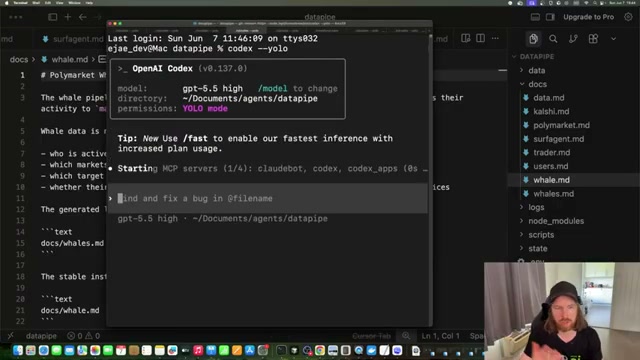
- Launch OpenAI Codex and issue the pipeline prompt. Start Codex in YOLO mode so it can execute shell commands without per-step confirmation. Once MCP servers initialize, issue a plain-English prompt:
find data for the keyword bitcoin for a possible trade, execute the full data pipeline.
Warning: this step may differ from current official documentation — see the verified version below.
- Let the agent execute each sub-pipeline sequentially. Codex reads
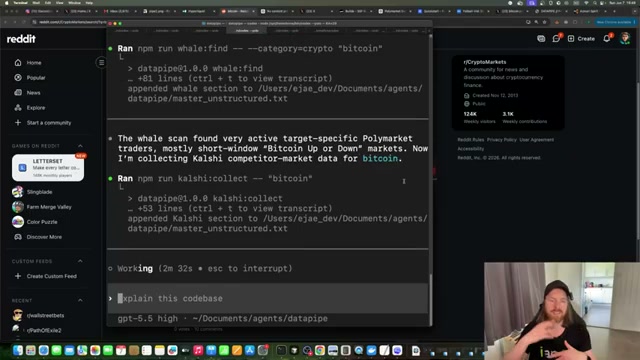
data.md, then runs each collector in order: Google News → X.com → Reddit → Polymarket whale scan → Kalshi market data. The Surf Agent modules open a live browser session and scroll through real content; the whale and Kalshi modules hit their respective APIs directly. Every result is appended in real time tomaster_unstructured.txt.

- Review the aggregated output file. When the pipeline completes — typically two to four minutes — open
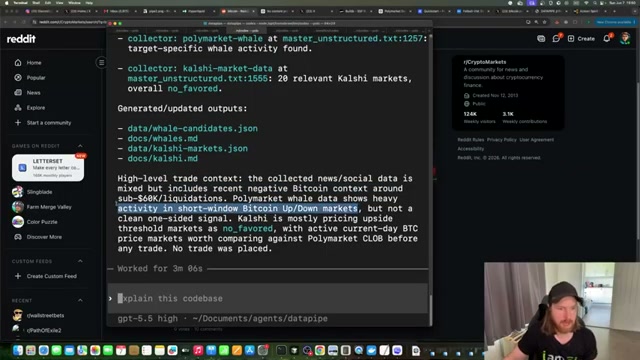
master_unstructured.txt. The file header records metadata: collection timestamp, target keyword, source count, record count, and aggregate sentiment label. Theextracted_signalsblock below it condenses the most actionable observations before the full raw text begins.
-
Issue a
/goalcommand to surface positive expected value trades. Prompt the agent:/goal based on master_unstructured.txt and live Polymarket markets, find trades with positive expected value, do calculations, think hard. Codex queries the Polymarket API for current open markets, cross-references them against the collected signals, and runs edge calculations for each candidate. -
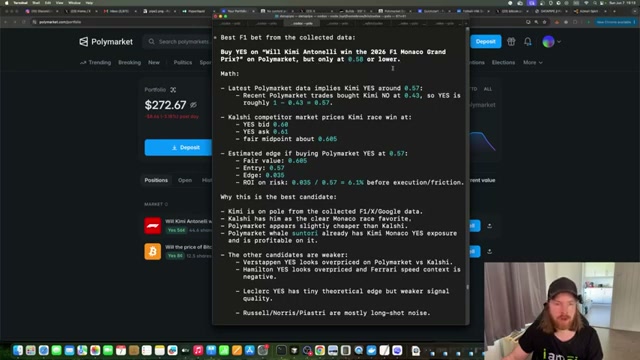
Evaluate the trade recommendation and decide. The agent outputs a structured recommendation: target market, fair value estimate, suggested entry price, calculated edge, and plain-language rationale. If the entry threshold is met on the live order book, execute the bet directly on Polymarket and monitor resolution.
How does this compare to the official docs?
The pipeline stitches together three separate products — OpenAI Codex, the Polymarket API, and Surf Agent — each with its own authentication model, rate limits, and versioning, so what the official sources actually say about each integration point matters before you run this against real money.
Here’s What the Official Docs Show
The tutorial’s pipeline architecture is solid, and this section adds documentation-grounded specifics where official sources were available to capture. Where docs couldn’t be retrieved, those gaps are flagged step by step so you know exactly where to verify before running real trades.
Step 1 — Map your five data sources.
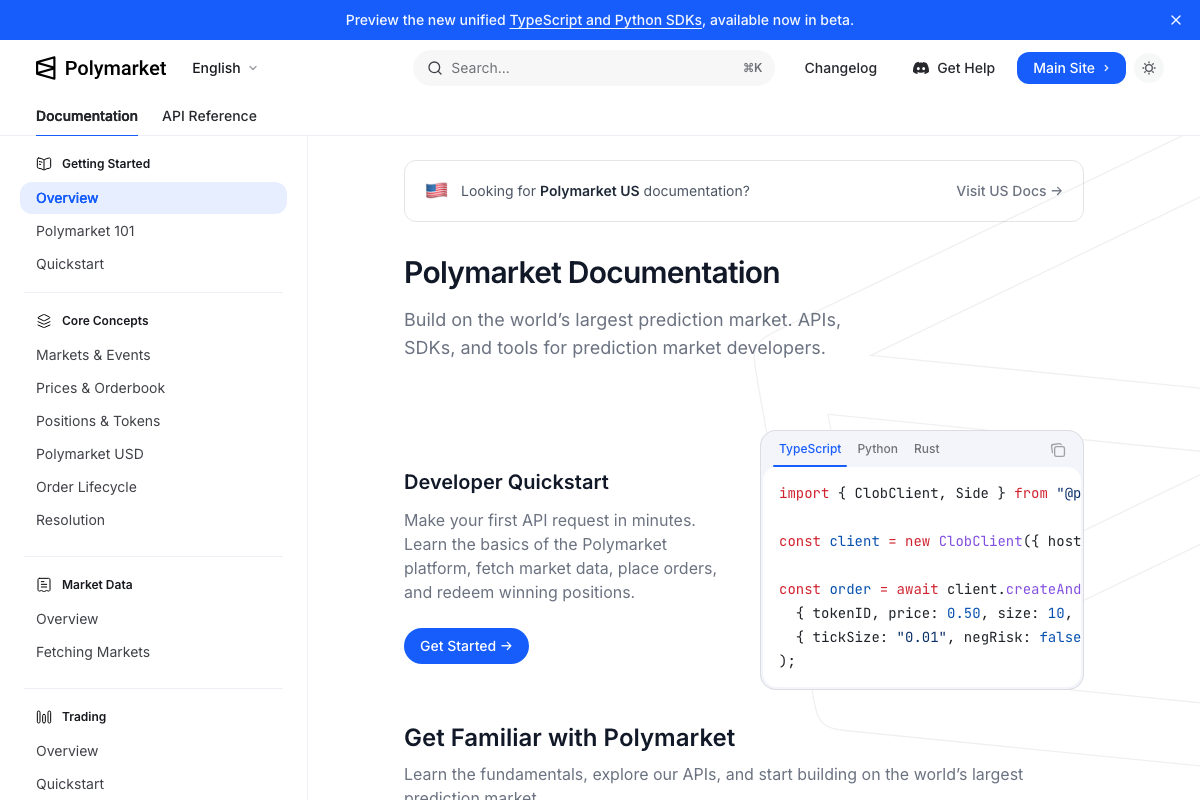
The video’s approach here matches the current docs exactly. Polymarket’s official docs confirm a live REST API, WebSocket streams, and SDKs in TypeScript, Python, and Rust. One clarification: Polymarket maintains separate documentation for Polymarket US — US-based users should confirm which version governs their access before placing orders.
Step 2 — Create the data.md pipeline index.
No official documentation was found for this step —
proceed using the video’s approach and verify independently.
Step 3 — Configure the Kalshi module.
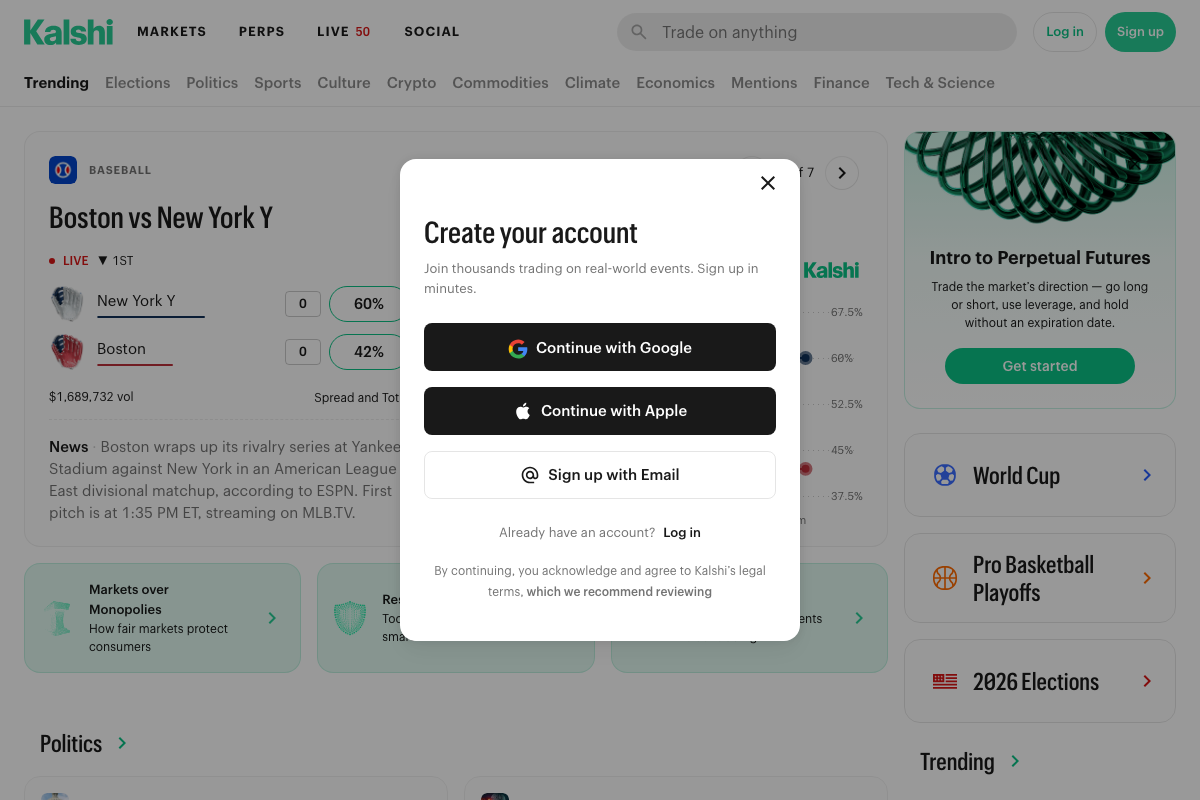
The Kalshi API documentation at trading-api.readme.io was not captured in any screenshot attempt. The tutorial’s endpoint configuration (/series, /markets/{ticker}, /markets/{ticker}/orderbook) cannot be verified — confirm those endpoints directly before wiring up the module. Also worth noting: Kalshi now offers a PERPS (Perpetual Futures) product alongside standard prediction markets, visible in the platform’s current top navigation and not addressed in the tutorial.
Step 4 — Configure the Reddit module.
No official documentation was found for this step —
proceed using the video’s approach and verify independently.
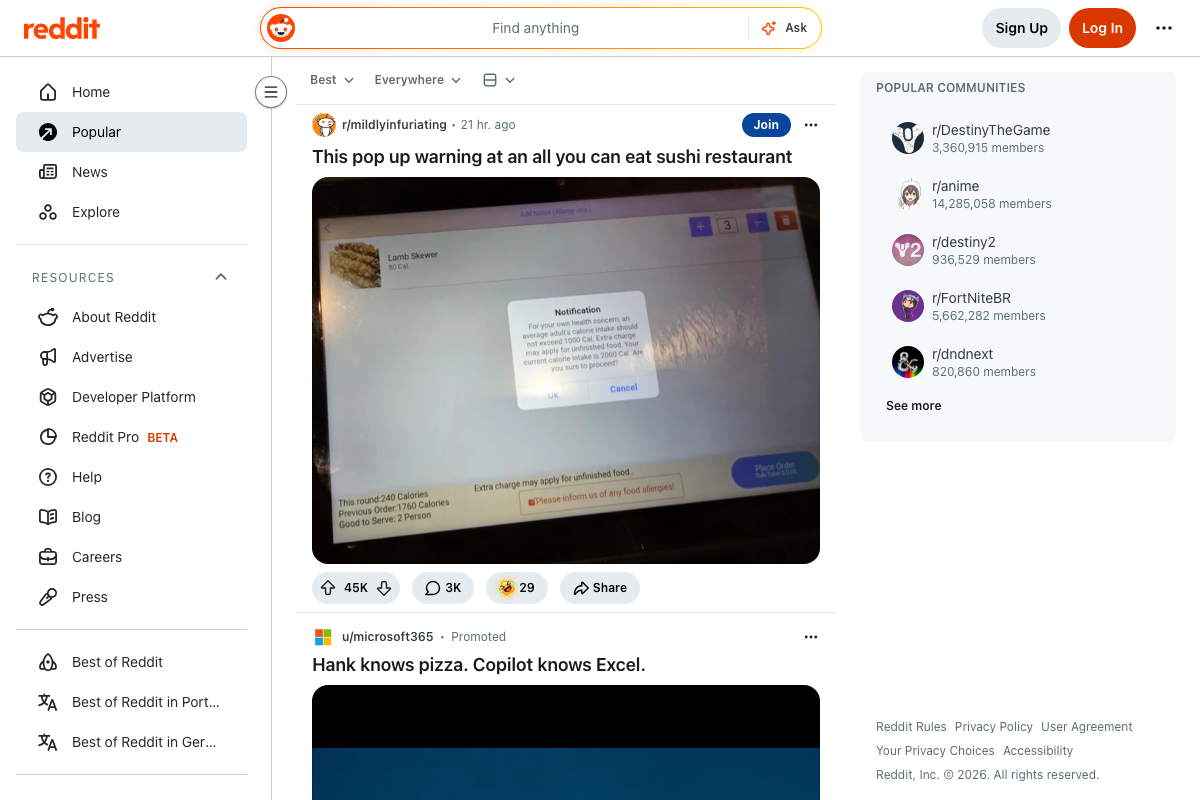
Step 5 — Configure the X.com module.
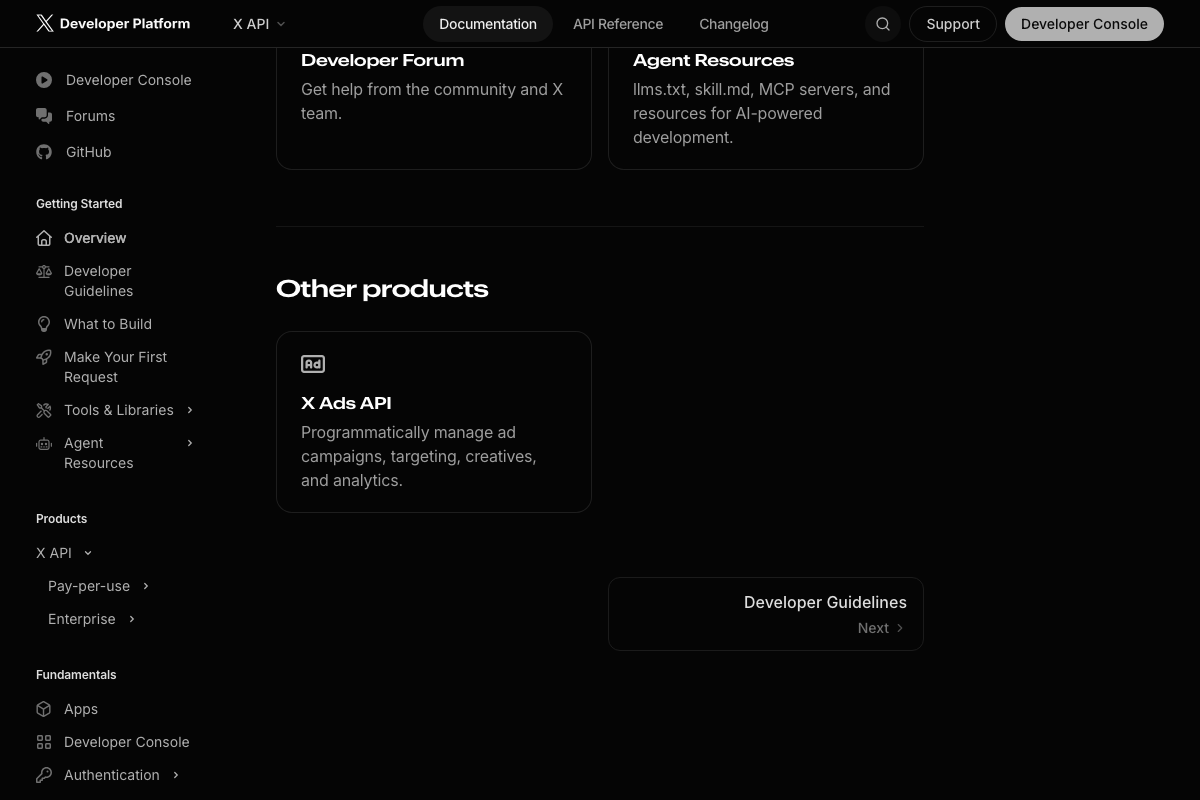
The X Developer Platform offers a documented alternative to Surf Agent that the tutorial doesn’t acknowledge: a pay-per-use API at $0.001 per resource, with official Python and TypeScript SDKs delivering structured JSON instead of browser-scraped HTML. X also publishes Agent Resources — llms.txt, skill.md, and MCP servers — explicitly for AI agent integrations, an officially supported integration path the tutorial bypasses entirely.

Step 6 — Configure the Google News module.
The video’s approach here matches the current docs exactly. Google News has no official public API, making Surf Agent browser automation the correct practical method. The search bar at news.google.com operates without authentication, consistent with the tutorial’s unauthenticated Surf Agent approach.

Step 7 — Configure the whale collector.
The Polymarket GET /trades endpoint documentation was not captured — all three screenshot attempts resolved to the Overview page. The tutorial’s category-filtering logic and minimum position size parameters cannot be verified against the documented endpoint schema.
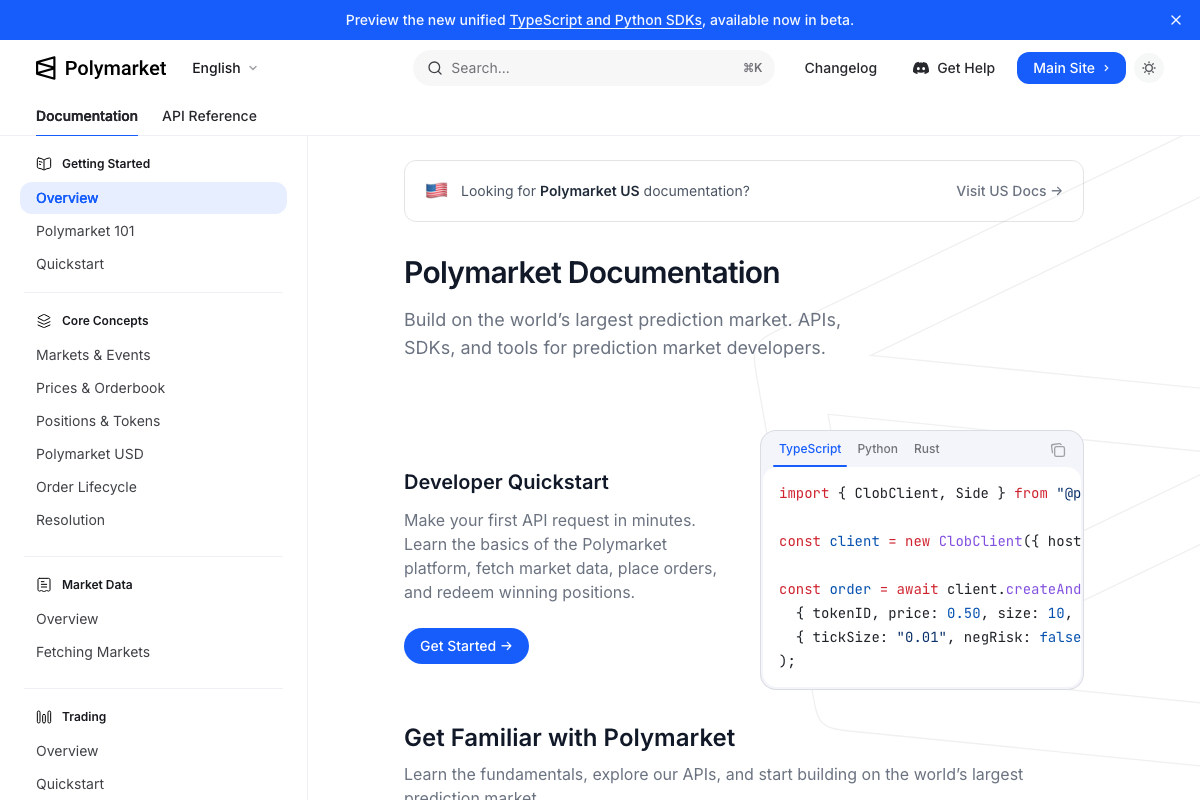
No official documentation was found for the GET /trades endpoint filter parameters —
proceed using the video’s approach and verify independently.
Steps 4–7 (Act 1) — Launch Codex, execute the pipeline, review output, and issue /goal.
The OpenAI Codex documentation at platform.openai.com/docs/guides/codex failed to load across all three capture attempts. As of June 7, 2026, the tutorial’s framing of the agent as “OpenAI Codex agentic AI,” YOLO mode configuration, and MCP server initialization sequence cannot be verified against any official platform documentation.

No official documentation was found for these steps —
proceed using the video’s approach and verify independently.
Step 8 — Evaluate the trade recommendation.
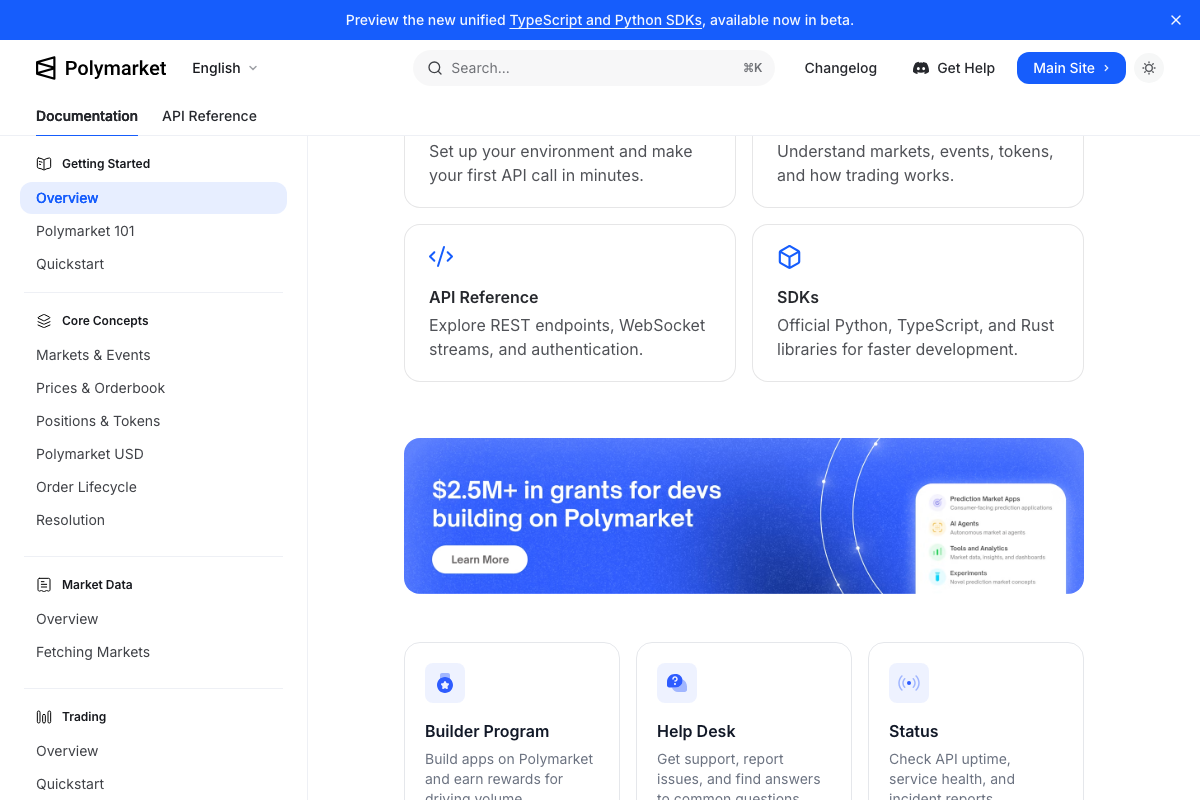
The video’s approach here matches the current docs exactly. Polymarket’s ClobClient SDK documentation confirms programmatic order placement is a supported and anticipated use case — the platform even lists AI Agents as a funded category in its $2.5M+ developer grant program. US users should verify access rules under the separate Polymarket US documentation before executing any live trades.
Useful Links
- Polymarket Documentation — Official REST API, WebSocket streams, and TypeScript/Python/Rust SDK reference for prediction market data fetching, order placement, and position redemption.
- OpenAI Codex Documentation — Page was inaccessible at time of capture; visit directly for current agentic model configuration and YOLO mode documentation.
- Kalshi — Consumer-facing prediction market platform covering crypto, sports, and elections; API documentation for pipeline configuration is available separately at trading-api.readme.io.
- Reddit — Consumer homepage; official API reference at reddit.com/dev/api for developers evaluating the Surf Agent browser-automation approach against the official API alternative.
- X Developer Platform — Official API with pay-per-use pricing, Python and TypeScript SDKs, and Agent Resources (llms.txt, skill.md, MCP servers) for AI-powered integrations.
- Google News — Web-only news aggregator with no official public API; browser automation is confirmed as the only practical programmatic access method for this pipeline step.


0 Comments