

Getting Backlinks for a Brand New Website (Even With Zero Authority)
New sites face a genuine paradox: outreach without credibility looks like spam, but credibility requires the links you’re trying to earn. This tutorial, drawn from Edward Sturm’s breakdown of a viral r/Entrepreneur thread, gives you a concrete sequence for breaking that cycle — starting the day your site goes live. You’ll walk away with a repeatable outreach system, the right tools for each stage, and a trust-signal checklist that makes your site look link-worthy before a single journalist visits it.
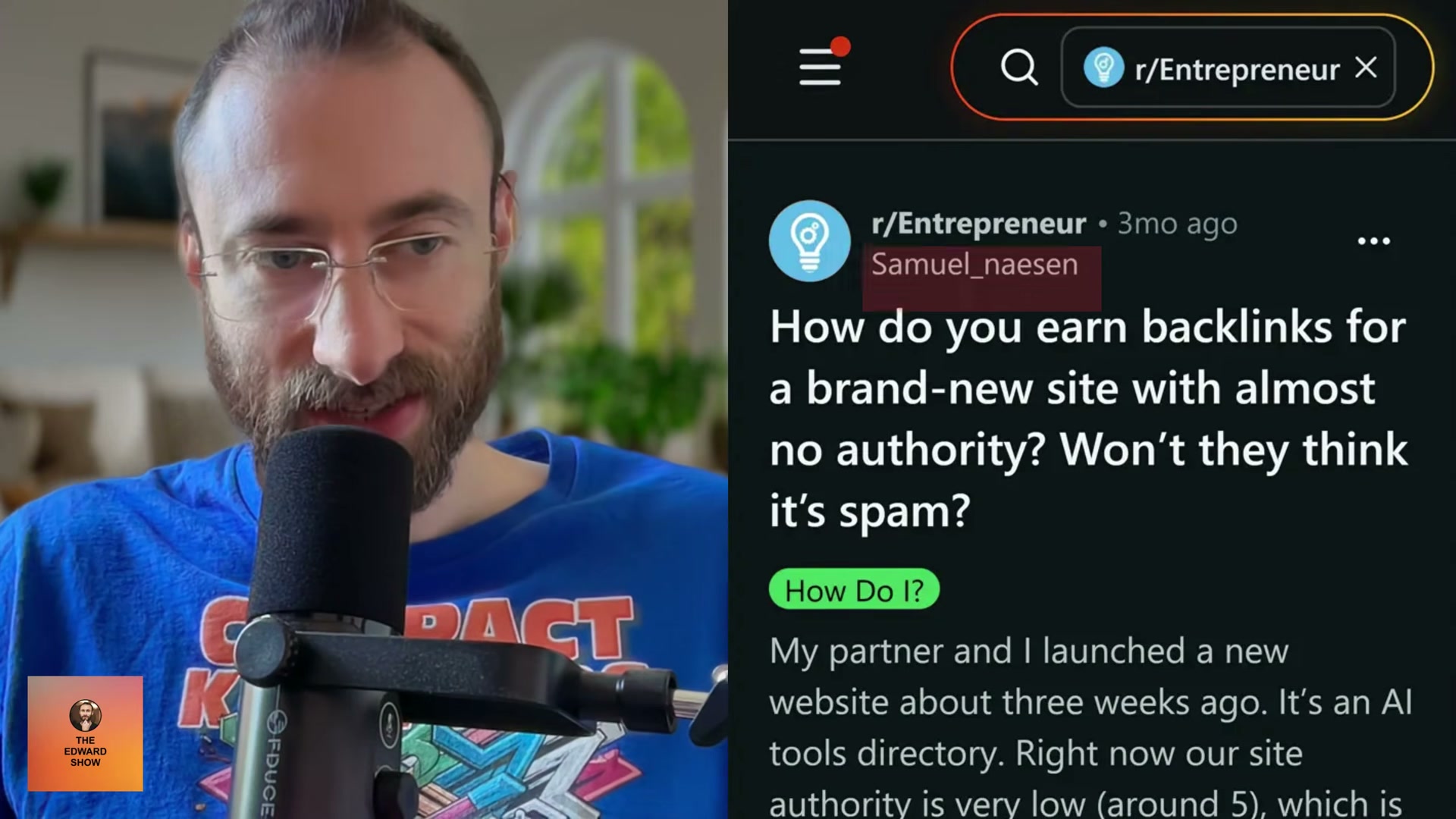
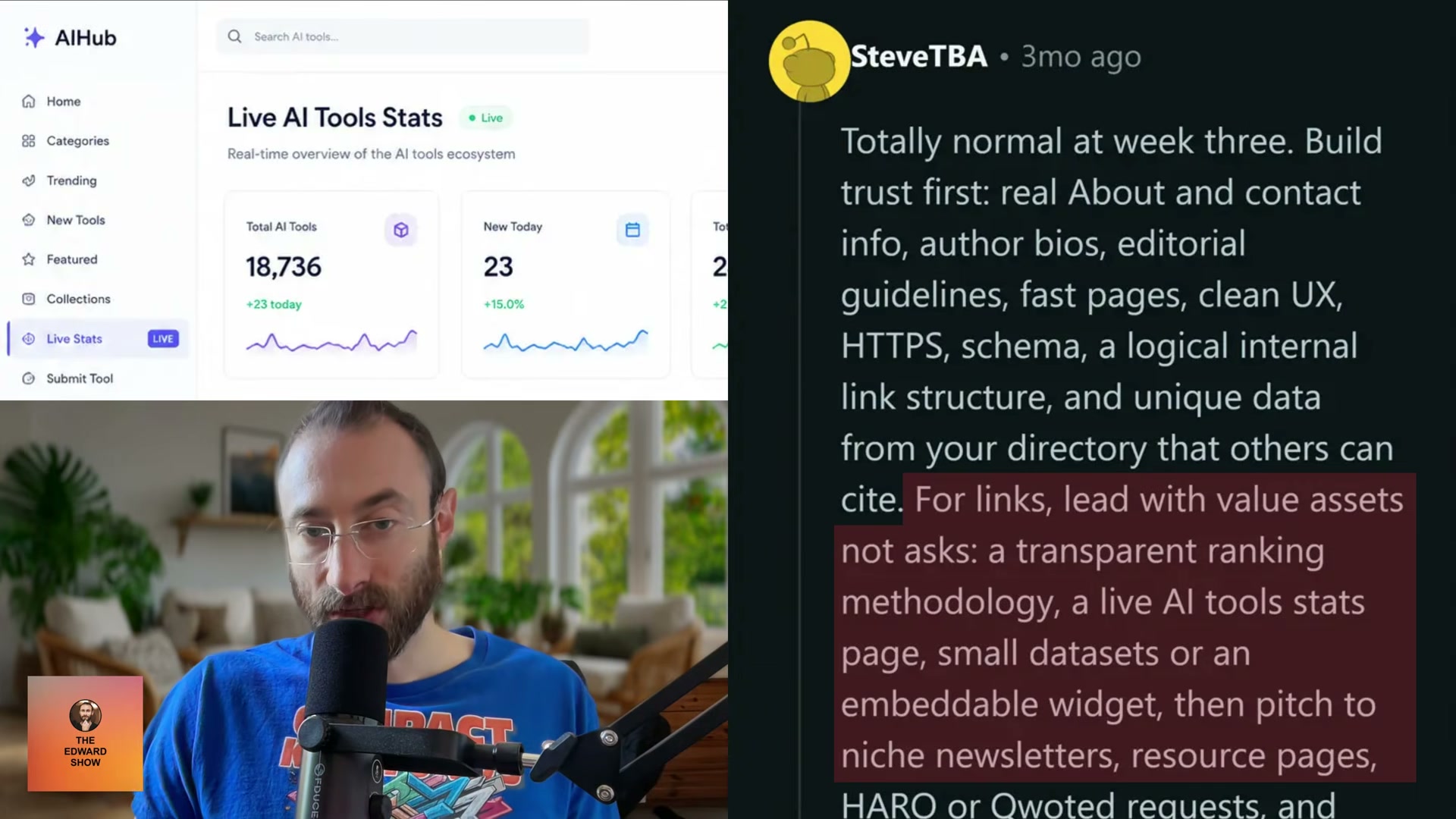
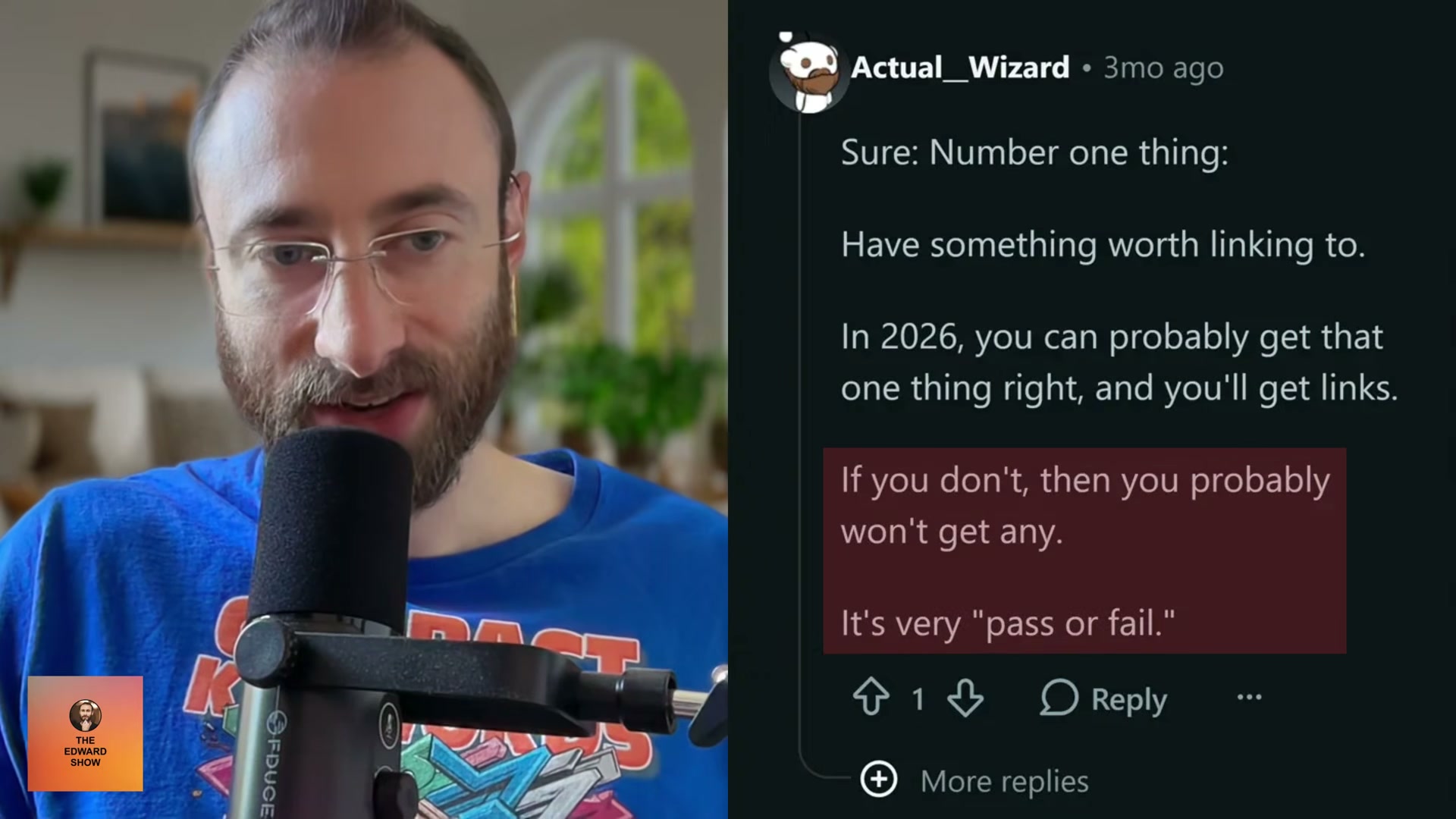
- Build a site that reads as legitimate before you contact anyone. Add a real About page, named author bios, a Contact page with a phone number, HTTPS, fast load times, clean UX, and logical internal linking. Journalists and site owners evaluating whether to link to you are looking at these signals — not your domain rating.
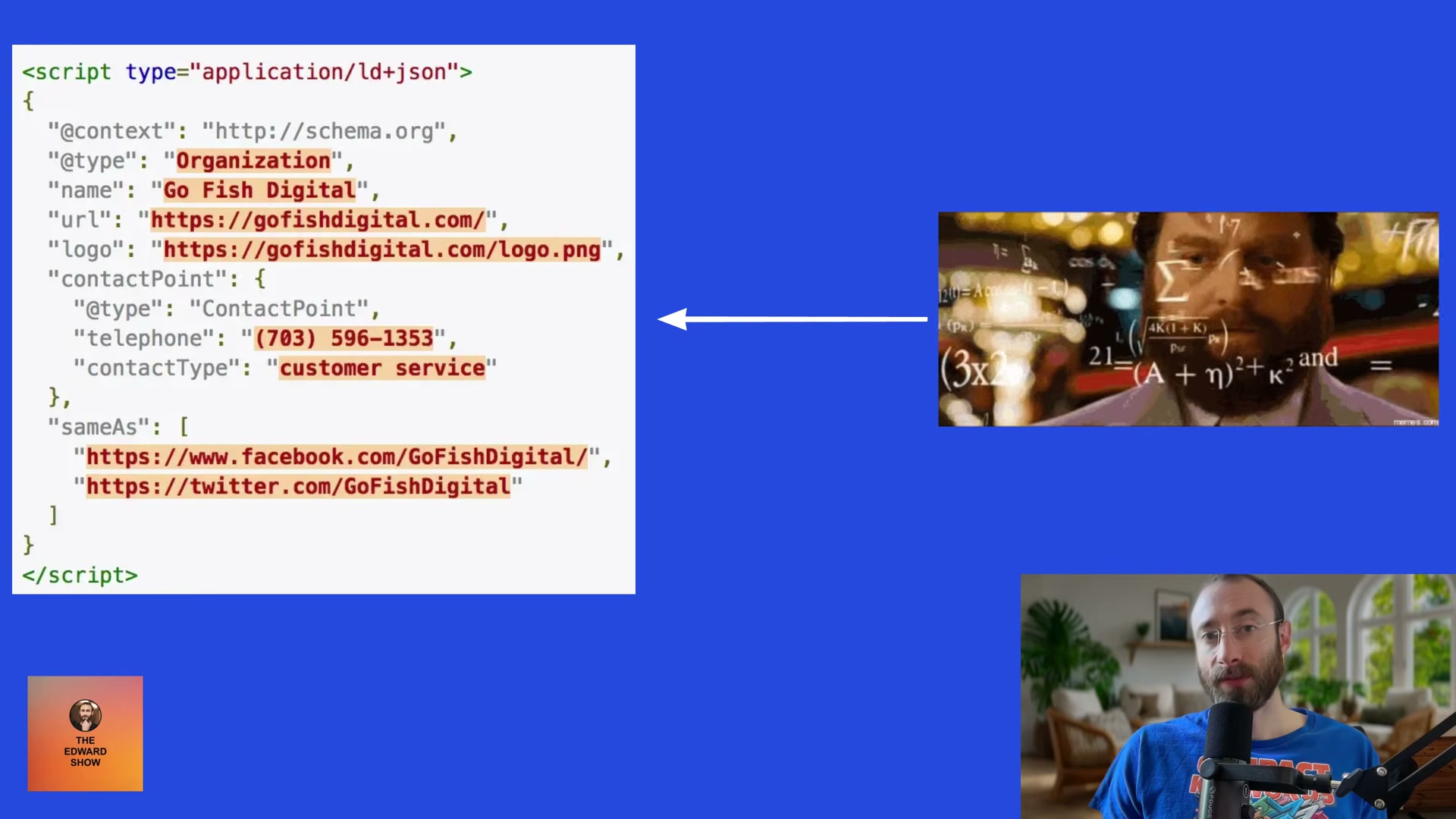 Add Organization schema markup to your site’s so Google can verify your entity — a foundational trust signal for new sites.
-
Spend 15 minutes per day leaving thoughtful, specific comments on posts from niche influencers and publishers whose audiences overlap with yours. The goal is brand recognition — when you eventually reach out for a link, your name isn’t arriving cold.
-
If 15 minutes a day is too much to sustain, hire a VA to act as a brand ambassador. Their only job: monitor X, Threads, or LinkedIn for relevant posts and leave genuine, read-the-post comments. The cost is low; the compounding recognition is not.
-
Every time a journalist mentions your brand, follow up two months later. Offer to provide a quote or feedback on anything they’re working on next. Many journalists write for multiple outlets — one maintained relationship can produce links across several publications.
-
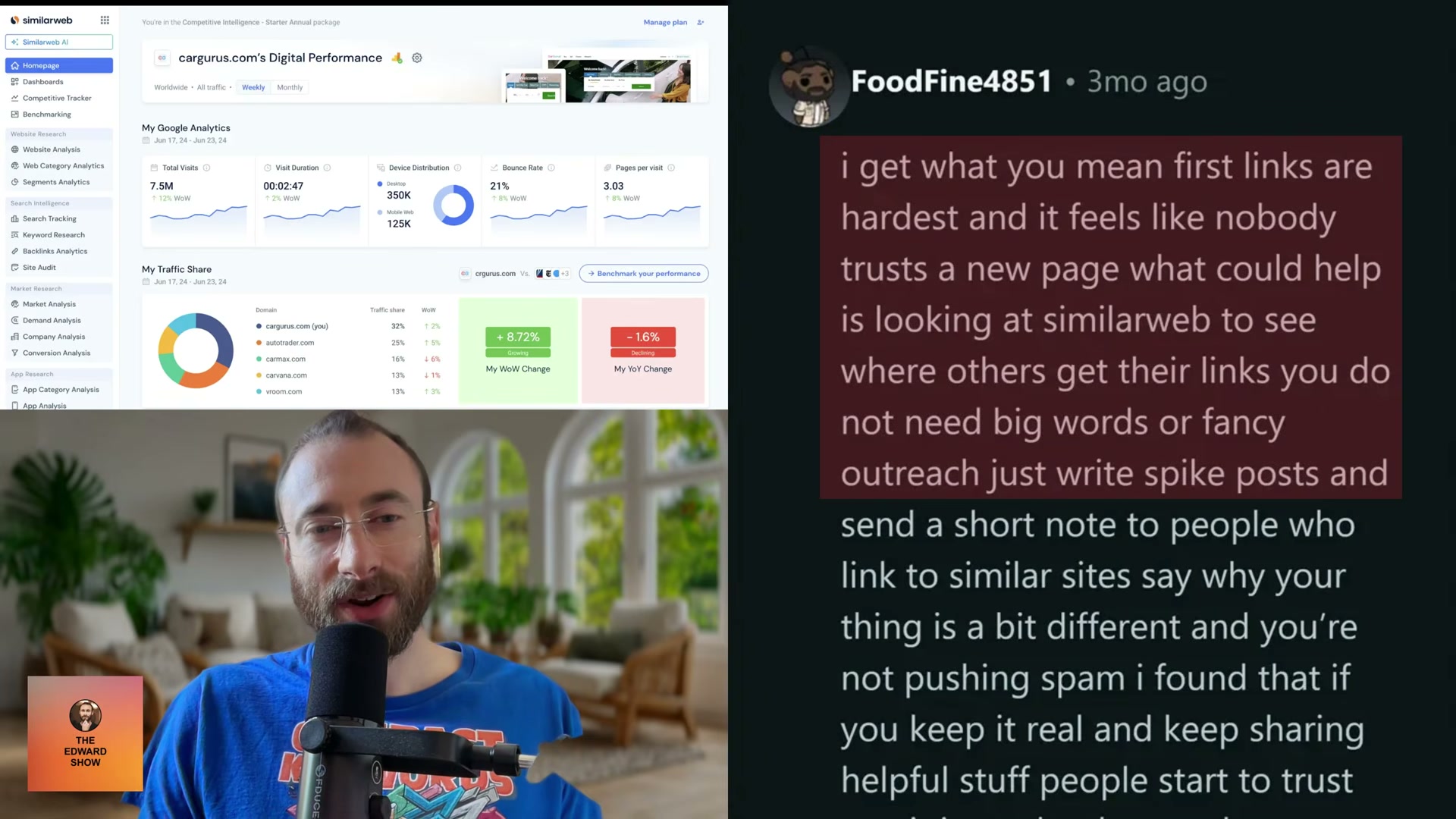
Use SimilarWeb’s backlink analytics to identify which referring domains are sending traffic to your competitors. Those sites have already demonstrated a willingness to link in your niche — pitch them directly.
-
Publish spike posts — short, tightly scoped, genuinely useful pieces — and reach out to anyone who has linked to similar content. Lead with what makes your post different, not with the ask.
-
Use ChatGPT Agent Mode to systematize your pitch workflow: generate pitch angles, identify journalists who cover your space, and draft personalized outreach emails. Sturm’s linked article walks through the specific prompt sequence.
Warning: this step may differ from current official documentation — see the verified version below.
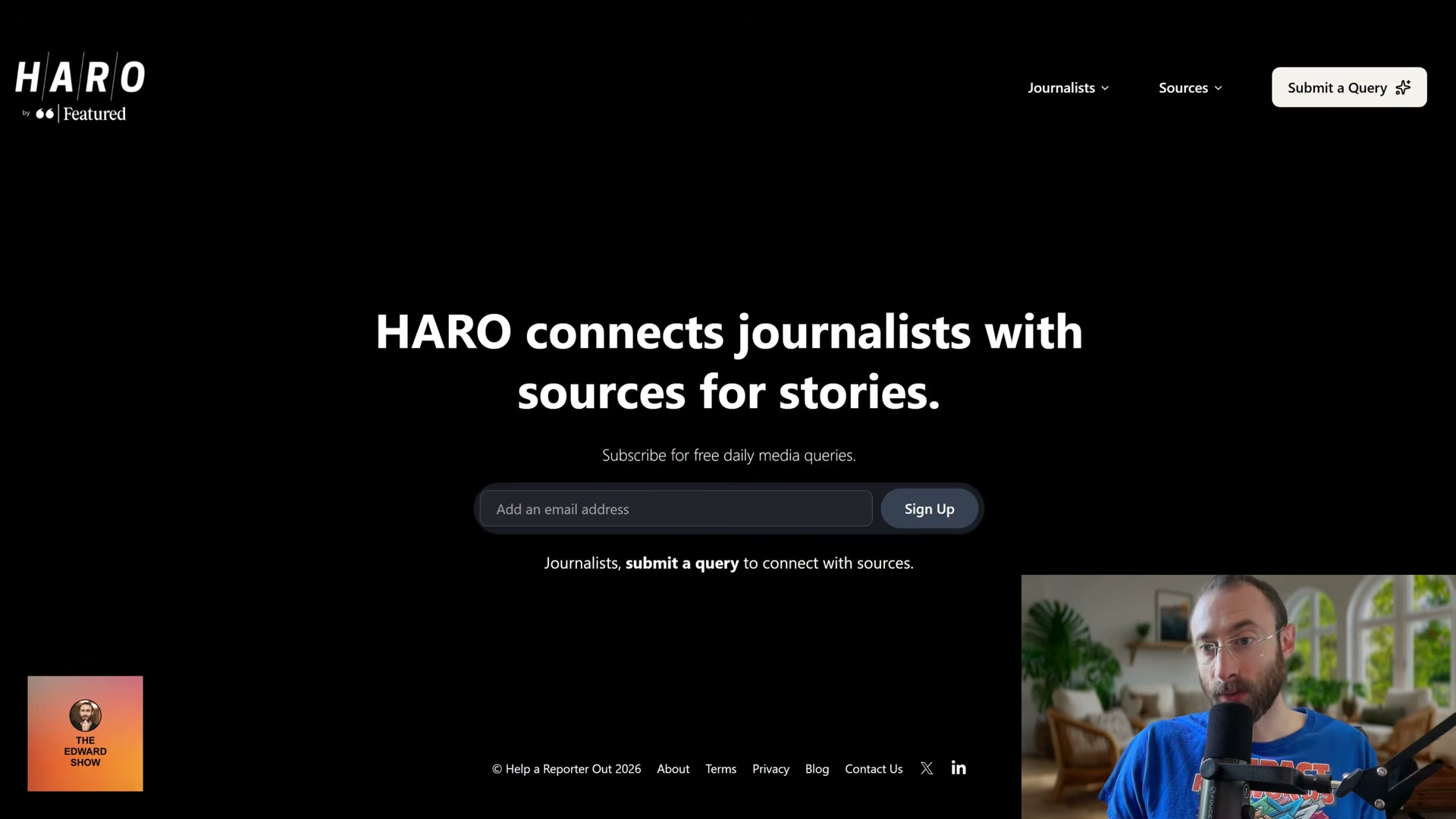
- Submit to journalist-query platforms to earn editorial backlinks at scale. HARO (now operating under Featured.com’s umbrella), Quoted, and Source of Sources are free entry points. Featured.com’s paid tier increases placement probability because the platform actively advocates for accepted experts.
-
Launch on Product Hunt on day one. The launch page itself becomes an early referring domain, and the community exposure often drives secondary coverage.
-
Sign up for PodcastMatcher.com to book guest appearances. After each episode, share your site URL paired with deliberate, descriptive anchor language — you control how your link gets described.
-
If you’re building a SaaS or a data-driven asset, wire in a share function from the start. Deliberate shareability mechanics generate referral traffic and organic link acquisition simultaneously.
How does this compare to the official docs?
The strategies here come from practitioner experience and community consensus — but the underlying platforms (SimilarWeb, ChatGPT Agent Mode, HARO/Featured) each have documented workflows and current best practices that are worth cross-referencing before you build your outreach stack.
Here’s What the Official Docs Show
The video walks through a solid, practitioner-tested sequence that holds up well across most steps — what follows layers in what the official platform documentation actually shows, so you can build your outreach stack on confirmed ground rather than assumption. Where the docs add nuance or surface a constraint the video skips, you’ll find it called out directly below.
Step 1 — Build a Legitimate-Looking Site First
No official documentation was found for this step —
proceed using the video’s approach and verify independently.
Step 2 — Daily Comments on Niche Influencer Posts
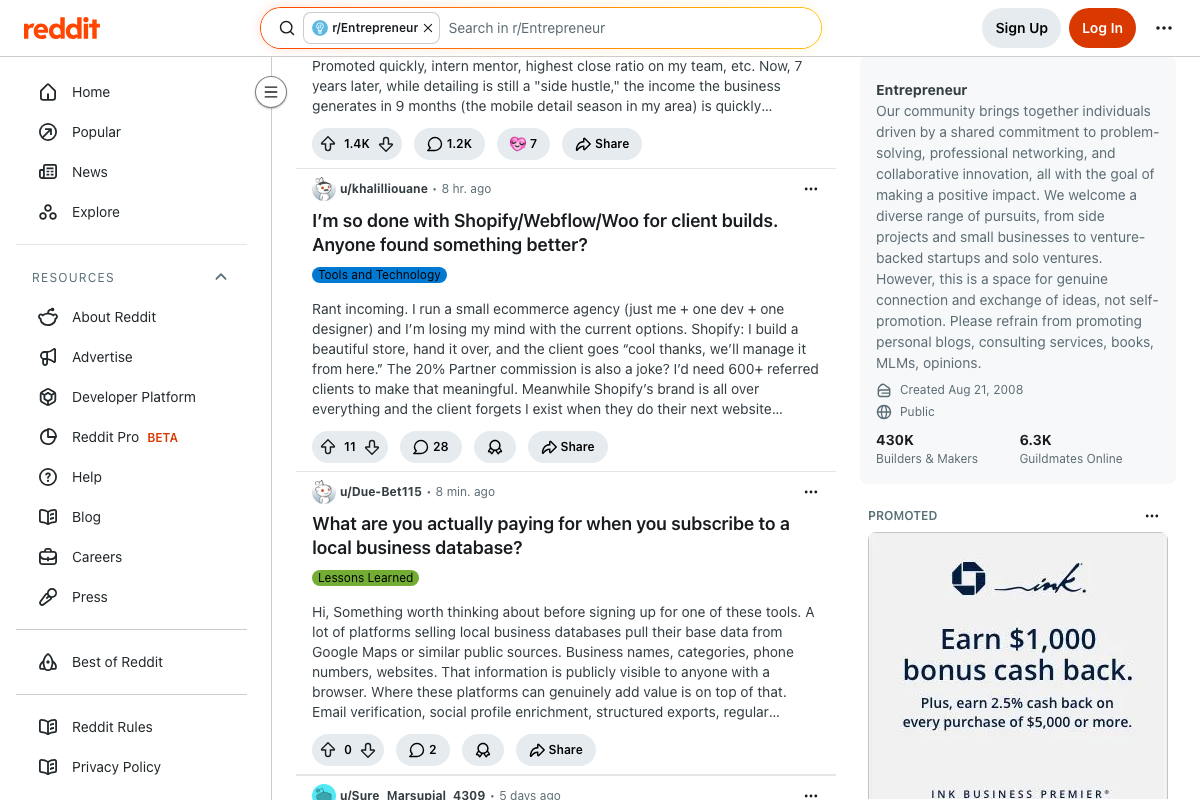
The video recommends Reddit as a social commenting channel for brand recognition. The r/Entrepreneur subreddit (430K members) is active and highly relevant to this audience — but its sidebar policy is unambiguous: “this is a space for genuine connection and exchange of ideas, not self-promotion. Please refrain from promoting personal blogs, consulting services, books, MLMs, opinions.” That rule is pinned consistently across page views; it is not fine print.

The video’s advice to leave genuine, read-the-post comments is actually aligned with this policy — the constraint is that any comment that links back to your site or frames you as a service provider will likely be removed or flagged. Contribute value first; let the profile do the passive linking work.
Step 3 — Hire a VA as Brand Ambassador
No official documentation was found for this step —
proceed using the video’s approach and verify independently.
Step 4 — Follow Up With Journalists Two Months Later
No official documentation was found for this step —
proceed using the video’s approach and verify independently.
Step 5 — Use SimilarWeb to Find Competitor Referring Domains
The video’s approach here partially matches the current docs. SimilarWeb’s Knowledge Center confirms “Competitor Analysis” as a documented primary feature category, and competitive benchmarking is promoted content in their support portal.
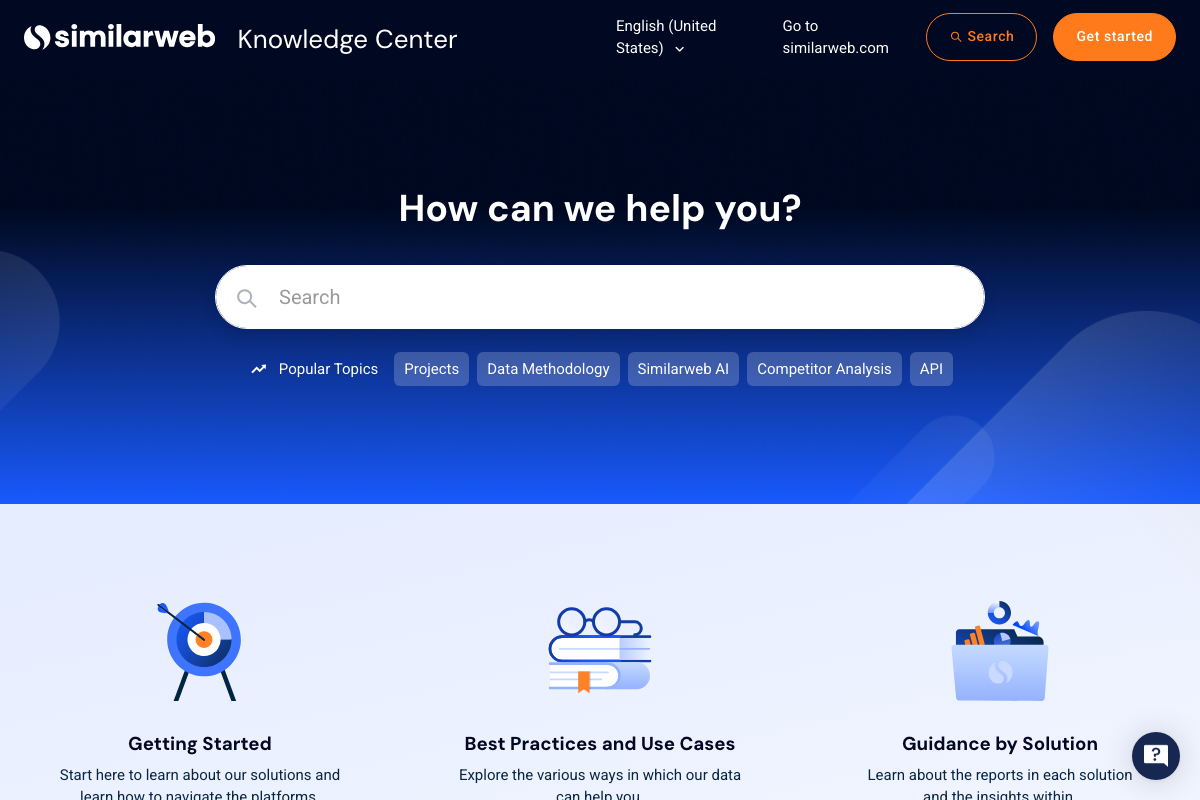
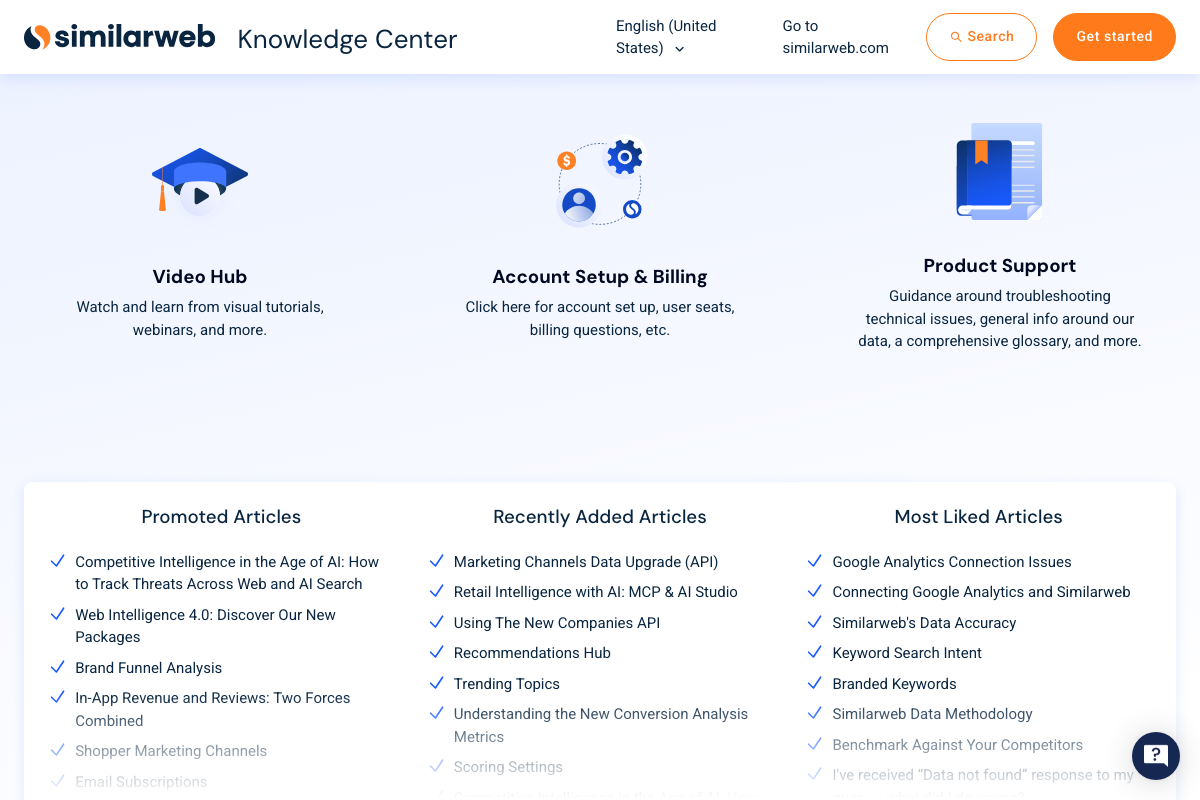
One gap: none of the captured documentation shows a backlink-specific or referring-domain report interface. The video’s claim that SimilarWeb surfaces competitor backlink origins specifically is a reasonable inference from the platform’s competitive intelligence scope — but it is not directly shown in the available documentation. Verify that this report type is accessible on your subscription tier before building it into your workflow. The footer also confirms a free browser extension and free tools exist, which the video does not mention.
Step 6 — Publish Spike Posts and Pitch Similar-Content Linkers
No official documentation was found for this step —
proceed using the video’s approach and verify independently.
Step 7 — Use ChatGPT Agent Mode for Pitch Workflow
As of May 18, 2026, the label “Agent Mode” does not appear in any captured ChatGPT interface documentation. The logged-out chatgpt.com homepage shows “New chat,” “Search chats,” “Images,” “Apps,” and “Deep research” as top-level navigation — “Deep research” is the only agentic-class feature visible without logging in. The OpenAI Help Center article on agentic mode (the intended documentation source) was not captured in the available screenshots.
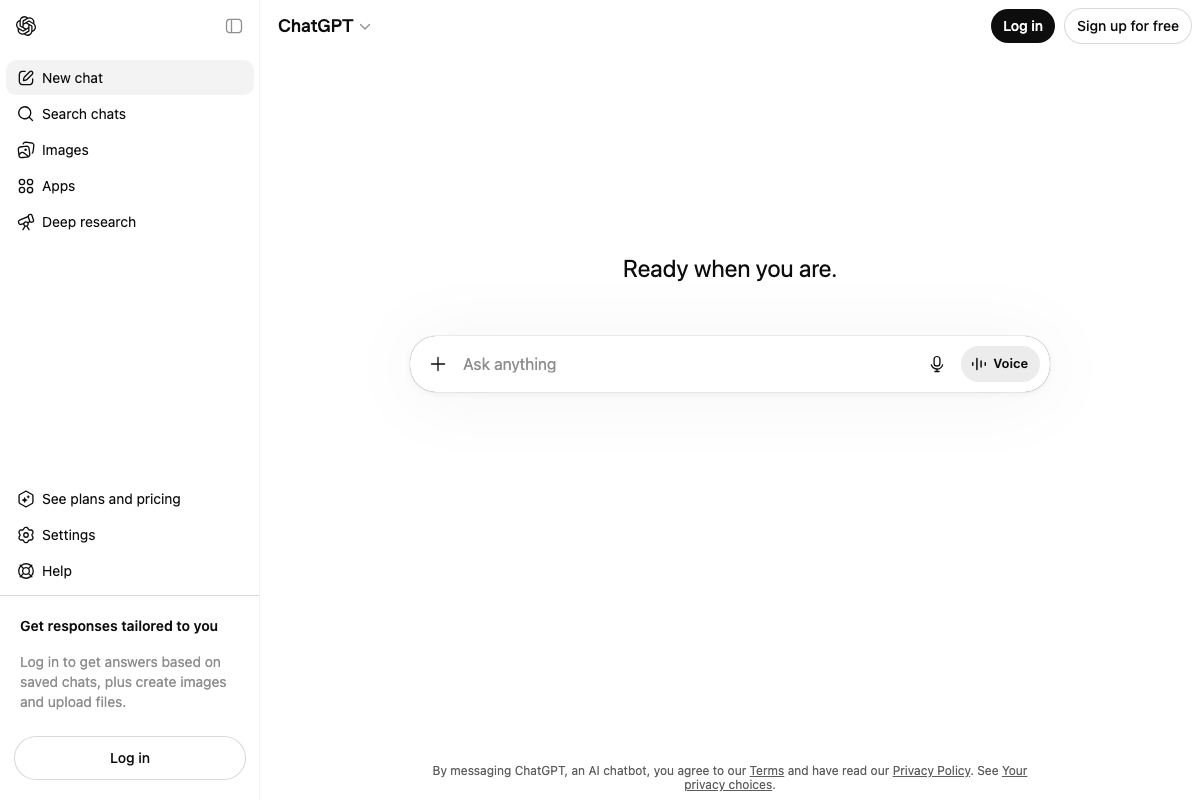
The feature the video calls “Agent Mode” may exist under a different label post-login, or may correspond to “Deep research.” Until the OpenAI help documentation is directly confirmed, treat “Agent Mode” as a label requiring verification — and look for “Deep research” as the equivalent entry point for agentic workflow automation.
No official documentation was found confirming a feature labeled “Agent Mode” —
proceed using the video’s approach and verify independently at help.openai.com.
Step 8 — Submit to Journalist-Query Platforms (Featured.com)
The video’s approach here matches the current docs exactly. Featured.com is documented as a two-sided expert-publisher marketplace: experts create a profile and answer publisher queries; placements appear on partner publications including Forbes, Fortune, Fast Company, Inc., and The Business Journals.

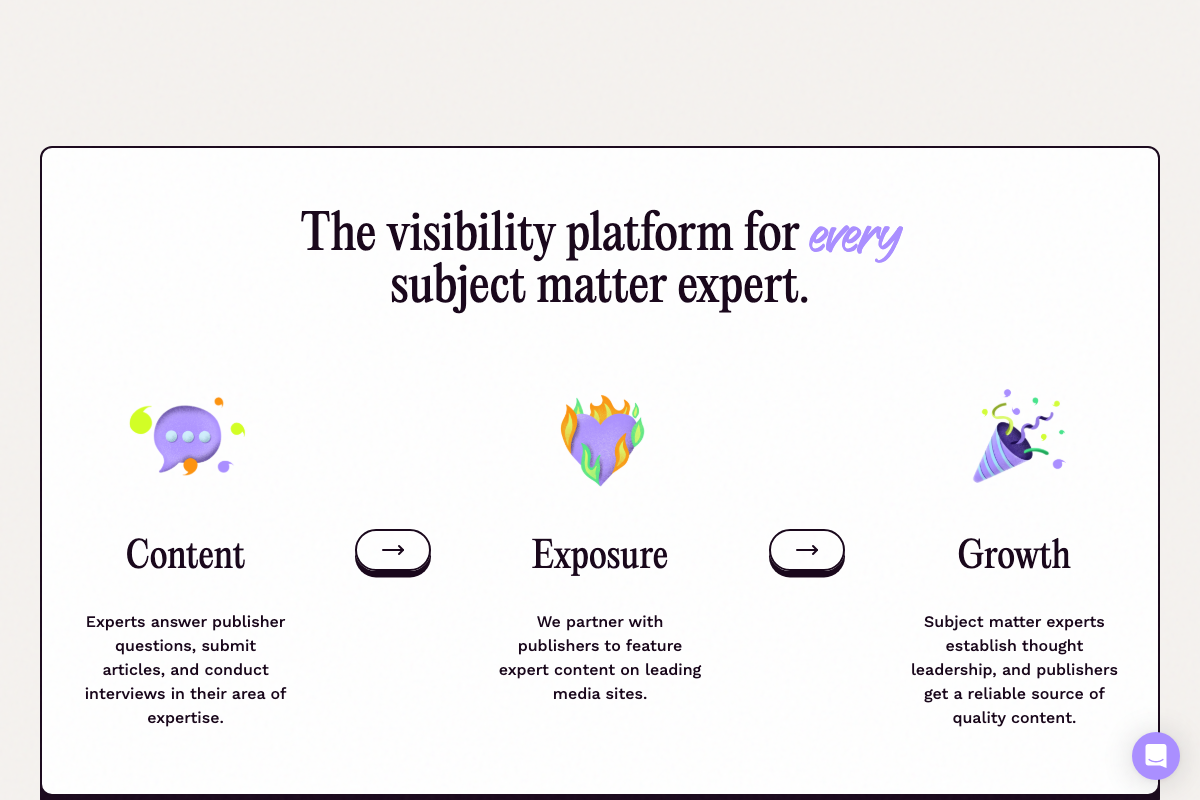

One addition the video skips: Featured.com’s own documentation frames participation as an ongoing content relationship — the platform’s “Growth” pillar positions it as a sustained thought-leadership pipeline, not a single outreach event. Plan for repeated engagement, not one-and-done submissions. On pricing: the video describes Featured.com as a “paid” platform, but no pricing information appears in any of the three captured screenshots. Whether a paid tier is required to access the placement-probability advantage the video describes cannot be confirmed from the current documentation — check the platform’s pricing page directly before signing up.
Step 9 — Launch on Product Hunt Day One
No official documentation was found for this step —
proceed using the video’s approach and verify independently.
Step 10 — Book Podcast Appearances via PodcastMatcher.com
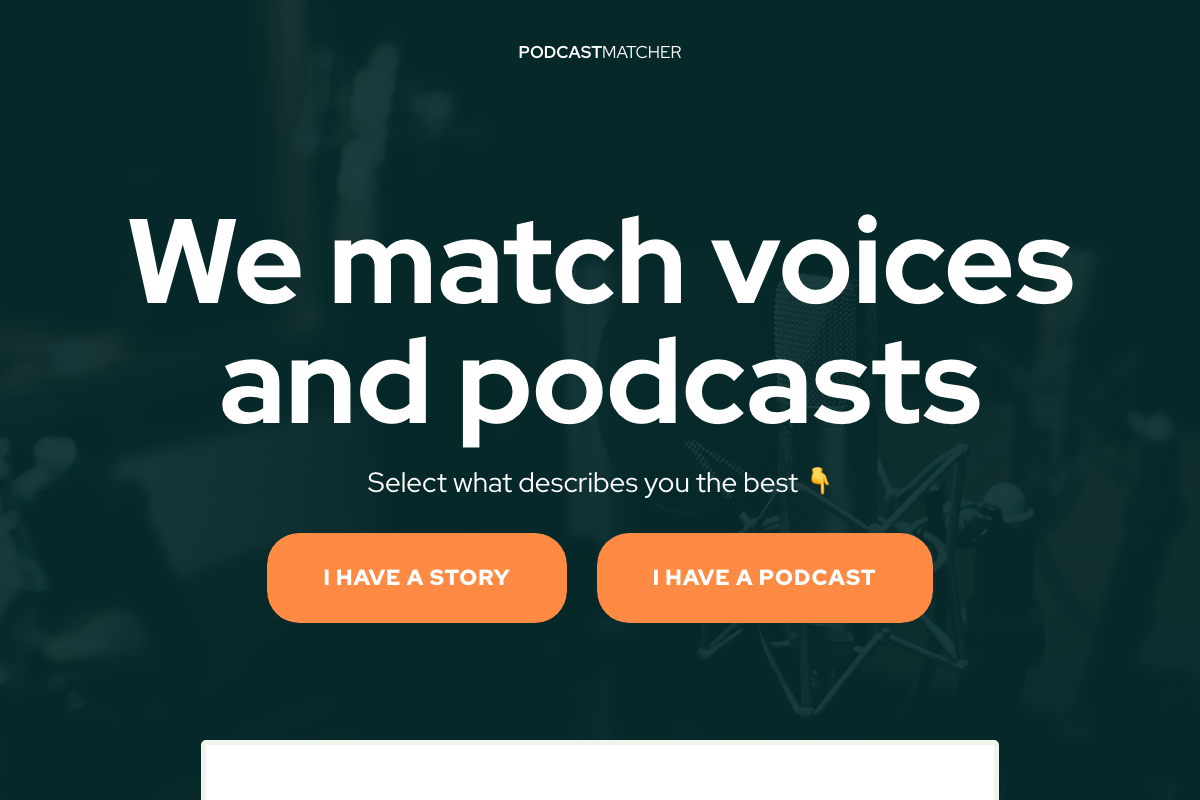
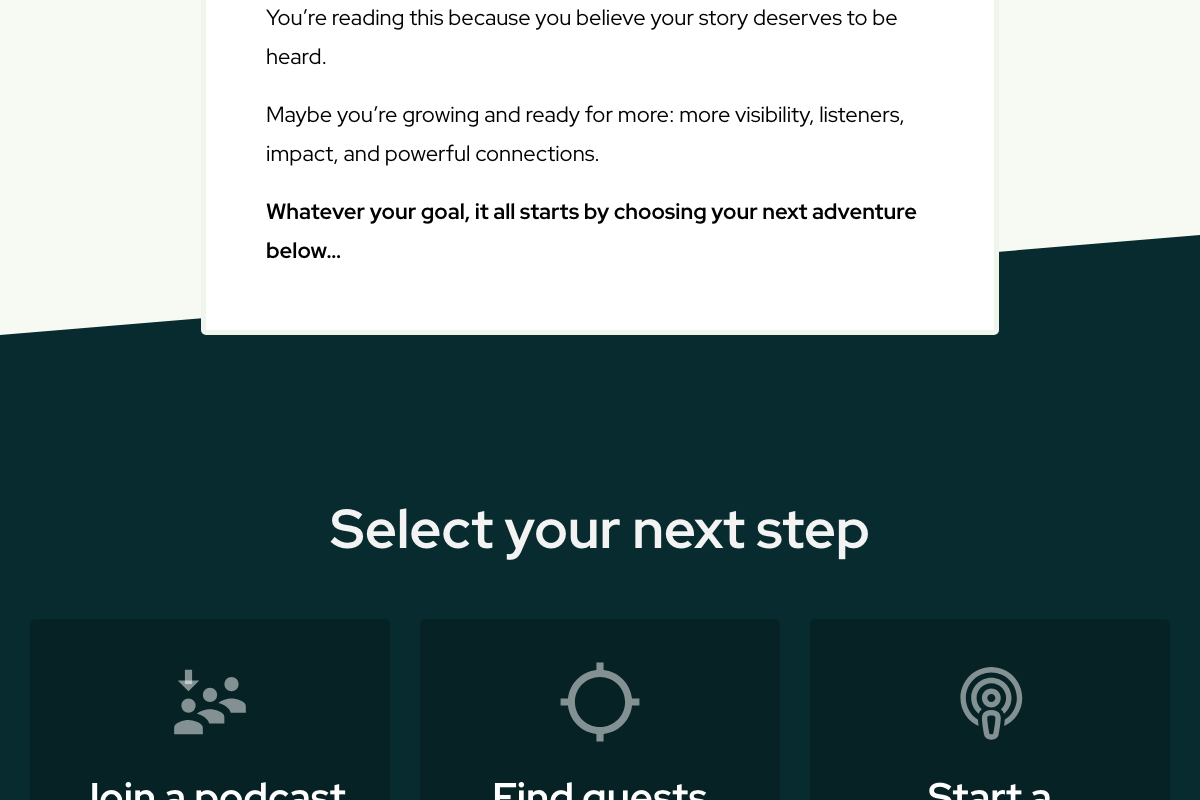
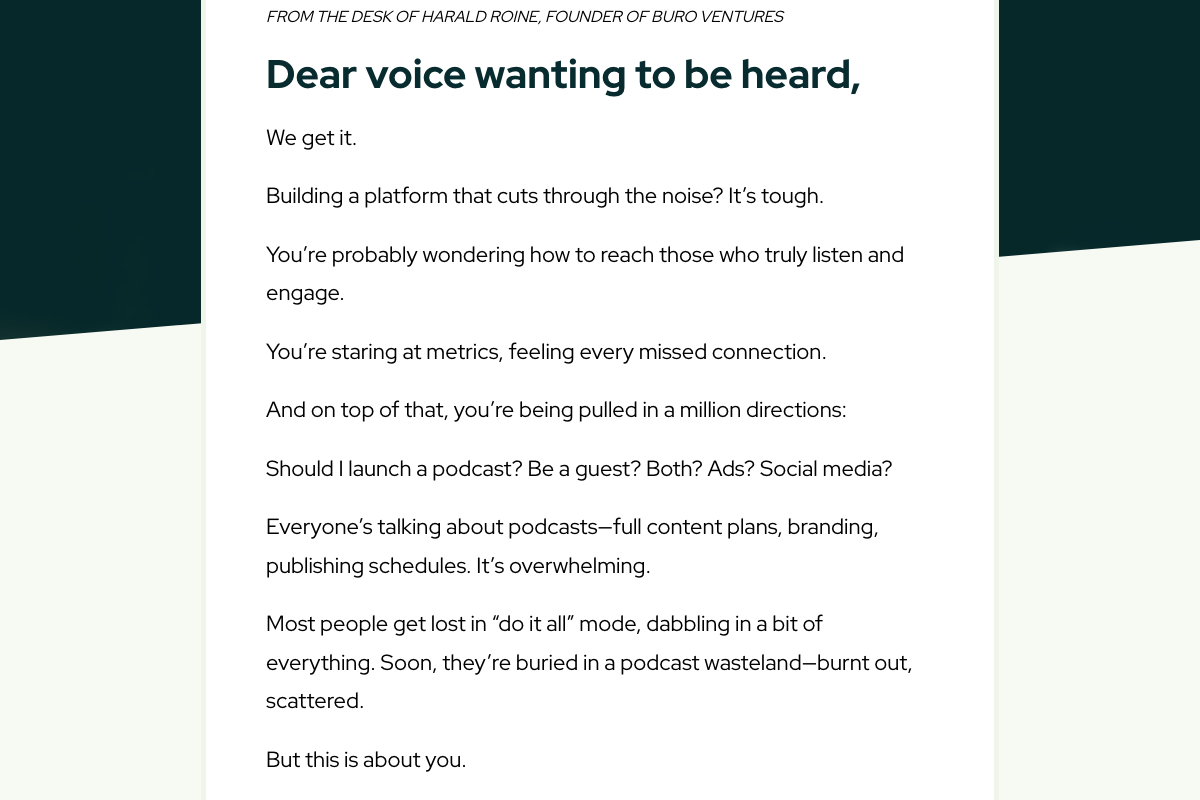
The video’s approach here matches the current docs exactly. PodcastMatcher.com is confirmed active at the exact domain referenced, founded by Harald Roine of Buro Ventures. The guest-booking pathway is labeled “I Have a Story” — not “sign up as a guest” — so select that path when onboarding.
No pricing information is visible in the available documentation — verify cost before committing to the platform as a core channel.
Step 11 — Wire In a Share Function for SaaS or Data Assets
No official documentation was found for this step —
proceed using the video’s approach and verify independently.
Useful Links
- ChatGPT — OpenAI’s web-based AI platform; check the logged-in sidebar for current agentic feature labels including “Deep research.”
- Similarweb Knowledge Center — Official support portal documenting SimilarWeb’s full feature set, including Competitor Analysis and free tools.
- Featured: Connecting Publishers with Subject Matter Experts — Expert-publisher matching platform providing access to 1,000+ publisher partners including Forbes, Fortune, and Fast Company.
- PodcastMatcher – We match voices and podcasts — Guest-booking platform operated by Buro Ventures; use the “I Have a Story” path to pursue podcast appearances.
- Entrepreneur (r/Entrepreneur) — 430K-member subreddit for founders and builders; review sidebar rules before any community engagement strategy.


0 Comments