

Build High-Authority Health Niche Backlinks with ChatGPT Agent Mode
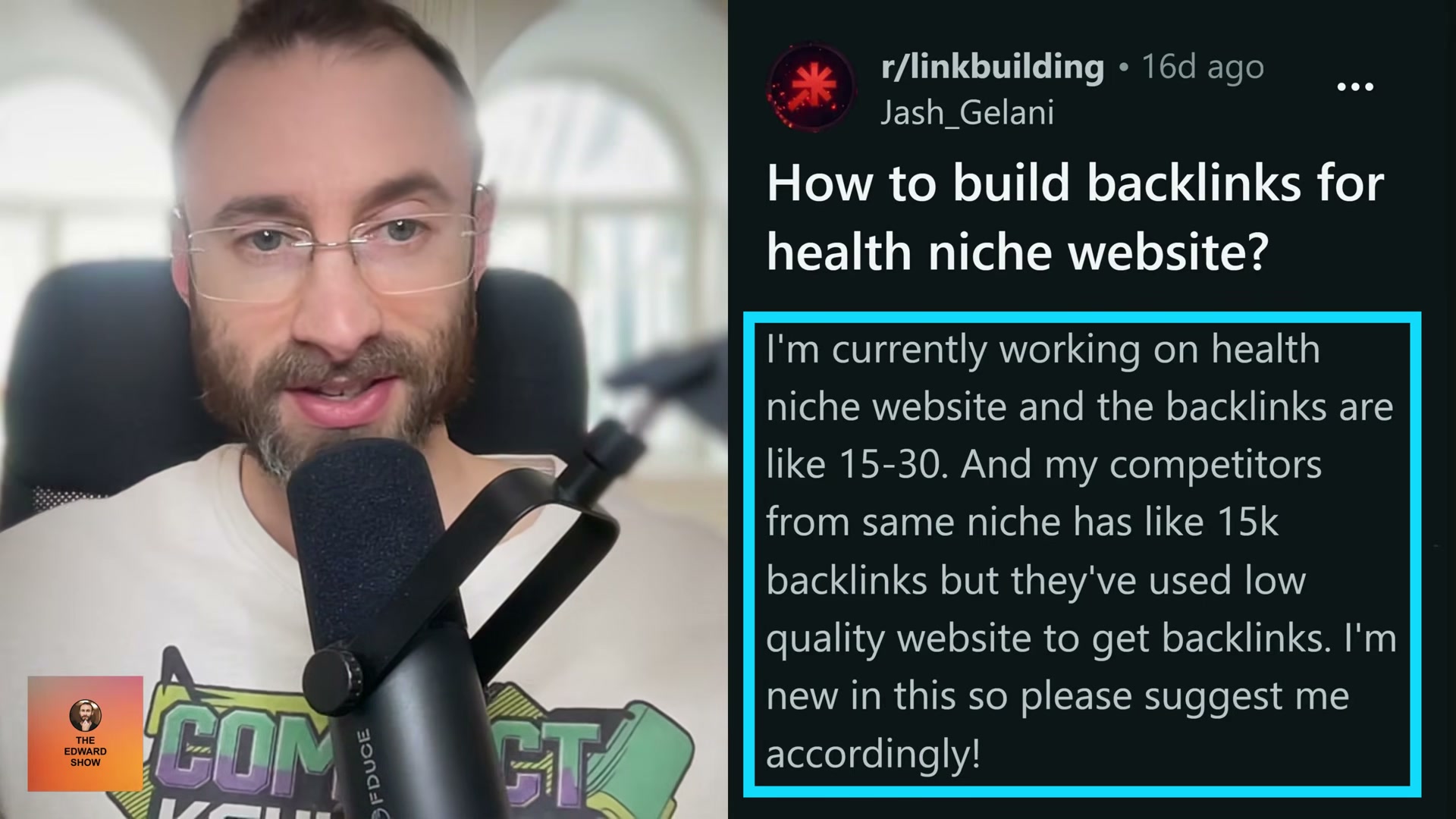
Health SEO carries a structural penalty most niches don’t face: Google classifies medical content as YMYL (Your Money or Your Life), which means low-quality backlinks don’t just fail to move the needle — they actively erode rankings. This tutorial walks you through a journalist outreach workflow that uses ChatGPT Agent Mode to research contacts, identify pitch angles, and draft personalized emails at scale, then layers in platform-based link sources to keep your profile diverse enough to look organic.

-
Copy all text from your business landing page. This block becomes ChatGPT’s context for understanding your niche, audience, and positioning — the more complete your copy, the more targeted the journalist angles it returns.
-
Open ChatGPT and paste the landing page text. Prompt it: “I want to message hyper-relevant journalists who cover news in my niche. What are all of the angles they might report on that would be relevant to me?” Treat the output as raw material, not a finished strategy.
-
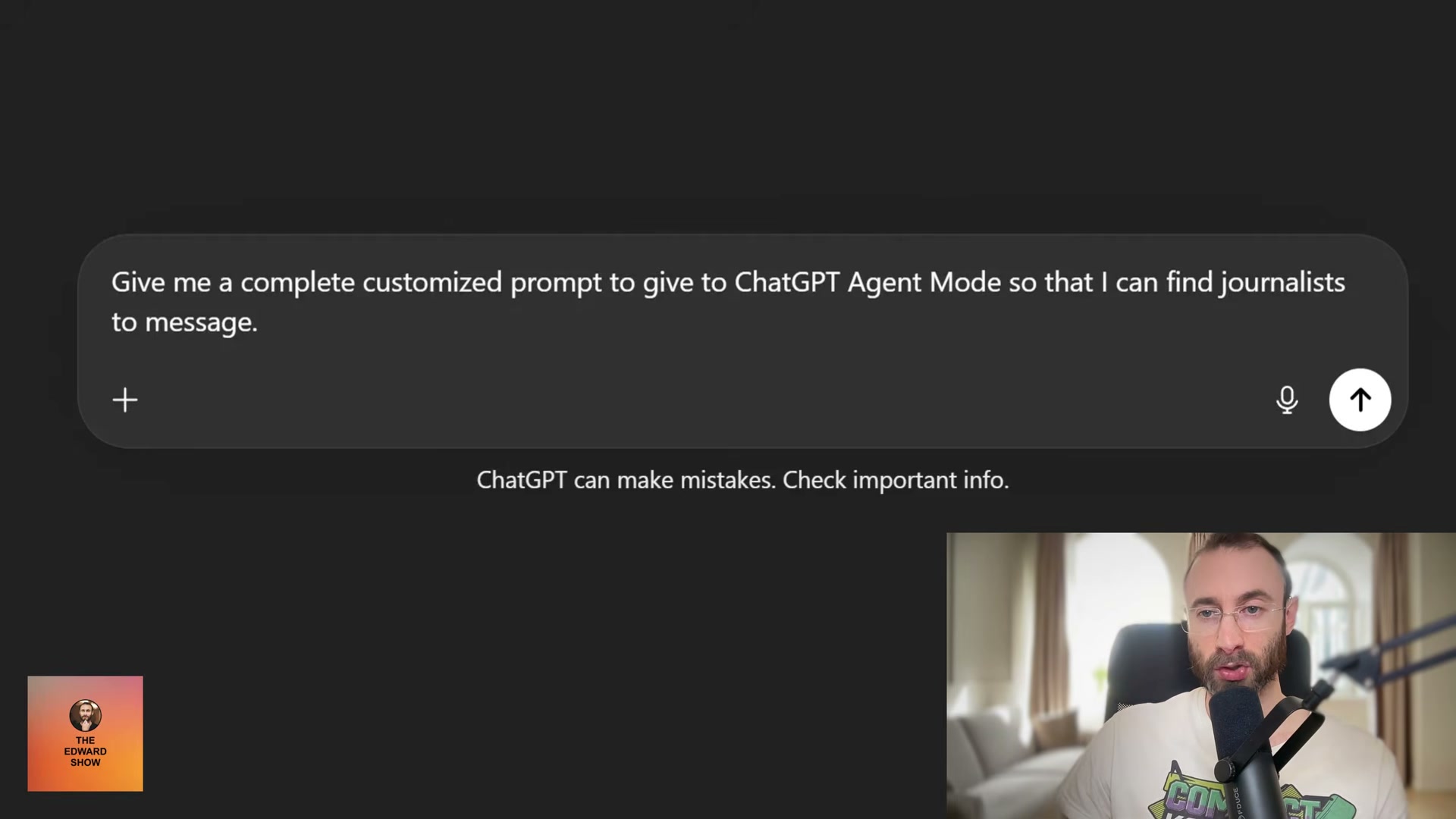
Ask ChatGPT to build the Agent Mode prompt itself: “Give me a complete customized prompt to give to ChatGPT Agent Mode so that I can find journalists to message.” Copy the full output — you’ll run it in the next step.
-
Switch to ChatGPT Agent Mode and paste the generated prompt. Agent Mode opens a virtual browser and runs autonomous research. Budget 20 to 25 minutes and leave it alone — interrupting the session cuts the research short.
-
With Agent Mode still active, send a follow-up: “Analyze these journalists’ last five articles and suggest a customized pitch angle for each that aligns with their writing style and coverage focus.” This pass converts a raw contact list into a ranked set of angles matched to each journalist’s actual beat.
-
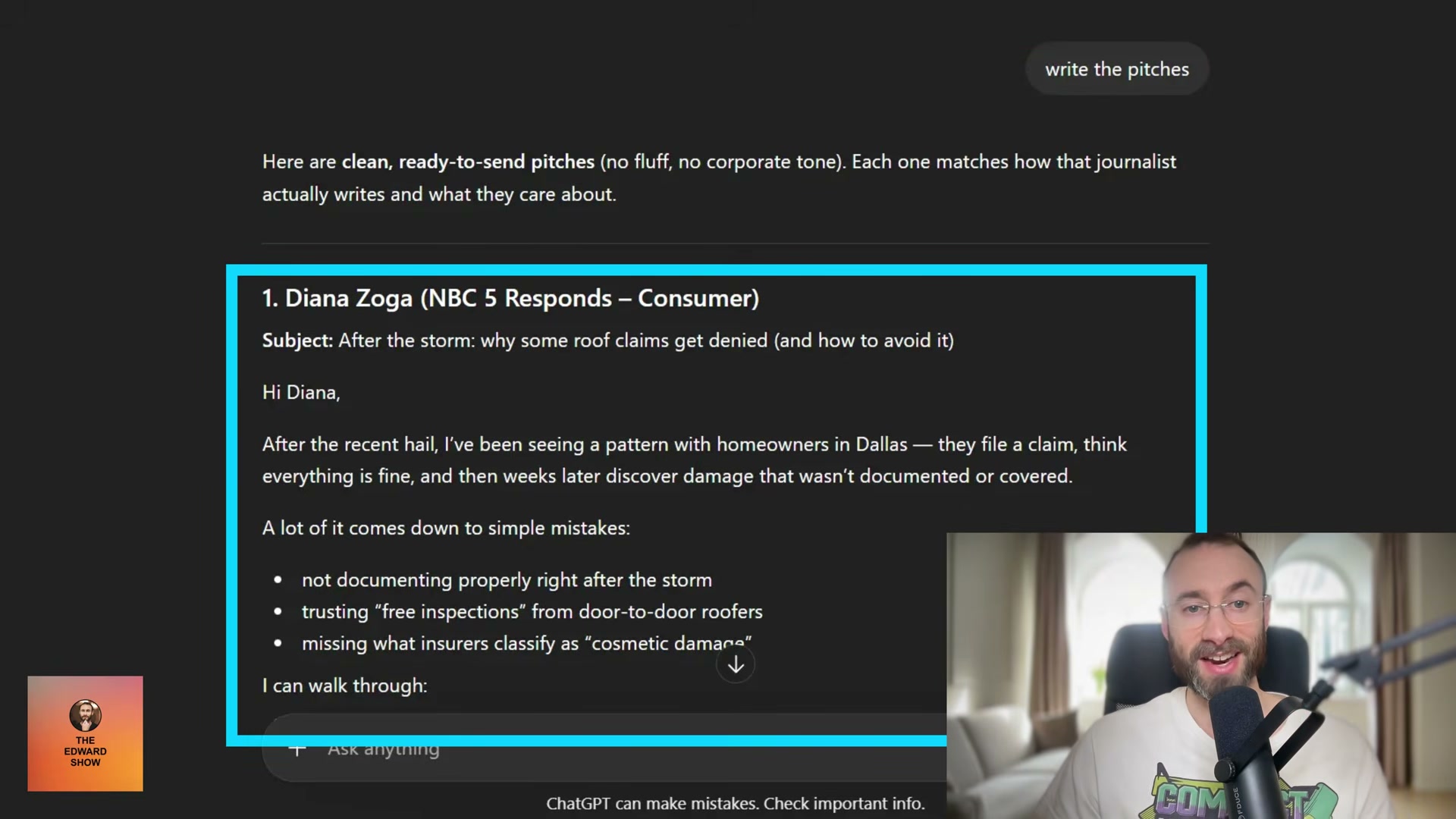
Prompt ChatGPT to write the pitches: “Write the pitches.” It generates complete, addressed drafts — subject lines included.
-
Edit every pitch for your personal voice. Strip em dashes, cut marketing buzzwords, and rewrite any sentence that reads like it came from a language model. The message should sound like you wrote it at your desk.
-
Send each pitch to the journalist’s publicly listed email address or via DM on social media. Direct addresses outperform contact forms and third-party aggregators.
-
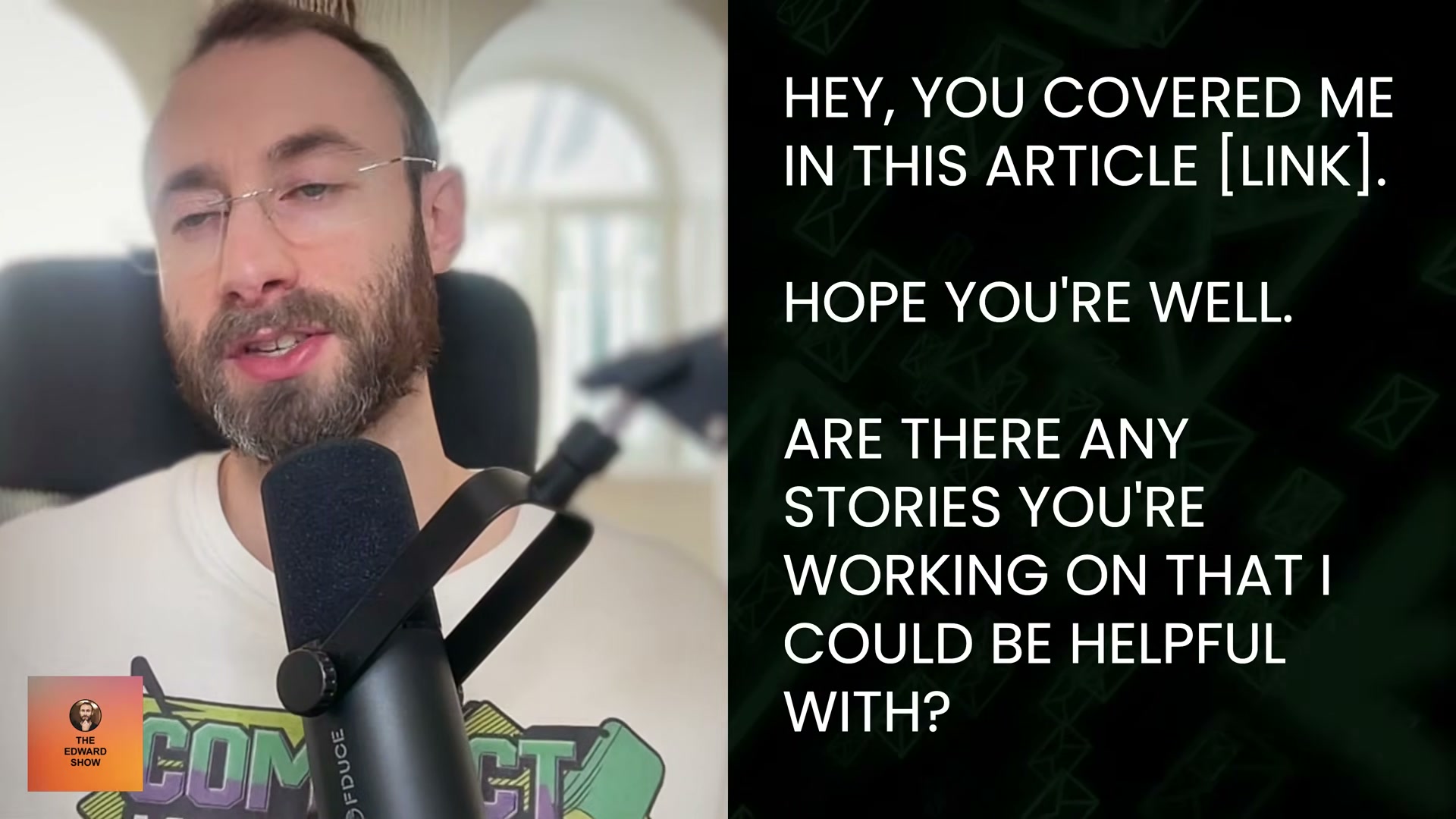
Once a journalist covers you, follow up every one to two months. Reference the specific article they wrote, keep the message to two or three sentences, and offer to comment on whatever they’re currently working on — an offer of expertise, not a link request.
- Supplement the journalist workflow with daily responses to Source of Sources and Featured.com queries, directory submissions, podcast appearances, and product launch platform listings such as Product Hunt and BetaList.
Warning: this step may differ from current official documentation — HARO (Help a Reporter Out) was shut down in 2024 after Cision rebranded it as Connectively. Source of Sources and Featured.com are the active equivalents as of 2026 — see the verified version below.
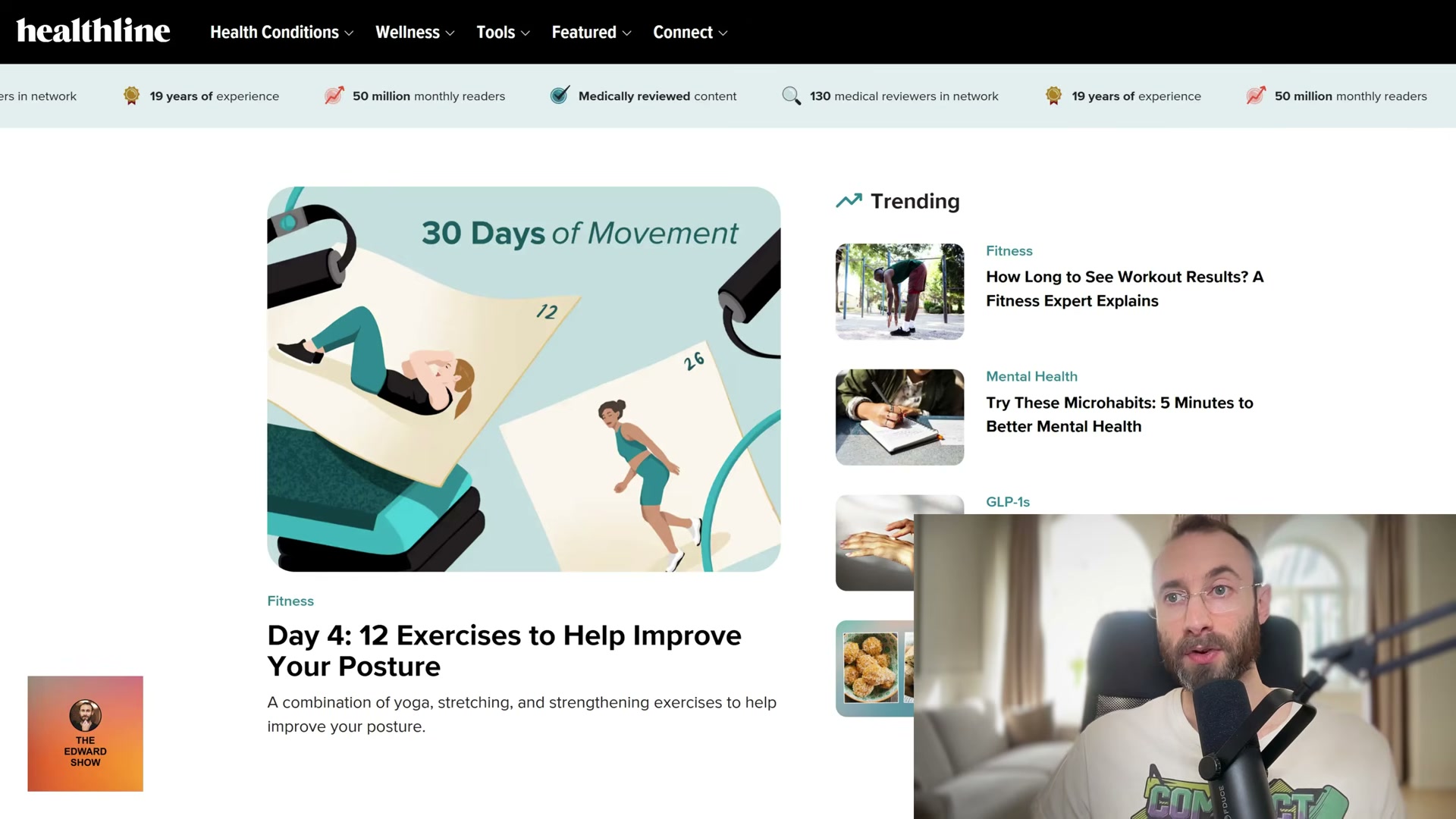
How does this compare to the official docs?
ChatGPT Agent Mode is a fast-moving product with specific documented constraints around autonomous browsing, session limits, and data freshness — and what OpenAI publishes about those constraints changes how you should interpret the 25-minute research session shown here.
Here’s What the Official Docs Show
Act 1 lays out a solid outreach framework — what follows adds the platform details and feature-label updates that have shifted since recording. Consider this a briefing on what’s changed, not a rewrite of the workflow.
Step 1 — Copy your landing page text
No official documentation was found for this step — proceed using the video’s approach and verify independently.
Steps 2–6 — ChatGPT research and pitch generation
ChatGPT is accessible at chatgpt.com as described. One correction on naming: as of April 2026, the autonomous research feature visible in the ChatGPT sidebar is labeled “Deep research” — not “Agent Mode.” No option labeled “Agent Mode” appears anywhere in the current UI. The workflow the tutorial describes is consistent with how Deep research operates; look for that label in the left sidebar after logging in.
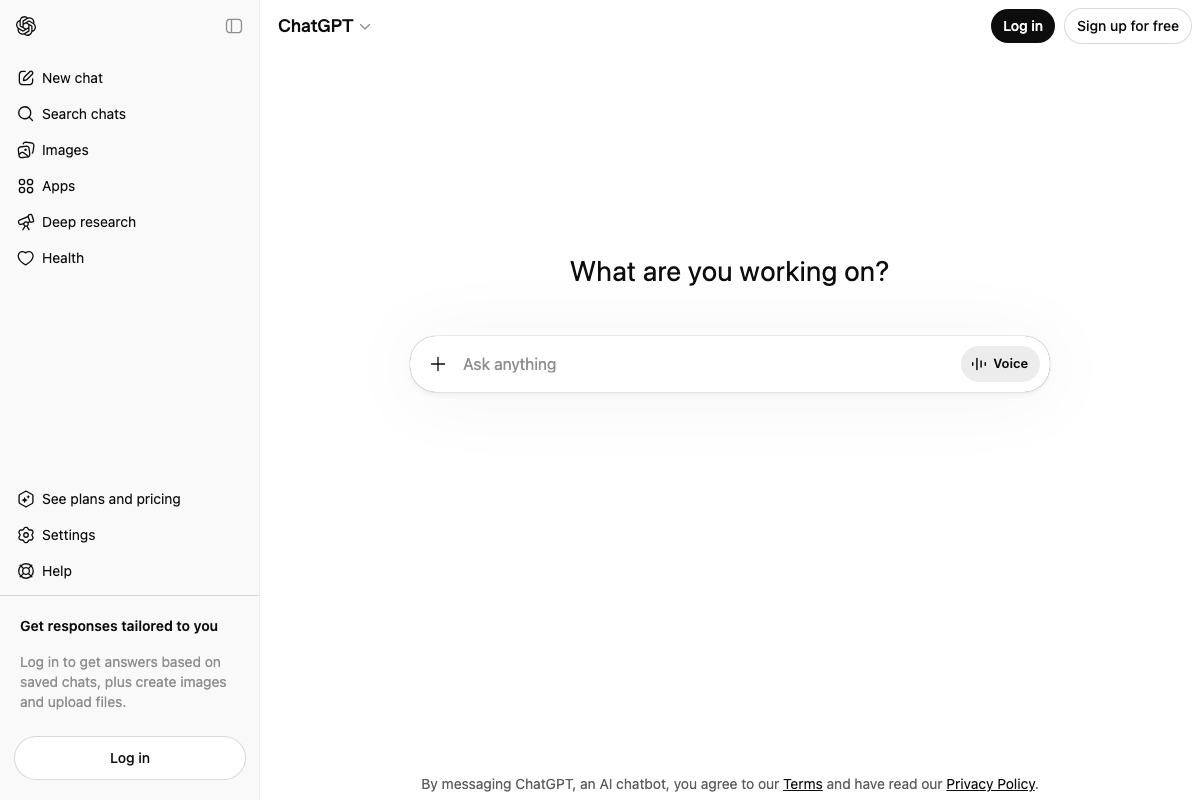
Beyond confirming the platform exists and the feature-naming difference above, no official documentation was found for the research and pitch-generation sequence in Steps 2–6 — proceed using the video’s approach and verify current Deep research session limits independently.
Steps 7–9 — Voice editing, outreach, and follow-up
No official documentation was found for these steps — proceed using the video’s approach and verify independently.
Step 10 — HARO, Source of Sources, Featured.com, BetaList
Three additions worth knowing before you sign up for anything.
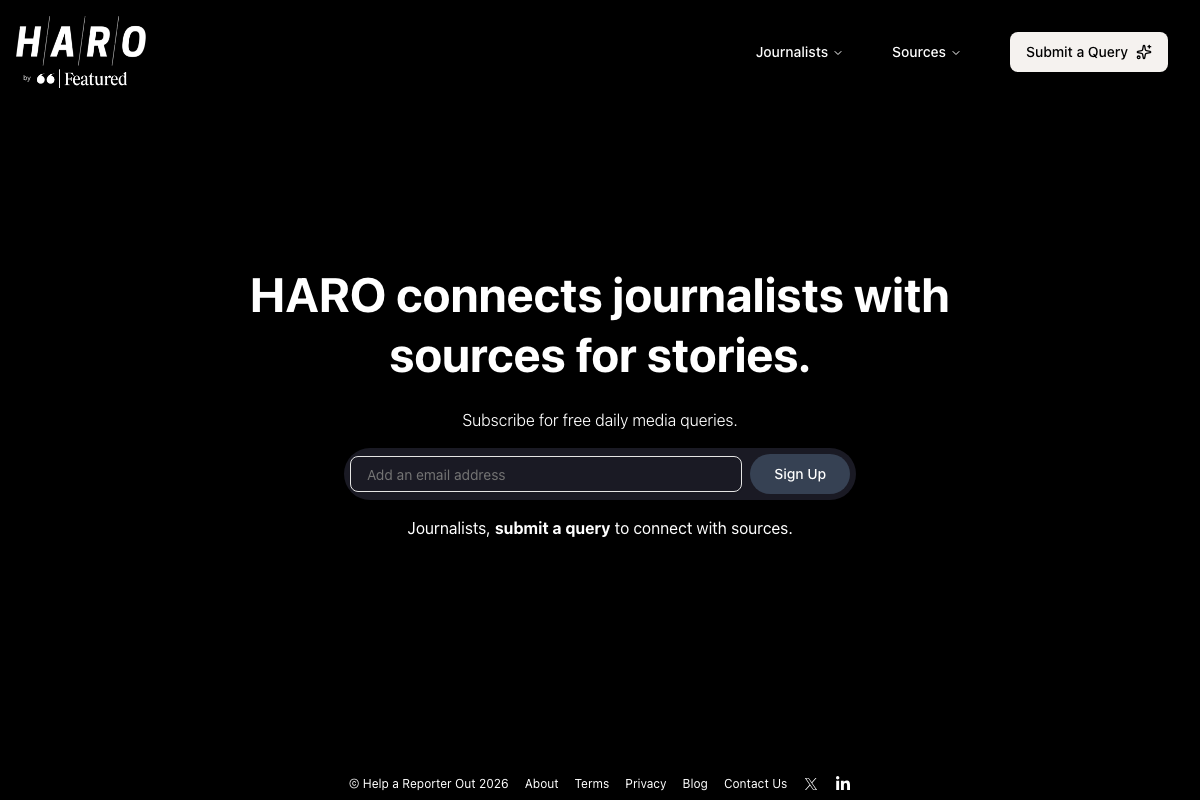
HARO and Featured.com are the same company. The tutorial lists them as separate tools. As of April 2026, HARO operates as “HARO by Featured” under the Featured platform — one infrastructure, two entry points. If you’re already on Featured.com, you’re already in the HARO ecosystem.
Source of Sources sends queries up to three times a day, not once. The tutorial says “daily,” which is technically accurate — but budget more inbox time than that implies. The platform also enforces a strict no-off-topic rule: one irrelevant pitch and you’re removed, no appeals.

Featured.com’s publisher reach is larger than the tutorial signals. The platform is trusted by 1,000+ publishers, with named partners including Fortune, Forbes, Inc., Fast Company, and The Business Journals — a meaningful quality ceiling for health-niche placements the tutorial doesn’t mention.

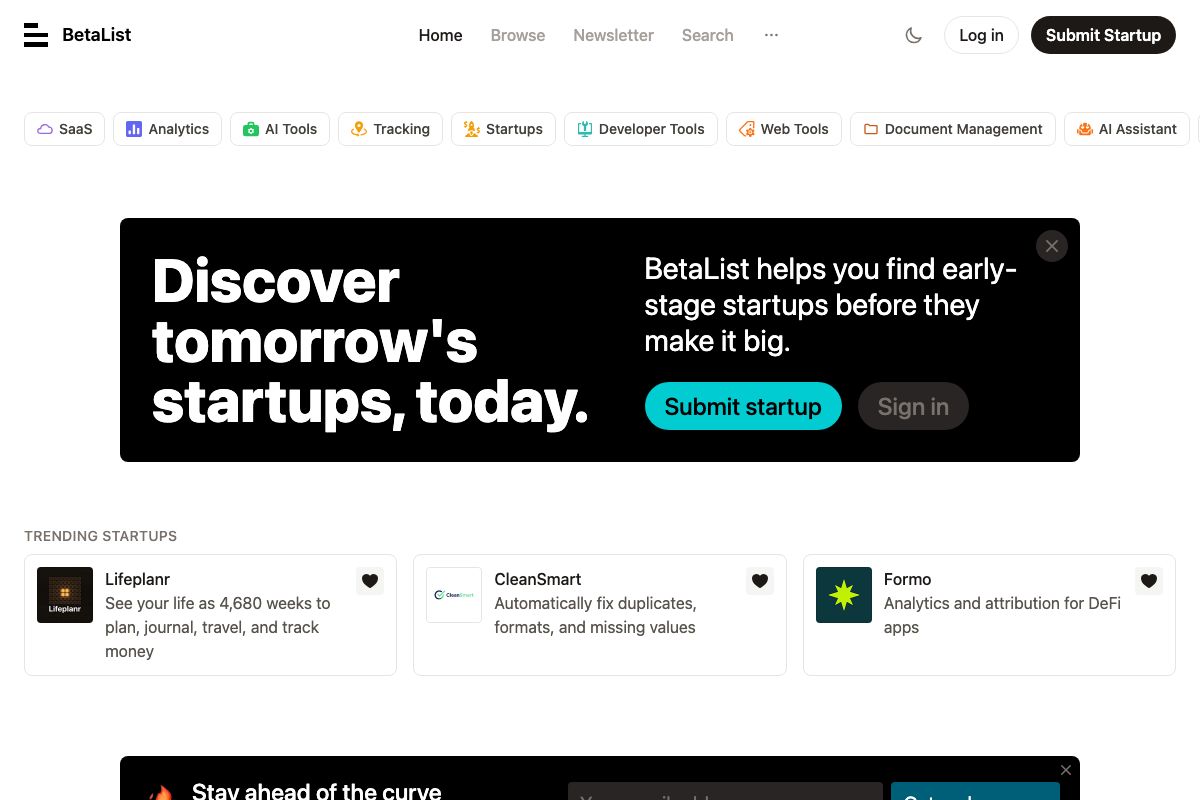
BetaList skews tech. Its visible categories are SaaS, AI Tools, and Developer Tools — no health or wellness section. Health-adjacent products do appear occasionally, but it is not a targeted channel for this niche. Use Product Hunt as your primary launch listing; treat BetaList as a secondary experiment rather than a core step.
Useful Links
- ChatGPT — The platform used for journalist research and pitch generation; the current autonomous research feature is labeled “Deep research” in the sidebar, not “Agent Mode.”
- r/linkbuilding — Active practitioner community covering HARO, AI outreach, and niche link-building strategies, with health-niche discussions confirmed active.
- Help a Reporter Out (HARO) — Free journalist query subscription platform, now branded “HARO by Featured” and operating under the Featured platform infrastructure.
- Source of Sources — Free journalist-to-expert connection platform founded by Peter Shankman; sends up to three query emails per day with a strict relevance policy enforced by the founder.
- Featured — Parent company of HARO and expert-to-publisher matching platform with 1,000+ publisher partners, including Fortune, Forbes, and Fast Company.
- BetaList — Startup launch discovery platform with a technology-category focus; health-niche suitability is limited and not confirmed by the platform’s visible category structure.


0 Comments