

How to Prepare for an SEO Conference (and Actually Get ROI From It)
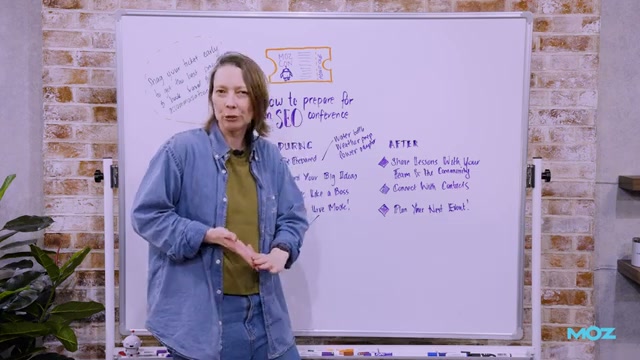
Attending an SEO conference without a plan is expensive tourism. With the right framework — split across before, during, and after the event — you can walk away with stronger relationships, sharper strategy, and a budget case that makes the next conference an easy yes. This tutorial covers the complete three-phase system presented by Jo Cameron, Director of Content at Moz, in this Whiteboard Friday session.
-
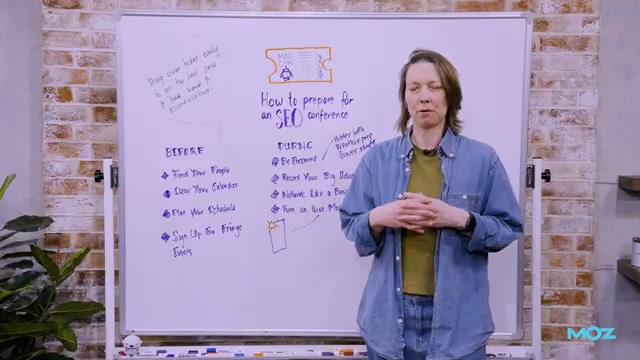
Buy your ticket early. Early-bird pricing is real, and the savings compound when you factor in travel and accommodation booked well in advance — both tend to rise as the event date approaches.
-
Find your people before you arrive. Start with broad SEO communities like Women in Tech SEO (WTS) or other established Slack and forum groups. Search for who’s attending, introduce yourself, and make loose plans. Arriving with even two or three familiar faces eliminates the cold-start problem on day one.
-
Clear your calendar for the full duration of the event. Disappearing to take a team sync from a conference corridor means you’re paying conference prices for a coworking day. If a meeting can be pushed, push it — being fully present is the entire point.
-
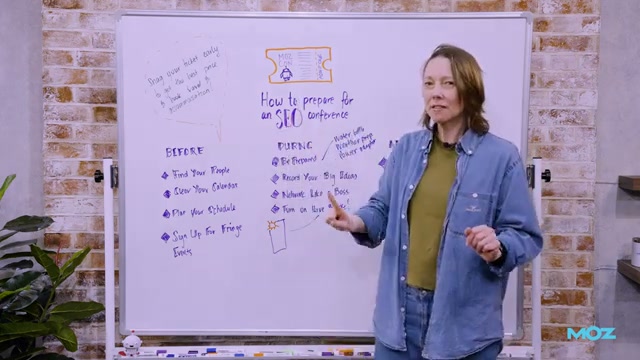
Plan your session schedule in advance. Multi-track events often require session reservations, and popular talks fill fast. Review the agenda as soon as it drops, prioritize by relevance to your current work, and book your slots. For single-track events, attend everything — adjacent topics surface unexpected connections.
-
Sign up for fringe events. Podcast recordings, beach cleanups, group meetups, and social activities run alongside the main conference at many events, including Brighton SEO. These informal settings often produce stronger relationships than the hallway track inside the venue.
-
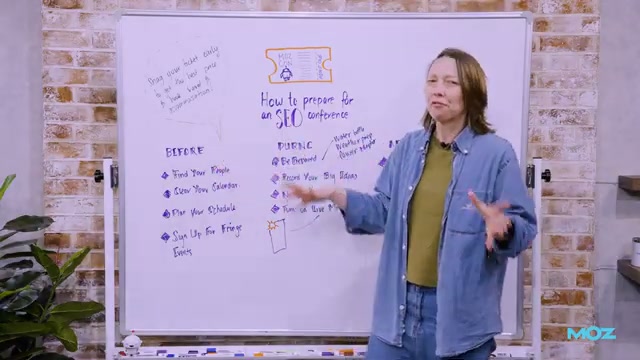
Pack for the day, not the week. Bring a refillable water bottle, layers for venue air conditioning, and a power adapter and charging cables appropriate for the location. Carrying what you need and nothing more keeps you mobile and present.
-
During sessions, capture big ideas — not transcripts. Note what connects to a problem you’re actively working on, not every point the speaker makes. These contextualized notes are the ones you’ll actually use when you debrief your team.
-
Turn on Live Photo mode before you photograph slides. When a slide transitions mid-shot, Live Photo captures a short clip around the shutter moment, letting you scroll back to the frame you actually wanted. This works reliably on iPhone; Android equivalents exist depending on the camera app.
Warning: this step may differ from current official documentation — see the verified version below.
- Warm up speaker conversations before the event. Engage with speakers’ LinkedIn posts or published work in the days before the conference. After their session, you’ll have a natural opening rather than a cold introduction.
-
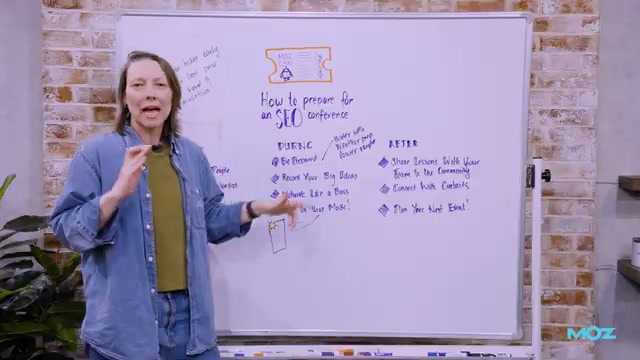
Share your takeaways with your team the week you return. Use internal Slack channels, a dedicated debrief session, or a short written summary. Frame insights around active projects so the value lands immediately, not in the abstract.
-
Post publicly — tag the speakers. A LinkedIn post or a roundup shared in the Slack communities you joined during prep keeps the conversation alive, surfaces you to the speaker’s audience, and reinforces the relationships you built on-site.

-
Follow up with every meaningful contact within a week. A short message referencing a specific conversation is enough. Ask where they’re headed next — it plants the seed for meeting again.
-
Document the tangible outcomes. Completed projects, validated decisions, faster solutions, new hires — record what the conference produced in concrete terms. That document becomes your budget justification for the next event.
How does this compare to the official docs?
The Live Photo slide-capture tip is a clever field workaround that deserves a closer look against what device and presentation platform documentation actually recommends for capturing speaker content.
Here’s What the Official Docs Show
The video’s three-phase framework is solid and the core advice holds across every stage. What follows layers in specifics from MozCon’s official site, Women in Tech SEO’s own documentation, LinkedIn’s public pages, and Apple’s support resources — with a few details that will matter before you register or build your community list.
Step 1 — Buy your ticket early
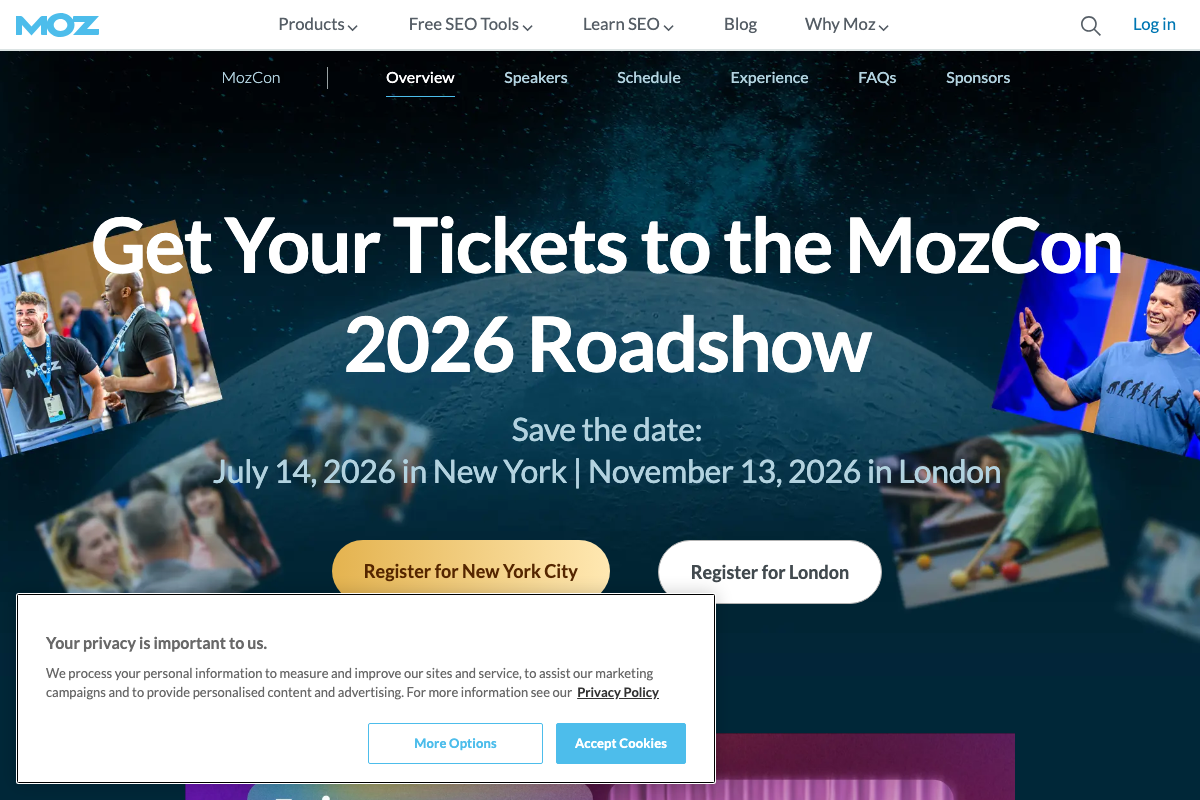
The video’s approach here matches the current docs exactly on the importance of early registration. One structural update for 2026: MozCon is now a Roadshow across two cities — New York on July 14 and London on November 13. Registration is split by city, with separate CTAs for each. You’re not booking “MozCon” generically; you’re choosing a location.
Step 2 — Find your people before you arrive
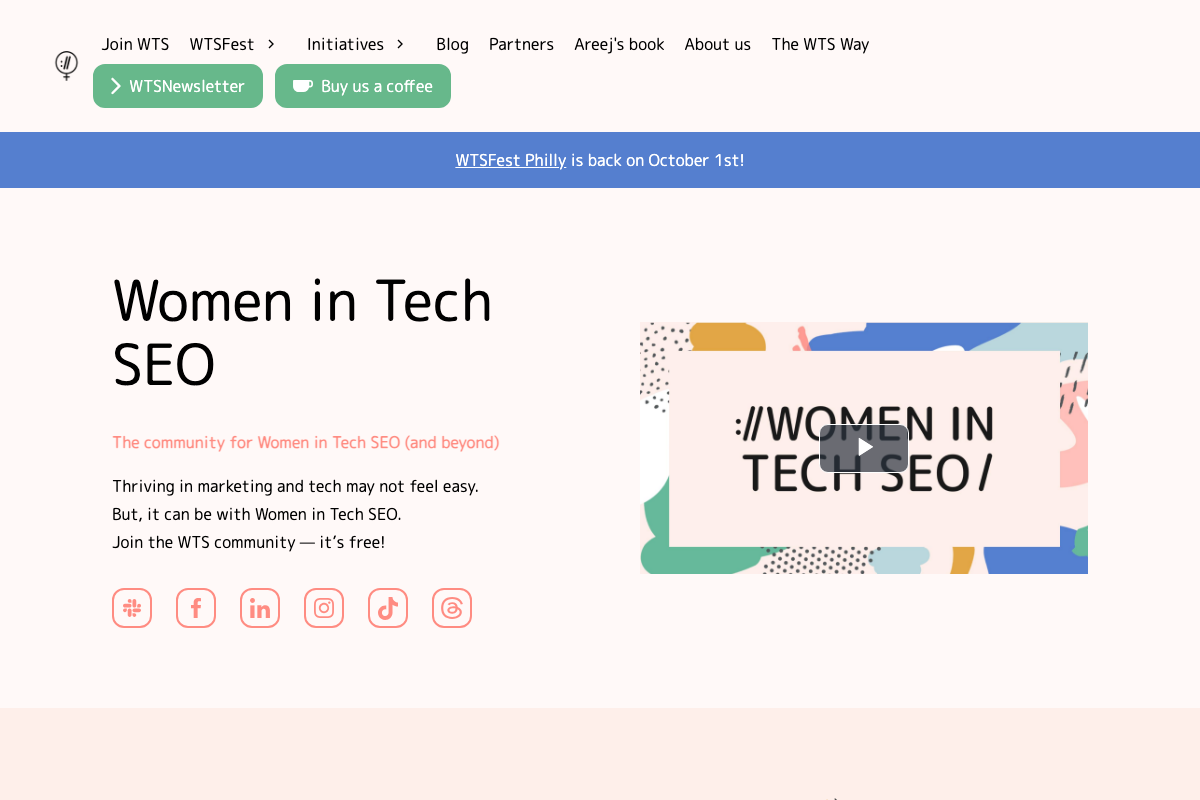
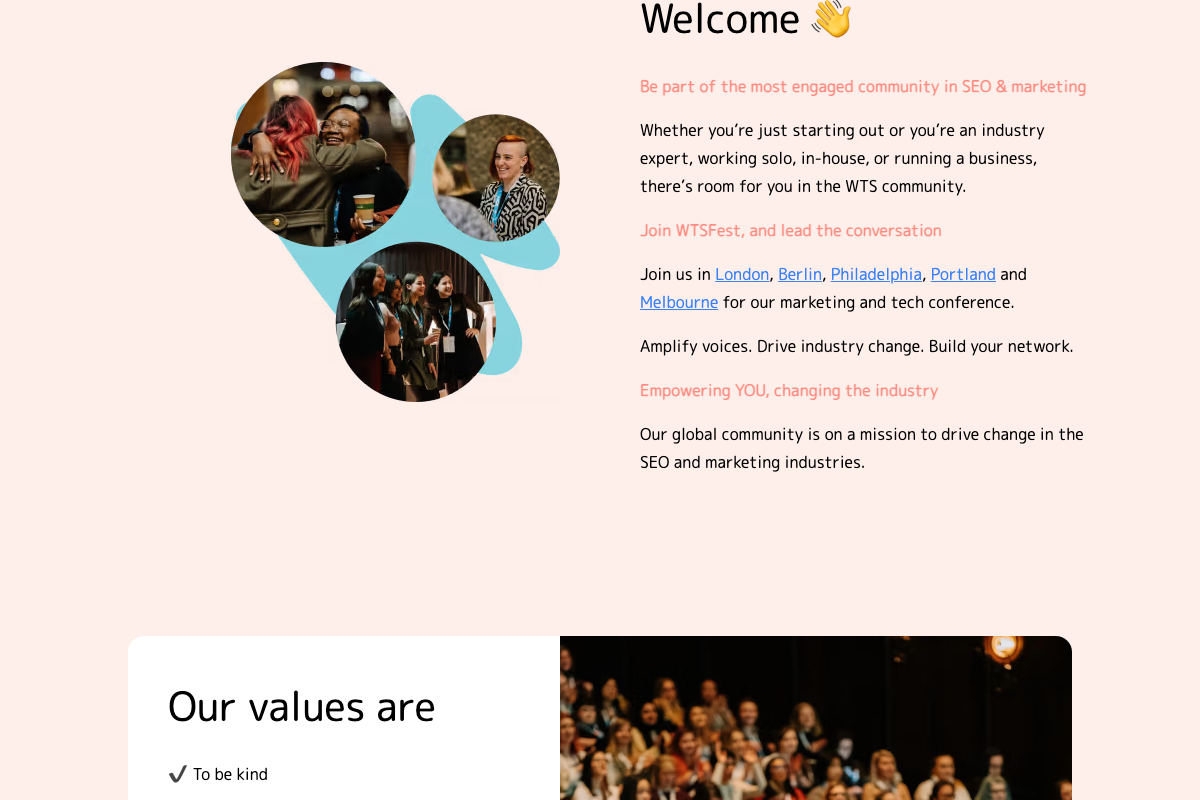
WTS is confirmed as free to join and Slack-based — low barrier, genuinely useful for pre-conference warm-ups. A precise note on positioning: WTS describes itself as “The community for Women in Tech SEO (and beyond)” — targeted, not generalist, though the “and beyond” qualifier means it’s not exclusively for women. Also: WTS runs its own conference series, WTSFest, across London, Berlin, Philadelphia, Portland, and Melbourne. It functions as both a community and a conference organizer — worth separating in your planning.
Step 3 — Clear your calendar
No official documentation was found for this step — proceed using the video’s approach and verify independently.
Step 4 — Plan your session schedule in advance
The video’s approach here matches the current docs exactly. MozCon’s official site includes a dedicated Schedule tab in the main navigation, confirming that pre-planned session agendas are supported and encouraged.
Step 5 — Sign up for fringe events
The video’s approach here matches the current docs exactly. MozCon officially lists “Networking opportunities with SEO professionals” and “Happy Hour to continue the conversations in a relaxed setting” as included event benefits — both confirm the tutorial’s fringe-first framing.

Step 6 — Pack for the day
No official documentation was found for this step — proceed using the video’s approach and verify independently.
Step 7 — Capture big ideas, not transcripts
No official documentation was found for this step — proceed using the video’s approach and verify independently.
Step 8 — Enable Live Photo mode for slides
No official documentation was found for this step — proceed using the video’s approach and verify independently.
The Apple Photos Support screenshots captured do not address Live Photos mode or the slide-capture behavior the video describes. The authoritative source would be the iPhone User Guide, linked from Apple’s support resources page but not captured here. The tip may work exactly as described; it cannot be confirmed from the documentation available.

Step 9 — Warm up speaker conversations before the event
No official documentation was found for this step — proceed using the video’s approach and verify independently.
Step 10 — Share takeaways with your team
No official documentation was found for this step — proceed using the video’s approach and verify independently.
Step 11 — Post publicly and tag speakers
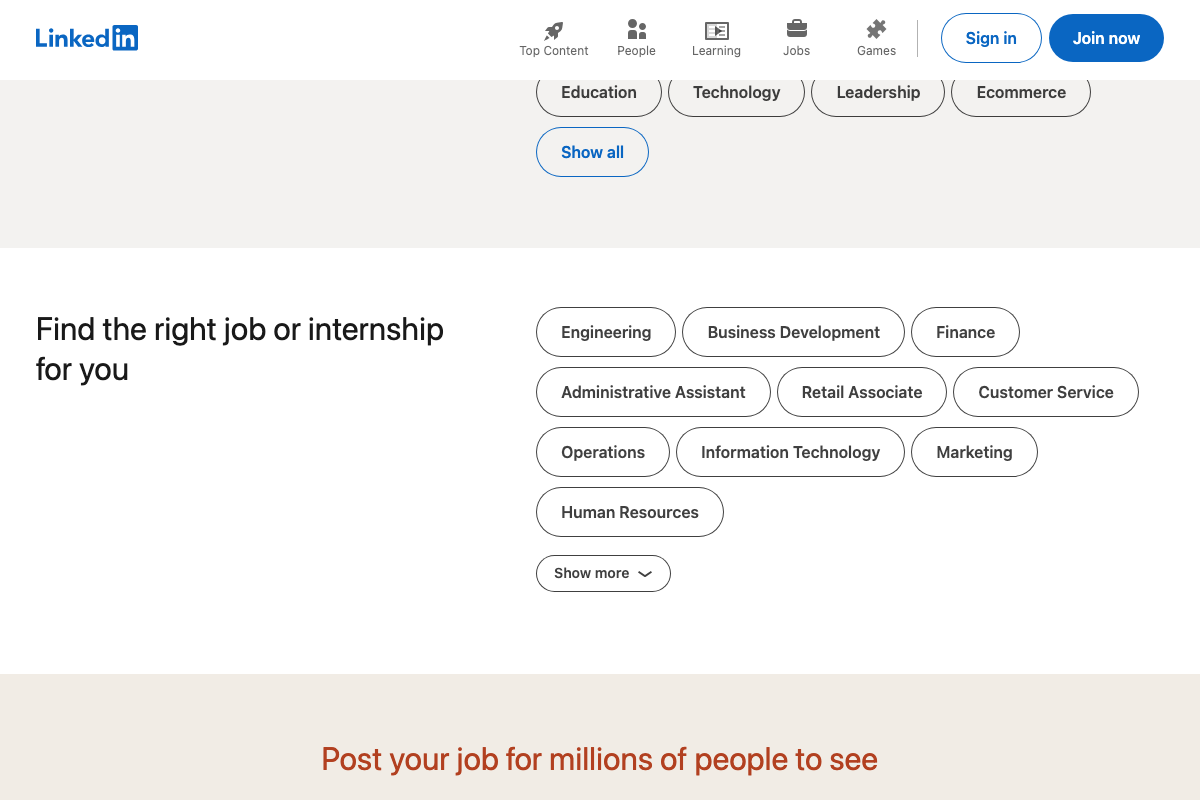
The video’s approach here matches the current docs exactly on LinkedIn as a viable post-conference sharing channel. LinkedIn’s topic-based content discovery confirms that industry posts reach audiences beyond your direct connections. One undocumented perk the tutorial doesn’t surface: MozCon officially includes professional headshot photography as a conference benefit. Before you write your post-conference LinkedIn recap, check whether an updated headshot is overdue — MozCon handles it on-site.
Step 12 — Follow up with meaningful contacts within a week
The video’s approach here matches the current docs exactly. LinkedIn’s people search and direct messaging infrastructure supports the follow-up workflow as described.

Step 13 — Document tangible outcomes
No official documentation was found for this step — proceed using the video’s approach and verify independently.
Useful Links
- Moz – MozCon – Not Your Typical Marketing Conference — Official registration, schedule, speaker info, and full benefits list for MozCon 2026, including the two-city Roadshow format.
- Women in Tech SEO | Global Community — Home of the free WTS Slack community and the WTSFest multi-city conference series for women in tech SEO and beyond.
- LinkedIn: Log In or Sign Up — LinkedIn’s professional platform supporting post-conference content sharing, speaker connections, and industry networking.
- Photos – Official Apple Support — Apple’s Photos support hub; the linked iPhone User Guide is the authoritative source for Live Photos documentation.


0 Comments