

How Bo Built a $1.7M/Year SaaS in the Most Ignored Niche You Can Think Of
Bo, co-founder of Savvy Nomad, turned a deeply unsexy problem — US expat state tax domicile changes — into a $1.7M ARR subscription business with six employees and no venture capital. In a Starter Story interview with Pat Walls, he lays out every decision, from niche selection to tech stack to onboarding UX. Follow this playbook and you’ll know how to find a boring, high-value market, productize a single painful workflow, and build recurring revenue on top of it — without a full engineering team.
- Identify a painful problem where customers are already overpaying. Target categories — taxes, compliance, immigration, residency — where people are either cobbling together answers from Reddit threads or paying professionals $5,000–$15,000 for what is fundamentally a workflow problem. The signal is a wide gap between the DIY experience (unreliable, scattered) and the professional option (expensive, overkill). A product that sits in the middle and removes that pain is the opportunity.

- Evaluate competition relative to opportunity — not just total market size. Most founders look at TAM and stop there. Bo’s lens is different: count how many capable founders are actually choosing to build in the space. In high-status categories like AI apps and creator tools, the market is large but the competition is intense and well-funded. In unsexy markets, real demand exists alongside almost no one willing to touch it. That asymmetry is the edge.

- Pick the single most common, most painful workflow and productize it into a repeatable step-by-step product. Savvy Nomad didn’t try to solve all of international taxation — it solved state domicile changes for US expats, one thing done well. Identify the one workflow your target customer must complete, then build a guided, repeatable product around exactly that.
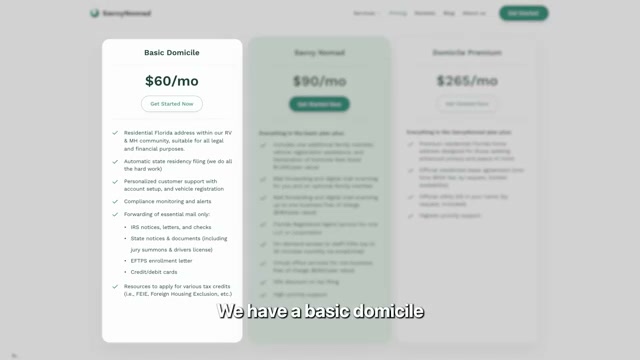
- Build a recurring revenue layer on top of the productized workflow. One-time transactions leave money on the table and make the business hard to model. Bo structured Savvy Nomad around three subscription tiers — Basic Domicile at $60/mo, Savvy Nomad at $90/mo, and Domicile Premium at $265/mo — which converts a compliance task into a managed, ongoing relationship with predictable MRR.
-
Use a no-code stack to move fast without a large engineering team. Bo’s build uses Bubble for the core product, Framer for the marketing site, and Ghost for content — a combination that lets a small founding team ship and iterate without dedicated engineers at every stage.
-
Show the customer a concrete, quantifiable financial benefit during onboarding. Savvy Nomad’s onboarding flow surfaces each prospect’s likely state tax savings against the subscription cost before asking for a credit card. When the ROI is visible and the math does the work, the sale becomes rational. Bo’s point is precise: you need to sell less.

- Instrument the business with a data warehouse and BI layer for ongoing decisions. Savvy Nomad runs BigQuery as its data warehouse, Power BI for reporting, and a dedicated tool for churn analysis. At the $1M+ ARR stage, decisions around pricing, cohort retention, and expansion revenue require structured data — not intuition.

How does this compare to the official docs?
The playbook Bo describes is grounded in practice rather than any single platform’s documentation, and Act 2 examines what Bubble, Framer, Ghost, BigQuery, and Power BI actually recommend in their official guides — and where his real-world approach may have diverged from the documented path.
Here’s What the Official Docs Show
The video gives you a solid practitioner’s blueprint — this act layers in what Bubble, Framer, Ghost, BigQuery, and Power BI actually say today, filling the gaps where official platforms have moved meaningfully since Bo’s build. Five of the seven steps are pure business strategy with no platform documentation to check; two steps land squarely in verified territory, with a few additions worth knowing before you build.
Step 1 — Identify a painful problem where customers are already overpaying.
No official documentation was found for this step —
proceed using the video’s approach and verify independently.
Step 2 — Evaluate competition relative to opportunity.
No official documentation was found for this step —
proceed using the video’s approach and verify independently.
Step 3 — Productize the single most common, most painful workflow.
No official documentation was found for this step —
proceed using the video’s approach and verify independently.
Step 4 — Build a recurring revenue layer on top of the productized workflow.
No official documentation was found for this step —
proceed using the video’s approach and verify independently.
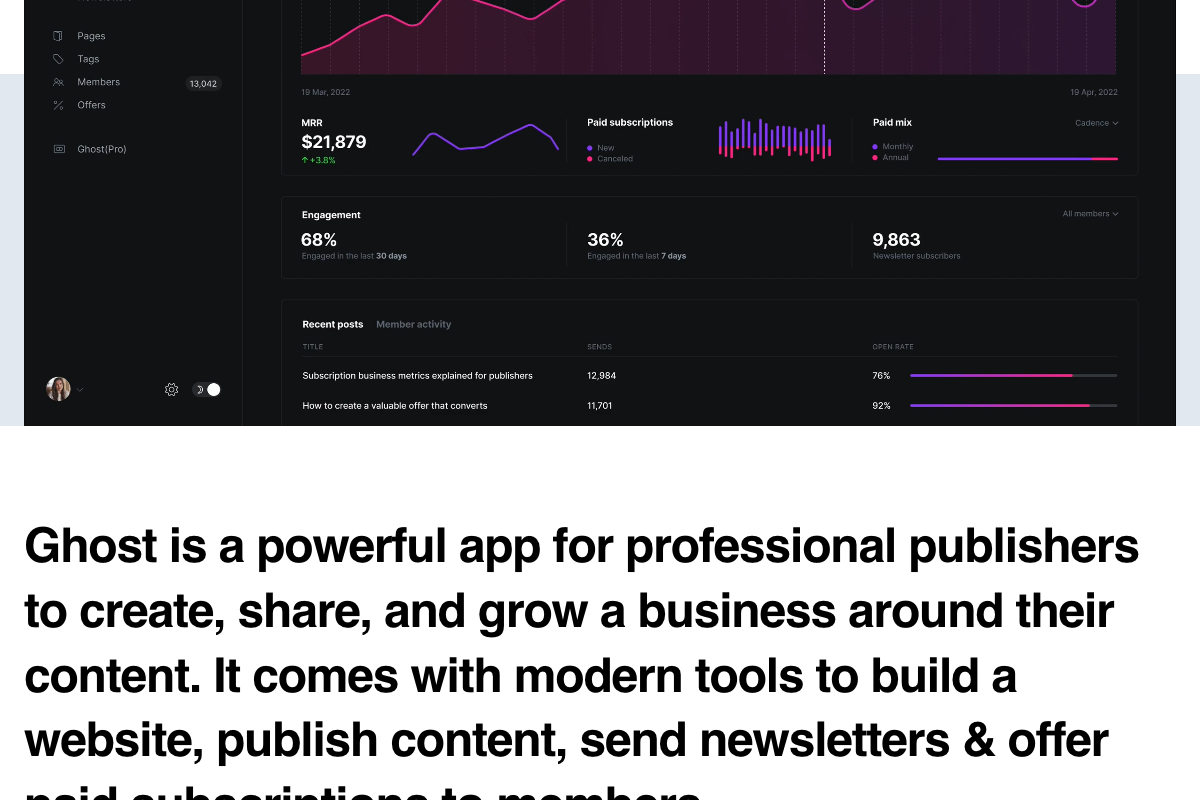
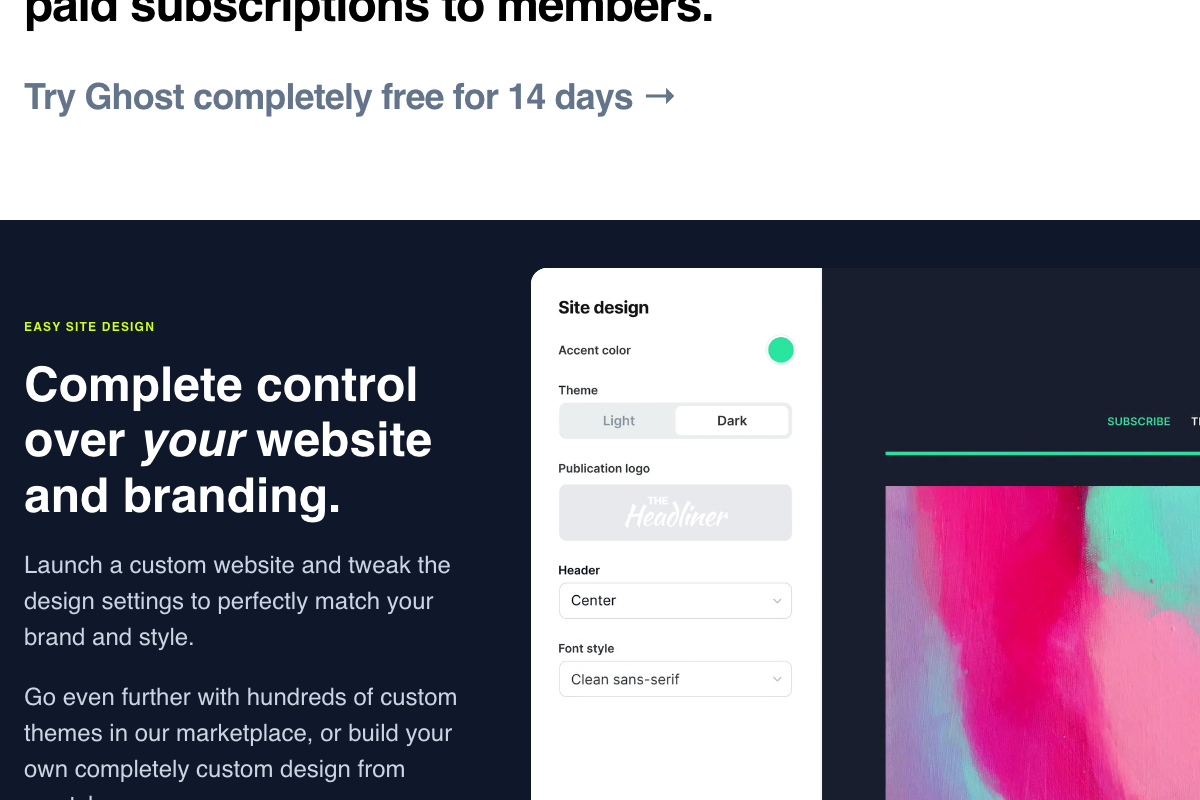
One useful addition the tutorial doesn’t draw: Ghost 6.0 natively tracks MRR, paid vs. free member splits, and new vs. canceled subscriptions directly in its dashboard. If you’re already using Ghost for content in Step 5, you have basic subscription visibility without bolting on a separate analytics tool at the early stage.
Step 5 — Use a no-code stack: Bubble, Framer, Ghost.
The video’s approach here matches the current docs on all three tools — but each platform has added capabilities worth knowing before you start.
Bubble’s current headline is “BUILD APPS WITH AI, NO CODE REQUIRED.” AI-assisted app generation from a text prompt is now a first-class feature alongside the visual editor the tutorial describes. The no-code characterization is accurate; it just understates what the platform can do today.

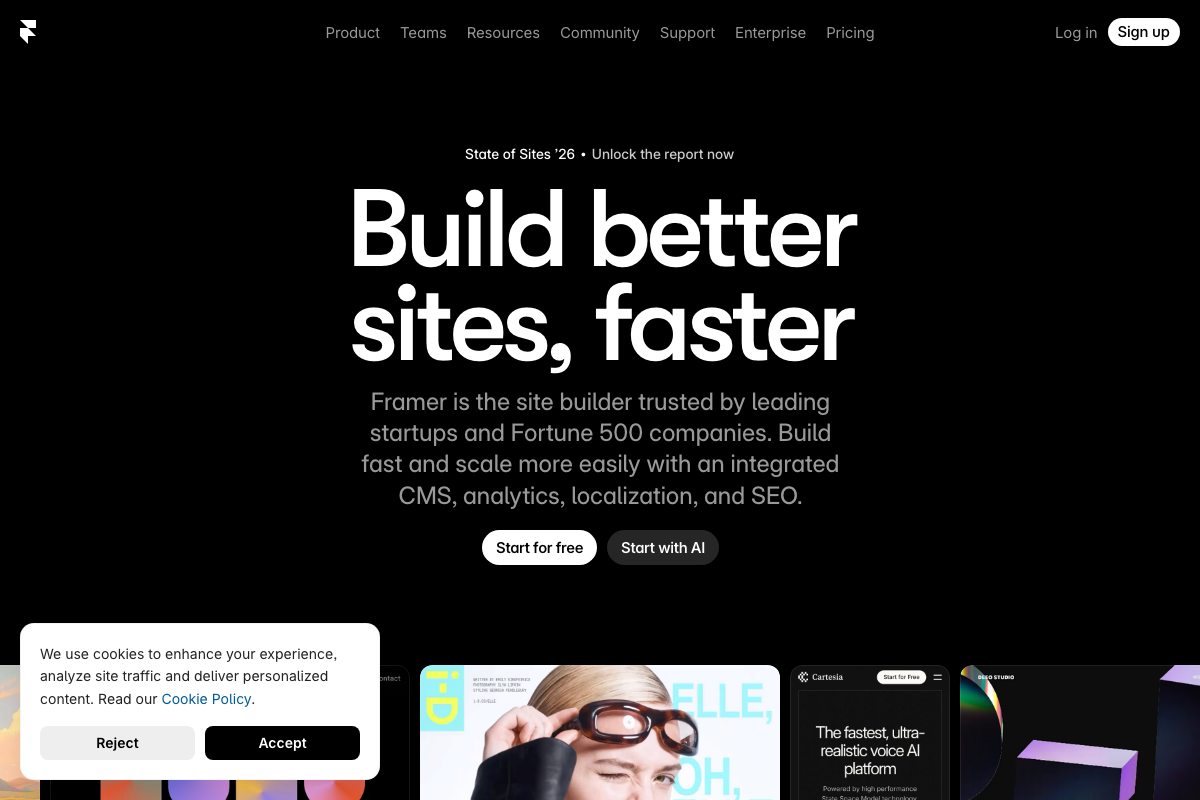
Framer now offers a “Start with AI” option for AI-assisted site generation alongside its documented CMS, analytics, localization, and SEO tools — a faster entry point than the tutorial implies.
Ghost 6.0 is the current version. The video’s approach here matches the current docs exactly.
Step 6 — Show the customer a quantifiable financial benefit during onboarding.
No official documentation was found for this step —
proceed using the video’s approach and verify independently.
Step 7 — Instrument with BigQuery, Power BI, and a churn analysis tool.
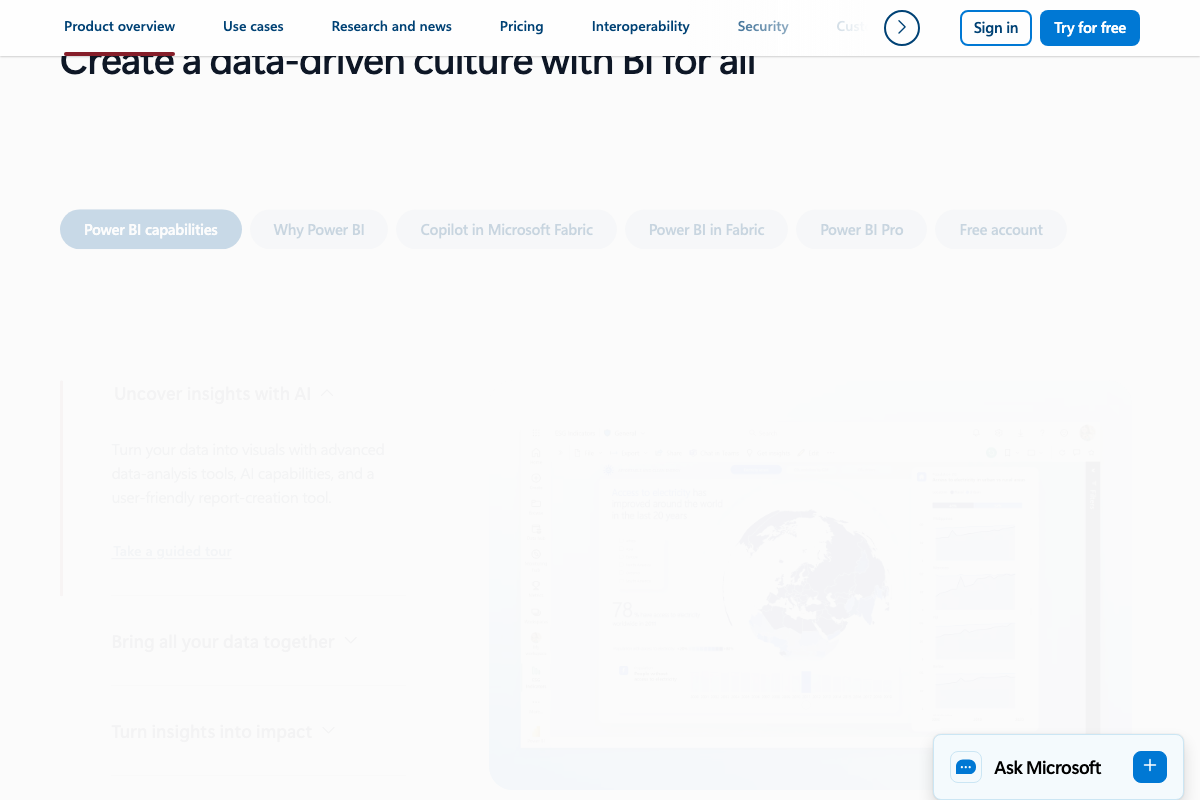
Power BI is confirmed as a BI visualization platform within the Microsoft Power Platform. The video’s approach here matches the current docs exactly — with one addition: Power BI now includes Copilot in Microsoft Fabric, an AI-assisted analysis layer not available when earlier tutorials covering Power BI were produced.
As of May 2026, BigQuery’s official page title is “BigQuery | AI data platform | EDW” and its headline reads “From data warehouse to autonomous data and AI platform” — the video describes BigQuery only as a “data warehouse,” which remains accurate for the Step 7 use case but understates the platform’s current scope. BigQuery now includes ML model building in SQL, Gemini integration, a BigQuery MCP server, and a Conversational Analytics API.

Step 7 also references a “dedicated churn analysis tool” without naming it. That tool’s identity cannot be confirmed from the available documentation — verify the specific product directly with your team before building around it.
Useful Links
- Bubble — No-code and AI-assisted web and mobile app builder; the core product platform referenced in Step 5.
- Framer — No-code website builder with integrated CMS, SEO, and AI site generation; the marketing site tool in Step 5.
- Ghost — Open-source blog and newsletter platform (Ghost 6.0) with native MRR and subscription analytics; relevant to Steps 4 and 5.
- BigQuery | AI data platform | EDW — Google Cloud’s data and AI platform; the data warehouse component of the analytics stack in Step 7.
- Power BI — Microsoft’s data visualization platform, now with Copilot in Microsoft Fabric; the BI reporting layer in Step 7.
- ChatGPT — OpenAI’s conversational AI platform; not referenced in any tutorial step.
- Claude — Anthropic’s AI assistant; not referenced in any tutorial step.
- Ahrefs — AI marketing and SEO platform; not referenced in any tutorial step.
- Customer.io — Customer engagement and email automation platform; not named in any tutorial step, though Step 7 references an unnamed churn analysis tool.
- Stripe — Subscription and payment infrastructure; not named in any tutorial step.
- SavvyCal — Scheduling software unrelated to Savvy Nomad; included in the screenshot set due to a naming coincidence.


0 Comments