

A Three-Part Daily AI SEO Workflow for Rankings and AI Platform Visibility
After completing this tutorial, you’ll have a repeatable daily system for pushing near-ranking pages higher in traditional search, expanding your keyword footprint with intent-matched new assets, and building the offsite brand authority that determines how AI platforms like ChatGPT and Perplexity cite your content. The workflow covers three distinct work categories — content optimization, new asset publishing, and offsite brand signals — each designed to compound over time.
Part 1: Optimize and Upgrade Existing Content
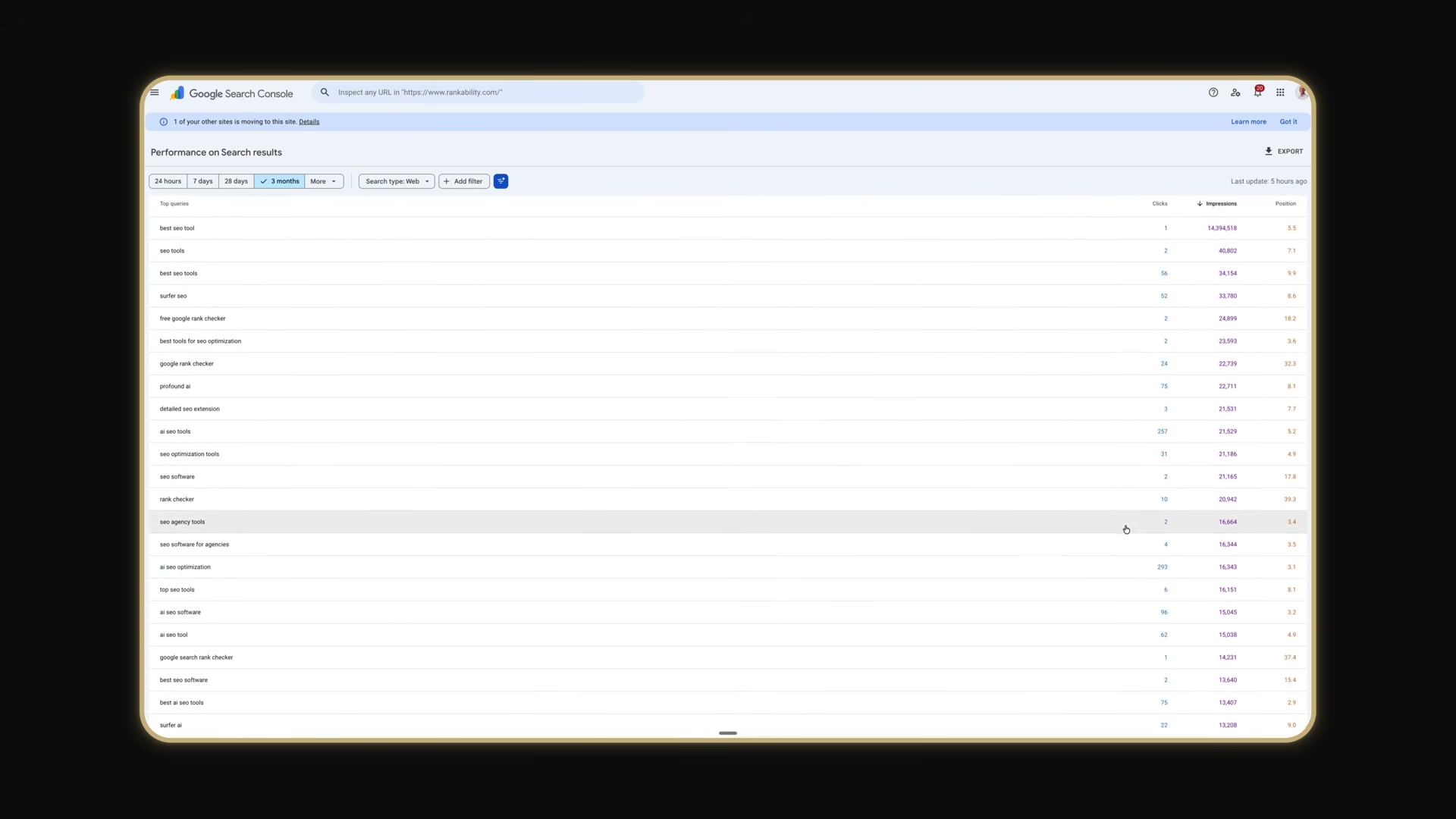
- Open Google Search Console and navigate to the Performance report. Filter your queries to show keywords ranking between positions 2 and 15 — these are your highest-leverage optimization targets.
-
For each target keyword, identify the page currently ranking for it.
-
Open the Detailed Chrome extension on that page and verify whether the primary keyword appears in five locations: the URL, title tag, meta description, H1, and the first sentence of the body content.
-
Fix any missing keyword placements in the title tag, meta description, H1, or first sentence. Do not change the URL on a page that is already ranking — the risk outweighs the upside.
-
Copy the page content into ChatGPT or Claude and prompt it to identify entity and topic gaps, or use a tool like Rankability to pull those gaps from real competitor data rather than model inference.
Warning: this step may differ from current official documentation — see the verified version below.
-
Upgrade the page by improving topical coverage naturally. Add sentences, paragraphs, or new sections where gaps exist — the goal is coverage depth, not keyword injection.
-
Audit internal links across your site and connect relevant pages to the updated asset. A shortage of supporting pages at this stage usually signals a topical authority gap that requires additional published content to resolve.
Part 2: Publish New SEO Assets
-
Return to Google Search Console and identify keywords where a strong existing page ranks beyond position 50.
-
Evaluate whether those keywords match the current page’s intent. When they don’t, build a dedicated new page for that keyword rather than trying to force the wrong asset to rank.
-
Run the new page concept through Rankability Copywriter to generate a first draft grounded in competitor research pulled from both traditional search and AI platforms.
-
Put the draft through human QA review and publish. Running the draft through Rankability rather than a standalone LLM ensures the content is grounded in what’s actually ranking, not what the model predicts.
-
Build or maintain a brand knowledge base inside ChatGPT Projects, Claude, or Rankability so every subsequent asset reflects your brand’s actual expertise and voice rather than generic AI output.
Part 3: Offsite Brand Authority
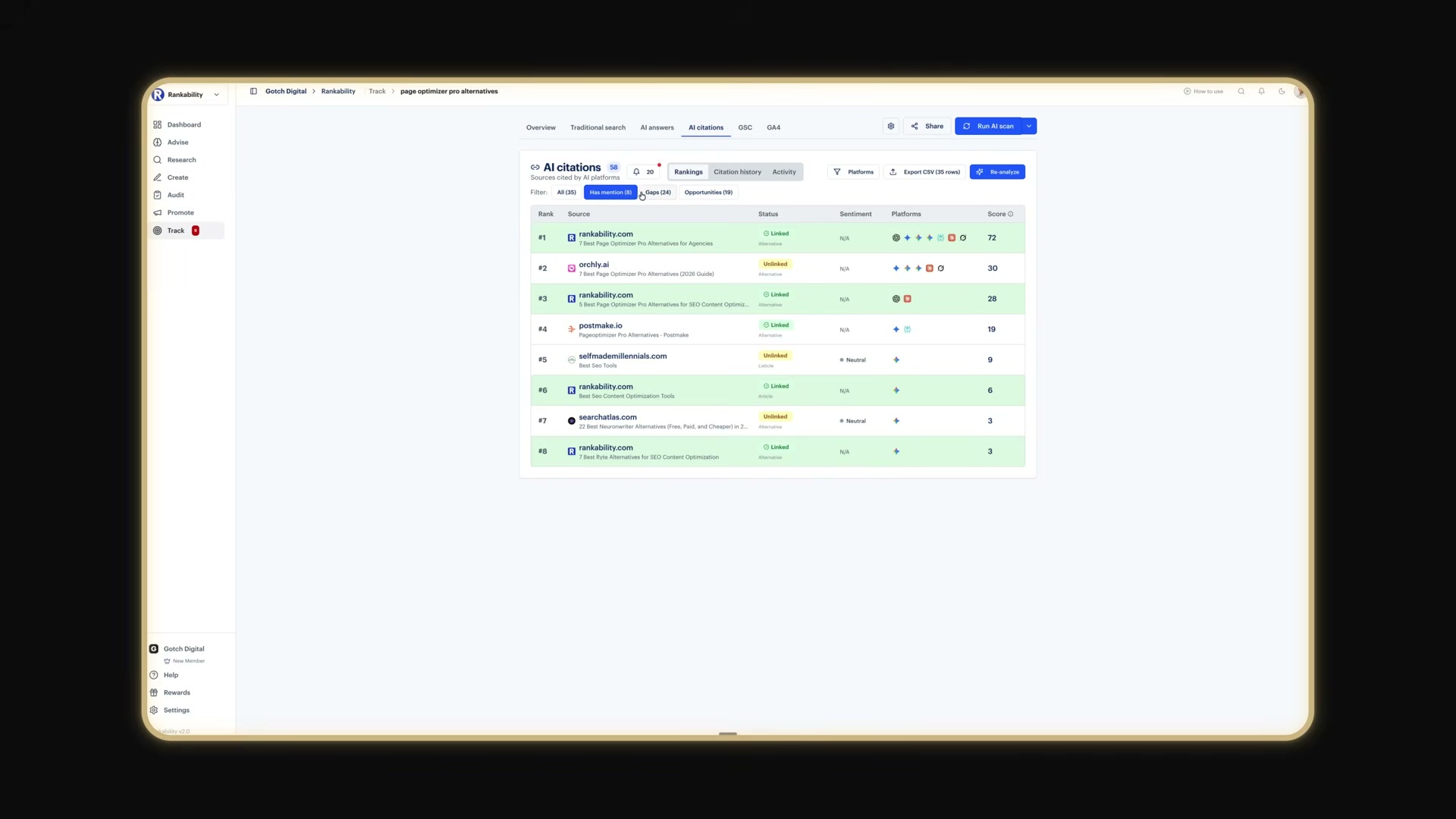
- Run your commercial queries in ChatGPT, Perplexity, and Google’s AI products and record which sources those platforms are actively citing.
-
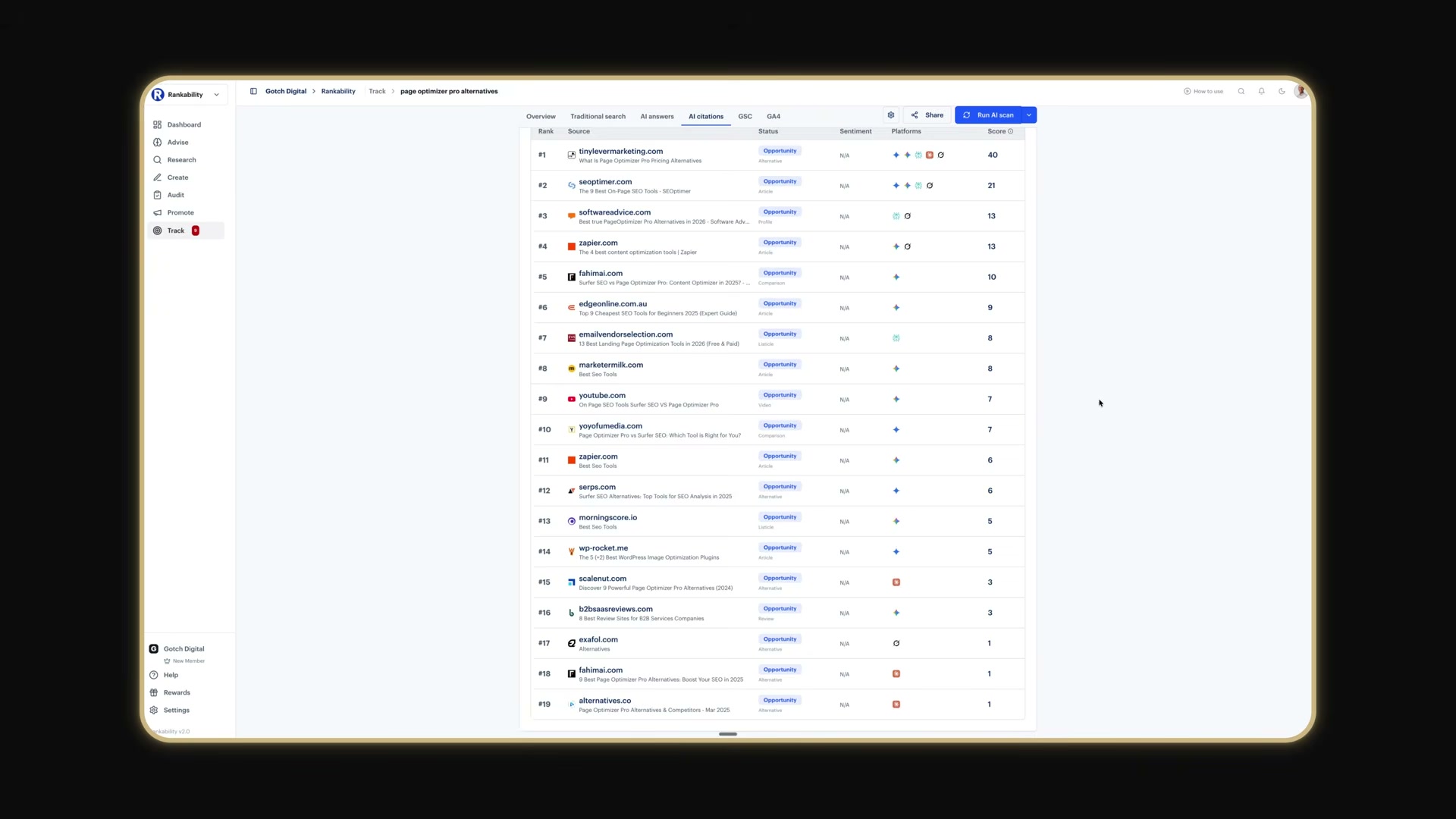
Extract citation patterns: where your brand already appears, where it is absent, and which third-party domains recur most frequently across AI results.
-
Target the sources that cite competitors but not your brand with outreach aimed at earning followed links or, at minimum, unlinked brand mentions — both carry value in AI platform retrieval.
- Audit your brand entity data — name, address, phone number, and descriptions — across all profiles and directories, correcting inconsistencies so AI systems retrieve and repeat accurate information about your brand.
How does this compare to the official docs?
The tools and platforms Nathan references each carry their own documented best practices, version-specific interfaces, and capability limits that a tutorial walkthrough can only partially capture — and that’s precisely where Act 2 grounds this workflow in what the official documentation actually says.
Here’s What the Official Docs Show
Act 1 gives you the full workflow in motion — what follows layers in what official documentation confirms and clarifies at each step. The creator’s approach holds up well; these are additive details, not a rewrite.
Part 1: Optimize and Upgrade Existing Content
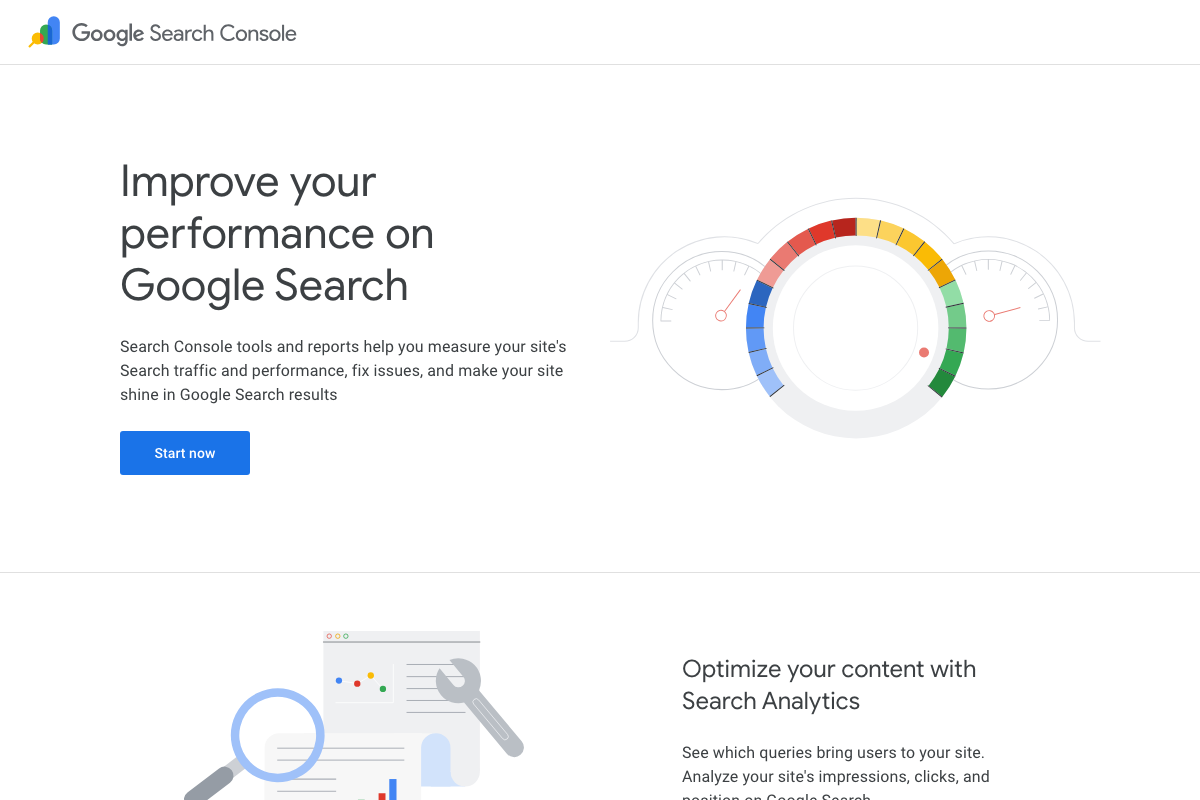
Steps 1–2 — Google Search Console, Performance report. The video’s approach here matches the current docs exactly. GSC’s Search Analytics tracks impressions, clicks, and position by query. One clarification: the positions 2–15 filter is user-defined inside the report — not a preset. You’ll set that range manually each session.
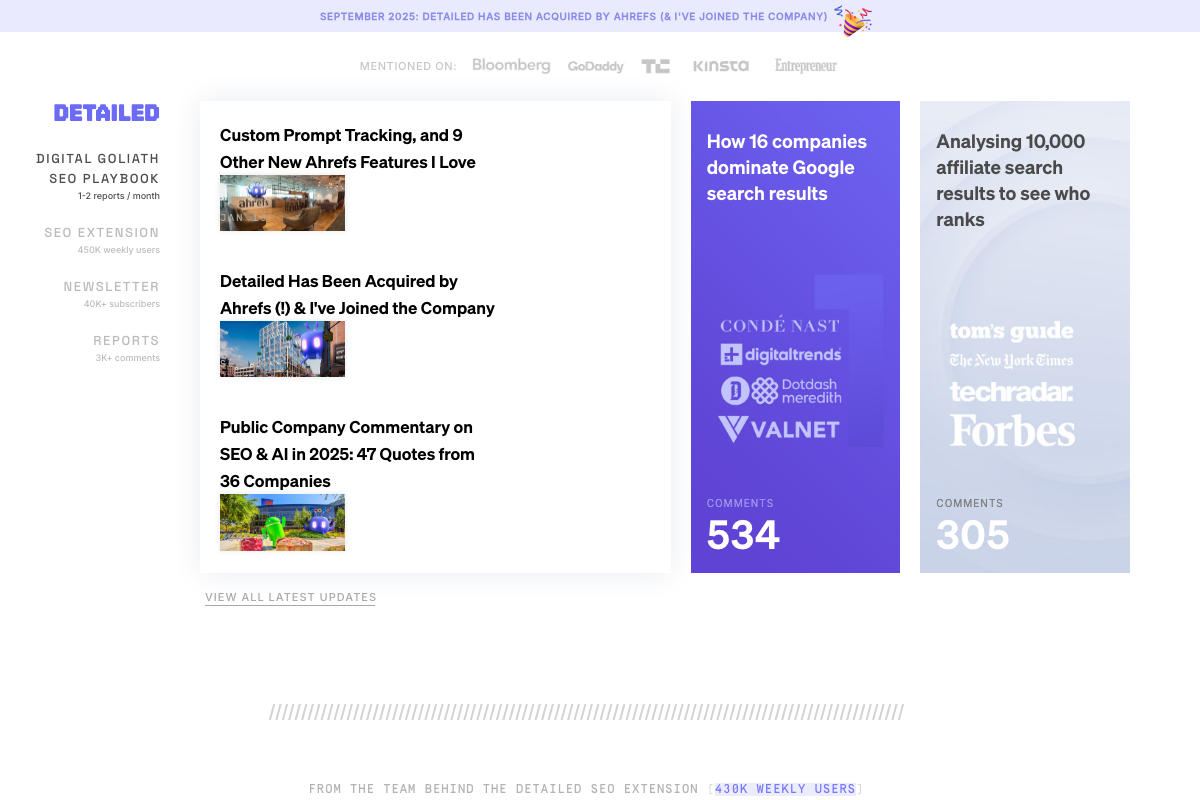
Step 3 — Detailed SEO Extension. As of September 2025, the correct context is: Detailed has been acquired by Ahrefs — the tutorial presents it as an independent tool, which reflects its earlier status. The extension remains active under Ahrefs ownership.
No official documentation was found for the specific on-page checklist in this step — proceed using the video’s approach and verify independently.
Step 4 — Fix missing keyword placements.
No official documentation was found for this step — proceed using the video’s approach and verify independently.
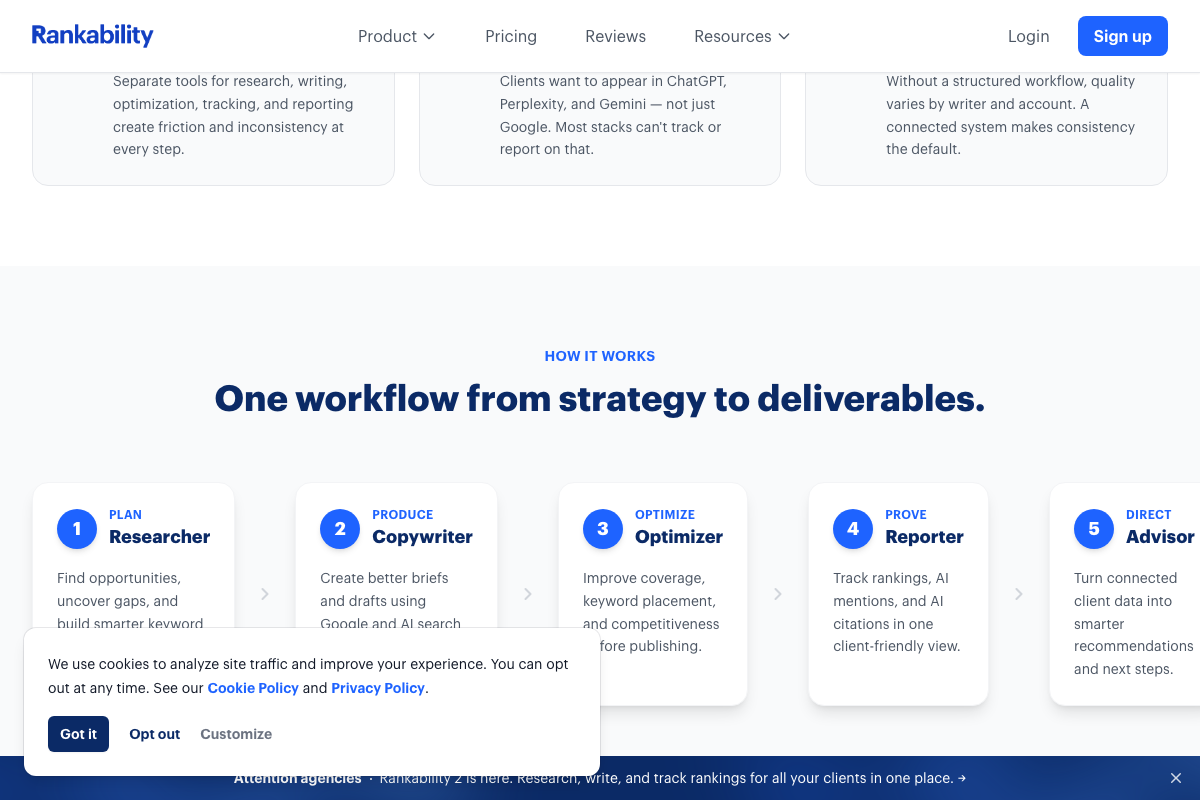
Step 5 — Entity and topic gap analysis. The video’s approach here matches the current docs exactly. Rankability’s Optimizer module is documented as covering “coverage, keyword placement, and competitiveness before publishing” — the competitor-data-grounded alternative to model-inferred gap analysis the tutorial references.
Steps 6–7 — Content upgrades and internal linking.
No official documentation was found for these steps — proceed using the video’s approach and verify independently.
Part 2: Publish New SEO Assets
Steps 8–9 — GSC low-ranking keywords and intent matching.
No official documentation was found for these steps — proceed using the video’s approach and verify independently.
Step 10 — Rankability Copywriter. The video’s approach here matches the current docs exactly. The Copywriter is formally step 2 of Rankability’s five-module workflow: “Create better briefs and drafts using Google and AI search.” Worth knowing: the Researcher, Optimizer, Reporter, and Advisor modules are documented alongside it and are each relevant to adjacent steps the tutorial doesn’t name them for.
Step 11 — Human QA and publish.
No official documentation was found for this step — proceed using the video’s approach and verify independently.
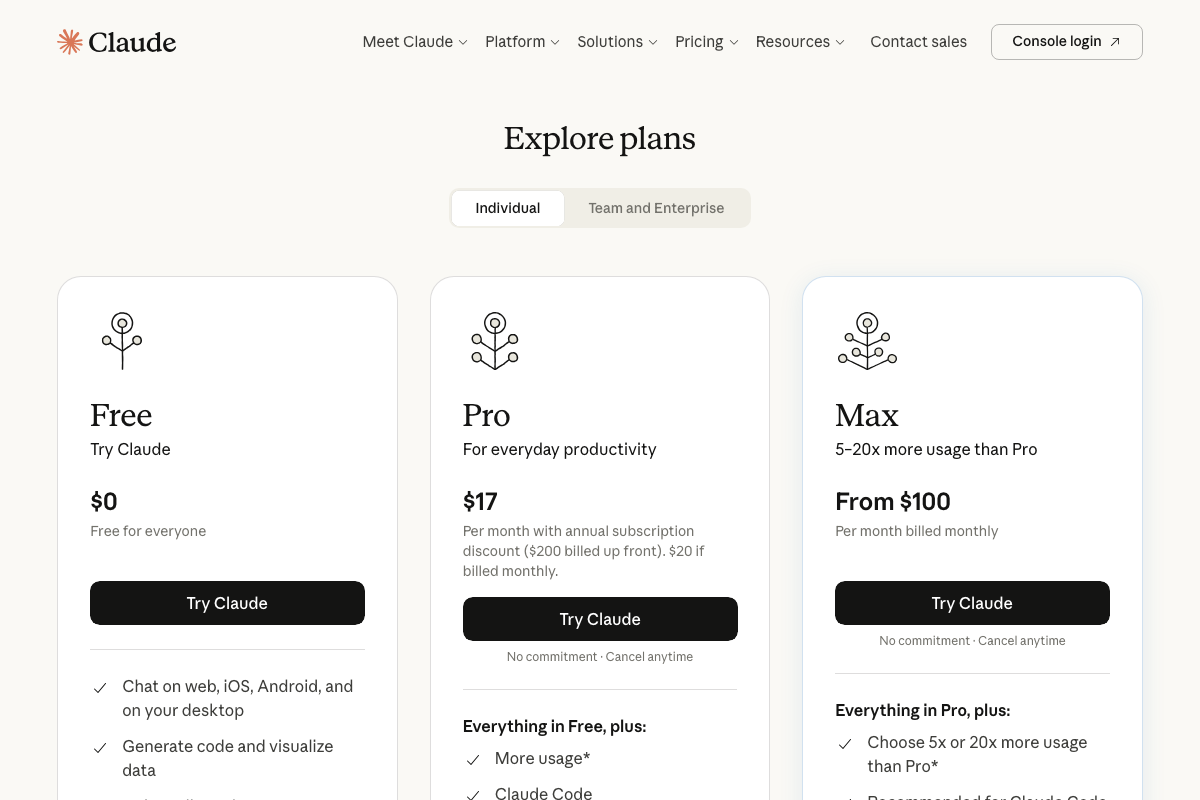
Step 12 — Brand knowledge base in ChatGPT Projects or Claude. ChatGPT Projects requires login and a paid tier — it is not visible in any logged-out documentation screenshot. Claude pricing currently runs Free → Pro ($17–$20/month) → Max (from $100/month), and the pricing page does not specify which tier enables persistent knowledge storage. Claude.ai also now features a product called Cowork — visible on the platform but unaddressed in the tutorial — so expect the interface to look different from what the video shows.
No official documentation confirms which plan tier enables brand knowledge base functionality in either platform — verify current requirements before building this step into your workflow.
Part 3: Offsite Brand Authority
Step 13 — Query AI platforms for citation sources. The video’s approach here matches the current docs exactly in intent. One distinction to flag: the Perplexity screenshots in this analysis document the developer API at docs.perplexity.ai — a separate product from the consumer search interface. For this step, use perplexity.ai directly.

Step 14 — Extract citation patterns. The video’s approach here matches the current docs exactly. Rankability’s Reporter module tracks Traditional score, AI mentions, and AI citations as three distinct metrics — more granular than the tutorial’s single “citation patterns” framing implies.
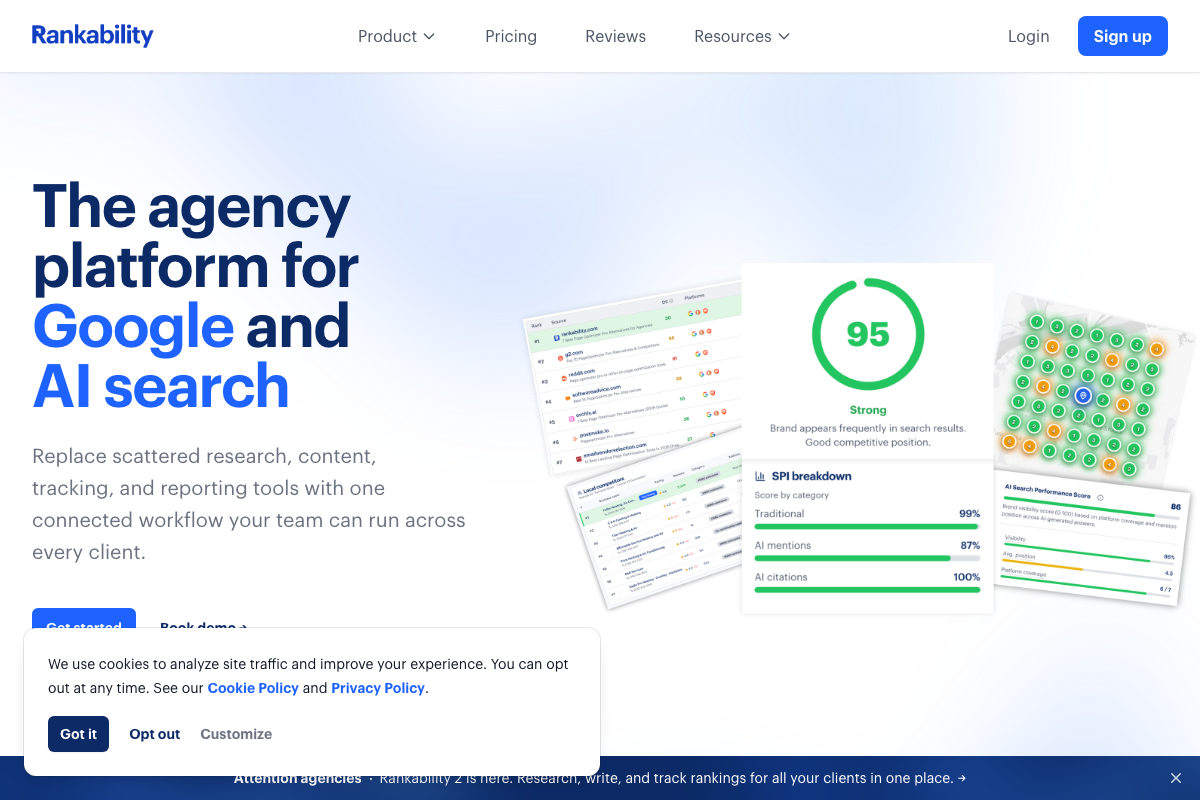
Steps 15–16 — Outreach and brand entity audit.
No official documentation was found for these steps — proceed using the video’s approach and verify independently.
Useful Links
- SEO + AEO (AI search) Software for Agencies | Rankability — Full five-module product overview confirming dual Google and AI search positioning and the Copywriter, Optimizer, and Reporter modules referenced across this workflow.
- Google Search Console — About page confirming Search Analytics availability for query-level impression, click, and position tracking.
- SEO blog by full-time search analysts – Detailed.com — Detailed.com homepage with active SEO Extension listing and prominent September 2025 Ahrefs acquisition notice.
- ChatGPT — ChatGPT interface; the Projects feature referenced in step 12 requires login and is a paid-tier feature not visible in the logged-out state.
- Overview – Perplexity — Perplexity developer API documentation — a distinct product from the consumer search interface at perplexity.ai used in step 13.
- Claude — Claude.ai login, pricing, and feature pages showing current plan tiers and the Cowork product not referenced in the tutorial.
- Grok — Grok.com query interface, captured in the screenshot set but not referenced in any of the workflow’s 16 steps.


0 Comments