

Build a Fake SaaS Landing Page with a Waitlist in Under 2 Hours
Viral “I bootstrapped my SaaS to $10K MRR” posts flood X — and most are fabricated. This tutorial reverse-engineers that exact playbook: a convincing quant-trading SaaS, a fake demo dashboard, a real waitlist backend, and a FOMO launch tweet, assembled in under two hours using Claude Code, ChatGPT, and Vercel. You’ll leave knowing exactly how the formula works and how fast it executes with current AI tooling.
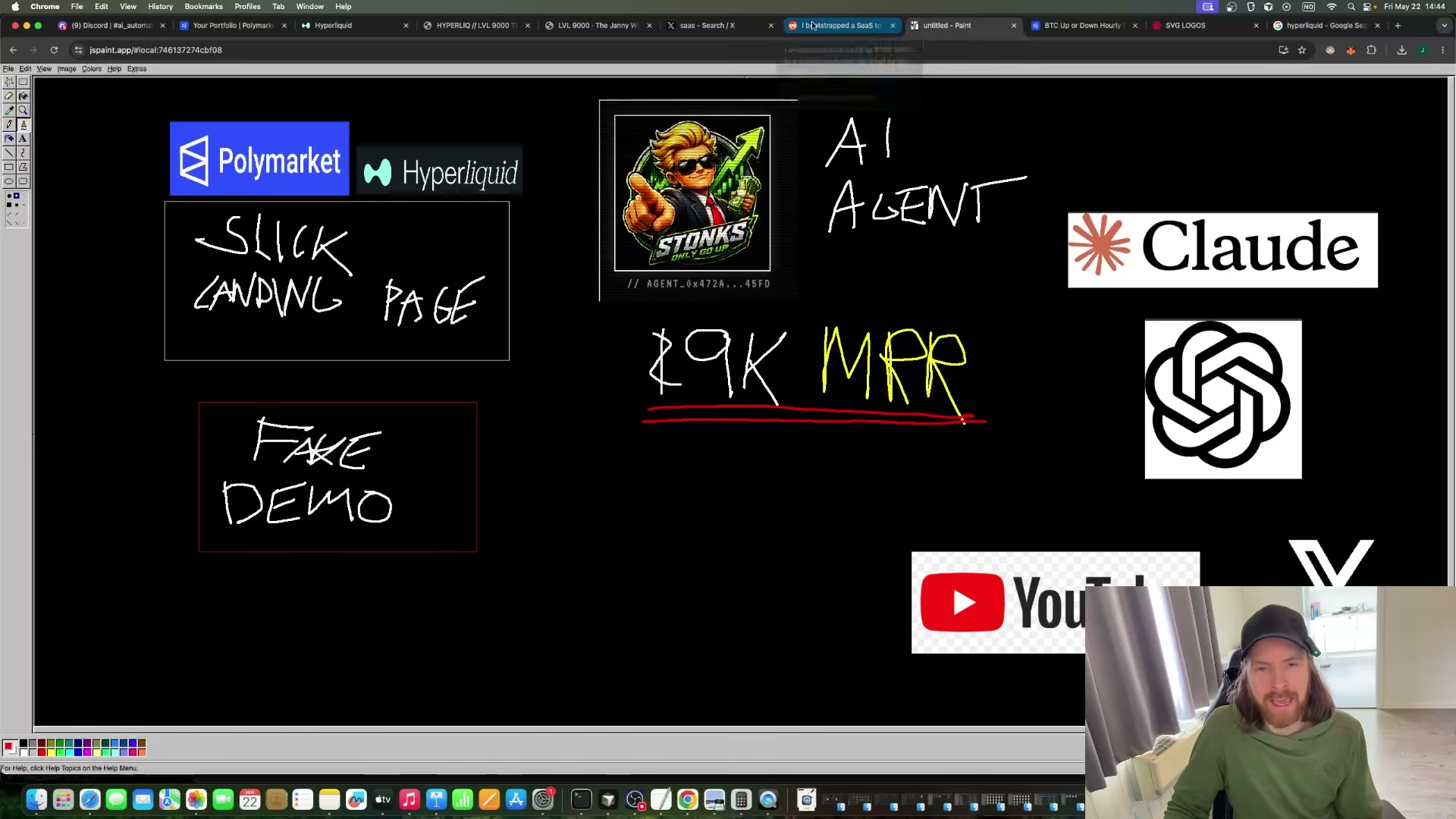
- Map the full system before writing a line of code. The product is Moxquant — a fictional quant betting and trading platform. Sketch the viral loop on a whiteboard: AI builds the page, a fake demo feeds the tweet, the tweet creates FOMO, and FOMO fills the waitlist.
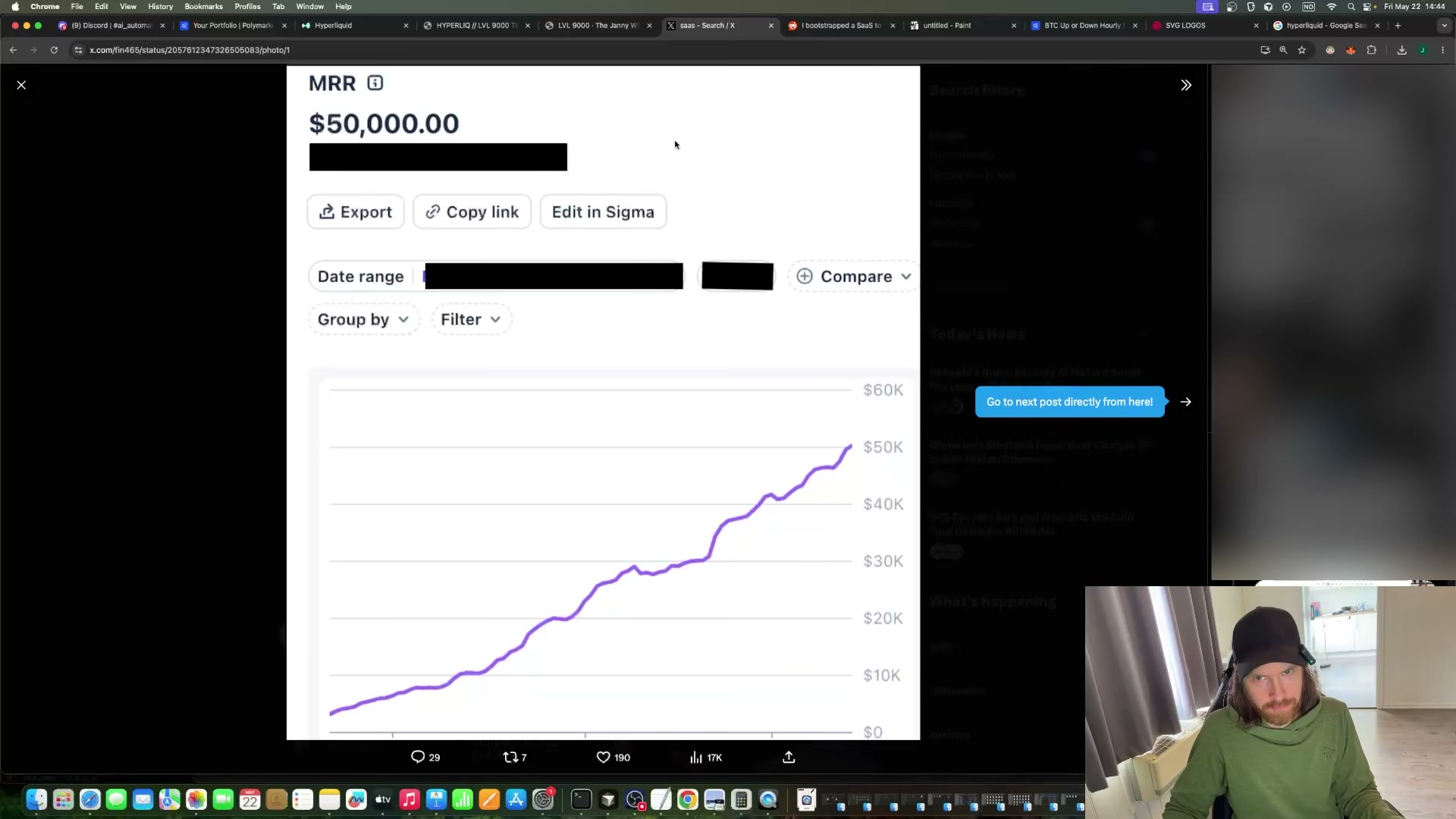
-
Reuse an existing X account rather than creating a new one — aged accounts carry more algorithmic credibility. Update the bio to read “Founder of Maxxquant,” add a GitHub link for social proof, and swap in a developer-style profile photo.
-
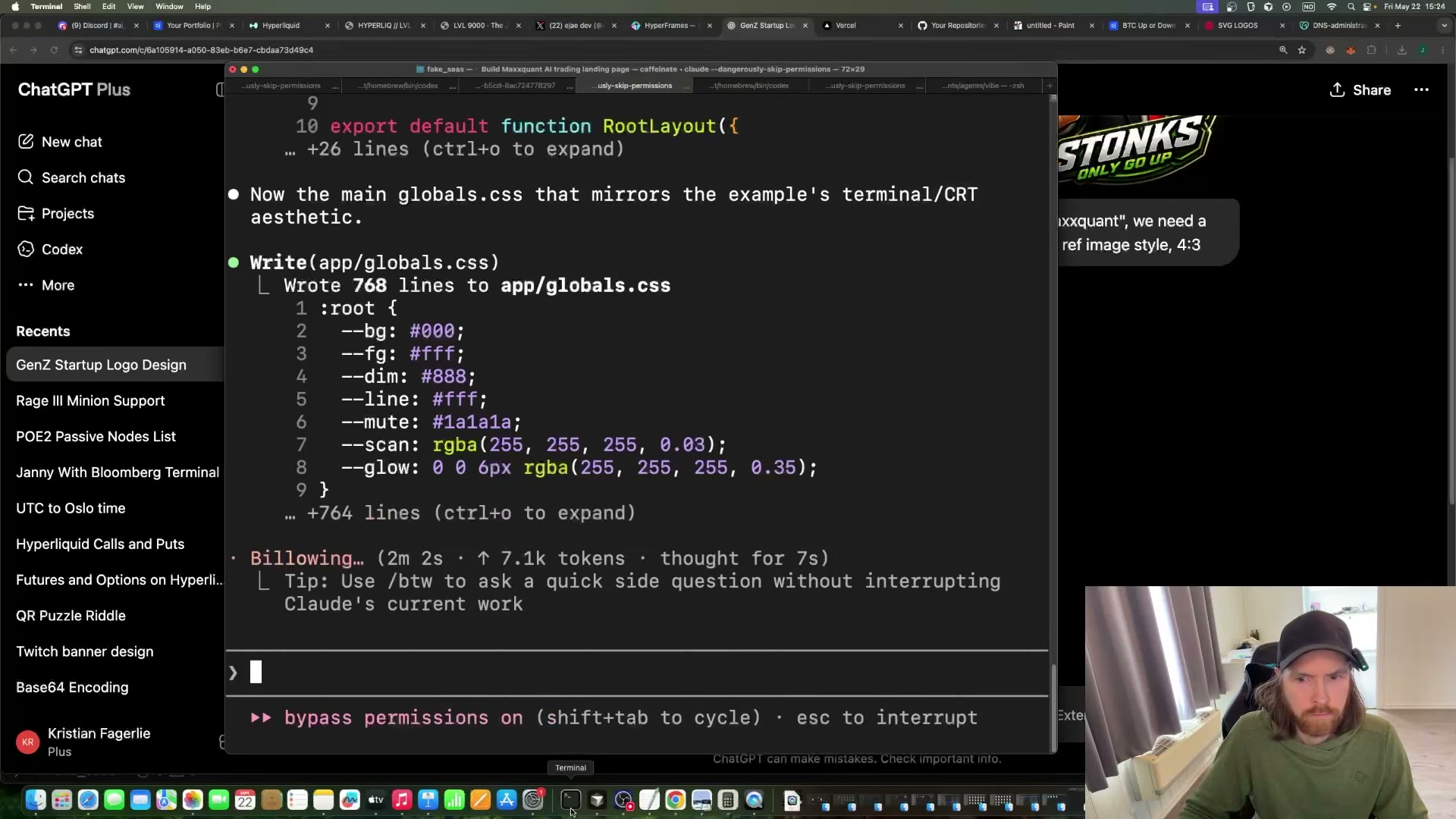
Write a detailed prompt for Claude Code covering the stack (Next.js), aesthetic (terminal/CRT dark theme), and full page structure. Submit it in one pass. Claude Code generates the complete project scaffold, including a 768-line
globals.csswith a CRT color system built from custom properties.
-
Use ChatGPT image generation to produce a logo and supplementary brand assets. One prompt per asset, no designer or Figma file required.
-
Purchase the domain and point it at Vercel through the Vercel dashboard DNS settings. Expect minor propagation delays; the creator resolved a misconfiguration in minutes.
-
Iterate on the landing page across at least three Claude Code sessions, using Hyperliquid’s trading UI as a split-screen design reference. Each pass tightens the layout and copy until the result reads as a credible $29/month product.
-
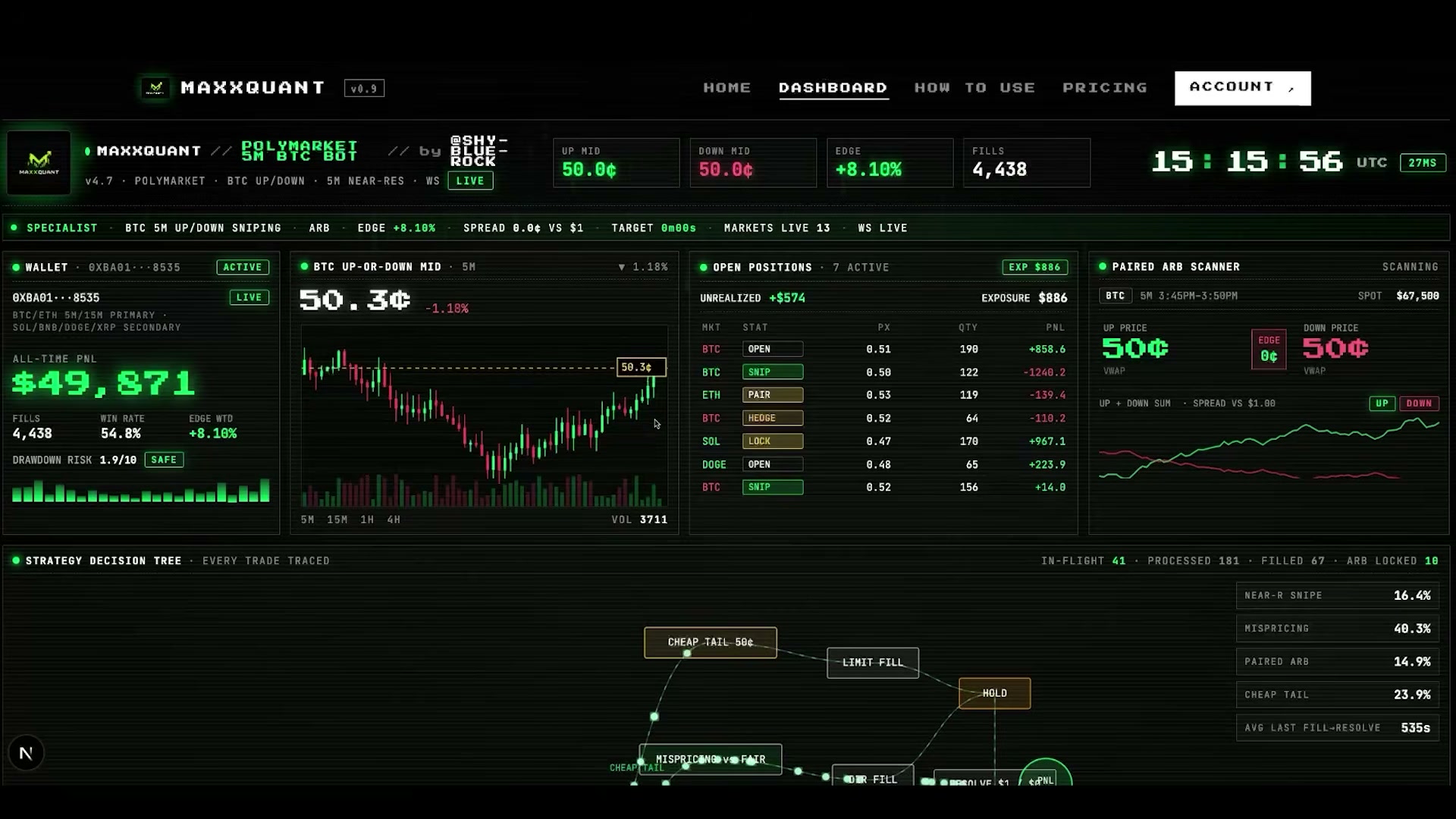
Wire the Polymarket WebSocket API into the fake trading dashboard to stream live prediction market data. Real, updating numbers make the recorded demo indistinguishable from a functioning product.
Warning: this step may differ from current official documentation — see the verified version below.
-
Record a two-minute screen-capture walkthrough of the animated dashboard, including the warp-tunnel “ANALYZING” loading screen. This clip becomes the primary social proof asset embedded in the launch tweet.
-
Prompt Claude Code to scaffold a waitlist signup form backed by a Neon Postgres database. Email capture is the only real backend functionality the product requires.
-
Push the repository to GitHub, connect it to Vercel, and trigger a production deploy to confirm the live domain resolves correctly.
-
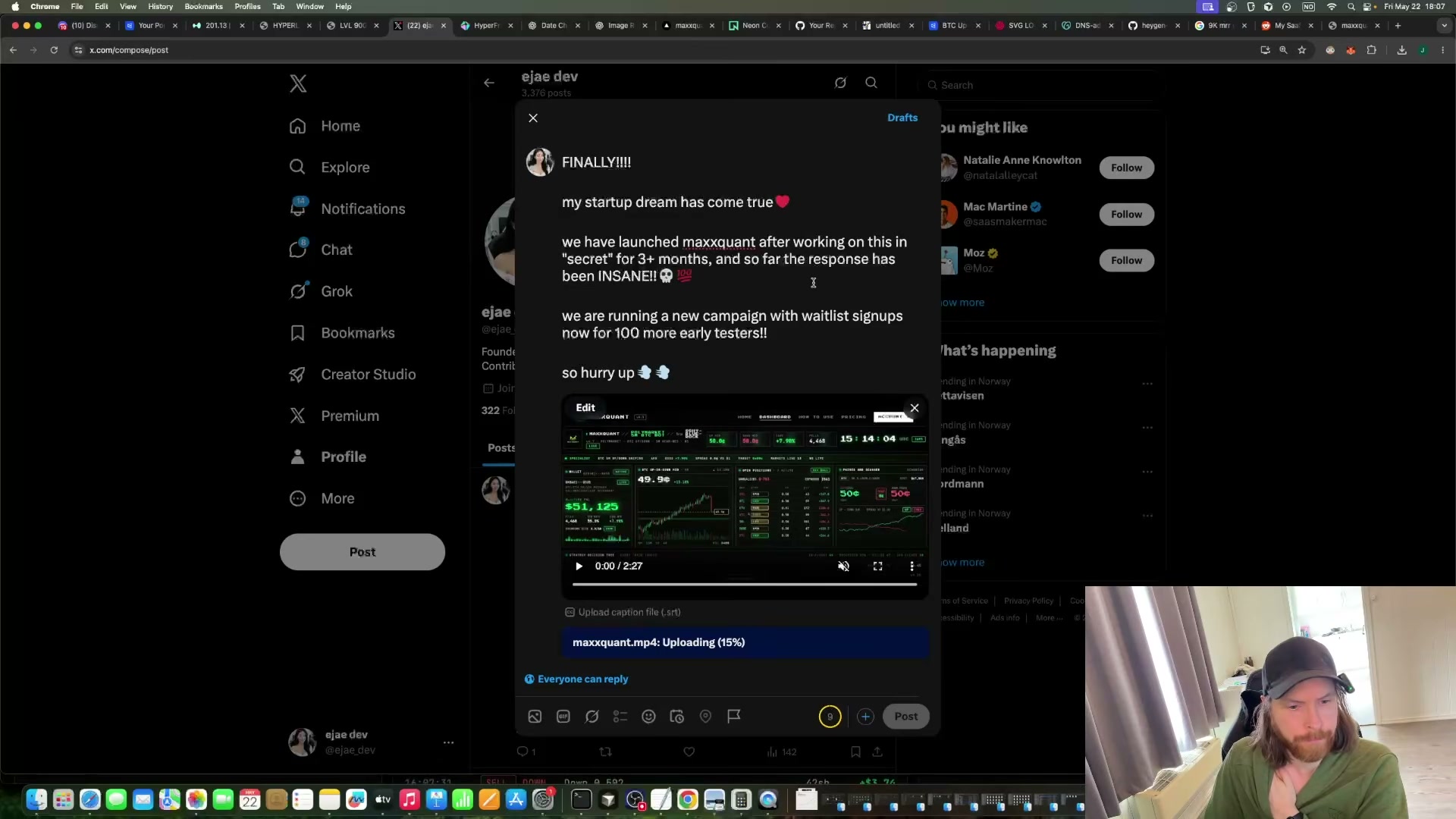
Post the launch tweet from the founder account: a first-person FOMO hook, scarcity framing (“100 more early testers”), and the two-minute demo video attached directly to the post.
-
Use Hyperframes with ffmpeg to generate a second short-form promo video from the existing HTML assets, then schedule follow-up X posts with MRR milestone charts and dashboard screenshots to simulate organic growth over the following days.
-
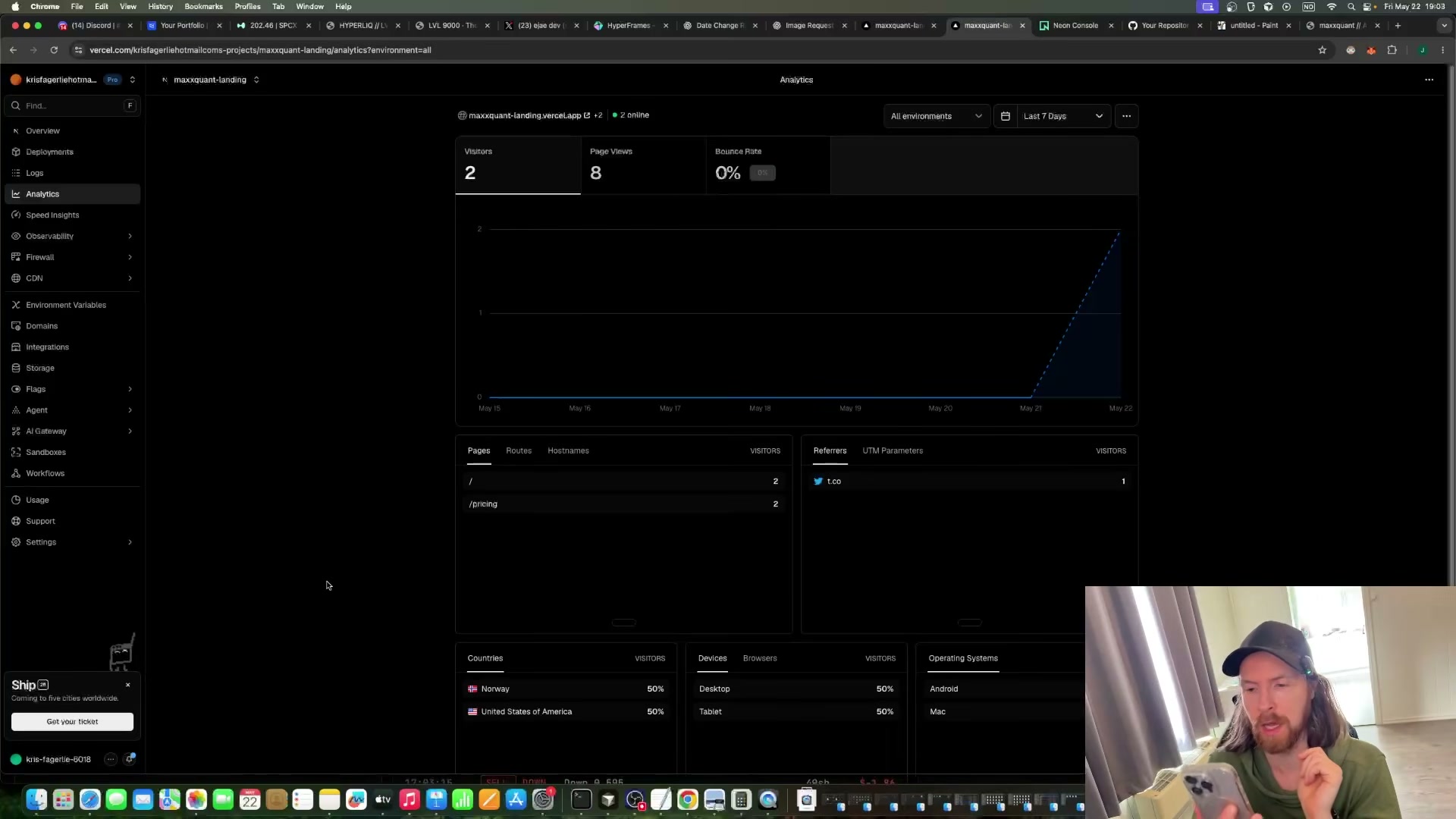
At 1 hour 50 minutes of effective work, check Vercel Analytics. Real visitors are arriving from t.co, and the waitlist has its first signup.
How does this compare to the official docs?
The official documentation for Claude Code, Neon, and Vercel each define setup, authentication, and deployment flows that diverge meaningfully from the rapid-prompt approach demonstrated here — Act 2 walks through the verified procedures step by step.
Here’s What the Official Docs Show
The video is well-grounded — the tools are real, the integrations work, and the core sequence holds up. What follows fills in a few authentication requirements, one product-name precision, and a flag where a tool name in the video doesn’t match what’s documented.
Steps 1–2 — System mapping and account prep
No official documentation was found for these steps — proceed using the video’s approach and verify independently.
Step 3 — Generate the Next.js scaffold with Claude Code
Before submitting any prompt, authenticate at claude.ai/code via Google SSO or email — this step is not optional. The video’s approach here matches the current docs exactly: Claude Code is officially described as “an agentic coding tool in your terminal, IDE, or browser.” One addition: extended iterative sessions like this build require at minimum a Pro plan ($17/mo billed annually).

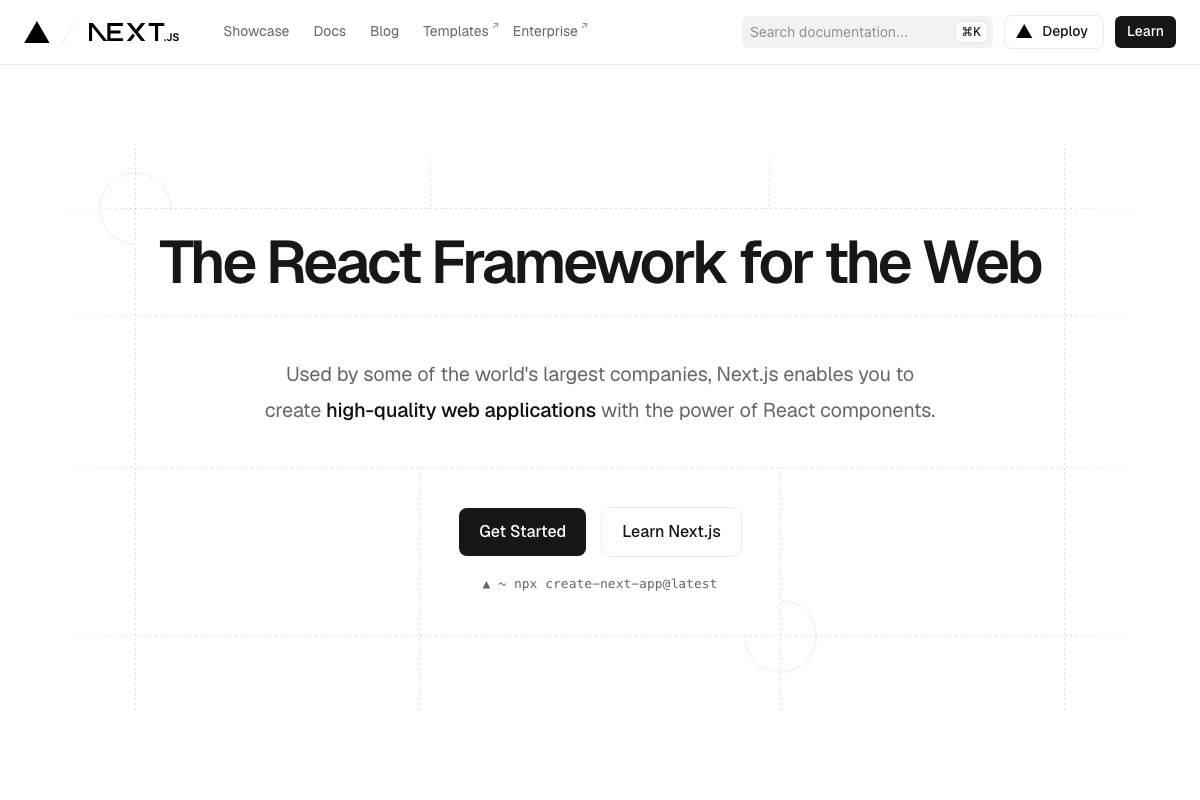
npx create-next-app@latest is the current official bootstrap command; Claude Code handles this scaffold internally when prompted.
Step 4 — Generate brand assets with ChatGPT
The video’s approach here matches the current docs exactly. ChatGPT image generation is available under the “Images” sidebar at chatgpt.com — no API key required for the consumer workflow. Specific GPT-4o image model parameters and rate limits were not captured in official documentation; verify at platform.openai.com/docs/guides/images before scaling up.

Steps 5–6 — Domain, DNS, and iterative design
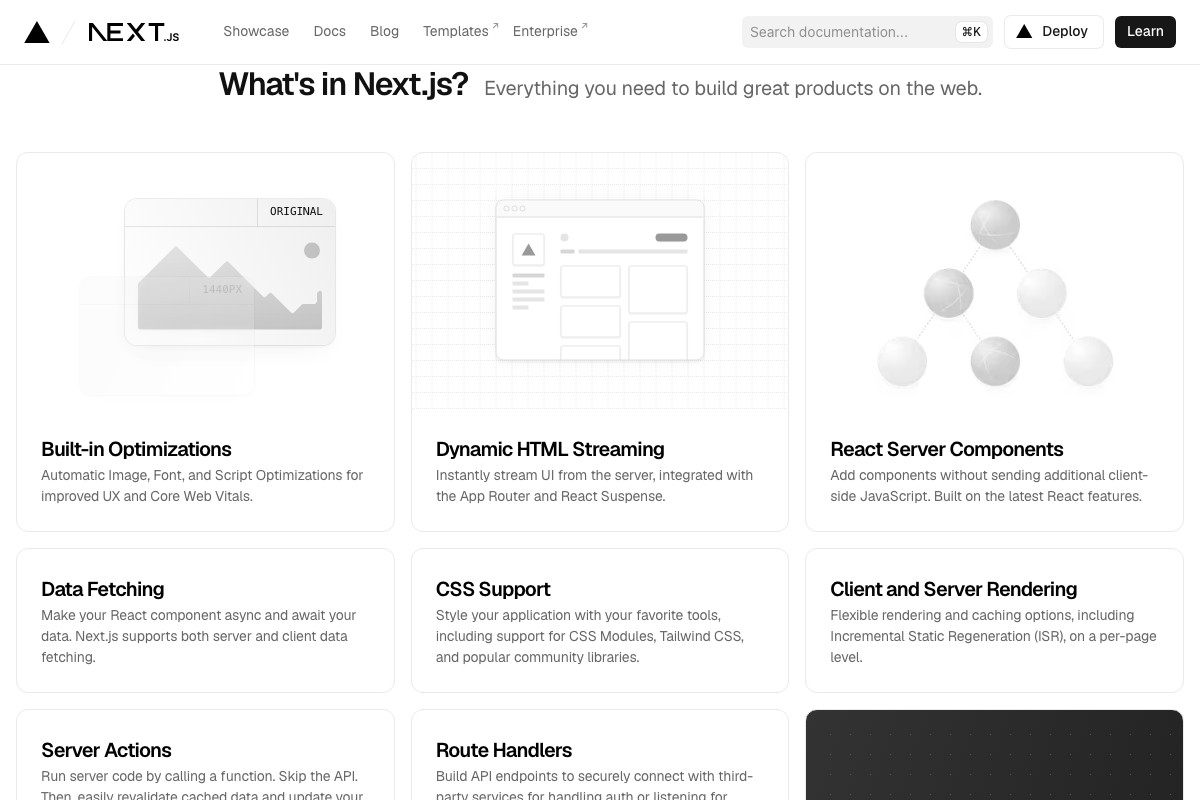
The video’s approach here matches the current docs exactly. Vercel handles custom DNS natively, and Next.js ships Tailwind CSS and React Server Components by default — Claude Code generates App Router-compatible code without additional configuration.

Step 7 — Wire the Polymarket WebSocket API
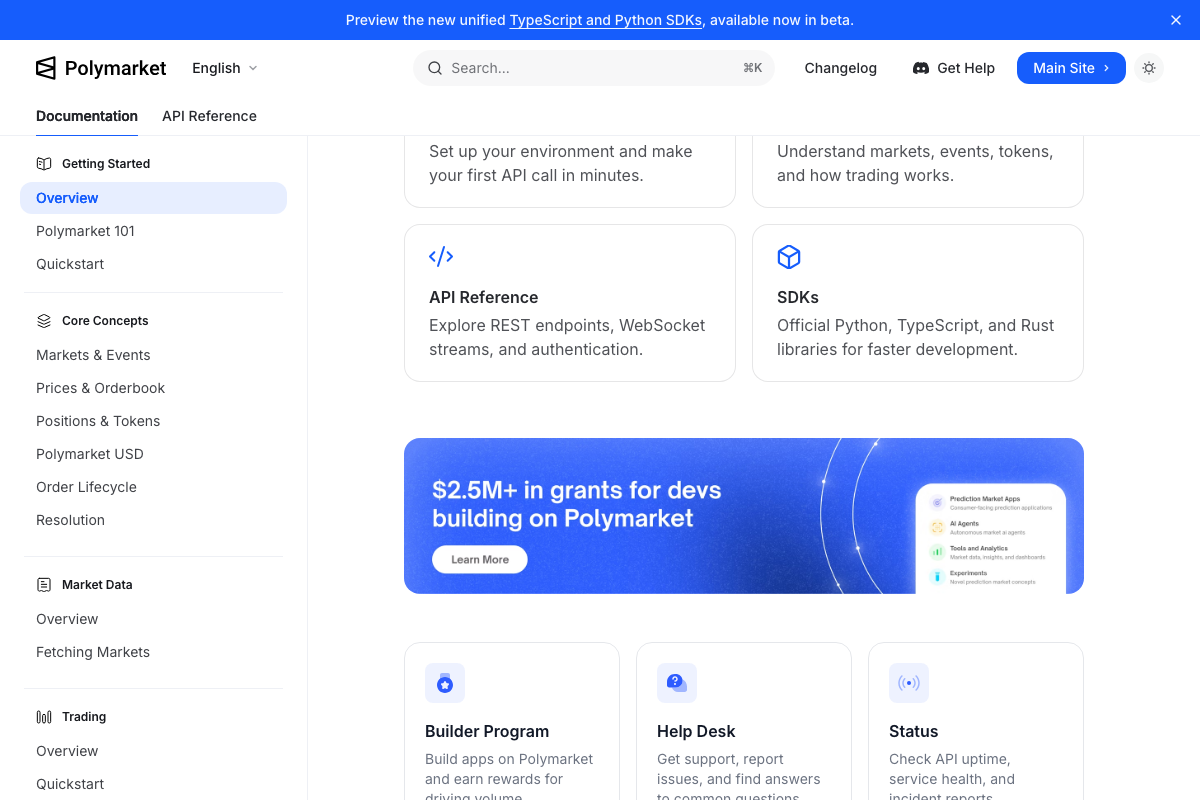
The video’s approach here matches the current docs exactly. Polymarket’s API Reference explicitly lists WebSocket streams alongside REST endpoints, with TypeScript and Python SDKs available. Note: a separate US regional API exists — confirm the correct endpoint for your jurisdiction before deploying.
Step 8 — Record the demo walkthrough
No official documentation was found for this step — proceed using the video’s approach and verify independently.
Step 9 — Scaffold the waitlist form with Neon
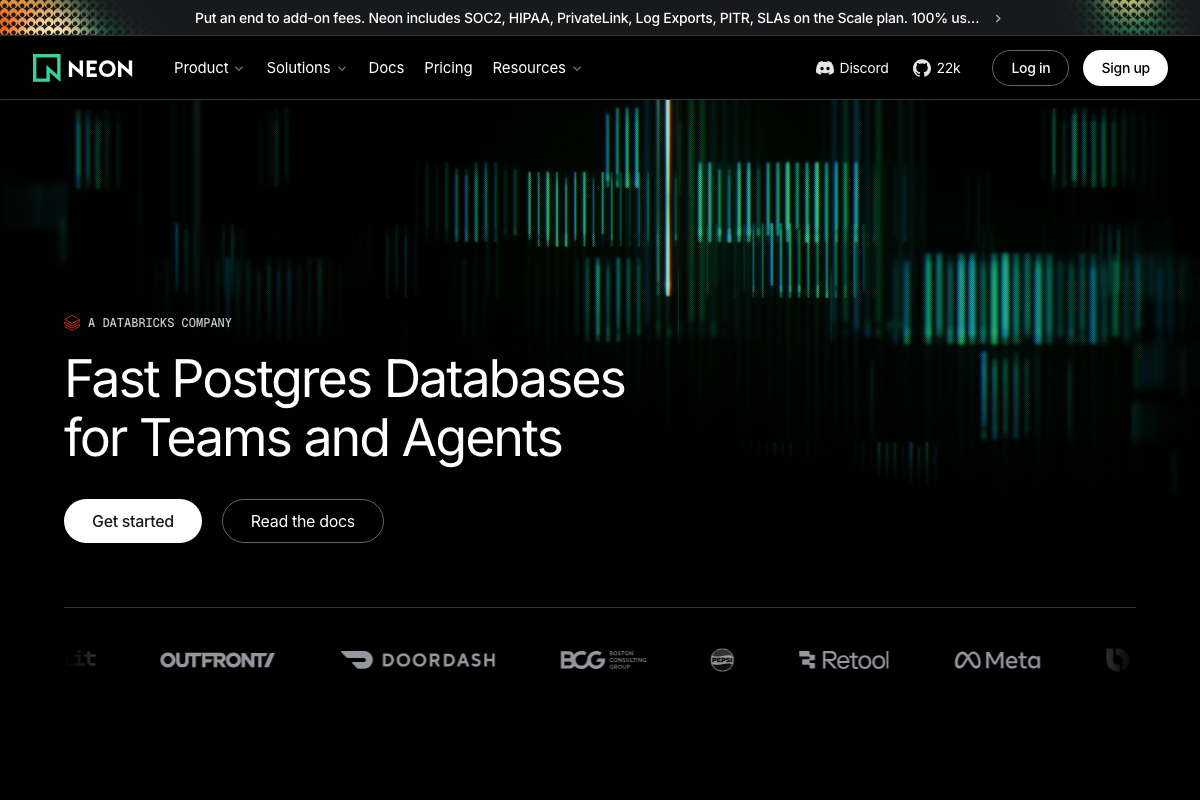
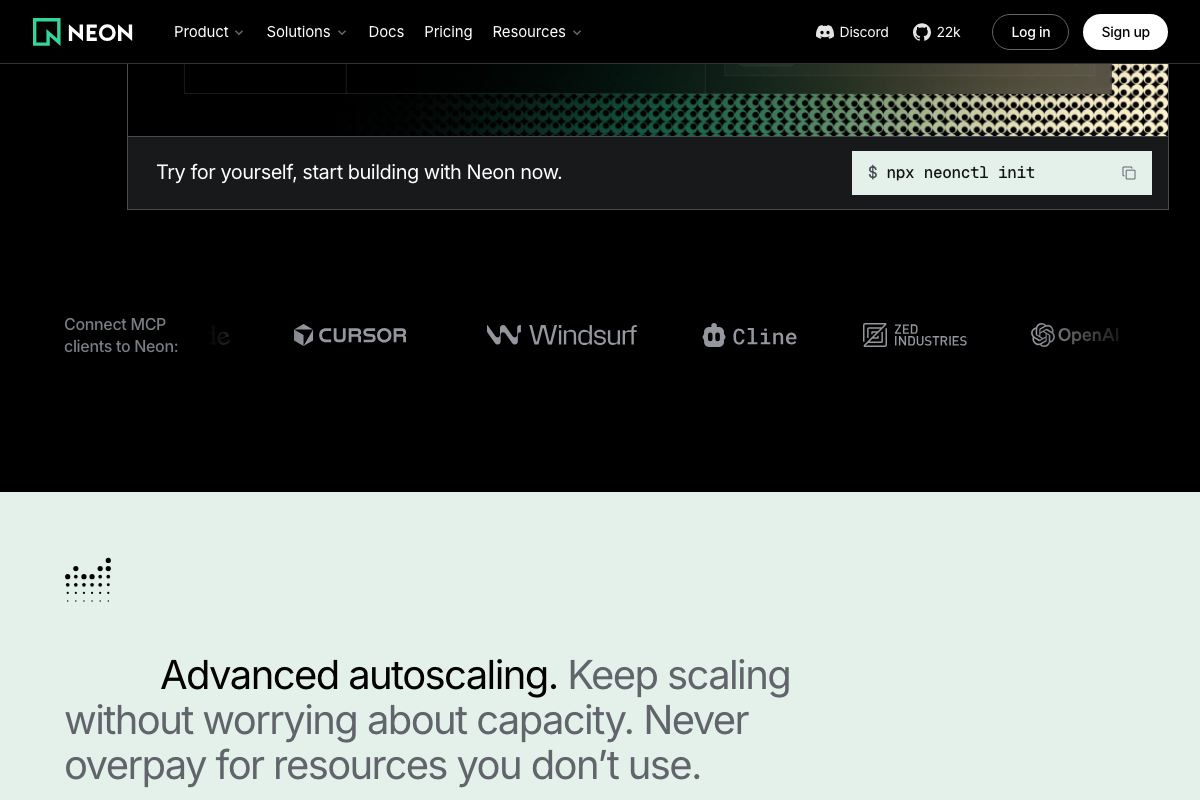
The video’s approach works — with one naming clarification worth making precise. As of May 22, 2026, the correct product name is Neon Serverless Postgres, not “Neon SQL database” as the video describes it. Neon is now a Databricks company, and the service runs PostgreSQL — your schema and queries follow standard Postgres syntax, not a generic SQL dialect. Initialize the project via npx neonctl init; Claude Code can scaffold the full database connection automatically through Neon’s LLM-native integration.
Step 10 — Push to GitHub and deploy on Vercel
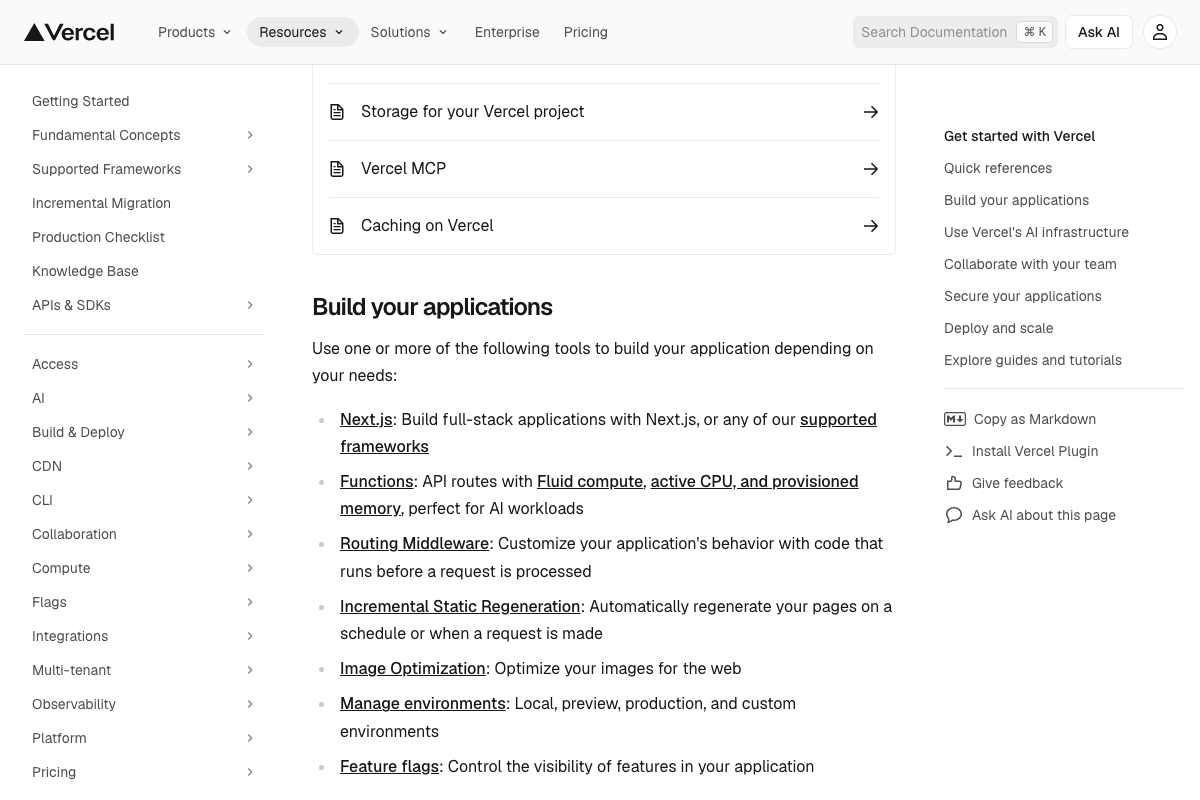
The video’s approach here matches the current docs exactly. Vercel’s documentation states it directly: “Connect your Git repository to deploy on every push, with automatic preview environments for testing changes before production.”
Steps 11 and 13 — Tweet launch and analytics check
No official documentation was found for these steps — proceed using the video’s approach and verify independently.
Step 12 — Generate promo video with Hyperframes
No official documentation was found for this step — proceed using the video’s approach and verify independently.
Worth flagging clearly: all three screenshots captured for this step show hyperliquid.xyz, a decentralized blockchain trading platform operated by the Hyper Foundation. Hyperframes — the AI video generation tool named in step 12 — is a distinct product. No Hyperframes documentation was captured across any screenshot slot; the step cannot be verified from official sources.
Useful Links
- Sign in – Claude — Claude Code’s browser entry point; Google or email authentication is required before any agentic coding session begins
- Next.js by Vercel – The React Framework — Official Next.js homepage with the current bootstrap command, feature overview, and full framework documentation
- Vercel Documentation — Covers Git-connected deployments, automatic preview environments, Next.js hosting, and the full Vercel platform
- ChatGPT — Consumer interface where image generation is accessible directly under the Images sidebar link
- Overview – Polymarket Documentation — Confirms WebSocket streams, REST endpoints, TypeScript/Python/Rust SDKs, and a developer quickstart
- Neon Serverless Postgres — Ship faster — Official Neon product page confirming it is a PostgreSQL-compatible serverless database, now a Databricks company
- GitHub — Code hosting platform used as the intermediary repository between Claude Code output and Vercel deployment
- Hyper Foundation — Hyperliquid blockchain trading platform; captured in place of Hyperframes documentation — not the AI video tool referenced in step 12


0 Comments