

5 Signs Your AI SEO Strategy Is Actually Working
Traditional traffic metrics are failing most marketers — not because their strategies are broken, but because the dashboards measuring them were built for a world that no longer exists. After working through this tutorial, you’ll know how to track five concrete signals that confirm your AI SEO is gaining traction, configure the right segments in Google Analytics 4 to surface AI-driven conversions, and build a content refresh cadence that keeps your pages cited by LLMs. The framework applies whether you’re a solo founder or managing SEO across an enterprise brand.

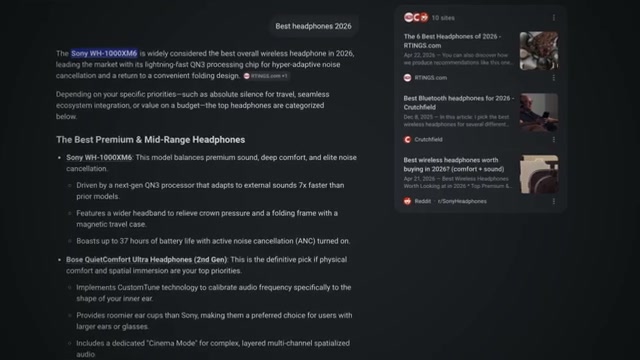
- Go to ubersuggest.com, enter your domain, and open the AI Visibility Report. The report shows how often your brand appears in citations across Google AI Overviews, ChatGPT, and other major LLMs. Top-performing brands currently achieve citation rates of 20–30% across their core topic clusters; the average sits between 5–12%. At 3% or below, your brand is effectively absent from AI-driven discovery regardless of how well you rank on Google.
-
Enter your core topics into the AI Visibility Report to receive citation benchmarks. The tool generates automated screenshots of your citation presence across each major LLM and tracks your rate on a weekly or daily basis. Treat this number as a leading indicator — it signals momentum weeks before any traffic change registers in your standard analytics.
-
Open ChatGPT manually and type your core topic. Screenshot the full response and note whether your brand appears among the cited sources. Run the same query in Perplexity and Google AI Mode, date-stamp all three screenshots, and repeat the following week to establish a direction-of-travel trend.
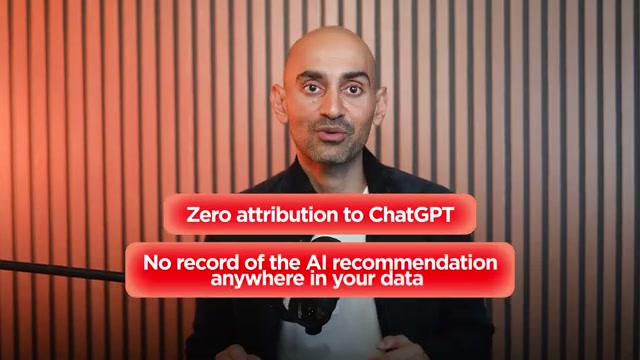
- Open Google Search Console and filter your queries by brand name. Review branded search volume across the last 90 days and look for an upward trend. When AI platforms recommend a brand, most users don’t click the citation — they close the app and search the brand name directly minutes later. That intent registers in Search Console as branded organic traffic with zero attribution to the AI source that generated it.

-
In Google Analytics 4, create a segment scoped to sessions where the referral source contains “chatgpt.com”, “perplexity.ai”, “claude.ai”, or “gemini.google.com”. This isolates visitors who arrived directly from AI tools rather than a conventional search click.
-
Compare the conversion rate of that AI referral segment against your overall organic traffic baseline. NP Digital’s internal data shows AI-sourced sessions converting at roughly 9% — more than double SMS traffic and more than triple standard paid search. A meaningful positive gap between these two rates is the clearest evidence that your AI SEO is generating measurable business impact.


-
Pull your 10 highest-value pages and build a quarterly refresh calendar in Google Sheets. Assign each page a review month, a content owner, and a column to track the last published date.
-
For each page on the calendar: replace any statistics older than 18 months with current figures, add a FAQ section with FAQ schema markup, and update the publish date to reflect the content refresh.
Warning: this step may differ from current official documentation — see the verified version below.
How does this compare to the official docs?
The workflow above reflects one practitioner’s tested process — Act 2 maps each signal against official documentation from Google Search Console, GA4, and schema.org to confirm which steps are platform-supported, which rely on inferred behavior, and where the guidance parts ways with what was shown here.
Here’s What the Official Docs Show
The video covers a sound framework — the steps below confirm where the documented tools align with what you saw and add a few details that matter when you’re actually sitting in front the dashboards. Where naming or product versions differ, they’re called out plainly so you don’t waste time hunting for UI labels that don’t exist.
Steps 1 & 2 — Ubersuggest Brand Visibility Setup
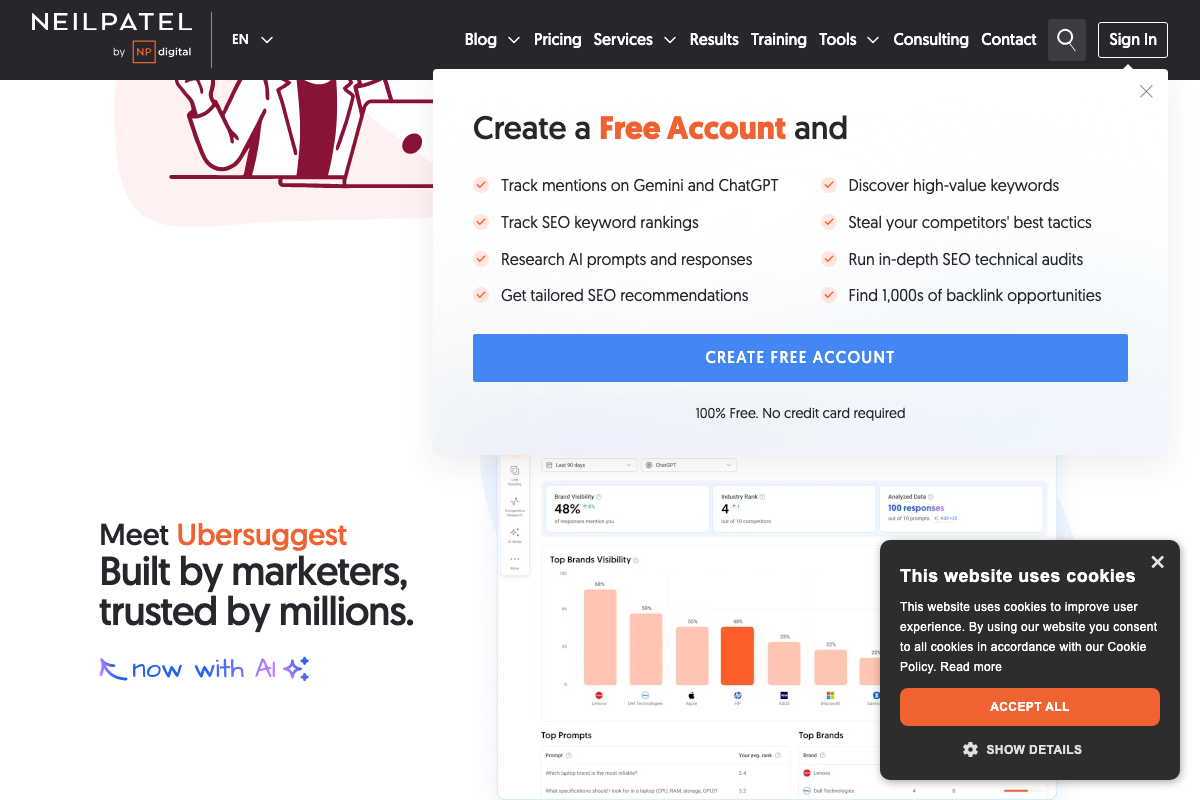
Navigate to neilpatel.com/ubersuggest, enter your domain, and look for the AI mention tracking dashboard. One naming clarification worth making before you start: the in-product label for this feature is Brand Visibility, not “AI Visibility Report” as the video states. The underlying data is the same — citation rate, Industry Rank, and Top Prompts — but you’ll find it under that label in the UI.
One prerequisite the video skips: account creation is required before you can access AI tracking features. The free tier works with no credit card.
The dashboard’s platform filter (visible as “ChatGPT” in the preview) and the “Last 90 days” date range selector confirm the tracking cadence the tutorial describes. The sample methodology — “Analyzed Data: 100 responses” — is worth noting; results are drawn from a response sample, not exhaustive citation indexing.
Step 3 — Manual LLM Spot-Check
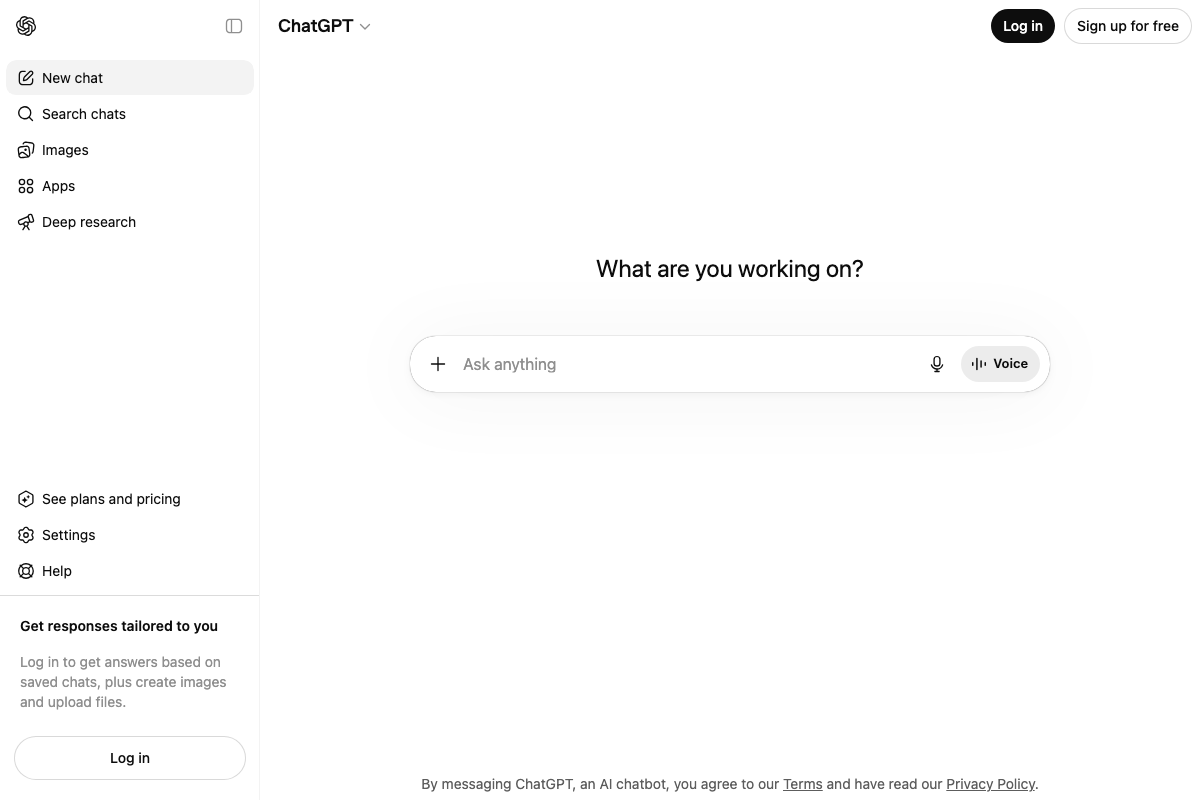
The video’s approach here matches the current docs exactly for ChatGPT: open chatgpt.com, type your topic, and document what you see. One practical note the tutorial omits: unauthenticated queries may produce different citation behavior than logged-in sessions — worth testing both.
For Perplexity, the consumer search interface lives at perplexity.ai — the tutorial’s instruction to open it manually is correct. (The developer API documentation at docs.perplexity.ai is a separate product and not what’s being referenced here.)
For Google’s AI surface: as of May 2026, the relevant product is AI Overviews, which launched broadly in May 2024, and AI Mode, which launched in 2025. Both are standard Google Search features — not experimental. Screenshots labeled “Generative AI is experimental” reflect the 2023 Search Generative Experience (SGE) tested in Search Labs and no longer represent what users see today.
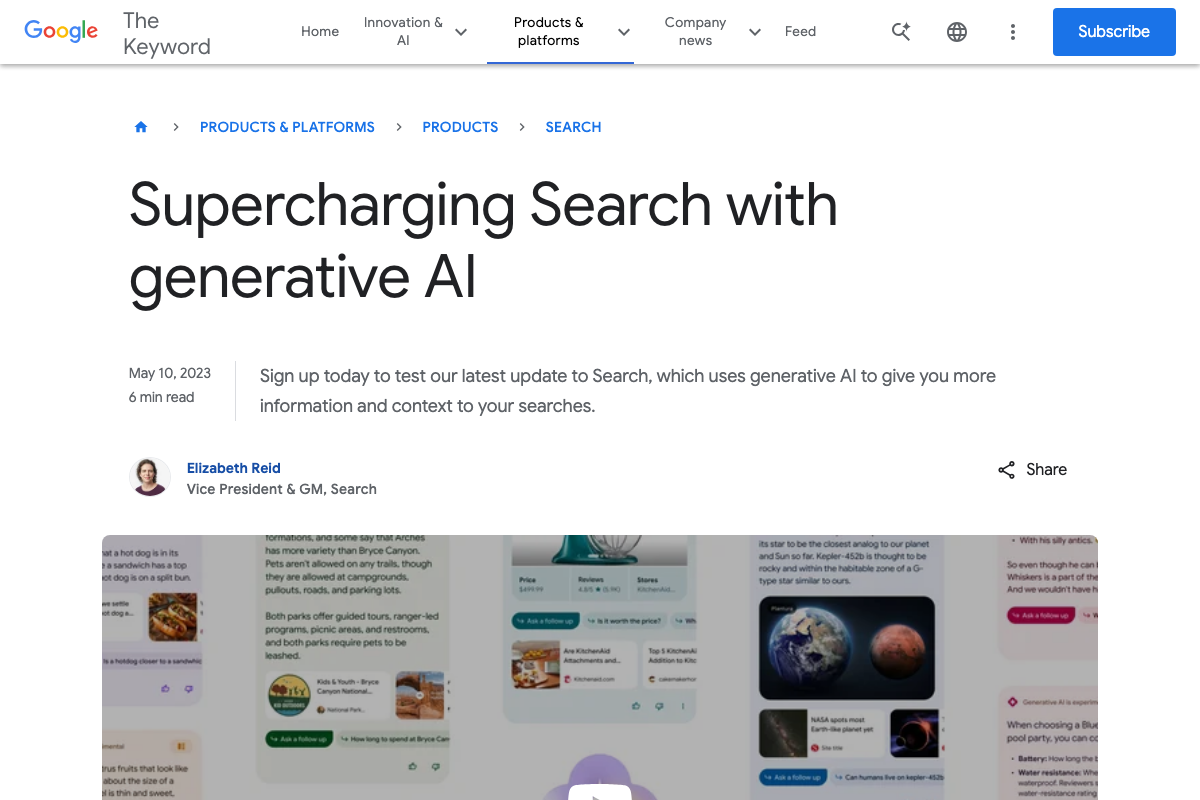
Step 4 — Google Search Console Branded Query Filter
Google Search Console does measure impressions, clicks, and position by query, confirming the underlying capability the tutorial describes.
No official documentation was found for the specific Performance report query filter and 90-day date range workflow described in this step — proceed using the video’s approach and verify independently.
Step 5 — GA4 AI Referral Isolation
GA4 does support referral source filtering and is free via Google Marketing Platform.
No official documentation was found for this step — proceed using the video’s approach and verify independently.
One terminology note: as of May 2026, GA4 does not use “segments” in the Universal Analytics sense. The equivalent workflows in GA4 are Explorations (for custom analysis) and Comparisons (for filtering within standard reports). If you search GA4 help for “create a segment,” you’ll be redirected to these features.
Steps 6, 7, and 8 — Conversion Benchmarking, Content Calendar, and Page Refresh Checklist
No official documentation was found for these steps — proceed using the video’s approach and verify independently.
Useful Links
- Ubersuggest: Free Keyword Research Tool — Neil Patel — The Ubersuggest homepage where you enter your domain and access the Brand Visibility AI mention tracking dashboard.
- Google Search Console — Google’s official tool for measuring branded query impressions, clicks, and position in Search.
- Analytics Tools & Solutions for Your Business — Google Analytics — The Google Analytics marketing page confirming GA4 availability, pricing, and core measurement capabilities.
- ChatGPT — The consumer ChatGPT interface used for manual brand citation spot-checks in step 3.
- Overview — Perplexity — Perplexity’s developer API Platform documentation; the consumer search tool for manual testing is at perplexity.ai.
- How Google Is Improving Search with Generative AI — Google’s May 2023 blog post documenting the experimental SGE feature in Search Labs, the precursor to current AI Overviews and AI Mode.


0 Comments