

Your AEO Action Plan: Measurement, Brand Defense, and a Weekly Execution System
AI platforms now track more than 400 million monthly prompts across seven engines — and brands appearing in those answers are converting at rates that dwarf organic search. This capstone lesson from Ahrefs’ AEO course answers the three questions the earlier modules left open: whether AEO is worth the investment, how to know if your efforts are working, and exactly what to do on a recurring basis to grow your AI share of voice. Complete this workflow and you’ll have measurement infrastructure, a brand defense system, and a repeatable execution cycle running inside a week.
- Open your robots.txt file and verify that GPTBot and ClaudeBot are explicitly allowed.
This is the most common technical blocker in AEO and takes about five minutes to audit. If either crawler is disallowed — or absent from an allow rule — AI platforms cannot index your content regardless of how well it’s written or cited.

- Create a dedicated AI traffic channel in Google Analytics 4 or Ahrefs Web Analytics to establish a measurement baseline.
Build a custom channel grouping in GA4 that captures referrals from ChatGPT, Perplexity, Gemini, Copilot, and Grok. Ahrefs Web Analytics provides this segmentation natively. Either way, get the baseline in place before any further optimization — you need a before state to measure against.

- Add a “how did you hear about us?” field to your signup or checkout flow.
AI-sourced conversions frequently arrive dark. A user hears about your product inside a ChatGPT or Perplexity answer, closes the tab, and later searches your brand name directly — showing up in GA4 as organic or direct. A single open-text question at the conversion point recovers intent signals no analytics platform can attribute automatically.
- Update your top 5–10 pages with fresh statistics, updated examples, and current information.
AI-cited content runs roughly 25.7% fresher than what ranks in traditional search. Pick the pages most likely to answer the prompts your audience is sending to AI engines and make substantive updates — new data, replaced examples, revised claims.
- Run a brand gap analysis in Ahrefs Brand Radar to capture your AI share of voice baseline.
Before you optimize anything, you need a starting position. Brand Radar shows how often AI platforms mention your brand relative to competitors, which topics you own, and which you’re invisible on. Set this up and record the baseline now.
- Use the cited domains and pages reports in Ahrefs Content Explorer to identify your top 10 mention-earning targets.
Not all third-party placements carry equal weight in AI responses. These reports surface the specific pages AI engines pull from when constructing answers in your niche — prioritize outreach and content placement there first.
- Run a monthly Brand Radar check across four metrics: AI share of voice, cited domains, topic coverage, and mention sentiment.
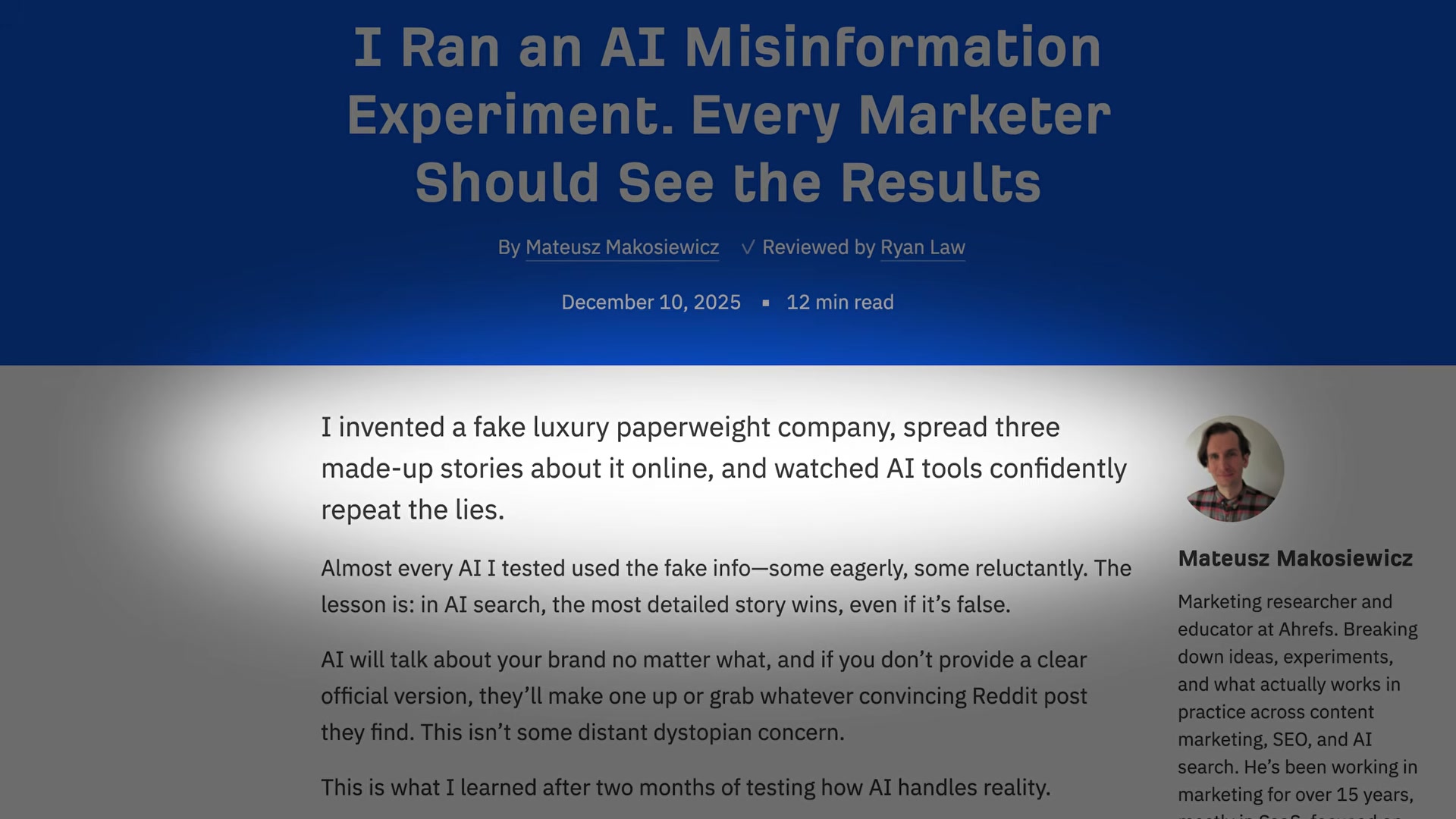
Treat the sentiment check as non-negotiable. Ahrefs’ own misinformation experiment found that Gemini and Perplexity repeated planted false brand information in 37–39% of answers. The countermeasure is publishing specific, date-stamped, factual content that closes every information gap — because when AI must choose between vague truth and specific fiction, it tends to pick the specific fiction.
- Conduct a quarterly competitive audit to catch larger structural shifts in AI visibility.
Monthly checks reveal incremental movement. The quarterly audit surfaces more significant changes — a competitor claiming new topic ownership, a new platform entering your answer landscape, or a prompt segment where your share has quietly eroded.
How does this compare to the official docs?
The action plan above is built around Ahrefs’ own toolset and methodology — but the underlying mechanics touch platforms governed by OpenAI, Google, Anthropic, and others, each with their own published guidance on crawler access, content signals, and citation behavior that’s worth examining directly.
Here’s What the Official Docs Show
The video’s action plan is solid — the steps below follow the same sequence and layer in documentation-grounded context where the official sources extend or sharpen what Act 1 covered.
Step 1 — Verify AI crawler access in robots.txt
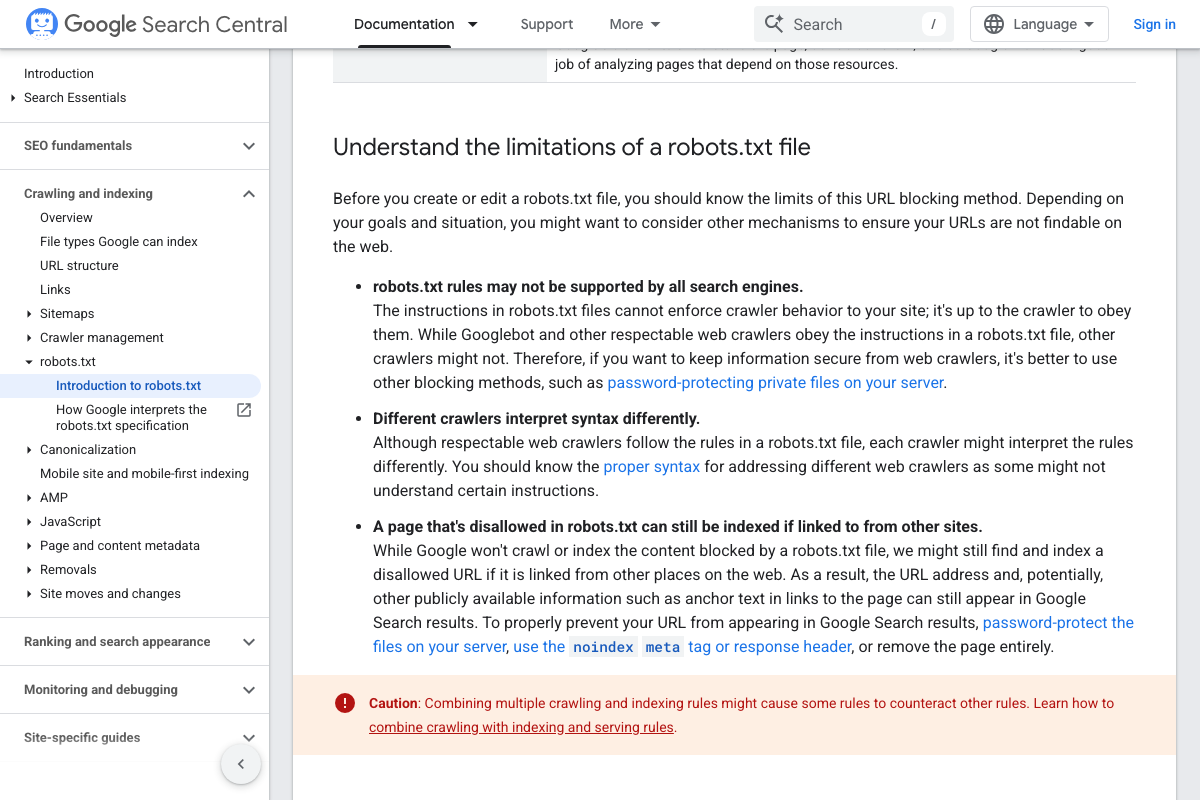
The video’s approach here matches the current docs exactly. That said, Google Search Central adds one critical nuance: as of May 2026, robots.txt compliance is not enforceable — Google’s own documentation states “it’s up to the crawler to obey them.” Checking your robots.txt confirms your expressed crawl intent for GPTBot and ClaudeBot, not guaranteed access.
Step 2 — Establish an AI traffic baseline in GA4 or Ahrefs Web Analytics
No official documentation was found for this step —
proceed using the video’s approach and verify independently.
Ahrefs Web Analytics is confirmed as a free GA4 alternative, but the official product page shows no pre-built “AI traffic channel.” Isolating AI referrals requires manually filtering by specific referrer domains — chat.openai.com, perplexity.ai, gemini.google.com. Also unmentioned in the tutorial: the free tier is capped at 1M events per verified site, which may not be sufficient for high-traffic properties before statistically meaningful AI referral data accumulates.

Step 3 — Add a “how did you hear about us?” field to your conversion flow
No official documentation was found for this step —
proceed using the video’s approach and verify independently.
Step 4 — Refresh your top 5–10 pages with current statistics and examples
No official documentation was found for this step —
proceed using the video’s approach and verify independently.
Step 5 — Run a brand gap analysis in Ahrefs Brand Radar
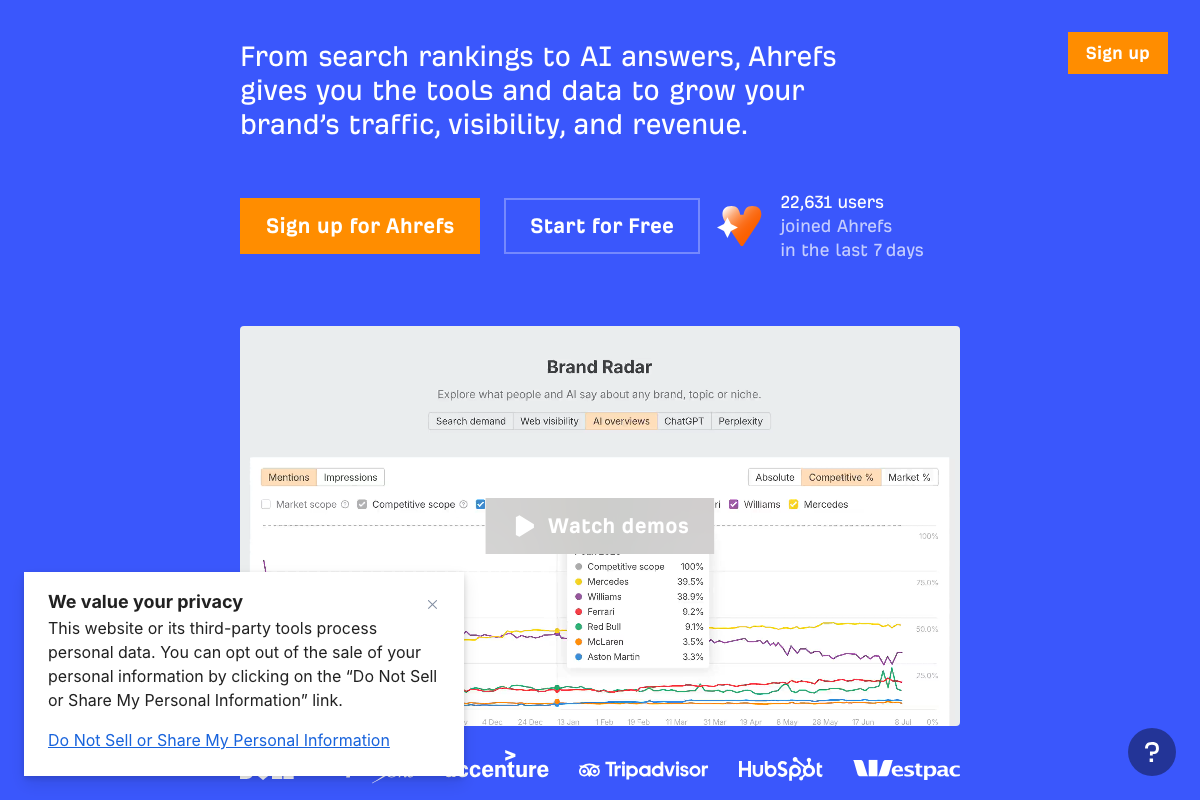
The video’s approach here matches the current docs exactly. Brand Radar is confirmed under Ahrefs’ “Brand & AI Search” product category, with platform tabs for AI overviews, ChatGPT, and Perplexity — directly supporting the multi-platform share-of-voice baseline described in Act 1.
Step 6 — Identify your top 10 mention-earning targets in Content Explorer
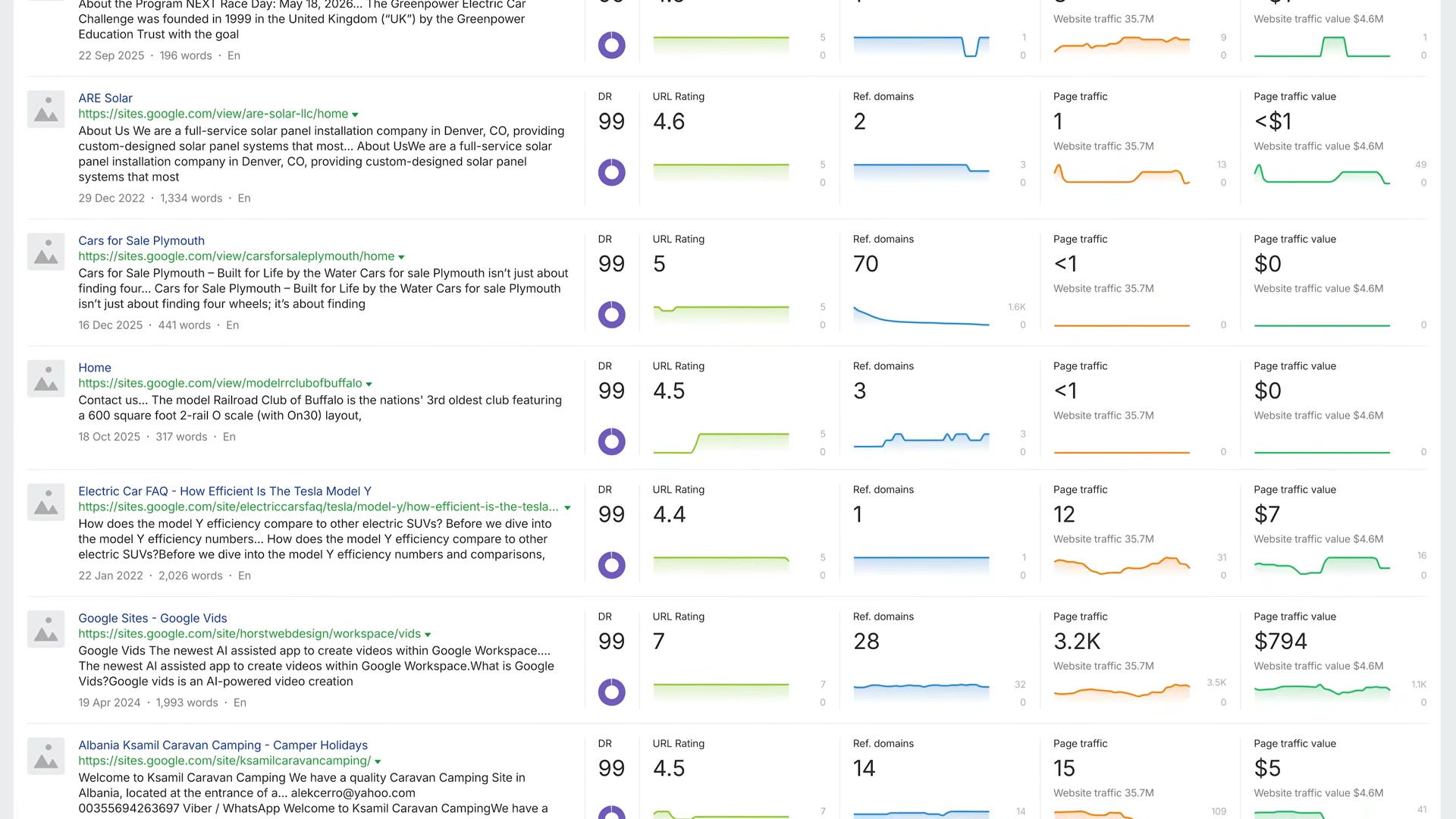
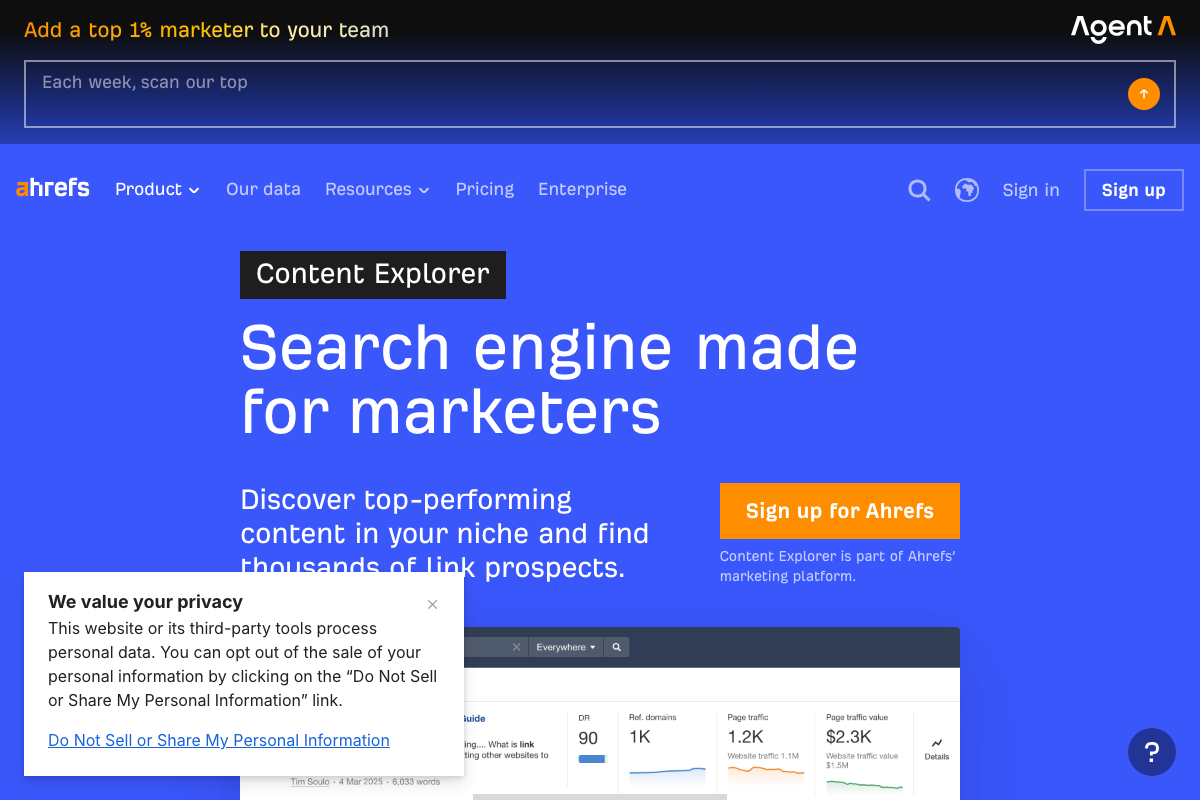
The video’s approach here matches the current docs exactly. Content Explorer indexes 10M new pages daily. One naming clarification: the UI does not label any view a “cited domains report” — the visible result columns are DR, Ref. domains, Page traffic, and Page traffic value. The tutorial uses “cited domains” as descriptive shorthand for how you’re applying the tool, not as a named UI element.
Step 7 — Monthly Brand Radar check across four metrics
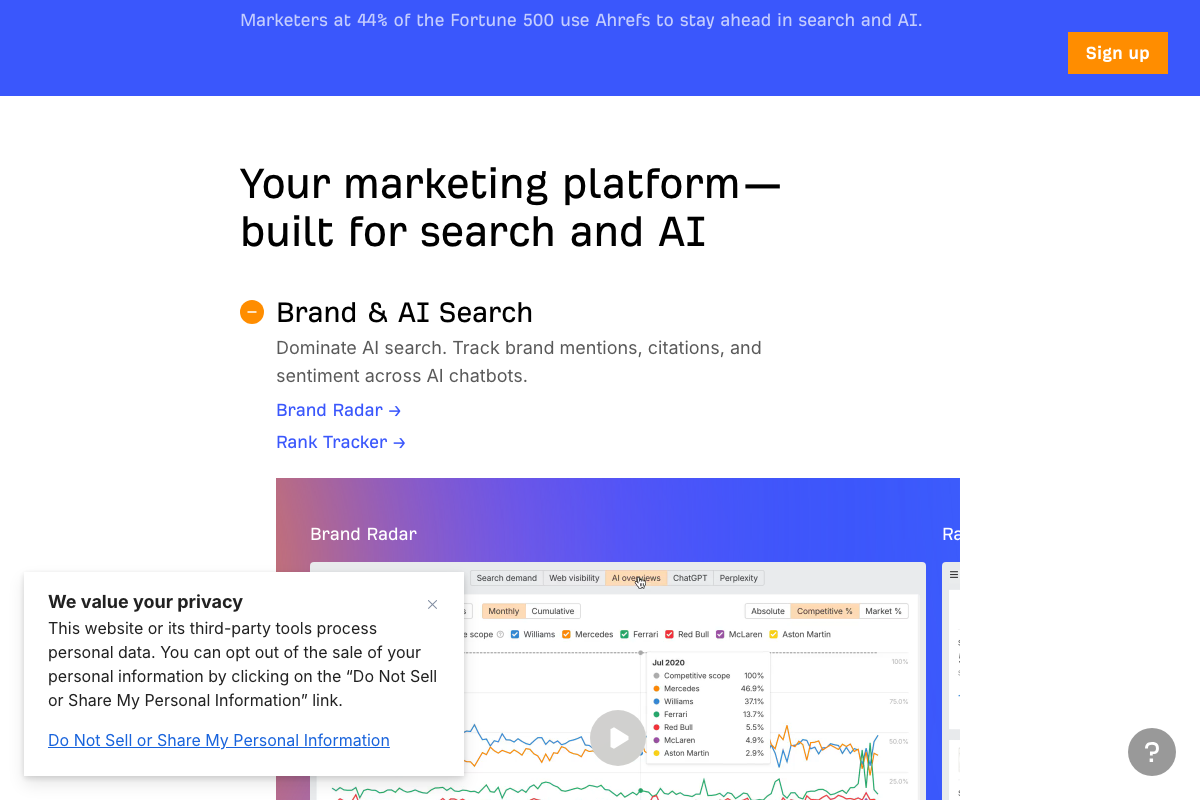
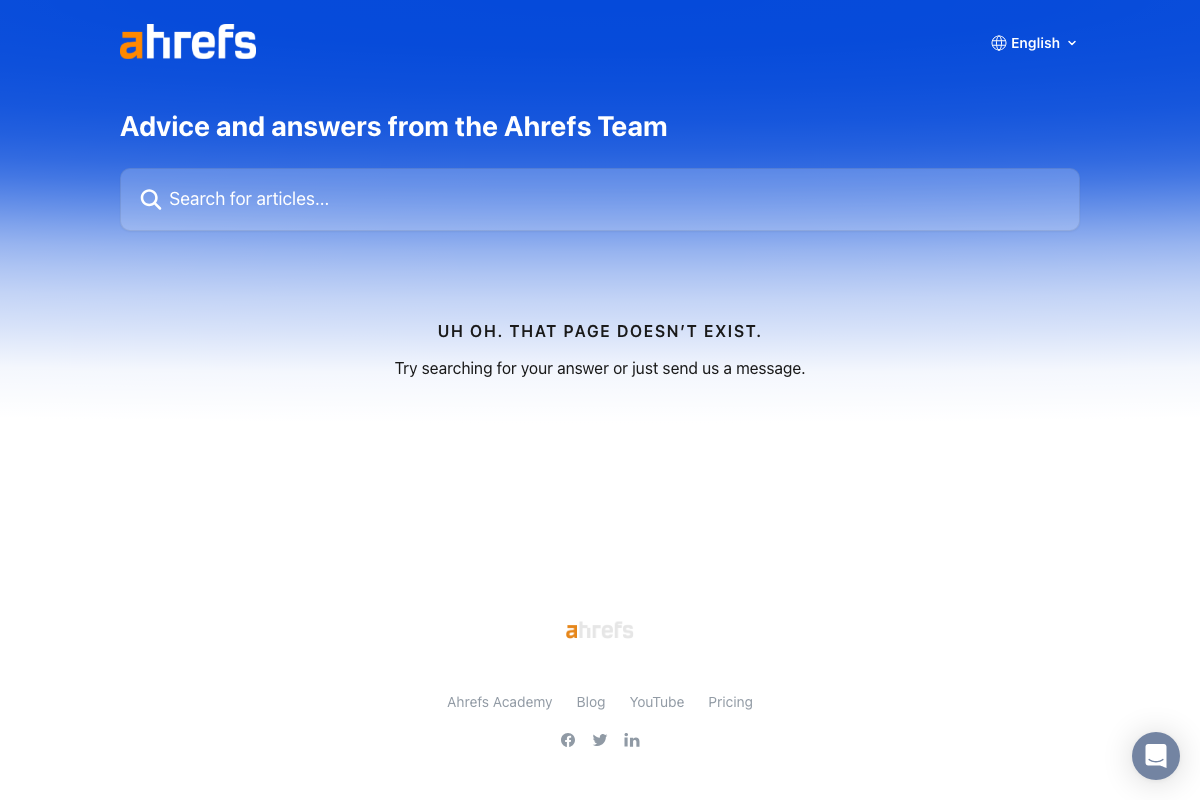
The video’s approach here matches the current docs exactly for three of the four metrics. Official Ahrefs product copy confirms Brand Radar tracks brand mentions, citations, and sentiment across AI chatbots. “Topic coverage” is not named as a distinct metric in any accessible official source. One practical note: the Brand Radar help article URL returned a 404 across all three capture attempts — feature documentation is currently only verifiable via the main Ahrefs marketing pages, not the help center.
Step 8 — Conduct a quarterly competitive audit
No official documentation was found for this step —
proceed using the video’s approach and verify independently.
Useful Links
- Robots.txt Introduction and Guide | Google Search Central — Official documentation covering robots.txt mechanics, scope, and the enforcement limitations that affect AI crawler compliance.
- Ahrefs — AI Marketing Platform Powered by Big Data — Ahrefs homepage confirming Brand Radar’s current product positioning, platform coverage, and the Agent A AI assistant.
- Content Explorer by Ahrefs: Get Content Ideas on Any Topic — Official product page with confirmed UI column labels, database scale figures, and documented use cases.
- Ahrefs Web Analytics | Simple Google Analytics alternative — Official product page confirming free tier availability, traffic source tracking, and the 1M-event cap.
- Google Analytics — GA4 sign-in page; channel configuration settings require authenticated access and could not be verified from public-facing screenshots.
- Help Center — Ahrefs (Brand Radar) — Brand Radar help article URL; returned a 404 at time of capture — check directly for current availability before referencing as a setup guide.


0 Comments