

7 Dental Marketing Strategies to Get More Patients
A dental practice lives and dies by its local visibility — and most of the high-leverage tactics cost nothing to start. After working through these eight strategies, you’ll know how to rank in the Google Map Pack, convert website visitors into booked appointments, and build a content engine that generates patient leads long after you stop paying for ads.

- Optimize your Google Business Profile completely. Fill out every field, select the correct primary category (usually “Dentist” for general practices, your specialty for everyone else), collect reviews consistently using whatever HIPAA-compliant tool your EHR supports, and respond to every review — positive or negative. Review volume and rating momentum are the primary differentiators between practices with similar proximity to a searcher.
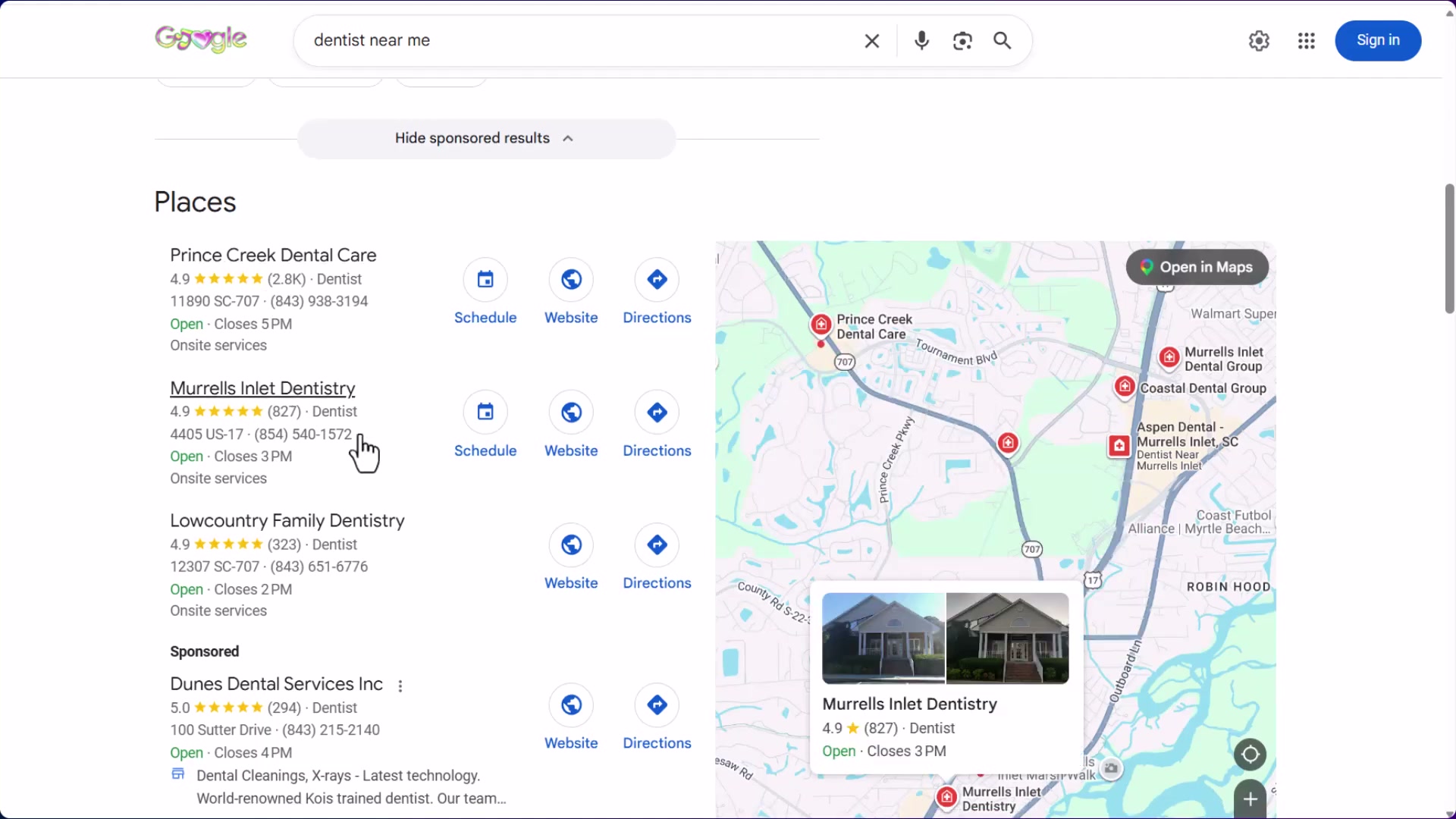
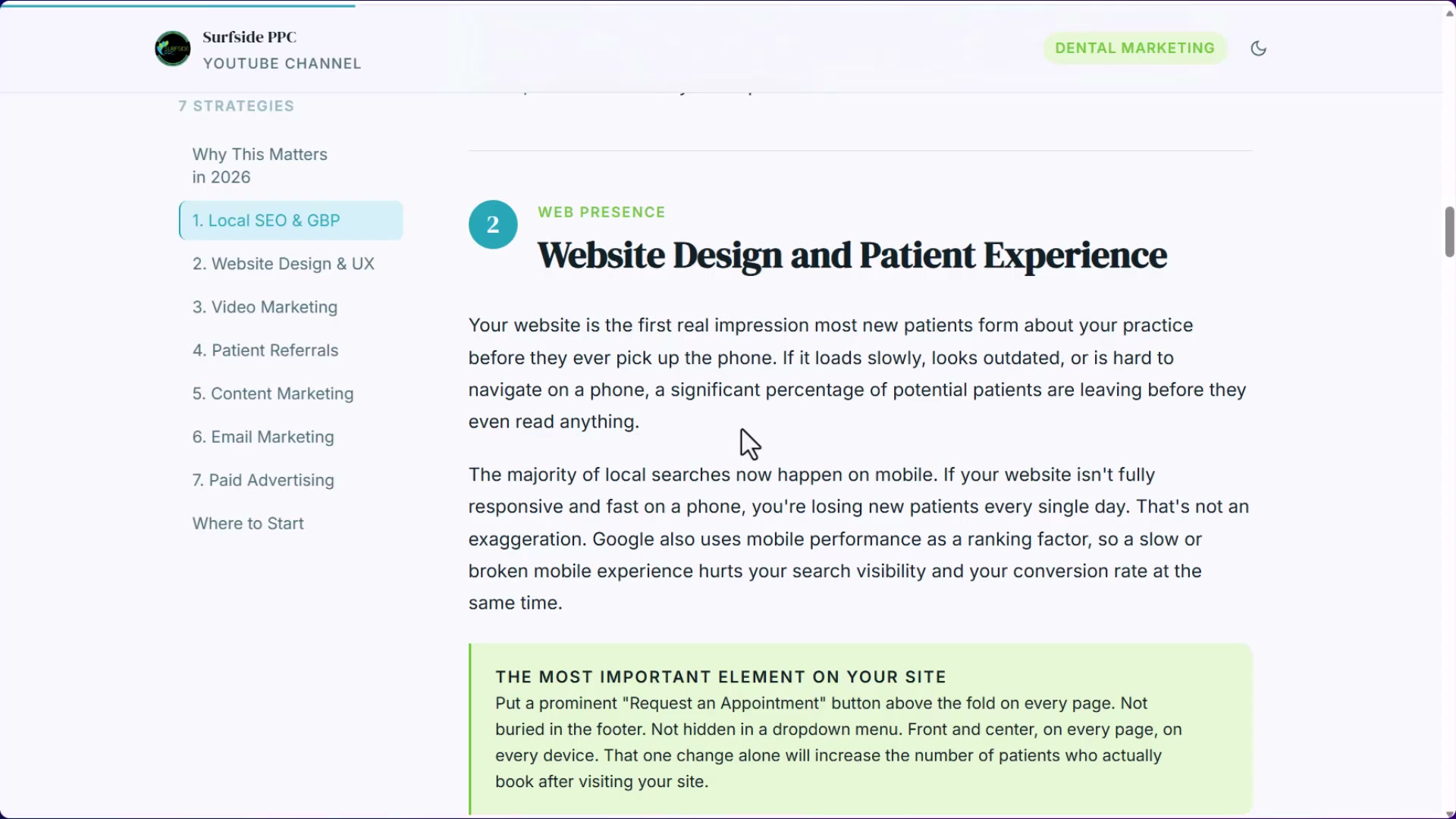
- Audit your website for ease of conversion, not aesthetics. Your phone number should be visible without scrolling, and a “Request an Appointment” or “Schedule an Appointment” CTA button belongs above the fold on every page — not buried in a footer or tucked inside a navigation dropdown. A mobile-friendly layout is non-negotiable since most local searches happen on phones.
- Build a dedicated page for every procedure you offer. Dental crowns, implants, Invisalign, same-day crowns — each gets its own page targeting a “[city] + [procedure]” keyword combination. These pages give Google something to index for high-intent procedural searches and give paid ads a relevant landing page when you eventually run them.
-
Align your website’s NAP (name, address, phone number) with your Google Business Profile exactly. Google needs to confidently associate your website with your GBP entity — discrepancies in practice name formatting, suite numbers, or phone formatting create ambiguity that suppresses rankings.
-
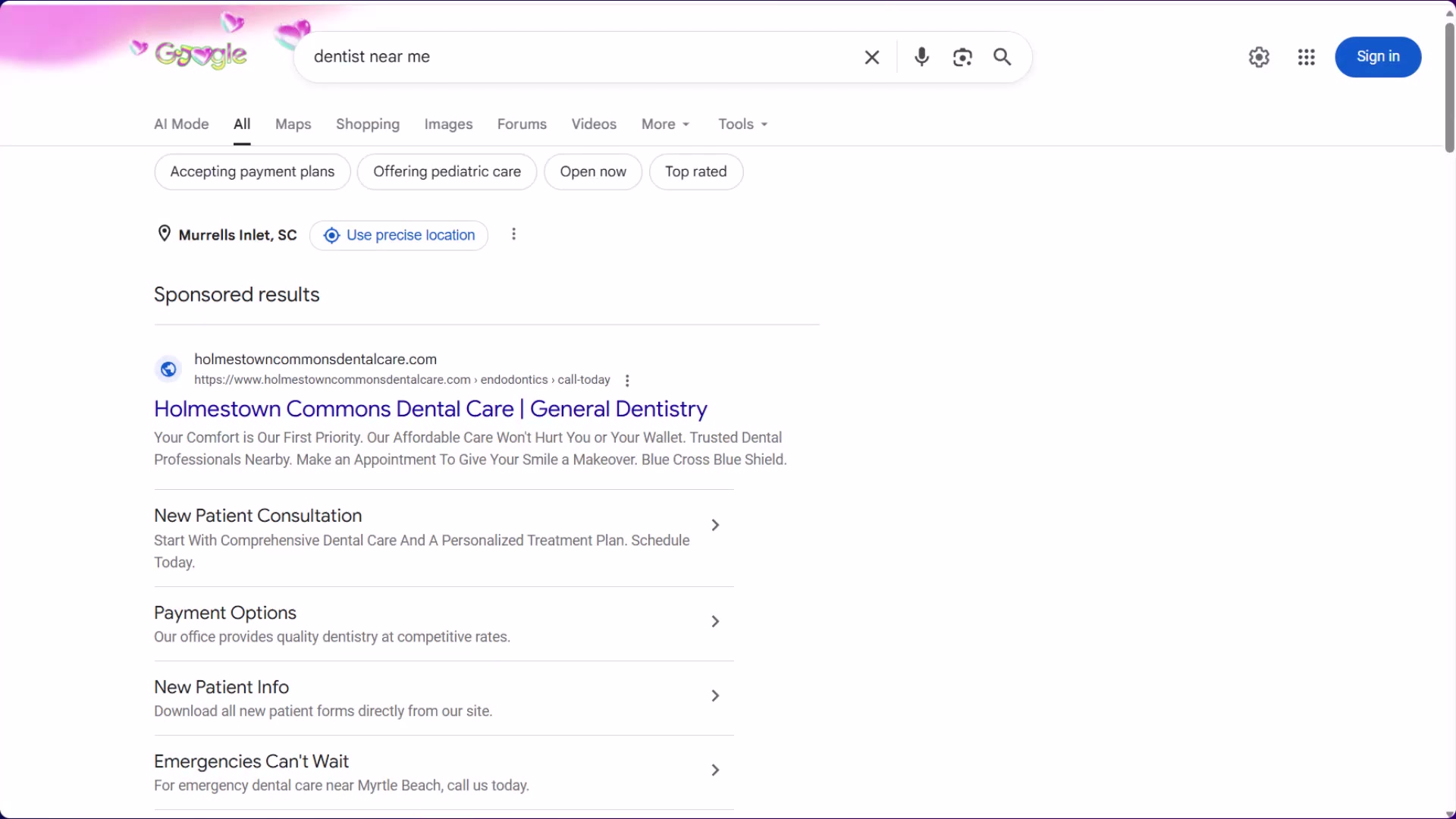
Launch paid search campaigns on Google and Bing targeting “dentist near me” and high-intent procedure keywords. Organic SEO takes months; paid search starts delivering new-patient calls immediately. Aggregators like Zocdoc are themselves buying these same clicks and reselling them — buying direct costs less per lead.
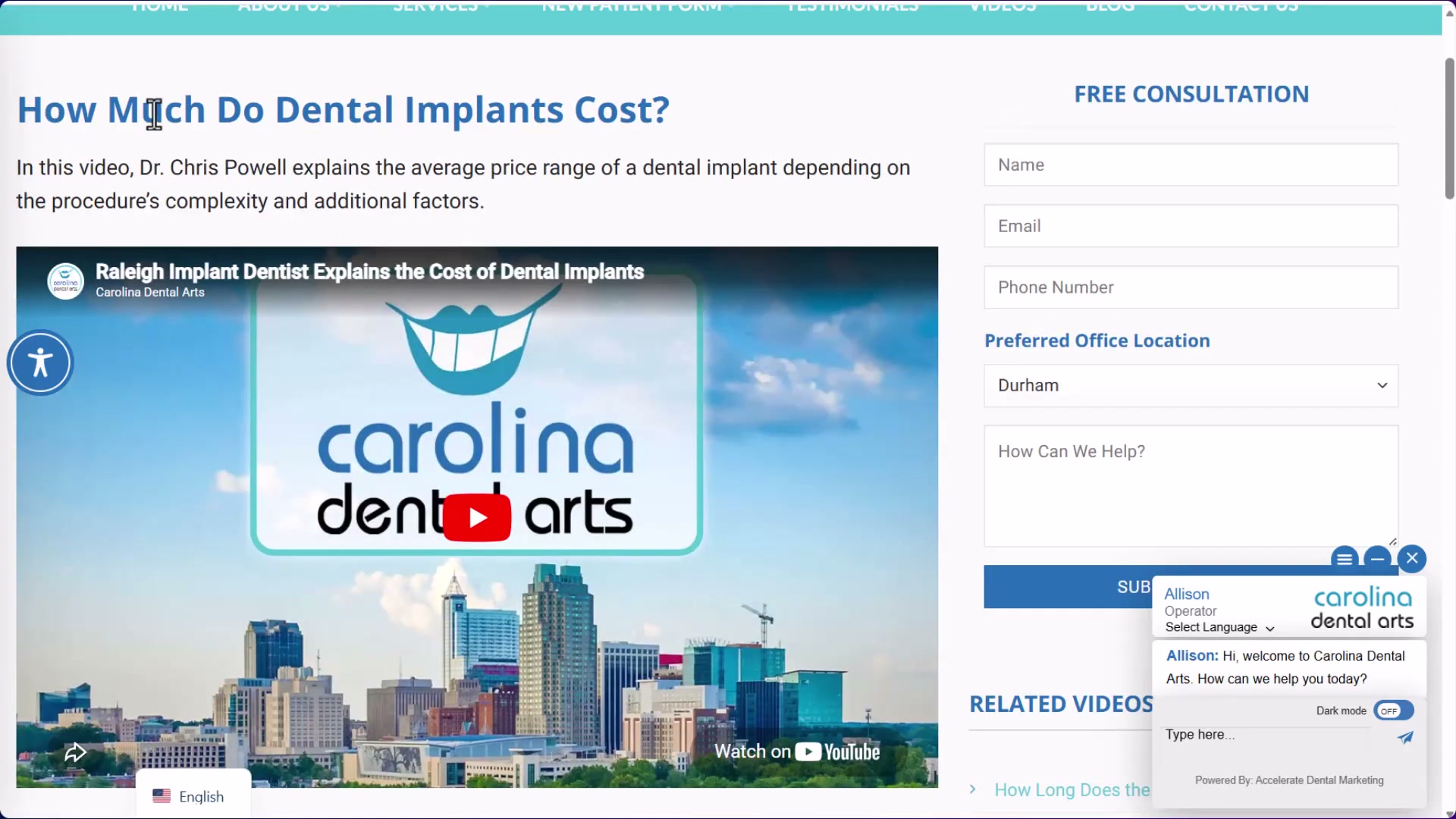
- Build a YouTube content strategy around patient questions. Have the doctor record answers to the ten questions patients ask most — about procedures, pricing, what to expect, and why they should choose this practice. Nuvia Dental Implant Center built a 53,000-subscriber channel with 2,000 videos using exactly this model. A local practice doesn’t need scale — ten well-produced videos embedded on corresponding service pages improve both SEO and on-site conversion.
- Pursue local PR and “Best Of” awards from regional publications. These editorial placements earn backlinks from high-authority local news domains — the kind of links that accelerate Map Pack rankings and can’t be replicated by simply adding more content.
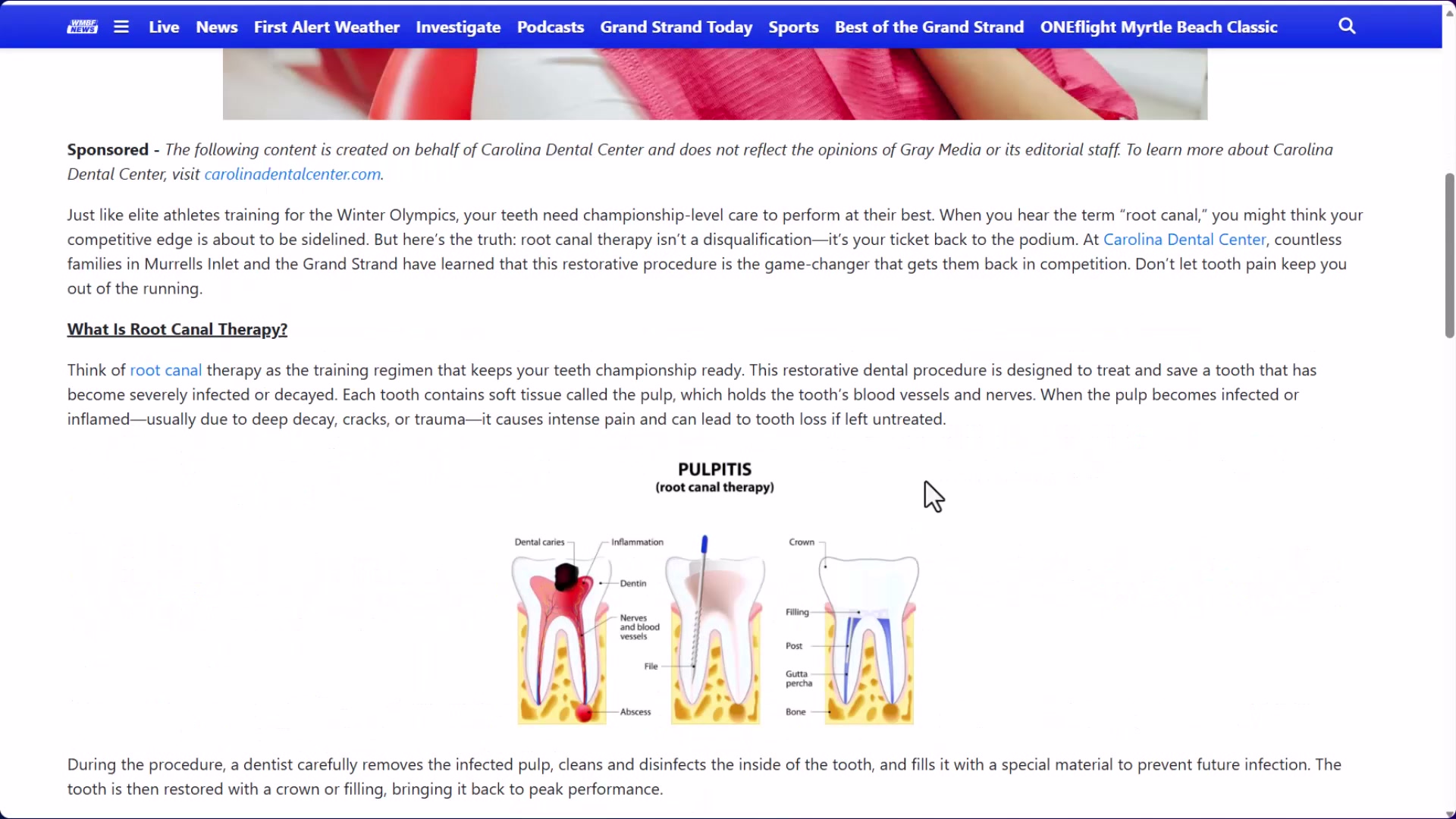
- Build a formal patient referral system. Systematically ask satisfied patients to refer friends and family — either through structured incentives or a simple, consistent ask at checkout. Word-of-mouth is the highest-converting acquisition channel for dental practices, and most practices leave it entirely to chance.
How does this compare to the official docs?
Google’s own guidance on Business Profile optimization and the Google Ads documentation for local service campaigns each carry requirements and nuances that a practitioner walkthrough can compress or skip — and those gaps are exactly what Act 2 covers.
Here’s What the Official Docs Show
The video covers the right strategic territory, and documentation confirms the platform-level accuracy of four of the eight steps. The additions below fill in gaps the tutorial compressed or didn’t yet account for — particularly two platform changes that have material implications for both organic and paid dental marketing.
Step 1: Optimize Your Google Business Profile
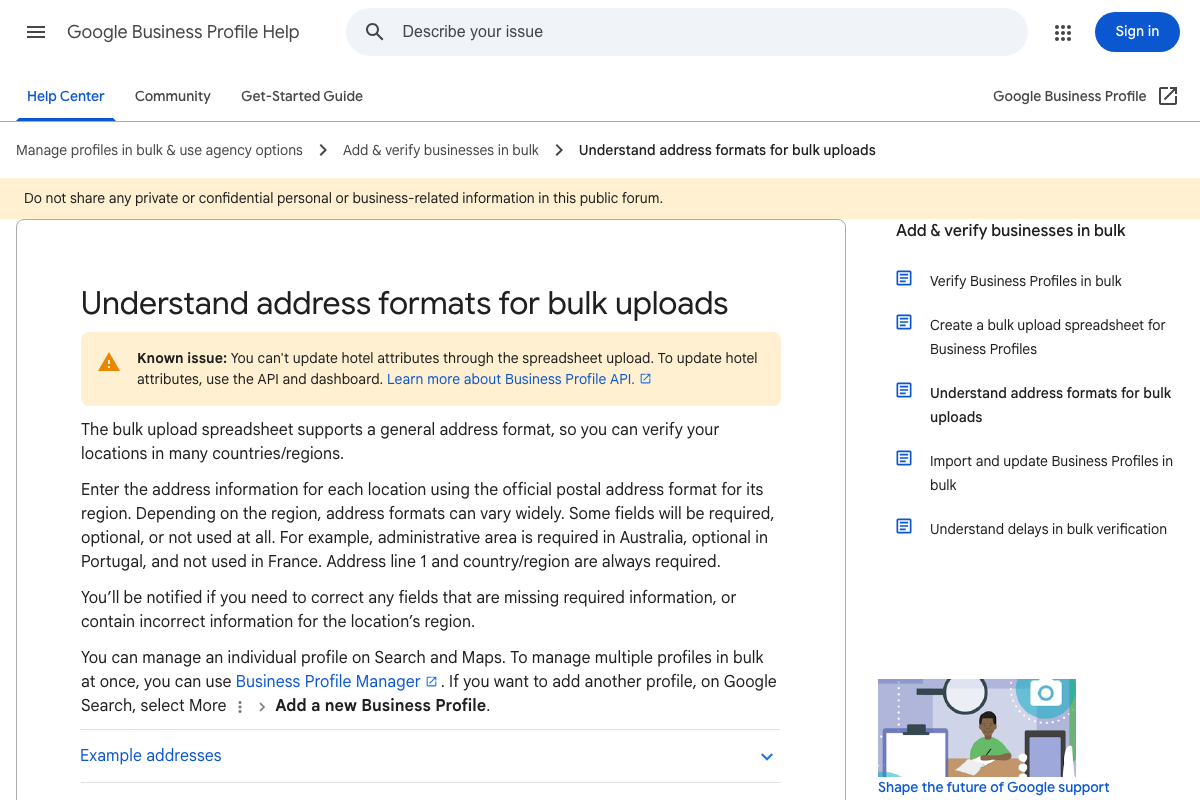
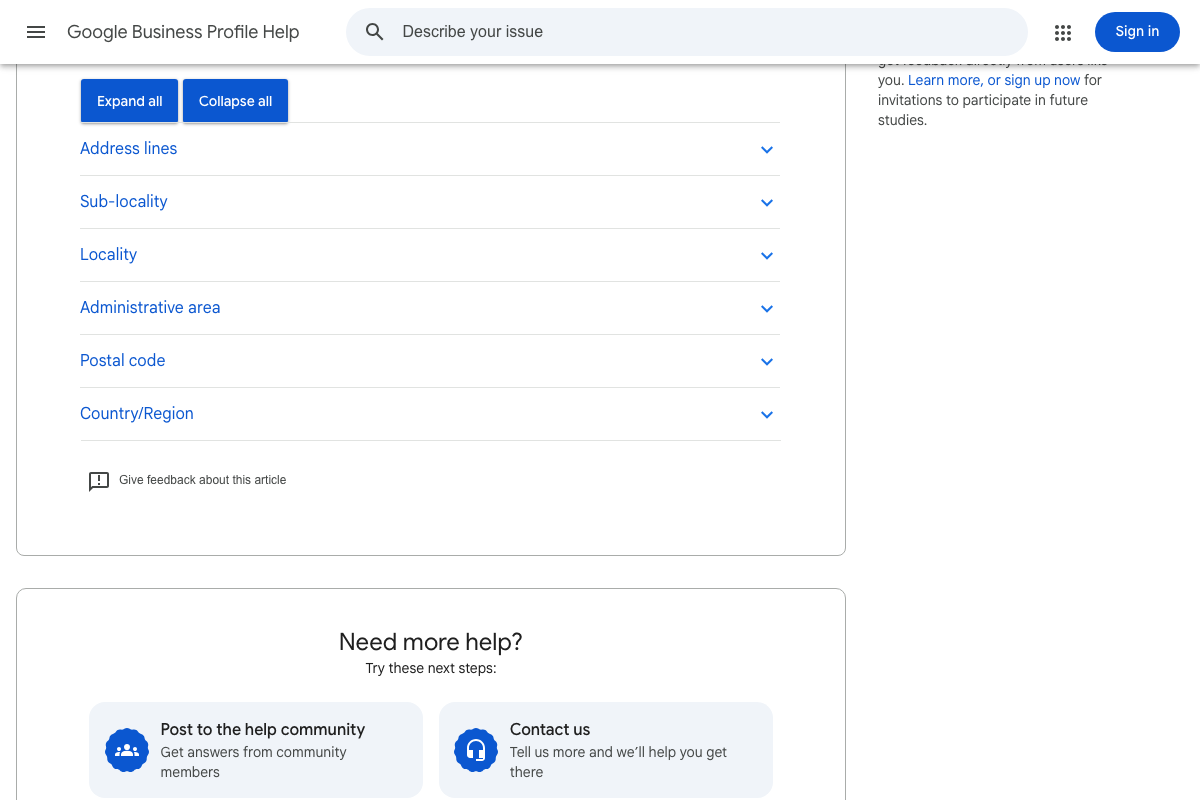
The platform name “Google Business Profile” is current — the video’s terminology matches. GBP stores address data as discrete structured fields (Address line, Locality, Administrative area, Postal code, Country/Region); these are the exact fields your website NAP must mirror. The available documentation covers bulk address management for agencies; single-practice profile optimization steps — review collection, responses, and category selection — did not surface in this screenshot set.
Step 2: Website Conversion Audit
No official documentation was found for this step —
proceed using the video’s approach and verify independently.
Step 3: Build a Dedicated Page for Every Procedure
No official documentation was found for this step —
proceed using the video’s approach and verify independently.
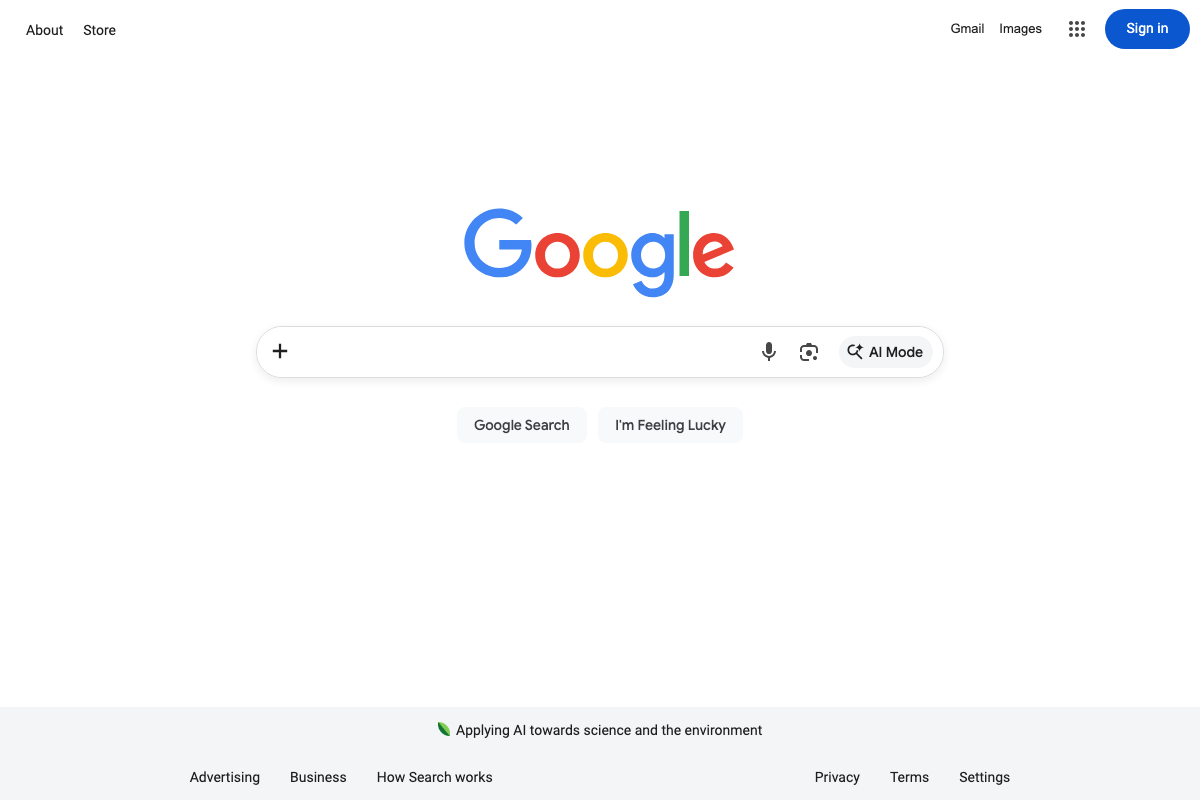
As of May 2026, Google’s search interface includes a persistent “AI Mode” button in the search bar. The tutorial’s service-page strategy doesn’t address how AI-generated responses may affect click-through rates on organic local listings — a factor worth monitoring as you build out procedural pages.
Step 4: Align NAP Across Website and GBP
The video’s approach here matches the current docs exactly. GBP stores address data in specific discrete fields — matching your website’s contact information to those fields precisely, including suite number formatting and phone number format, is the technical foundation of NAP alignment.
Step 5: Launch Paid Search on Google and Bing
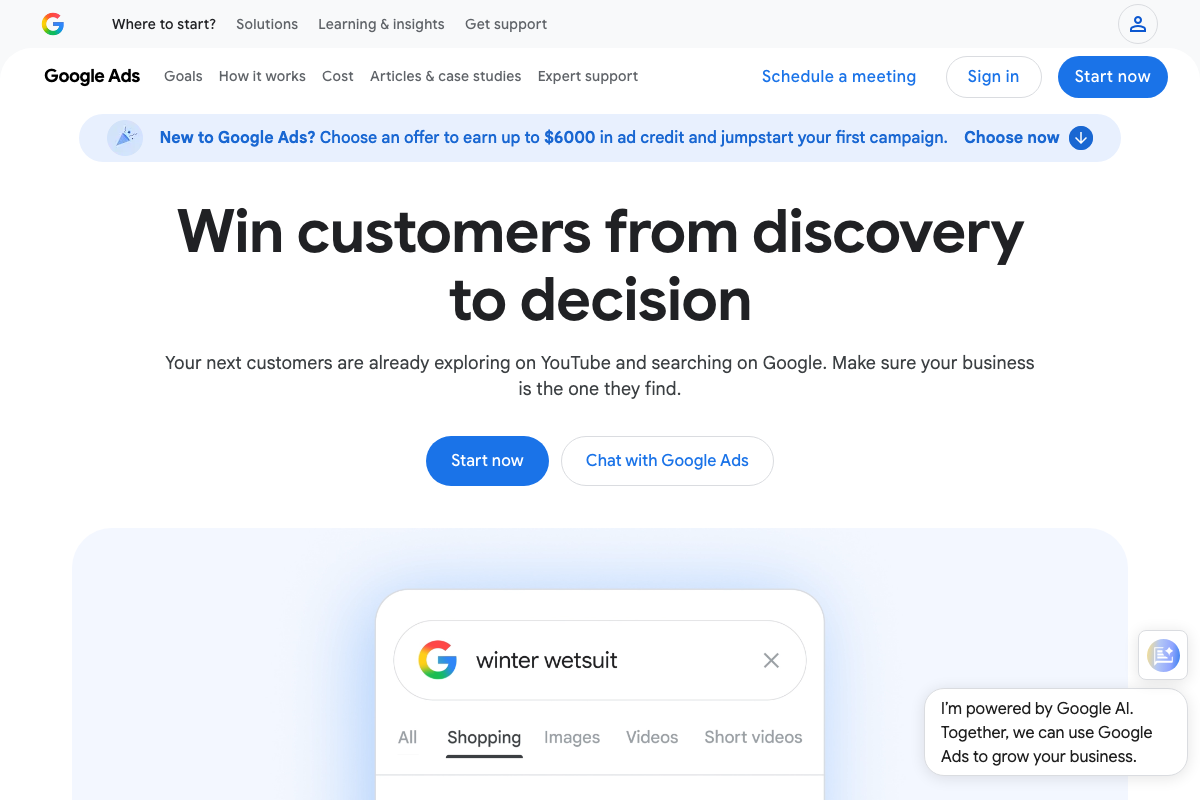
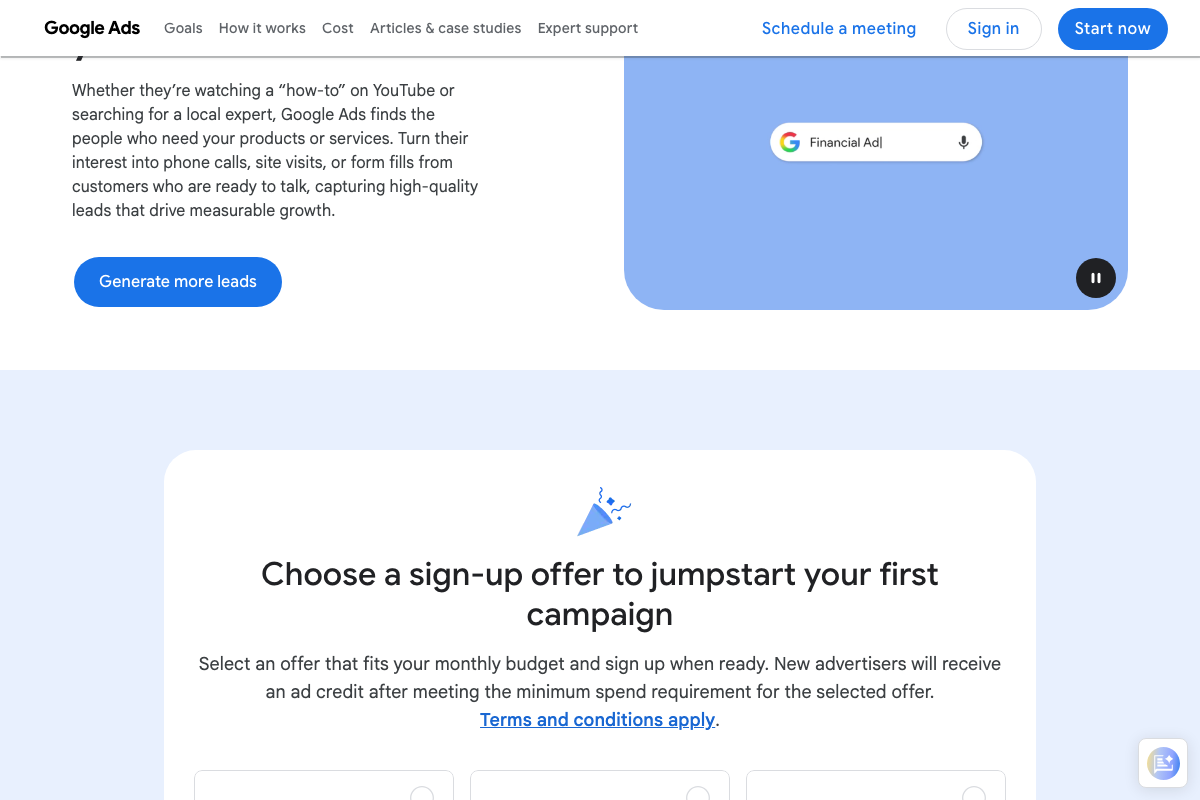
The video’s approach here matches the current docs on Google Ads as the right platform for patient acquisition. Two additions worth acting on immediately: Google Ads currently offers new advertisers up to $6,000 in promotional ad credit upon meeting a minimum spend threshold — a detail the tutorial omits entirely. Google Ads also explicitly lists phone calls as a tracked conversion type alongside form fills and site visits, extending the video’s phone-number-prominence advice directly into paid ad assets and campaign optimization.
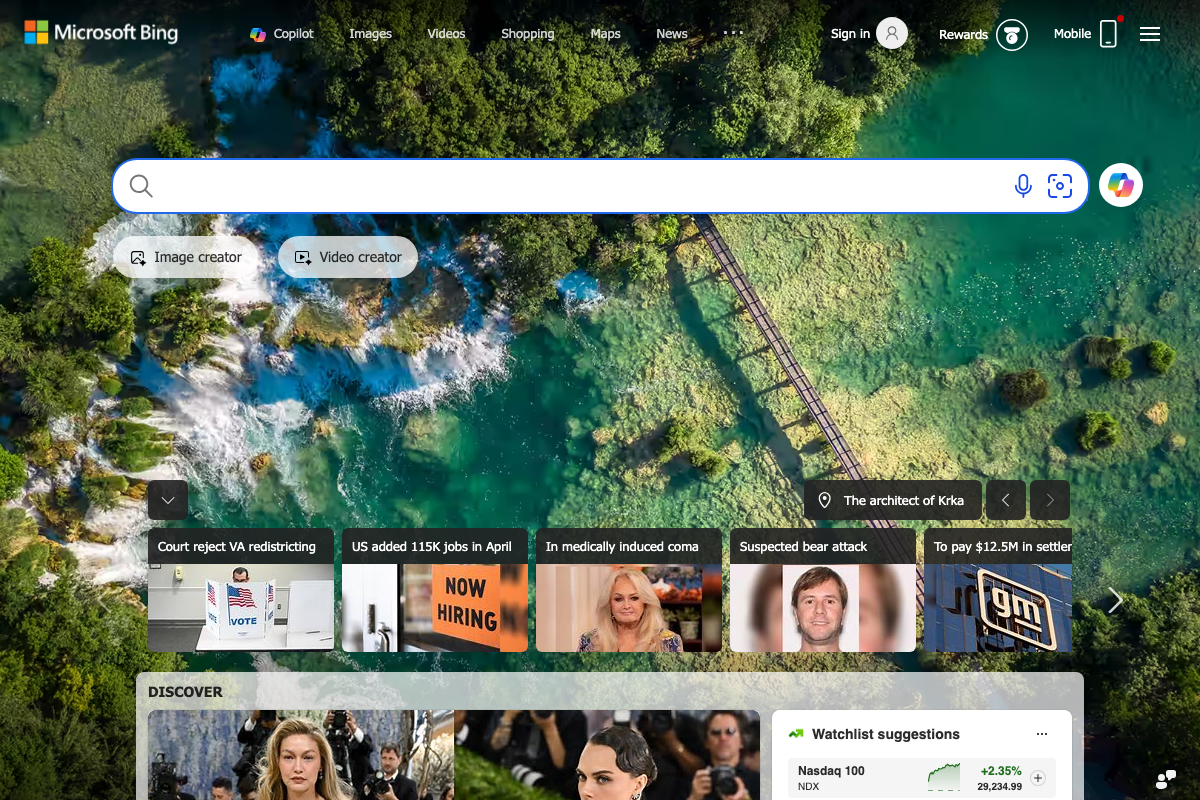
On Bing: the recommendation remains viable, but Bing’s homepage now leads with Copilot AI as a top navigation feature. How paid ads surface relative to AI-generated answers in that environment is an open variable worth monitoring after launch.
Step 6: Build a YouTube Content Strategy
The video’s approach here matches the current docs on YouTube as an active content channel. One platform-level addition: YouTube’s main navigation now gives Shorts equal standing alongside long-form video. The tutorial recommends long-form doctor Q&As exclusively — Shorts offer a complementary short-form format worth testing for quick procedural explainers and patient FAQs. Also worth noting: unauthenticated YouTube users see no homepage recommendations feed, only a search prompt, which means keyword-optimized titles and descriptions are the primary discoverability lever for a new dental channel.

Step 7: Pursue Local PR and Editorial Backlinks
No official documentation was found for this step —
proceed using the video’s approach and verify independently.
Step 8: Build a Formal Patient Referral System
No official documentation was found for this step —
proceed using the video’s approach and verify independently.
Useful Links
- Understand address formats for bulk uploads – Google Business Profile Help — Official GBP documentation covering the structured address fields Google stores per listing and bulk upload formatting for agencies managing multiple locations.
- Google — Google’s main search homepage, confirming the persistent “AI Mode” button now integrated into the search bar as a labeled, non-transient UI feature.
- Search – Microsoft Bing — Microsoft Bing homepage confirming Copilot AI as a primary top navigation feature alongside standard search categories.
- Reach Customers Across YouTube & Search – Google Ads — Google Ads platform homepage documenting Lead Generation campaign goals, phone call conversions, and the new advertiser promotional ad credit of up to $6,000.
- YouTube — YouTube homepage confirming Shorts as a distinct, equal-weight content format in main navigation alongside long-form video.


0 Comments