

Automating iOS App Creation and App Store Submission with Claude Code
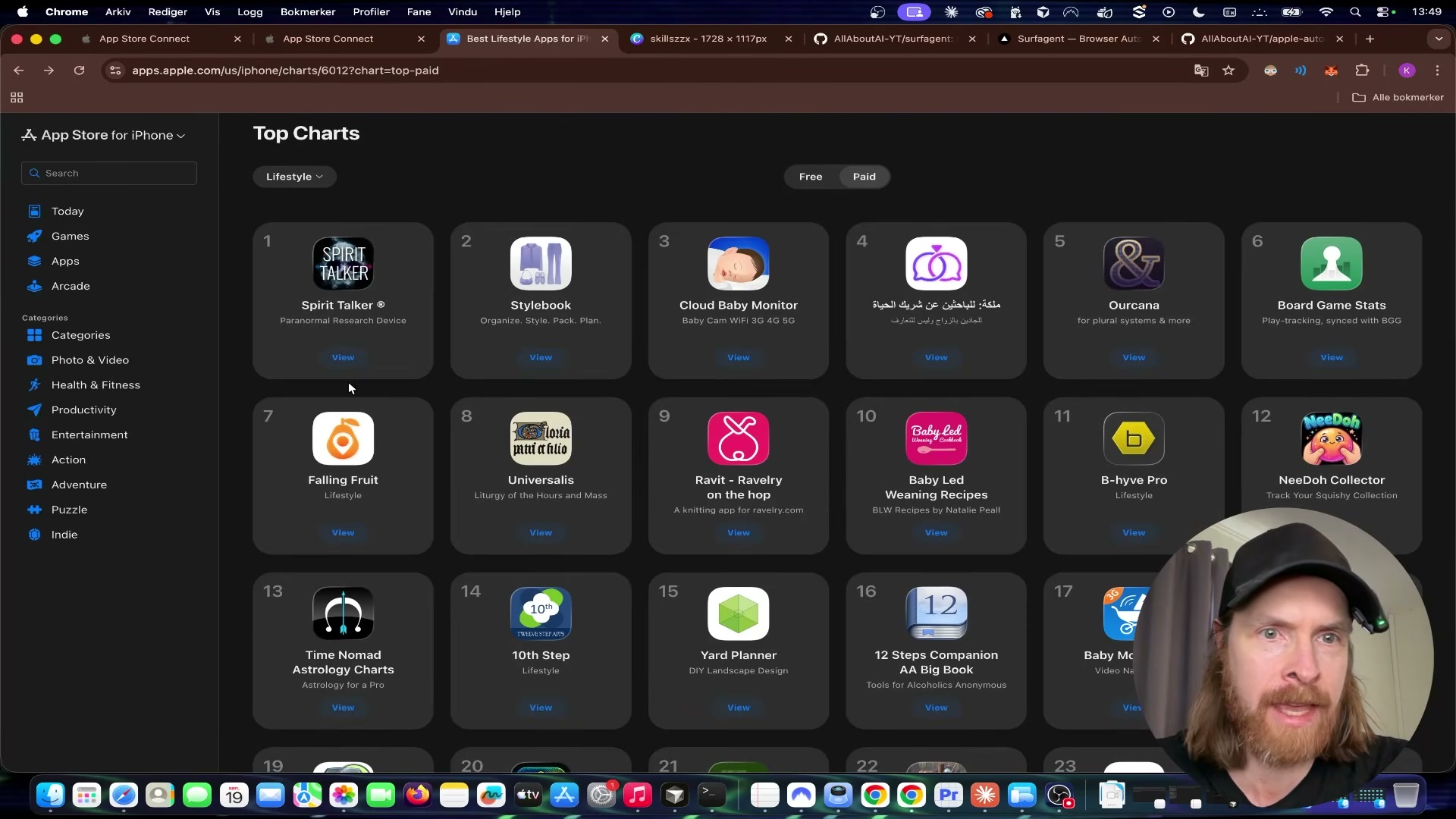
You can build a complete, revenue-generating iOS app — from idea research through App Store approval — without leaving your terminal. This tutorial walks through a five-phase pipeline that combines Claude Code, a browser automation agent called Surf Agent, and Xcode to take an app from zero to a paid App Store listing in a single session. The creator shipped two apps this way in under a week; one reached #12 on the Lifestyle Paid chart.
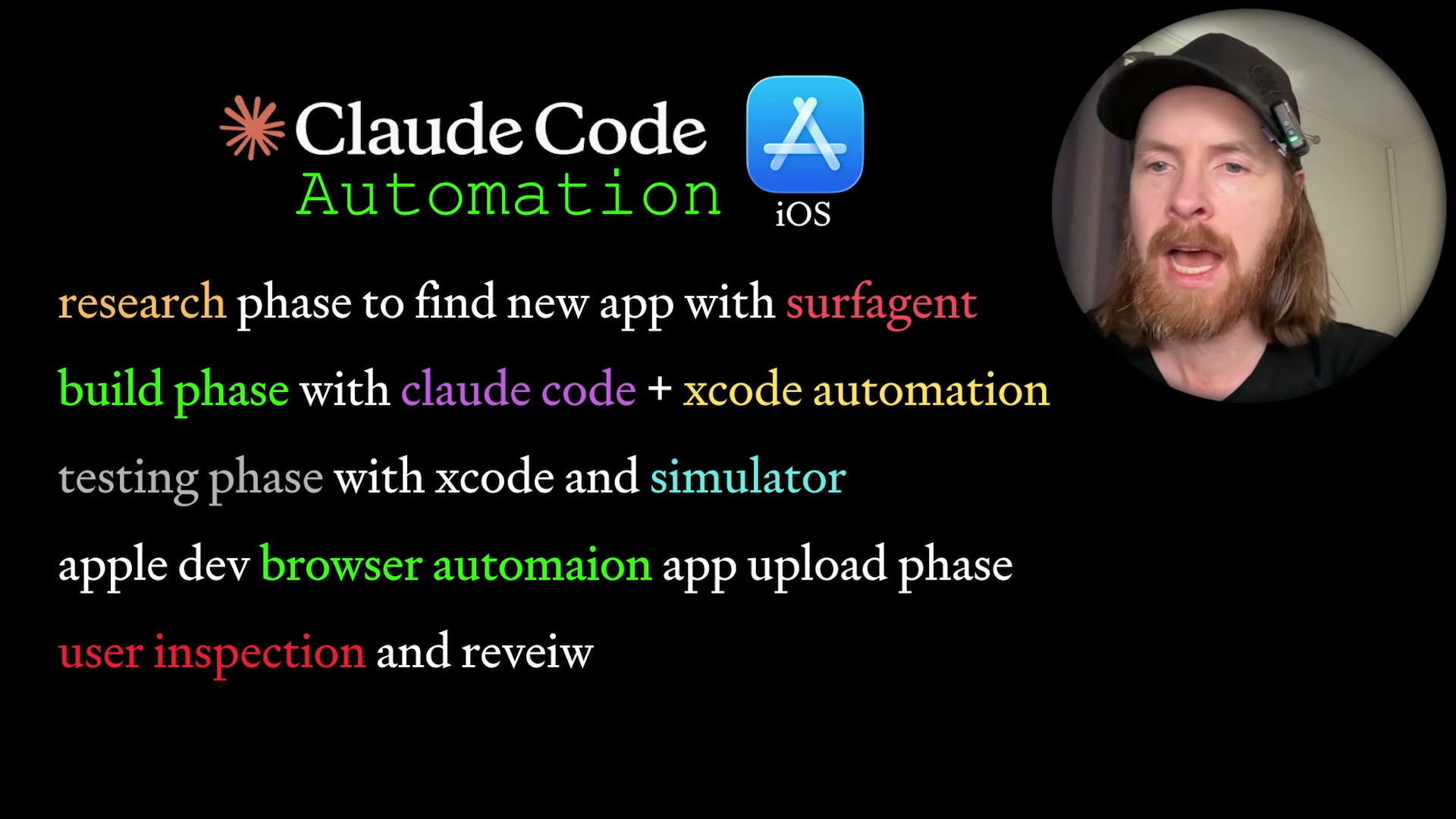
-
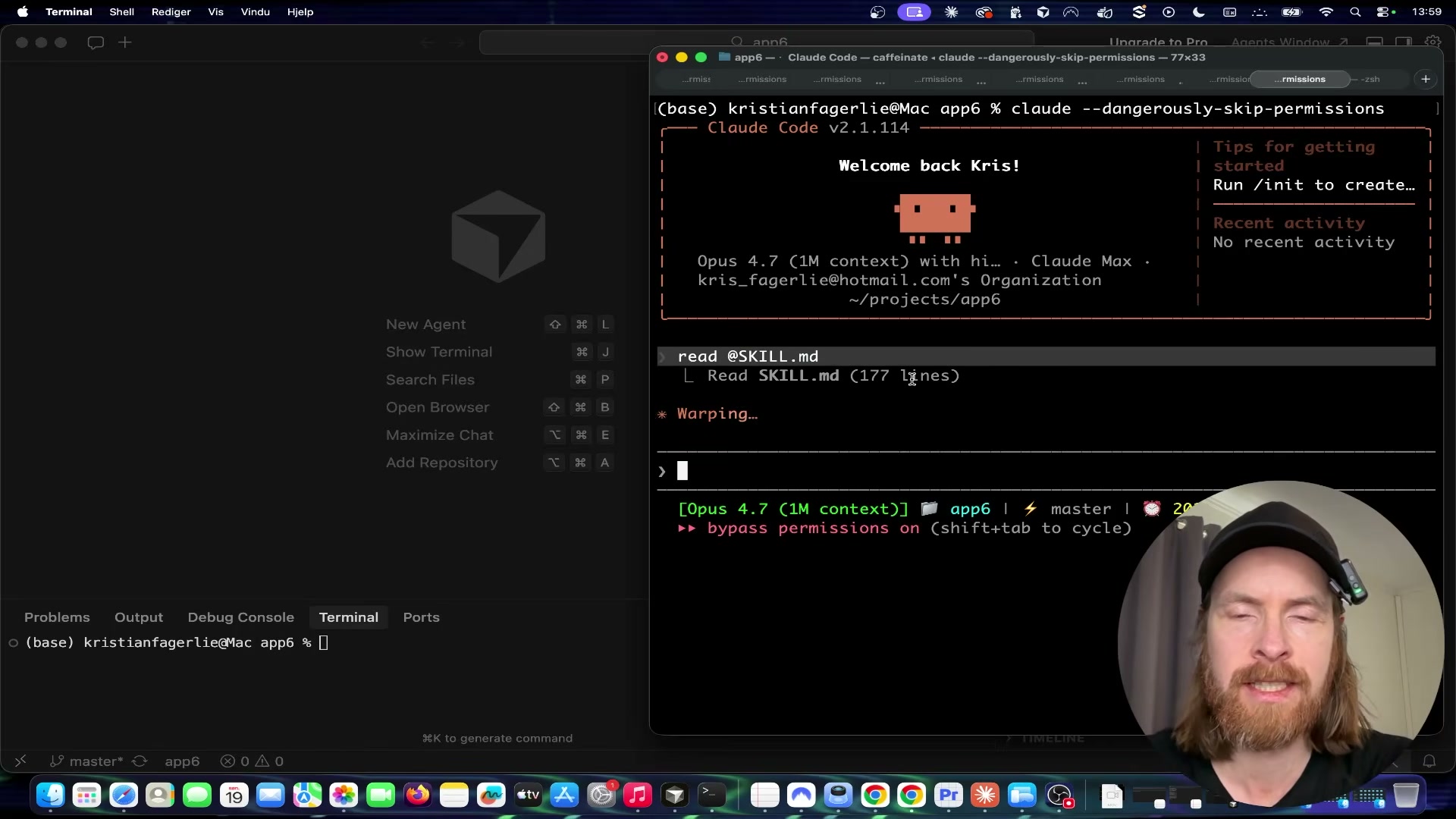
Clone your scaffolding repo into a fresh app directory. The creator uses a private repo that bundles all necessary automation artifacts —
SKILL.md,ExportOptions.plist, and an Apple Developer API key file (apple_auto.p8). Runninggit clone <repo> app6and opening the result in Claude Code gives the agent everything it needs to run the full pipeline without additional configuration. -
Inside Claude Code, switch the model to Opus and launch the session using
claude --dangerously-skip-permissions. The--dangerously-skip-permissionsflag allows the agent to execute shell commands, write files, and interact with system tools without per-action confirmation prompts.
Warning: this step may differ from current official documentation — see the verified version below.
- Run
npm install surf-agentinside the project directory to equip Claude Code with browser automation capabilities for the research and App Store Connect phases.

-
Prompt Claude Code to start a research phase and return at least five app ideas. The agent uses Surf Agent to run an 8-stem Google Autosuggest scrape, cross-references results against the iTunes Search API for saturation, and validates demand signals on Reddit. Each candidate receives a demand score and a rough ship estimate.
-
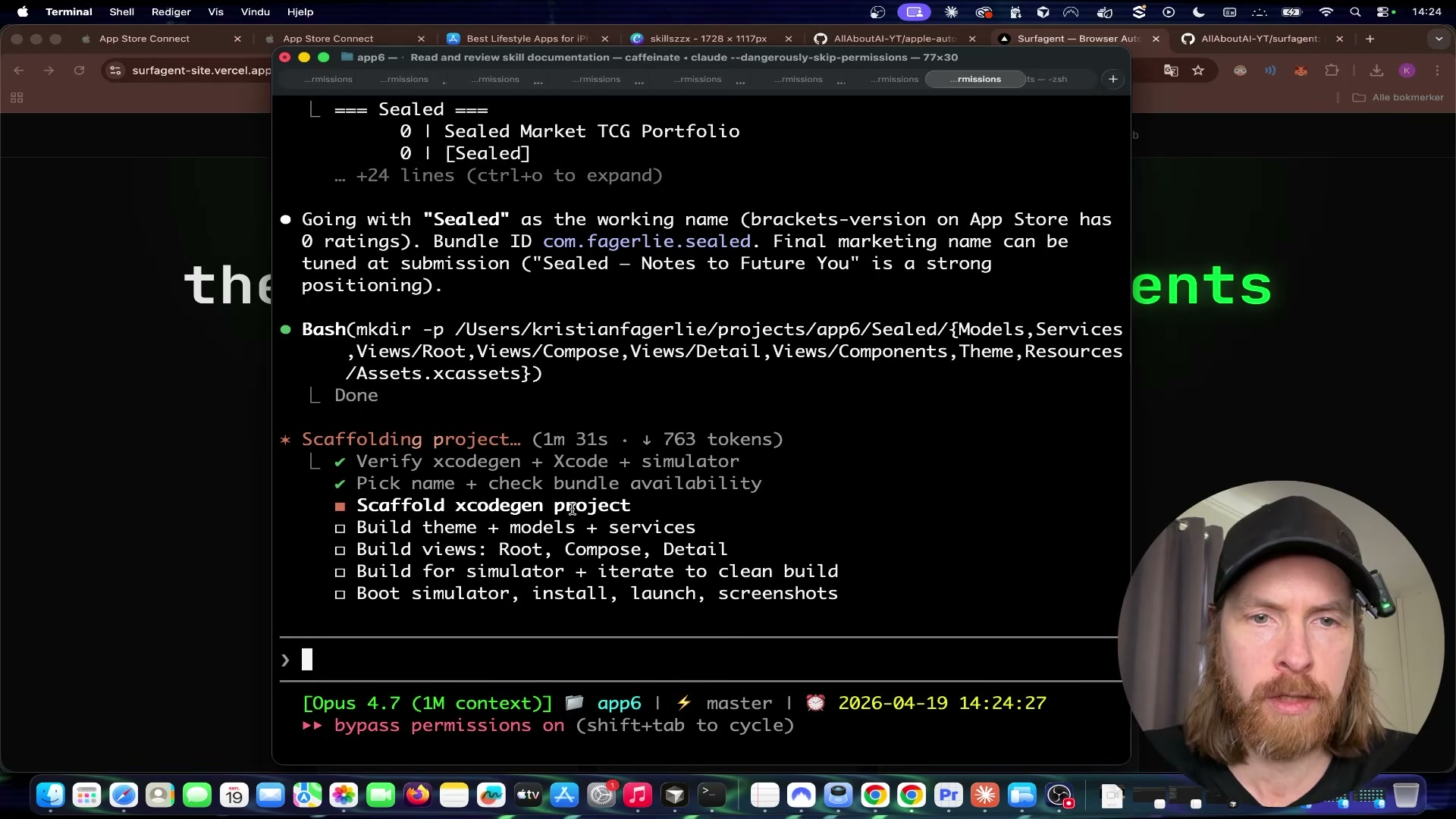
Review the returned candidates and select or modify one concept. The creator passes on the first batch and re-runs the loop; the second pass surfaces Letter Vault with a demand score of 5/5 and near-zero App Store competition. The concept gets refined into “Sealed” — voice or text messages locked until a user-specified future date, with no login and local-only storage.
-
Feed your design constraints directly into Claude Code as a single prompt: color palette (brown/cream minimalist), no login requirement, user-ID-based local storage, no data collection, and message deletion tied to app uninstall. The agent uses these to generate the full
SKILL.mdbuild spec before touching Xcode. -
Prompt Claude Code to start the automated build phase. The agent runs
xcodegen generateto produce the.xcodeprojfile, then callsxcodebuildtargeting the iPhone 17 Pro simulator. It monitors compiler output, resolves dependency errors autonomously, and boots the simulator on a successful build. -
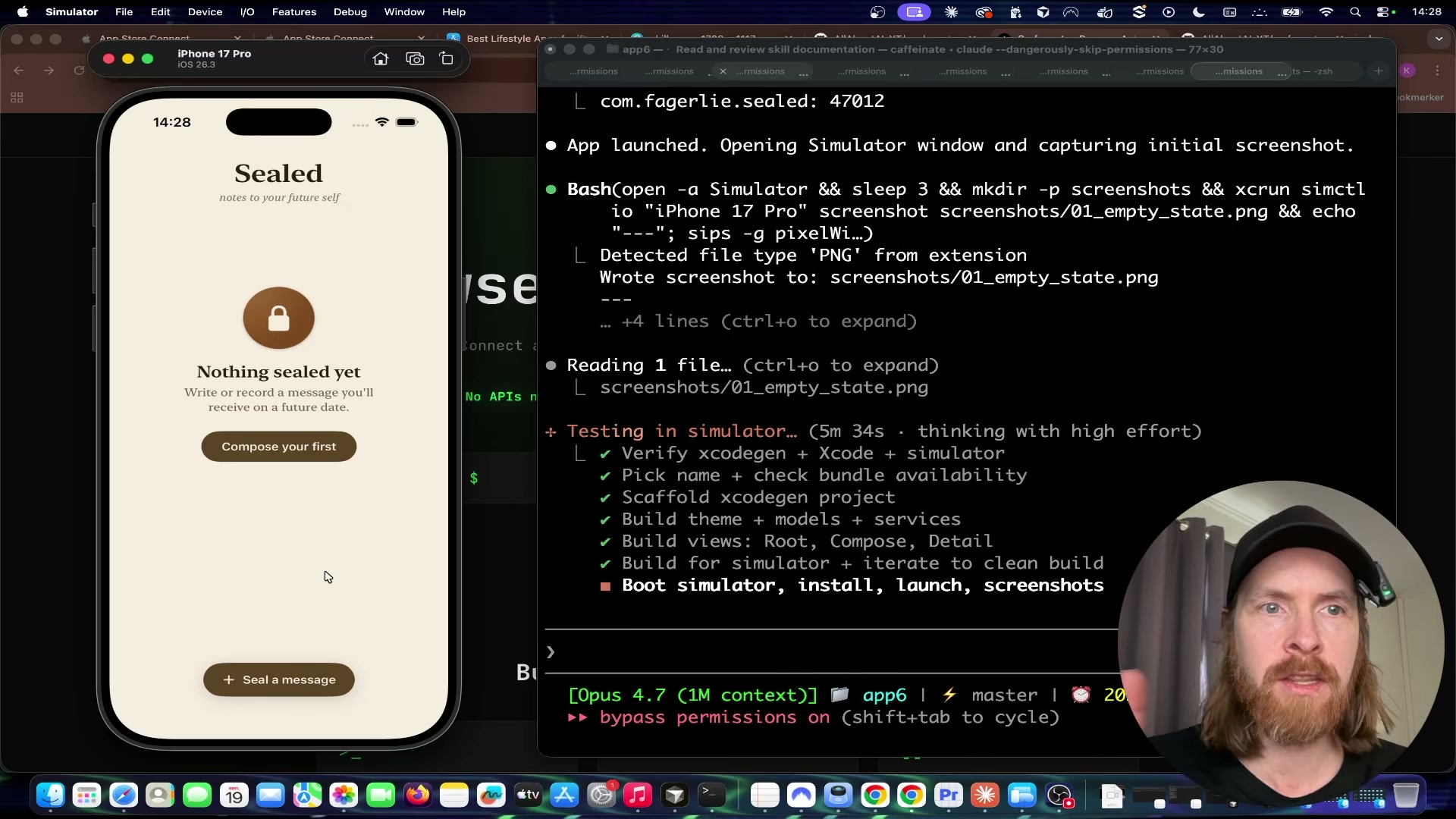
Once the simulator launches, Claude Code captures screenshots via
xcrun simctl, injects mock data to exercise the app’s core flows, and validates that sealed messages respect the unlock date. Manually verify the voice recording and playback loop yourself — record a message, set a one-minute unlock, confirm the audio plays after the timer expires — then clear the test data before proceeding.
-
Add your app icon asset to the project root, then prompt Claude Code to generate a privacy policy page and deploy it to GitHub Pages. This produces the required external URL for App Store Connect’s privacy policy field.
-
Trigger the 13-step Surf Agent pipeline. The agent opens App Store Connect in a controlled browser, creates the app listing, fills all metadata fields, sets pricing, and uploads the simulator screenshots. Claude Code then calls the Apple Developer API directly to register the bundle ID and push the compiled
.ipaviaaltoolor the App Store Connect API. -
When Surf Agent confirms the build has finished processing, manually inspect every field in the App Store Connect listing for accuracy. Click Add for Review only after your own eyes have verified the metadata, screenshots, and privacy policy URL are correct, then submit.
How does this compare to the official docs?
The pipeline leans on several undocumented behaviors and third-party tooling that Apple and Anthropic don’t officially sanction — which is exactly where the official documentation becomes essential reading before you run this on a production Apple Developer account.
Here’s What the Official Docs Show
The video delivers a solid end-to-end map of this pipeline; everything below adds the prerequisite context it omits and surfaces one hardware limitation that will stop the voice-recording test cold if you hit it unprepared. Steps follow the same order as Act 1.
Steps 1–6: Project setup, model selection, and research
No official documentation was found for steps 1 through 6 — proceed using the video’s approach and verify independently.
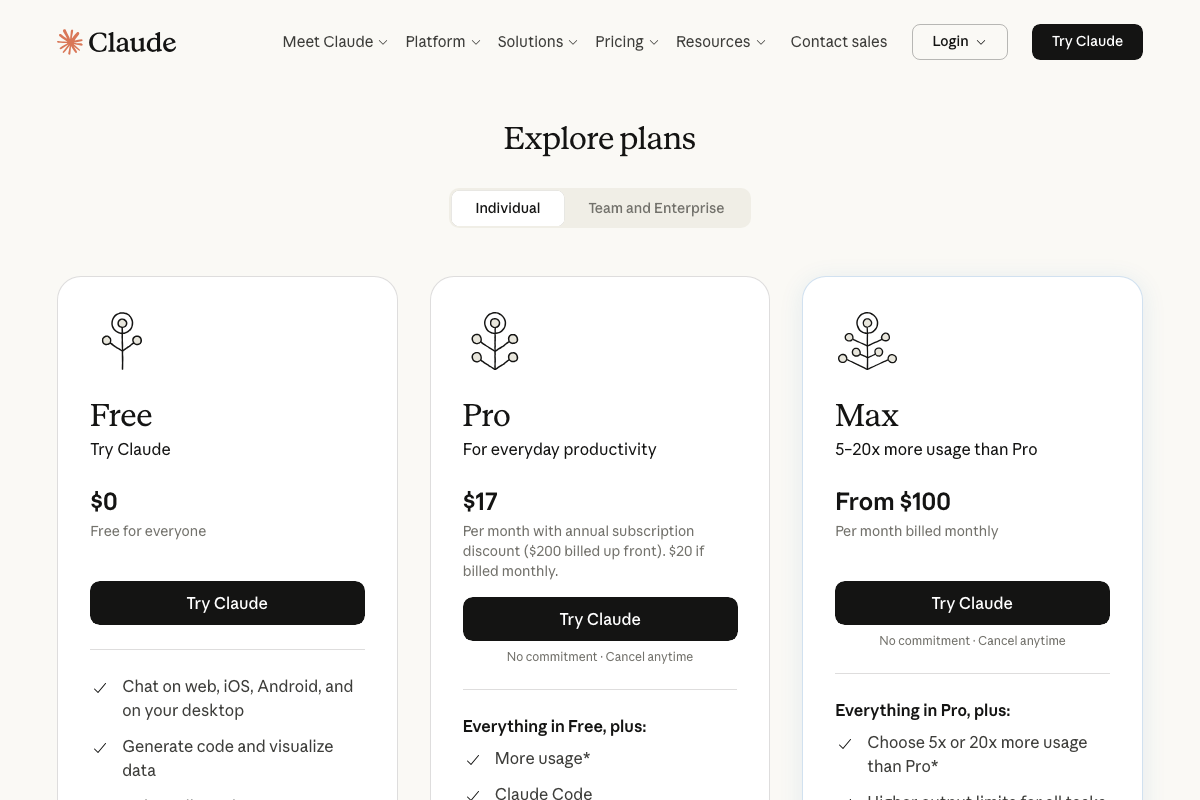
Two additions before you proceed: Claude Code is a paid-plan feature the tutorial doesn’t disclose. As of April 19, 2026, you need at minimum a Pro plan ($17/month). For an 18-step agentic pipeline with significant token throughput, the Max plan ($100+/month) is worth considering.
npm install surf-agent (Step 3) has no official documentation in any source captured for this post. Run it on an isolated project before pointing it at your primary Apple Developer account.
Steps 7–8: Xcode build and simulator launch
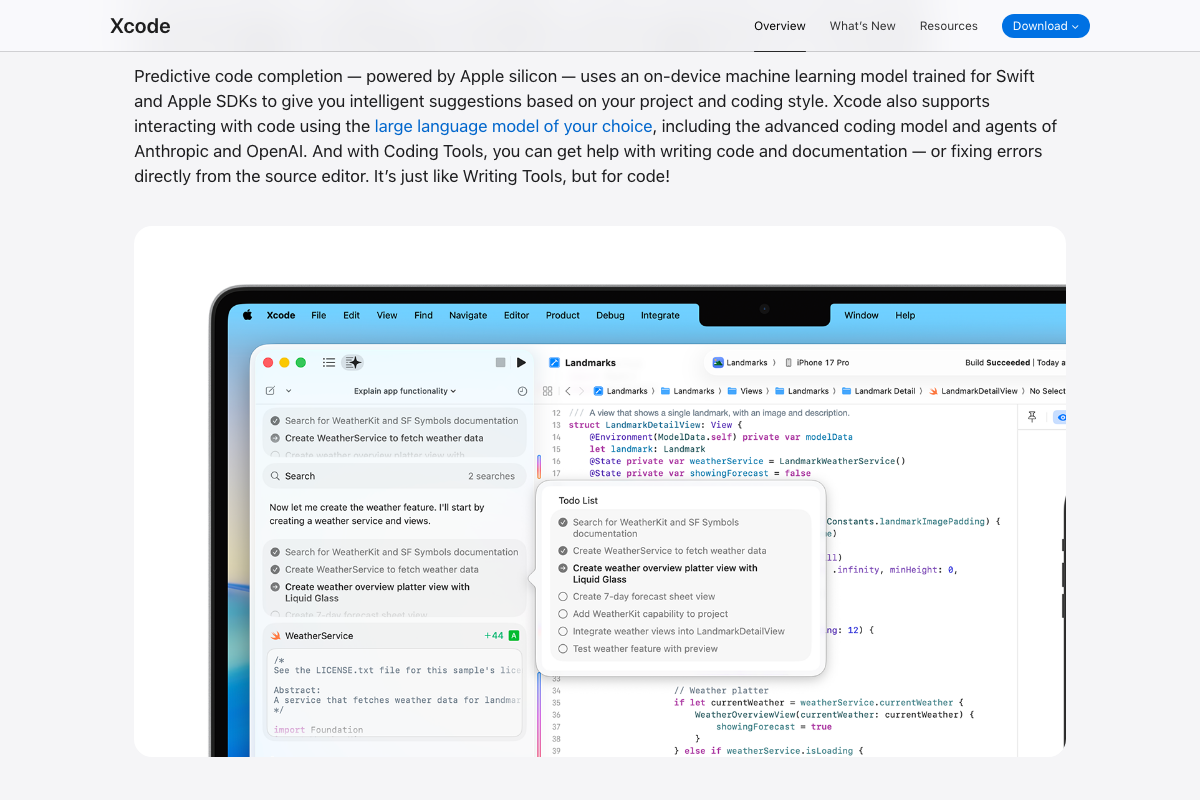
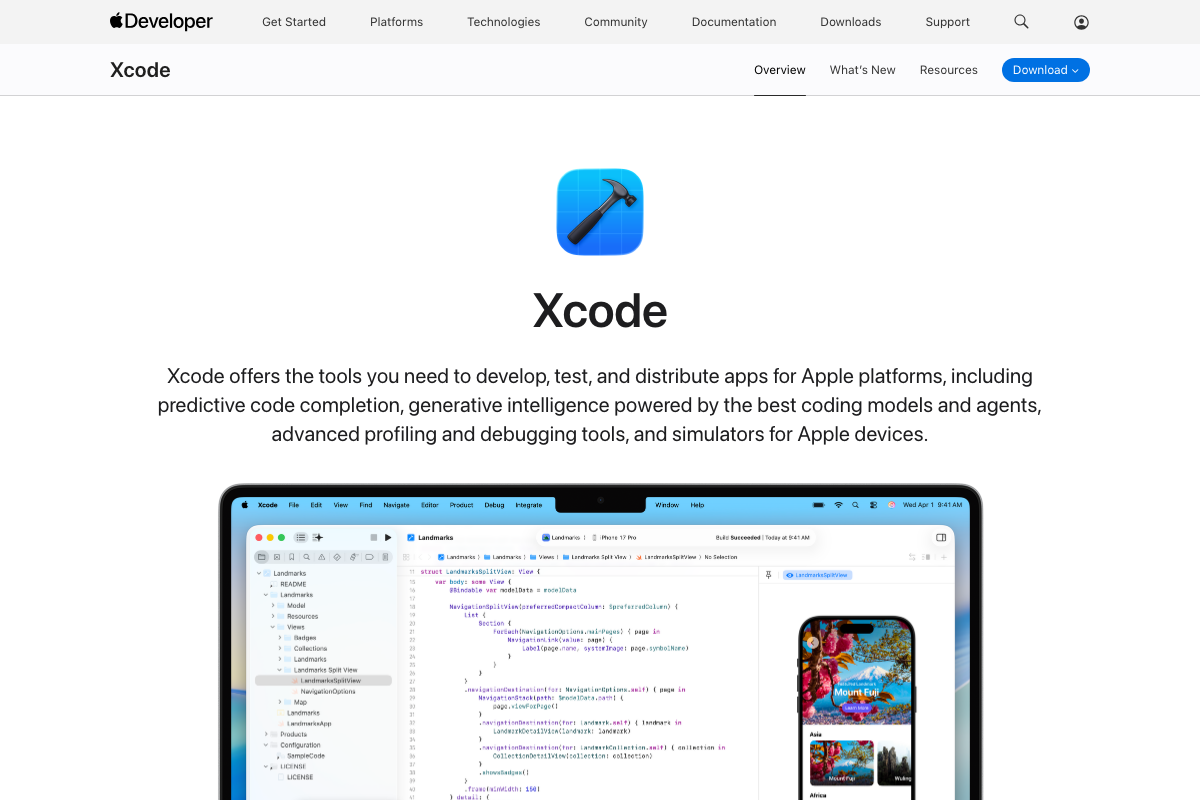
The video’s approach here matches the current docs exactly. Xcode + Claude Code is an officially documented integration path — Apple’s own coding intelligence page lists Anthropic as a supported model provider.
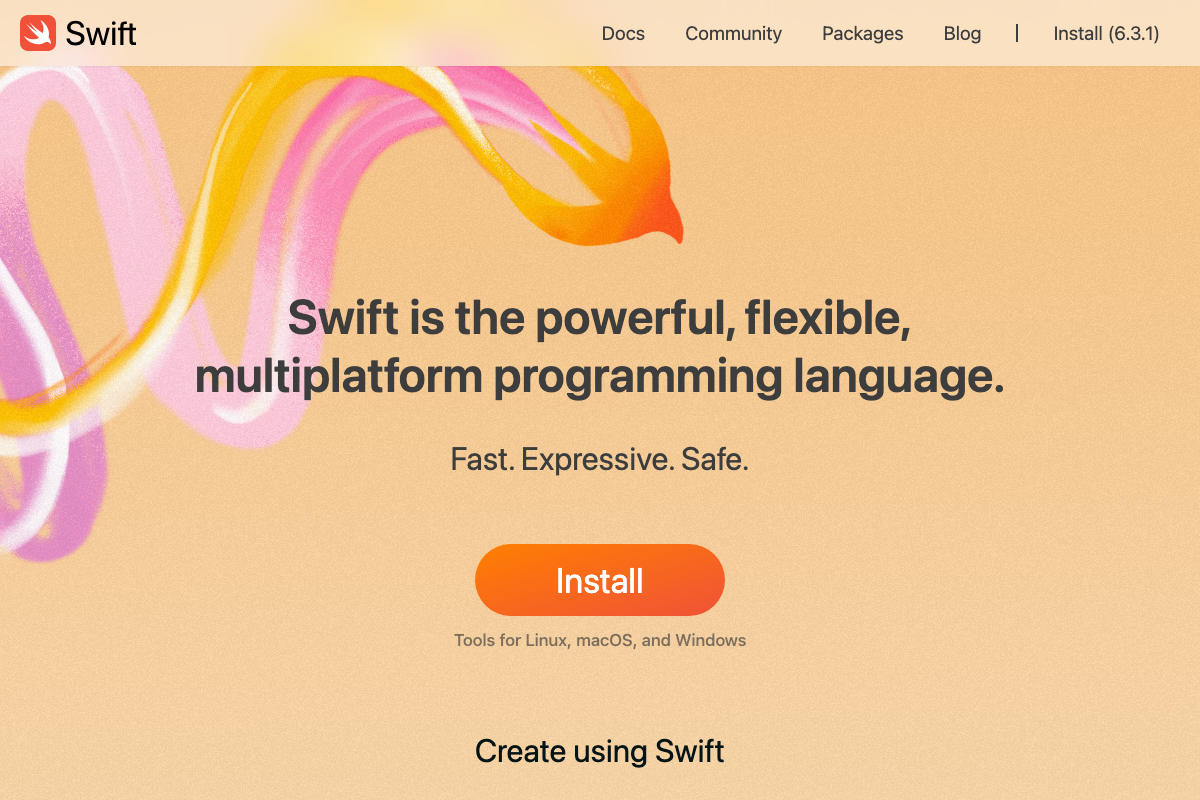
One practical addition: Swift 6.3.1 is the current release. Swift 6 introduced strict concurrency enforcement, so Claude Code-generated async code using pre-Swift-6 patterns will produce build errors. Review generated files before submitting a build.
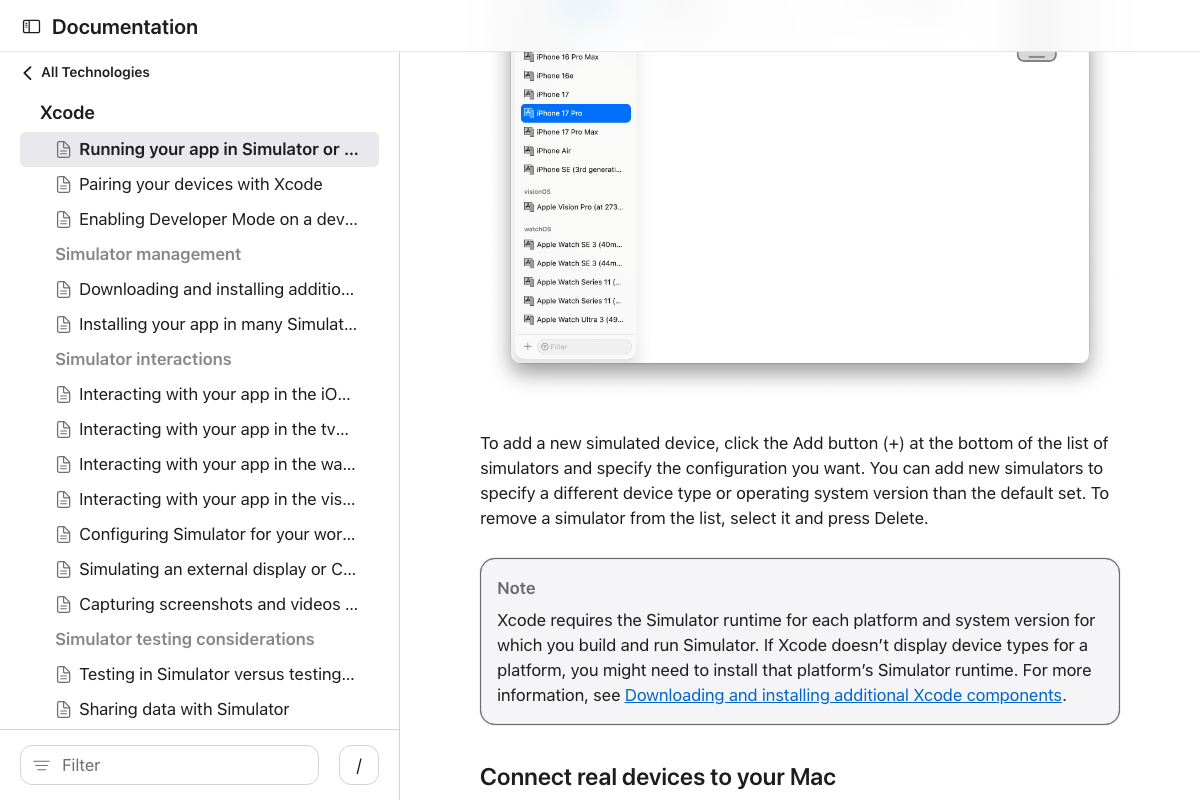
Also confirm your iPhone 17 Pro Simulator runtime is installed — Xcode will silently omit the device from the target list if it isn’t present.
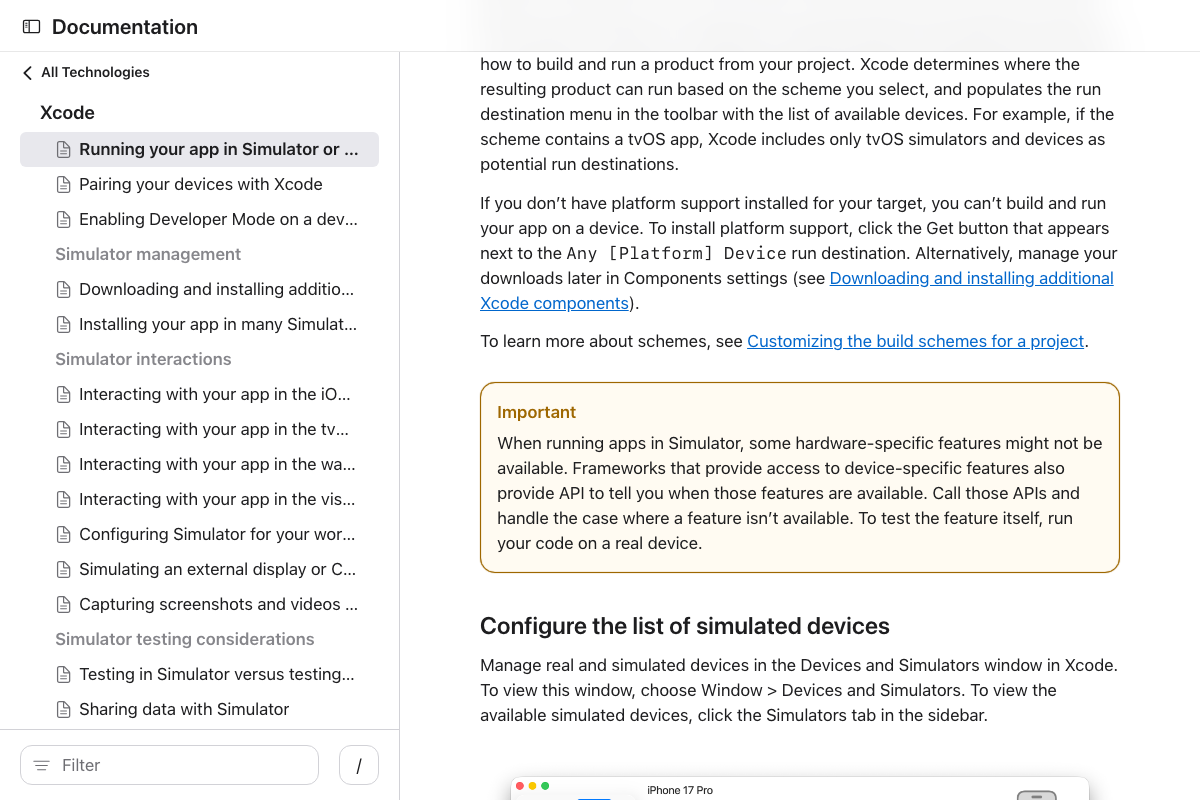
Step 8 — voice recording test
As of April 19, 2026, Apple’s official documentation includes an explicit “Important” callout: hardware-specific features including microphone access may not be available in the Simulator — the video performs this test in-simulator without acknowledging the limitation. If recording fails, move to a physical device before drawing any conclusions about your app’s audio implementation.
Step 9: Privacy policy on GitHub Pages
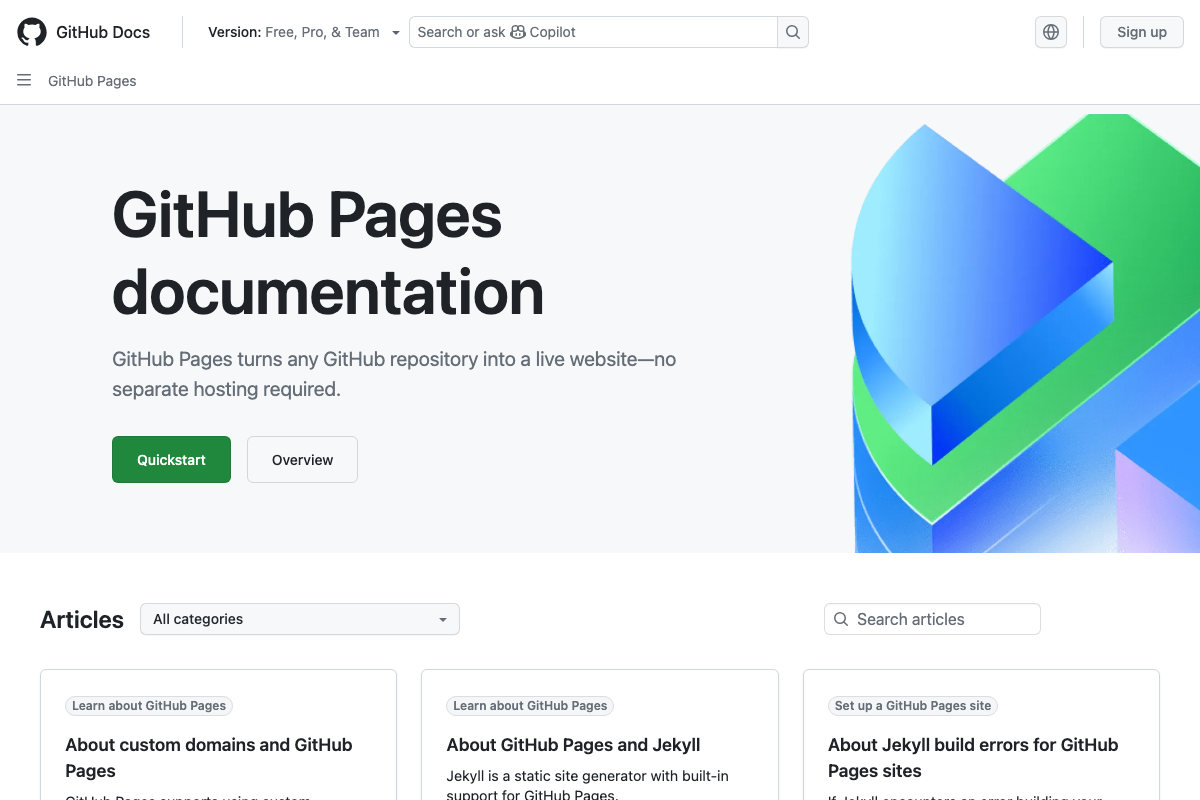
The video’s approach here matches the current docs exactly. One prerequisite the tutorial omits: a GitHub repository must exist before Claude Code can deploy the page — create one first if you’re starting from scratch.
Steps 10–11: App Store Connect submission
The video’s approach here matches the current docs exactly for the API operations. Metadata upload, screenshot upload, pricing configuration, and submission for review are all documented REST operations under the App Store Connect API.
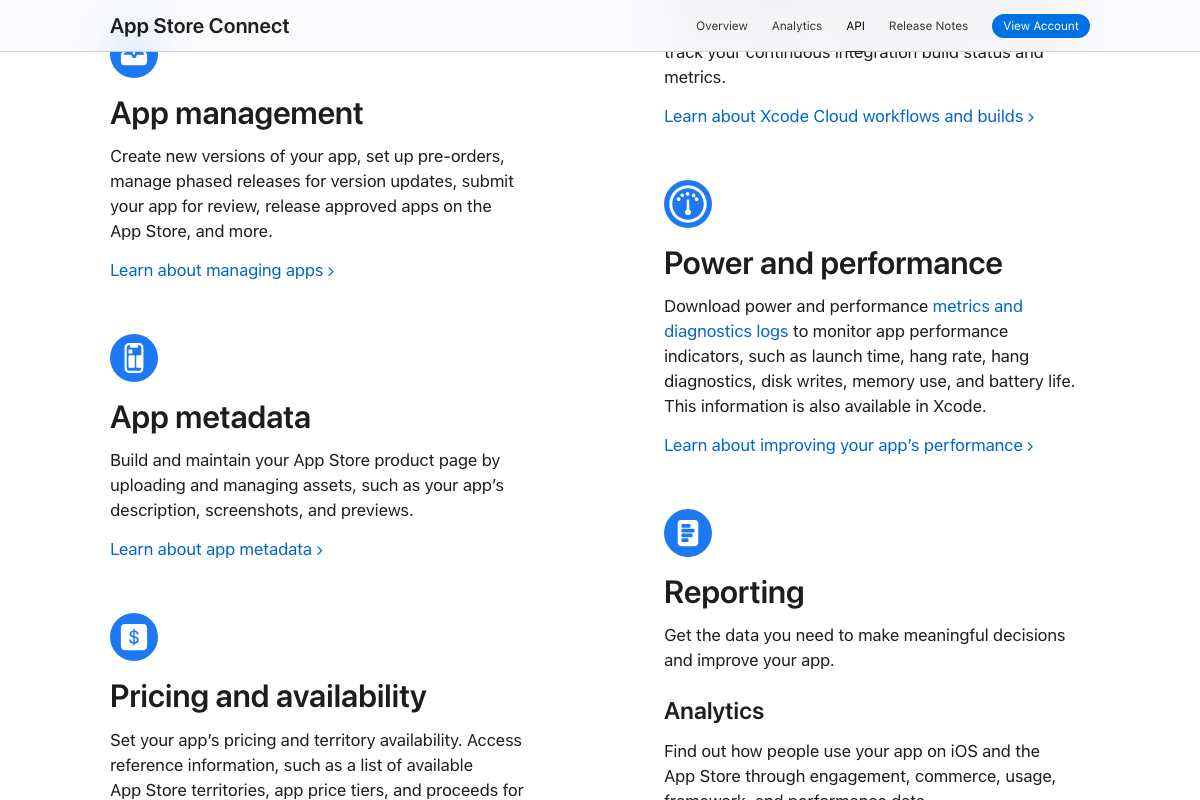
One gap to address before running: App Store Connect requires Apple ID authentication, which in practice means two-factor authentication. The tutorial doesn’t describe how Surf Agent handles the 2FA challenge. Have your authenticator ready and expect a manual intervention point during the automated login sequence.

Useful Links
- Claude Code — Claude account sign-in page; confirms a paid plan (Pro at $17/month minimum) is required to access Claude Code
- Xcode – Apple Developer — Official Xcode overview covering the simulator toolchain and Anthropic model integration
- Running your app in Simulator or on a device | Apple Developer Documentation — Simulator launch workflow and the hardware-feature limitation callout directly affecting the voice recording test
- App Store Connect — Apple’s app listing portal; Apple ID and two-factor authentication required for all access
- API Overview – App Store Connect – Apple Developer — REST API reference confirming automated support for metadata, screenshots, pricing, and review submission
- GitHub Pages documentation – GitHub Docs — Official docs confirming GitHub Pages as a free, valid static hosting solution for a privacy policy page
- Swift Programming Language — Swift.org confirming Swift 6.3.1 as the current release and the strict concurrency model that affects Claude Code-generated Swift code


0 Comments