

Make Your Website Queryable by AI Agents with NL Web
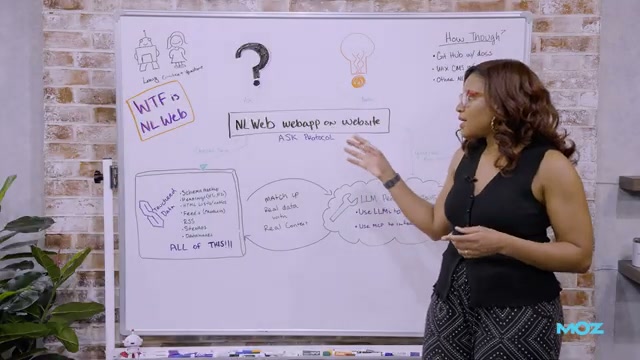
Every piece of structured data you’ve added to your site — schema markup, sitemaps, product feeds, heading tags — was already making you ready for the agentic web. NL Web (Natural Language Web) is the open-source layer that puts it all to work, letting AI agents query your site in plain language and get grounded, accurate responses. After completing this tutorial, you’ll understand how NL Web works architecturally, what existing site assets it draws on, and the two fastest paths to implementing it.
- NL Web is an open-source project released by Microsoft in spring 2025. It enables natural language querying of websites without requiring any changes to your existing content or CMS. The project is maintained on GitHub by RV Guha — the same developer who created schema.org and RSS — which signals strong long-term pedigree.
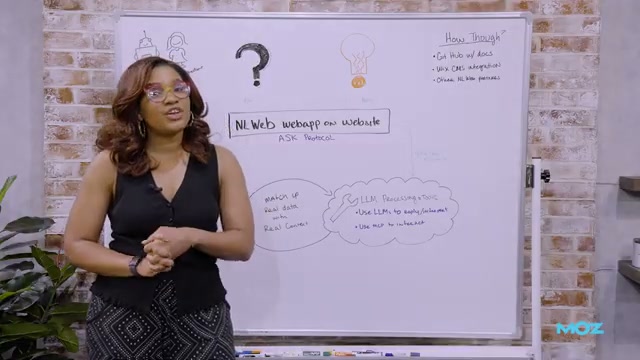
- When a user or AI agent sends a query to an NL Web-enabled site, it travels through something called the Ask Protocol. This protocol is the communication standard that connects the incoming natural language question to your site’s underlying structured data. Think of it as the handshake layer between the agent and your content.
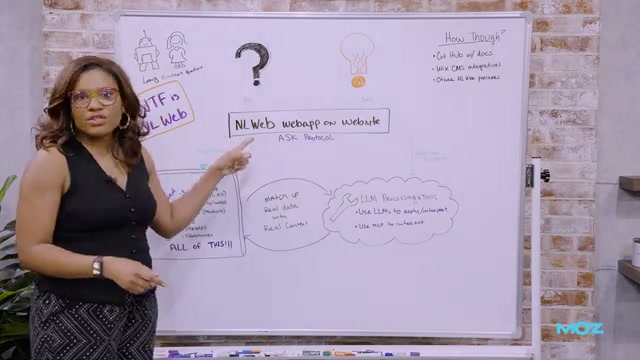
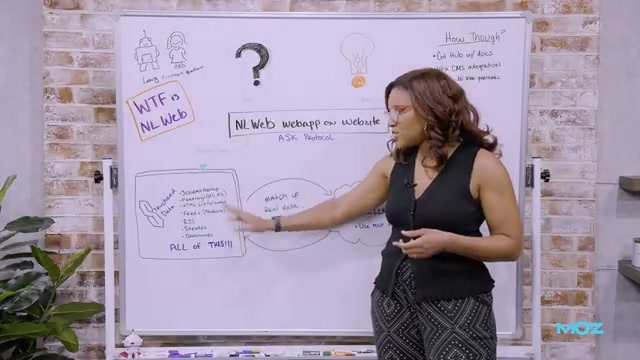
- NL Web draws on a broader definition of structured data than most SEOs default to. Any organized, tagged data qualifies: schema markup and JSON-LD, yes — but also H1/H2 heading tags, title tags, HTML lists and tables, product feeds, RSS feeds, XML sitemaps, and custom database content such as CMS-driven dynamic pages.
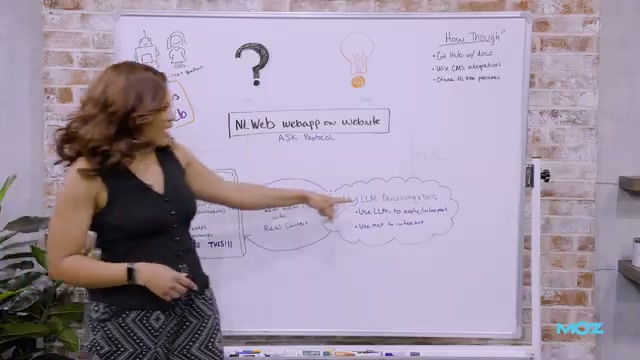
- Once the Ask Protocol surfaces the relevant structured data, an LLM processes the query against that grounding context. Using real site data as the foundation reduces hallucination risk significantly. If the query requires interactivity — say, filtering a product catalog or booking a slot — NL Web can optionally call the site’s MCP (Model Context Protocol) instance to handle those actions.
- To implement NL Web, visit the project’s GitHub repository and have your development team follow the official documentation to set it up. The repo is actively maintained and accepts community questions and proposals — a good signal for ongoing support.

- If your site runs on Wix with a premium plan and a custom domain, you can enable the Agentic Web integration by toggling a single setting — no developer required.
Warning: this step may differ from current official documentation — see the verified version below.
How does this compare to the official docs?
The video gives an accessible architectural overview and two concrete implementation starting points, but the official Microsoft documentation and GitHub repository go deeper on configuration, Ask Protocol specifics, and MCP integration — which is where Act 2 picks up.
Here’s What the Official Docs Show
The video’s architectural walkthrough is well-grounded — the core mechanics, data sources, and MCP framing all check out against the official repository and referenced standards. What follows fills in a few specifics the docs surface that will matter when you move from overview to implementation.
1. What NLWeb is and where it lives
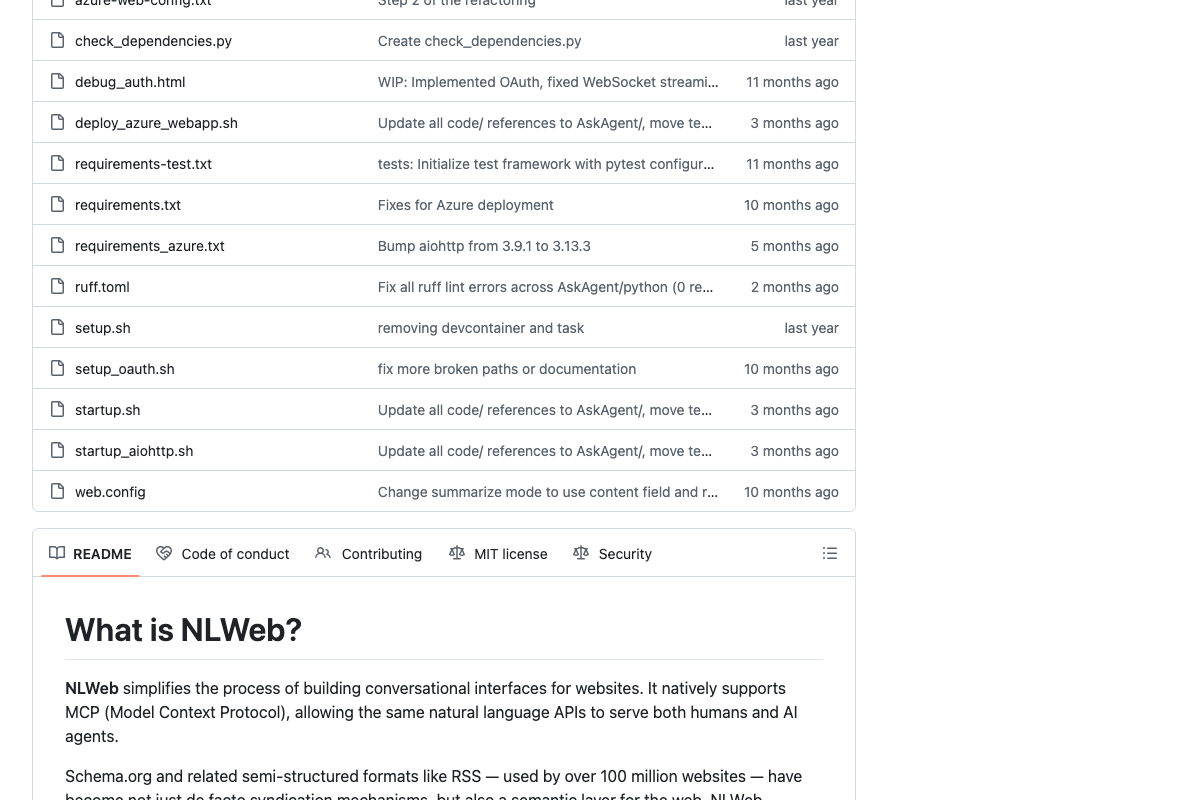
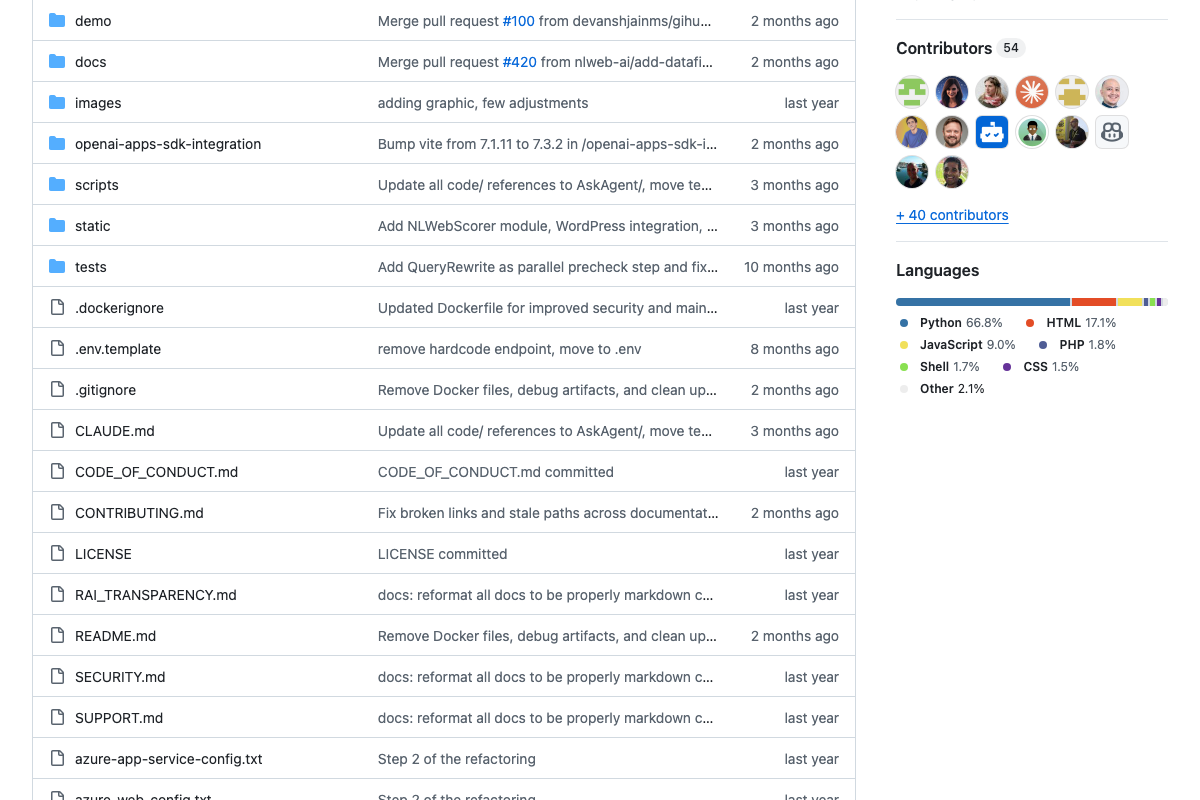
The video’s approach here matches the current docs exactly on the essentials: NLWeb is MIT-licensed, open-source, and actively maintained. One address to update: as of June 2026, the canonical GitHub organization is nlweb-ai, not microsoft — the repository lives at github.com/nlweb-ai/NLWeb, with 6.2k stars, 54 contributors, and 1,164 commits confirming healthy community momentum.
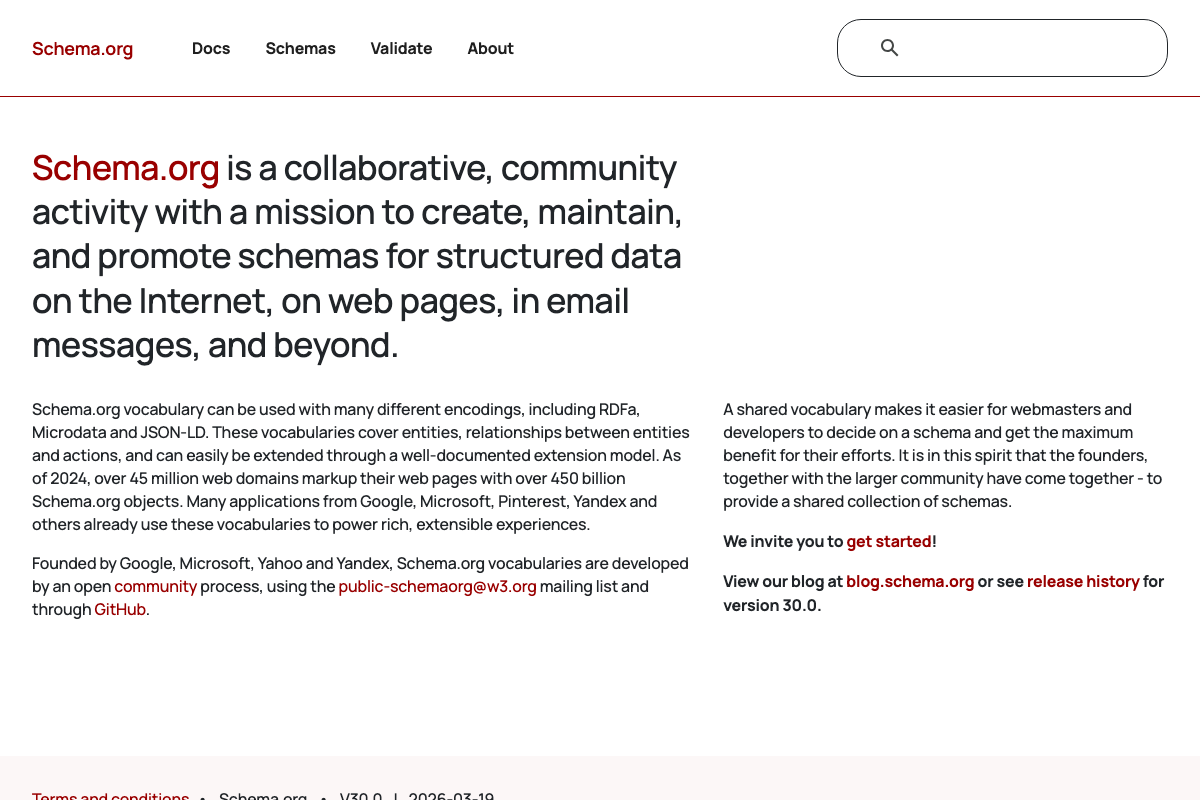
On schema.org attribution: the schema.org homepage credits its founding to Google, Microsoft, Yahoo, and Yandex as a collaborative effort. No individual creator is named in the visible documentation.

2. The query-routing layer
No official documentation was found for this step — proceed using the video’s approach and verify independently.
One terminology note worth flagging: the README and visible codebase use the module name AskAgent for the query-routing component. As of June 2026, the phrase “Ask Protocol” does not appear in any visible NLWeb documentation.
3. Structured data sources NLWeb draws on
The video’s approach here matches the current docs exactly. Schema.org and RSS are named explicitly in the README as foundational formats covering over 100 million websites. JSON-LD is confirmed at json-ld.org as a lightweight linked data format with conformant libraries in Python, JavaScript, Go, PHP, and 7+ other languages.
XML sitemaps could not be verified — sitemaps.org returned HTTP 403 Forbidden during all documentation capture attempts.

4. LLM processing and MCP integration
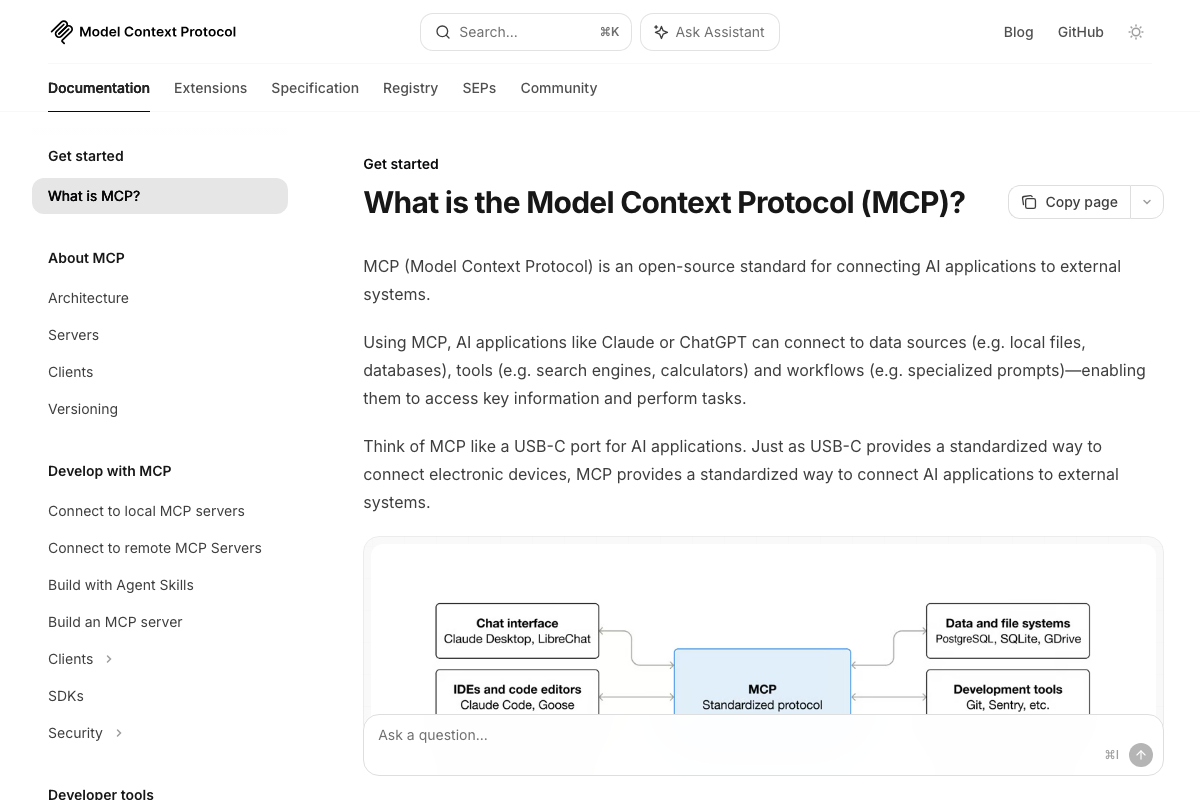
The video’s approach here matches the current docs exactly. One precision worth adding: the README describes MCP support as native — “It natively supports MCP, allowing the same natural language APIs to serve both humans and AI agents.” MCP is a built-in architectural capability, not a bolt-on. Whether you expose it in your deployment is a configuration choice.
5. Implementation paths
The video’s approach here matches the current docs exactly on GitHub-based self-hosting. One addition the repo surfaces: a code/wordpress/nlweb directory represents a WordPress-specific integration path that the video did not cover alongside the developer setup and Wix options.
6. Wix one-toggle enablement
No official documentation was found for this step — proceed using the video’s approach and verify independently.
Useful Links
- GitHub – nlweb-ai/NLWeb — The canonical NLWeb repository: MIT-licensed Python implementation with 54 contributors and active development across 68 branches.
- Schema.org — Collaborative structured data vocabulary standard founded by Google, Microsoft, Yahoo, and Yandex, currently used by over 45 million domains at version 30.0.
- JSON-LD – JSON for Linked Data — Official JSON-LD specification home with an interactive Playground and conformant libraries across 11+ languages including Python, Go, and PHP.
- What is the Model Context Protocol (MCP)? — Official MCP documentation covering architecture, use cases, and server, client, and app build paths.
- sitemaps.org Protocol — XML sitemap protocol reference; this domain returned HTTP 403 Forbidden during documentation capture and may require direct browser access.


0 Comments