

Use AI to Upgrade Your Thinking, Not Just Your To-Do List
Most professionals using AI today are doing the equivalent of running a supercomputer to balance a checkbook. After working through this framework, you’ll know how to rewire your information inputs, stress-test your biggest decisions with military-grade red teaming, and identify the narrow slice of work that only a human can do — so AI can handle the rest.

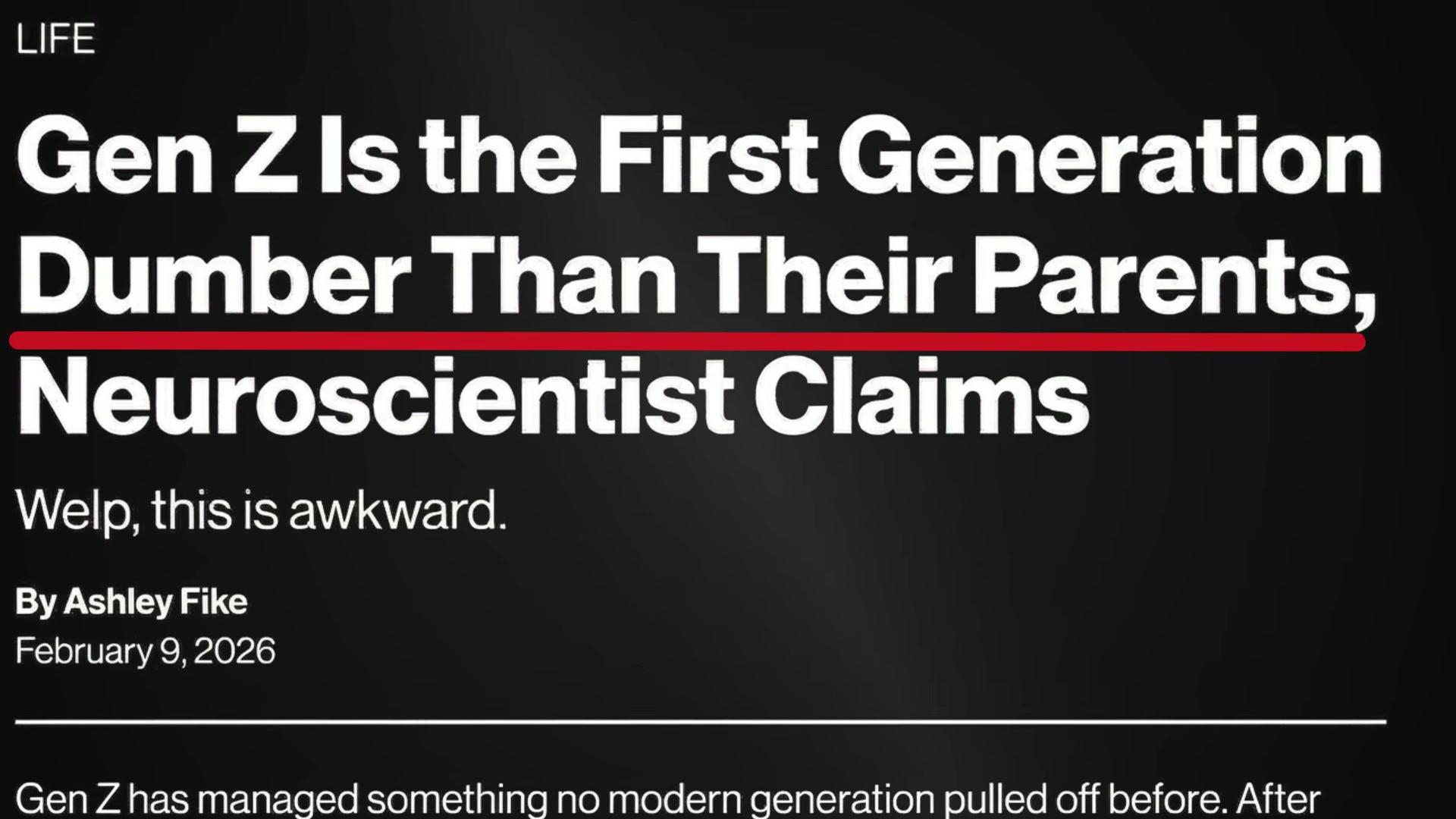
- Recognize the Calculator Trap. The default use case for AI — drafting emails, summarizing documents, building slide decks — treats a reasoning engine like a shortcut key. The people pulling ahead are using AI to think better and learn faster, not just finish tasks faster. That mental shift is the prerequisite for everything else in this framework.
-
Upgrade your inputs by resetting your social algorithm. Navigate to Content Preferences on Instagram or TikTok and wipe your suggested content feed. Then actively search for, like, save, and comment on content in the domain you want to master. Both platforms use AI to build a preference model from your engagement signals — once you seed it deliberately, the algorithm becomes a personalized curriculum instead of a distraction engine.
-
Build a daily AI briefing. Prompt your AI assistant with the following: “You are my daily AI research assistant. Each morning, find the top 3 developments in [your topics]. Summarize each in 2 sentences with source links. Tell me why it matters. Format as a briefing I can read in under 3 minutes.” Run this every morning before you open your inbox.
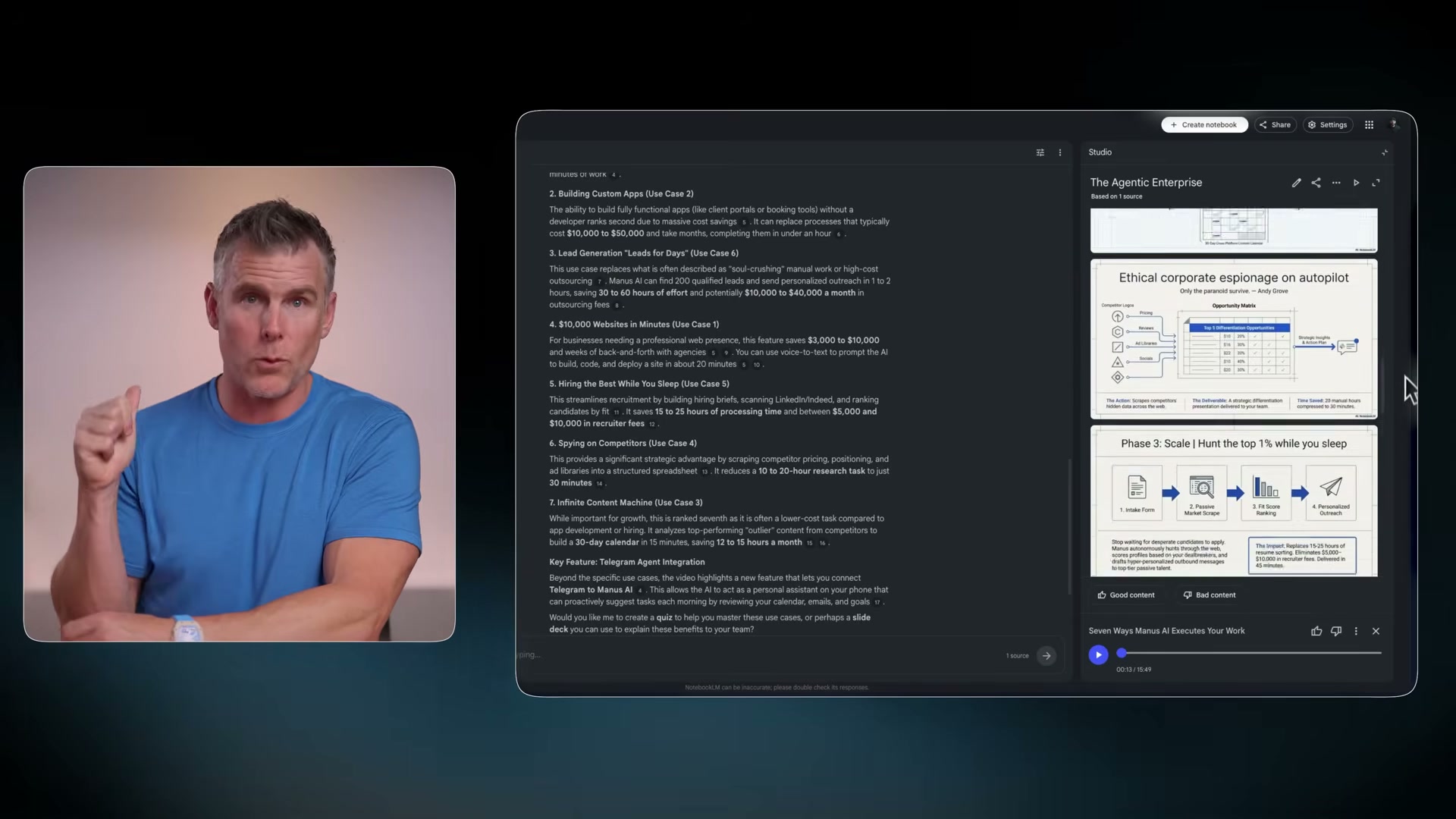
- Use Google NotebookLM for accelerated consumption. Feed NotebookLM a topic and it generates a focused knowledge base on that subject alone. From there you can chat with it, generate slides, infographics, quizzes, flashcards, or a podcast — and use the call-in feature to ask live questions while the audio plays. The goal is just-in-time learning: consuming information precisely when you need it for a decision, not stockpiling it speculatively.
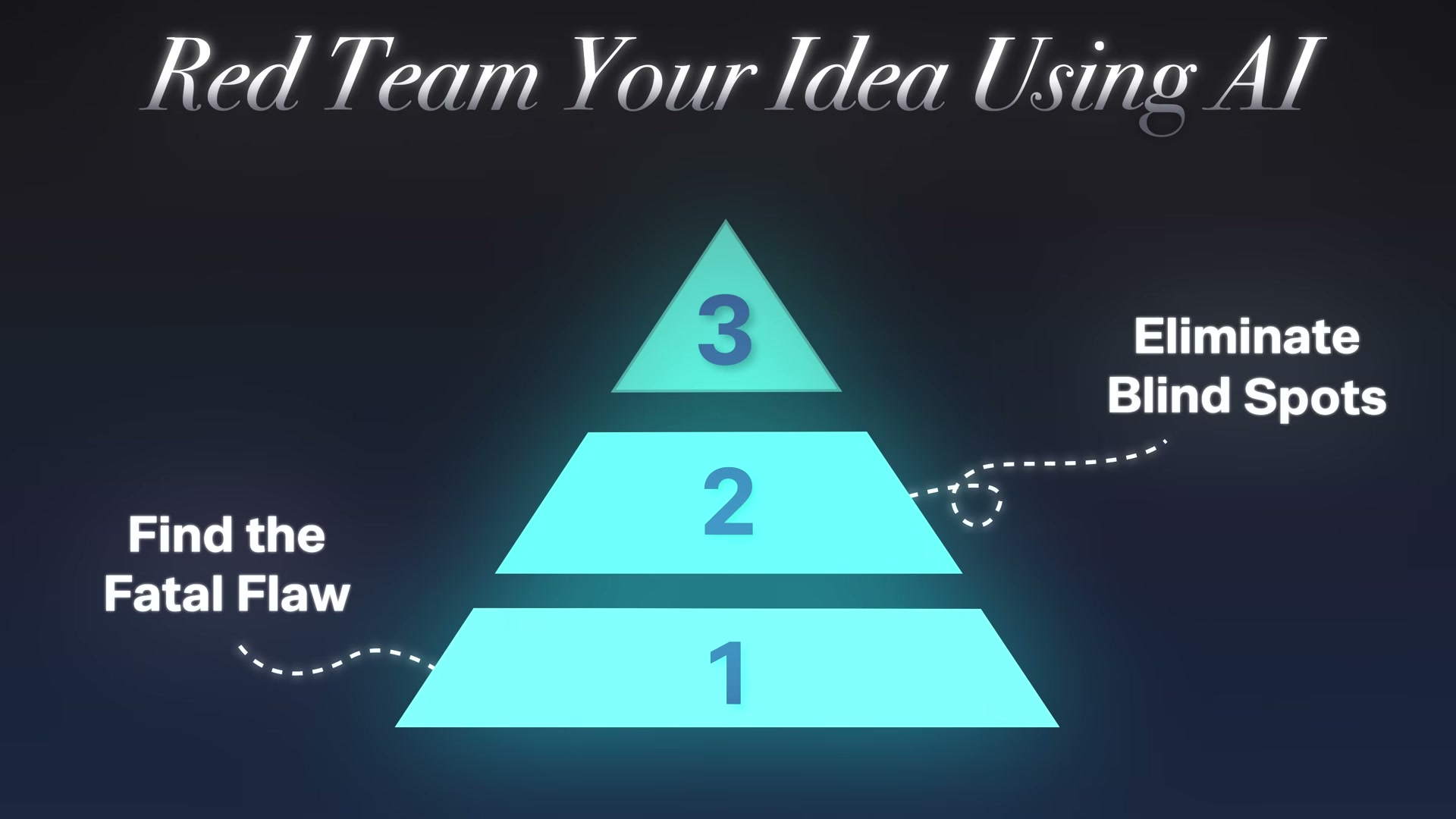
- Red team your next big idea — find the fatal flaw. Run a premortem with this prompt: “If this project fails in 6 months, why did that happen?” This forces the model to reason backward from failure, surfacing the single points of fragility you’re most likely overlooking because of your emotional investment in the idea.

- Red team — eliminate blind spots. Prompt: “You are a cynical, highly successful competitor. Analyze this plan and tell me exactly how you’d exploit the weaknesses to steal my customers.” Provide your actual constraints, timelines, and available resources — the more context the model has, the harder it pushes back.
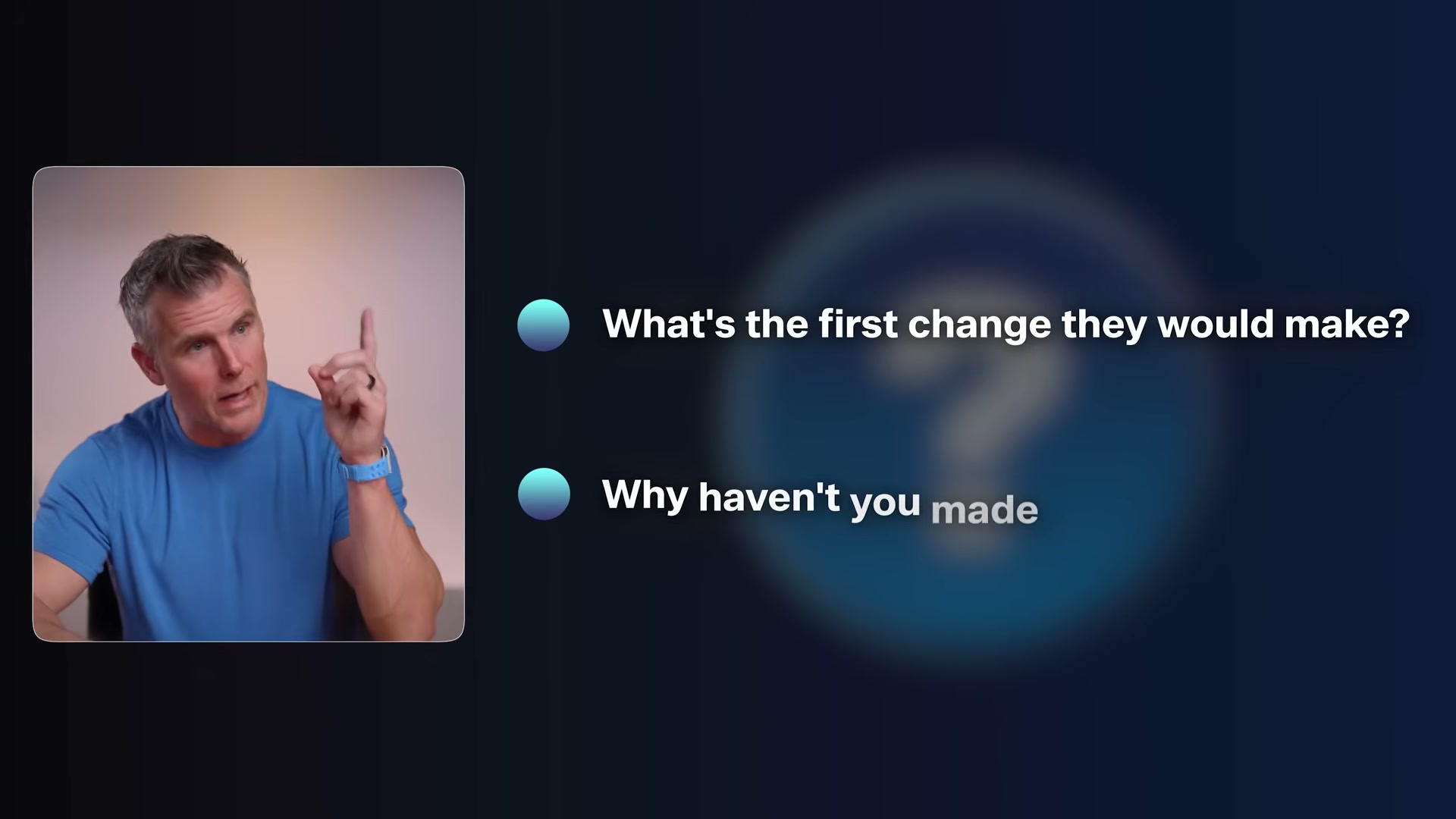
- Red team — rank and plan for your top risks. Prompt: “Rank the top 3 risks by likelihood and impact. Build a contingency plan for each.” This converts a list of fears into an actionable defense checklist.
-
Inventory every task you do in a typical week. Pull up your calendar and project list and break your work into 15–30 minute task chunks. Write them all down — every recurring meeting, every deliverable, every operational habit.
-
Map those tasks onto a 2×2 quadrant. The x-axis runs from easy to hard for humans; the y-axis runs from easy to hard for computers. Place every task you listed into one of the four quadrants.
-
Identify your 8%. The top-right quadrant — easy for humans, hard for computers — is where your irreplaceable value lives. That quadrant holds taste, vision, and care: knowing what looks right, seeing what should exist before it does, and enrolling people in ideas emotionally.
-
Automate or delegate the remaining 92%. Writing, research, analysis, scheduling, drafting, and building are all AI-executable today. Your job becomes director, not doer — you come in at the end to apply judgment, not to execute the work itself.
How does this compare to the official docs?
The NotebookLM workflow and the red-teaming prompts in particular sit at the intersection of several rapidly evolving tools — so it’s worth checking what the platforms themselves actually support today before you build a workflow around them.
Here’s What the Official Docs Show
The video covers a genuinely useful framework, and the conceptual layers hold up on their own merits. What the screenshots add is a layer of platform-level context — particularly around the tools referenced in steps 2 and 4 — that’s worth knowing before you build a workflow around them.
Step 1 — Recognize the Calculator Trap
No official documentation was found for this step —
proceed using the video’s approach and verify independently.
Step 2 — Upgrade Your Inputs by Resetting Your Social Algorithm
The video instructs navigating to “Content Preferences” on Instagram and TikTok to wipe suggested content. Both platforms are real and accessible at their documented URLs. However, as of April 9, 2026, the available documentation captures show only unauthenticated login pages for both — the specific “Content Preferences” label and its settings path cannot be confirmed from these captures. Log in first, then locate the relevant setting; the label may differ from what the video shows depending on your platform version or region.

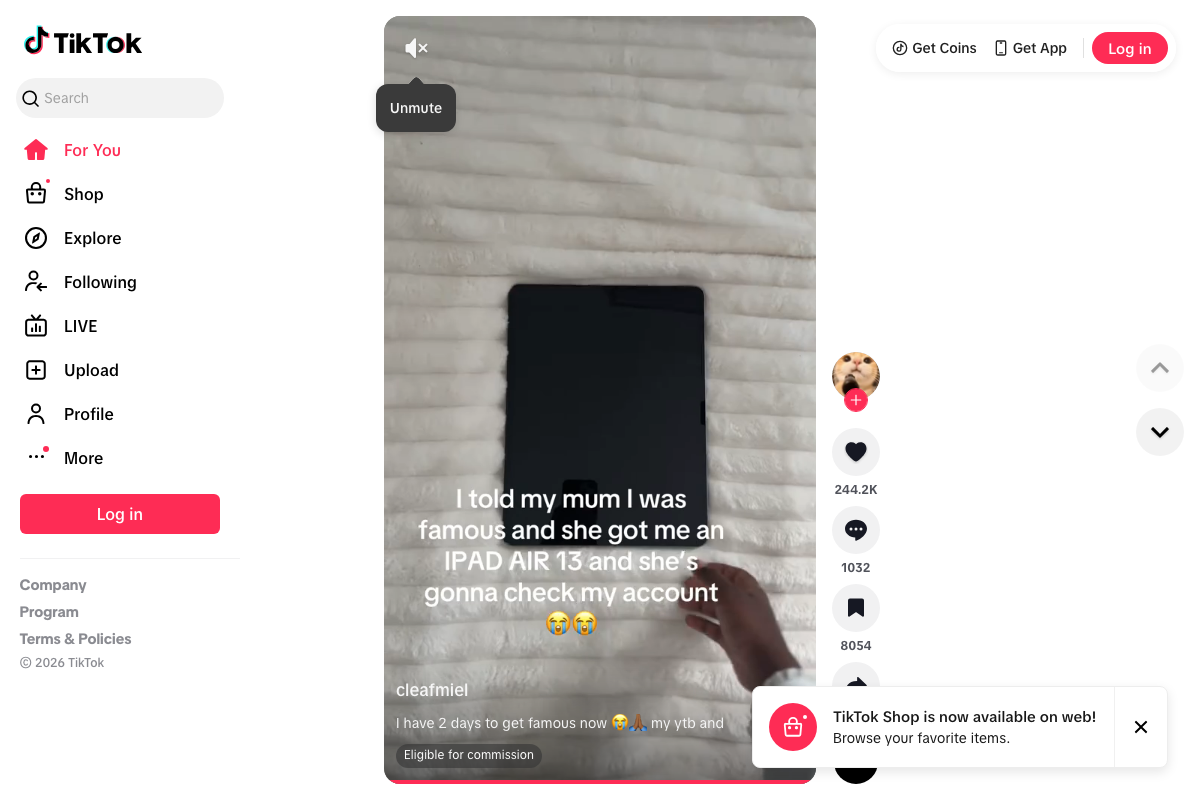
No official documentation was found confirming the “Content Preferences” label on either platform —
proceed using the video’s approach and verify independently.
Step 3 — Build a Daily AI Briefing
No official documentation was found for this step —
proceed using the video’s approach and verify independently.
Step 4 — Use Google NotebookLM for Accelerated Consumption
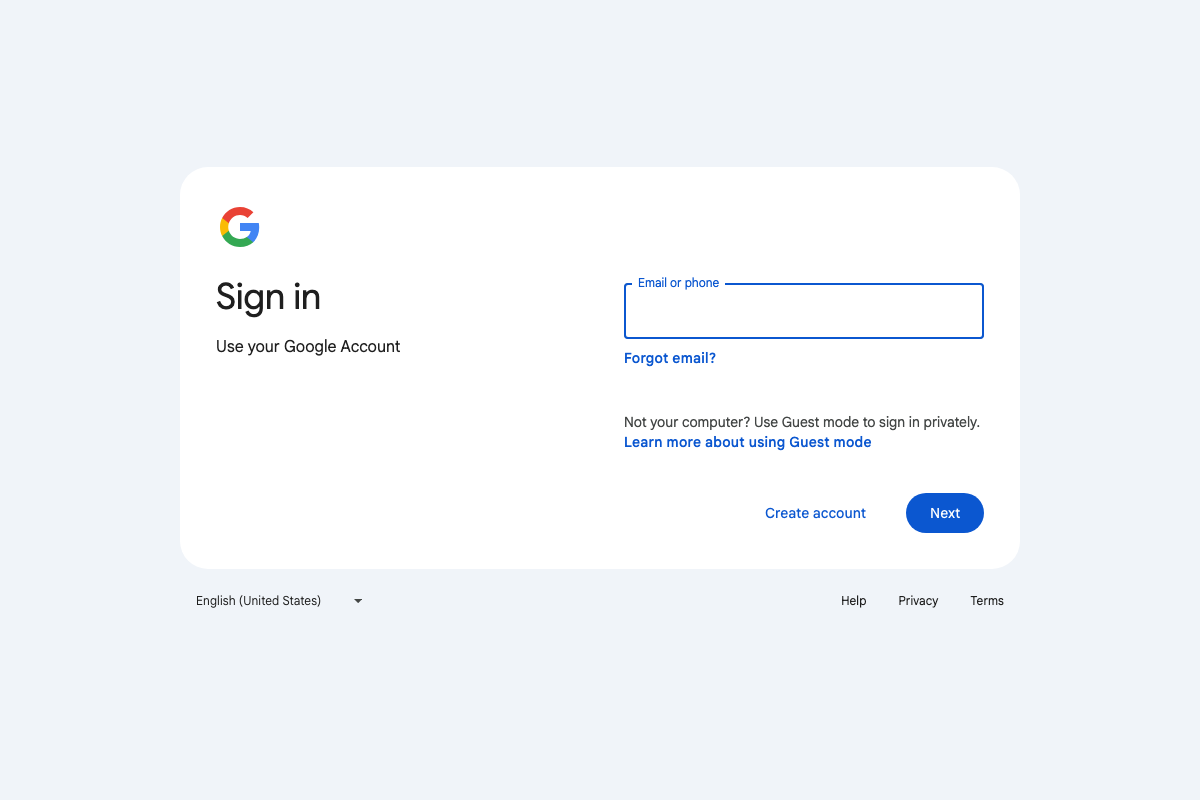
One thing the screenshots do confirm: NotebookLM at notebooklm.google.com requires a standard Google Account before you can access any features. If you don’t have one, create it first. Beyond that prerequisite, none of the specific capabilities described in the video — chat, slide generation, infographic creation, quizzes, flashcards, podcast generation, or the call-in feature — could be confirmed from the available captures, which showed only the sign-in screen.
The NotebookLM feature set described in step 4 cannot be verified from available documentation screenshots —
proceed using the video’s approach and verify independently at notebooklm.google.com.
Steps 5–7 — Red Team Your Ideas
No official documentation was found for these steps —
proceed using the video’s prompts and verify independently.
Steps 8–11 — Task Inventory, 2×2 Mapping, the 8%, and the 92%
No official documentation was found for these steps —
proceed using the video’s approach and verify independently.
Useful Links
- Sign in – Google Accounts (NotebookLM) — Entry point for Google NotebookLM; a Google Account is required before accessing any features described in step 4.
- Instagram — Instagram’s login page; account settings including any algorithm or content preference controls require authentication.
- TikTok – Make Your Day — TikTok’s web home showing the For You feed; account-level Content Preferences require a logged-in session.
- Slack Help Center — Slack’s official support documentation; not referenced in the tutorial but captured in the screenshot set.


0 Comments