

How Charles Floate Generated $53,510 in 45 Days With a White Hat SEO Campaign
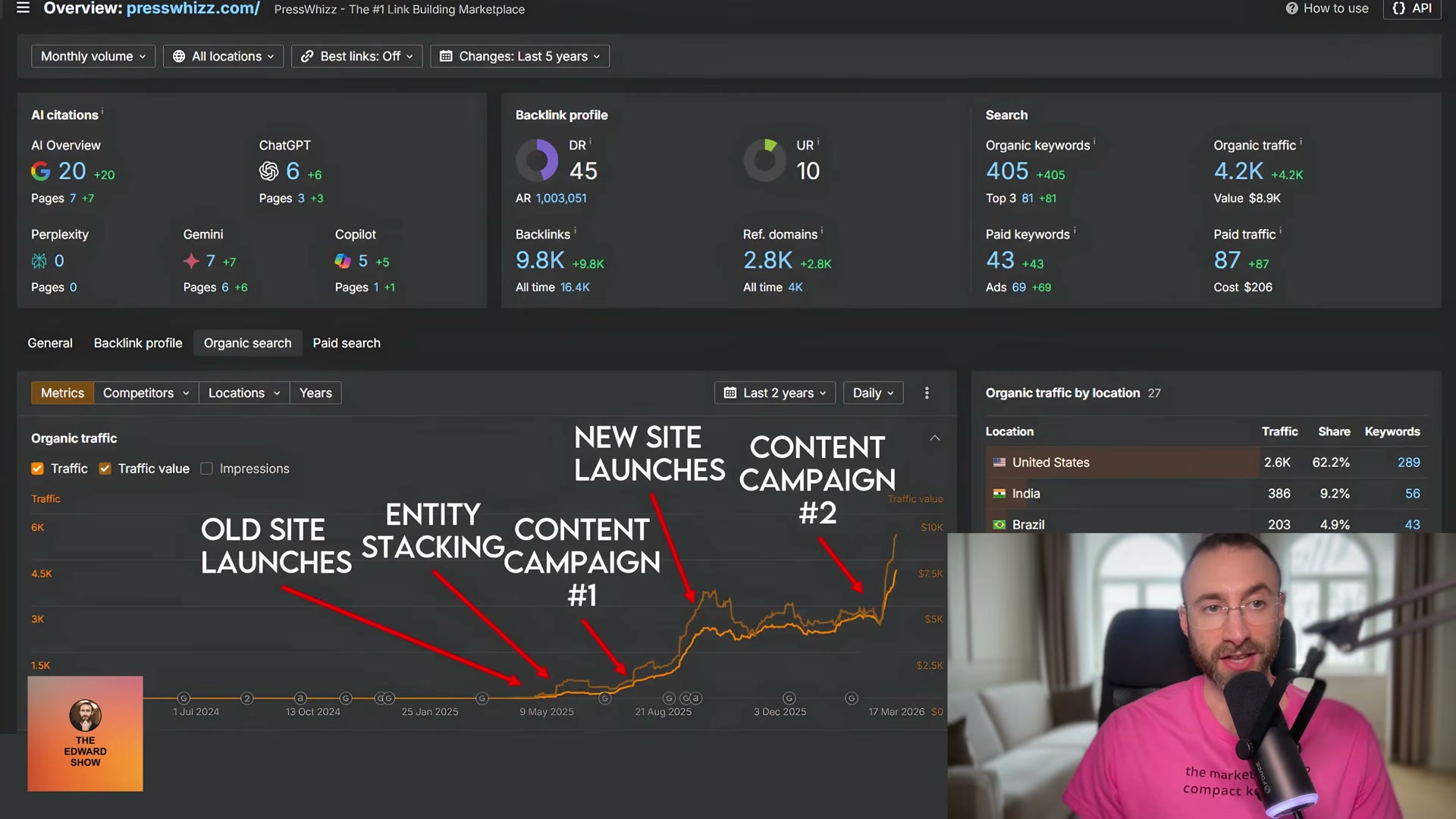
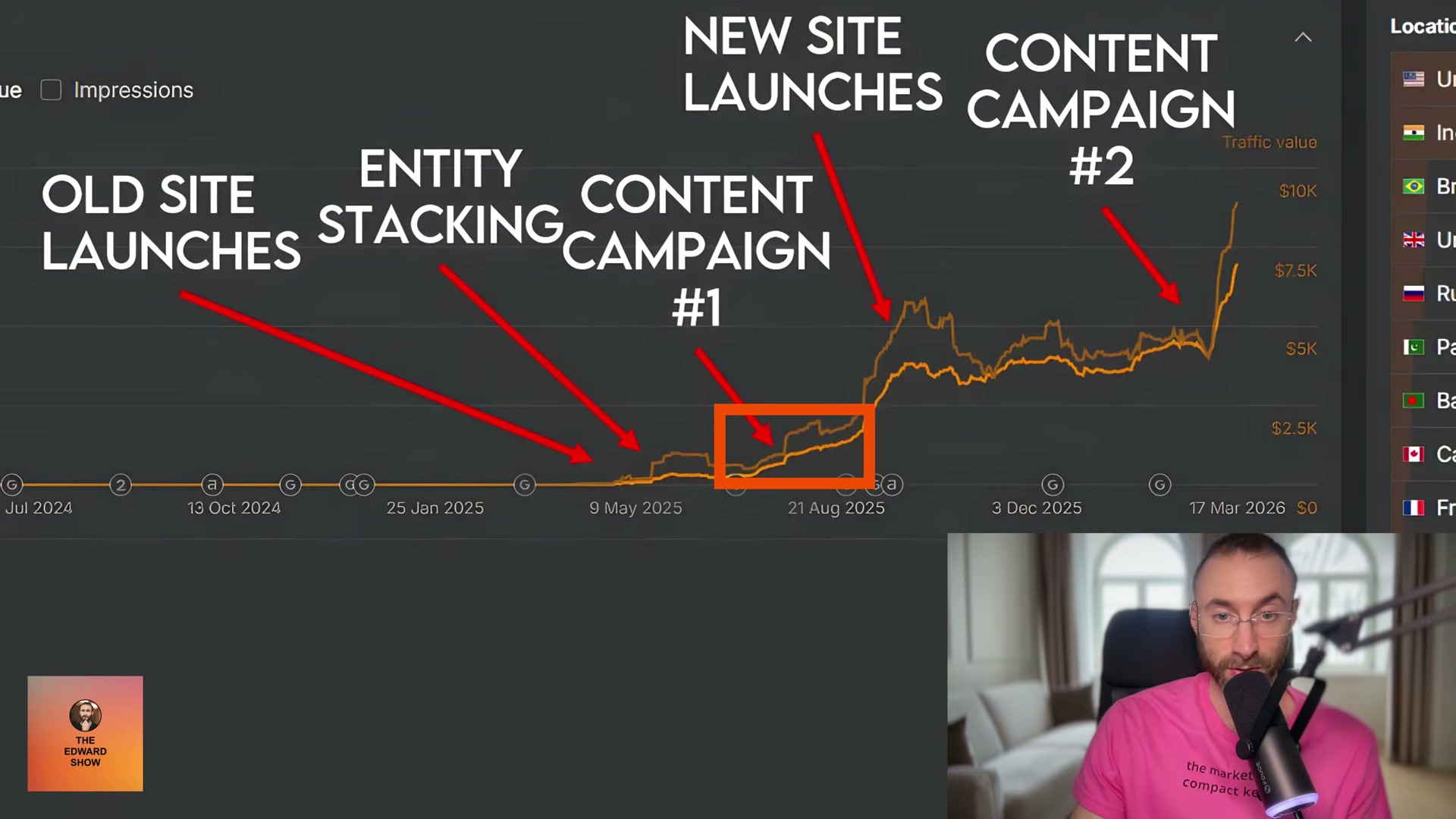
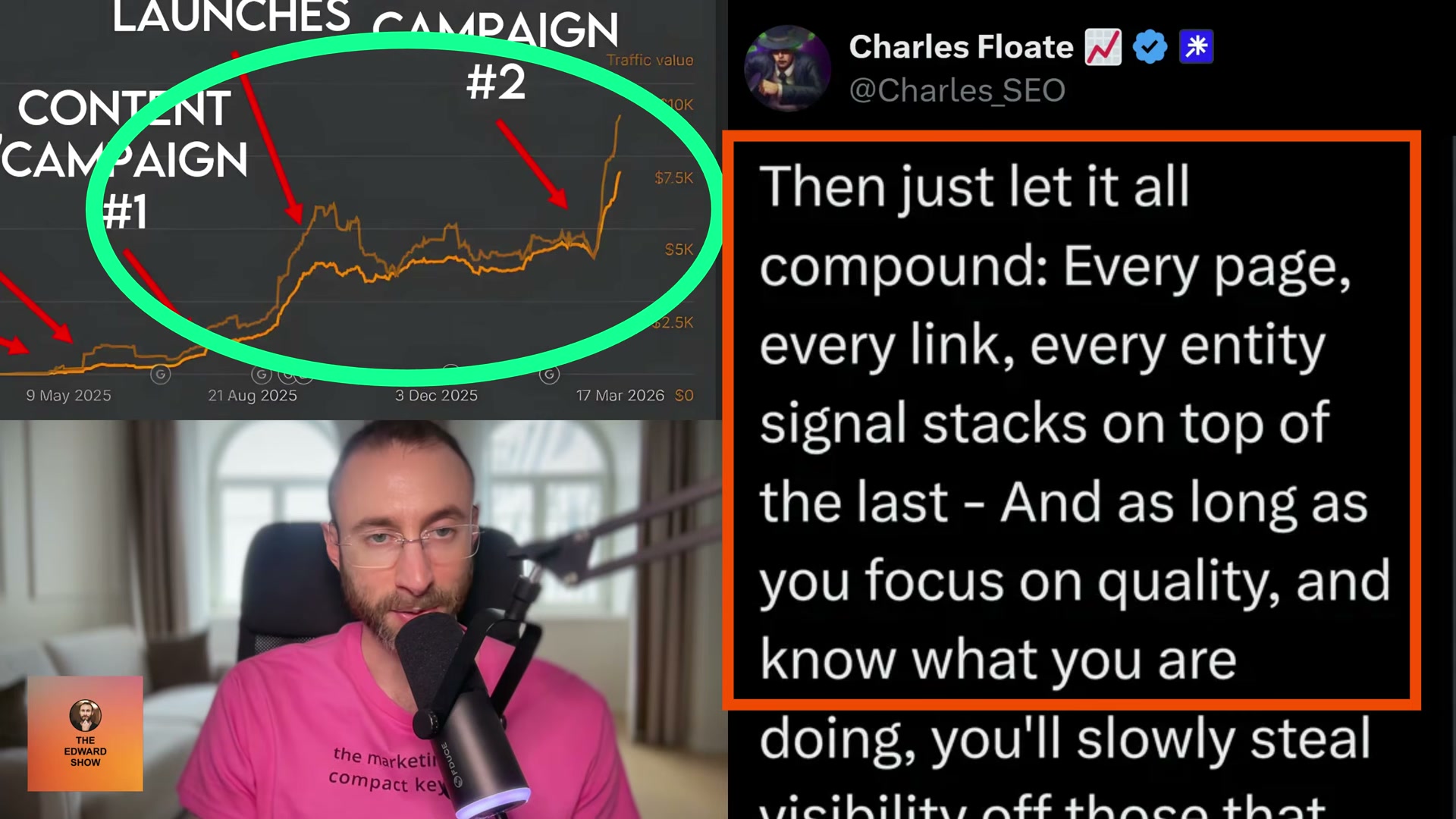
Charles Floate, founder of PressWizz, faced an unusually hostile operating environment: as a publicly known black-hat SEO practitioner, his site operated under elevated Google scrutiny from day one. Despite that constraint, a staged white-hat campaign — entity stacking, trust signal development, and two sequential content campaigns — produced $53,510 in revenue over 45 days, an 11.11% increase over the prior period. Walk through the exact playbook Floate published and you will have a replicable staged framework for building organic authority even when Google is watching closely.
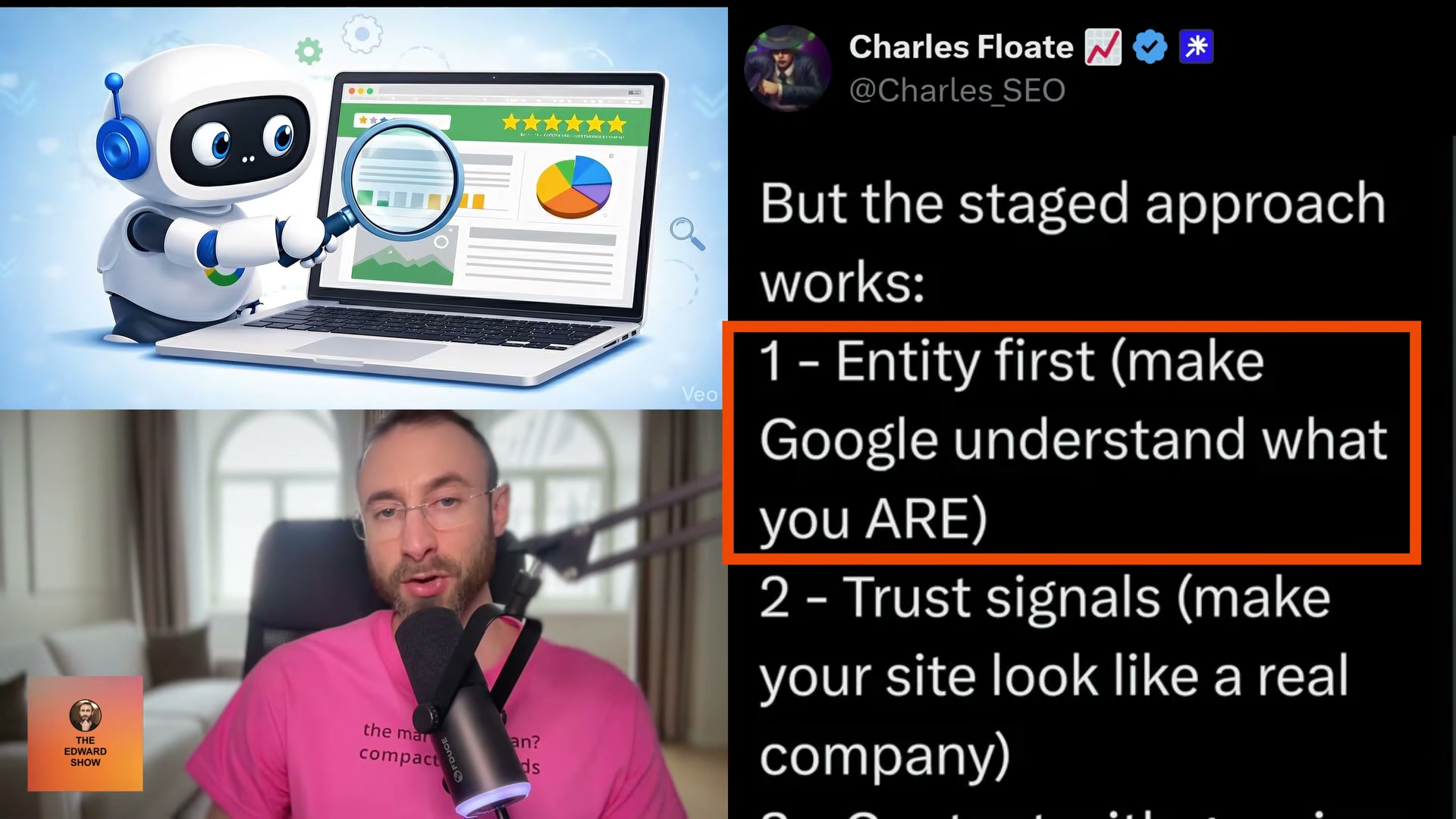
- Create and fully populate social profiles on every major platform — LinkedIn, X/Twitter, Facebook, YouTube, and any niche-relevant networks. Each profile must link back to your site. This signals to Google’s Knowledge Graph that a real, coherent entity exists before any content or link-building work begins. Floate treats this as non-negotiable: the algorithm needs to understand what you are before it decides whether to surface you.
- Add JSON-LD structured data to your site with a
sameAsproperty listing every social profile URL and major brand mention. This programmatically connects all those profiles in Google’s systems and tells it unambiguously that your website and every off-site presence represent the same entity.

Warning: this step may differ from current official documentation — see the verified version below.
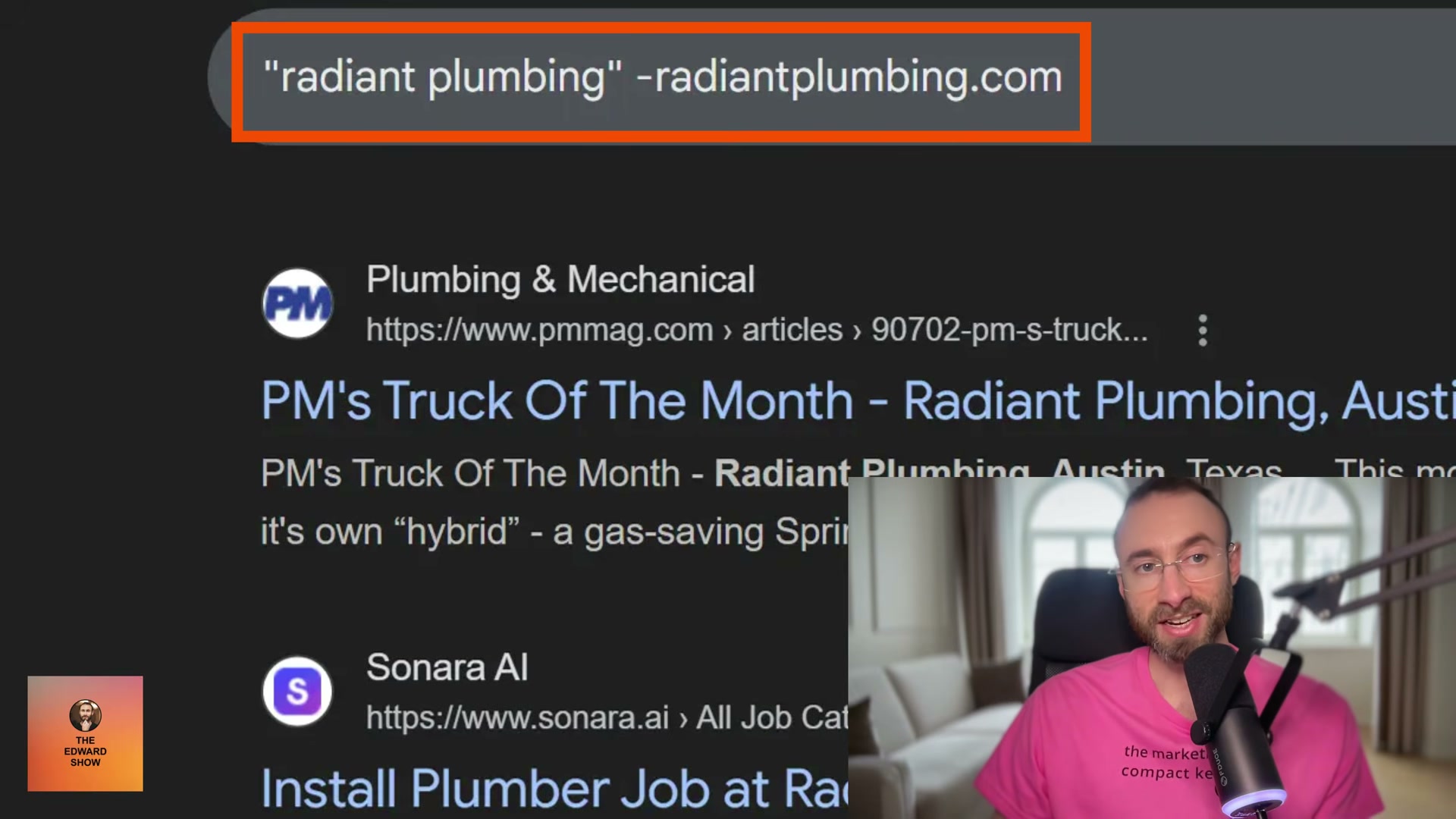
- Run the Google search operator
"competitor brand name" -site:competitorsite.comto surface every page that mentions your competitor by name while excluding their own domain. Results expose the free directories, press placements, and trust-reference sites competitors already occupy — a research shortcut that takes minutes and produces a ready-made citation target list.
-
Claim every relevant free directory and trust-reference site you surfaced in the previous step. Prioritize niche-specific directories and any high-authority citation sources. Floate’s framework labels these “every trust and reference site in SEO you can build for free” — low effort, permanent signals.
-
Respond to journalist queries on HARO and Featured.com to earn editorial brand mentions. Coverage from real publications carries authority that no directory can replicate, and it reinforces entity recognition across the open web.
Warning: this step may differ from current official documentation — see the verified version below.
-
Rebuild or expand your site to look like a legitimate company. Add case studies, expand company pages, and run conversion-rate-optimization improvements throughout. Floate’s second framework step is explicit: visitors who don’t trust your site pogo-stick back to the SERP, and enough of that behavior teaches Google to stop trusting you.
-
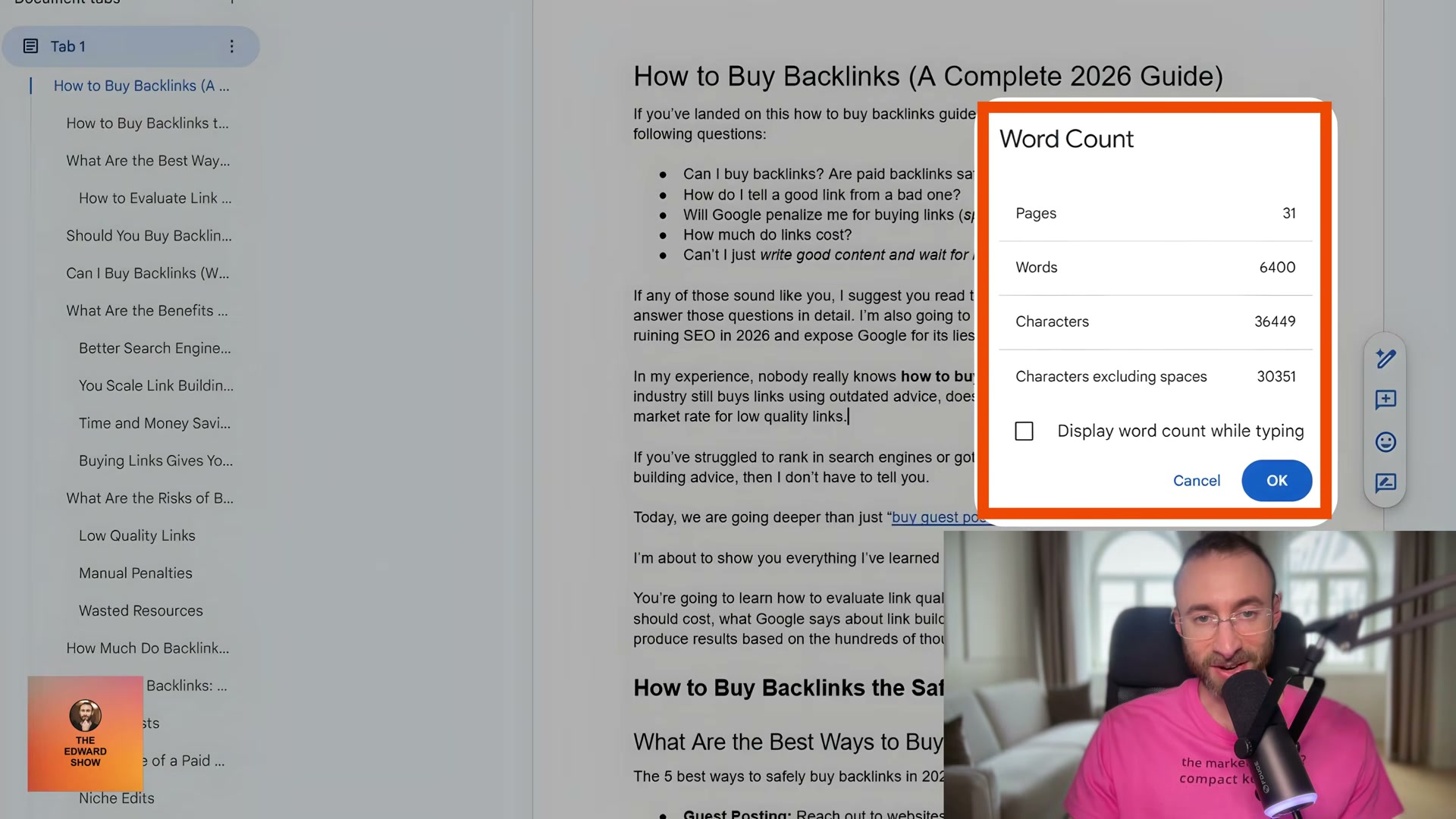
Launch the first content campaign at a pace of one deeply researched, manually written post per week. Target high-intent keywords and write to genuine depth — not volume. Floate wrote PressWizz’s first campaign personally and put his name on every post. One article in the case study exceeded 6,400 words.
-
After launch, audit the site for issues introduced during the build: bad indexed pages, migration errors, and thin content that fails to satisfy search intent. Floate acknowledges PressWizz shipped with all three — fixing them is part of the staged process, not a post-mortem failure.
-
Scale to a second content campaign using a team plus AI-assisted production system. Publish multiple posts per month, and actively expand and update existing posts. This is the phase Floate identifies as the primary driver of the steepest traffic inflection.
- Add AI citation tracking to your reporting alongside organic traffic. Monitor whether your brand surfaces in ChatGPT, Gemini, and Copilot responses. Floate counts these appearances as a distinct success metric — evidence that entity-building has achieved the kind of cross-platform recognition no single ranking algorithm fully controls.
How does this compare to the official docs?
Floate’s staged playbook is results-backed, but several steps — particularly sameAs schema implementation and the journalist outreach tools he names — have shifted meaningfully in Google’s own documentation and the broader tooling landscape, and those gaps matter before you commit your campaign architecture to a single case study’s assumptions.
Here’s What the Official Docs Show
The video’s staged playbook holds up well against current platform documentation — the core tool recommendations are live, the structural logic is sound, and the sequencing is sensible. What follows layers in what the official sources actually show at each step, including one schema nuance worth implementing and a source URL mismatch in the directory research assets that matters before you build your outreach list.
Step 1 — Social Profile Foundation
No official documentation was found for this step — proceed using the video’s approach and verify independently.
Step 2 — sameAs JSON-LD Structured Data
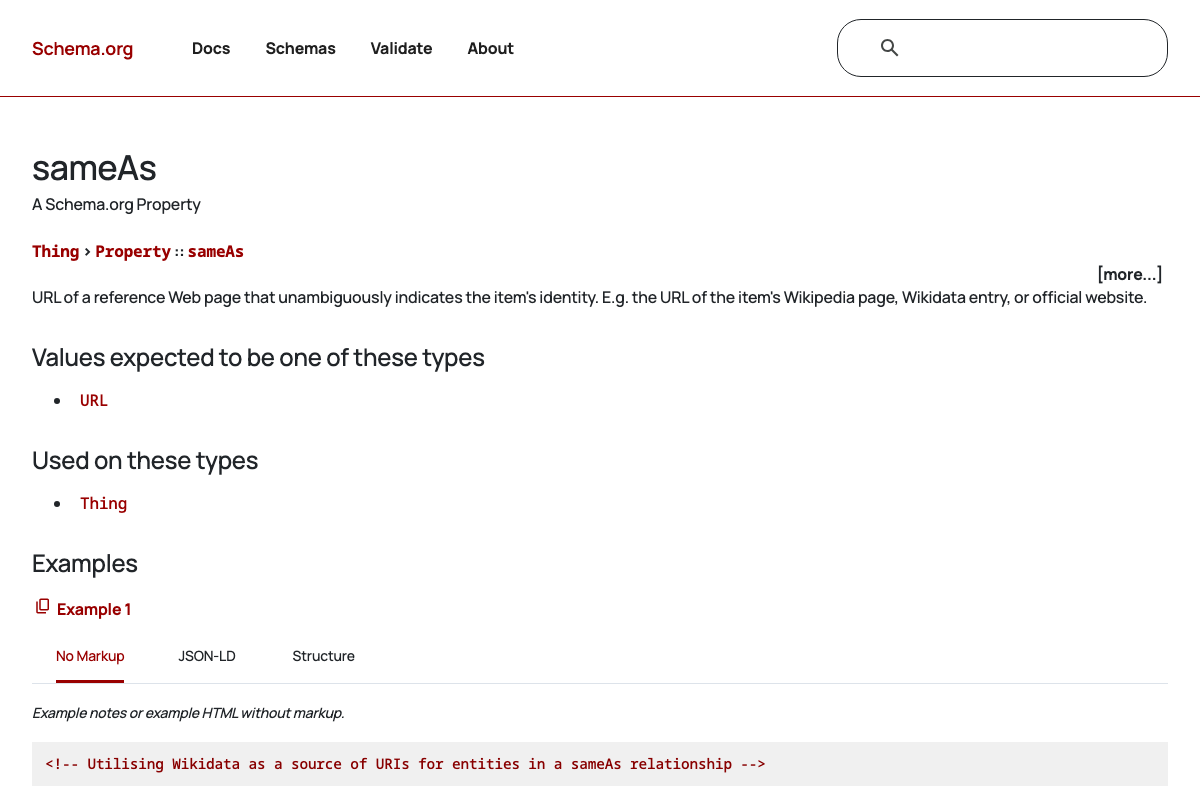
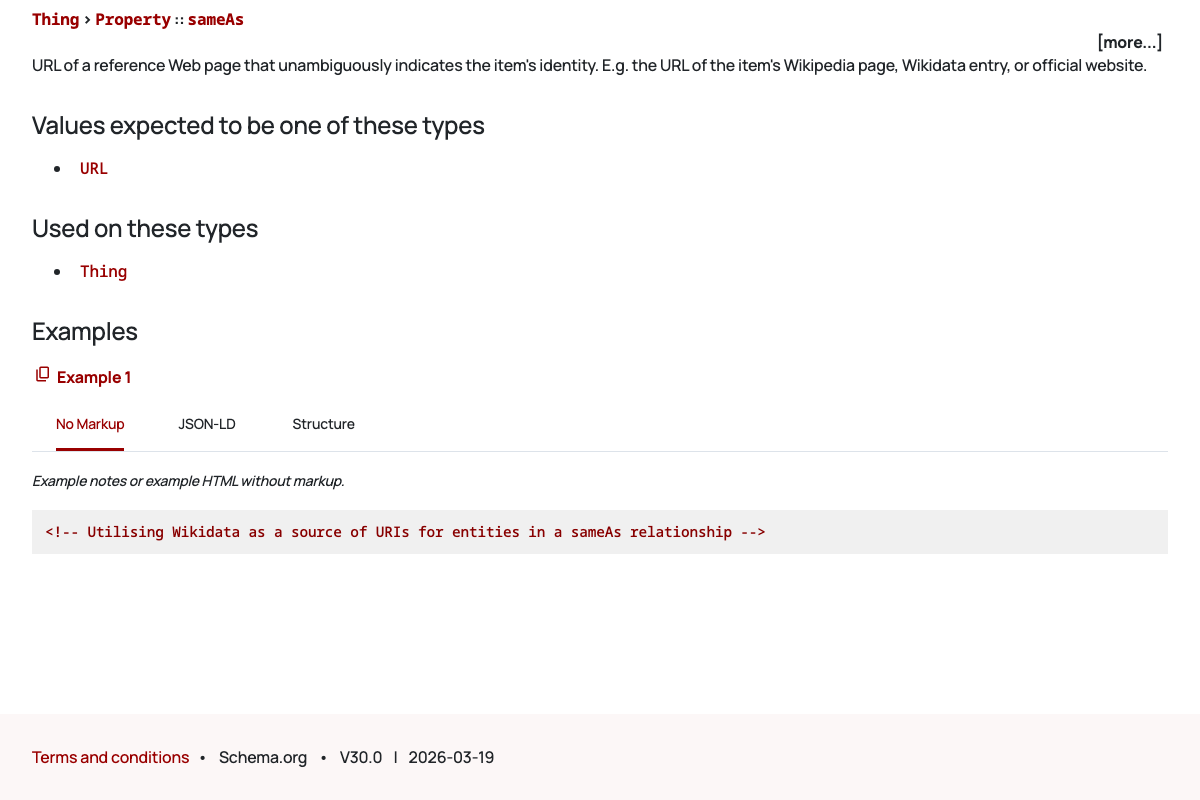
Schema.org V30.0 (2026-03-19) confirms sameAs is a formally documented property of type Thing, accepts URL values, and is fully supported in JSON-LD — consistent with the tutorial’s instruction. One useful extension: the official documentation’s primary code example uses Wikidata URIs, not social profile URLs. The inline comment reads: “Utilising Wikidata as a source of URIs for entities in a sameAs relationship.” Social profile URLs are technically valid, but if you want to follow the canonical pattern, a Wikidata entry for your brand is the stronger anchor — add it alongside your social URLs rather than instead of them.
Step 3 — Competitor Gap Research with Search Operators
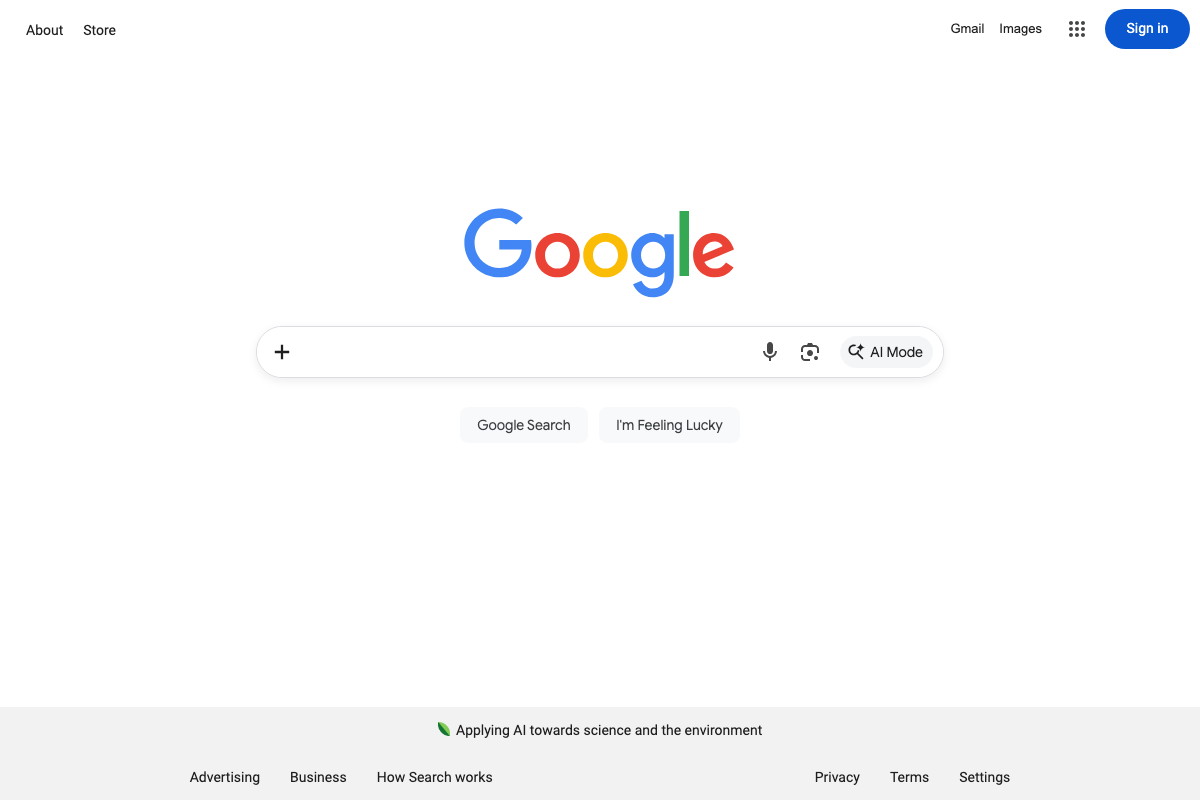
The -site: operator is entered directly into the standard Google search box — no special mode required. The video’s approach here matches the current docs exactly. Note that Google has added an AI Mode button to the search bar UI; it doesn’t affect operator syntax, but you’ll see it now and older walkthroughs won’t show it.
Step 4 — Free Directory and Citation Building
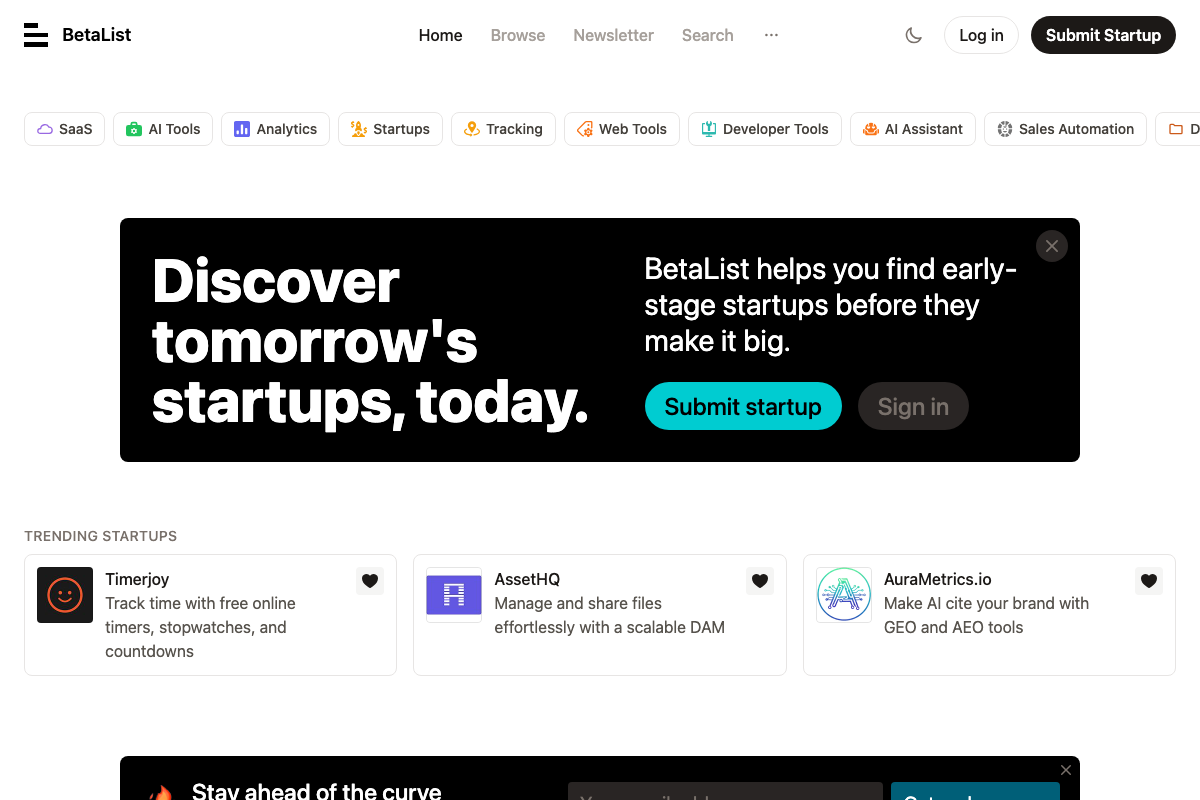
BetaList is live with a visible “Submit Startup” CTA confirming free submission is available. Its category set (SaaS, AI Tools, Developer Tools, Analytics) skews toward tech and startup brands — most applicable if you’re running this for a software or agency client. Supplement with category-specific directories for non-tech niches.
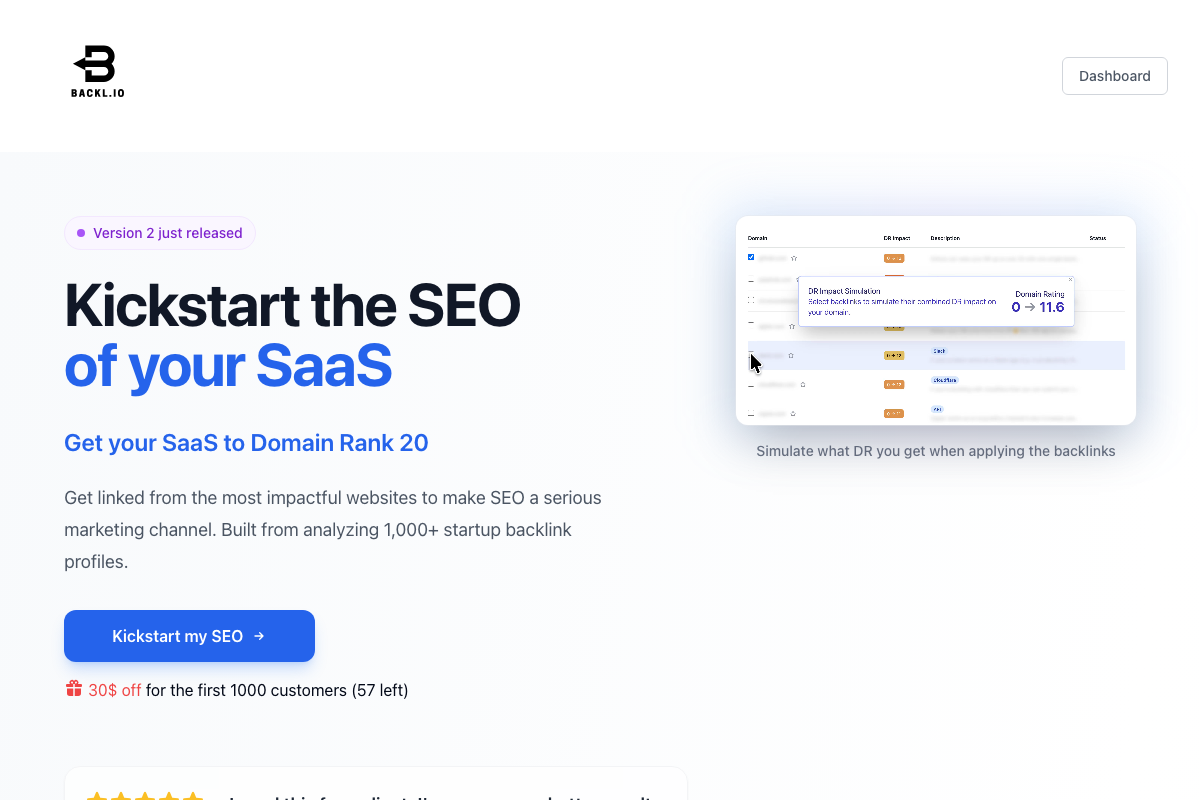
One asset flag: the source URL listed as boostbenchmark.com in the supporting research resolves to backl.io, a paid SaaS link-building service with an introductory price point. This is a metadata mismatch in the documentation assets — not a tutorial error — but backl.io is not a free directory equivalent and should not be treated as one when building Step 4’s citation list.
Step 5 — Editorial Mentions via Featured.com

The video’s approach here matches the current docs exactly. Featured.com is active, operates as a two-sided expert-publisher marketplace, and is trusted by 1,000+ publishers including Fortune, Forbes, Fast Company, Inc., and The Business Journals. The entry point for brands is the “Create an Expert Page” CTA.

Step 6 — Site Legitimacy Build-Out
No official documentation was found for this step — proceed using the video’s approach and verify independently.
Step 7 — First Content Campaign
No official documentation was found for this step — proceed using the video’s approach and verify independently.
Step 8 — Post-Launch Technical Audit
No official documentation was found for this step — proceed using the video’s approach and verify independently.
All available Google Analytics screenshots captured the authentication wall only. The organic traffic channel reporting and conversion data referenced in this step require a logged-in account — no dashboard interface was visible to verify the tracking methodology against.
Step 9 — Scaled Second Content Campaign
No official documentation was found for this step — proceed using the video’s approach and verify independently.
Step 10 — AI Citation Tracking
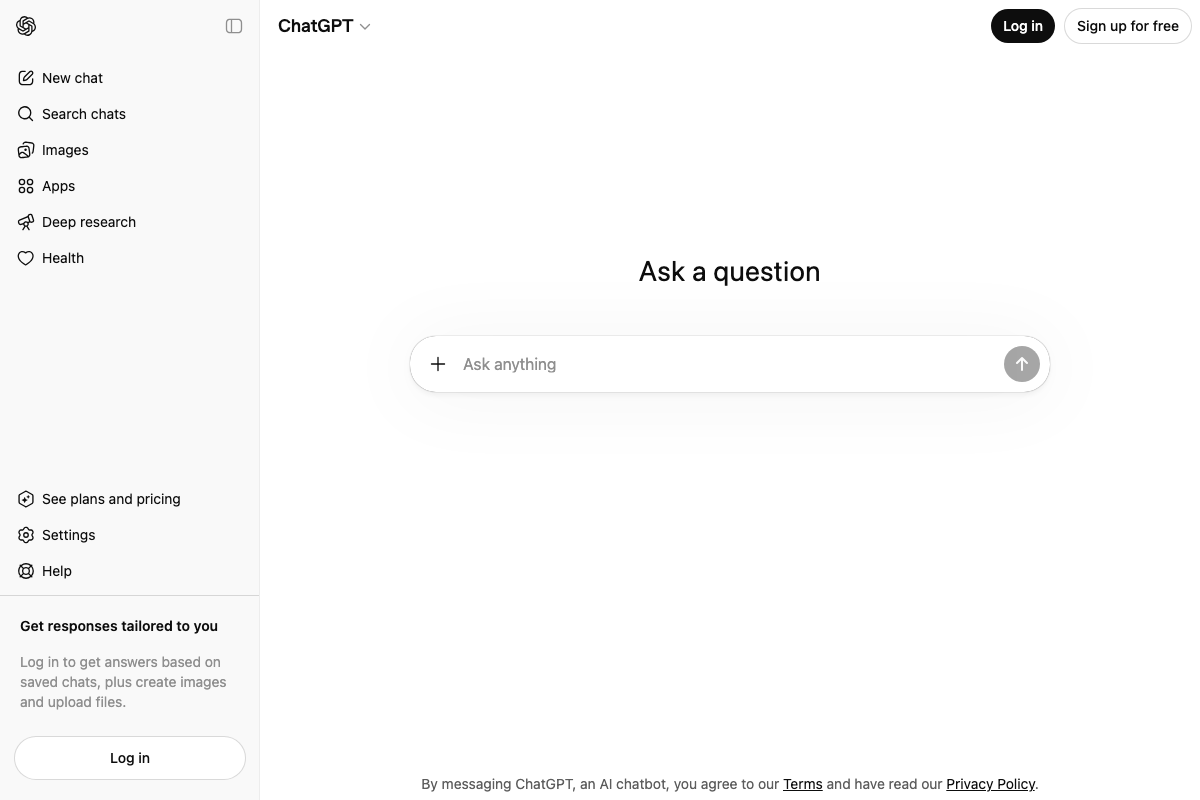
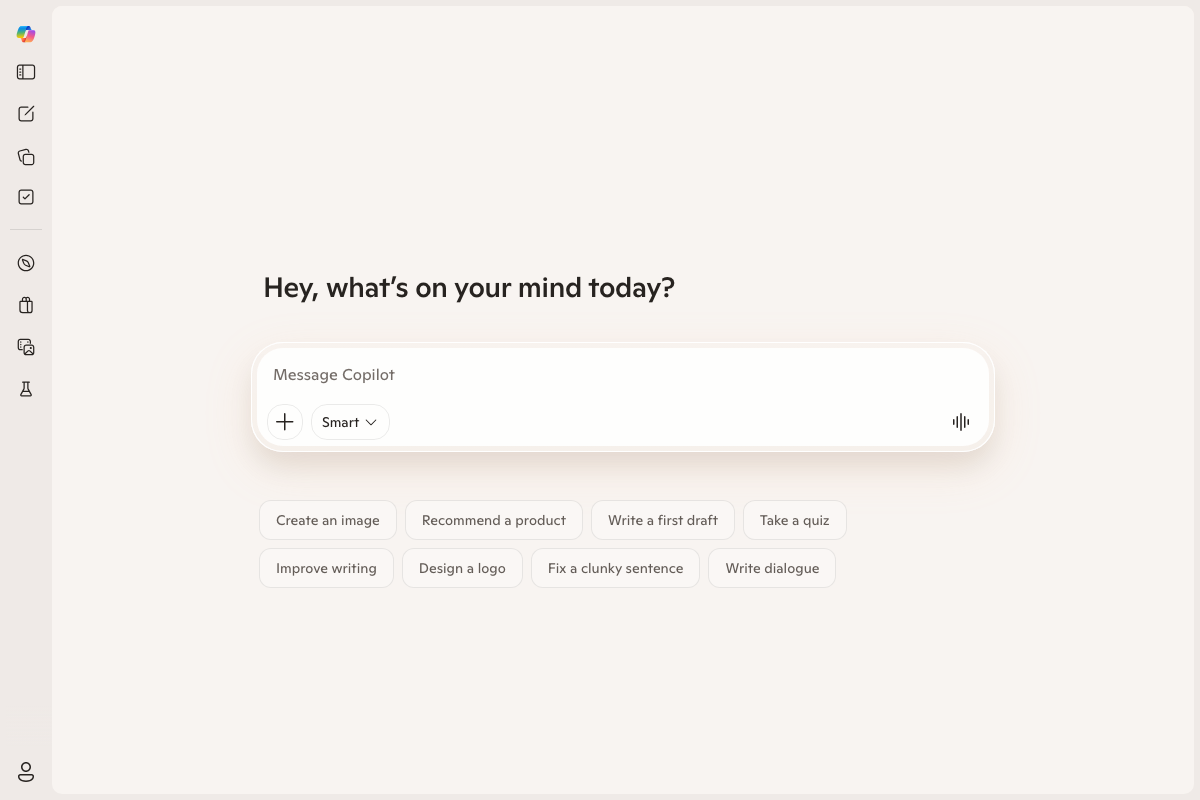
ChatGPT and Microsoft Copilot are both publicly queryable without login, confirming them as accessible tracking platforms for Step 10. The video’s approach here matches the current docs exactly for both. Two practical additions: ChatGPT’s sidebar now includes a Deep Research mode that may surface different citation sources than the standard interface — test both when checking brand visibility. Copilot’s Smart mode toggle similarly affects which data sources it draws on.
The video names Gemini as a third tracking platform alongside ChatGPT and Copilot. No Gemini screenshot was available in this documentation set — verify Gemini’s current interface and access requirements independently before building it into your reporting workflow.
Useful Links
- sameAs — Schema.org Property — Official definition of the
sameAsstructured data property including JSON-LD implementation examples and Wikidata-referenced code comments, confirmed current at V30.0 (2026-03-19). - BetaList — Free startup directory with a public “Submit Startup” entry point; most applicable for tech and SaaS brands building early citation signals.
- Featured: Connecting Publishers with Subject Matter Experts — Expert-publisher matching platform for earning editorial brand mentions on Fortune, Forbes, Fast Company, and 1,000+ partner publications.
- ChatGPT — OpenAI’s AI assistant, publicly queryable without login for brand citation checks across standard chat and Deep Research modes.
- Microsoft Copilot: Your AI companion — Microsoft’s AI assistant, accessible without authentication for brand visibility queries; Smart mode toggle affects source selection.
- Google Analytics — Google’s web analytics platform; requires Google account authentication before any organic traffic or conversion reporting is accessible.
- Google — Standard search interface for executing the
-site:exclusion operator referenced in Step 3; AI Mode button is now present in the search bar UI.


0 Comments