

Google Recommends Outbound Links — and Most SEOs Are Ignoring the Evidence
A 2008 Google Search Central blog post has been sitting in plain sight for nearly two decades, and the SEO industry has largely ignored it. After completing this tutorial, you’ll understand exactly what Google’s own documentation says about outbound links, what a controlled experiment reveals about their ranking impact, and how Matt Cutts’ guidance on PageRank sculpting should reshape your linking strategy today.
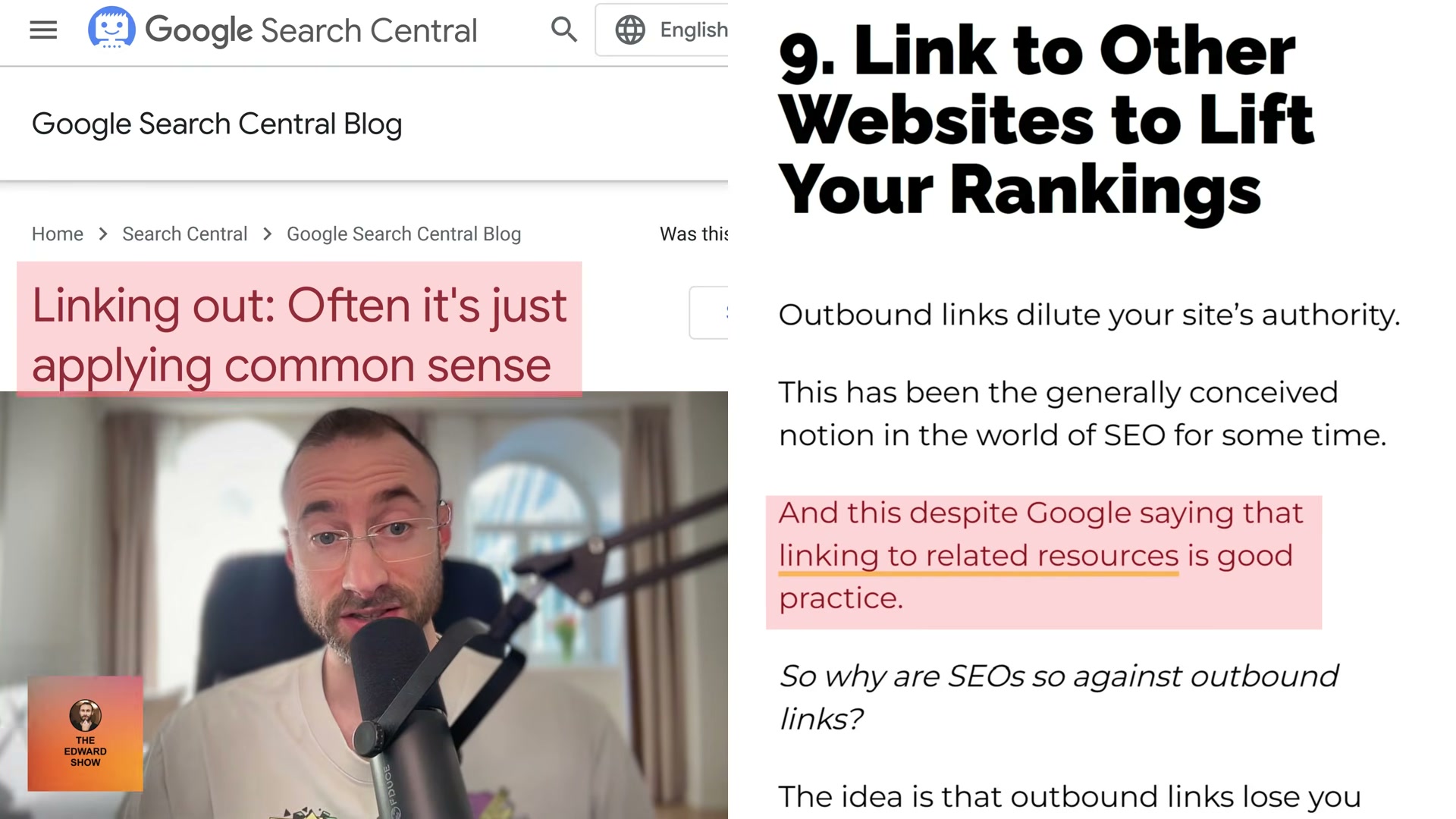
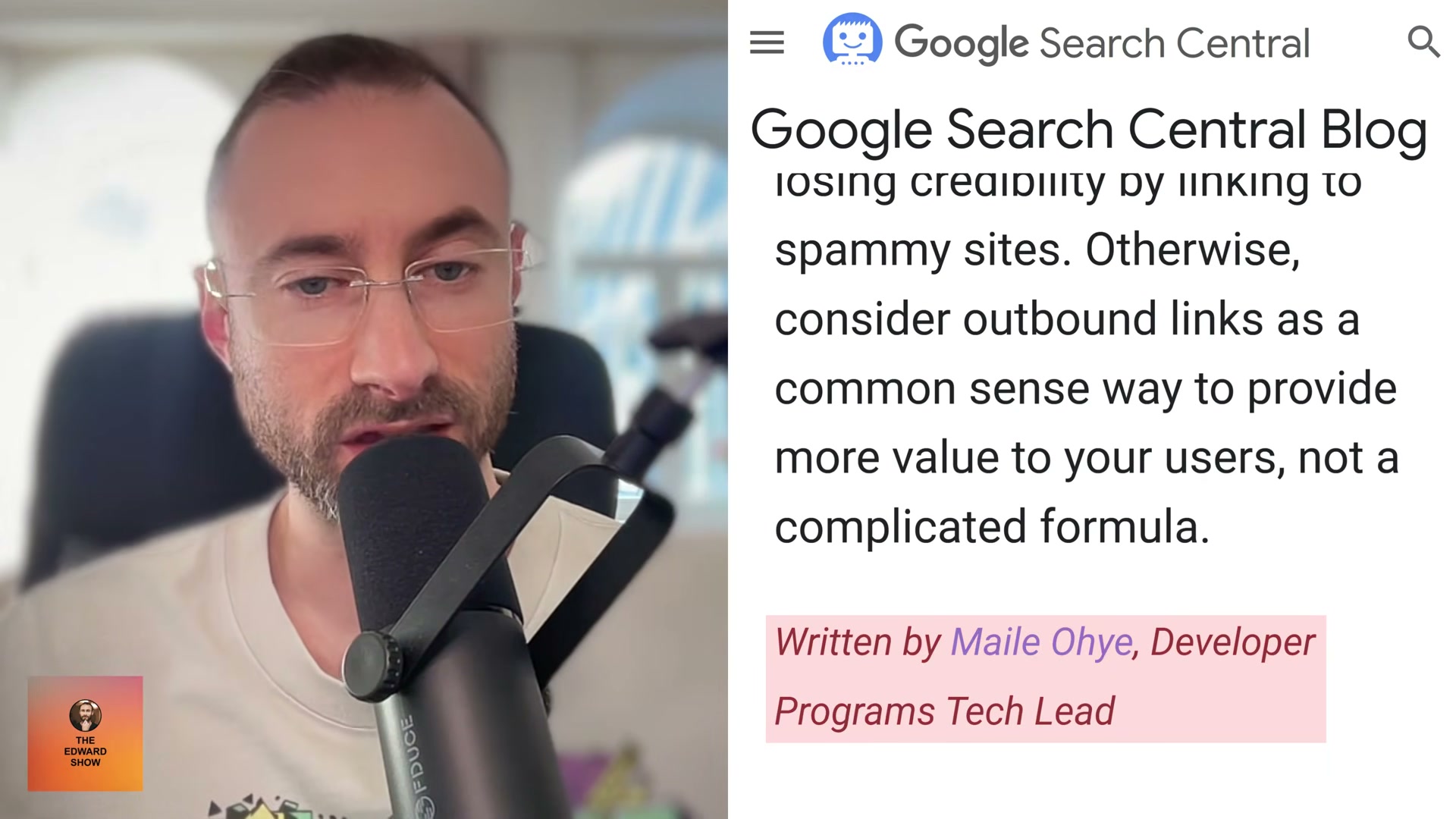
- Navigate to the Google Search Central Blog post titled “Linking Out: Often It’s Just Applying Common Sense,” published in 2008 by Maile Ohye, who was Developer Programs Tech Lead at Google at the time. The post is framed as a guide to outbound links covering the good, the bad, and advanced Q&A for webmasters.
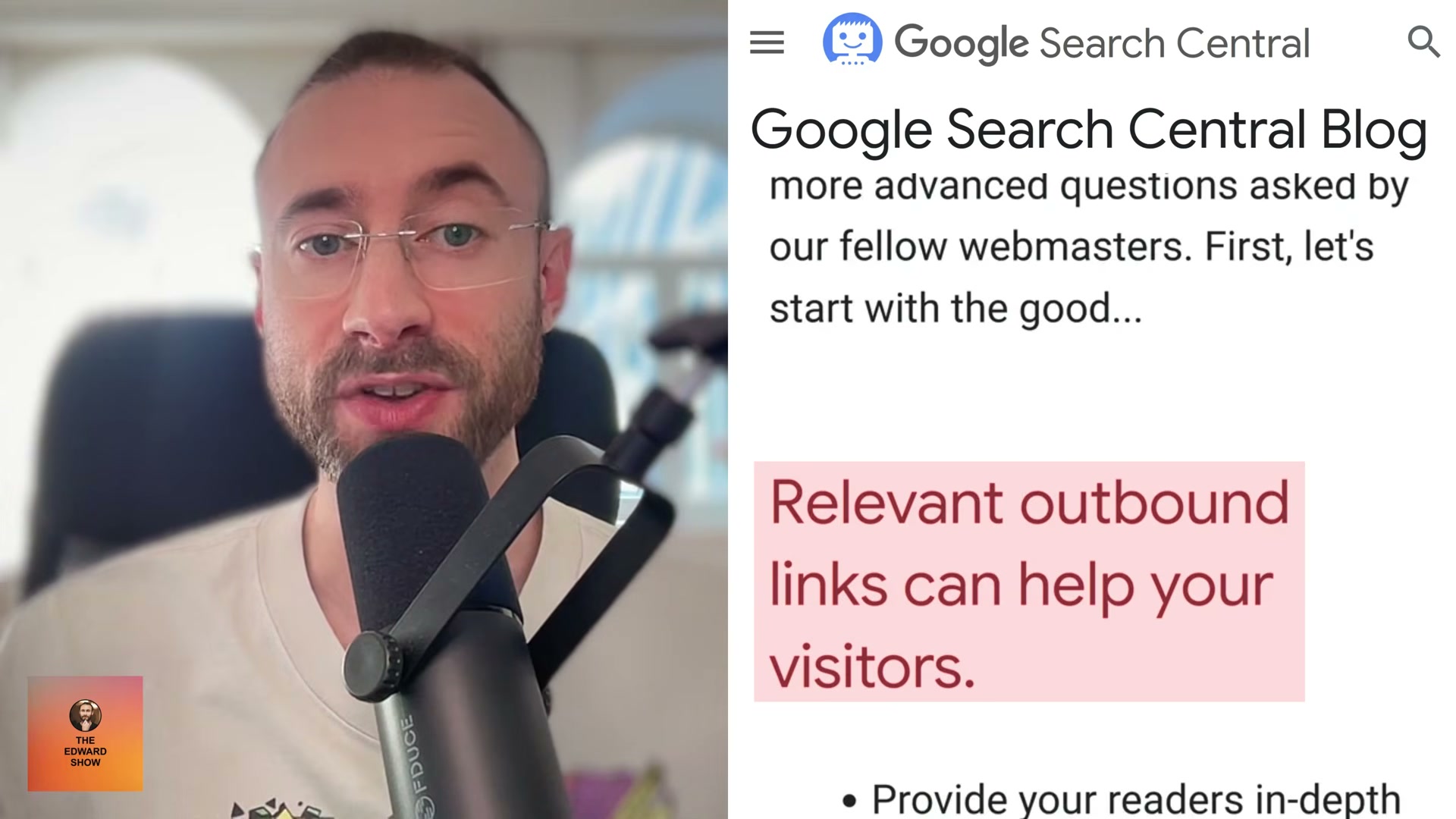
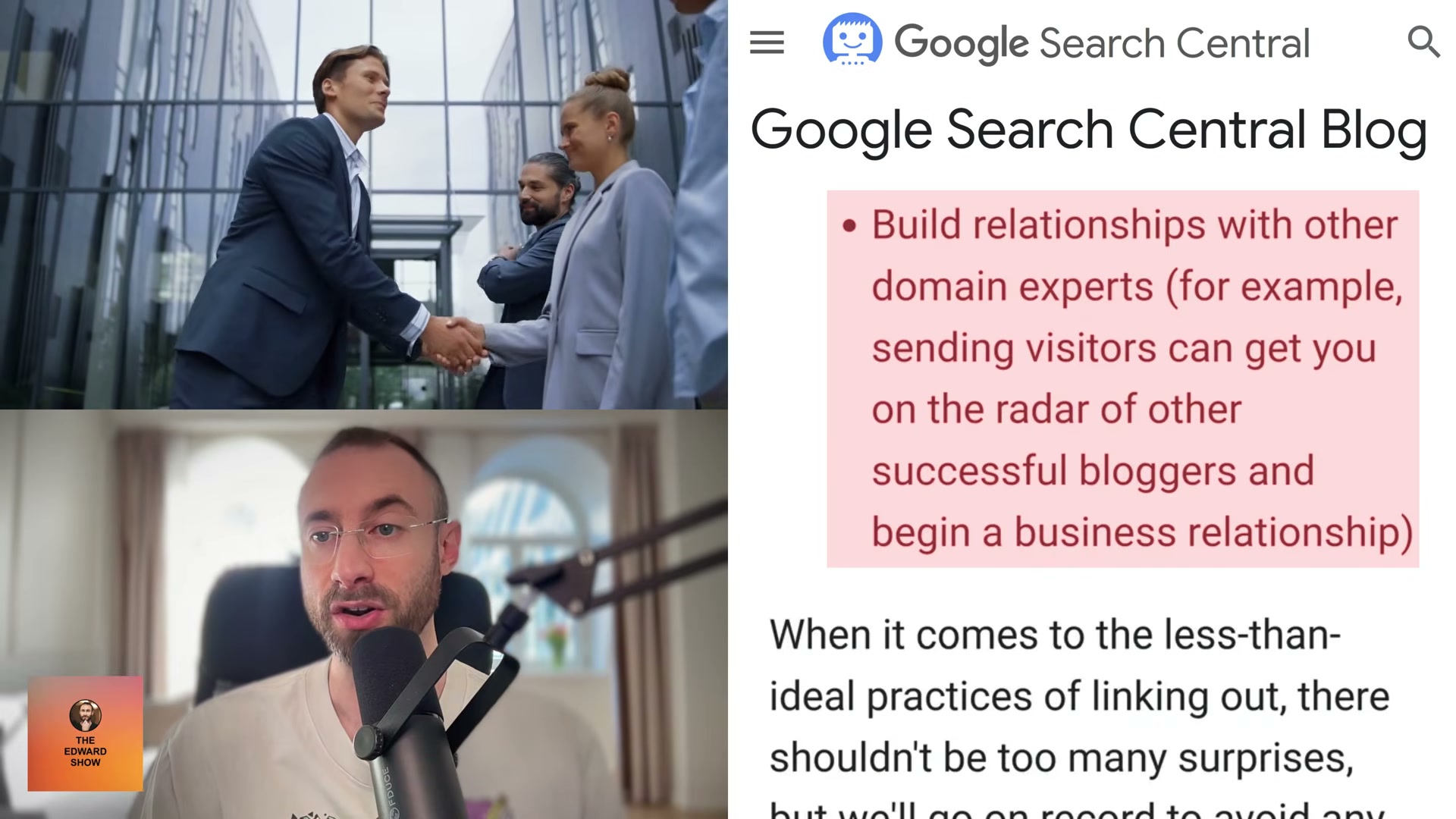
2. Read through the “good” case for outbound links as Ohye presents it. Relevant outbound links give readers in-depth information on related topics and let you add your own commentary on external resources. They signal that you’ve done your research, which builds credibility. Readers who find useful external links tend to return to the site that pointed them there. And strategically, linking to another blogger can put you on their radar and start a professional relationship.
3. Note the “bad” practices Ohye flags. Unmonitored user-generated links and undisclosed paid links both damage credibility and reduce authority with search engines. Too many links on a single page confuses visitors — Google’s guideline is no more than 100 links per page. Paid outbound links must carry rel="nofollow" (or the later rel="sponsored" attribute, introduced in 2019) to avoid passing PageRank to an advertiser.

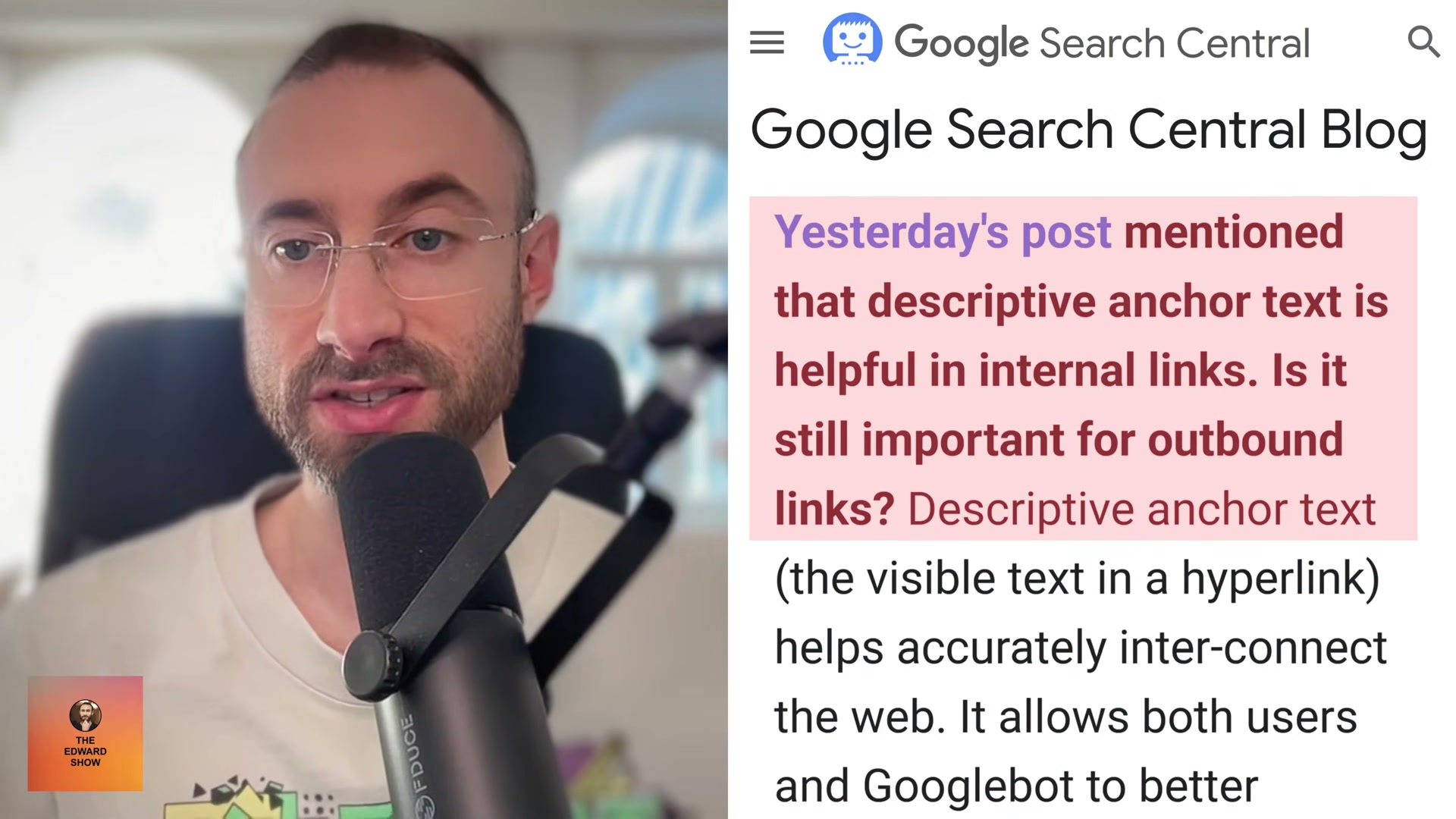
4.Work through the three advanced Q&A sections in the post. On visitor retention: readers who leave via an outbound link frequently return to the site that sent them, especially when the link is genuinely useful. On anchor text: descriptive anchor text for outbound links helps both users and Googlebot understand the destination — the same principle that applies to internal links. On PageRank disparity: if you believe the content will help your readers, Google says link to it regardless of the destination site’s perceived PageRank.

5. Locate the Reboot Online outbound links experiment, documented in SEO Sherpa’s “21 SEO Experiments” article. Researcher Shai Aharony set up 10 websites with identical domain formats, structure, and 300-word articles, each optimized for a made-up keyword — “philandos” — that returned zero Google results before the test began.
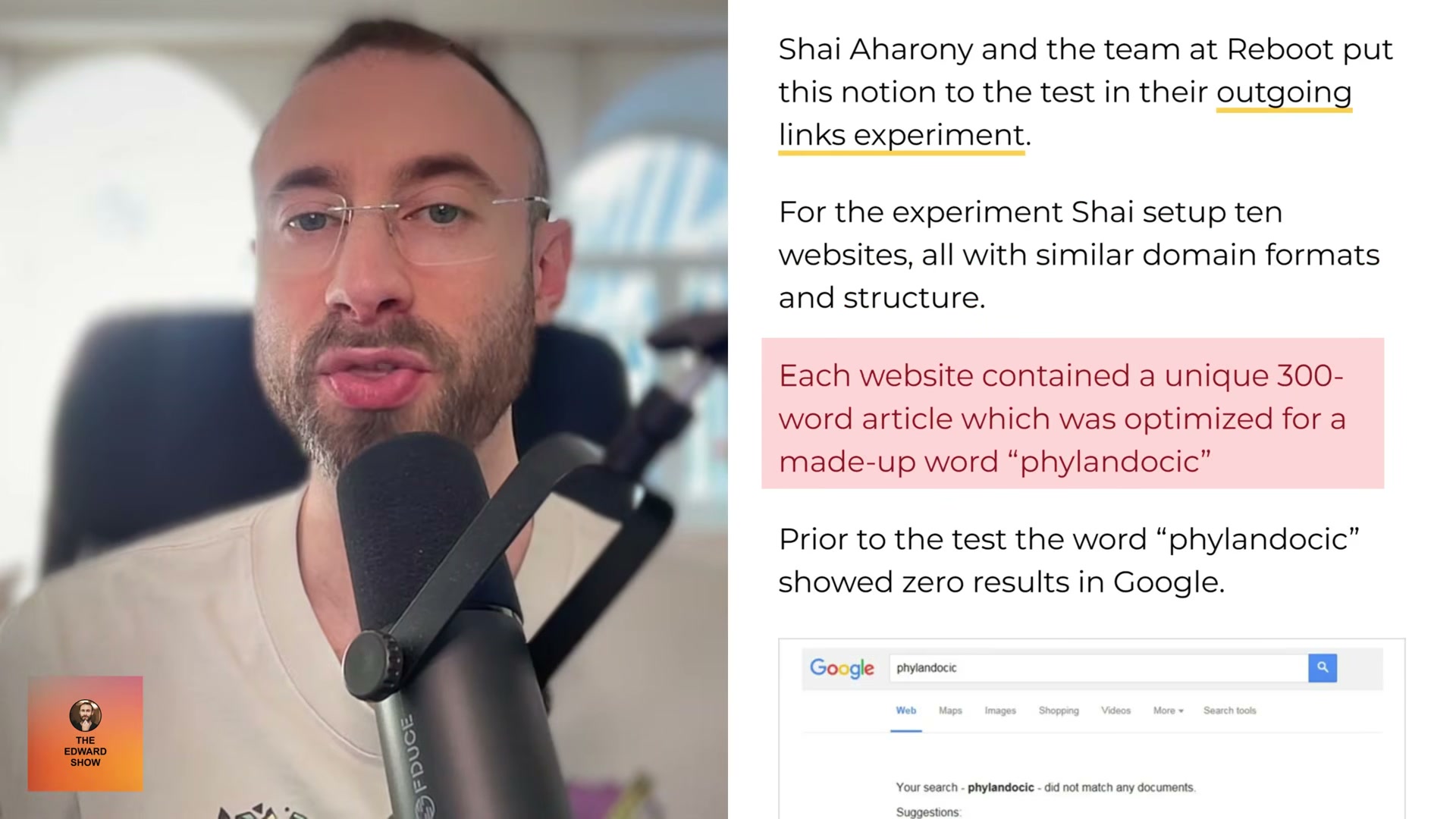
6. Add the experimental variable: three do-follow outbound links were added to five of the ten sites, each pointing to a high-authority domain — Oxford University (DA 93), Cambridge University (DA 93), and the NIH Genome Research Institute (DA 85). The remaining five sites had no outbound links. Once all sites were indexed, rankings were recorded.
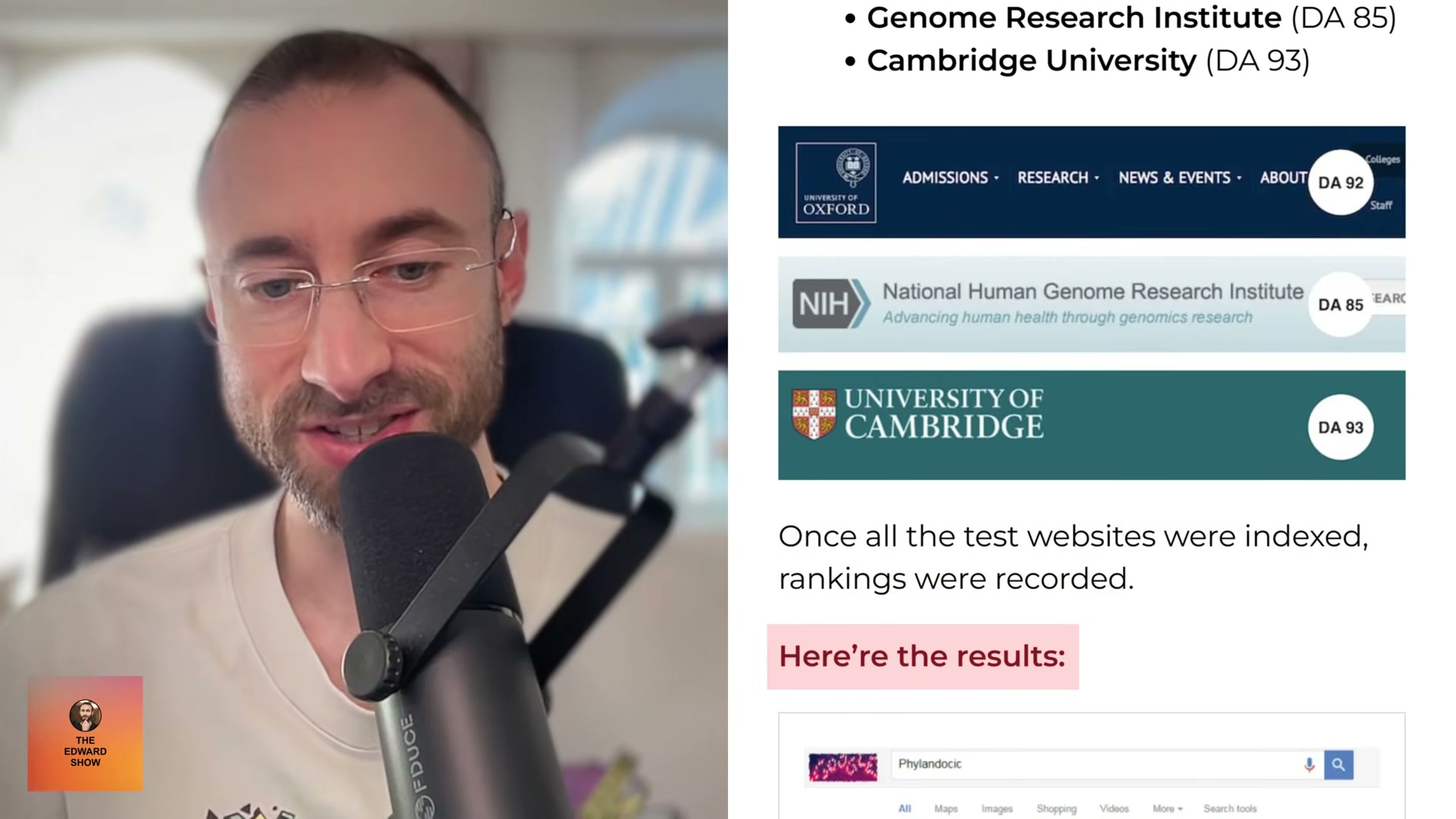
7. Record the result: every site with outbound links outranked every site without them. The outcome was unambiguous. The practical action step that follows is straightforward — include a handful of outbound links to relevant, trustworthy sources in every article you publish.
8. Cross-reference the Google documentation with Matt Cutts’ “PageRank Sculpting” post. Cutts, former head of web spam at Google, writes that he lets PageRank flow freely throughout his site and recommends others do the same. The only place he deliberately uses nofollow is on his RSS feed link — and he notes that’s not strictly necessary either, since search engines already distinguish feeds from regular pages.
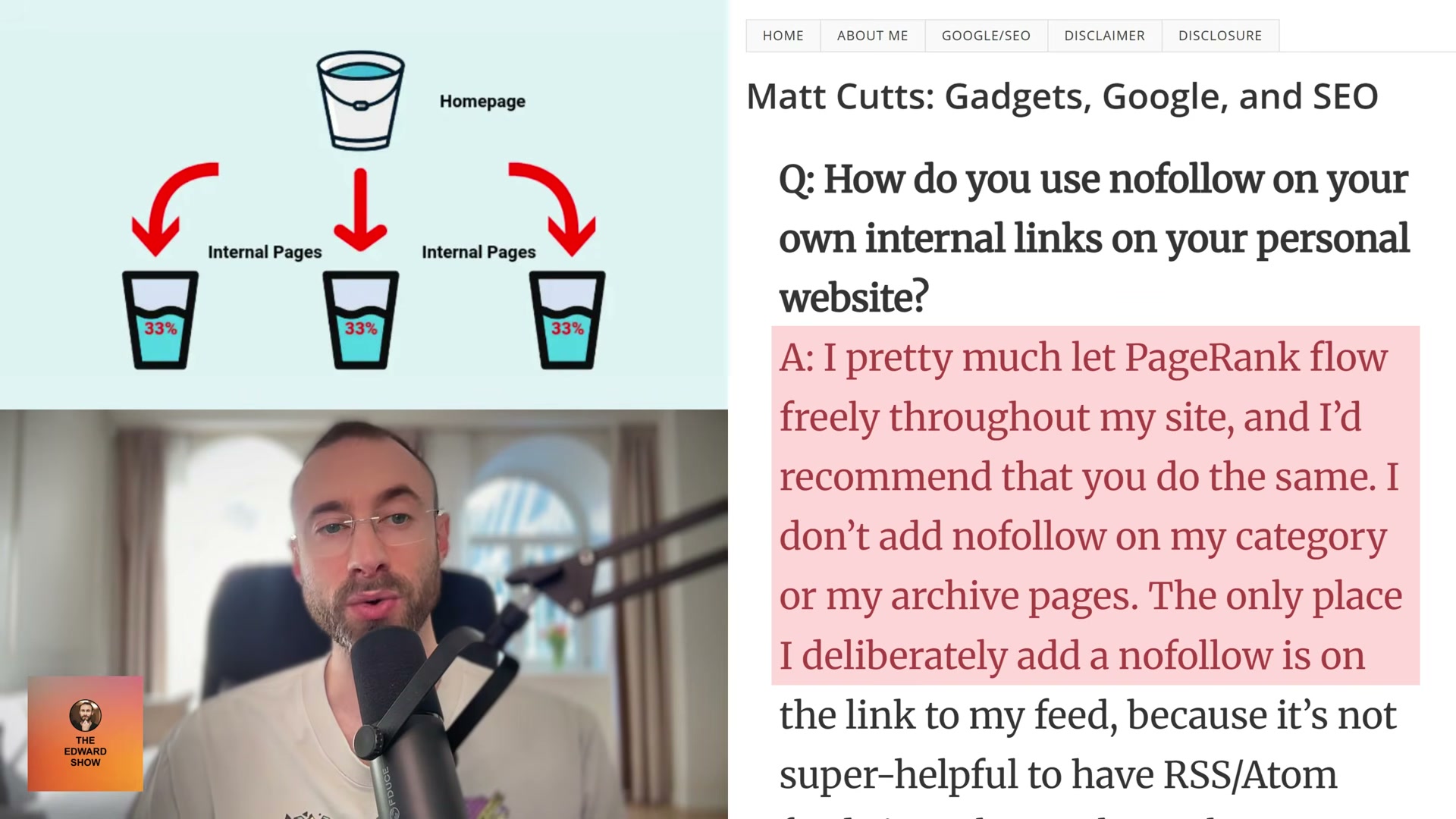
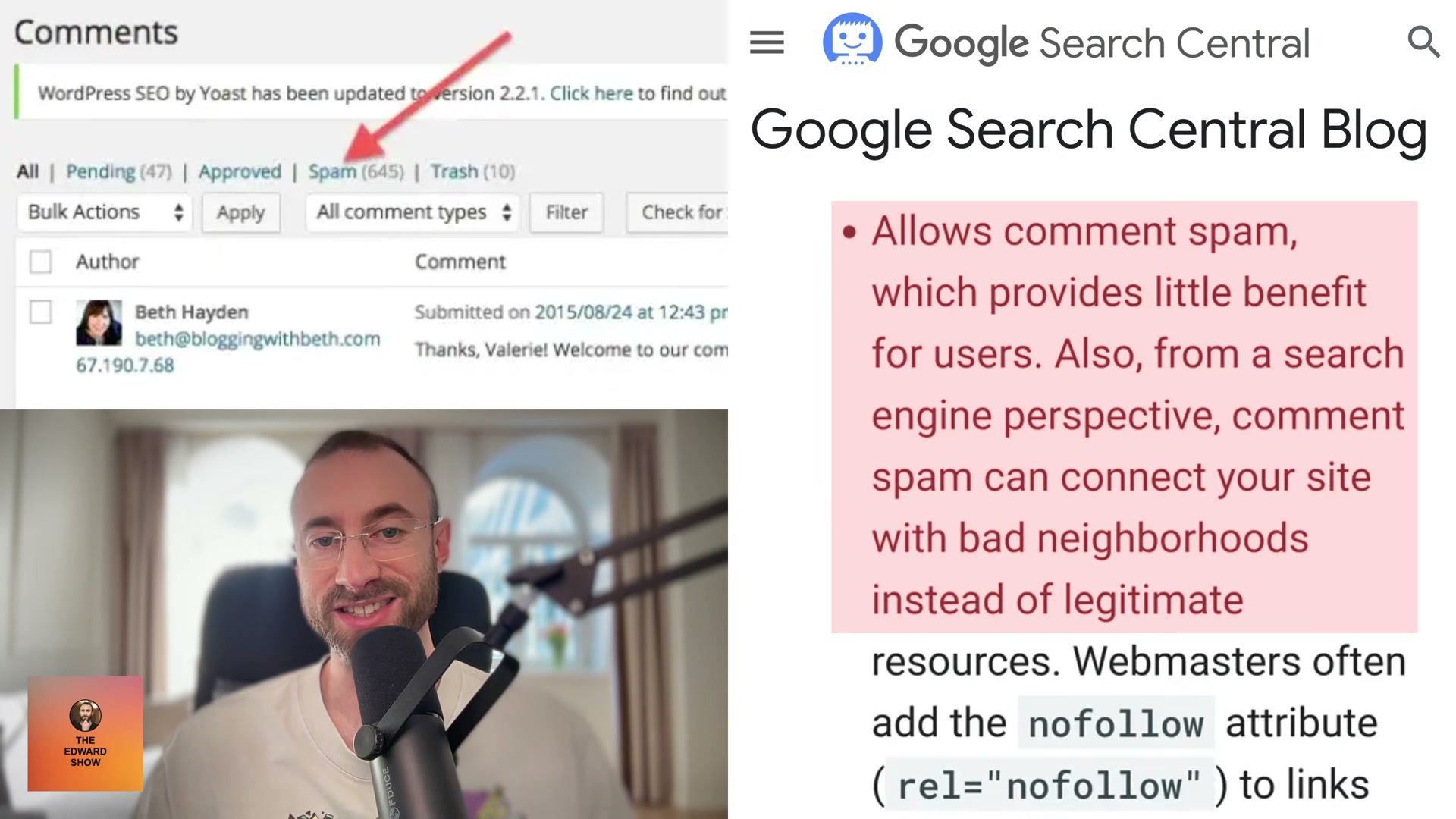
9. Identify the legitimate nofollow use cases confirmed across both sources. Both the Google Search Central post and Matt Cutts’ guidance agree on three scenarios: paid links, unreviewed comment spam, and links to spammy or otherwise suspect sites. Comment spam is specifically flagged because it can connect your domain to what Google calls “bad neighborhoods.”
10. Apply the closing guidance from Ohye’s post directly: treat outbound links as common sense, not as a ranking formula. Link freely to sources your readers will benefit from, use descriptive anchor text, keep nofollow for paid links and spam, and stop treating outbound links as PageRank leakage.
How does this compare to the official docs?
The video draws directly from two Google sources published years apart — but the question worth asking is whether those sources still reflect current guidance, and what the official documentation says today.
Here’s What the Official Docs Show
Act 1 builds a coherent case from three sources — a 2008 Google blog post, a controlled SEO experiment, and a Matt Cutts archive entry — and this section adds the verification layer alongside each step. Because the captured screenshots reached parent domain homepages rather than the specific source pages, every step below carries a gap flag with direct guidance on where to confirm the original material yourself.
Step 1 — Google Search Central as the primary source
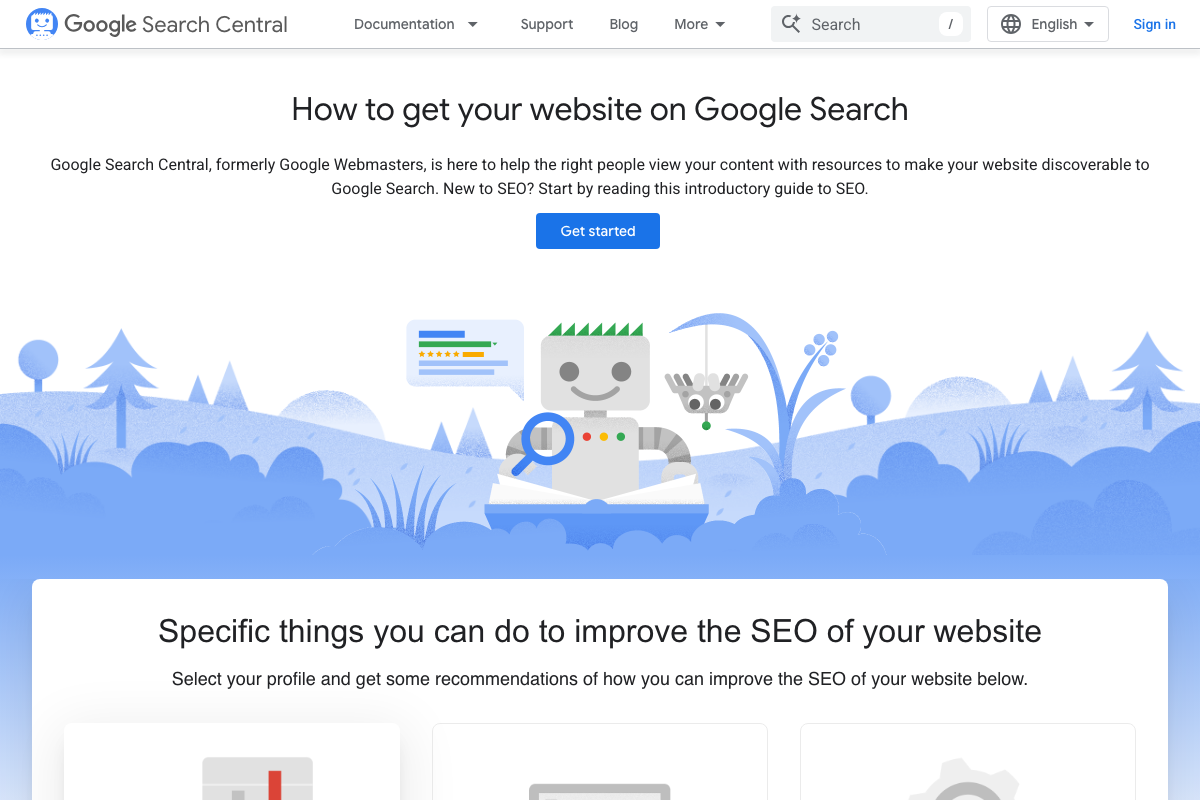
The screenshots confirm Google Search Central exists and carries the Google Webmasters rebrand intact. The 2008 “Linking Out Often” post lives in the Blog archive — not the homepage — and requires a direct permalink to surface.
No official documentation was found for this step —
proceed using the video’s approach and verify independently.
Steps 2–4 — Ohye’s good/bad guidance and the advanced Q&A
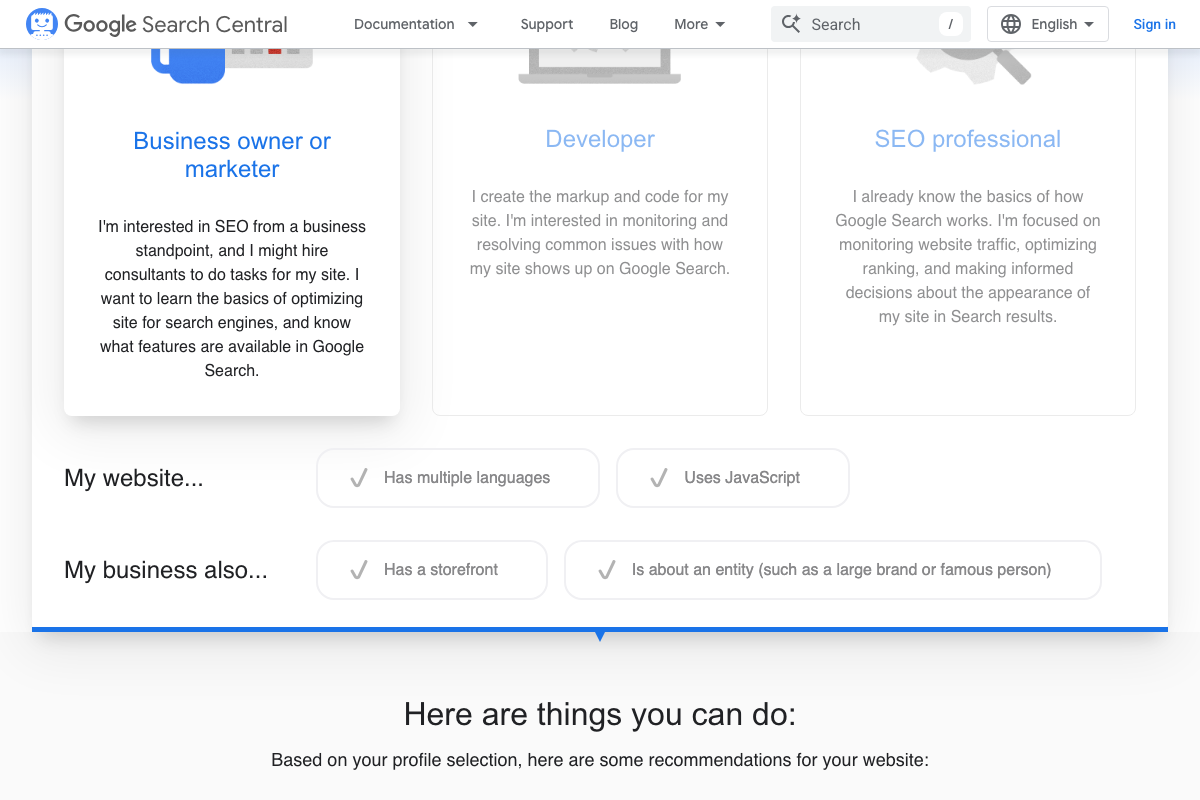
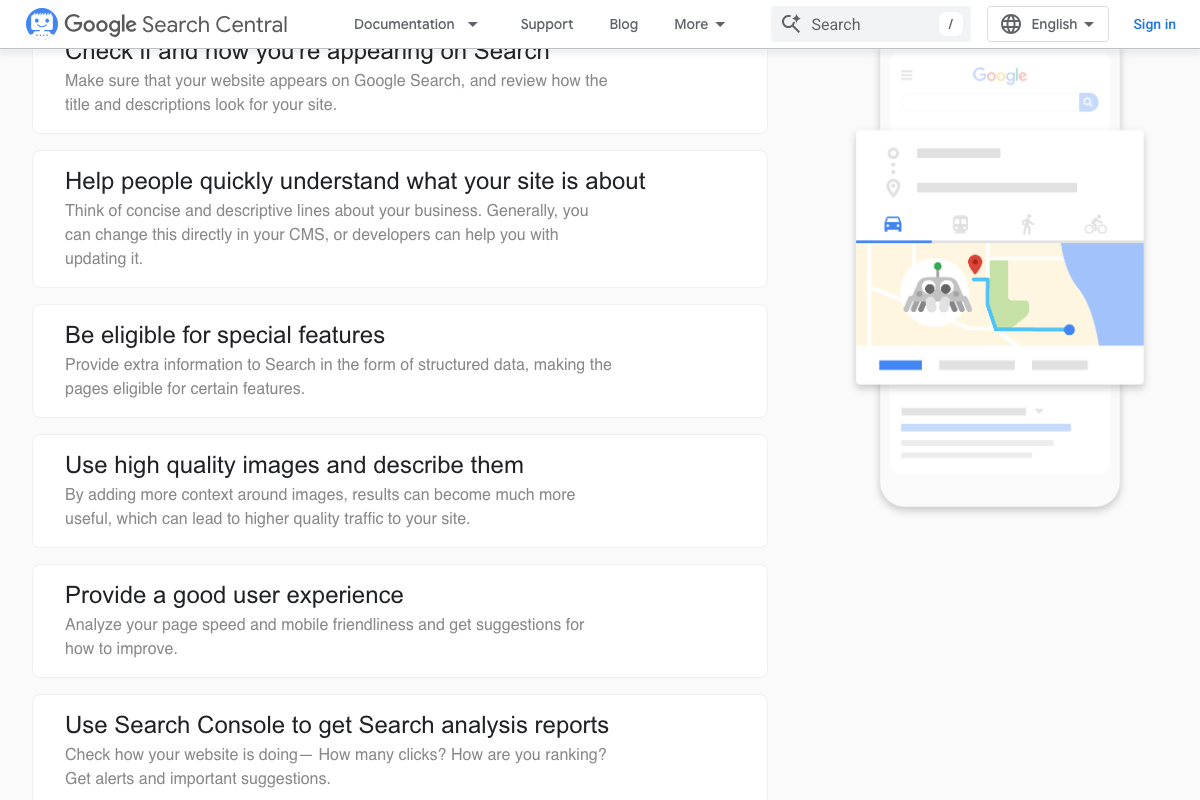
Current homepage documentation shows no reference to the 100-links-per-page guideline, the rel="nofollow" requirements, or the Q&A sections the tutorial walks through. That content, if still active, lives entirely in the 2008 blog archive.
No official documentation was found for this step —
proceed using the video’s approach and verify independently.
Steps 5–7 — The Reboot Online experiment setup and results

One source attribution is worth flagging plainly: the screenshot file labeled for the Reboot Online experiment captured the SEO Sherpa agency homepage — SEO Sherpa reported on the experiment, Reboot Online ran it. Both agencies are confirmed as real and credentialed. The “philandos” keyword, the 10-site methodology, and the ranking results are not visible in any captured screenshot.
No official documentation was found for this step —
proceed using the video’s approach and verify independently.
Steps 8–9 — Matt Cutts on PageRank sculpting and nofollow

The Matt Cutts blog is confirmed live at mattcutts.com/blog. The PageRank Sculpting post (circa 2009) sits in the archive and is reachable via the “Next Page” pagination link or a direct permalink. No quotes or nofollow recommendations cited in steps 8–9 can be confirmed or contradicted from the current homepage screenshots alone.
No official documentation was found for this step —
proceed using the video’s approach and verify independently.
Step 10 — Applying Ohye’s closing guidance
No official documentation was found for this step —
proceed using the video’s approach and verify independently.
Useful Links
- Google Search Central | Web SEO Resources | Google for Developers — Google’s official SEO documentation hub and the parent domain for the archived Maile Ohye “Linking Out Often” blog post.
- Organic SEO Agency • Awarded #1 in the World // SEO SHERPA™ — Award-winning SEO agency that reported on the Reboot Online outbound links experiment in their “21 SEO Experiments” article.
- An Award-Winning Search Marketing Agency — Reboot Online, the search marketing agency that designed and conducted the controlled “philandos” keyword ranking experiment cited in steps 5–7.
- Matt Cutts: Gadgets, Google, and SEO — Personal blog of former Google web spam head Matt Cutts; the PageRank Sculpting post is accessible via archive pagination or a direct permalink from the blog index.


0 Comments