

Shopping vs. Performance Max in 2026: A Framework for $5K–$20K/Month Brands
The Shopping vs. Performance Max debate has produced more noise than signal — and most of it ignores what actually matters: whether your campaigns are generating profitable sales. This tutorial walks you through a practical, data-grounded framework for deciding which campaign format to run, diagnose, or expand based on real account performance. By the end, you’ll know exactly which signals to look for in your account and how to break through the spend plateau that stalls most e-commerce brands between $5K and $20K per month.
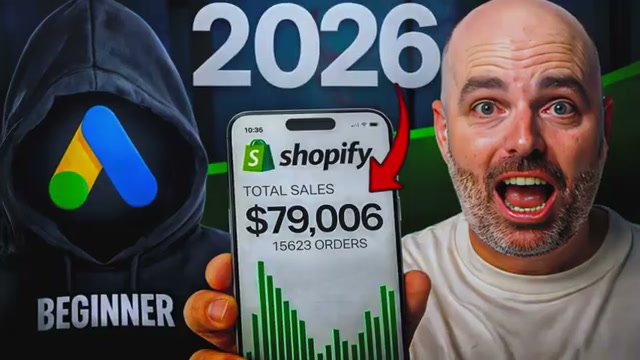
- Audit your current campaign results before making any format switch. Pull your Shopping, Performance Max, or combination campaign data and ask a single question: are these campaigns generating profitable sales right now? If the answer is yes, the format is not your problem. The goal of Google Ads is more profitable sales — not campaign type purity.

- Before changing campaign formats, determine whether you can profitably scale spend within your existing setup. Many brands misread a plateau as a format problem when it’s actually a scaling constraint. If you’ve grown from $1K/month to $8K/month profitably but stall at $10K, that’s a structural issue — not a signal to abandon your current campaign type.

- If you’re running Shopping campaigns and scaling spend is failing, diagnose CPC resistance. Increase your budget by 20% and monitor CPCs closely over the following days. A CPC spike of 30–40% in response to that 20% budget increase is the telltale signal that you’ve saturated the bottom-of-funnel traffic pool for your product terms — there simply aren’t enough conversions available to absorb the additional spend efficiently.

- If you’re running Performance Max and scaling is failing, diagnose spend concentration. Open your asset group and product-level reporting to check whether 80% of your budget is flowing to three to five SKUs. When PMax can’t find enough conversions across a broad product set, it collapses into a narrow pool — then begins testing YouTube, Discovery, and Display to compensate, which drives ROAS down.

- Navigate to the Channel Performance report inside your Performance Max campaign to map budget distribution across Search, Shopping, YouTube, and Discovery placements. A spike in upper-funnel channel spend paired with declining ROAS confirms that PMax has exhausted its high-intent inventory and is prospecting outside the conversion funnel.
Warning: this step may differ from current official documentation — see the verified version below.
-
Identify “sidekick” products — SKUs showing strong conversion metrics but receiving disproportionately low budget allocation. These are your breakout campaign candidates. PMax’s consolidation bias routinely buries high-converting SKUs when they’re grouped alongside higher-volume products.
-
Break out one new campaign at a time, segmented by product category or geography, to force Google into new spend territory. Adding budget to a saturated campaign returns diminishing results; a fresh campaign structure gives the algorithm a new conversion pool to optimize against rather than doubling down on exhausted demand.
-
Before adding further segmentation to any breakout campaign, confirm it has accumulated sufficient conversion volume and spend history to support smart bidding. Launching multiple breakout campaigns simultaneously fragments your conversion signal and prevents any single campaign from exiting the learning phase efficiently.
How does this compare to the official docs?
The framework above is grounded in observed account patterns — but Google’s own documentation covers Performance Max asset group controls, channel reporting, and smart bidding thresholds in ways that add important nuance to every diagnostic step shown here.
Here’s What the Official Docs Show
The framework in Act 1 is a solid practitioner heuristic — and for most of the steps, the docs align with or reinforce the approach. Where gaps exist, they’re meaningful enough to affect how you navigate the platform, so the additions below are worth reviewing before you run the diagnostics.
Step 1 — Audit current campaign results before switching formats
The video’s approach here matches the current docs exactly.
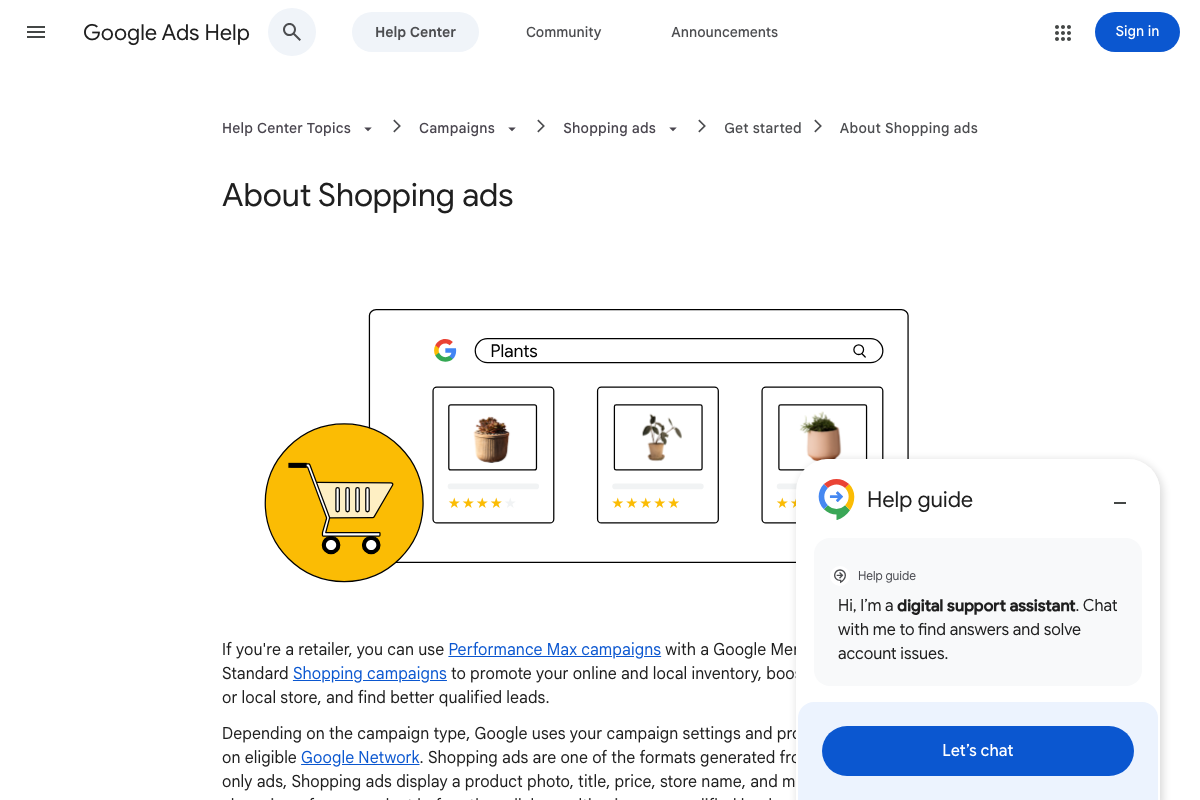
Official Shopping ads documentation (answer/2454022) frames Performance Max and Standard Shopping as co-existing options for retailers — not a binary choice. The docs confirm Shopping ads use Merchant Center product feed data (not keywords) to determine placement, which matters when you’re evaluating whether your feed quality, rather than your campaign format, is the limiting factor.
Step 2 — Determine whether you can scale within your existing setup
No official documentation was found for this step — proceed using the video’s approach and verify independently.
Step 3 — Diagnose CPC resistance in Shopping campaigns
No official documentation was found for this step — proceed using the video’s approach and verify independently.
One clarification worth noting: the specific thresholds cited in the video — a 20% budget increase triggering a 30–40% CPC spike as a diagnostic signal — do not appear in any Google Ads documentation captured as of April 2026. The underlying concept (diminishing returns under budget pressure) is consistent with how Shopping campaigns behave, but treat the precise numbers as rule-of-thumb estimates, not platform-defined benchmarks.
Step 4 — Diagnose spend concentration in Performance Max
The video’s approach here matches the current docs exactly.
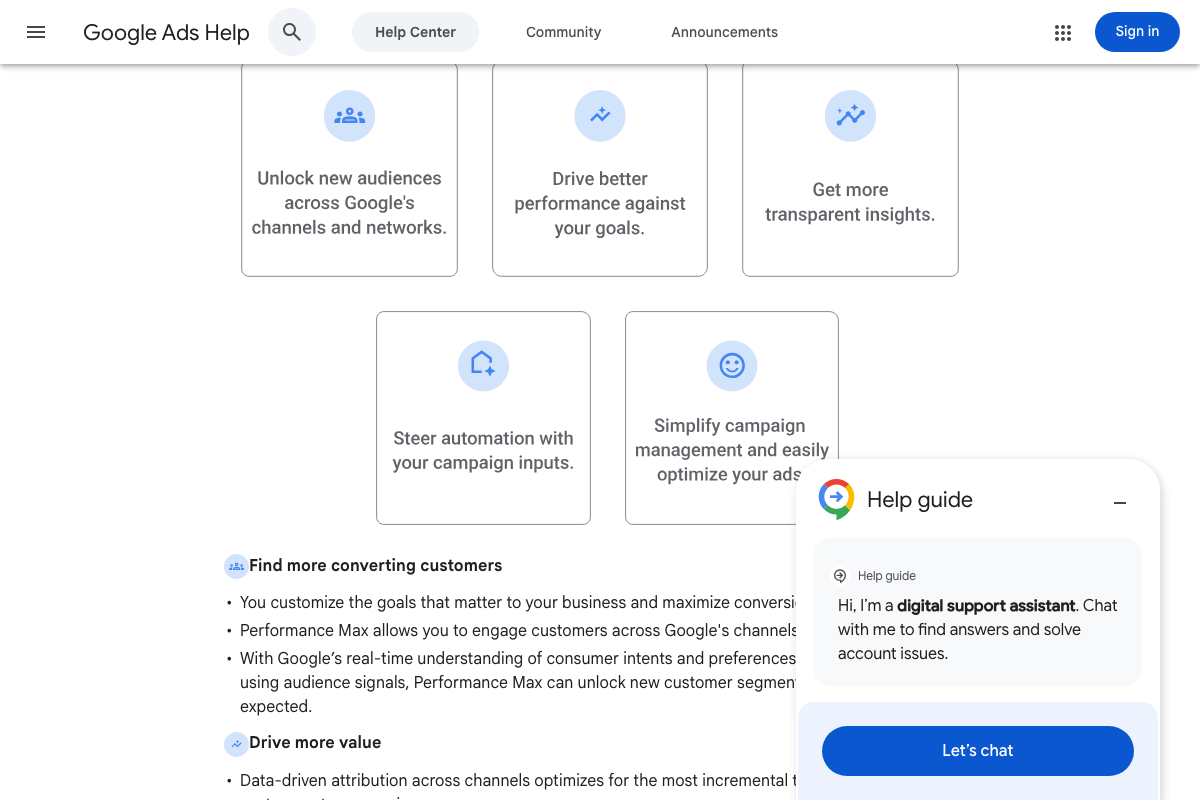
The official PMax documentation (answer/10724817) confirms that Performance Max is “goal-based” and “optimizes performance based on campaign inputs,” which is the documented mechanism behind the spend-concentration pattern the video describes. The docs also confirm that “steering automation with campaign inputs” — including asset groups and audience signals — is a core PMax capability, directly supporting the asset group and product-level diagnostic the video recommends.
Step 5 — Navigate the Channel Performance report
No official documentation was found for this step — proceed using the video’s approach and verify independently.
Two additions are necessary here.
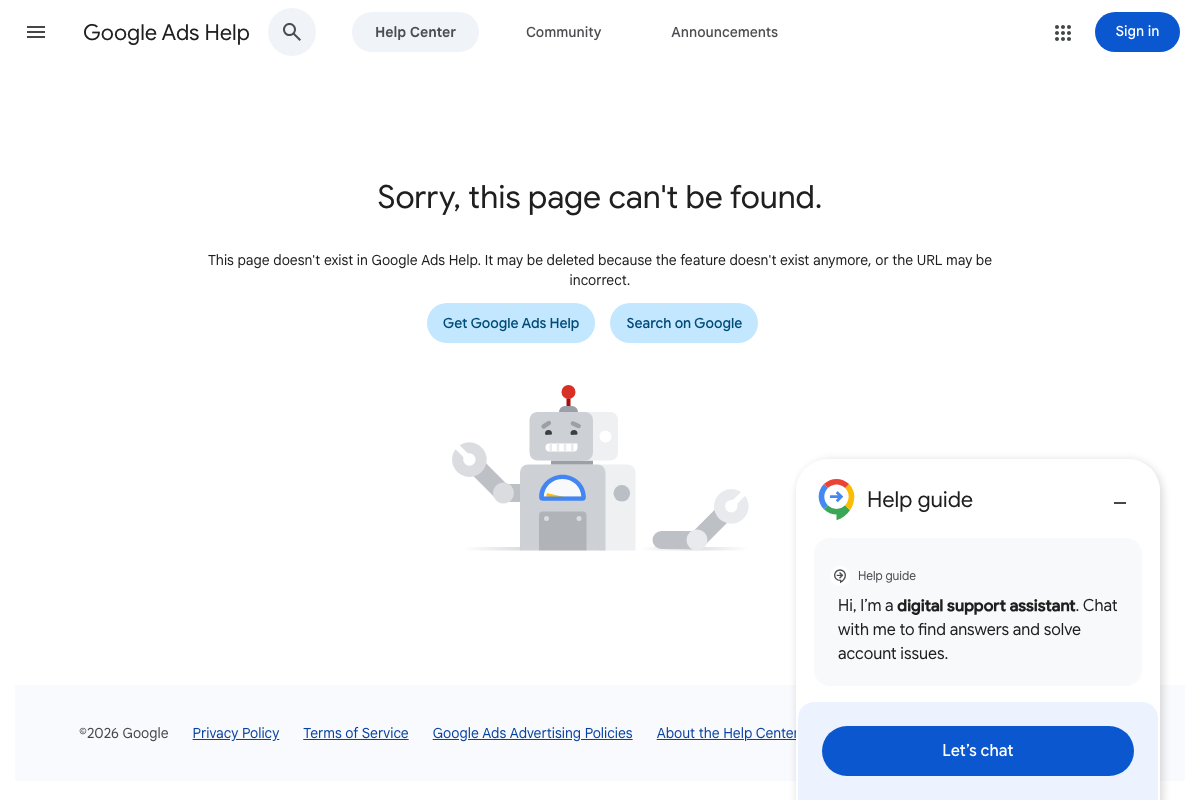
First, as of April 2026, the dedicated Google Ads Help page for the Channel Performance report (answer/11338950) returns a 404 error — confirmed across three separate capture attempts. The error page states the feature “may have been deleted or the URL may be incorrect.” The report may have been renamed, relocated, or removed from Google’s official documentation since the tutorial was recorded.
Second, the channel list in the video — Search, Shopping, YouTube, and Discovery — does not match official documentation. As of April 2026, the correct channel names according to both the PMax help article (answer/10724817) and the Shopping ads documentation (answer/2454022) are: YouTube, Display, Search, Discover, Gmail, and Maps — six channels, not four. Specifically:
- “Shopping” does not appear as a named channel in PMax reporting documentation; “Display” is the documented equivalent.
- “Discovery” has been renamed. The Shopping ads documentation uses “Demand Gen” for that channel, reflecting a product rename not acknowledged in the tutorial.
- Gmail and Maps are omitted from the video’s channel list entirely.
Step 6 — Identify underperforming “sidekick” products
No official documentation was found for this step — proceed using the video’s approach and verify independently.
Note: the term “sidekick products” is tutorial-specific terminology. It has no equivalent in Google Ads documentation. The underlying concept — SKUs with strong conversion metrics receiving disproportionately low budget — is operationally valid, but you won’t find that label in the platform UI or help center.
Step 7 — Break out one new campaign at a time
No official documentation was found for this step — proceed using the video’s approach and verify independently.
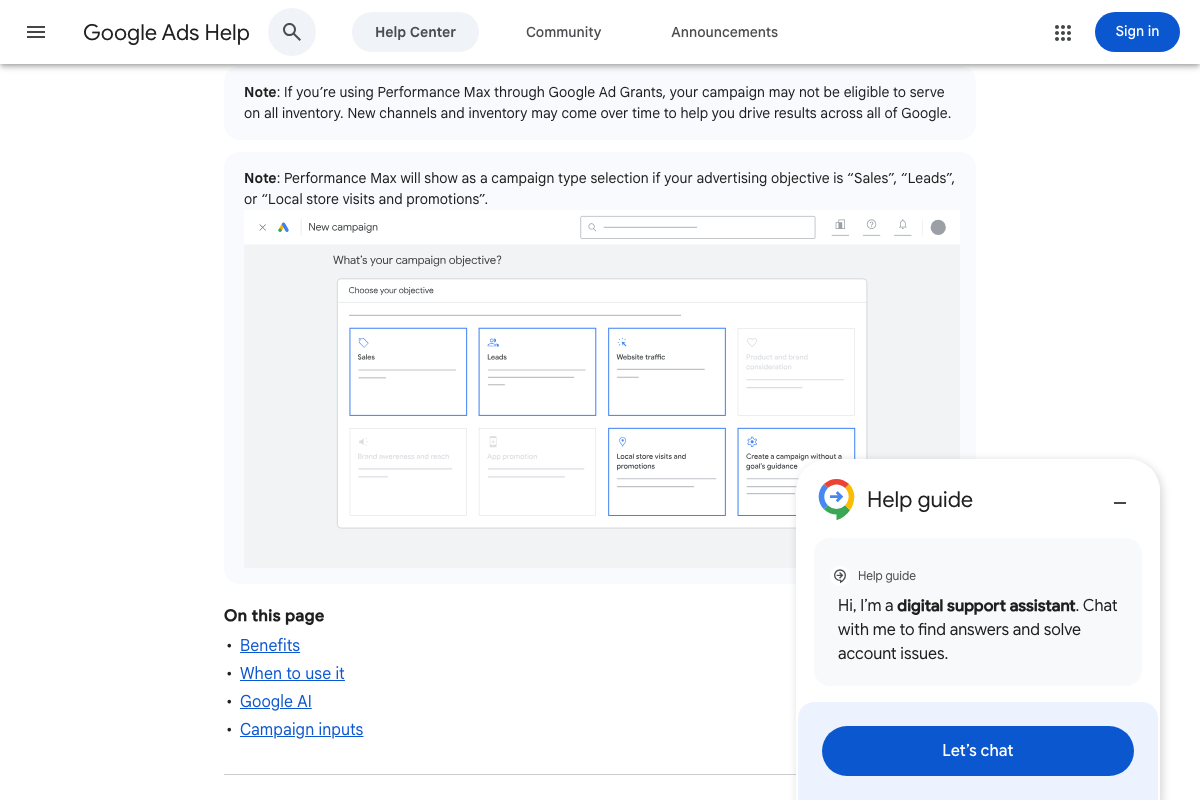
One constraint the tutorial does not mention: as of April 2026, Performance Max is only available when the campaign objective is set to Sales, Leads, or Local store visits and promotions. If you’re creating a breakout PMax campaign and your account objective is configured differently, you won’t be able to select the campaign type. Confirm your objective setting before building the new campaign structure.
Step 8 — Confirm conversion volume before adding further segmentation
No official documentation was found for this step — proceed using the video’s approach and verify independently.
Useful Links
- About Shopping ads — Google Ads Help — Official documentation covering how Shopping ads work, the role of Merchant Center product data, and Performance Max as a parallel option for retailers.
- About Performance Max campaigns — Google Ads Help — Official PMax documentation covering channel coverage (six channels), campaign objective requirements, and how automation inputs work.
- Google Ads — Get Customers and Sell More with Online Advertising — The ads.google.com marketing homepage, reflecting Google’s current positioning of Performance Max as its primary recommended campaign type.
- Channel Performance report — Google Ads Help — Documentation URL referenced in the tutorial; returns a 404 error as of April 2026 and should not be used as a navigation reference.


0 Comments