

Annual Business Planning Framework for Entrepreneurs
Feeling scattered after a year of hard work is a systems problem, not a motivation problem. This framework — developed through building a seven-figure creator business and now applied to a physical product brand — walks you through holistic goal-setting, an honest business audit, north star visioning, and quarterly project mapping that connects weekly actions to annual revenue targets. By the end, you’ll have a structured planning process that produces a scorecard you can actually score at year-end.
-
Categorize your life into five areas: career, health, relationships, self, and finances. Neglect in any one area tends to bleed into business performance — the review starts here before a single business goal is written.
-
For each area, write down three things: what you want to accomplish, how you want to feel, and who you want to become.
-
Anchor goals to identity, not outcomes. Instead of “lose 10 pounds,” write who you need to become to make that result inevitable — “someone who would rather suck at something than skip it.” The same logic applies to revenue targets: if the goal is $100k/month, define the character traits that person operates from, not just the number.

-
Build a physical vision board from Pinterest images covering all five life categories. Place a single word of the year at the center to serve as a standing decision filter.
-
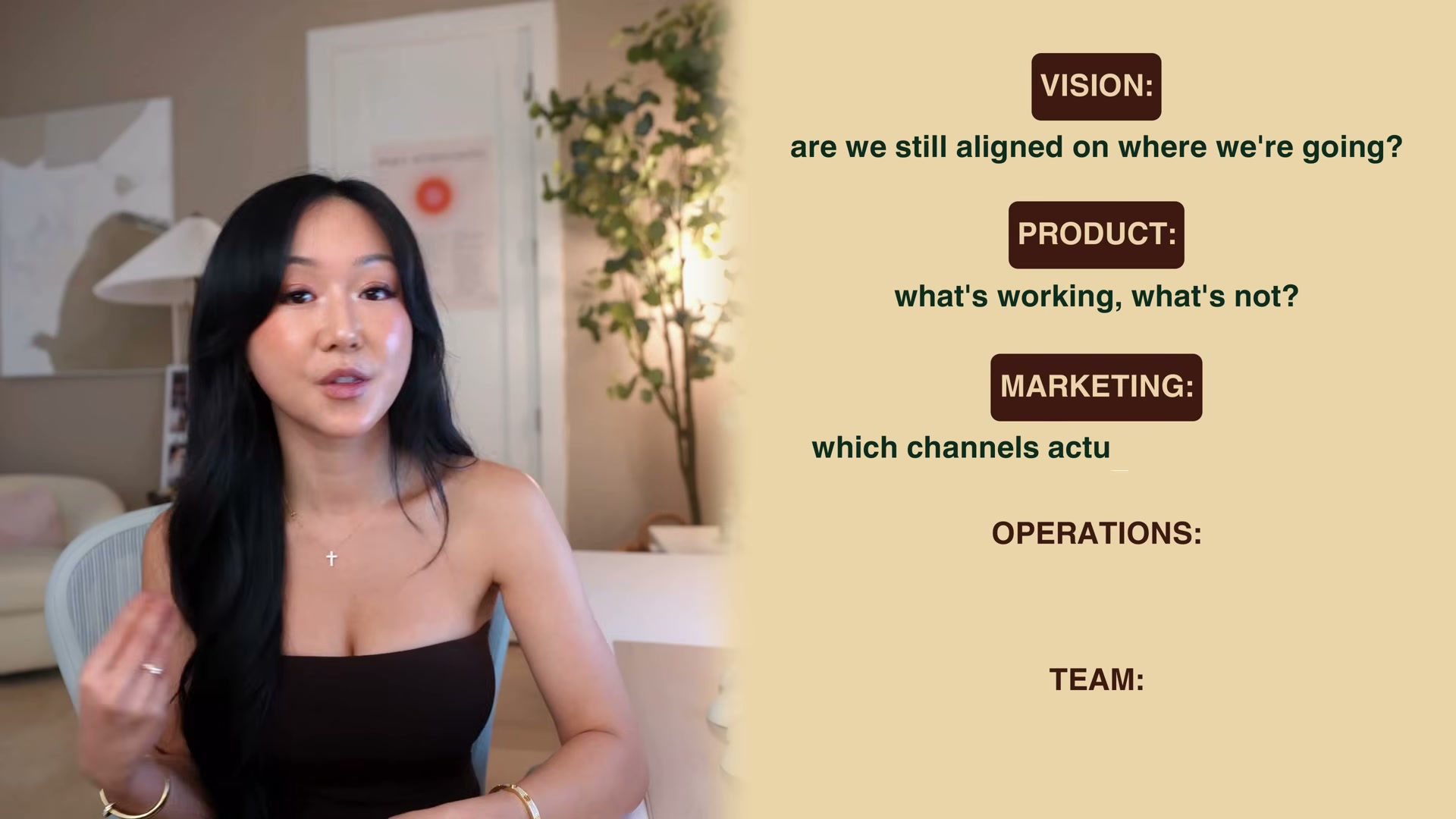
Conduct an honest business review across five pillars: vision, product, marketing, operations, and team. For each, press into direct diagnostic questions — which channels were consistent, which weren’t, what caused operational drag, whether the team structure still fits the direction.
- Connect your business apps — Gmail, Google Calendar, Notion, Google Drive — into Dropbox Dash as a unified search hub to surface scattered data during the review without manually migrating between platforms.
Warning: this step may differ from current official documentation — see the verified version below.
-
Query Dropbox Dash Chat with natural language prompts (e.g., “top 10 operational challenges last year”) to generate cross-app summaries with source citations pulled from connected tools.
-
Use Dropbox Dash Stacks to bundle and share specific files with collaborators throughout the planning process.

-
Define your north star — a 5–10 year directional vision for the business. Write it as a first-person positioning statement, not a revenue target alone: “Create and lead the functional milk tea category in North America.”
-
Declare the year type: growth, expansion, or foundation/profitability. This single decision constrains every objective that follows.
-
Write 1–3 measurable annual objectives. Each must be specific, outcome-based, and time-bound. “Post more content” is not an objective — “reduce customer acquisition costs by 40% through consistent daily content creation” is.
-
Build a kill list — a formal commitment to exclude specific initiatives, product launches, or distractions from the year entirely.
-
Break each objective into one to two quarterly projects per person on the team, keeping scope tight enough to execute without constant reprioritization.
-
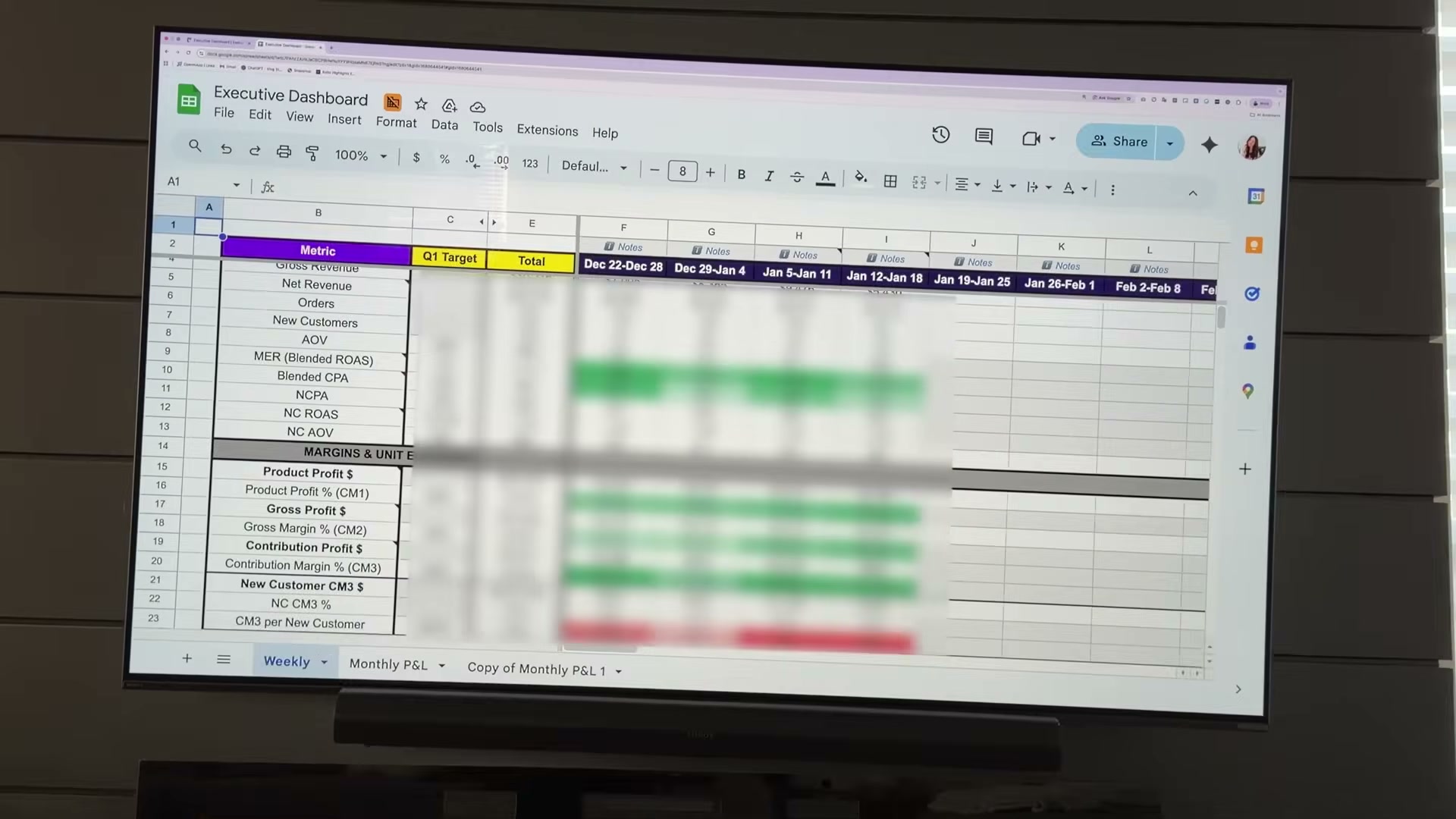
Create a weekly scorecard in a spreadsheet tracking the metrics — net revenue, orders, new customers, acquisition cost, gross margin — that confirm whether quarterly projects are actually moving annual objectives forward.
How does this compare to the official docs?
The framework draws on real revenue data and lived business decisions, but several of its core components — measurable objective-setting, quarterly project scoping, and the business review structure — map directly to established planning methodologies with documented standards worth comparing against.
Here’s What the Official Docs Show
Act 1 builds a coherent planning framework that holds up well against the official sources. What follows adds a few useful details — primarily around the tool integrations in steps 6 and 7 — and marks each step where official documentation coverage wasn’t available for this analysis.
Steps 1–3: Life categorization, three-pronged goals, identity anchoring
No official documentation was found for these steps —
proceed using the video’s approach and verify independently.
Step 4: Build a vision board via Pinterest
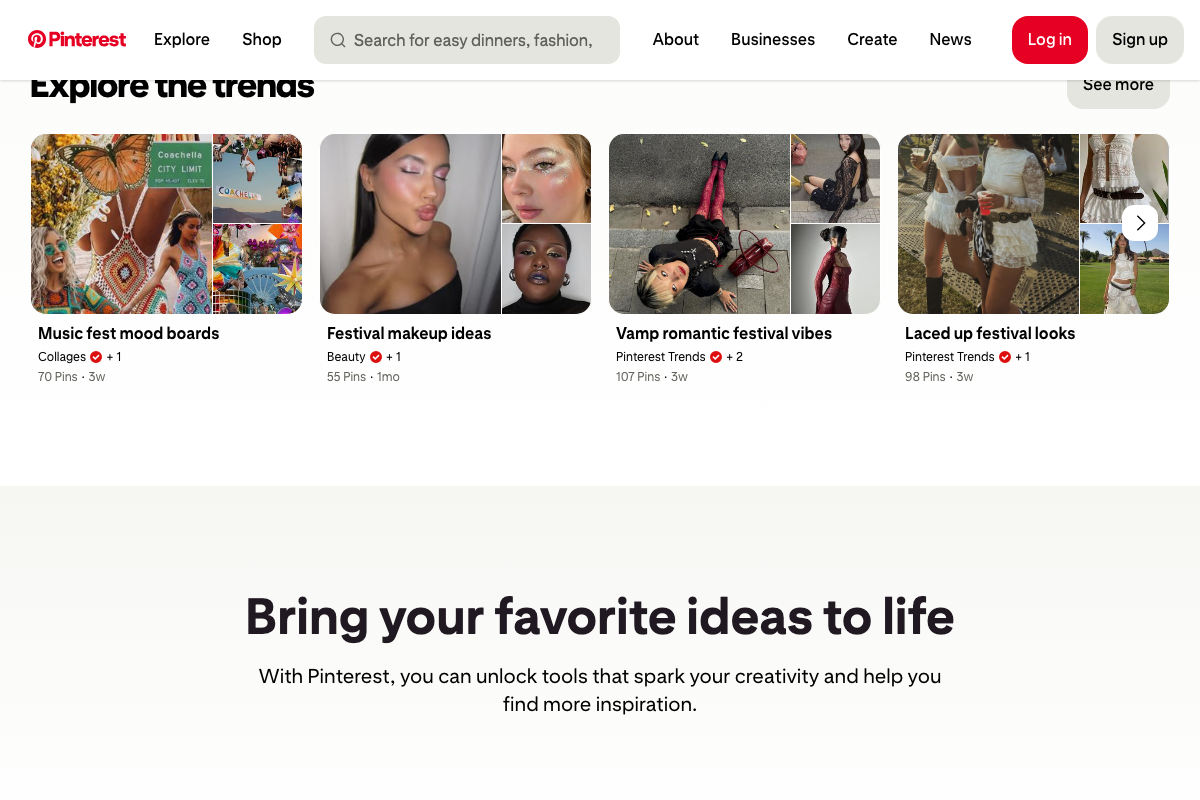
The video’s approach here matches the current docs exactly. Pinterest is an active image discovery platform with dedicated mood board collections surfaced in its Explore section. One practical note: the homepage defaults to trend-driven content, so searching specific terms (“vision board 2026,” “business mindset”) will get you to usable imagery faster than browsing the default feed.
Step 5: Honest business review
No official documentation was found for this step —
proceed using the video’s approach and verify independently.
Step 6: Connect apps to Dropbox Dash
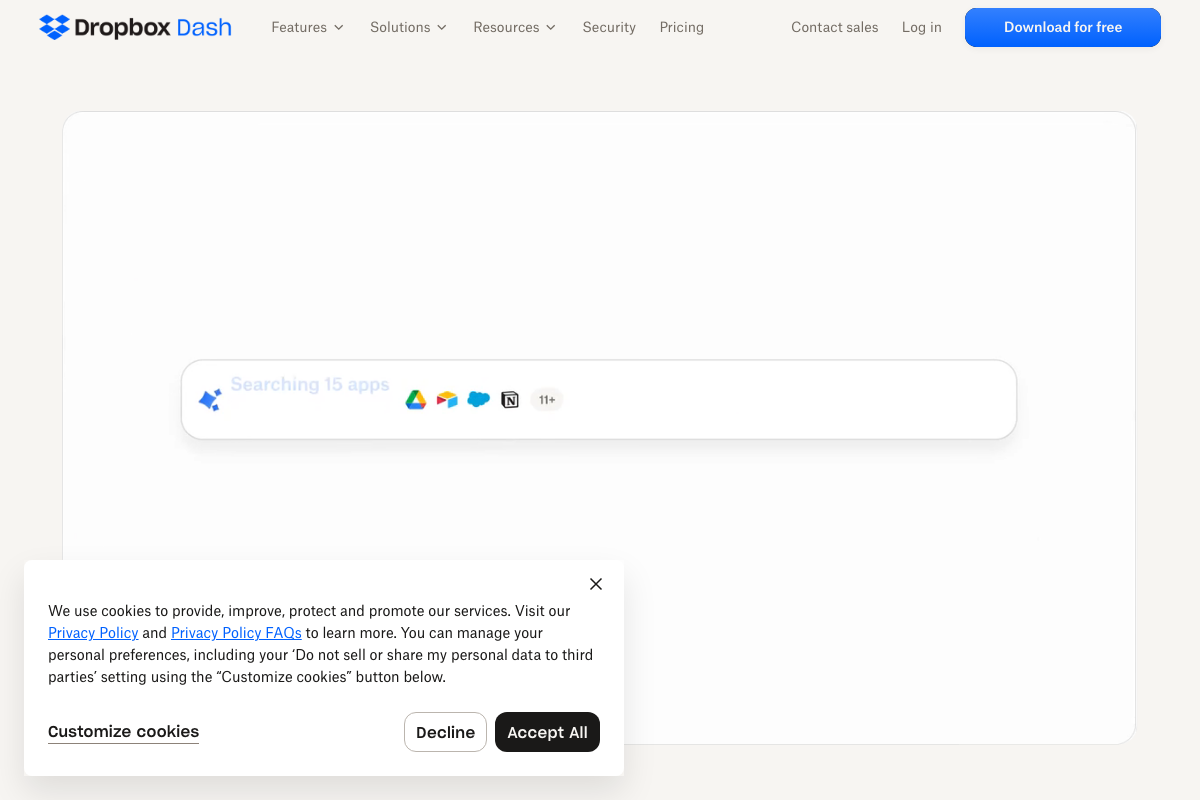
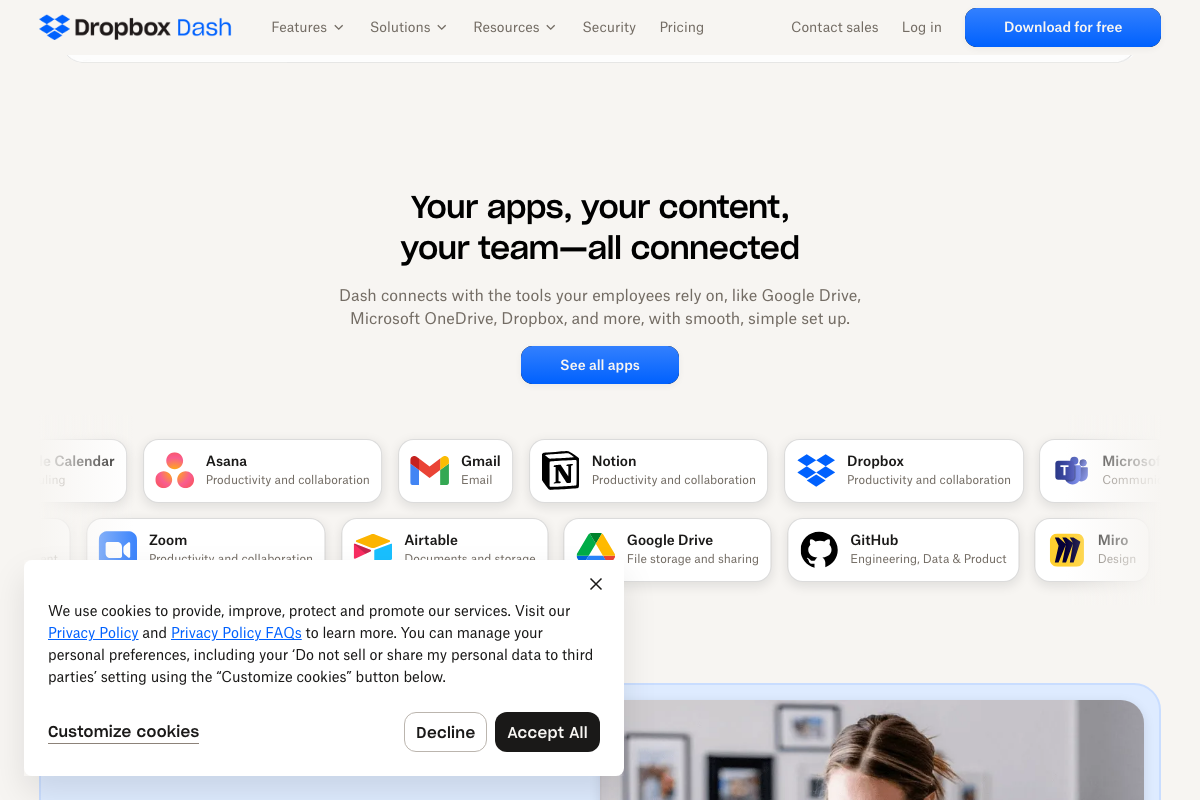
The video’s approach here matches the current docs exactly. Gmail, Google Calendar, Notion, and Google Drive are all confirmed official integrations on the Dash product page. Two additions worth knowing: Dash currently searches across 15 apps — not just the five named in the tutorial — and the product positions itself as “AI that understands your work,” an AI comprehension layer rather than a pure search aggregator. A “See all apps” link on the Dash page lists the full integration catalog.
Step 7: Query Dash Chat for cross-app summaries
No official documentation was found for this step —
proceed using the video’s approach and verify independently.
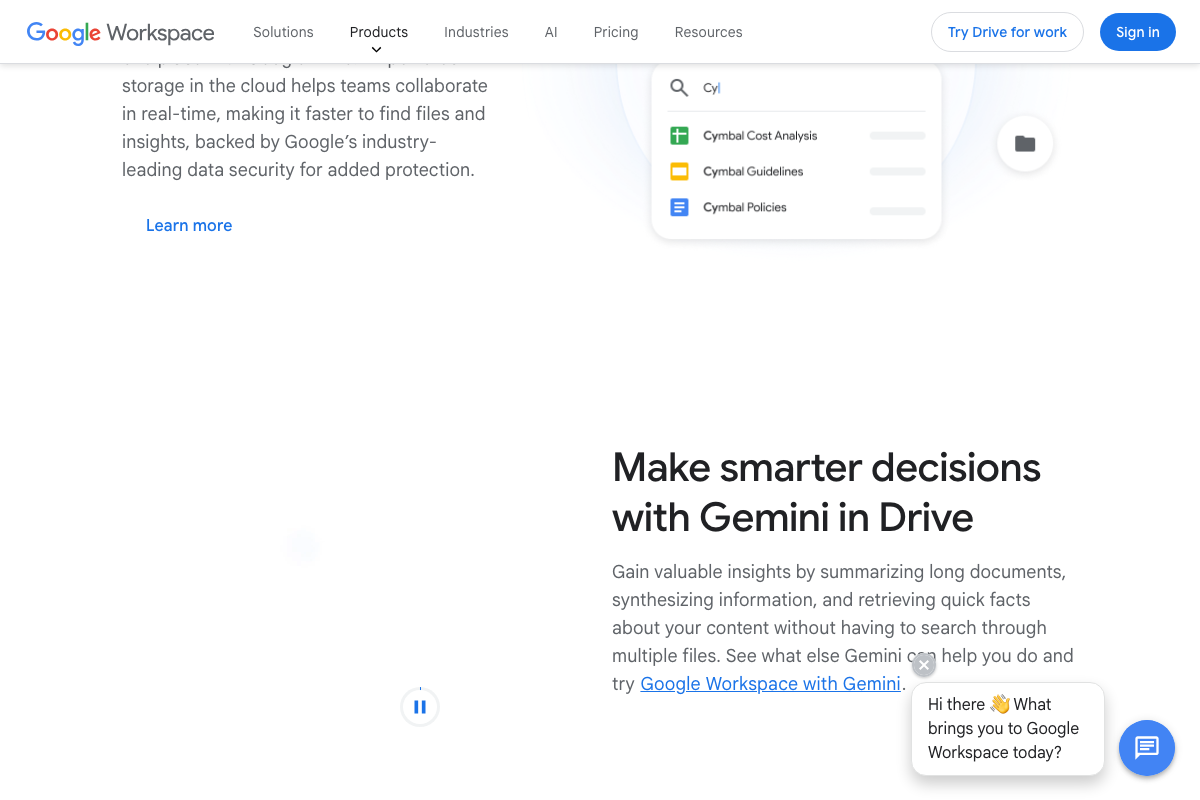
One context worth adding: as of March 2026, Gmail, Google Drive, and Google Calendar each ship native Gemini AI features — inbox natural language search, document summarization, cross-file synthesis — that partially overlap with the cross-app querying role the tutorial assigns exclusively to Dropbox Dash Chat. Both approaches work; treat them as complementary rather than competing.

Step 8: Dropbox Dash Stacks
No official documentation was found for this step —
proceed using the video’s approach and verify independently.
Stacks did not appear in any of the three official Dash screenshots captured for this post. The feature may require an authenticated session to surface, or may live under a separate navigation path not visible on the public marketing page.
Steps 9–14: North star, year type, objectives, kill list, quarterly projects, weekly scorecard
No official documentation was found for these steps —
proceed using the video’s approach and verify independently.
Useful Links
- Dropbox Dash: Find anything. Protect everything. — Official Dash product page confirming integrations, AI positioning, and the free download entry point.
- The AI workspace that works for you. | Notion — Notion homepage covering current features including Custom Agents and AI-powered automation.
- Gmail: Secure, AI-Powered Email for Everyone | Google Workspace — Gmail product page detailing Gemini AI capabilities including natural language inbox search.
- Google Drive: Share Files Online with Secure Cloud Storage | Google Workspace — Google Drive product page with Gemini in Drive summarization and cross-file synthesis features.
- Shareable Online Calendar and Scheduling – Google Calendar — Google Calendar product page covering Gemini-powered scheduling and native Gmail event detection.
- Pinterest — Pinterest image discovery platform supporting the vision board creation in step 4.


0 Comments