

Using ChatGPT to Consolidate Thin Blog Content and Rebuild Site Authority
Hundreds of narrowly-focused articles made sense when Google rewarded topical specificity above all else — that era is over. You’ll learn how to use a ChatGPT Project as a content audit engine, identify which articles to merge, validate AI recommendations against real traffic data, and execute the consolidation without tanking your existing SEO equity.
- Export your full blog content and upload it as a knowledge-base file inside a ChatGPT Project. This gives every subsequent prompt in that Project direct access to your actual article copy — not just titles or metadata. The Income School demo uses a site called Pantry Prep, a preparedness blog with hundreds of narrowly-scoped articles accumulated over several years.
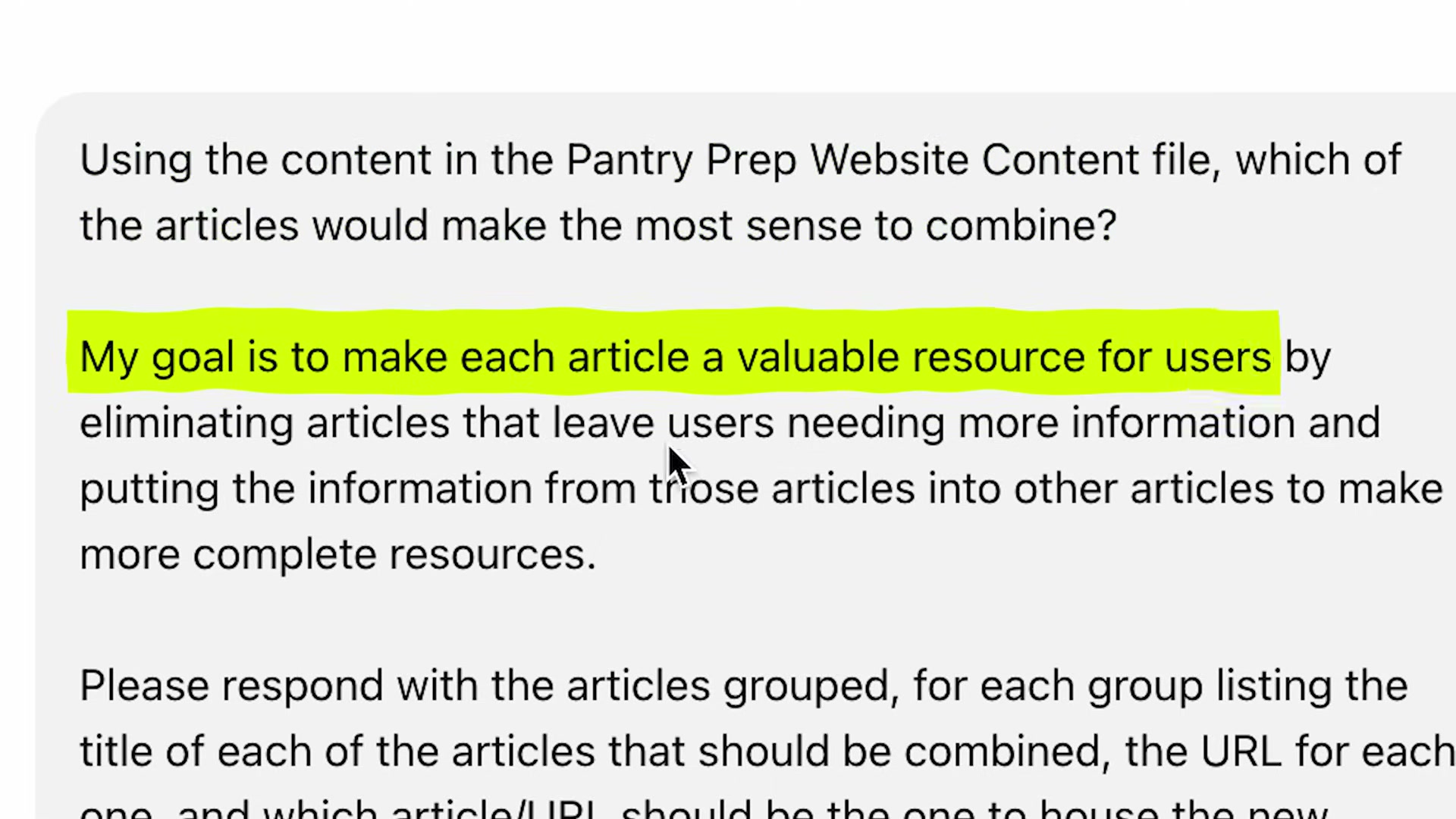
- Write a single consolidation prompt that frames your editorial goal before issuing the instruction. The prompt used in the video reads: “My goal is to make each article a valuable resource for users by eliminating articles that leave users needing more information… Please respond with the articles grouped — listing the title of each article, the URL for each one, and which article/URL should be the new home of the combined content.” Goal-framing first, format instruction second — that order matters for output quality.
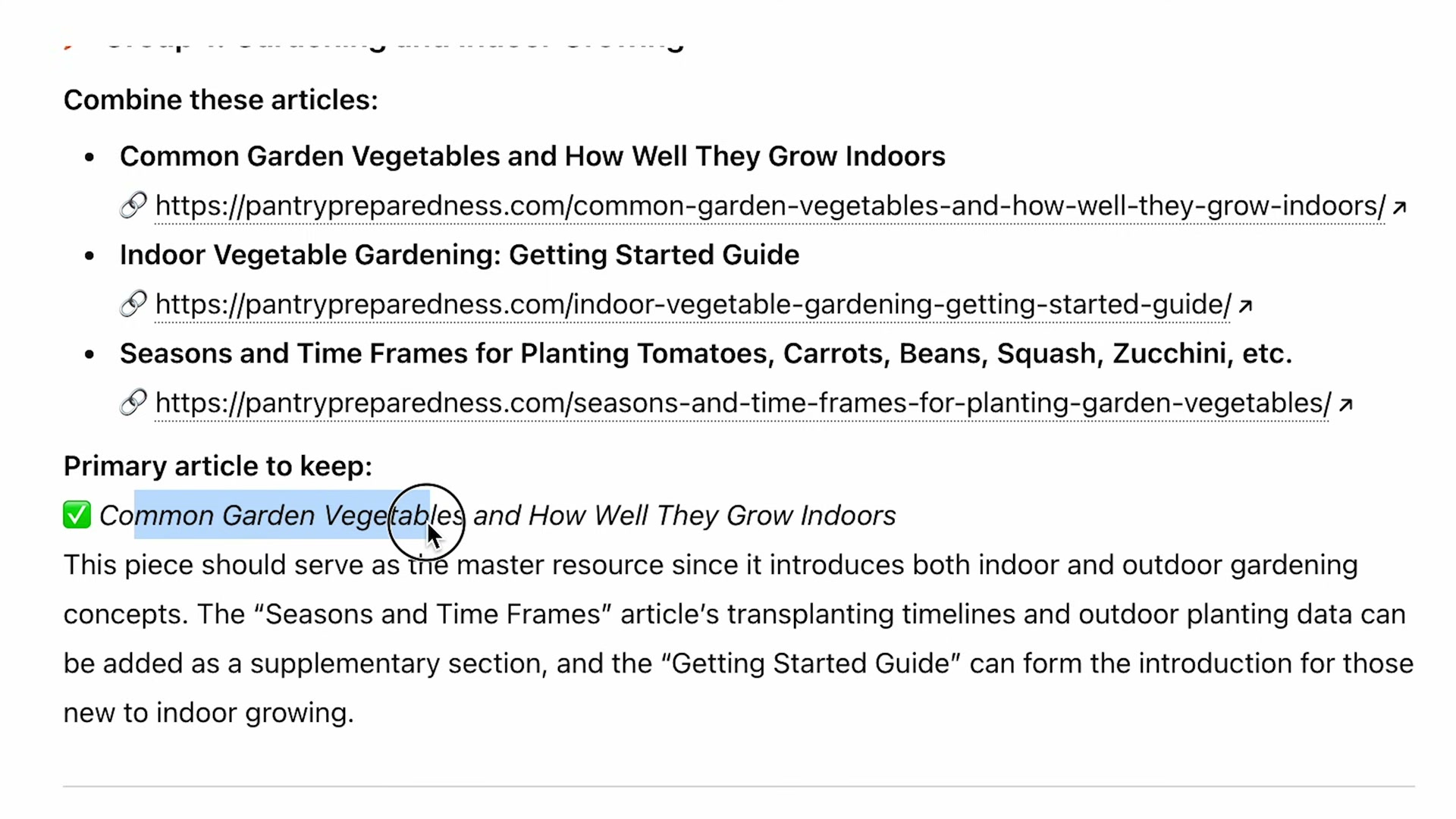
- Review ChatGPT’s suggested groupings with your own editorial judgment before acting on them. The model may surface plausible but imprecise clusters — in the demo, a gardening seasonality article gets lumped into an indoor-growing group when its content is actually about outdoor planting schedules. Treat the output as a first draft, not a final decision.
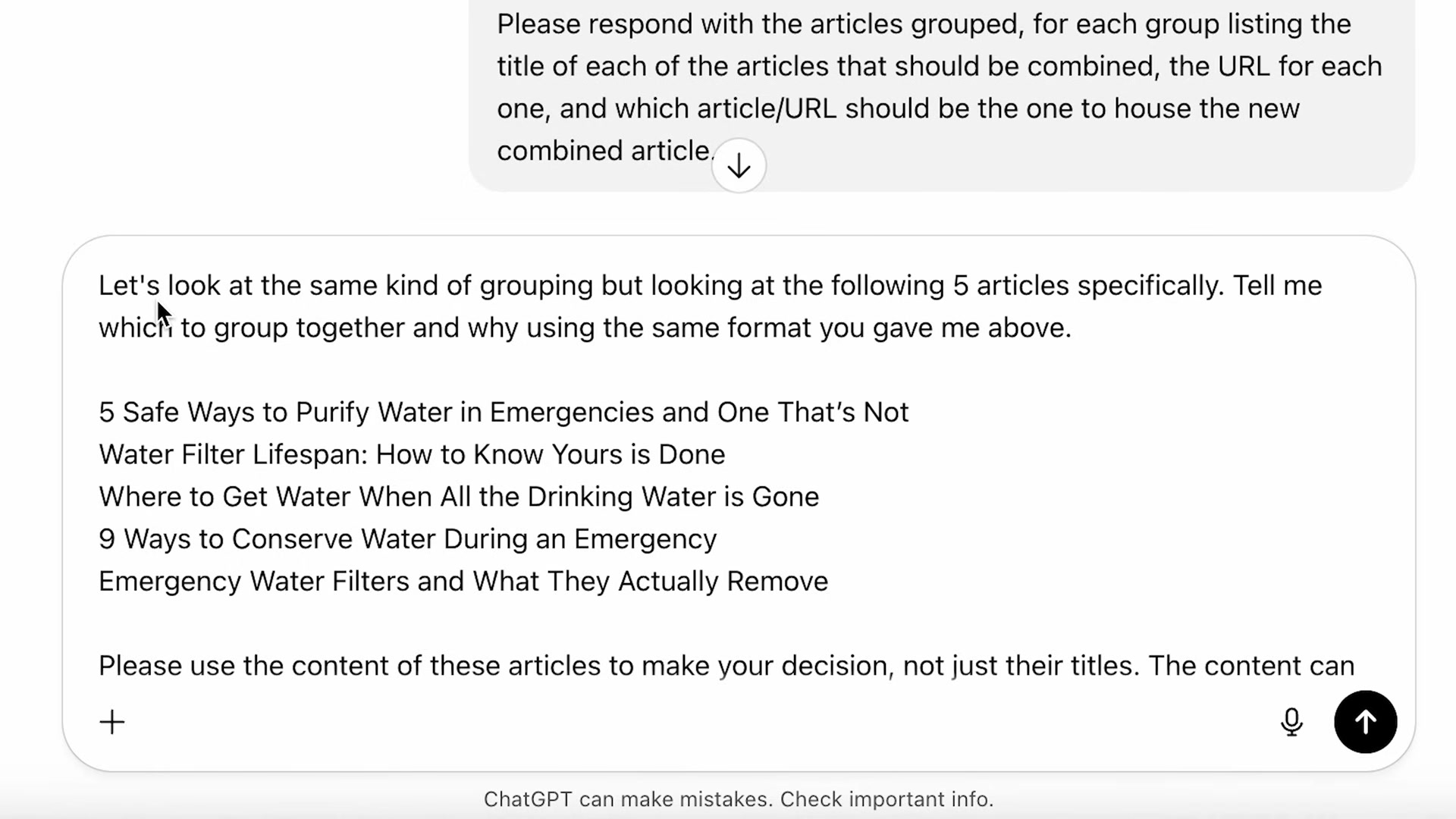
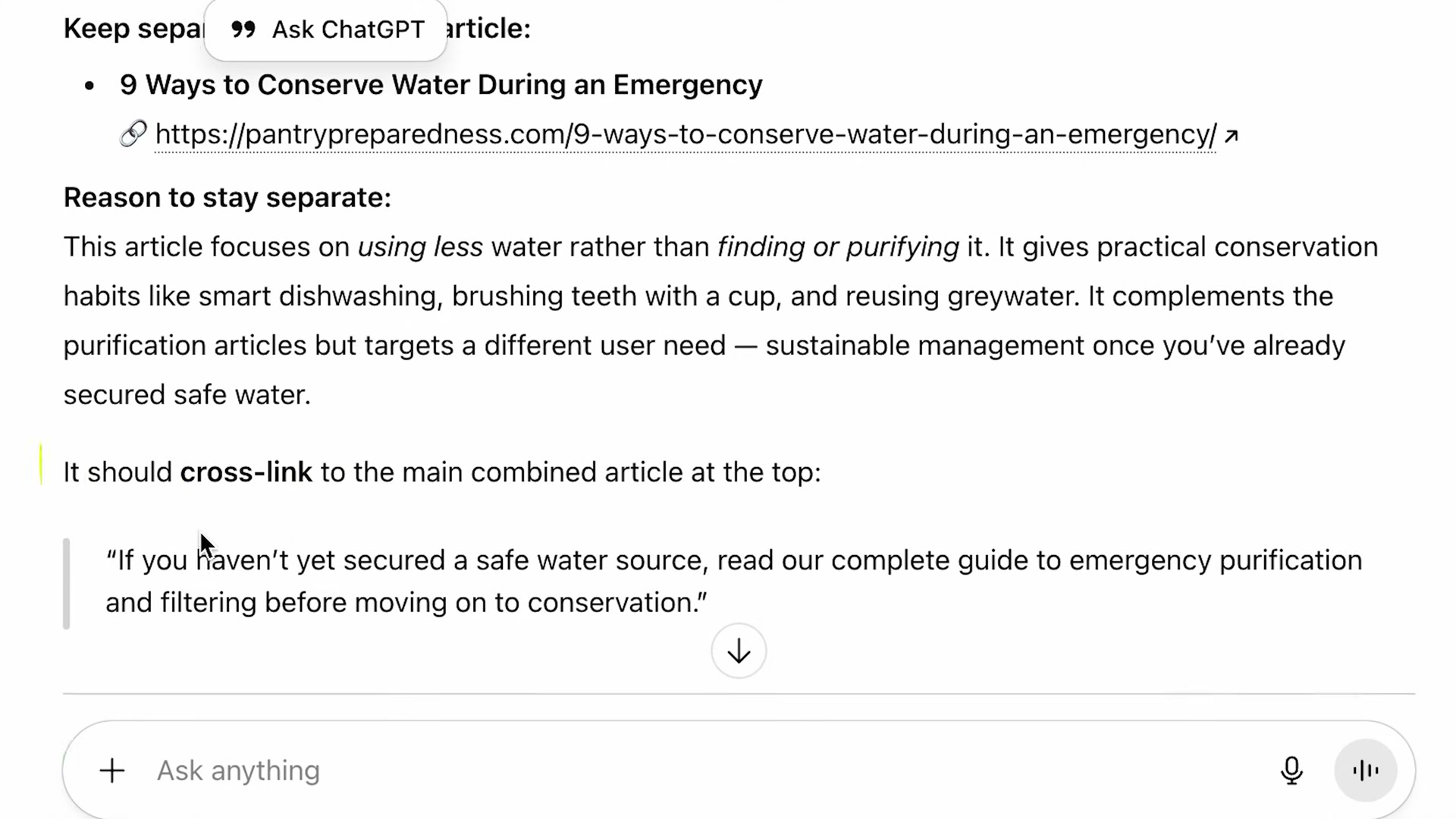
- For any cluster where you’re uncertain, run a focused follow-up prompt in the same chat thread — paste the specific article titles and explicitly tell ChatGPT to base its grouping recommendation on article content, not just titles. The key phrase from the video: “Please use the content of these articles to make your decision.” This second pass surfaces nuance the broad sweep misses; in the demo, it correctly recommends keeping a water-conservation article separate and even drafts the cross-link sentence to use between pieces.
- Cross-check ChatGPT’s recommended primary URL against 90 days of organic traffic in Google Analytics before committing. Filter by the topic keyword to isolate candidate URLs, compare user counts, and override the AI’s pick if one article significantly outperforms the rest — that page carries more ranking equity and should become the consolidated destination.

-
Open a new chat inside the same ChatGPT Project and paste the confirmed article structure. The model generates a full draft pulling from your uploaded content file. Review it against your knowledge of the source articles for accuracy, completeness, and voice before touching your CMS.
-
Edit the primary article directly in your CMS — replace or augment the existing body with the consolidated draft and pull the strongest images from the deprecated articles.
-
Configure 301 redirects from every deprecated article URL to the new consolidated URL. This preserves link equity and prevents users from hitting dead pages.
-
Verify each redirect resolves correctly before removing or unpublishing the old articles.
How does this compare to the official docs?
ChatGPT’s Project feature is central to this entire workflow, but Anthropic and OpenAI publish specifics about knowledge-file limits, supported formats, and context-window behavior that the video doesn’t address — and those details directly affect how reliably this process scales to larger sites.
Here’s What the Official Docs Show
Act 1 walks through a genuinely useful AI-assisted content audit workflow that many teams can put to work immediately. This section adds the platform-specific prerequisites and constraints the documentation captures surfaced — details that matter before you run this process at scale.
Steps 1 & 2 — Create a ChatGPT Project, upload your content file, and write your consolidation prompt
No official documentation was found for these steps —
proceed using the video’s approach and verify independently.
One prerequisite the tutorial assumes without stating: ChatGPT’s Projects interface and file-upload controls are only accessible after you’re logged in. The logged-out chatgpt.com homepage shows no Projects navigation item — that panel only appears post-authentication. File upload is also gated behind login, as the sidebar copy confirms: “Log in to get answers based on saved chats, plus create images and upload files.”
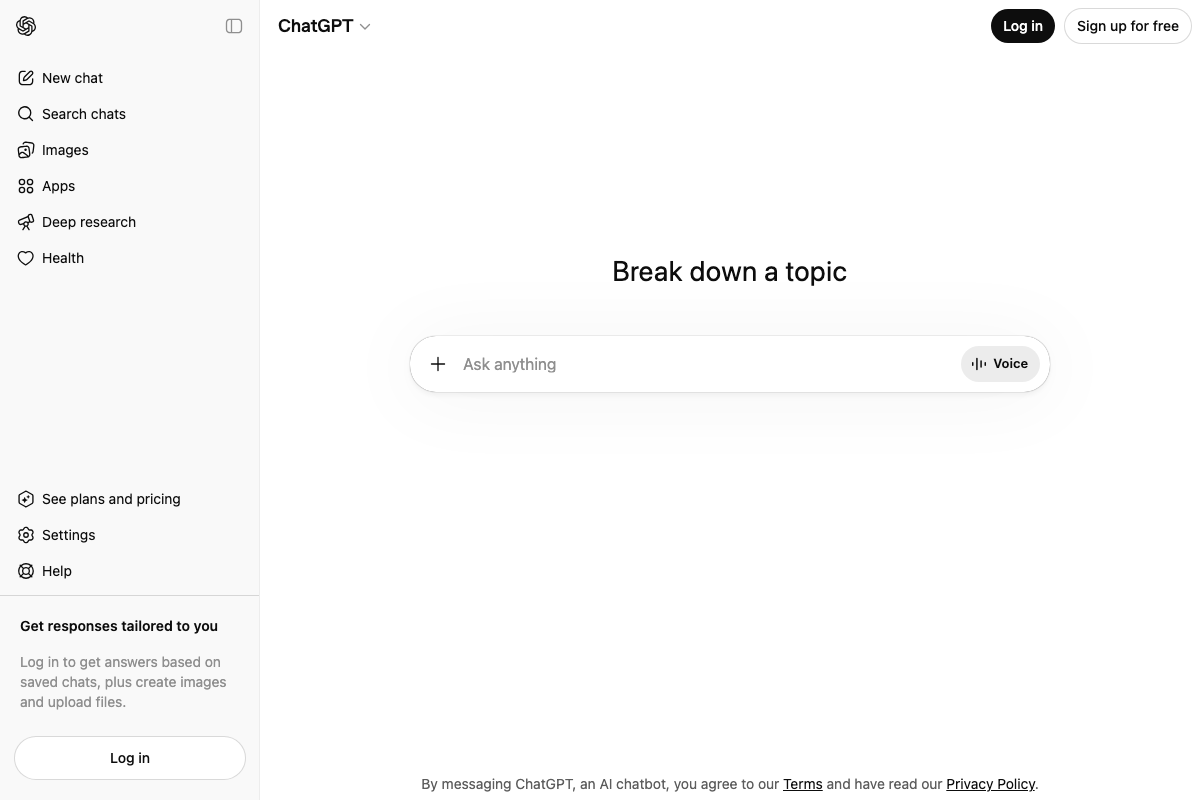
Step 3 — Review and override ChatGPT’s groupings with editorial judgment
No official documentation was found for this step —
proceed using the video’s approach and verify independently.
Step 4 — Run a focused follow-up prompt in the same Project chat thread
No official documentation was found for this step —
proceed using the video’s approach and verify independently.
Worth noting: “Deep research” is a distinct feature in ChatGPT’s sidebar navigation — separate from Projects and from standard chat. The follow-up prompt technique the video demonstrates operates within a Project thread, not the Deep Research tool. Don’t conflate the two.
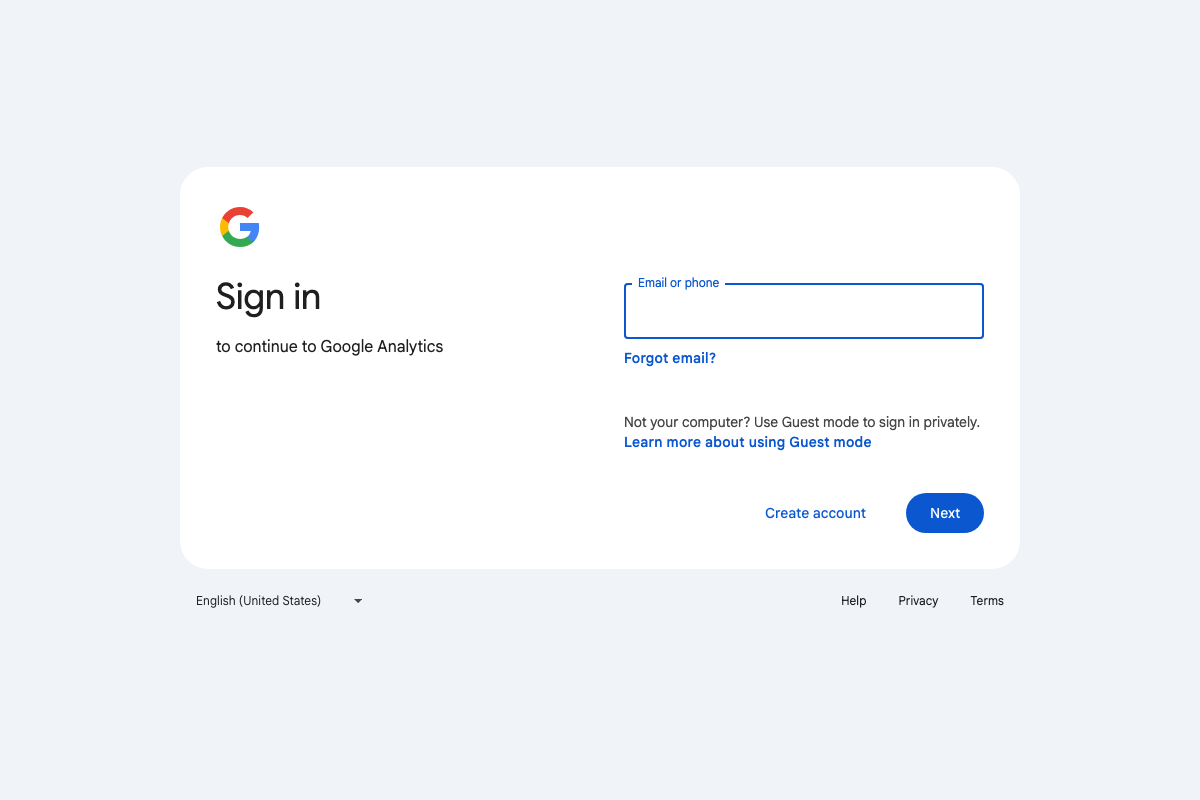
Step 5 — Cross-check the primary URL against 90 days of organic traffic in Google Analytics
No official documentation was found for this step —
proceed using the video’s approach and verify independently.
GA4 traffic data requires an authenticated Google account session. The date-range selection and organic channel filtering the video demonstrates are not accessible from a logged-out state — factor that in if you’re setting up access for a client or new team member before running this audit.
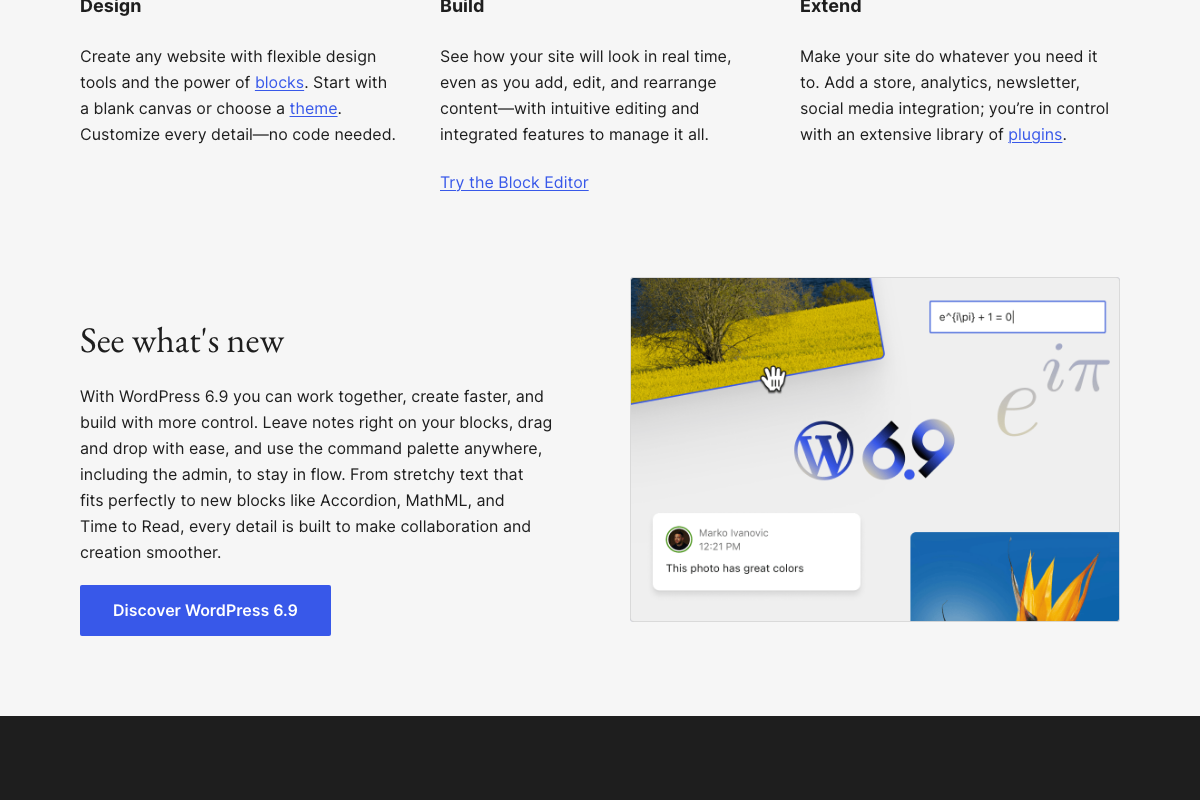
Steps 6 & 7 — Open a new Project chat, generate the consolidated draft, and edit the primary article in your CMS
No official documentation was found for these steps —
proceed using the video’s approach and verify independently.
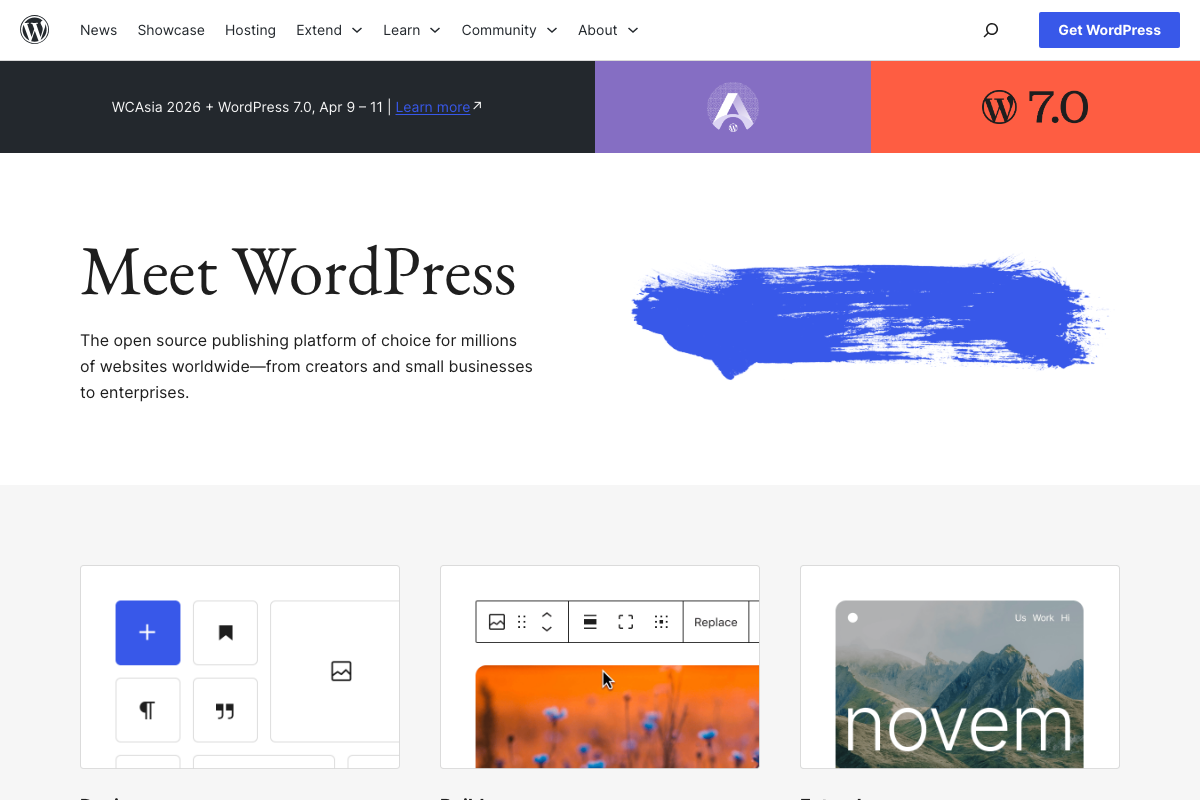
As of March 26, 2026, WordPress 6.9 is the current stable release. WordPress 7.0 is scheduled for April 2026 but has not yet shipped. Post editing for the consolidation in step 7 happens in the Block Editor.
Steps 8 & 9 — Configure and verify 301 redirects from every deprecated URL
No official documentation was found for these steps —
proceed using the video’s approach and verify independently.
One gap the tutorial doesn’t address: 301 redirect configuration is not a native WordPress core feature. You’ll need a dedicated plugin — Redirection and Yoast SEO Premium are the two most common options — or a server-level .htaccess rule. Plan your redirect method before you unpublish deprecated articles; setting up the infrastructure first eliminates any window where old URLs return a 404 and bleed the ranking equity you’re trying to preserve.
Useful Links
- ChatGPT Projects — OpenAI’s official help article on creating Projects, uploading files to the knowledge base, and managing chats within a Project context; the authoritative source for file format limits and context behavior the video doesn’t cover.
- Analytics Help — Google’s support hub for GA4, covering report setup, date-range configuration, and organic traffic channel analysis used in step 5.
- Documentation – WordPress.org — WordPress’s official documentation index, including Block Editor guides and the plugin directory where redirect tools such as Redirection can be found for the step 9 workflow.


0 Comments