

Monitor What AI Tools Say About Your Brand with Hootsuite’s LLM Insights
AI models like ChatGPT, Gemini, and Claude are becoming a primary research channel for consumers evaluating brands and products — and until now, you had no way to see what they were saying. Hootsuite’s LLM Insights feature gives you structured, trackable visibility into how major AI models represent your brand. This tutorial walks through setting up an LLM Insights channel, generating monitoring prompts, and reading the results dashboard.
Setting Up Your LLM Insights Channel
-
Open Hootsuite and navigate to Settings → LLM Channels. This is the configuration hub for all your AI monitoring channels.
-
Click New Channel to start creating an LLM Insights channel.
-
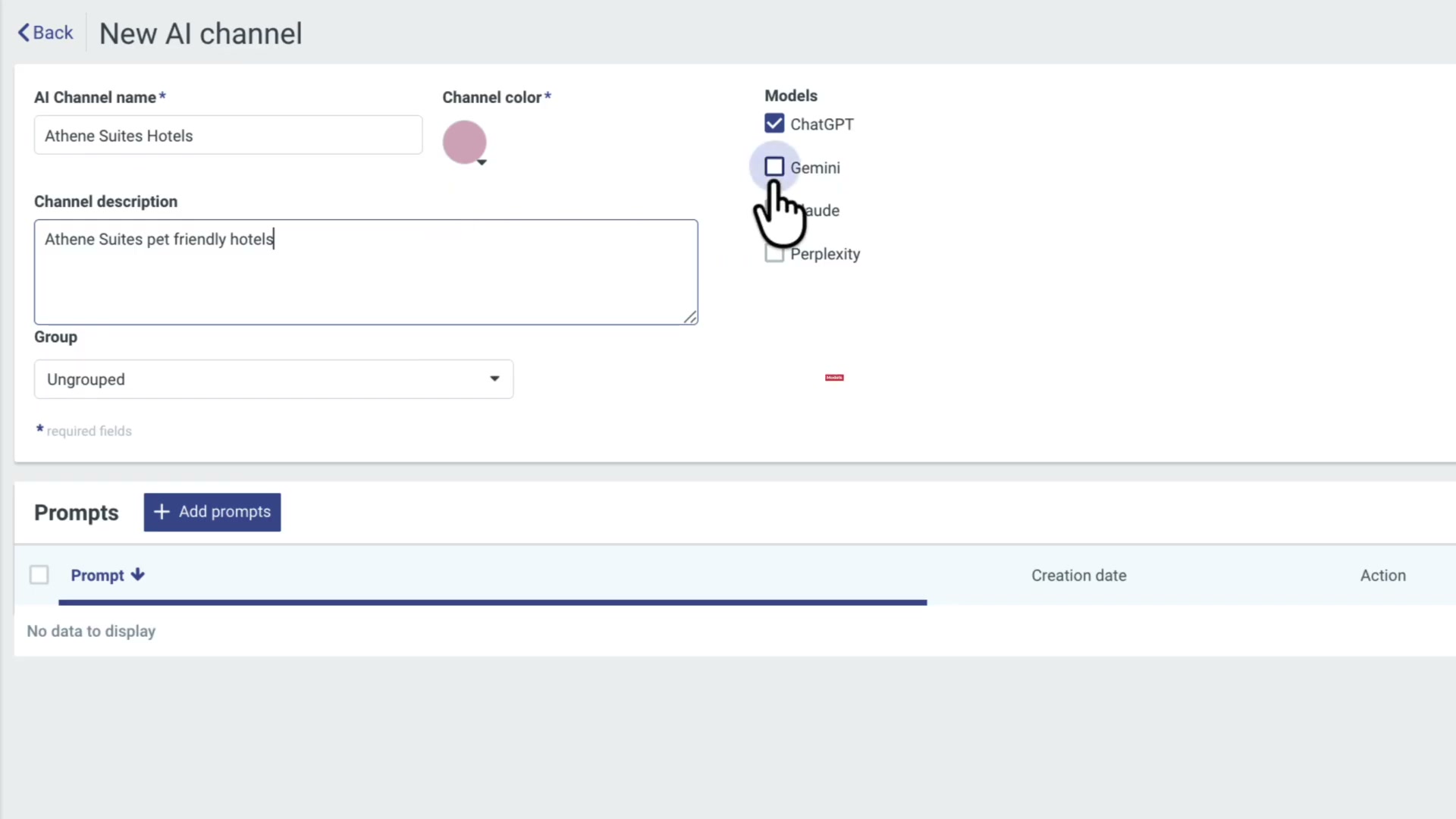
Fill in the channel details: give it a name, add a description of what the channel captures, and select which AI models you want to monitor. The available options include ChatGPT, Gemini, Claude, and Perplexity — check as many as you need.
Building Your Monitoring Prompts
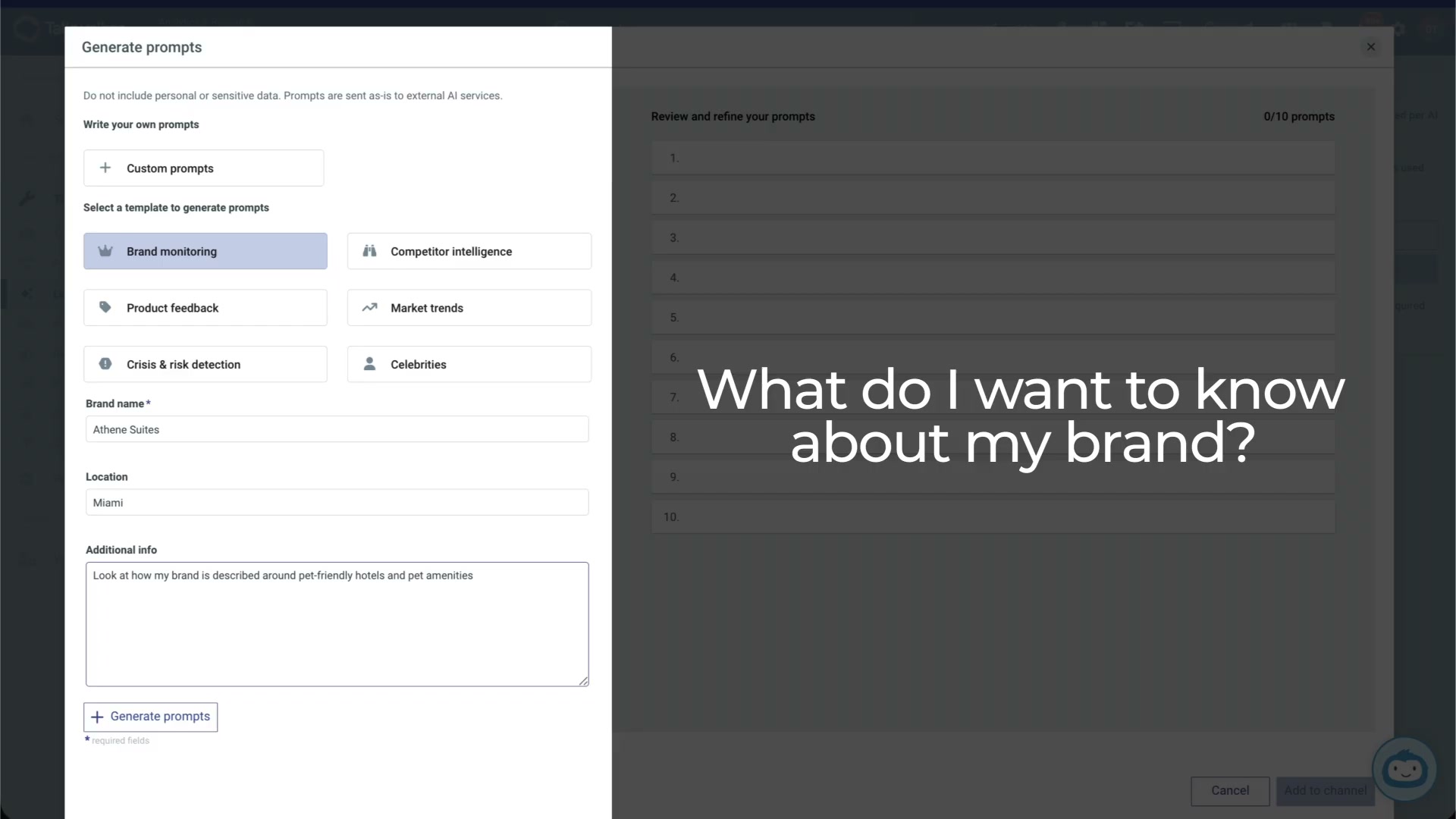
- Create your first prompt by choosing between writing a custom prompt or selecting one of Hootsuite’s predefined templates.
-
If you go the template route, pick a predefined goal that matches your monitoring objective. The video demonstrates “Brand monitoring” — the scenario is a boutique hotel in Miami that recently invested in pet-friendly amenities and wants to know whether AI models recognize that positioning.
-
Enter your brand name, target location, and a search intention describing what you want to learn. The key question to ask yourself here: what do I want to know about my brand?
-
Click Generate prompts. The system produces ten prompts based on your inputs, each designed to probe a different angle of your brand’s AI representation.
-
Preview responses on any prompt to see the kind of answer it produces from the selected AI models. This lets you evaluate prompt quality before committing.
-
Edit or delete any prompts that don’t fit, then click Add to channel for the ones you want to keep.
-
Review your full list of prompts in the AI Channel view. You can create additional prompts at any point if you spot gaps in coverage.
-
When the prompt set looks right, hit Create to finalize the channel.
Reading the Results
-
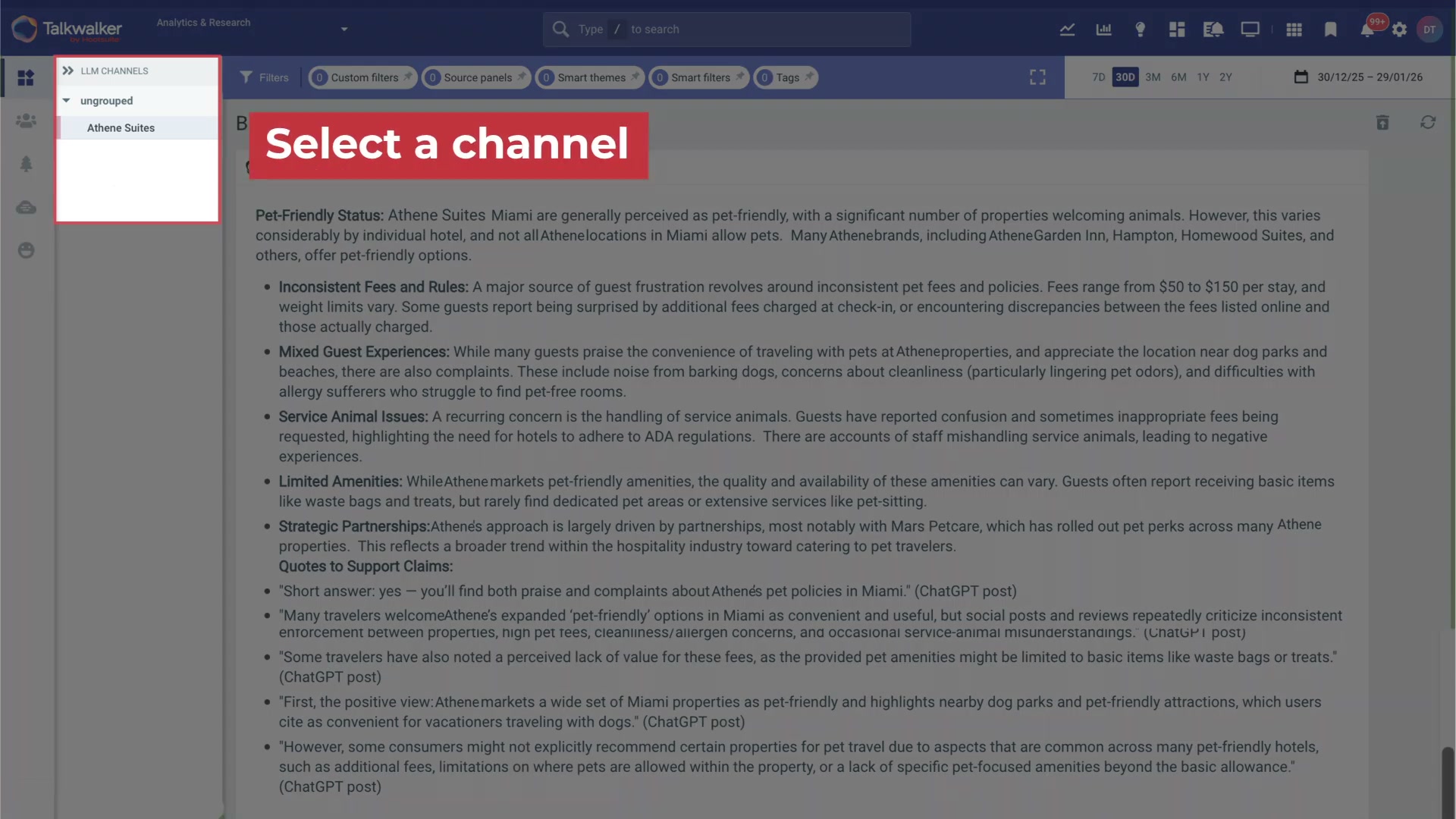
Back on the Hootsuite homepage, find your new channel listed under LLM Insights.
-
Select the channel to open the results view. Choose how you want to examine the data — the dashboard surfaces categorized brand insights with direct quotes and source citations from each AI model.
-
Set a timespan and apply filters to drill down on specific themes or sentiment patterns. These filtering capabilities are powered by Talkwalker’s analytics engine.
Warning: this step may differ from current official documentation —
see the verified version below.
How does this compare to the official docs?
Hootsuite’s own documentation provides additional detail on filter options, prompt limits, and supported models that the video doesn’t fully cover — Act 2 walks through what the docs say and where the two sources diverge.
Here’s What the Official Docs Show
Act 1 walked through Hootsuite’s LLM Insights workflow as the video presented it. When we went to verify each step against official documentation, we found significant gaps — the core LLM Insights interface and workflow remain undocumented in the publicly accessible sources we captured, so this section flags what we could and couldn’t confirm.
Setting Up Your LLM Insights Channel
Steps 1–2: Navigating to Settings → LLM Channels and clicking New Channel.
No official documentation was found for this step —
proceed using the video’s approach and verify independently.
Step 3: Selecting monitorable AI models (ChatGPT, Gemini, Claude, Perplexity).
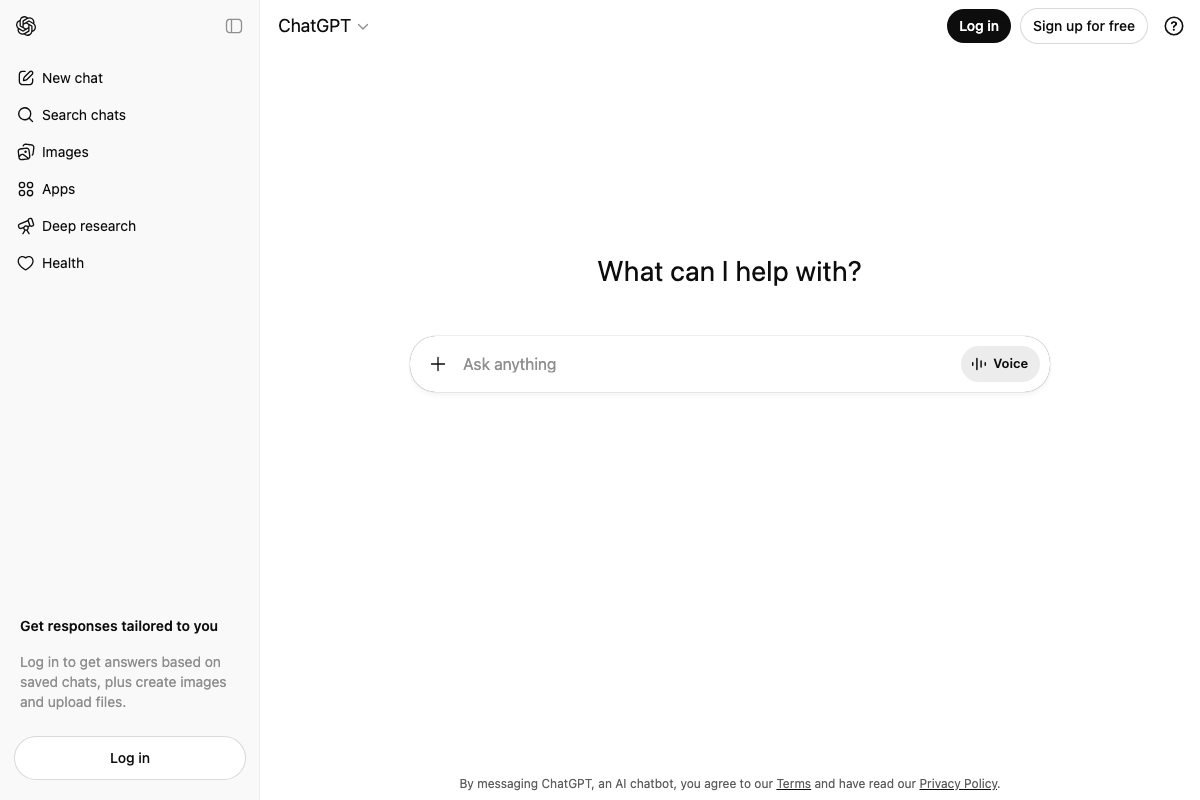
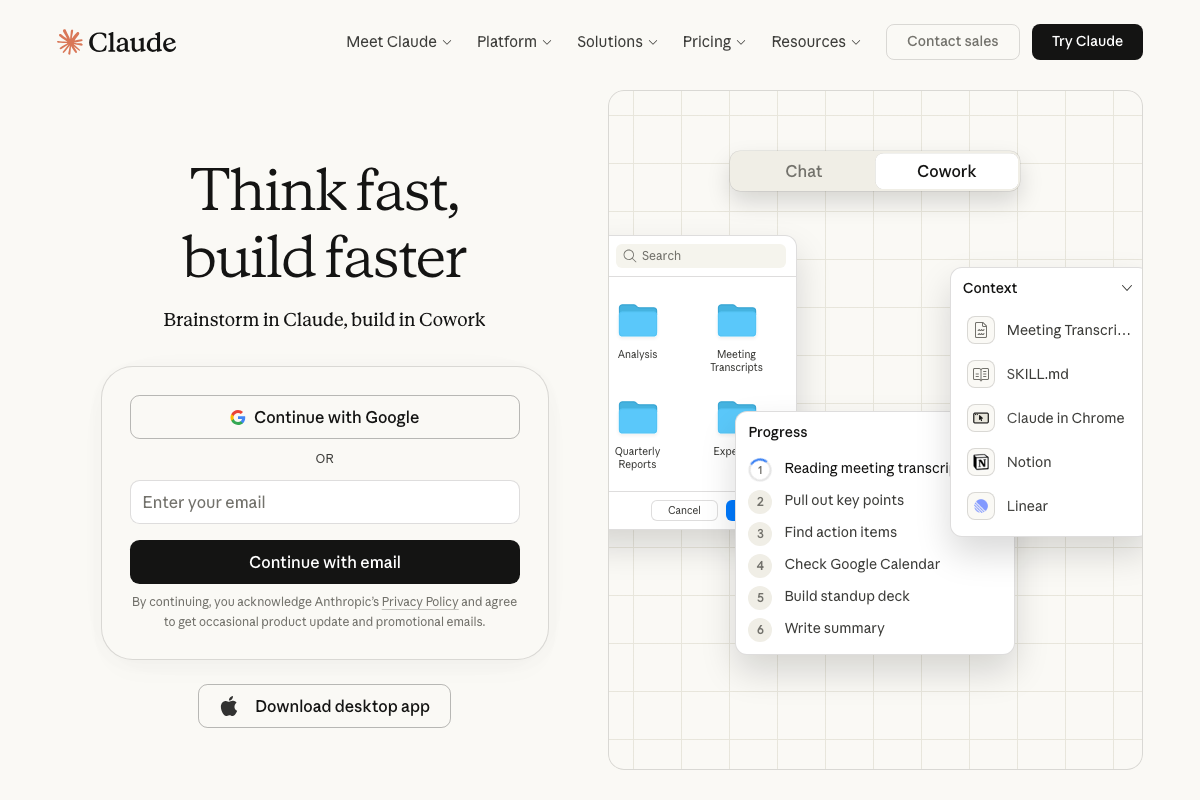
We confirmed that ChatGPT, Claude, and Gemini are active, publicly accessible AI products. However, no documentation from Hootsuite’s side reveals how it connects to or queries these models. The video also mentions Gemini, but no Gemini documentation was captured.
No official documentation was found for this step —
proceed using the video’s approach and verify independently.
One detail the video does not address: Claude now offers a Cowork mode for autonomous task execution, which is distinct from the chat-based responses LLM Insights would likely monitor. The video does not specify which Claude tier Hootsuite queries or whether tier differences affect results.

Building Your Monitoring Prompts
Steps 4–11: Creating prompts, using templates, generating prompts, previewing responses, editing, and finalizing the channel.
No official documentation was found for this step —
proceed using the video’s approach and verify independently.
Reading the Results
Steps 12–13: Locating the channel on the Hootsuite homepage and opening the results dashboard.
No official documentation was found for this step —
proceed using the video’s approach and verify independently.
Step 14: Applying Talkwalker-powered filters to drill into results.
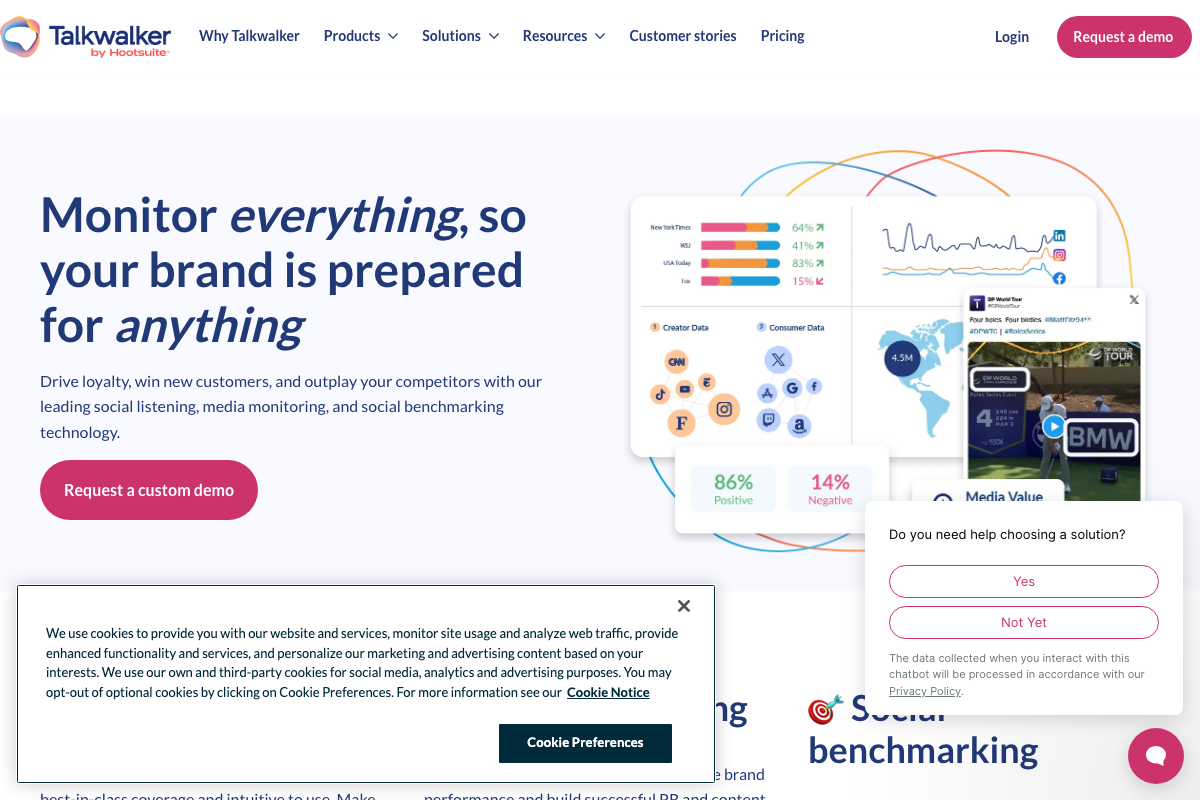
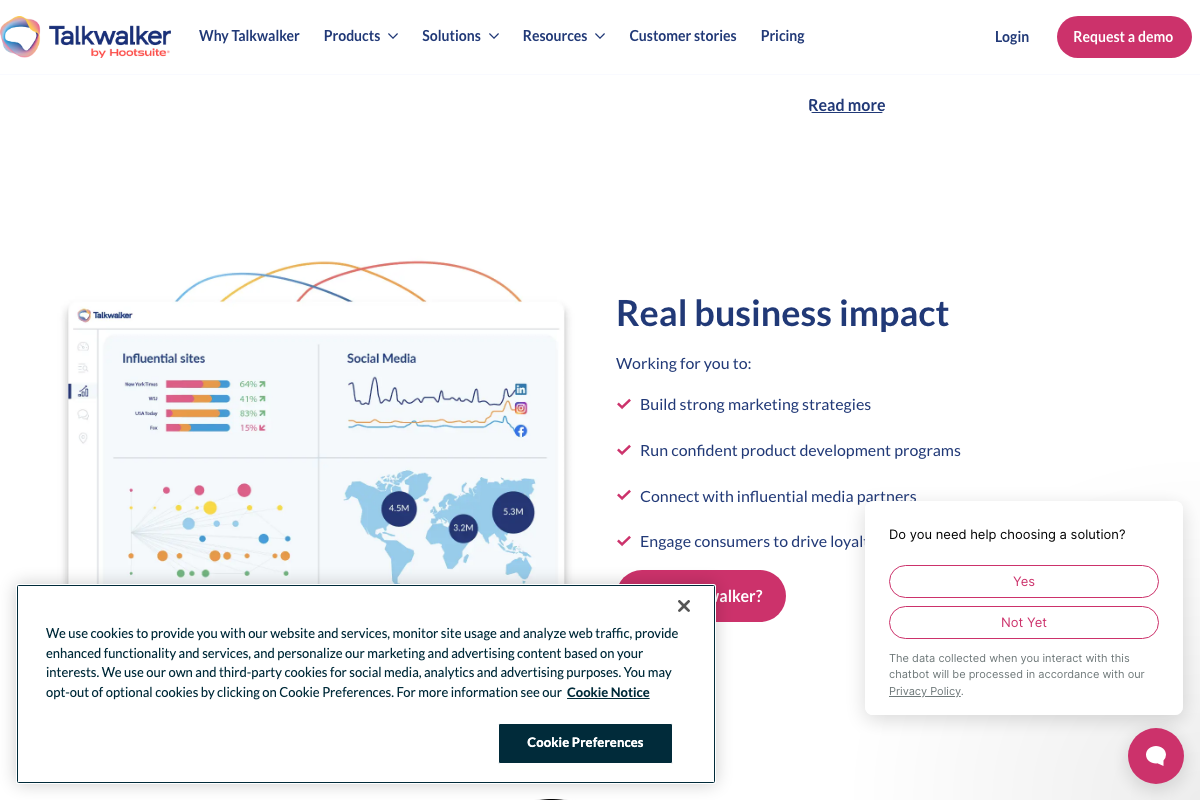
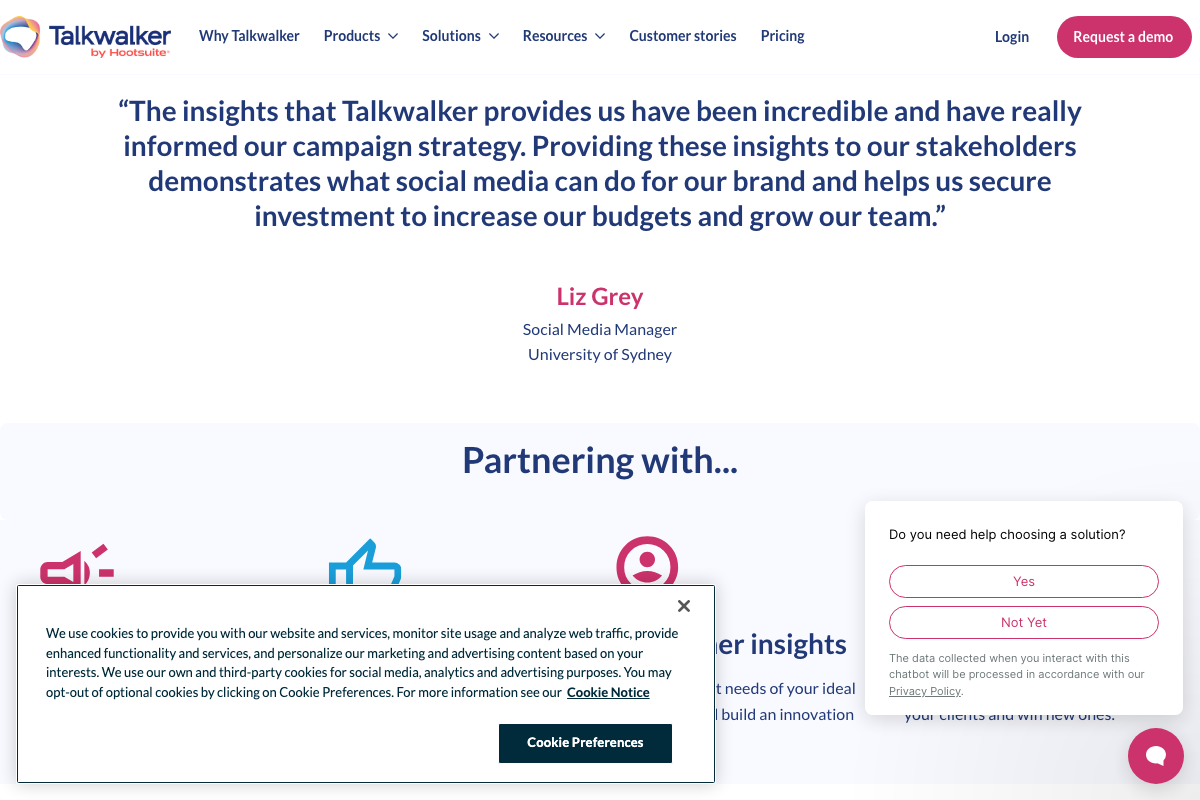
The Talkwalker homepage confirms the Hootsuite partnership and its positioning as a social listening platform. However, the dashboards shown feature traditional social media monitoring — influential sites, geographic breakdowns, and social benchmarking — not the LLM-specific filtering and analysis the video describes.
No official documentation was found for this step —
proceed using the video’s approach and verify independently.
Useful Links
- Social Listening and Media Monitoring Tool | Talkwalker — Talkwalker by Hootsuite’s homepage confirming the partnership and core social listening capabilities.
- ChatGPT — OpenAI’s ChatGPT interface, one of the AI models referenced as monitorable in LLM Insights.
- Claude — Anthropic’s Claude interface showing current Chat, Cowork, and pricing details for the AI model referenced in the video.


0 Comments