

Build Once, Run Anywhere: How Claude CoWork Workspaces Port Directly to Claude Code and Codex
The AI tool landscape shifts weekly, but the work you’ve done in Claude CoWork doesn’t have to stay there. After following this tutorial, you’ll understand why workspaces, skills, and MCP configurations built in one AI coding tool transfer seamlessly to any other. You’ll prove it by running an identical prompt inside Claude CoWork, Claude Code, and OpenAI Codex — watching all three produce the same structured output from a single shared foundation.
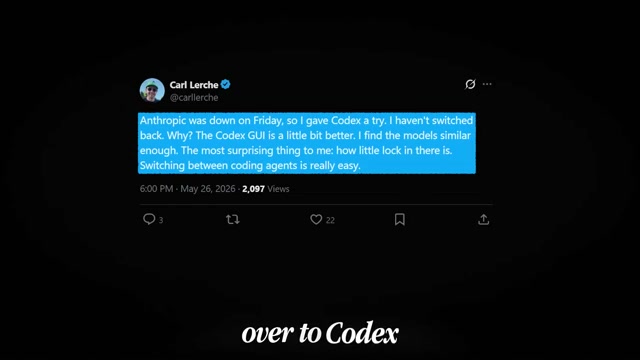
- Open the Claude Code Short System workspace folder in Finder to confirm its subfolder structure. This directory — including any
CLAUDE.mdorAGENTS.mdcontext files, skill definitions, and MCP configuration — is the portable foundation that every AI tool will read from disk.

-
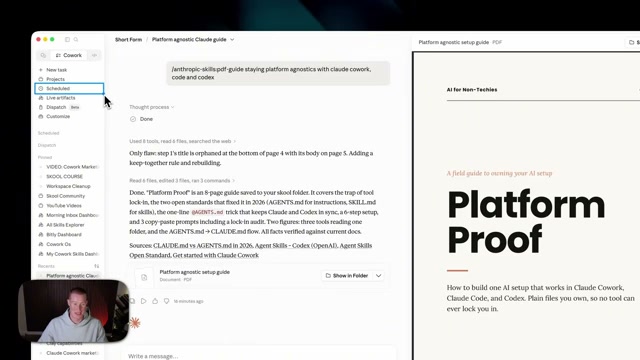
In Claude CoWork, load that workspace and submit the PDF guide skill prompt: “PDF guide staying platform agnostic with Claude CoWork, Claude Code, and Codex.” The skill was authored inside CoWork, so it runs natively here. Let the agent work while you set up the next tool in parallel.
-
Open the Claude Code desktop app, create a new session, and point it at the identical local folder. Submit the exact same prompt. Because the skill files live on disk inside the shared workspace, Claude Code reads them without any additional configuration.
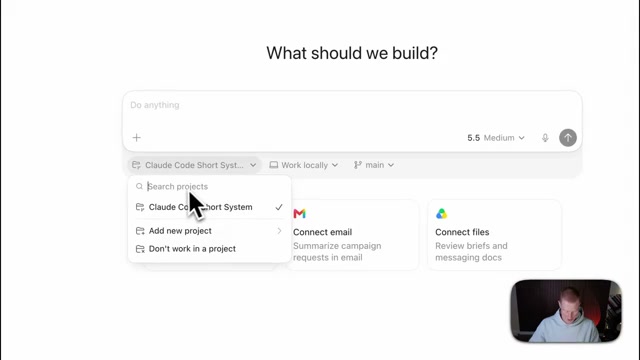
- Open OpenAI Codex — the ChatGPT desktop app — and select the same Claude Code Short System folder from the project dropdown. Submit the identical PDF guide prompt using the GPT-4.5/5.5 model.
- Once all three agents finish, compare the outputs side by side. Visual styling will differ — different generated graphics, minor layout variations — but the structure, tone, and skill-driven formatting remain functionally identical across all three tools.

-
Open the integrations panel in both Claude CoWork and Codex. The surfaces differ in name only — Connectors in Claude, Plugins in Codex — and expose the same category of third-party app connections.
-
In Claude, configure the Zapier MCP server: click Connect, then Add to Claude, then Connect. Link the apps you use — Google Drive, SynthFlow, or any of the 9,000+ integrations in the Zapier catalog. Because this MCP configuration lives in your local workspace folder, it becomes available in Codex and any other MCP-compatible tool without repeating setup.
Warning: this step may differ from current official documentation — see the verified version below.

How does this compare to the official docs?
The video makes the portability argument through live demonstration, but the official documentation for Claude Code, Codex, and the MCP specification each define precise file conventions, server configuration schemas, and context-loading behavior that determine whether your foundation actually travels the way the video suggests.
Here’s What the Official Docs Show
The video’s portability demonstration holds up where documentation exists to verify it. These notes fill in what the video didn’t cover — a subscription prerequisite, a Zapier routing decision that matters for code-native workflows, and an honest flag on every Codex step where official documentation wasn’t reachable at time of research.
1. Open the workspace folder
No official documentation was found for this step — proceed using the video’s approach and verify independently.
2. Submit the PDF skill prompt in Claude CoWork
No official documentation was found for this step — proceed using the video’s approach and verify independently.
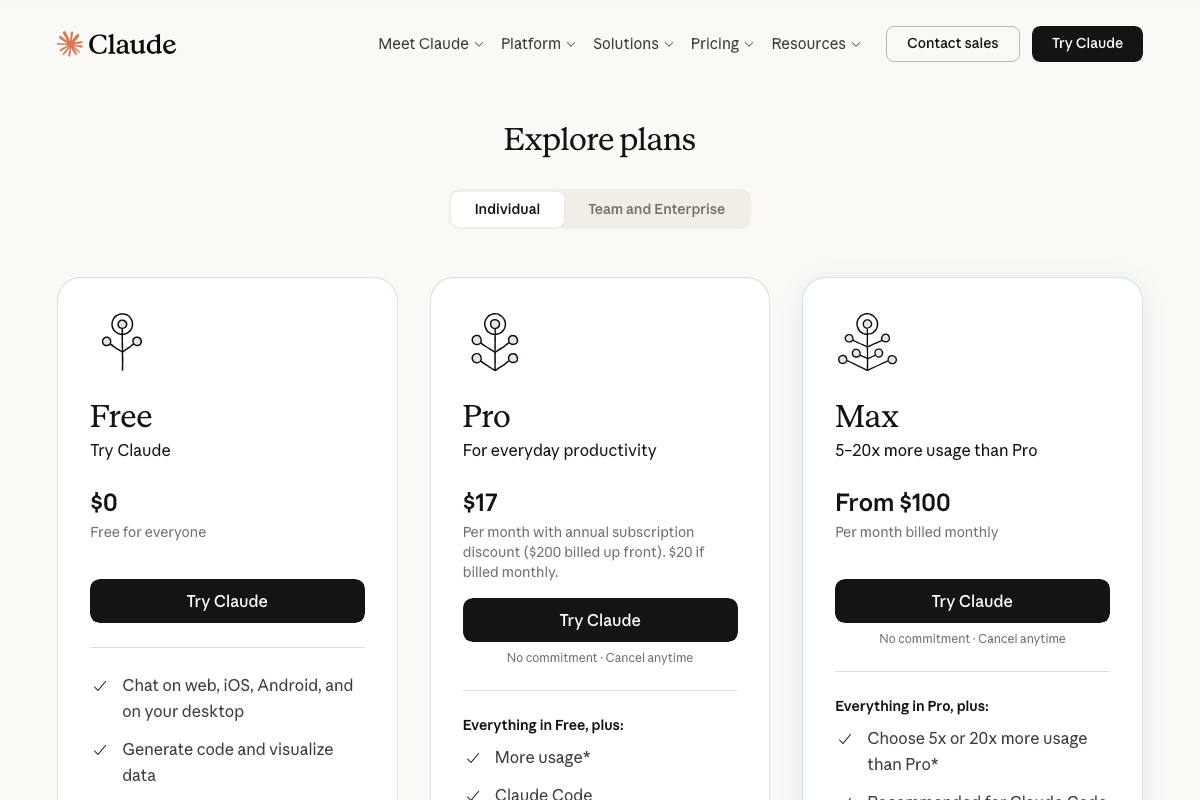
Before you reach step 3, confirm your plan. Claude Code requires at minimum a Pro subscription ($17/month annual, $20/month monthly). The Free tier excludes it. The video doesn’t mention this.
3. Open Claude Code and point it at the shared folder
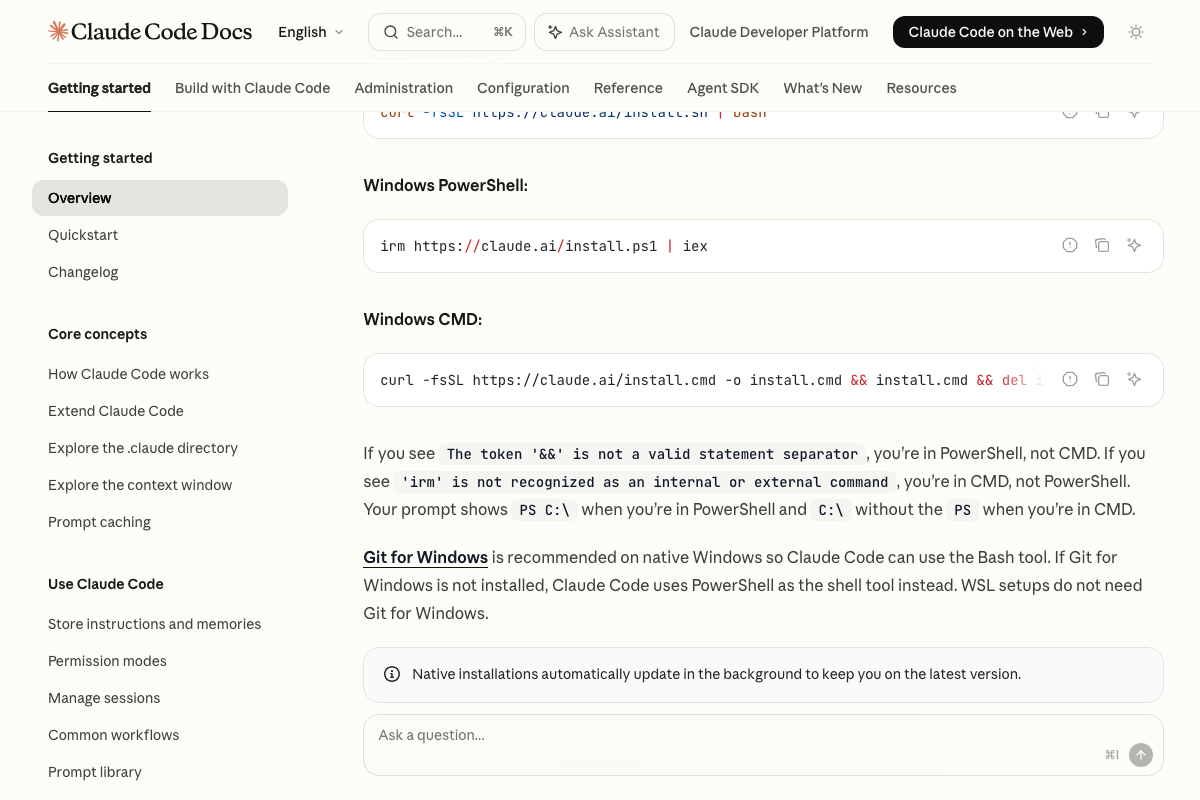
The video’s approach here matches the current docs exactly. Claude Code installs locally via a single terminal command, auto-updates in the background, and reads local file system paths directly — which is precisely how the shared workspace folder travels without extra configuration.
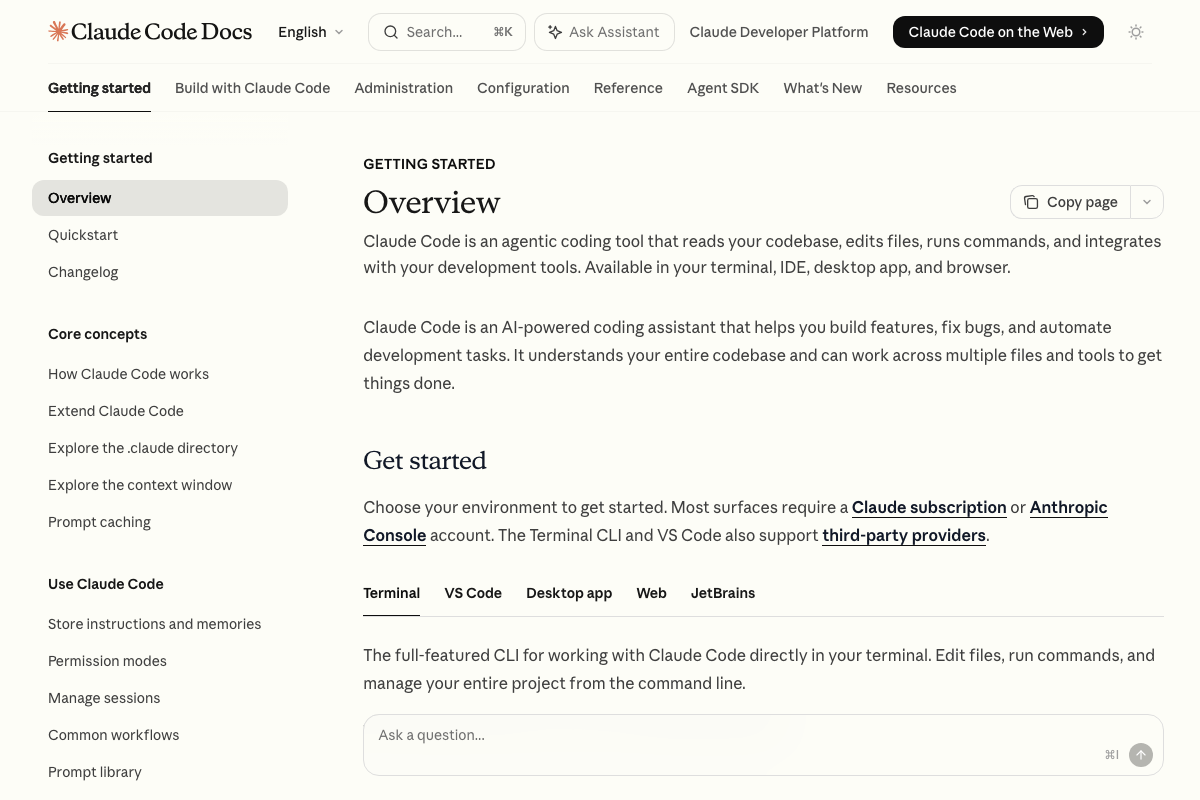
One positioning note: Claude Code’s documented primary purpose is reading codebases, editing files, and running commands. The PDF skill prompt is functional here but outside that core framing.
4–7. Open Codex, compare outputs, view integrations
No official documentation was found for these steps — proceed using the video’s approach and verify independently.

All three openai.com/codex documentation captures failed to load during research. Nothing across steps 5, 6, and 7 can be confirmed or corrected against official OpenAI documentation.
8. MCP integration in Claude Code
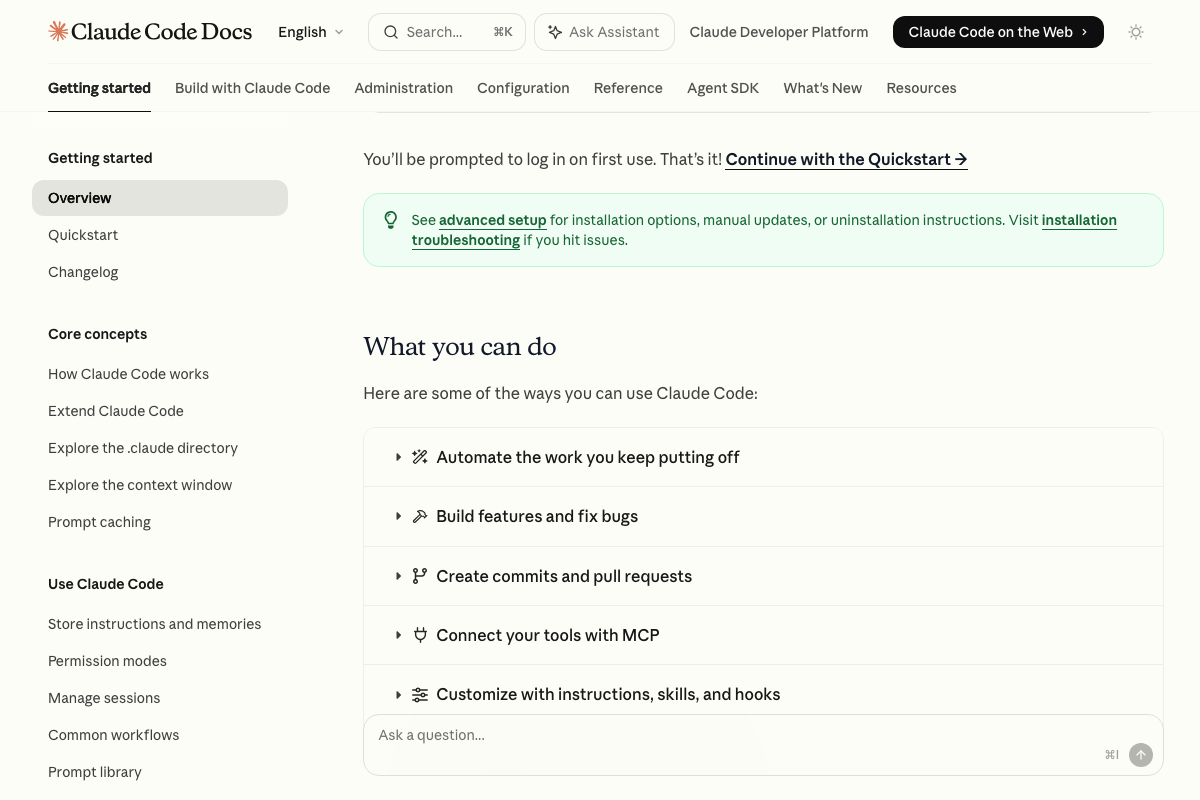
The video’s approach here matches the current docs exactly. “Connect your tools with MCP” and “Customize with instructions, skills, and hooks” are both listed as first-party Claude Code capabilities in the official overview.
9. Connect Zapier MCP in Claude
The video’s approach here matches the current docs exactly. Zapier MCP officially lists Claude as a supported client, the no-terminal click-through connect flow is documented, and MCP access is available on all Zapier plan tiers at no additional cost.
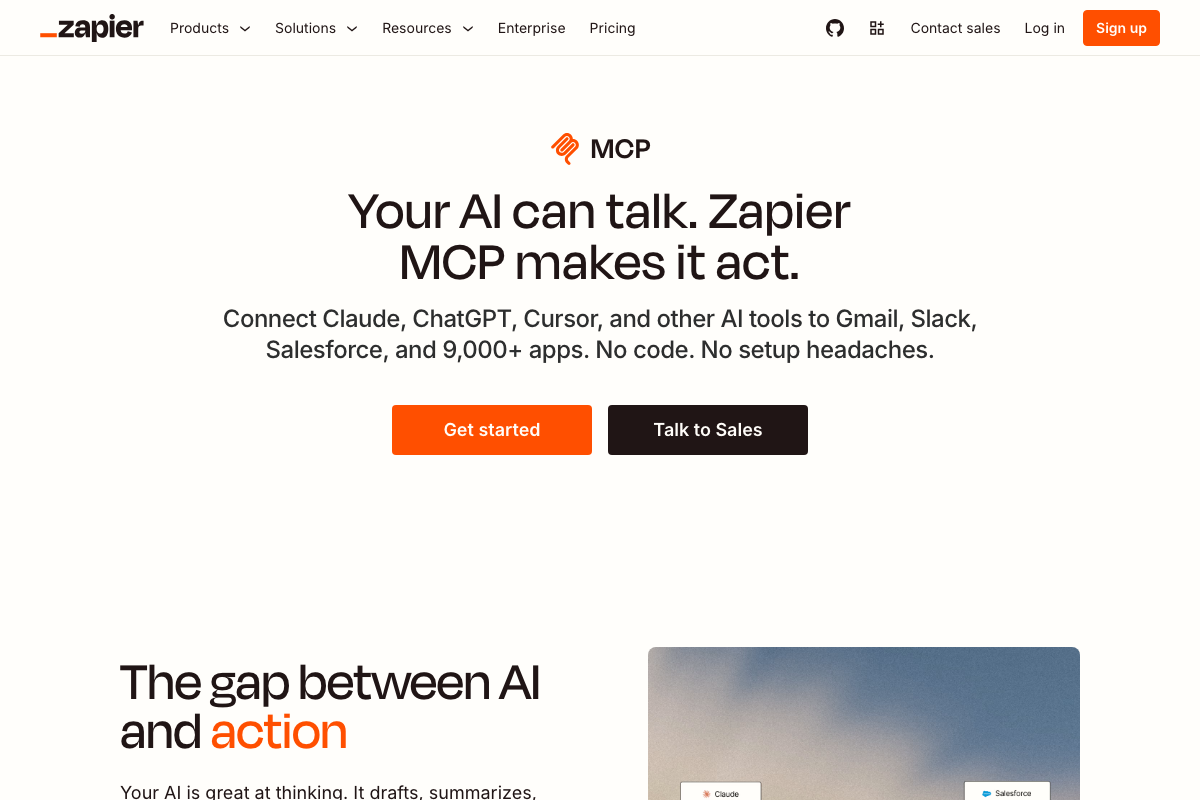
One operational constraint the video omits: Zapier MCP enforces a two-tasks-per-call limit. Multi-step automations that chain more than two actions in a single prompt will hit this ceiling.

10. MCP configuration portability across tools
No official documentation was found for this step — proceed using the video’s approach and verify independently.
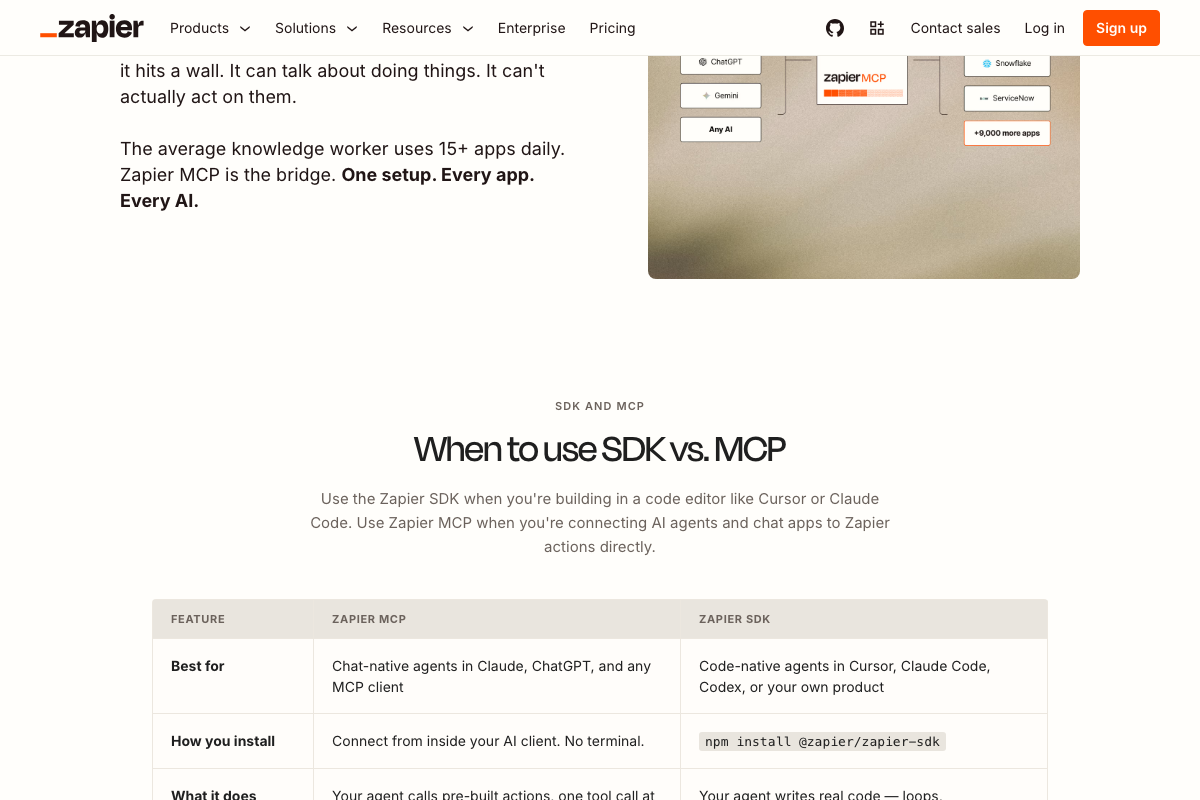
There is a documented distinction worth knowing before you replicate this setup. Zapier’s own documentation routes by client type: MCP is recommended for chat-native agents (Claude, ChatGPT); Zapier SDK is recommended for code-native agents (Cursor, Claude Code, Codex). If you’re running Claude Code or Codex in a development workflow, Zapier’s recommendation is npm install @zapier/zapier-sdk — currently free in open beta. The portability claim isn’t contradicted, but MCP and SDK are positioned as separate tools for separate contexts.
Useful Links
- Sign in – Claude — Claude.ai product page confirming CoWork as an officially named feature surface and Pro plan pricing for Claude Code access
- Overview – Claude Code Docs — Official Claude Code documentation covering installation methods, multi-environment support, MCP connectivity, and the skills/hooks customization system
- Codex | AI Coding Partner from OpenAI | OpenAI — Official OpenAI Codex product page; documentation failed to load at time of capture and Codex-specific steps remain unverified
- Connect AI tools to 9,000 apps with Zapier MCP — Zapier MCP product page documenting supported clients, the MCP vs. SDK recommendation split for code-native agents, and the two-tasks-per-call operational limit


0 Comments