

Build a YouTube Audience Avatar and Channel Promise Using Claude and vidIQ
Before a single script is written or a thumbnail designed, the channels growing fastest on YouTube in 2026 know exactly who they’re making content for — and what they’re silently promising that person. This tutorial walks you through a three-prompt workflow using vidIQ’s Claude MCP integration to extract a hyper-specific audience avatar and a differentiated channel promise directly from real YouTube comment data. You’ll finish with a banner line, a spoken hook, and a content filter ready to use immediately.
-
Choose the YouTube channel you want to analyze. This can be your own channel or any public competitor with active comments. The workflow reads only publicly visible data, so no special access or permissions are required.
-
Open Claude and connect it to vidIQ’s MCP integration. If you haven’t completed that setup, vidIQ provides instructions linked from their MCP landing page. The same prompts also work inside vidIQ AI Coach or vidIQ’s ChatGPT integration — data access is equivalent across all three options.
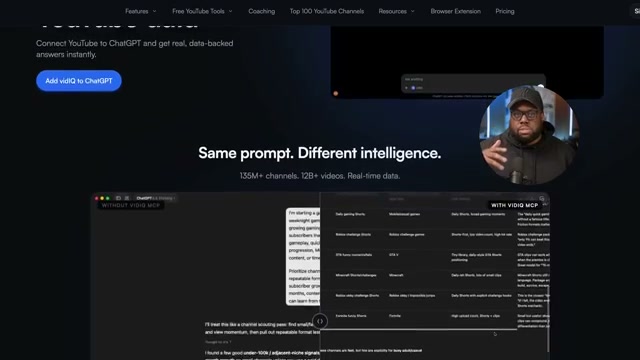
- Run Prompt 1 against your target channel. The prompt instructs Claude to pull top comments from the channel’s most engaged recent videos and surface what people repeatedly say about themselves, their lives, what they do while watching, and what they want more of — then return a summary. No content is being generated at this stage. You’re using AI to accelerate audience research that would otherwise take hours of manual reading.
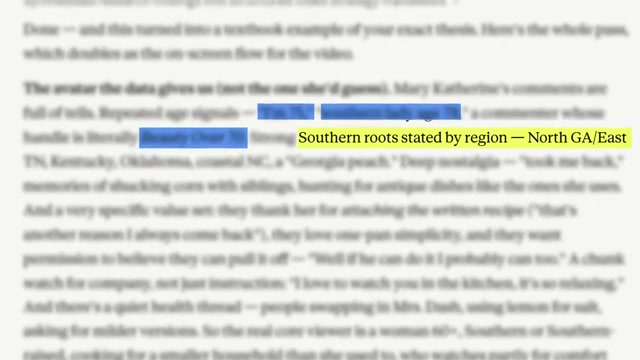
- Read the comment summary and look for demographic signals, emotional triggers, and behavioral patterns that YouTube Analytics wouldn’t surface. In the example used in the video — a Southern cooking channel — the summary revealed commenters naming specific regions (North Georgia, East Tennessee), referencing childhood memories, and describing the videos as companionship rather than instruction. That last detail reframes the entire content strategy.
-
Run Prompt 2 to construct a detailed audience avatar. The prompt asks for one vivid, specific person: a name, a two-to-three sentence life snapshot, the moment that brings them to the channel, the unmet need the content quietly addresses, what keeps them returning in their own words, and one piece of content they’re silently asking for that hasn’t been made yet.
-
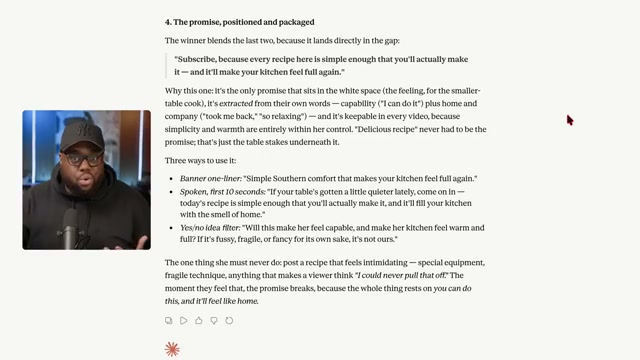
Run Prompt 3 — the channel promise prompt — which operates in four stages. First, it mines the existing comments for the emotional “why I keep watching” beneath the surface topic. Second, it maps the niche by pulling over-performing videos on similar channels to identify what those channels are implicitly promising and where the gaps are. Third, it drafts three candidate “subscribe because” promises. Fourth, it pressure-tests each for uniqueness and delivers three implementation formats: a banner one-liner, a spoken first-ten-seconds hook, and a yes/no content filter.
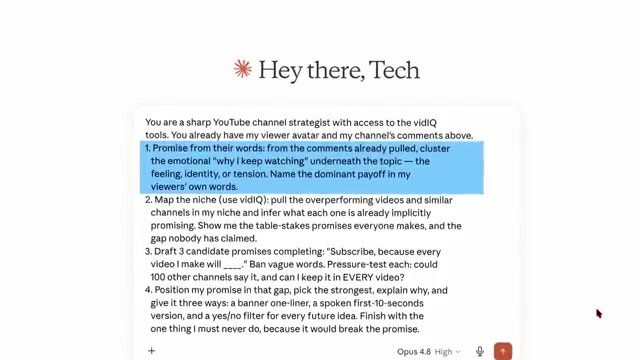


- Review Claude’s output and rewrite the promise language in your own voice before applying it to scripts, titles, or channel branding. The AI delivers a differentiated starting point; the final line should read as if you wrote it without help.
How does this compare to the official docs?
The vidIQ MCP setup and Claude’s tool-use configuration each carry specific requirements the video moves through quickly — Act 2 examines what the official documentation actually specifies at each connection and configuration step.
Here’s What the Official Docs Show
The video’s workflow is a genuinely useful framework for audience research — Act 2 adds the documentation layer so you know exactly what’s confirmed, what’s a gap, and where to verify before you start. Because the official screenshots surfaced meaningful gaps in coverage, several steps below carry explicit flags rather than confirmations.
Step 1: Choose a Channel to Analyze
The video’s approach here matches the current docs exactly. vidIQ’s browser extension — available as a free install — delivers “instant insights on any video or channel” directly within the YouTube interface, confirming that analyzing your own channel or a public competitor requires no special access or paid plan.
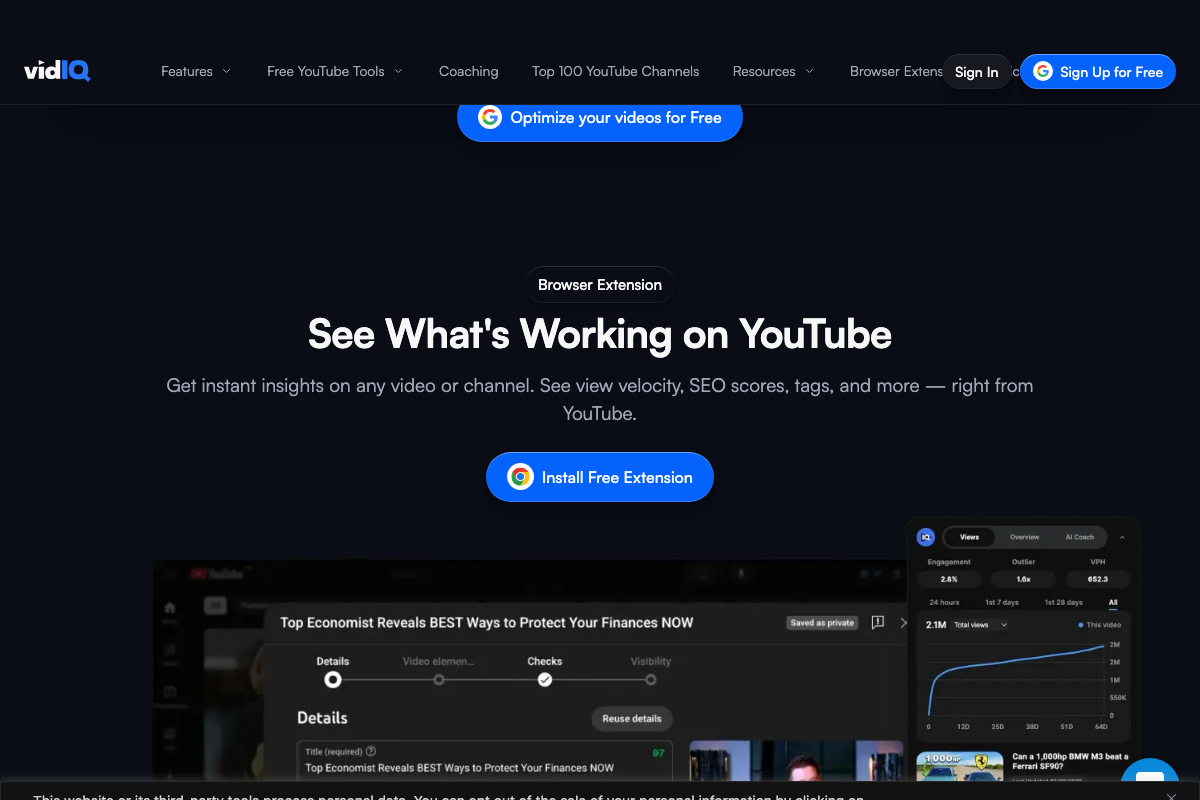
One useful clarification: the extension surfaces view velocity, SEO scores, and tags at the channel and video level. It does not appear to expose raw comment data as a native feature — which is precisely why the Claude MCP layer in later steps carries its own setup requirements.
Step 2: Connect Claude to vidIQ’s MCP Integration
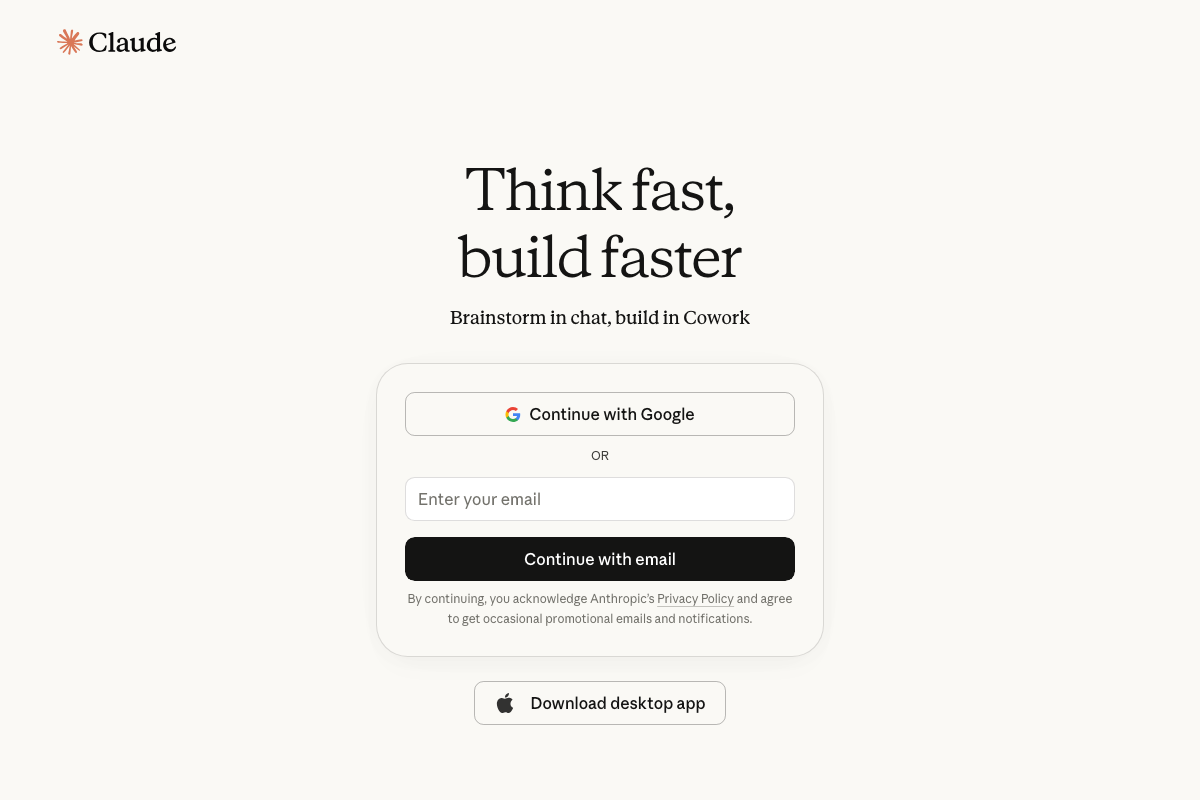
Claude.ai is a live platform accessible at claude.ai, and a signed-in account is required before any integration can be used. Sign-in is available via Google OAuth, email, or the Claude desktop app — the desktop app option is not mentioned in the video but is a valid access path.
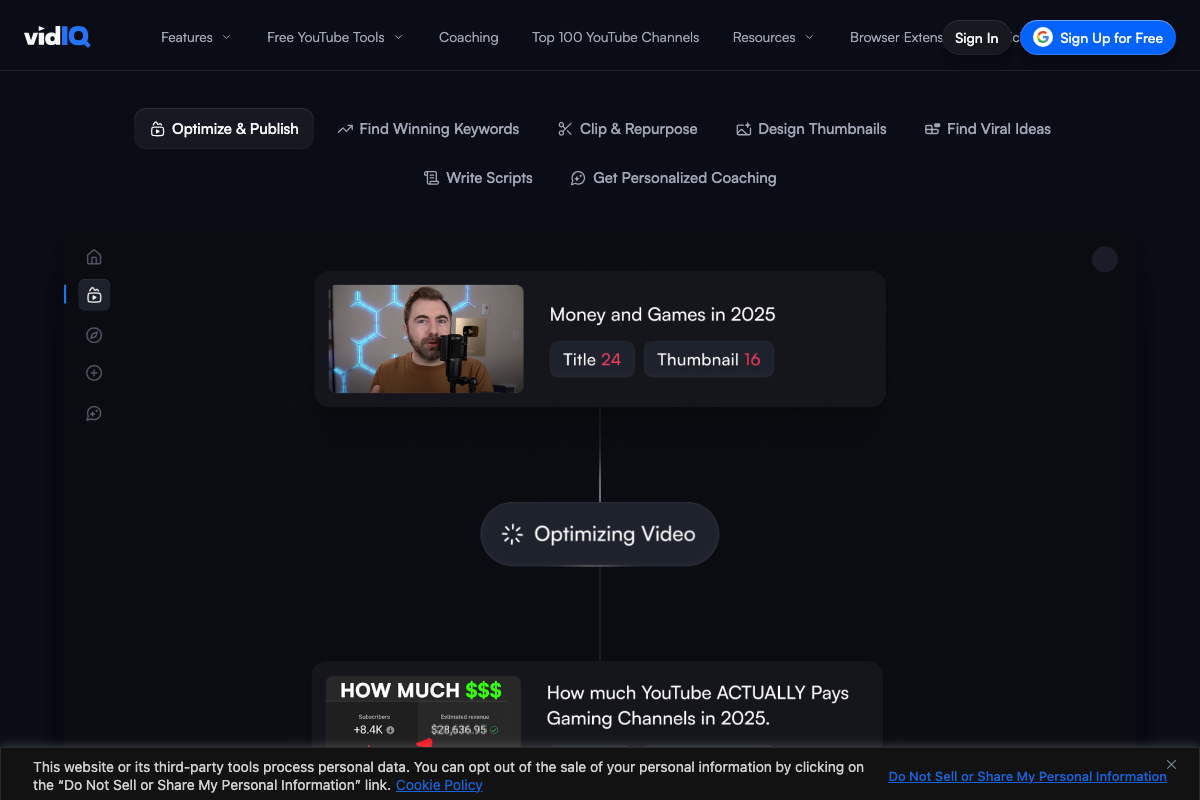
vidIQ’s AI Coach is confirmed as a named, in-product feature — the browser extension UI shows an “AI Coach” tab alongside standard analytics tabs — which supports the video’s statement that the prompts work equivalently inside AI Coach.
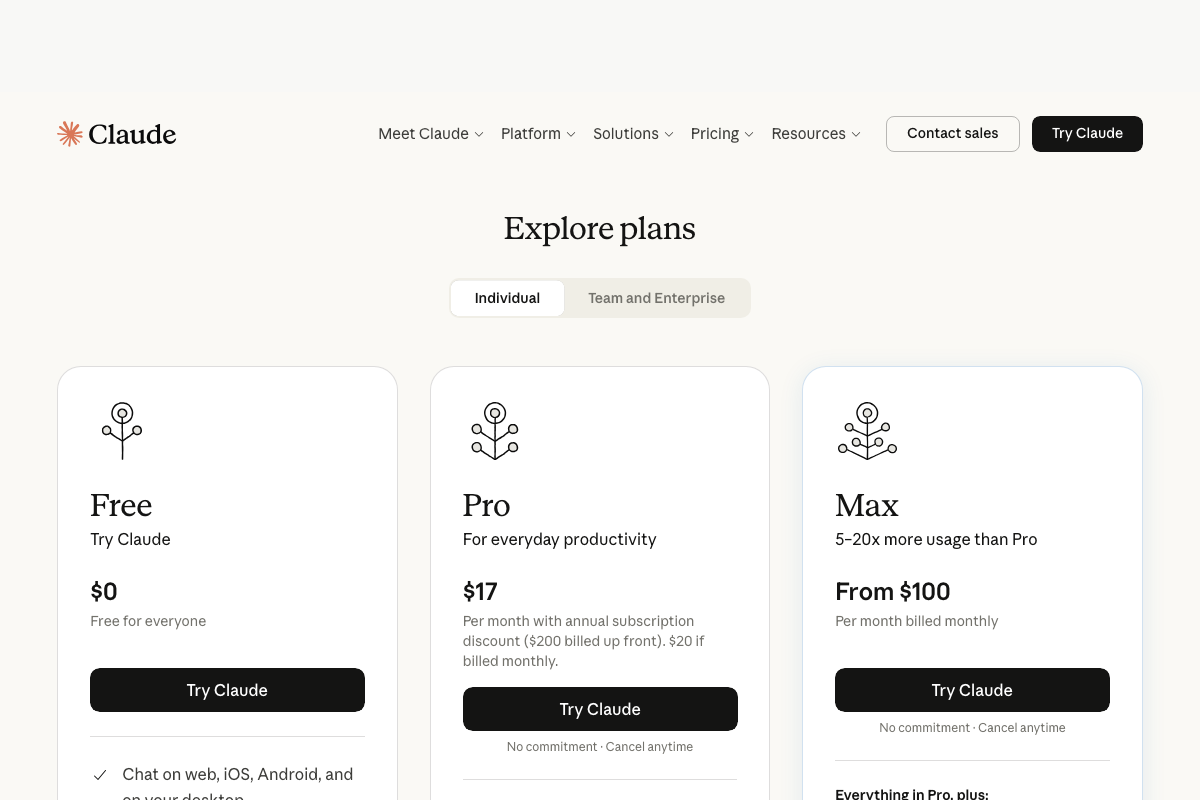
Two important gaps to flag before you begin. First, the MCP connection process itself — which plan tier enables it, and the configuration steps — is not documented in any available screenshot. As of June 8, 2026, Claude’s individual tiers are Free ($0), Pro ($17/mo billed annually or $20/mo monthly), and Max (from $100/mo). No tier is identified in the official pricing documentation as the minimum required for MCP access.
Second, the vidIQ-to-ChatGPT integration referenced as an equivalent option in the video is not documented in any available screenshot — only ChatGPT’s public landing page was captured, not any vidIQ-side setup flow.
No official documentation was found for the MCP connection setup or the vidIQ-to-ChatGPT integration path — proceed using the video’s approach and verify independently at support.vidiq.com before beginning.
Steps 3–7: The Three-Prompt Workflow (Comment Analysis, Audience Avatar, Channel Promise)
No official documentation was found for this step — proceed using the video’s approach and verify independently.
The entire prompt workflow — pulling comment data in Prompt 1, constructing the audience avatar in Prompt 2, and generating the channel promise with pressure-testing in Prompt 3 — is unverified against official documentation. No screenshot captures the prompt inputs, expected outputs, or how Claude surfaces behavioral comment data through the MCP layer. The video’s demonstration remains the only available reference for Steps 3 through 7.
Useful Links
- vidIQ: Get More Subscribers & Views on YouTube | YouTube Tools — vidIQ’s marketing homepage confirming free access, enterprise client roster, and current feature set including the browser extension and AI Coach
- Sign in – Claude — Claude.ai account sign-in page; entry point for all Claude access including MCP-enabled sessions
- Documentation – Claude API Docs — Anthropic’s pricing page showing Free, Pro, and Max tiers as of June 2026; verify current MCP eligibility here before beginning Step 2
- ChatGPT — ChatGPT’s public landing page confirming platform availability; login required for full functionality including file uploads needed for any data-passing workflow


0 Comments