

Reddit + AI Keyword Research with Semrush’s Strategy Builder
Modern keyword research has moved beyond autocomplete and competitor analysis — it starts with the communities your audience actually uses. This workflow pulls real questions from Reddit, runs them through a structured AI extraction prompt, and validates the output in Semrush’s Keyword Strategy Builder. Complete it and you’ll have a prioritized list of low-competition, high-intent keywords mapped to content clusters you can act on the same day.
-
Build a two-column spreadsheet with headers for Reddit post title and post context. This structured format is what you’ll feed into the AI extraction step later. The video links a ready-made Semrush Reddit Keyword Research Template in the description if you want to skip setup.
-
On Reddit, search for terms relevant to your industry — the video uses “email marketing” — then filter results by Communities to surface active subreddits. Prioritize those with the highest weekly visitor and contribution counts, and save their URLs to a dedicated tab in the spreadsheet for repeat use.
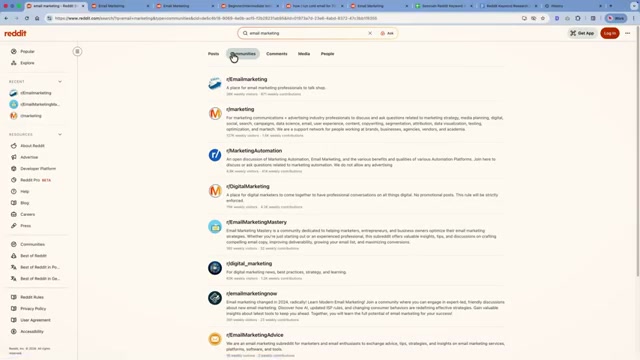
- Inside each subreddit, identify posts that ask direct, niche-specific questions. Skip image- or video-based threads (the title and body text alone carry too little signal), and skip promotional posts where users are narrating their own workflows or pitching services.
- Open Reddit and your spreadsheet side-by-side — split windows or two browser tabs work equally well — and copy each qualifying post’s title and full body text into the corresponding columns. Work through multiple subreddits until you have roughly 25 discussions, which the video estimates takes 15–30 minutes.

- Export the completed spreadsheet as a CSV, then upload it to ChatGPT (thinking mode recommended) alongside a prompt that instructs the model to extract 1–4 word keyword ideas. The critical constraint in the prompt explicitly bans vague, broad terms and provides example guardrails — good output looks like “best time to send email newsletter,” bad output looks like “email” — to keep results targeted and actionable.

- Copy the plain-text keyword list from the AI output, open Semrush Keyword Strategy Builder, create a new list, and paste your keywords in. The tool accepts up to 2,000 at a time.
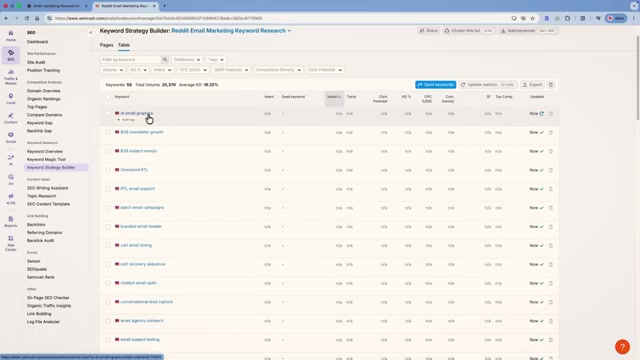
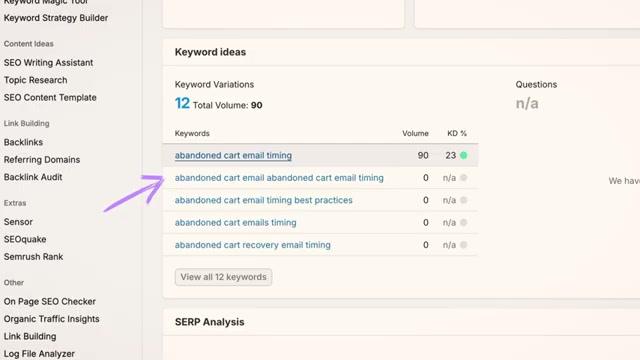
- Sort the list by ascending search volume and remove keywords that are clearly irrelevant. Don’t discard every zero-volume entry automatically — click through borderline terms to the Keyword Overview page, where related variations often surface real monthly volume that the exact phrase lacks. Add any worthwhile variations back to your list manually before moving on.

- Once the list is refined, click Cluster this list to group keywords into topic clusters annotated with keyword difficulty scores and monthly search volumes. Return to the process regularly by sorting subreddit feeds by New to catch fresh discussions before competitors do.
How does this compare to the official docs?
Semrush’s documentation goes deeper on how the Keyword Strategy Builder’s clustering logic actually works — and that’s precisely where the verified version of this workflow begins.
Here’s What the Official Docs Show
The workflow the video walks through is solid — what follows layers in a few UI details that have shifted since the tutorial was recorded and flags the steps where official documentation runs out. Think of this as the double-check, not the redo.
1. Set up your spreadsheet
No official documentation was found for this step — proceed using the video’s approach and verify independently.

2. Find your subreddits on Reddit
The video’s approach here matches the current docs exactly for the search step — Reddit’s “Find anything” bar is live and filterable by Communities after you execute a search.
One prioritization detail to update: as of May 2026, Reddit’s search and browse results surface member counts, not weekly visitor figures. Weekly active members, when available, appear inside an individual subreddit’s sidebar — not in the Communities filter view. Use member count to narrow the field, then click into each subreddit to check weekly active members in the sidebar before committing.
3. Select qualifying posts
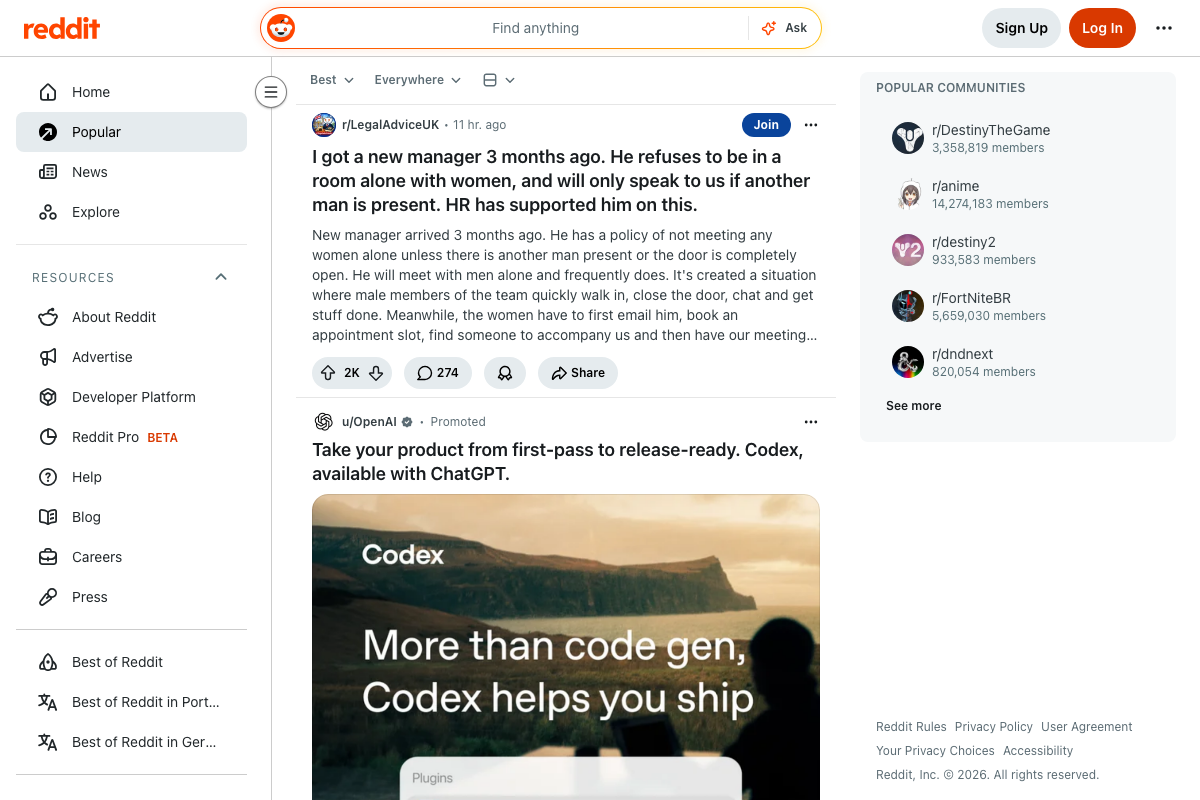
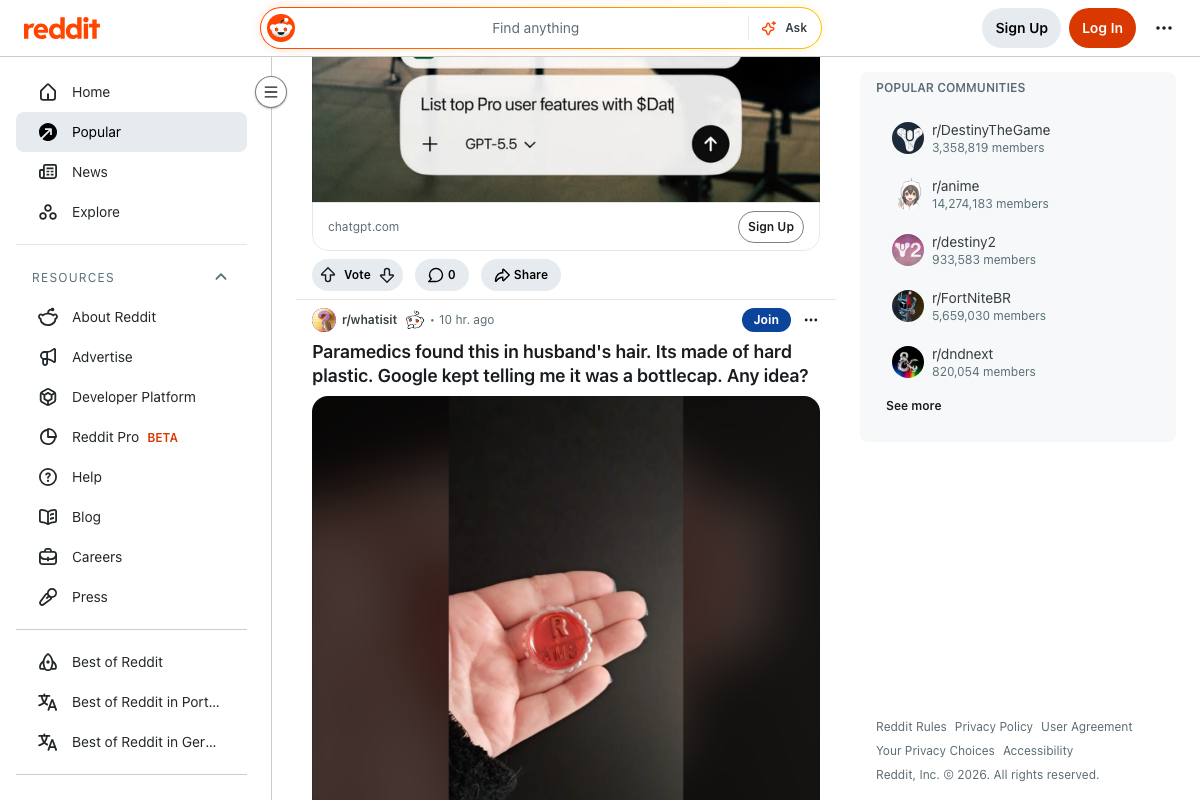
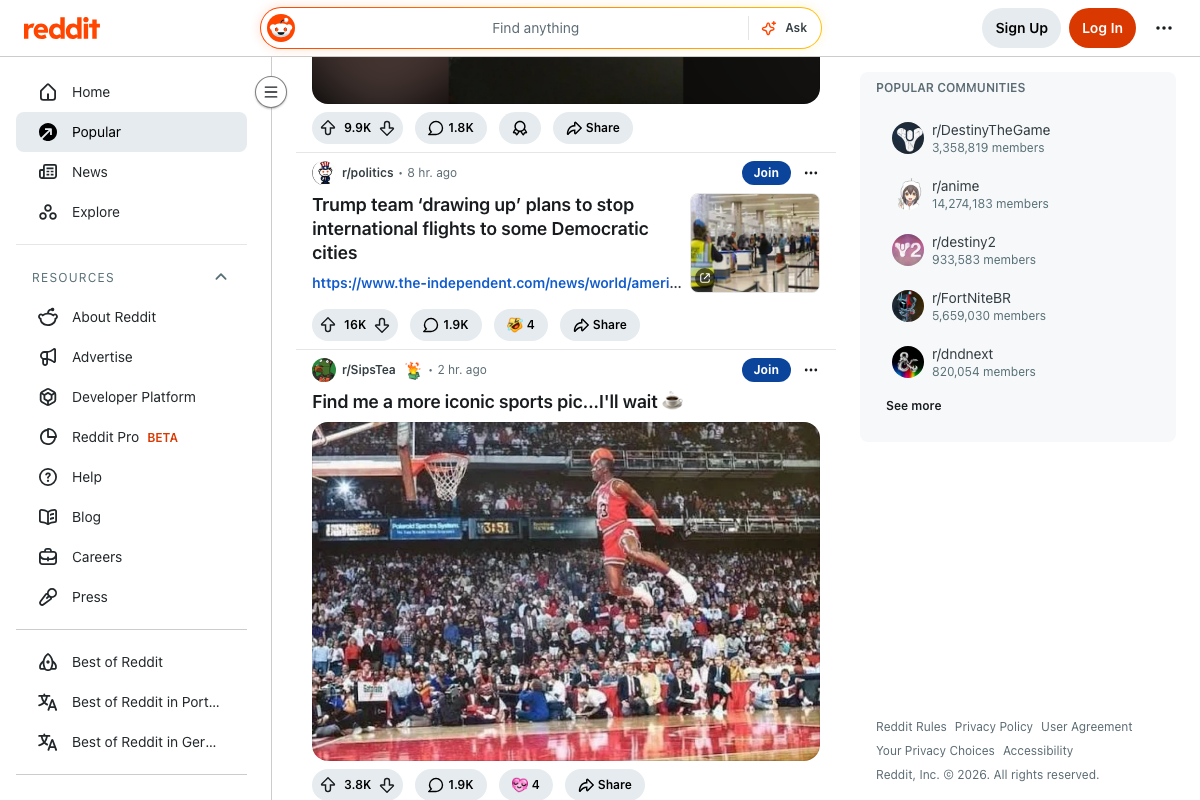
The video’s approach here matches the current docs exactly. Reddit feeds mix text, image, link, and promoted posts — the instruction to skip image and video threads applies to sponsored submissions as well as organic ones.
4. Build your spreadsheet row by row
No official documentation was found for this step — proceed using the video’s approach and verify independently.
5. Upload to ChatGPT and extract keywords
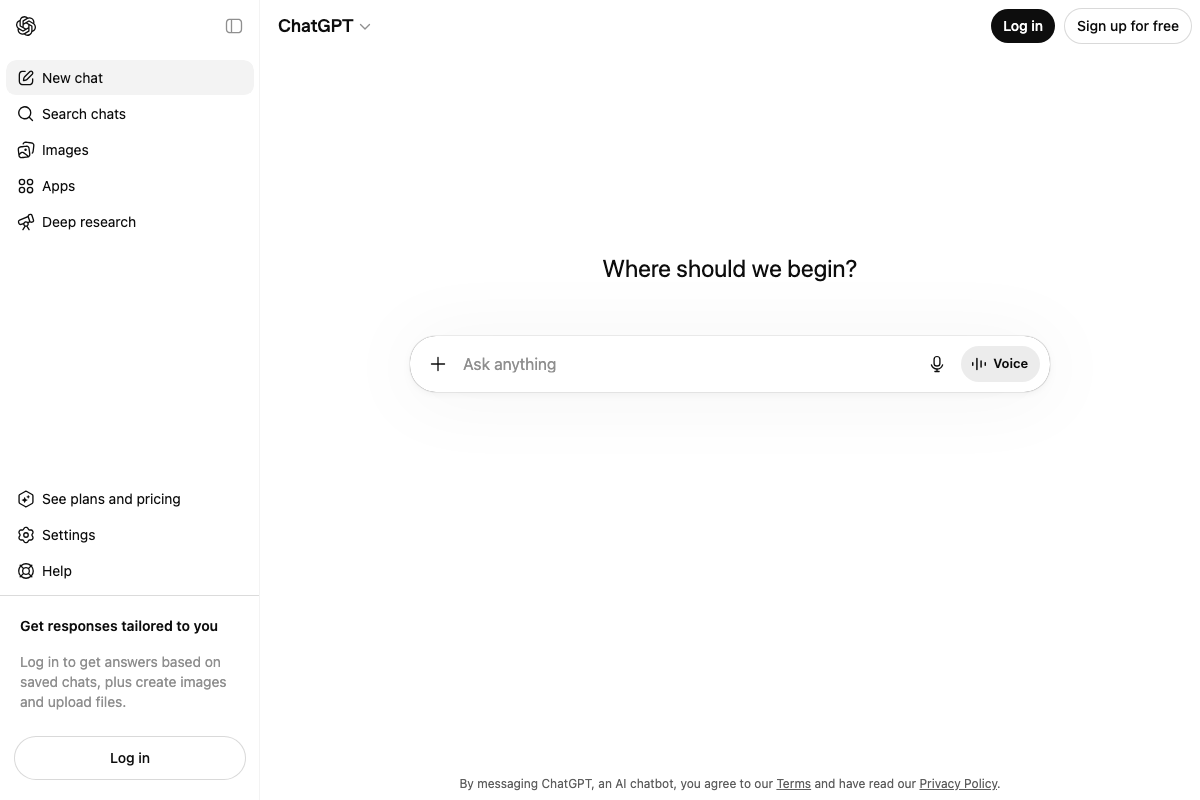
File upload via the “+” attachment button is confirmed in the current ChatGPT interface. The extraction prompt structure is sound.
As of May 2026, no UI element labeled “thinking mode” exists in ChatGPT. Extended reasoning is accessed by selecting a reasoning model — o1 or o3 — from the model selector dropdown at the top of the chat window before you submit your prompt.
6. Paste keywords into Keyword Strategy Builder
No official documentation was found for this step — proceed using the video’s approach and verify independently.
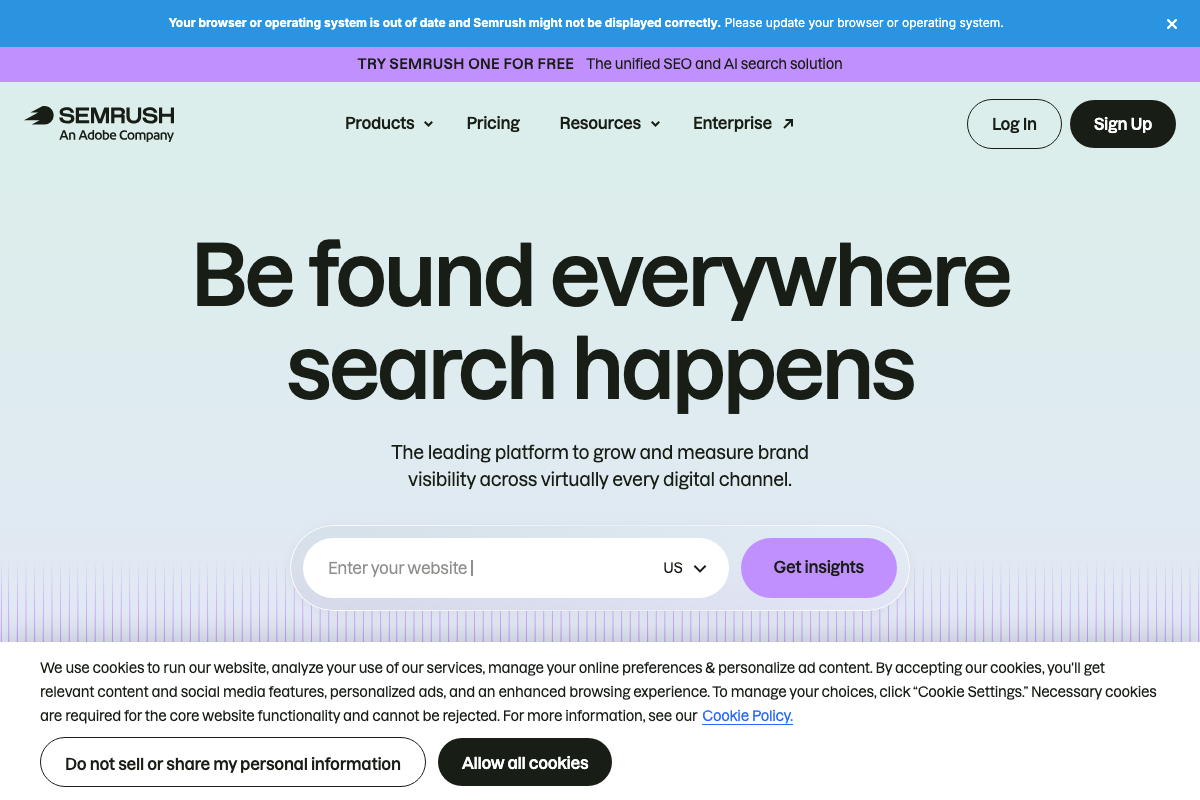
Worth noting before you log in: Semrush is now An Adobe Company, and the platform offers a 7-day unlimited free trial covering all tools including Keyword Strategy Builder — not mentioned in the video, but relevant if you’re evaluating the workflow before committing to a subscription.
7. Sort, filter, and check the Keyword Overview
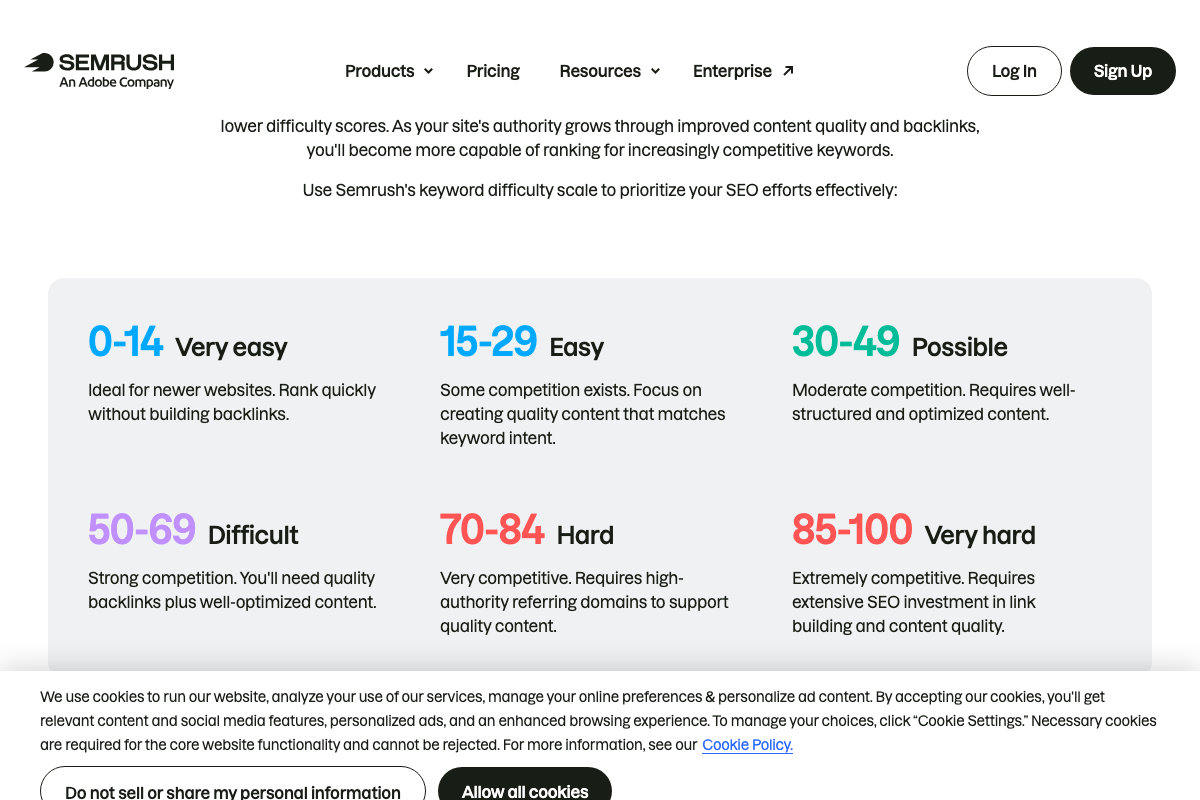
The video’s approach here matches the current docs exactly — Keyword Difficulty (0–100 scale) and Monthly Search Volume are confirmed Semrush metrics tied to Google page-one ranking difficulty.
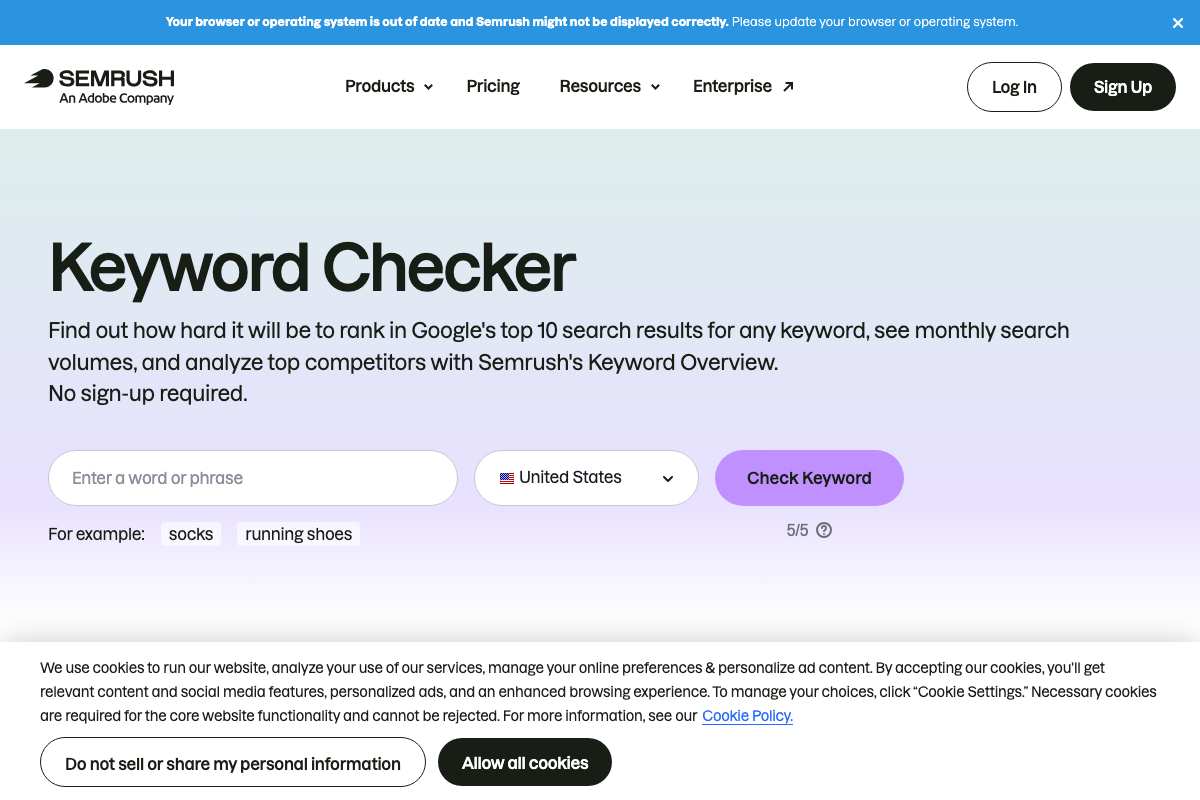
One label to know: the public URL (semrush.com/analytics/keywordoverview/) displays an H1 that reads “Keyword Checker,” not “Keyword Overview,” and caps unauthenticated users at 5 free checks. Inside a logged-in account, the tool appears as “Keyword Overview” without that cap. The official difficulty tiers: 0–14 Very easy, 15–29 Easy, 30–49 Possible, 50–69 Difficult, 70–84 Hard, 85–100 Very hard. If your domain is newer, target the Easy and Very easy ranges.
8. Cluster and act
No official documentation was found for this step — proceed using the video’s approach and verify independently.
Useful Links
- Semrush: Your Unfair Advantage for Growing Brand Visibility — Semrush homepage and primary entry point for all tools, now operating as an Adobe Company.
- Reddit – The heart of the internet — Primary source for community keyword discovery; use search, filter by Communities, and check individual subreddit sidebars for engagement data.
- ChatGPT — OpenAI’s chat interface used for keyword extraction; select o1 or o3 from the model dropdown to enable extended reasoning.
- Google Sheets: Sign-in — Google’s browser-based spreadsheet used to collect Reddit post data and organize keyword output before CSV export.
- Free Keyword Checker: Check Keyword Difficulty & Competition — Semrush’s public Keyword Overview tool; unauthenticated users receive 5 free checks, while logged-in users access the full tool under the “Keyword Overview” label.
- Organic Rankings: Competitor SEO Keyword Checker | Semrush — Semrush competitor analysis tool; also the source of the 7-day unlimited free trial offer.
- Google Chrome – The Fast & Secure Web Browser Built to be Yours — Chrome download page; the multi-tab workflow in the tutorial uses standard Chrome tab management, unaffected by the current version.


0 Comments