

Migrate Your Website Without Losing SEO Traffic
A botched site migration can erase years of search equity in days — David Quaid has witnessed it firsthand, including accidental migrations triggered by IT teams moving servers without notice. In this walkthrough, he lays out a pre- and post-migration checklist that has reduced traffic disruption to roughly 1% of what an unplanned migration typically costs. After working through these steps, you’ll be equipped to change your CMS, domain, or URL structure without torching your rankings in the process.
-
Freeze the site one month before the migration date. This doesn’t mean halting content updates — it means locking structural elements: footer links, navigation patterns, and URL conventions. Rejigging the site footer at 11 a.m. on migration day is exactly the kind of chaos these steps are designed to prevent.
-
Implement an HTML sitemap and publish it before the migration date. XML sitemaps do not pass authority and have limited influence on crawl prioritization; the HTML sitemap does the actual heavy lifting for ensuring pages are discovered and indexed.
-
Resolve trailing slash canonicalization across the entire site. Google treats
/pageand/page/as two distinct URLs at the ASCII level. Choose one pattern, enforce it site-wide, and settle it a month out so the signal stabilizes before you move anything.
-
Force consistent WWW or non-WWW behavior and confirm SSL is properly configured on HTTPS before the migration window opens.
-
Identify the top pages generating 80–90% of your traffic. These pages should change as little as possible during the migration — content, metadata, and URL structure all included. Many sites will find that 90% of traffic runs through fewer than ten pages.
-
Set up a SERP rank-tracking report for those top pages before you migrate. This gives you a pre-migration baseline and lets you detect keyword position movement the moment it happens.

-
Audit your XML sitemap and confirm it stays under 50,000 lines. Oversized sitemaps can distort your topical authority profile when Google re-evaluates the site during reindexation.
-
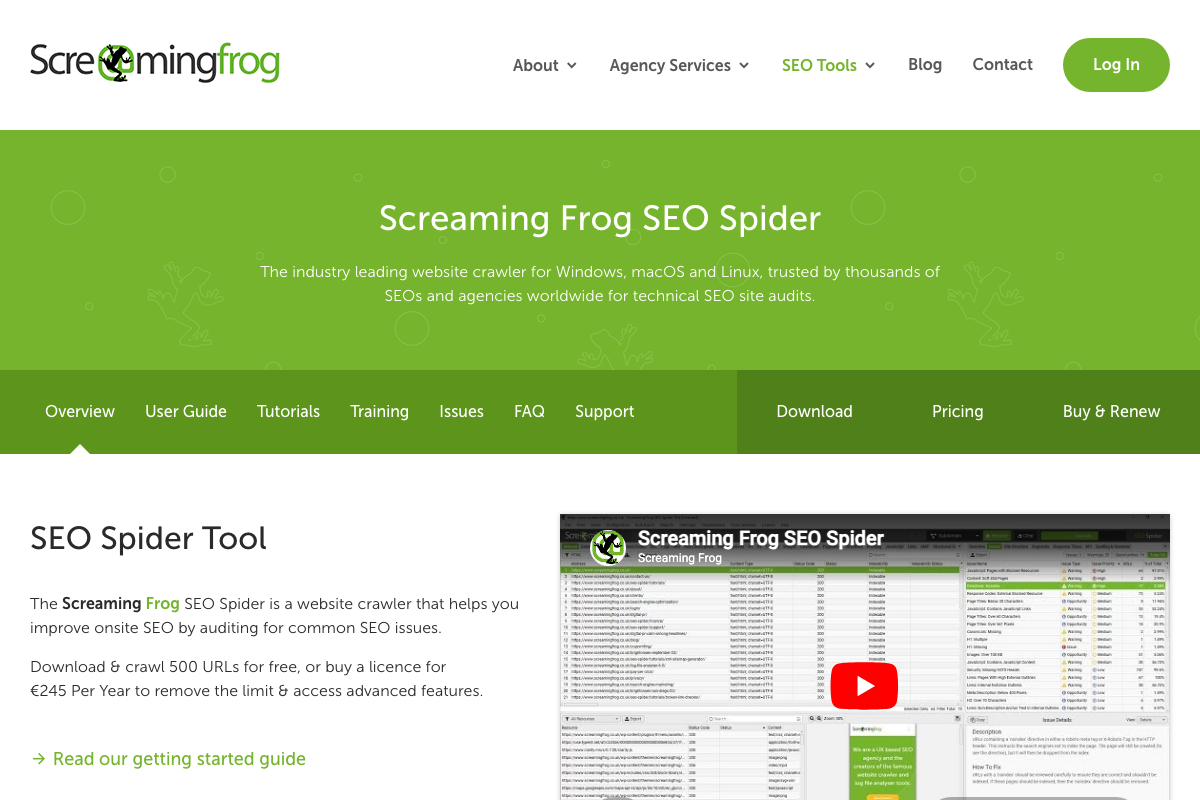
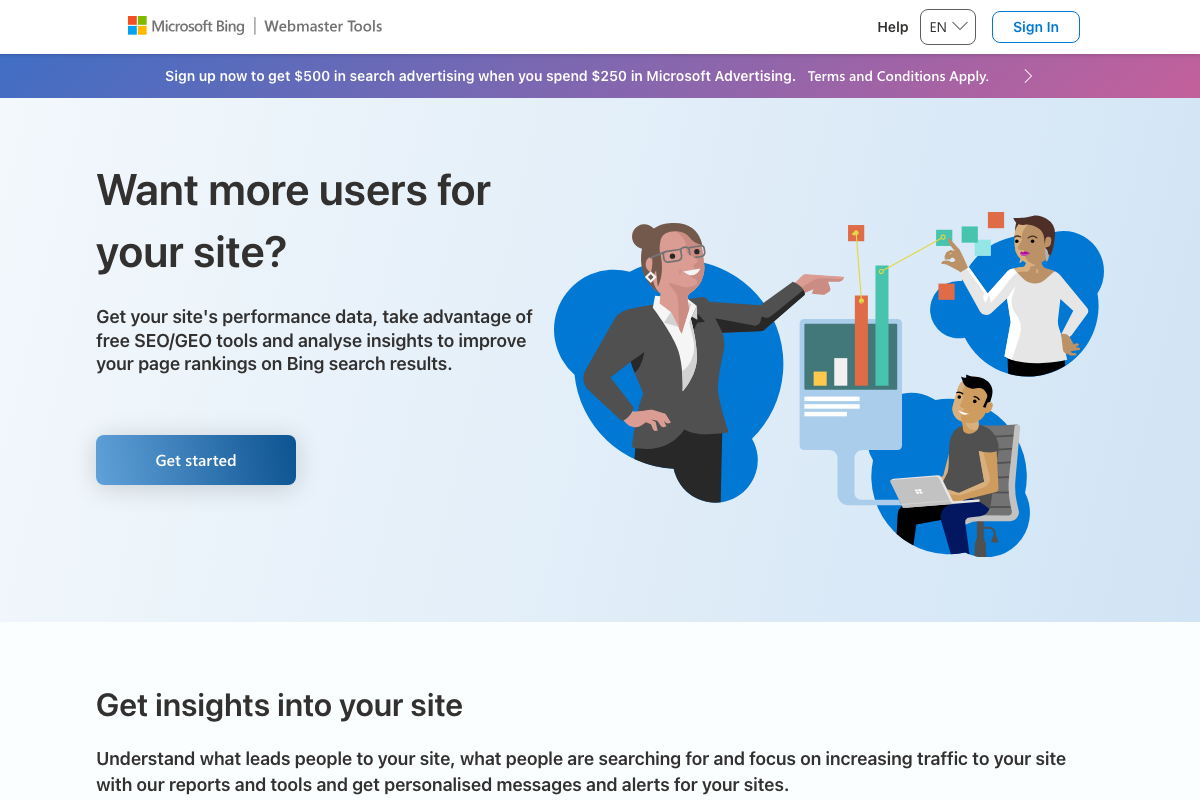
Run a full site health check using Screaming Frog or Bing Webmaster Tools. Fix broken links and dead pages before they carry into the new environment.
-
Audit footer links so each anchor resolves to exactly one target page. Duplicate footer destinations create cannibalization risk that compounds once reindexation begins reshuffling page authority.
-
Pull a zero-click report in Google Search Console covering the past six months. No-index those pages before migration day so they don’t dilute your topical authority signal during the transition.
-
After the migration stabilizes, republish those no-indexed pages on new slugs as fresh content. This generates incremental traffic from new discovery crawls and can smooth out the dip in overall click volume that follows any migration.
Warning: this step may differ from current official documentation — see the verified version below.
- Optionally, convert your top 20–36 highest-traffic pages to static HTML and exclude them from the CMS migration entirely. Migrate them separately once the rest of the site has stabilized under the new system.
Warning: this step may differ from current official documentation — see the verified version below.
-
At launch, send a targeted email campaign driving high-intent users directly to your most important pages. Chrome reports all visited URLs back into Google’s crawl pipeline, so real user traffic to key pages influences the order in which they get indexed.
-
Issue keyword-targeted press releases — title them after the ranking keyword, not the brand name — to drive additional crawl activity in the days following launch.
-
If you are changing domains, contact link partners directly and ask them to update inbound links to the new domain. 301 redirects pass authority, but direct links carry more weight.
-
Monitor for post-migration cannibalization. Watch for pages surfacing in the wrong SERP order or competing for identical queries — a common side effect when reindexation reshuffles page-level authority across a newly migrated site.

How does this compare to the official docs?
Google’s official migration documentation covers the technical fundamentals, but it leaves significant gaps around crawl sequencing, authority management, and the tactical plays outlined here — Act 2 examines what the documentation actually prescribes and where it diverges from this field-tested approach.
Here’s What the Official Docs Show
The walkthrough above is built from real migration experience and holds up well where documentation exists. What follows layers in what the official tool pages actually confirm — filling gaps the video leaves open rather than retracing the same ground.
Step 1 — Freeze the site one month out.
No official documentation was found for this step — proceed using the video’s approach and verify independently.
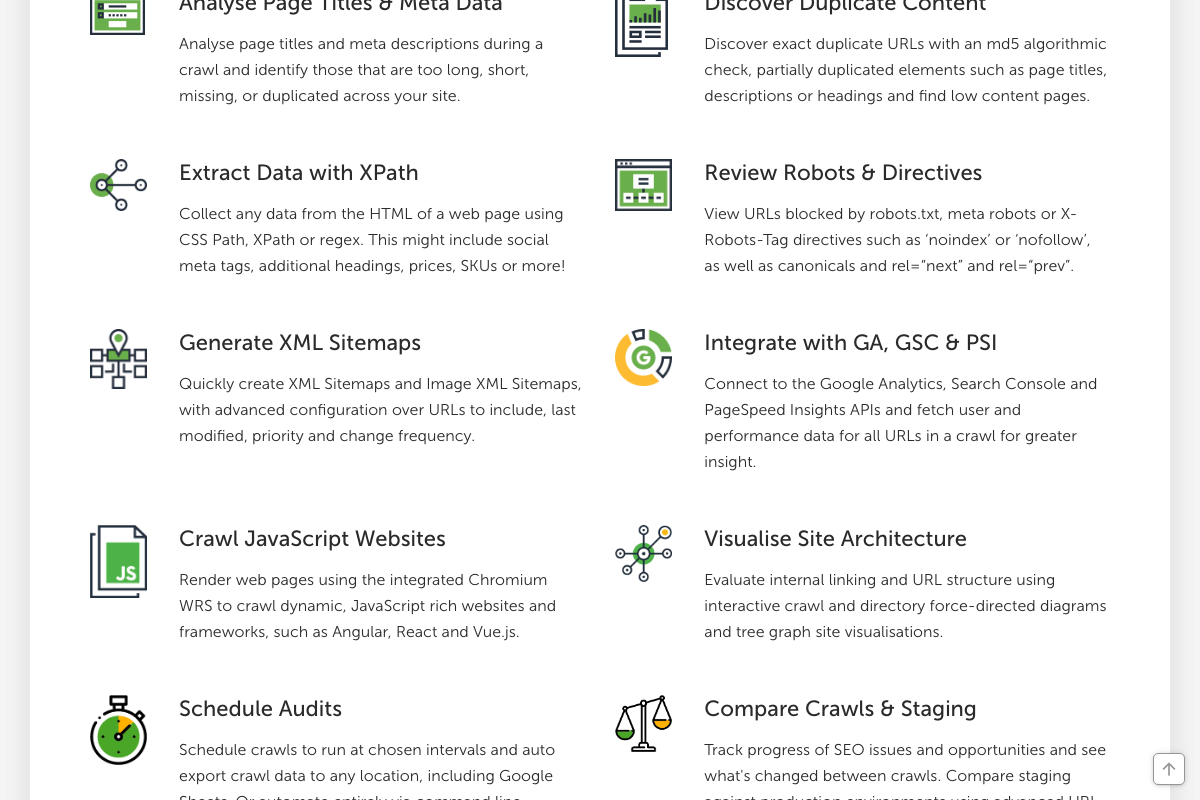
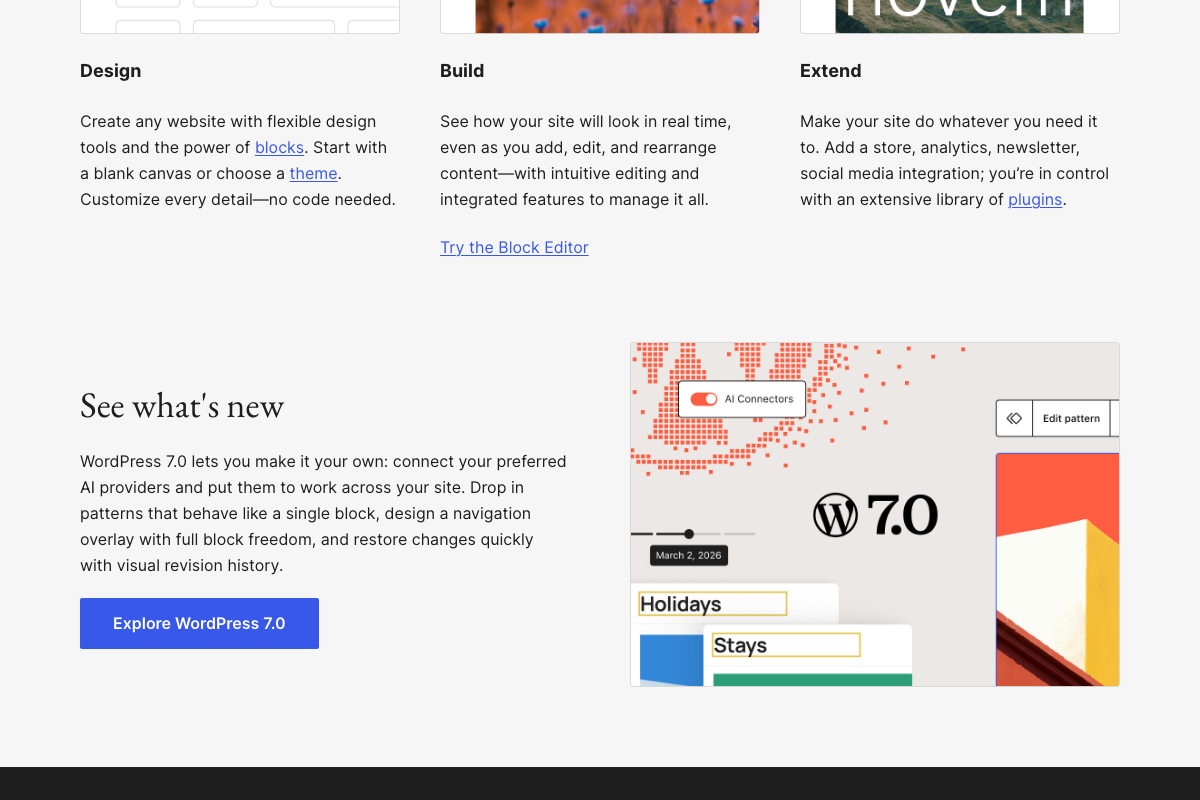
Two documented additions worth layering in: Screaming Frog’s Compare Crawls & Staging feature baselines the site before migration and diffs it post-launch — a direct analog to the freeze concept. WordPress 7.0 (released March 2, 2026) also includes native visual revision history, giving WordPress users a built-in structural change log during the freeze window.
Step 2 — Implement an HTML sitemap.
No official documentation was found for this step — proceed using the video’s approach and verify independently.
Steps 3 & 4 — Trailing slash canonicalization and WWW/SSL consistency.
No official documentation was found for these steps — proceed using the video’s approach and verify independently.
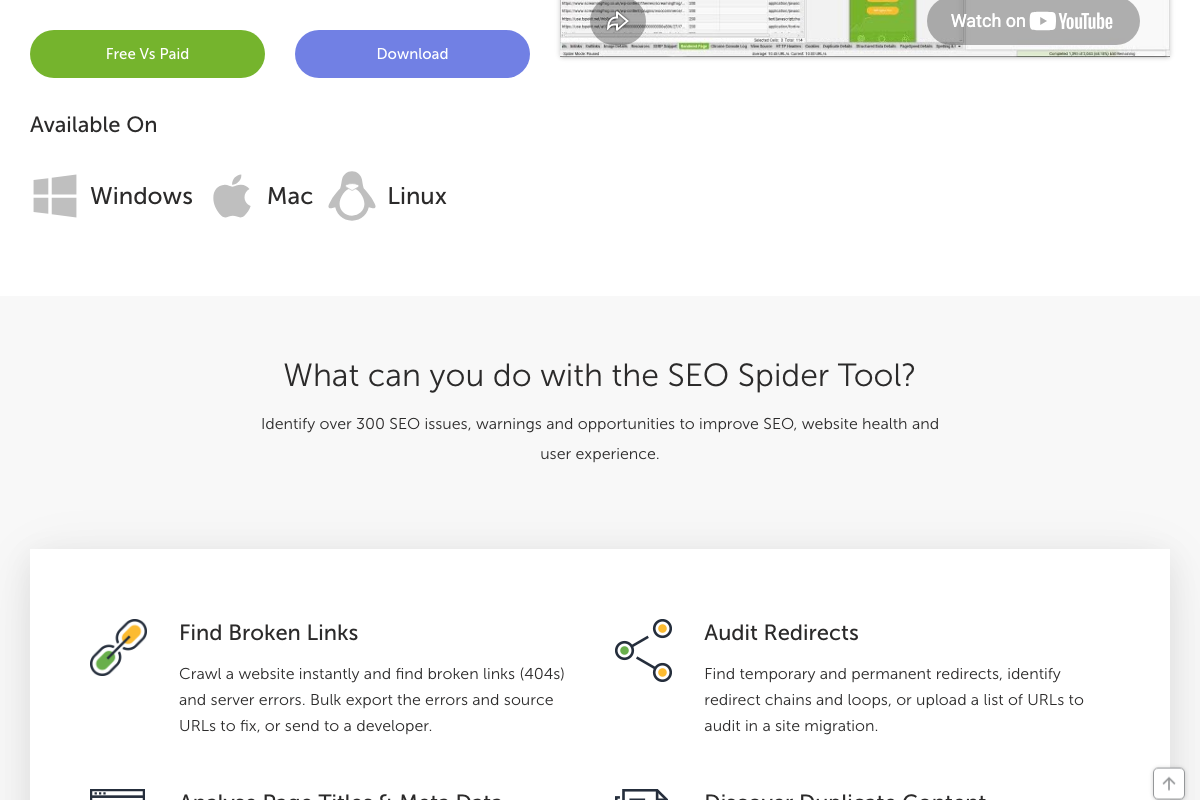
One tool gap the docs close: Screaming Frog’s Audit Redirects feature — explicitly listed as a site migration tool for detecting redirect chains and loops — applies directly to both steps. The video does not reference it for either task.
Step 5 — Identify top traffic pages.
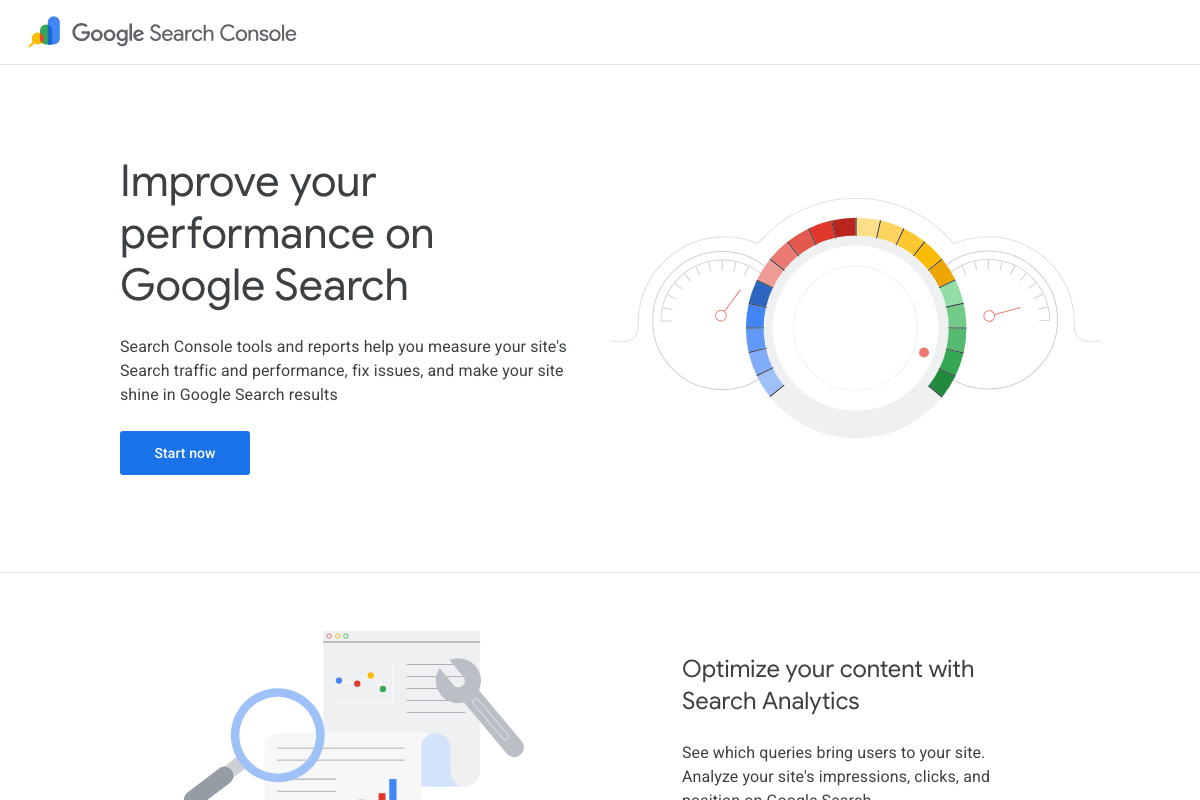
The video’s approach here matches the current docs exactly. GSC’s Search Analytics confirms clicks, impressions, and position data for isolating your highest-value pages before any changes ship.
Step 6 — Set up a SERP rank-tracking baseline.
The video’s approach here matches the current docs exactly.
Step 7 — Audit your XML sitemap.
The video’s approach here matches the current docs exactly. Screaming Frog’s Generate XML Sitemaps feature is explicitly listed on the product page and supports the audit described in this step.
Step 8 — Run a full site health check.
The video’s approach here matches the current docs exactly — with two additions the product page makes explicit. Screaming Frog’s free version is capped at 500 URLs per crawl; sites larger than that require the paid licence (€245/year) to remove the limit. Bing Webmaster Tools now positions itself as an SEO/GEO platform, adding generative engine optimization signals the video does not address.
Step 9 — Audit footer links.
No official documentation was found for this step — proceed using the video’s approach and verify independently.
Step 10 — Pull a zero-click report and no-index those pages.
The video’s approach here matches the current docs exactly. GSC Search Analytics surfaces six months of query and click data, providing exactly the signal the video describes for identifying zero-click candidates.
Steps 11–15 — Republish pages, static HTML conversion, email campaign, press releases, link partner outreach.
No official documentation was found for these steps — proceed using the video’s approach and verify independently.
For step 12 specifically: AWS documentation covering static site hosting via S3 or CloudFront — the infrastructure most likely to support this approach — was not accessible during capture. Only the AWS marketing homepage loaded. Consult the AWS documentation portal directly before implementing.
Step 16 — Monitor for post-migration cannibalization.
The video’s approach here matches the current docs exactly. Screaming Frog’s Discover Duplicate Content and Schedule Audits features extend this into automated recurring monitoring. Its direct GA and GSC integration also enables a combined crawl-plus-traffic workflow — layering live ranking and click data onto crawl results — that the video does not describe but is fully documented.
Useful Links
- Google Search Console — Google’s official tool for measuring Search traffic, clicks, impressions, and position; primary source for steps 5, 6, 10, and 16.
- Screaming Frog SEO Spider — Technical SEO crawler with documented redirect auditing, crawl comparison, sitemap generation, and native GSC/GA integration; relevant to steps 1, 3, 4, 7, 8, and 16.
- Bing Webmaster Tools — Free SEO and GEO platform from Microsoft for site performance monitoring; relevant to step 8.
- WordPress.org — Open-source CMS in active development; current release is WordPress 7.0 (March 2026), which introduces native visual revision history relevant to step 1.
- Drupal Documentation — Drupal’s official documentation hub; inaccessible at time of capture due to a Fastly CAPTCHA — verify Drupal-specific migration guidance independently.
- Amazon Web Services — Cloud infrastructure platform; static site hosting documentation (S3, CloudFront) relevant to step 12 was not accessible in captured screenshots — consult the AWS documentation portal directly.


0 Comments