

Testing the Week’s Top AI Tool Drops: MAI Image 2.5, Leonardo 3D, and ElevenLabs Music V2
This was a week that validated why practitioners can’t afford to slow-roll their AI tool stack. By the end of this walkthrough, you’ll know how to access Microsoft’s MAI Image 2.5 through Arena.ai before it hits the official Playground, generate and refine a photorealistic 3D model from a flat image in Leonardo AI, and produce original music and multilingual dubbed video with ElevenLabs V2 — all within free or freemium limits.
The week’s biggest headline wasn’t a tool launch. Anthropic closed a $65B Series H at a $965B post-money valuation — the largest private AI fundraise on record.

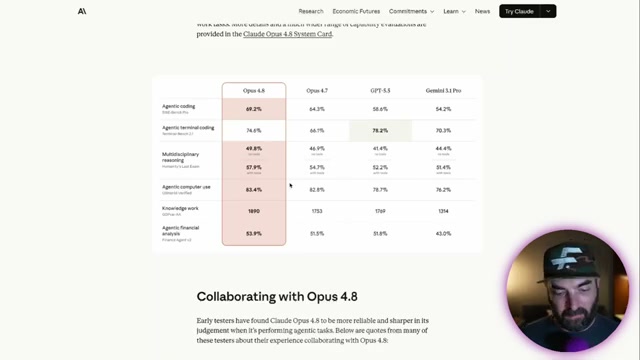
Alongside that, Anthropic shipped Claude Opus 4.8 — a modest but measurable upgrade over 4.7. The standout improvement is honesty: the model now flags uncertainty more consistently and is less likely to make unsupported claims. Benchmark gains in coding, reasoning, and computer use are real but incremental — meaningful in agentic pipelines, barely noticeable in casual chat. Pricing is unchanged from 4.7.
Microsoft’s MAI Image 2.5 landed at #3 on the Arena.ai text-to-image leaderboard, behind only GPT Image 2 and Gemini 3.1 Flash. The model is not yet available in the Microsoft Playground, but you can test it through Arena.ai today.
- Navigate to arena.ai, click Direct Chat at the top, set the mode to Image Model, type
MAIin the search field, and select MAI Image 2.5 preview. Write a detailed prompt — event name, date, desired visuals, and any copy you need rendered — then submit.
Warning: this step may differ from current official documentation — see the verified version below.

-
Log into your Leonardo AI account. The new 3D button appears directly below the main prompt box on the dashboard — click it.
-
Select Image to 3D from the panel that opens. Tap Select Media to pull from your existing generations library (or upload a new file), confirm your image, leave all settings at their defaults, and click Generate. Plan for roughly five minutes of processing time.
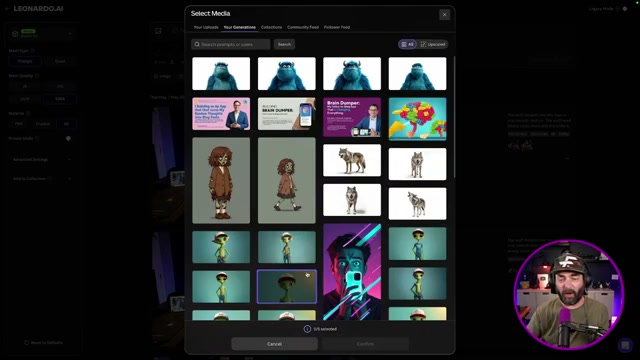
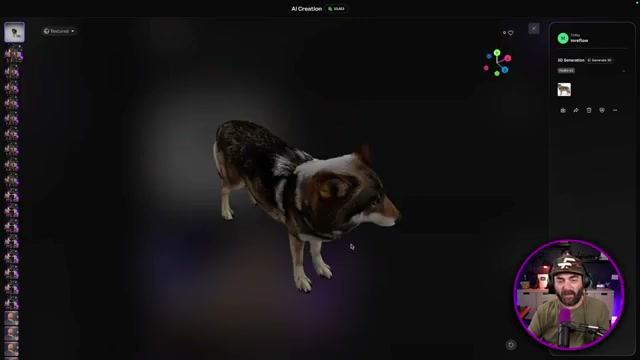
- When generation completes, open the model viewer and click and drag to rotate through all angles. Front-facing geometry will be strongest; the opposite side may show artifacts depending on source image composition.
-
Click Use This Blueprint within the 3D viewer to open the 3D Reference View Creator. Select your original source image and click Generate. Leonardo produces three reference frames: top-down, straight-on, and rear-facing.
-
Close the reference view, return to the 3D generation panel, add all five reference frames as inputs, and click Generate again. The additional angle data produces noticeably higher geometric detail across the full 360-degree surface.
-
Go to elevenlabs.io/music, confirm the V2 toggle is active, then enter a detailed prompt covering genre, mood, instrumentation, and lyrical theme. Generate and play the full track before committing to an export.
-
From the ElevenLabs dashboard, open Dubbing, upload a video file, select your target language, and export. The free tier covers up to 30 minutes of dubbed output per video.
How does this compare to the official docs?
The steps above reflect what was demonstrated live — but Leonardo AI’s documentation, Anthropic’s API reference, and ElevenLabs’ model guides each surface parameter options, rate limits, and output format constraints that can materially change your results.
Here’s What the Official Docs Show
The tools covered in Act 1 are real and the use cases hold up — what the documentation check adds are two navigation corrections, a naming clarification on Gemini’s current lineup, and flags on broken official URLs that would stall you mid-workflow. Consider this a precision layer, not a rewrite.
Claude Opus 4.8 — Background Context
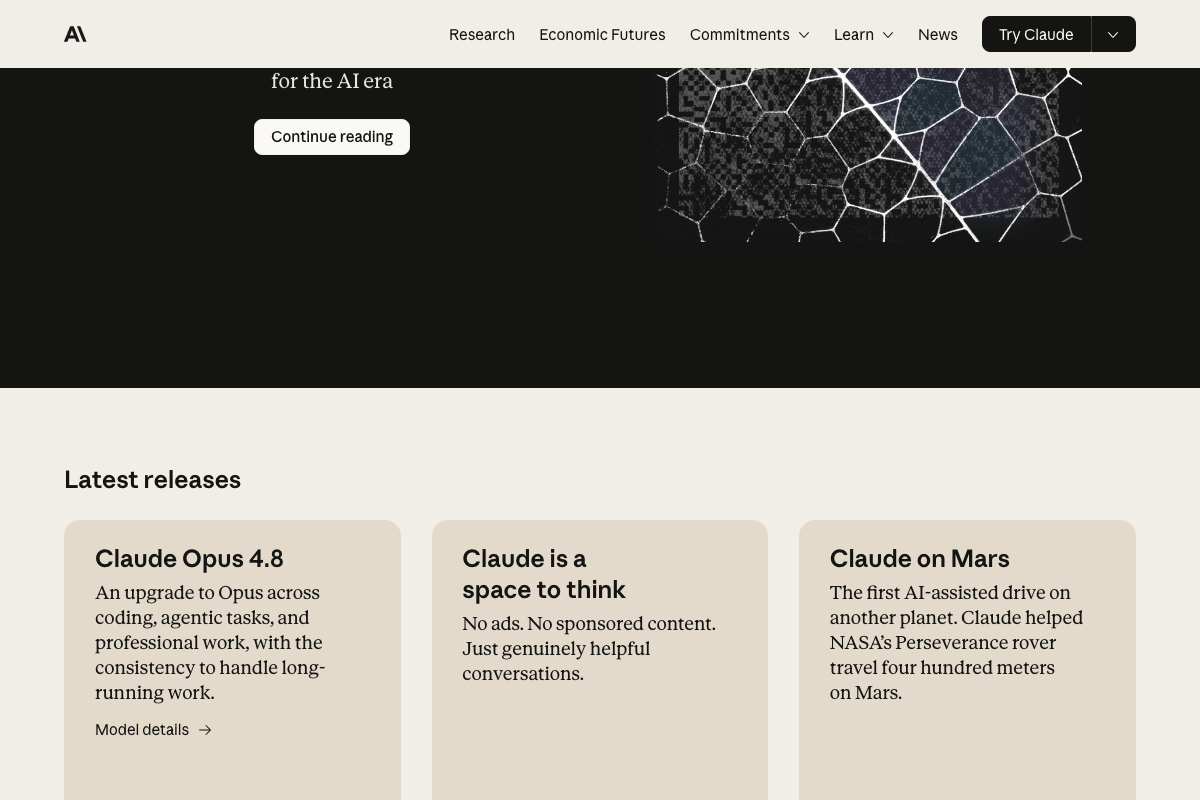
Anthropic’s homepage confirms the release with this language: “An upgrade to Opus across coding, agentic tasks, and professional work, with the consistency to handle long-running work.” That aligns with the video’s framing of incremental but meaningful gains in agentic pipelines.
Step 1 — Arena.ai and MAI Image 2.5
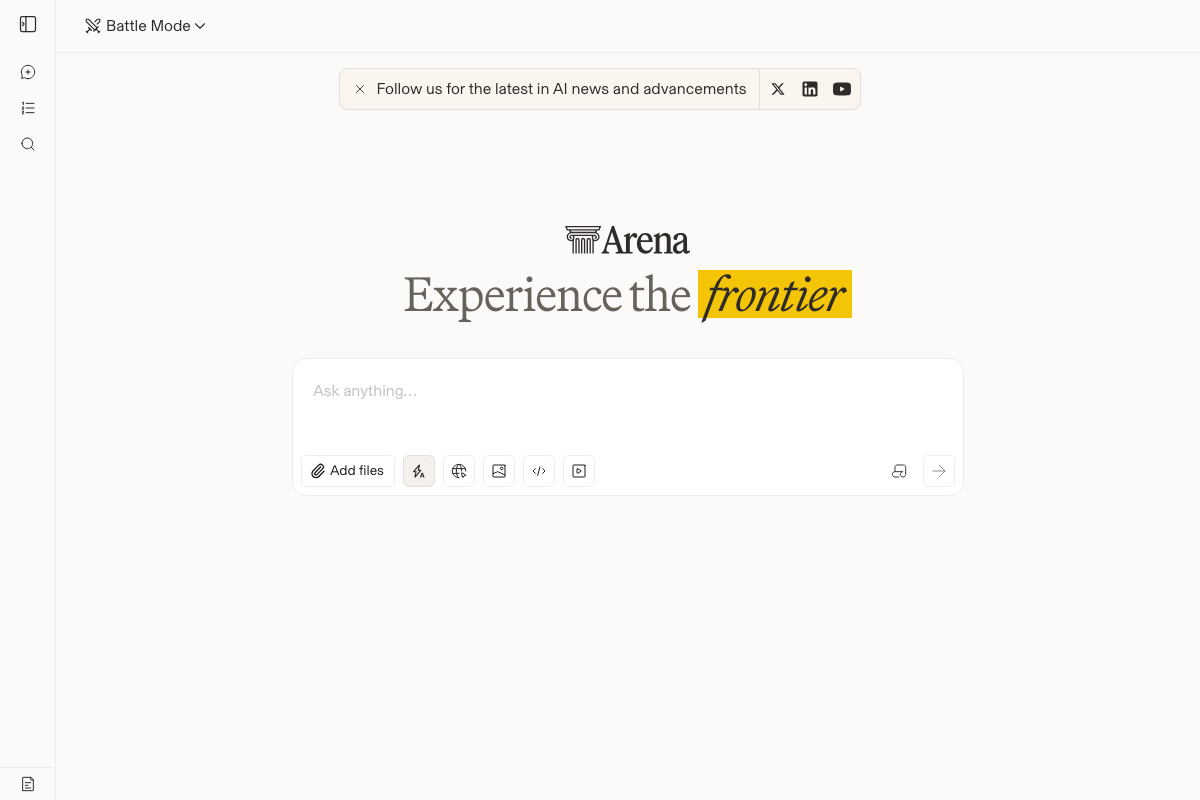
As of May 2026, the Arena.ai interface at lmarena.ai defaults to Battle Mode — not Direct Chat as described in the video. No “Direct Chat” label appears in the live interface. Use the top-left mode dropdown to switch views before attempting to search for MAI Image 2.5.
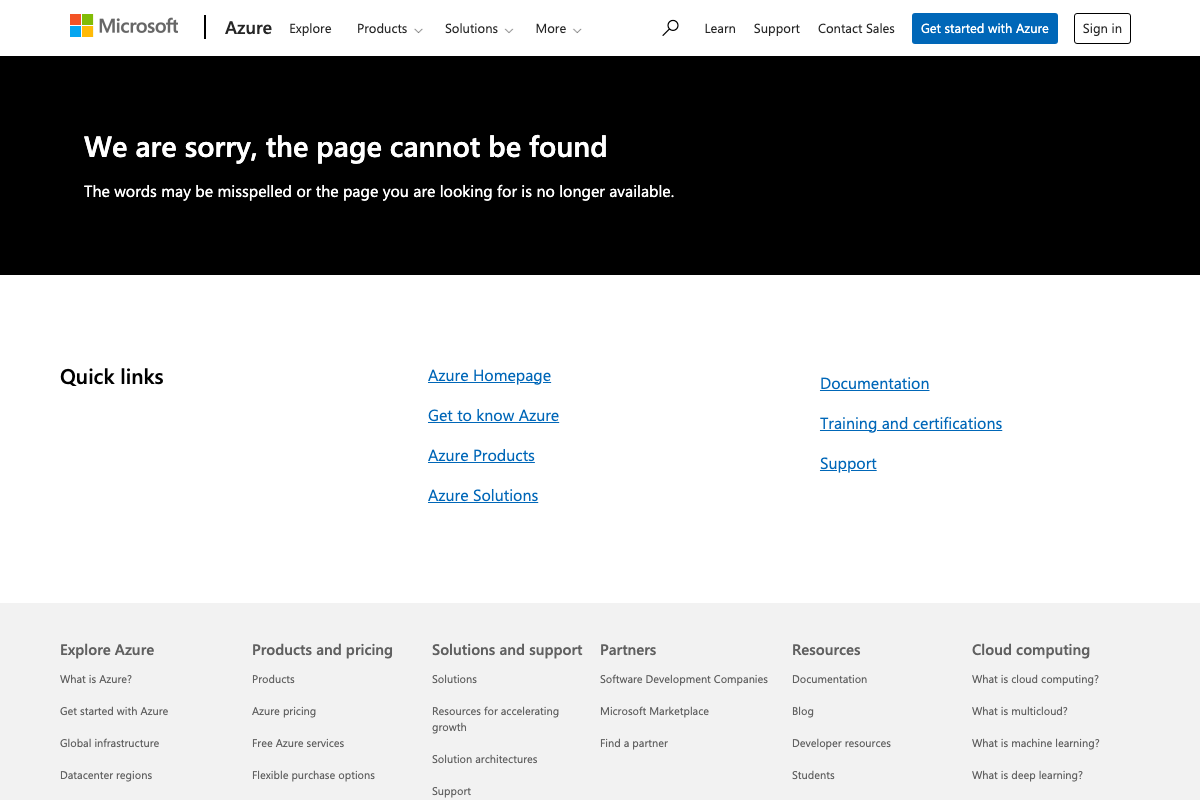
The official Azure product page for MAI Image 2.5 (azure.microsoft.com/en-us/products/ai-services/ai-image) returns a 404 error as of the capture date. For official specs and access, start at the Azure homepage and navigate through Azure AI Foundry.
No official documentation was found for the complete Arena navigation path (Direct Chat → Image Model → MAI search) — proceed using the video’s approach and verify independently.
Steps 2–6 — Leonardo AI Image-to-3D
Leonardo.AI is live at leonardo.ai; a login step is required to access the generation workspace, consistent with the video. Beyond that:

No official documentation was found for this step — proceed using the video’s approach and verify independently.
The post-login 3D interface, Image-to-3D selector, 3D Reference View Creator, and multi-angle re-run workflow described in steps 2–6 could not be verified from any captured screenshot.
Step 7 — ElevenLabs Music
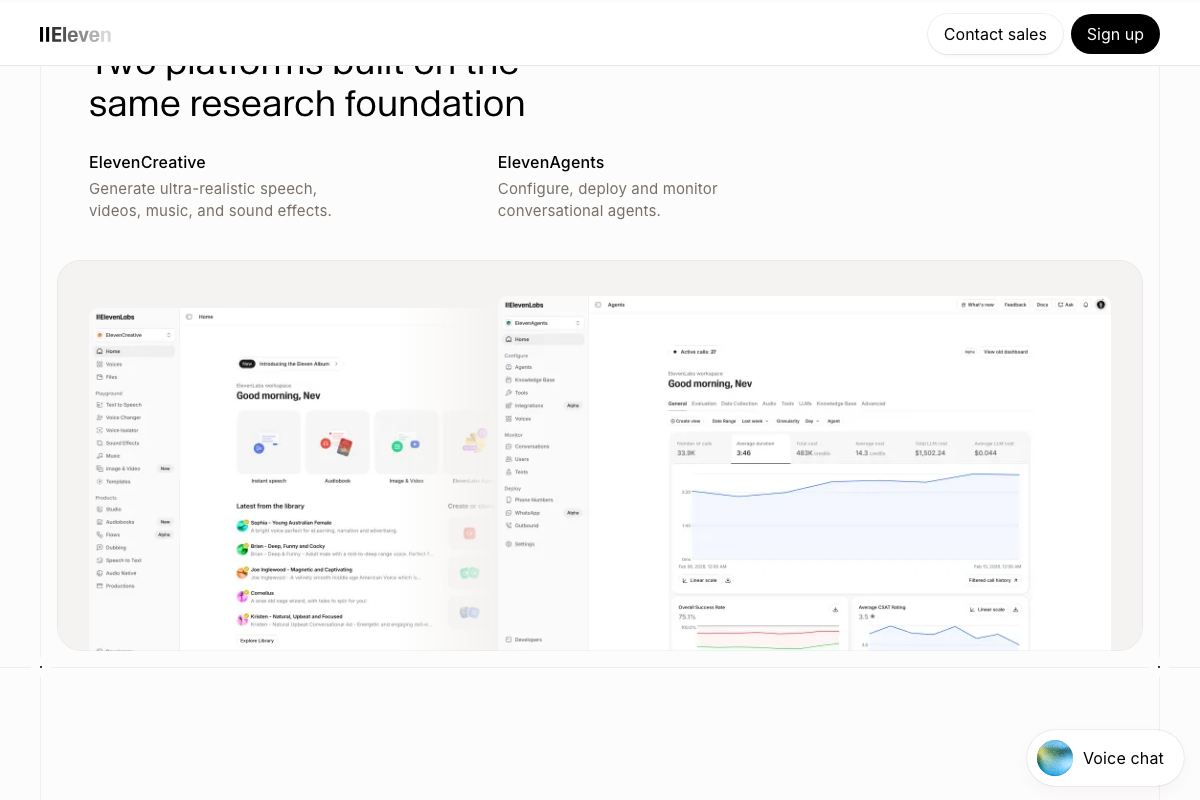
ElevenLabs Music is confirmed as a dedicated sidebar navigation item within ElevenCreative, sitting alongside Voices, Text to Speech, Image & Video, and Voice Changer. The video’s approach here matches the current docs exactly on the core workflow. One gap worth noting: no V2 version selector is visible in any captured screenshot — look for a version toggle within the Music section before you generate.
Step 8 — ElevenLabs Dubbing
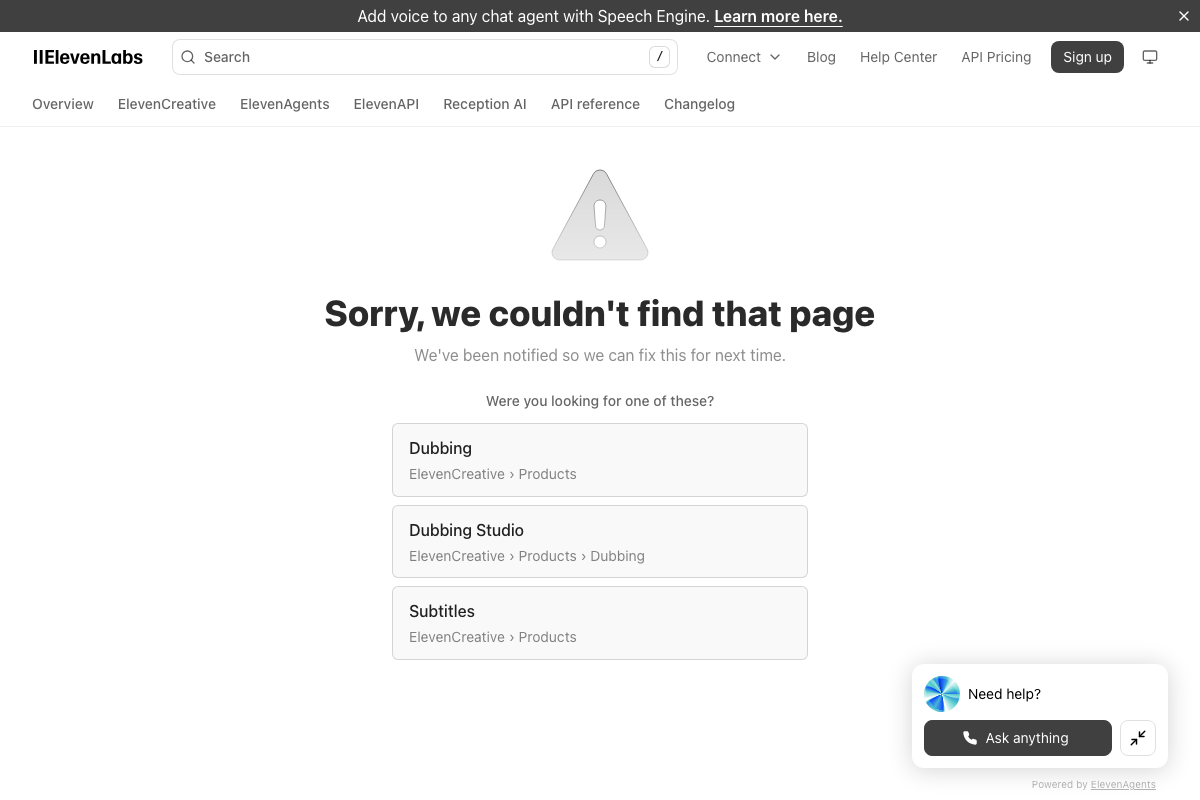
The docs URL elevenlabs.io/docs/dubbing returns a 404 as of May 2026. The 404 page itself points to ElevenCreative › Products › Dubbing Studio as the correct path — use that instead. The 30-minute free export limit stated in the video cannot be verified from any captured documentation.
No official documentation was found for this step — proceed using the video’s approach and verify independently.
Gemini — A Naming Note
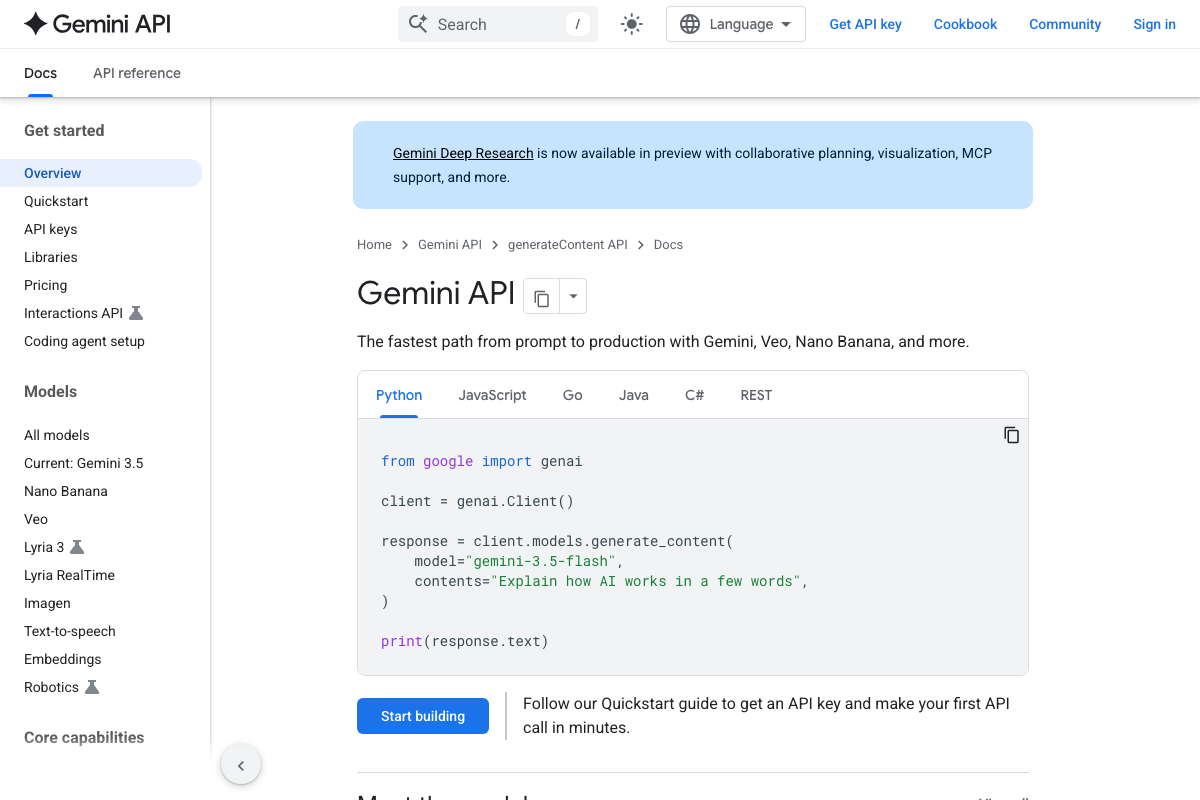
As of May 2026, the term “Gemini Omni” does not appear in official Gemini API documentation. The current flagship series is labeled Gemini 3.5; the quickstart example uses model='gemini-3.5-flash'. Treat “Gemini Omni” as informal shorthand until Google publishes official terminology for that framing.
Useful Links
- Arena AI: The Official AI Ranking & LLM Leaderboard — Live leaderboard and multi-model chat interface; defaults to Battle Mode as of May 2026.
- Azure AI Services — MAI Image — Official product URL; currently returns a 404 — use Azure AI Foundry as an alternative entry point.
- Leonardo.Ai — Generative AI Platform for Images, Art & Video — Marketing homepage and login entry point for the image and 3D generation workspace.
- Free AI Voice Generator & Voice Agents Platform | ElevenLabs — Platform homepage; Music is accessible via ElevenCreative in the left app sidebar.
- ElevenLabs Dubbing Docs — Documentation URL; currently returns a 404 — navigate to ElevenCreative › Products › Dubbing Studio instead.
- Home | Anthropic — Official homepage confirming Claude Opus 4.8 release description and current pricing tiers.
- Gemini API | Google AI for Developers — Official Gemini API documentation; current flagship model series is labeled Gemini 3.5, not Gemini Omni.


0 Comments