

YouTube’s AI Content Labels Now Auto-Apply — Here’s What Changed
YouTube has overhauled how it surfaces AI-generated content disclosures, moving labels from buried description text to prominent on-player placement visible before a viewer hits play. The platform has also introduced automatic detection, meaning creators who skip the disclosure step may find a label applied without any action on their part. Understanding the new system helps you manage your channel’s disclosure status confidently and avoid unexpected enforcement. This walkthrough covers every change announced in YouTube’s update.
- Understand the old disclosure flow. Previously, YouTube required creators to manually tick a disclosure checkbox in YouTube Studio when uploading content that included realistic AI-generated or synthetically altered footage. The resulting label appeared only in the video description — a location most viewers never expand.
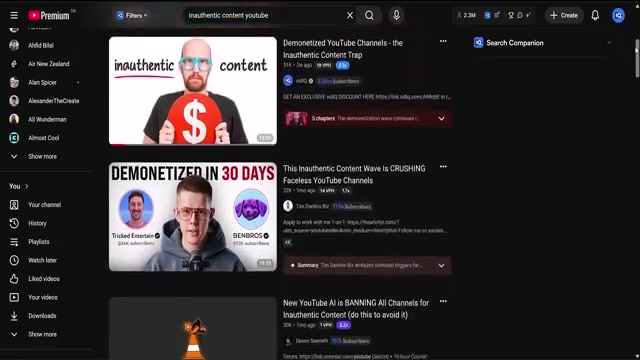
- Find the new label placement for long-form videos. YouTube now positions the AI label directly below the player title on long-form content. It renders before playback begins, so viewers see the disclosure the moment they land on a watch page — no interaction required.
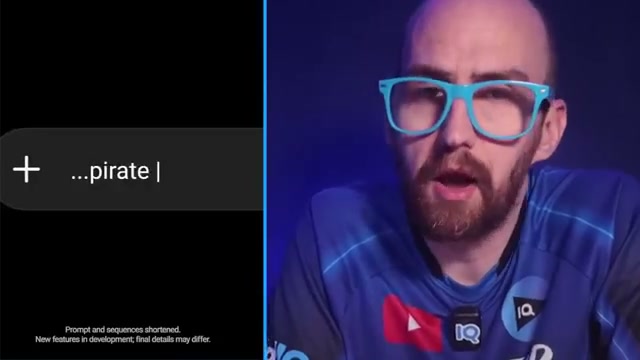
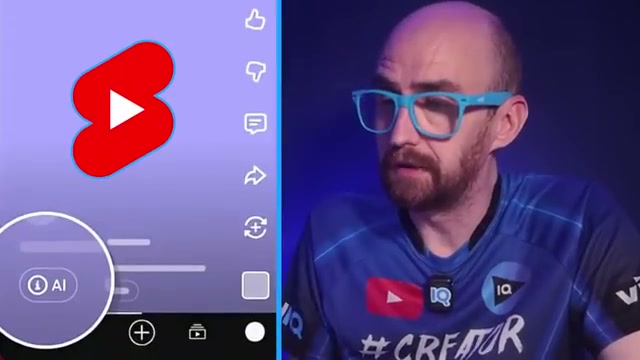
- Find the new label placement for YouTube Shorts. On Shorts, the AI label appears as an overlay directly on the video player itself. Given that Shorts autoplay with minimal friction, this placement ensures the disclosure is visible even when no one reads the title.
- Know how automatic detection works. If YouTube’s systems detect significant photorealistic AI content in a video and the creator has not disclosed it, the platform will apply the AI label automatically. Creators who are already disclosing correctly have nothing to act on — the automated system targets undisclosed content only.

-
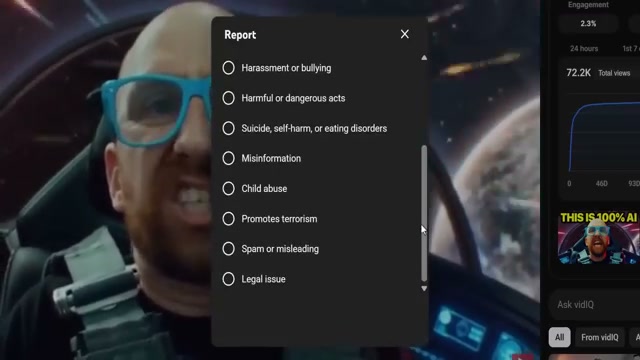
Correct a label that was applied in error. If auto-detection flags your video incorrectly, open YouTube Studio and update the disclosure status yourself. YouTube acknowledges that automated systems can misfire and provides this self-serve correction path as a result.
-
Know when a label becomes permanent. Two conditions lock the AI label and prevent any removal: the video was created using YouTube’s own AI tools (Dream Screen or Veo), or the video file’s embedded metadata confirms AI generation. In either case, no Studio adjustment will override it.
- Preview your video packaging before publishing. vidIQ’s upload assistance tools at vidiq.com/start let you generate thumbnails based on video content and preview how your title and thumbnail combination will render on YouTube before you hit publish.
How does this compare to the official docs?
YouTube’s own help center and policy pages fill in critical gaps the video skips over — particularly around which content types actually trigger automatic detection and what the enforcement timeline looks like — and that’s exactly where Act 2 begins.
Here’s What the Official Docs Show
The video lays out YouTube’s AI label overhaul in a logical sequence, and Act 2 follows that same path — adding documentation grounding at each step. Where official sources were inaccessible or had moved, those gaps are flagged explicitly so you know exactly where to verify before acting.
Step 1 — Understand the old disclosure flow
No official documentation was found for this step —
proceed using the video’s approach and verify independently.
The YouTube Help article covering disclosure requirements — support.google.com/youtube/answer/14328491 — sits behind a Google sign-in wall and returned no readable content across three capture attempts. The policy exists; it simply requires an authenticated session to read.
Step 2 — Find the new label placement for long-form videos
No official documentation was found for this step —
proceed using the video’s approach and verify independently.
Step 3 — Find the new label placement for YouTube Shorts
No official documentation was found for this step —
proceed using the video’s approach and verify independently.
Step 4 — Know how automatic detection works
No official documentation was found for this step —
proceed using the video’s approach and verify independently.
YouTube Studio itself also required authentication before loading, making the disclosure checkbox workflow in steps 4 and 5 impossible to screenshot from an unauthenticated state.
Step 5 — Correct a label that was applied in error
No official documentation was found for this step —
proceed using the video’s approach and verify independently.
Step 6 — Know when a label becomes permanent
The Dream Screen documentation URL the tutorial draws from — blog.youtube/news-and-events/dream-screen/ — returns HTTP 404 as of May 28, 2026. The page has been removed or relocated, and the claim that Dream Screen-generated content receives a permanent label cannot currently be sourced to that URL. Search blog.youtube directly for a current Dream Screen reference. Separately, the Veo model is confirmed active at Google DeepMind, but its current version is Veo 3.1, not simply “Veo” as the video states — and the Veo product page contains no policy language about YouTube label permanence.
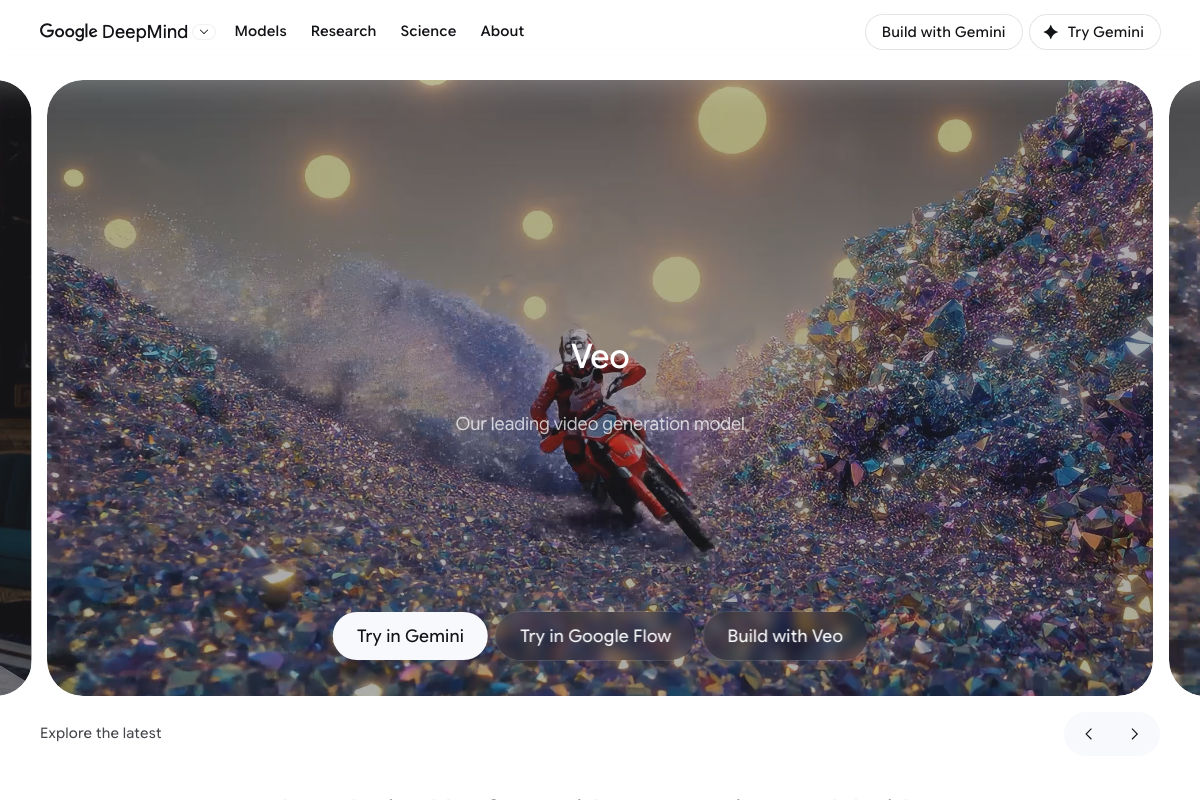
No official documentation was found for the permanent labeling conditions described in this step —
proceed using the video’s approach and verify independently.
Step 7 — Preview your video packaging before publishing
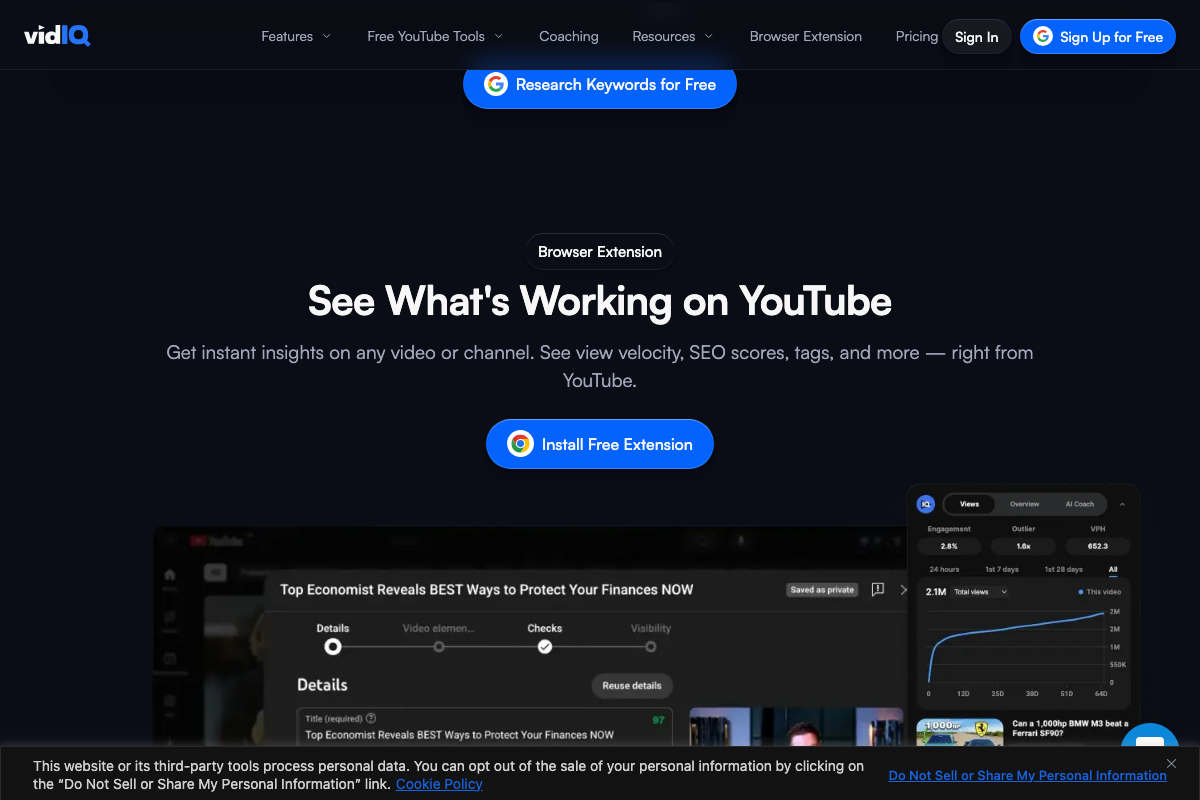
As of May 28, 2026, the URL vidiq.com/start is not confirmed to exist as a standalone page — no screenshot captured it across three attempts. The upload workflow assistance the video describes is delivered via the vidIQ browser extension overlaid on YouTube Studio, not a dedicated landing page. Install the extension from vidiq.com, navigate to the Browser Extension section, and the Details, Checks, and Visibility tabs will appear inside YouTube Studio during your next upload.
Useful Links
- Disclosing use of GenAI content – Computer – YouTube Help — Primary YouTube Help article on AI disclosure requirements; requires a signed-in Google account to access the full content.
- YouTube Studio — Creator dashboard where disclosure checkboxes and label correction workflows are managed; authentication required.
- vidIQ: Get More Subscribers & Views on YouTube | YouTube Tools — YouTube optimization platform offering keyword research, thumbnail design, and upload assistance delivered via browser extension.
- Veo 3.1 — Google DeepMind — Official Google DeepMind page for the Veo video generation model, currently at version 3.1 with access via Gemini, Google Flow, and the Veo API.
- Dream Screen — YouTube Blog — YouTube’s Dream Screen announcement URL; returns HTTP 404 as of May 2026 and should be treated as an unverifiable source until a current link is found.


0 Comments