

The $77K/Month Solopreneur Daily Routine
Mark Lou ships startups the way most people write emails — relentlessly and without ceremony. He’s 35 startups deep and pulling $77K/month from a deliberately boring daily system. After working through this routine, you’ll understand the time-blocked schedule, deep work principles, and serial-shipping mindset behind his output — and have a framework you can adapt immediately.
- Wake between 6 and 7 a.m. without an alarm. Lou credits this natural wake time entirely to his evening routine. Start the day with coffee and breakfast before touching any device.

-
Train at the gym immediately after breakfast. Lou and his partner currently prepare for Hyrox — sled pushes, squats, and running. Physical output before mental output, every day without exception.
-
Return home and go fully offline. Phone off, email closed, social media shut down for the next four to six hours. Lou is specific about the reason: opening social media triggers FOMO, fragments concentration, and drains the motivation that makes deep work possible.

- Open your code editor and do creation-only work for four to six hours. No customer support, no bug fixes. An email about a broken feature will pull you into reactive mode and consume your highest-quality hours. Lou treats this block as non-negotiable — it’s the engine behind everything else.
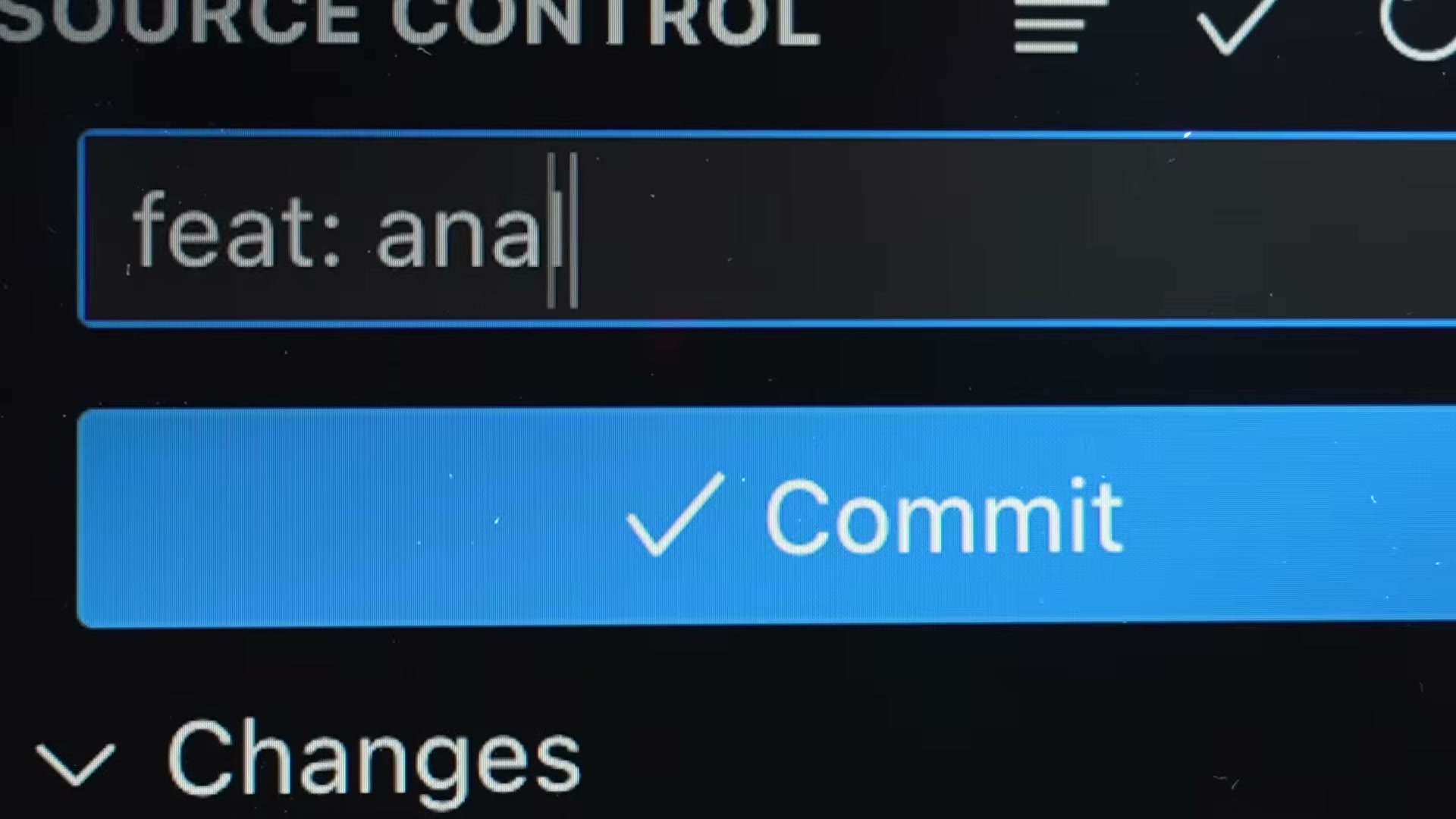
- Use a single-threaded AI chat alongside your editor — one conversation, one feature, ship it, move to the next. Lou has shipped 300 features across his marketplace in three months with this setup and six new apps in 2026 alone.
Warning: this step may differ from current official documentation — see the verified version below.

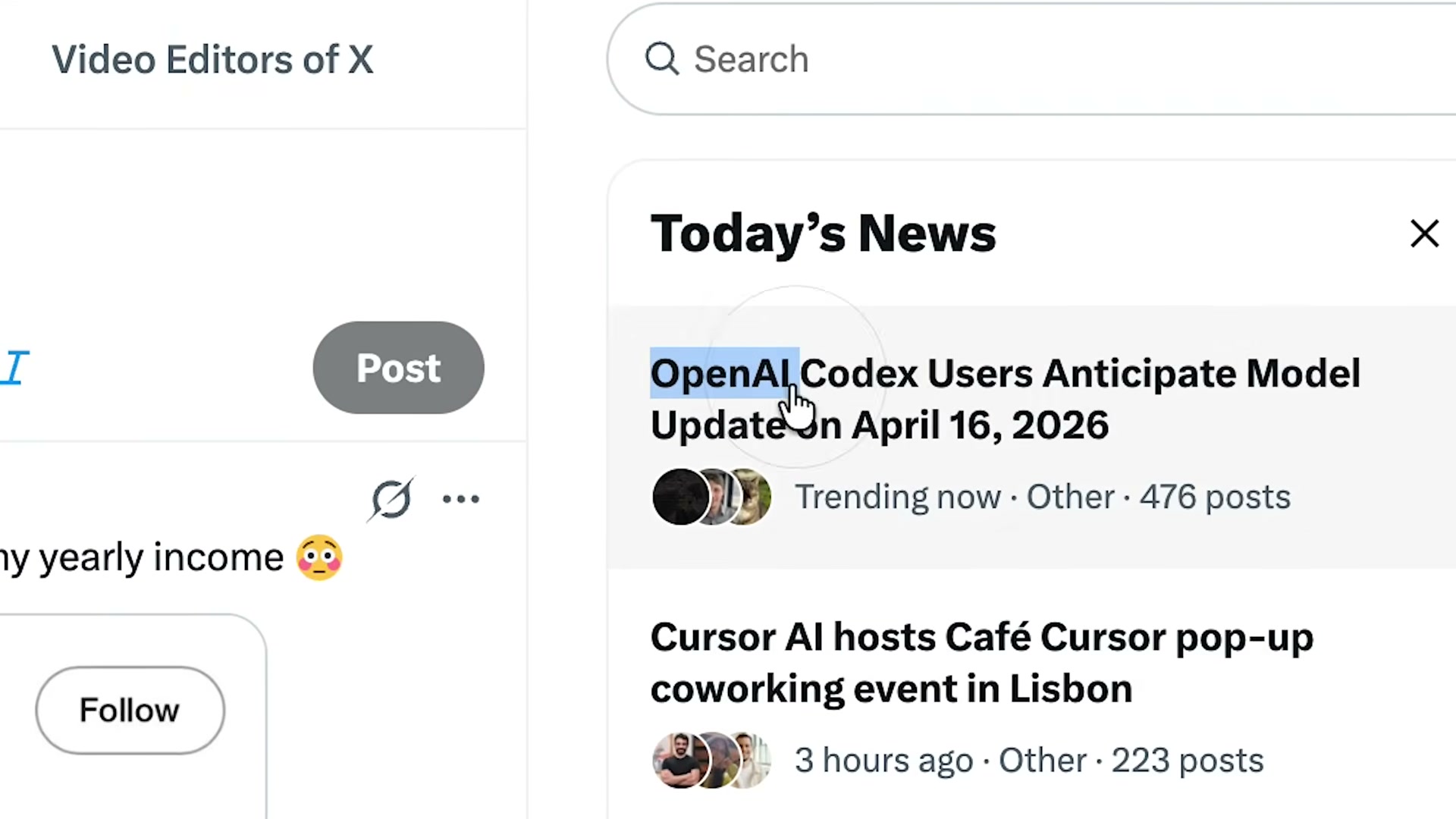
- At 3:00–3:30 p.m., publish what you built. Lou pushes simultaneously to X, LinkedIn, Threads, and Reddit — always with a buy button attached. The MacOS posture app he demonstrates in the video brought in roughly $1,000 on launch day.
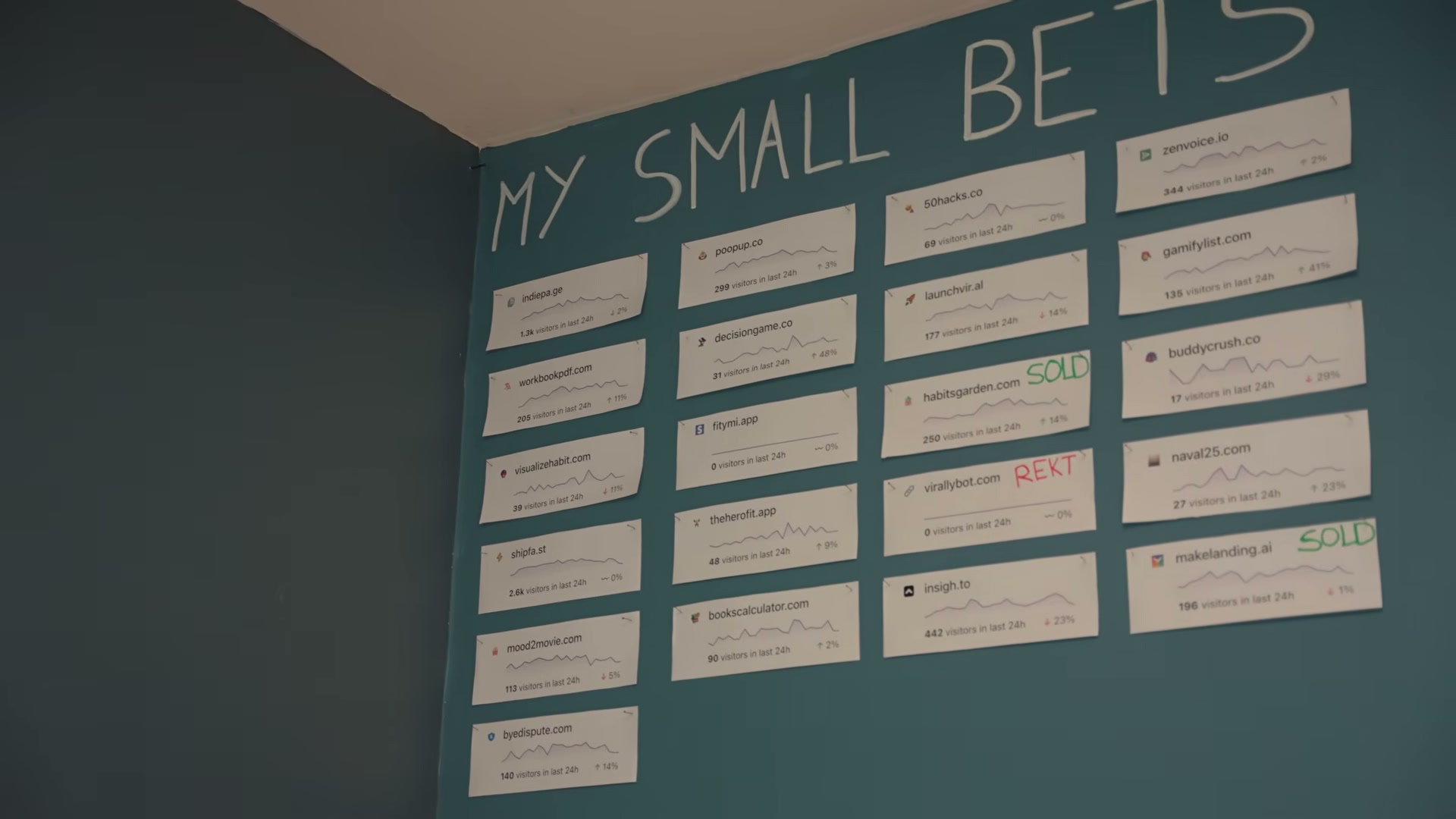
- Monitor early customer reactions and log the revenue milestone. Lou tracks each product on his Indie Page dashboard — 35 bets where 30 produce little or nothing, and five carry the entire $77K/month load. The portfolio math only works if you keep shipping.

-
Go online around 4:00 p.m. for email, X, and lower-creativity operational work.
-
Hard stop at 5:30 p.m. for dinner, then a 30–60 minute wind-down: dim the lights, step away from screens, take a walk if possible.
-
Everything off by 9:00 p.m. — phone, computer, and work conversation. Lou calls it “a bit religious.” The strict shutdown is precisely what makes the natural 6 a.m. wake-up possible.

How does this compare to the official docs?
Lou’s system is built on lived iteration rather than a named productivity framework — Act 2 examines the research and methodologies that informed each of these choices, and where the science diverges from the practice.
Here’s What the Official Docs Show
Mark Lou’s daily system is a personal operating system, not a platform workflow — so most of its steps sit outside what documentation can verify. Where screenshots exist, they add useful platform-level detail to what the video correctly identifies.
Step 1 — Wake between 6 and 7 a.m.
No official documentation was found for this step —
proceed using the video’s approach and verify independently.
Step 2 — Train immediately after breakfast.
No official documentation was found for this step —
proceed using the video’s approach and verify independently.
Step 3 — Go fully offline for four to six hours.
No official documentation was found for this step —
proceed using the video’s approach and verify independently.
Step 4 — Open your code editor for creation-only work.
No official documentation was found for this step —
proceed using the video’s approach and verify independently.
Step 5 — Use a single-threaded AI chat alongside your editor.
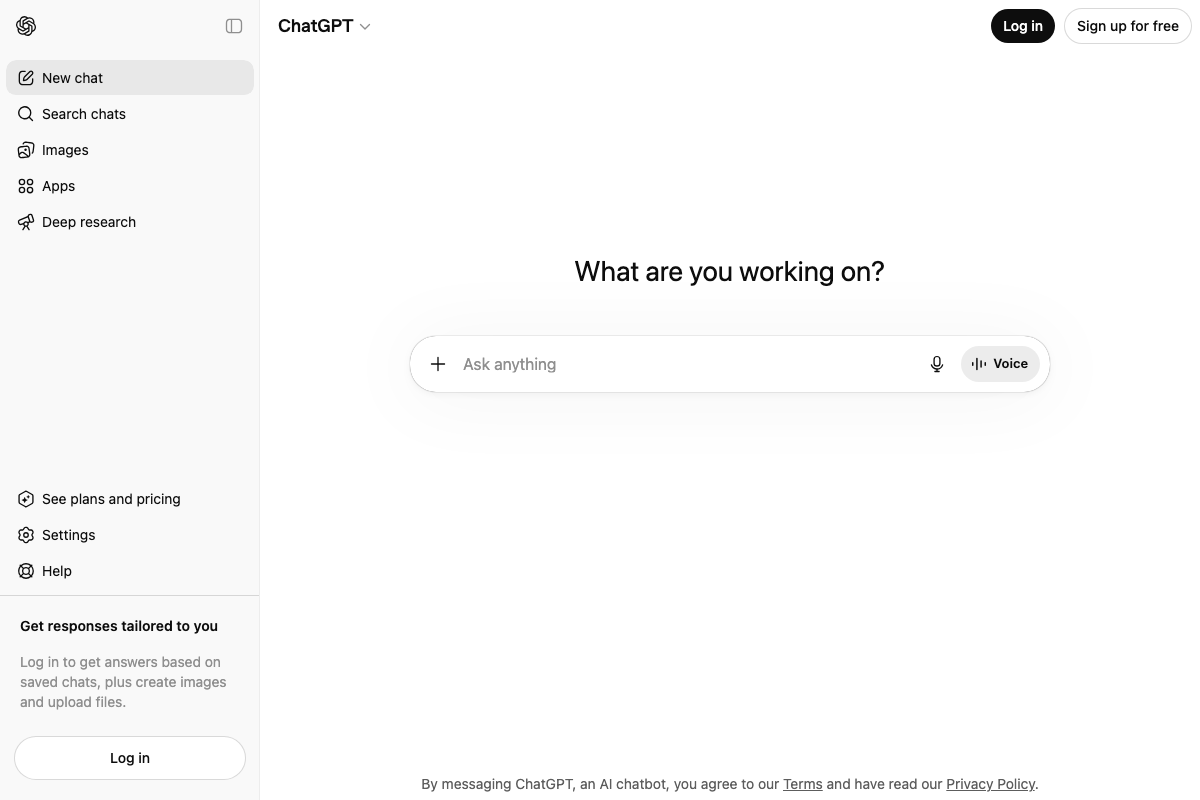
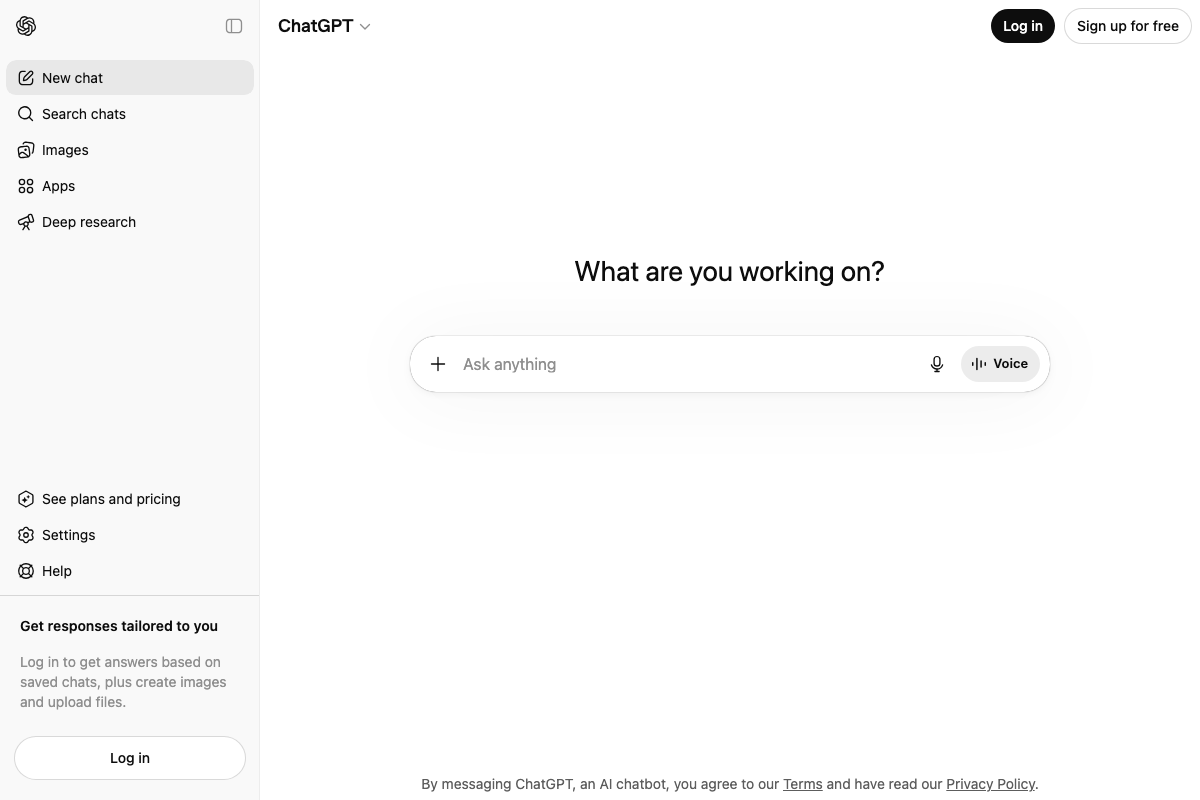
ChatGPT is live and accessible at chatgpt.com exactly as described. The video’s approach here matches the current docs exactly on the core tool identification.
One addition worth noting: the current interface presents Deep Research, Images, and Apps as distinct modes alongside standard chat. The single-threaded framing is accurate for how Lou uses it, but the platform has expanded materially — Deep Research can accelerate market validation, and Images handles quick asset generation without leaving the tool. A free tier is available with no paid plan required to start.
Step 6 — Publish at 3:00–3:30 p.m. across X, LinkedIn, Threads, and Reddit.
All four platforms are live. The video’s approach here matches the current docs exactly on the simultaneous multi-channel launch instruction. Three platform-specific details fill in what the tutorial leaves open:
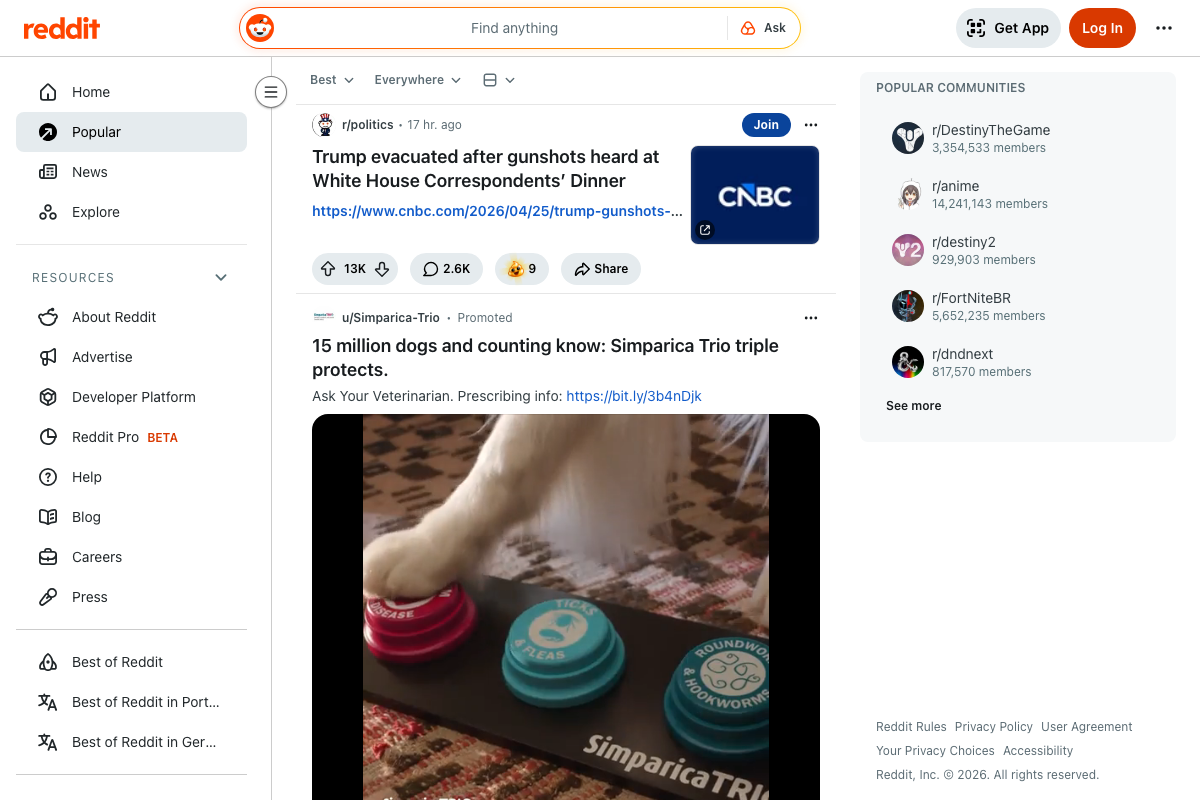
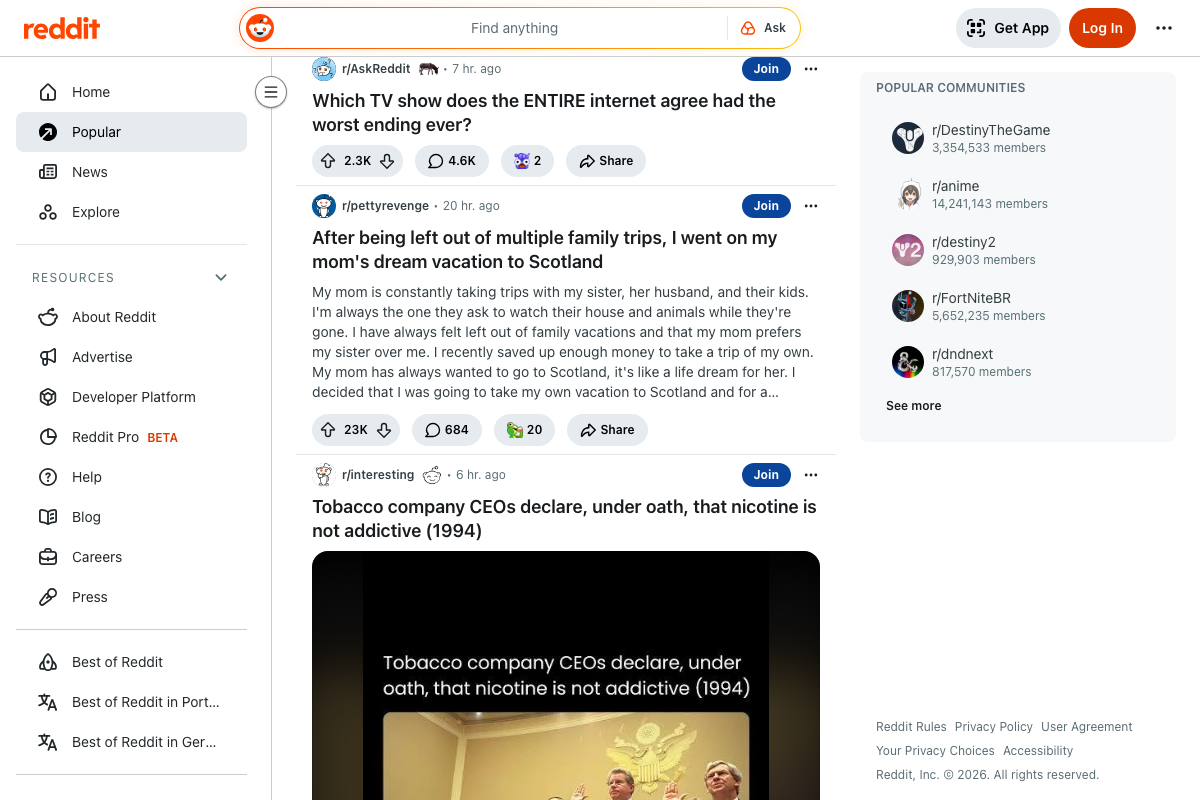
Reddit is subreddit-driven — you cannot post to the general Popular feed directly. The Popular feed surfaces r/AskReddit and r/pettyrevenge, not startup audiences. For a product launch, r/SideProject, r/startups, or a niche community matched to your tool are the practical targets.
Threads defaults to Instagram-based sign-up at threads.net. A username login option also exists, but plan for the Instagram prerequisite before launch day if you don’t already have an account.
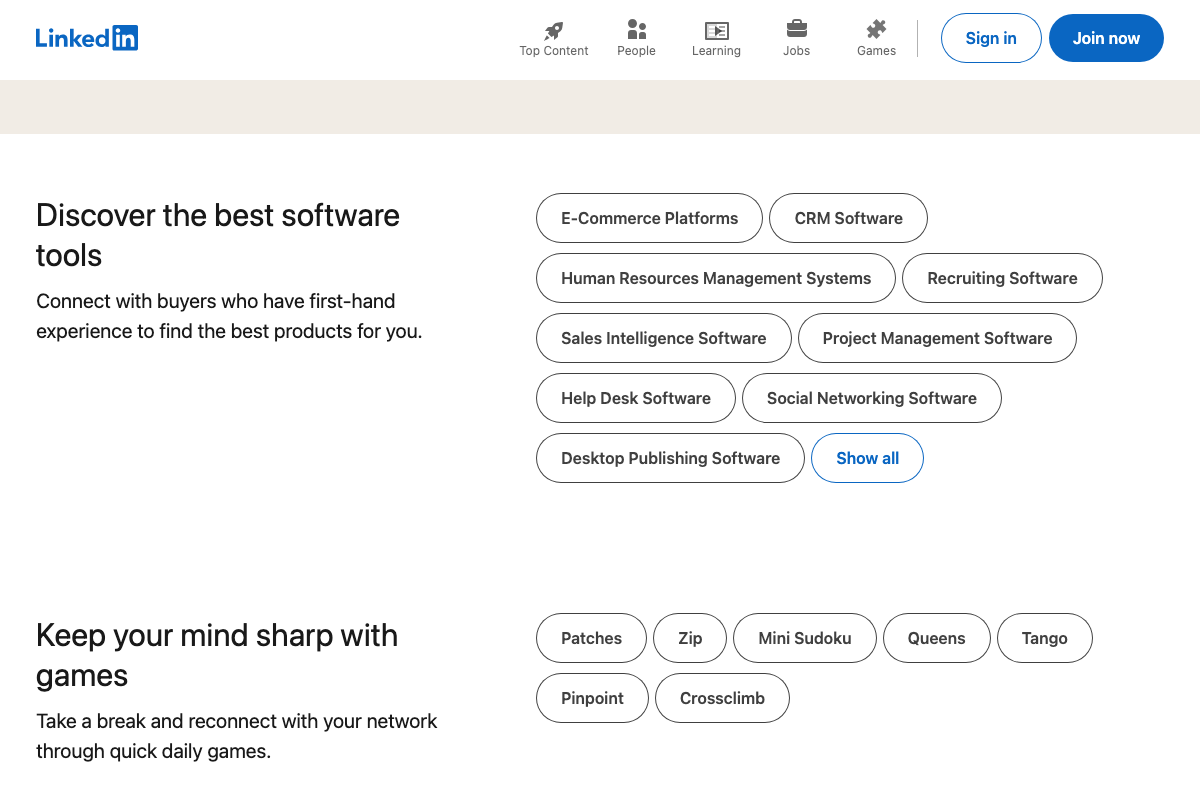
LinkedIn has added a software tool discovery section and a daily games feature since this tutorial was recorded. Neither affects your launch post, but the platform has evolved.


Step 7 — Monitor reactions and log the revenue milestone.
No official documentation was found for this step —
proceed using the video’s approach and verify independently.
Step 8 — Go online around 4:00 p.m. for email and operational work.
No official documentation was found for this step —
proceed using the video’s approach and verify independently.
Step 9 — Hard stop at 5:30 p.m., wind down for 30–60 minutes.
No official documentation was found for this step —
proceed using the video’s approach and verify independently.
Step 10 — Everything off by 9:00 p.m.
No official documentation was found for this step —
proceed using the video’s approach and verify independently.
Useful Links
- ChatGPT — The AI chat interface used in step 5; current version includes Deep Research, Images, and Apps modes alongside standard chat.
- Introduction | Electron — Electron.js documentation for building cross-platform desktop apps with JavaScript, HTML, and CSS; included in the screenshot set for step 4 but not named in the tutorial.
- LinkedIn: Log In or Sign Up — LinkedIn platform used as a launch posting channel in step 6; now includes software discovery and games features not referenced in the tutorial.
- Threads — Threads platform used for launch posting in step 6; default sign-up requires an existing Instagram account.
- Reddit – The heart of the internet — Reddit platform used for launch posting in step 6; product announcements require subreddit-level targeting, not the general Popular feed.


0 Comments