

How to Rank #1 in ChatGPT, Claude, and Perplexity: A Full AEO Audit
AI search engines are actively recommending your competitors to buyers who never visit your website — and most marketing teams have no visibility into it. This walkthrough shows you how to run a complete Answer Engine Optimization (AEO) audit across the four major AI engines, diagnose exactly why your brand is absent or mispositioned, and build an action plan to close those gaps. Over half of buyers now use AI tools to build consideration sets before ever contacting a vendor.
-
Generate 5–10 buyer-intent prompts that mirror how your ideal customer would ask an AI for a purchasing recommendation. Feed a chatbot your business description and ask it to produce the 10 most likely queries your buyers are running — it returns a usable list in under a minute.
-
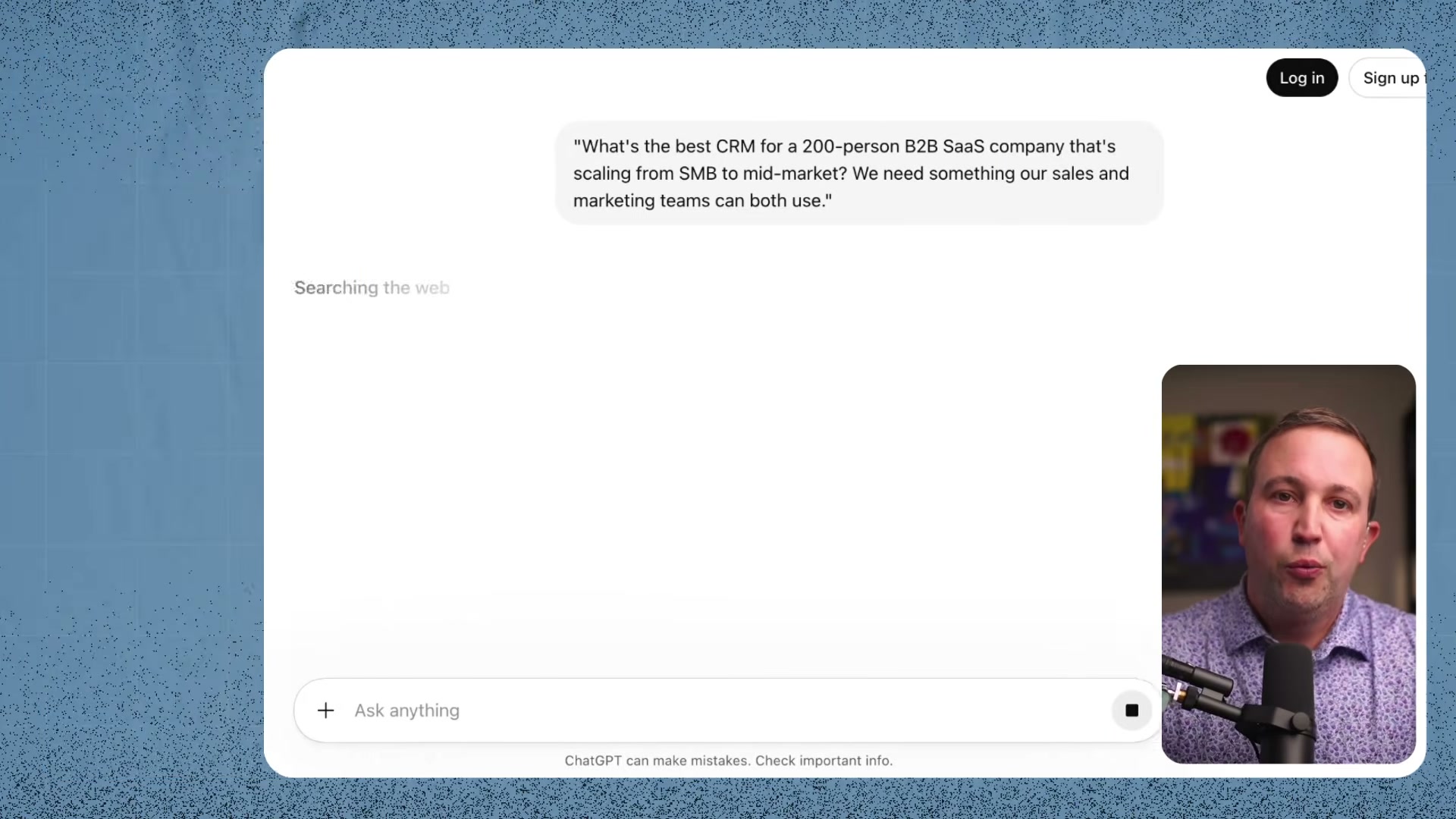
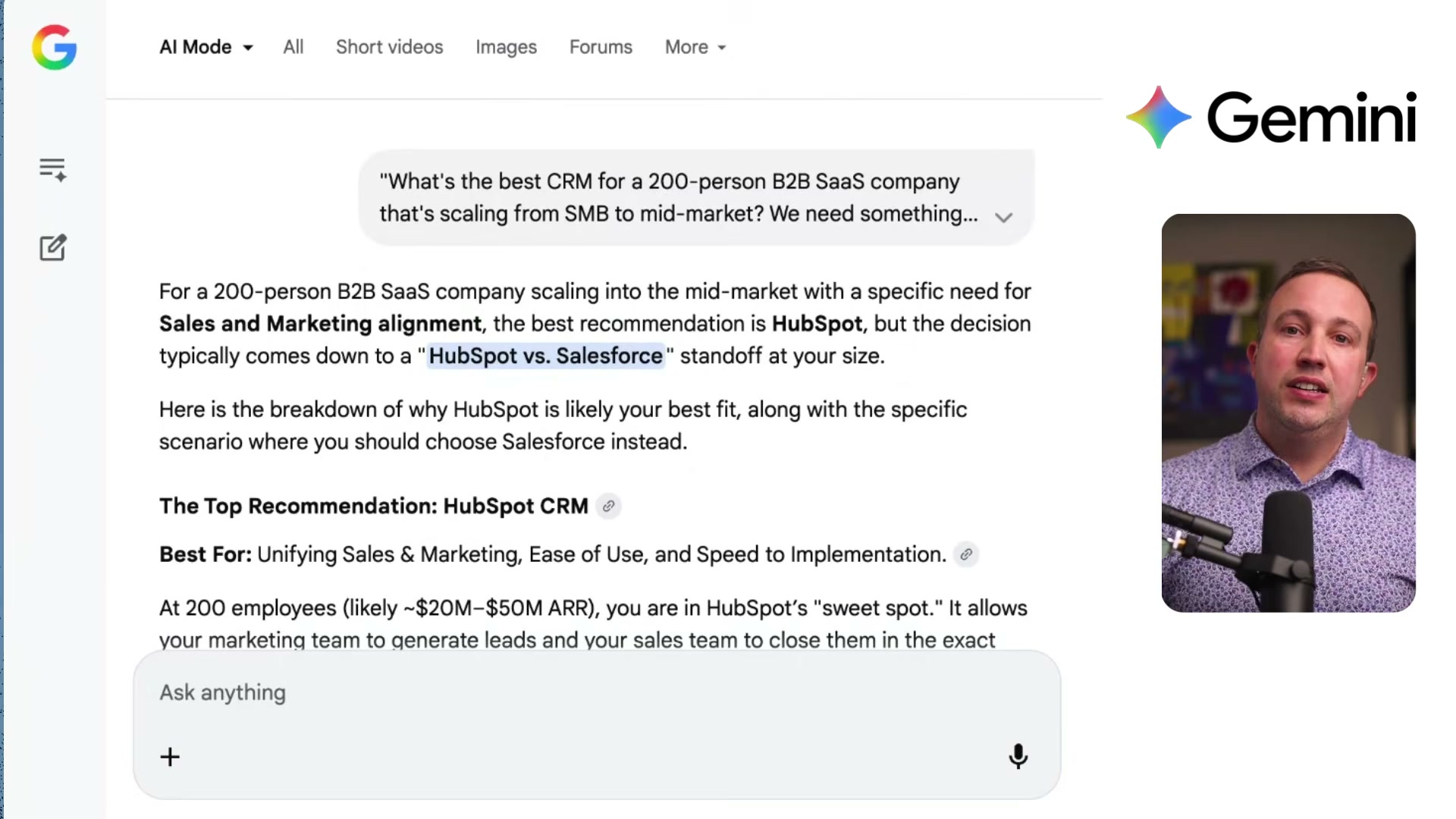
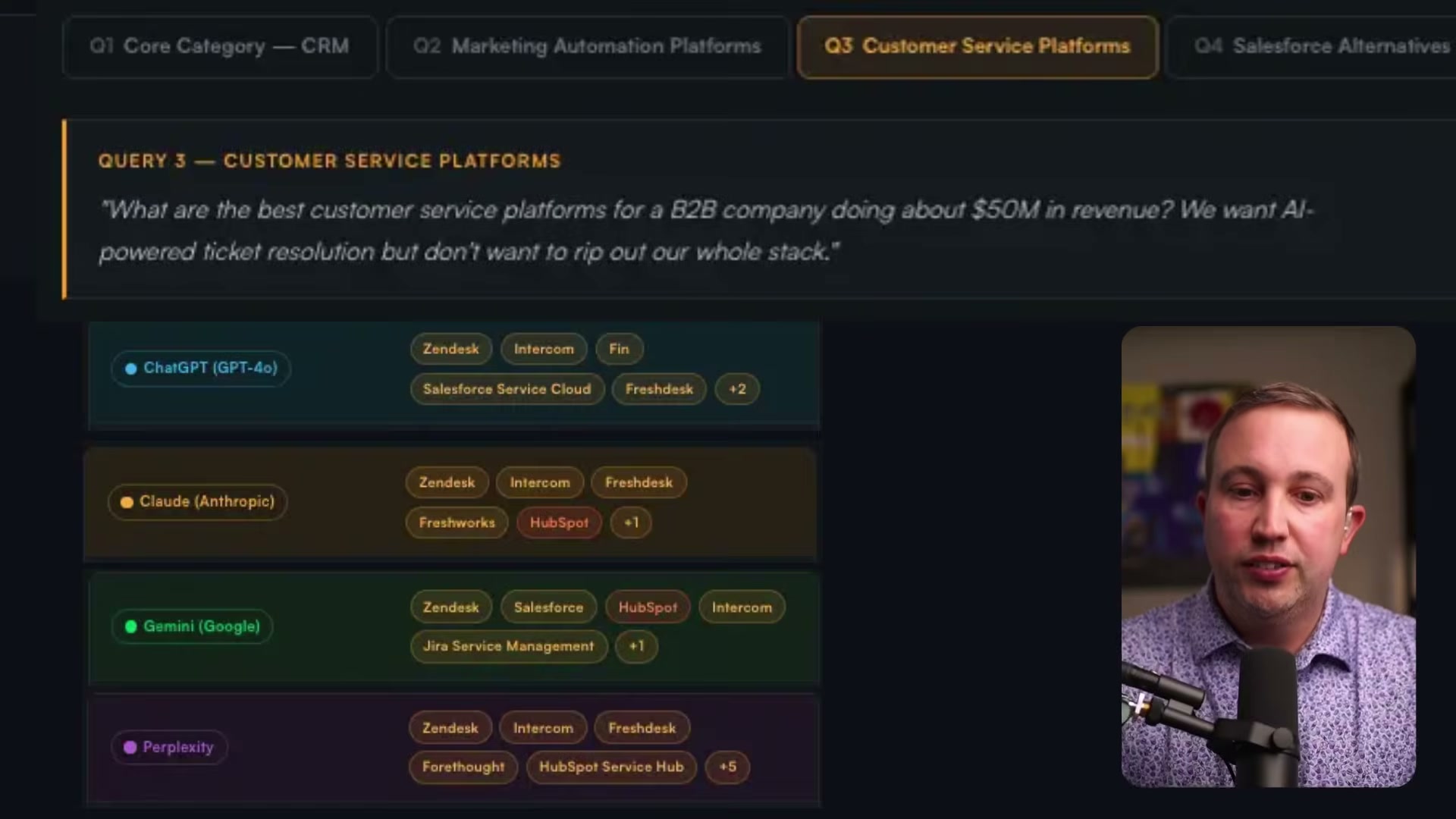
Run each prompt verbatim through ChatGPT, Claude, Perplexity, and Google Gemini AI Mode. Copy every response in full — the reasoning the AI provides matters as much as which brands it names, because that reasoning is what shapes buyer perception before any human decision is made.
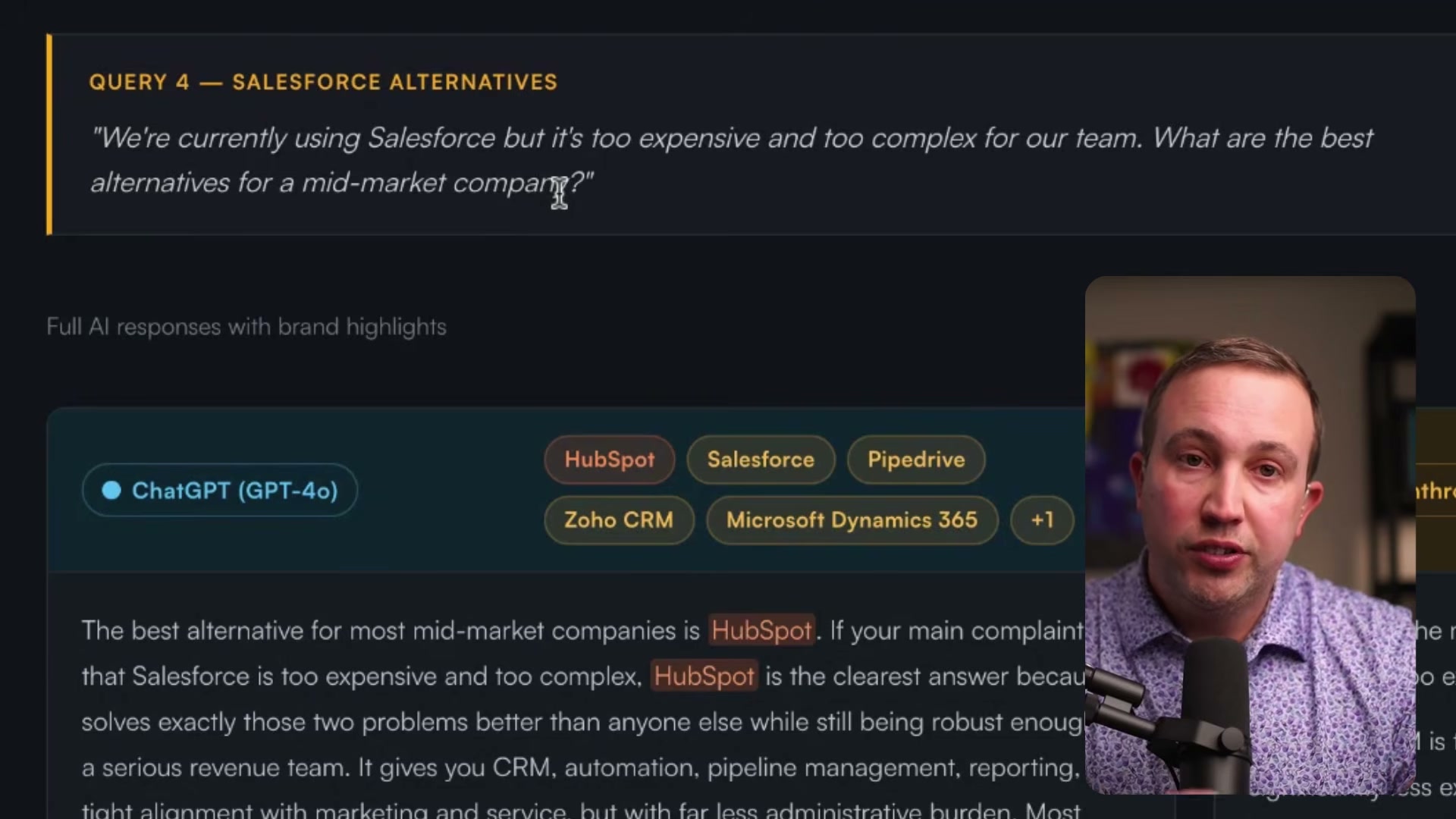
- Compile all responses into a single document or web page, organized by query. This becomes your audit artifact — the evidence you present to your team or leadership to demonstrate exactly where the gaps are.
- Identify gaps: mark every instance where your brand is absent, underranked, or described in terms that don’t match your positioning. Pay particular attention to queries where a direct competitor earns consistent top placement across all four engines.

- Diagnose the root cause before acting. The tutorial draws a sharp distinction between three failure modes: a positioning problem (the AI describes your product in the wrong terms), a category listing problem (you’re absent from the right categories on review platforms), or a content gap (insufficient mention density for the AI to draw from).
-
Audit your listings on G2, Capterra, and Trustpilot. Verify that your product appears in the correct categories — AI engines treat these platforms as high-authority sources, and a miscategorized listing produces miscategorized recommendations.
-
Run a customer review campaign on the platforms where your gaps are most severe. Active, high-volume review profiles generate meaningfully more AI citations than dormant ones.
-
Build a review response cadence. Responding to every review signals to AI models that the brand is actively managed — profiles with unanswered reviews get deprioritized.
-
Publish dedicated comparison pages on your own domain (e.g., YourBrand vs. Competitor) to own the displacement queries your buyers are already running.
-
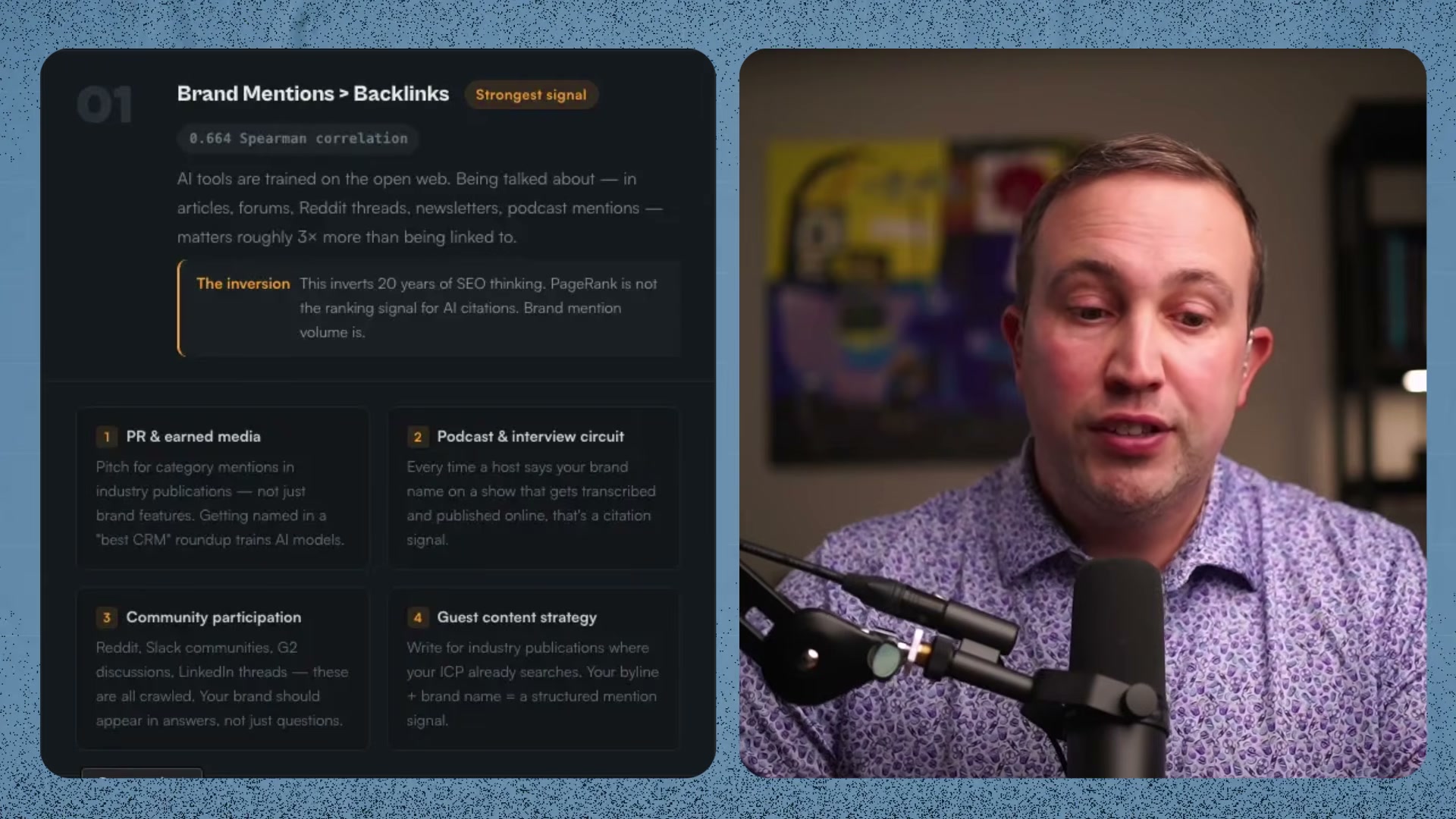
Invest in PR and earned media: podcast appearances, community participation on Reddit and LinkedIn, and guest content on third-party publications. Brand mention density — not backlink count — is the dominant ranking signal in AI search.
-
Publish original research or build free tools — calculators, benchmarks, templates — to earn inbound links and raise domain authority above the threshold AI engines use when evaluating sources.
-
Audit for broken links and 404 pages. When an AI crawler follows a citation to a dead page, it loses the contextual signal it was using to evaluate your brand and moves on.
-
Use a prompt-tracking tool to automate daily monitoring across all four AI engines. The tutorial demonstrates HubSpot’s AEO tool for this step, available via a 28-day free trial.
Warning: this step may differ from current official documentation — see the verified version below.
How does this compare to the official docs?
The video delivers a strong operational framework, but several of its underlying claims — particularly around review platform citation weighting and the 0.664 Spearman correlation figure for brand mentions — warrant cross-checking against published AEO research and each platform’s own guidance before you allocate budget.
Here’s What the Official Docs Show
The framework above is solid and the platform guidance is largely current. What follows layers in context from live documentation that fills in a few details worth knowing before you run the audit.
Step 1 — Generate buyer-intent prompts
No official documentation was found for this step — proceed using the video’s approach and verify independently.
Step 2 — Run prompts through all four AI engines
The video’s approach here matches the current docs exactly.
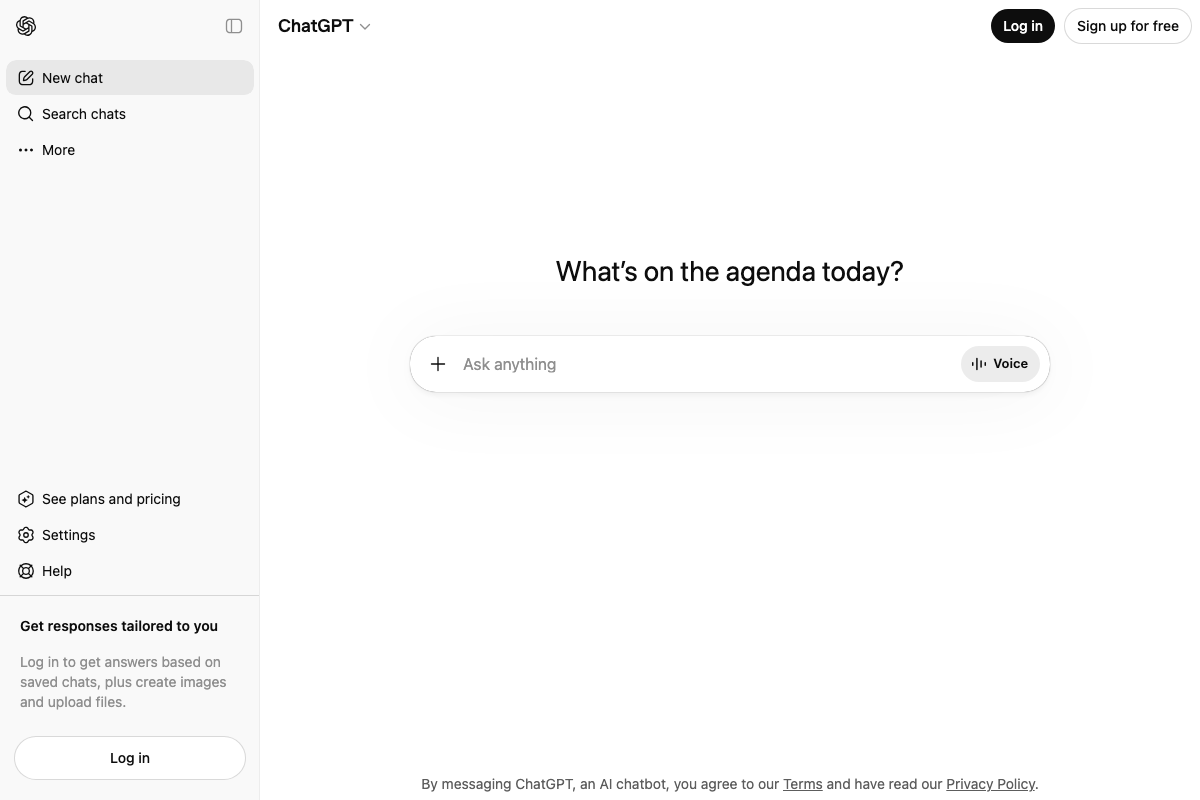
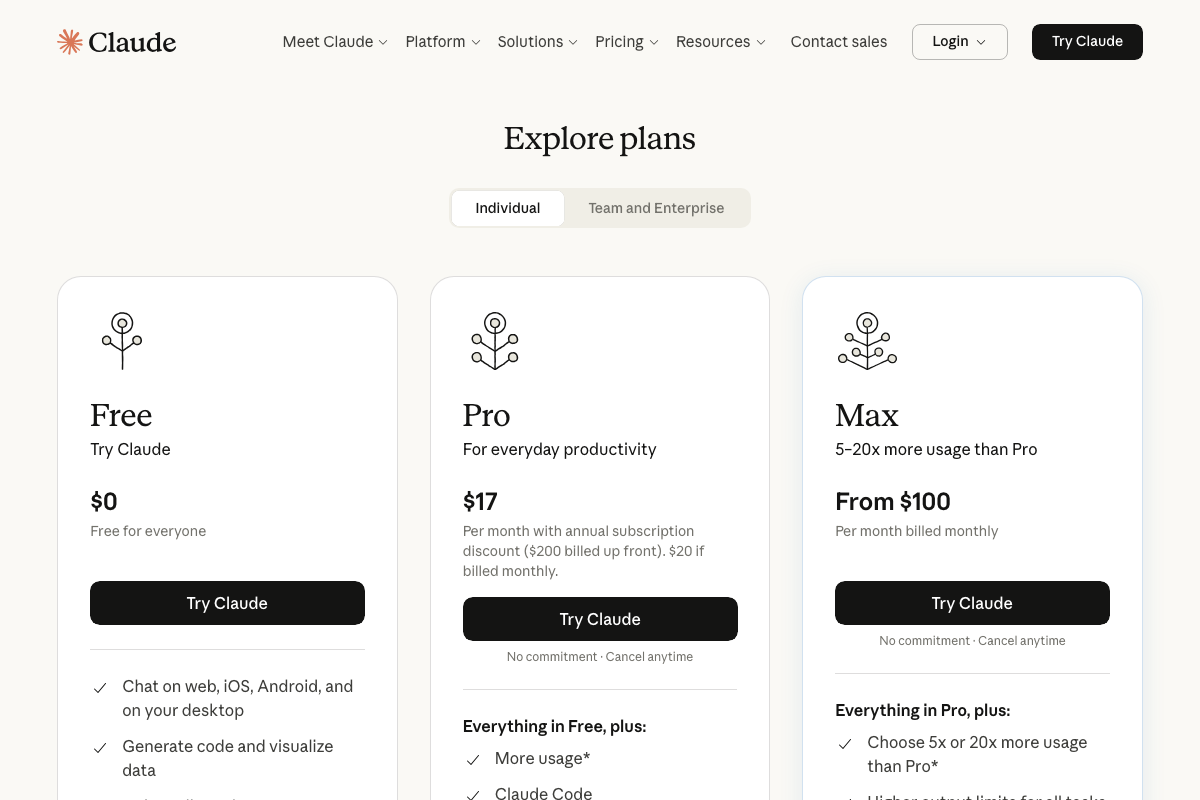
Three platform-specific details before you start: ChatGPT lets you run prompts without an account, but a logged-in session unlocks model selection (GPT-4o vs. GPT-4o mini) — relevant when comparing output quality across engines. Claude requires account creation; fully unauthenticated submission isn’t available, though the free tier covers the manual audit workflow. As of April 2026, Claude also offers Pro ($17–$20/mo) and Max ($100+/mo) plans, and a new agentic feature called Cowork that the tutorial doesn’t reference.
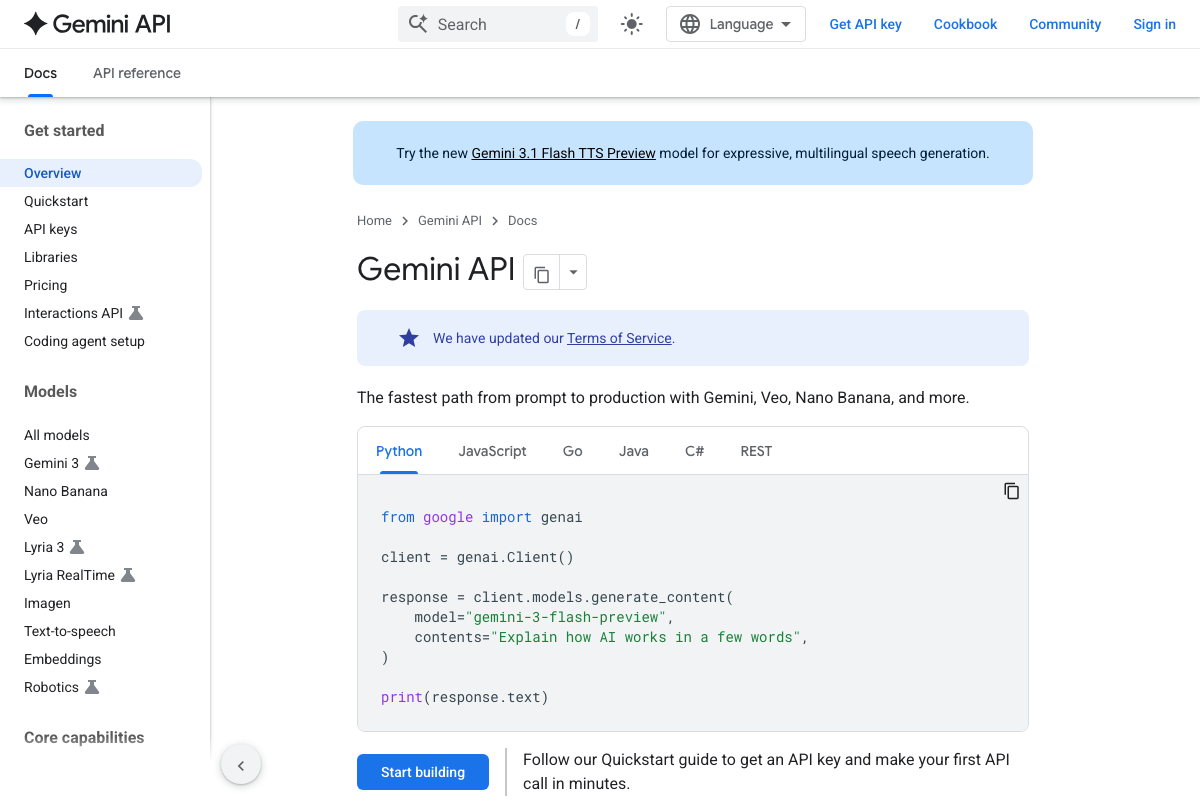
For Perplexity, run your prompts at perplexity.ai — the consumer chat interface — not docs.perplexity.ai, which is the developer API. For Google Gemini, the tutorial instructs you to use Google Search with AI Mode enabled (search.google.com), not the Gemini developer API at ai.google.dev. These are distinct Google products with separate access points.
Steps 3–5 — Compile results, identify gaps, diagnose root cause
No official documentation was found for these steps — proceed using the video’s approach and verify independently.
Steps 6–7 — Audit review platform listings; launch a review campaign
The video’s approach here matches the current docs exactly. Trustpilot confirms category-level listings ranked by star rating and review volume, and a live business growth CTA confirms the review campaign path described in step 7.
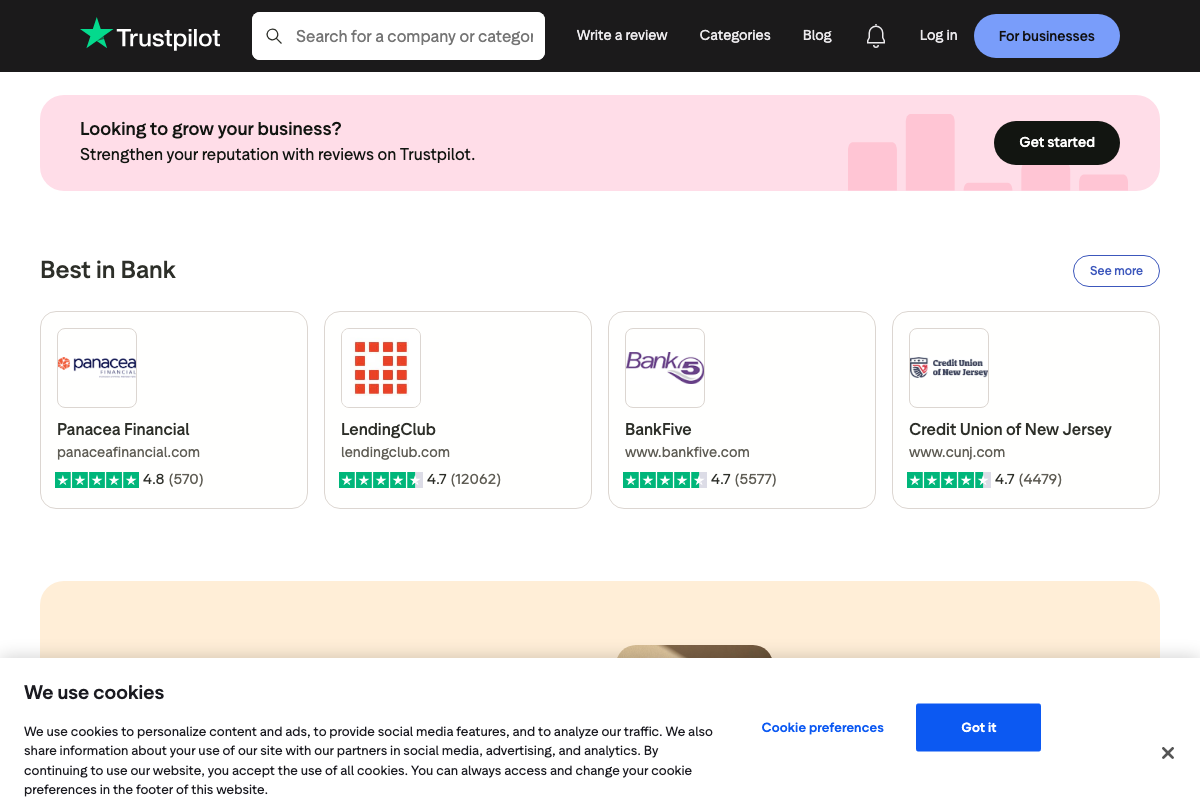
One practical note: G2 blocks automated access. Auditing your G2 category listings requires a manual browser session — screenshots cannot be verified programmatically.
Step 8 — Build a review response cadence
No official documentation was found for this step — proceed using the video’s approach and verify independently.
Steps 9–12 — Comparison pages, earned media, original research, broken link audit
No official documentation was found for these steps — proceed using the video’s approach and verify independently.
Step 13 — Automate tracking with HubSpot AEO
The video’s approach here matches the current docs exactly — HubSpot’s live homepage banner confirms the AEO tool is publicly available and out of beta.
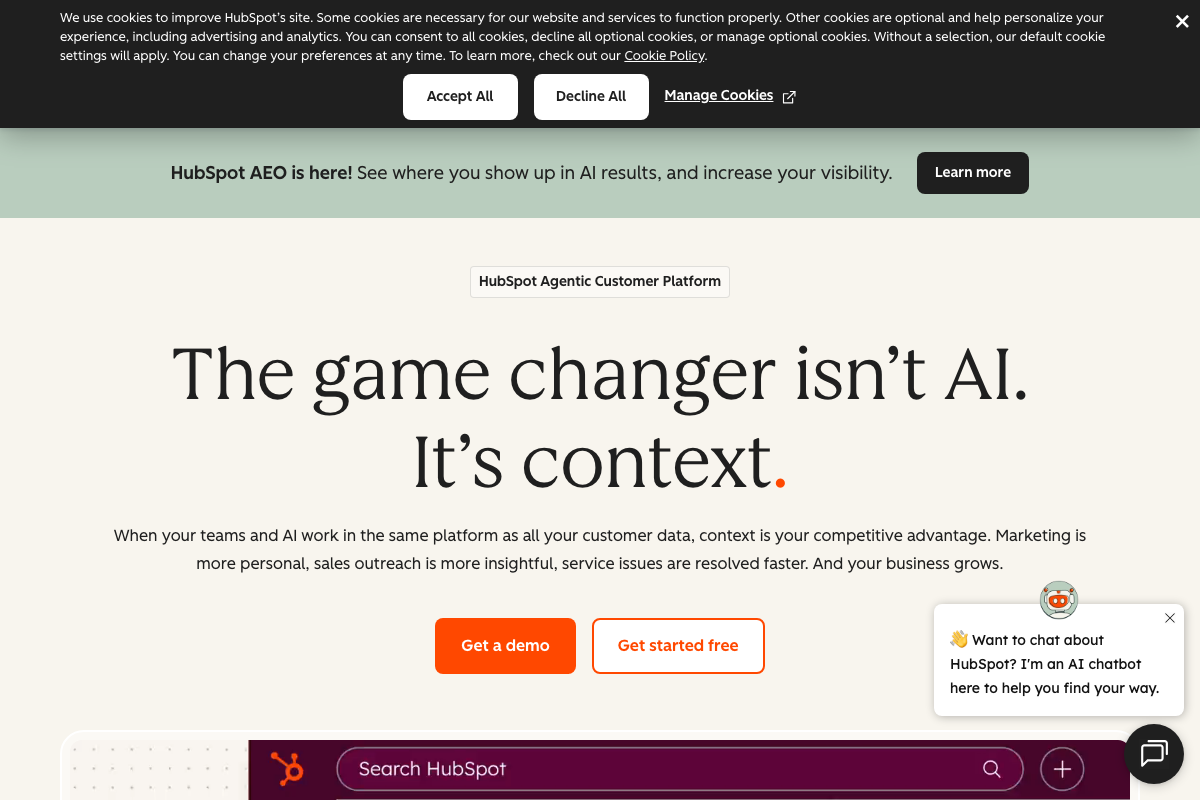
The specific claim of daily prompt tracking across all four AI engines isn’t confirmed or denied by the homepage screenshots captured — verify the full feature scope directly when you activate the free trial.
Useful Links
- ChatGPT — Consumer prompt interface for running manual AEO audit queries in step 2; accessible without an account.
- Claude — Anthropic’s consumer chat platform; free account creation required before submitting step 2 prompts.
- Perplexity API Overview — Developer API documentation only; step 2 manual prompt testing should be performed at perplexity.ai instead.
- Gemini API | Google AI for Developers — Gemini developer API reference; the Google Search AI Mode surface used in step 2 is accessed via search.google.com with AI Mode enabled.
- G2 — Software review and category listing platform referenced in steps 6 and 7; requires a live manual browser session to access vendor profiles.
- Trustpilot — Consumer review platform with category listings and a separate business portal covering the audit and response workflows in steps 6–8.
- HubSpot — Marketing platform with a publicly launched AEO tool for automated prompt tracking, referenced in step 13.


0 Comments