

Playing Offense in SEO: Chris Long’s Framework for Proactive Growth
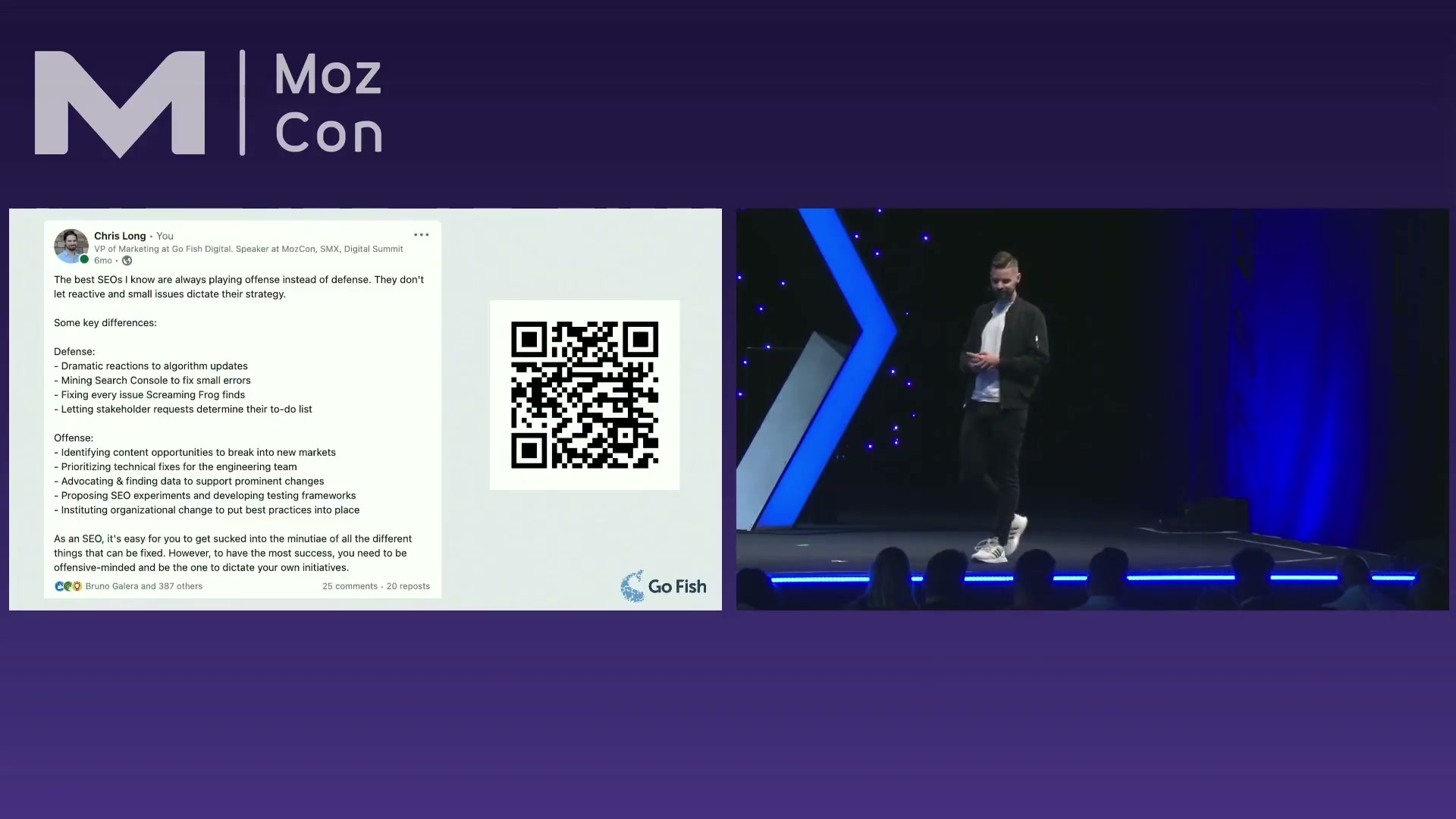
Most SEO workflows are dictated by what breaks — a Search Console alert floods the inbox, an algorithm update triggers a scramble, a traffic dip sparks an emergency audit. In his MozCon 2023 talk, Chris Long of Go Fish Digital argues that this reactive posture is the single biggest drag on SEO impact. After working through his four-part system, you’ll know how to surface content opportunities proactively, tie page optimizations to revenue, audit site visibility at the category level, and escalate technical fixes with the evidence developers need to act.
Tactic 1 — Identify New Content Opportunities
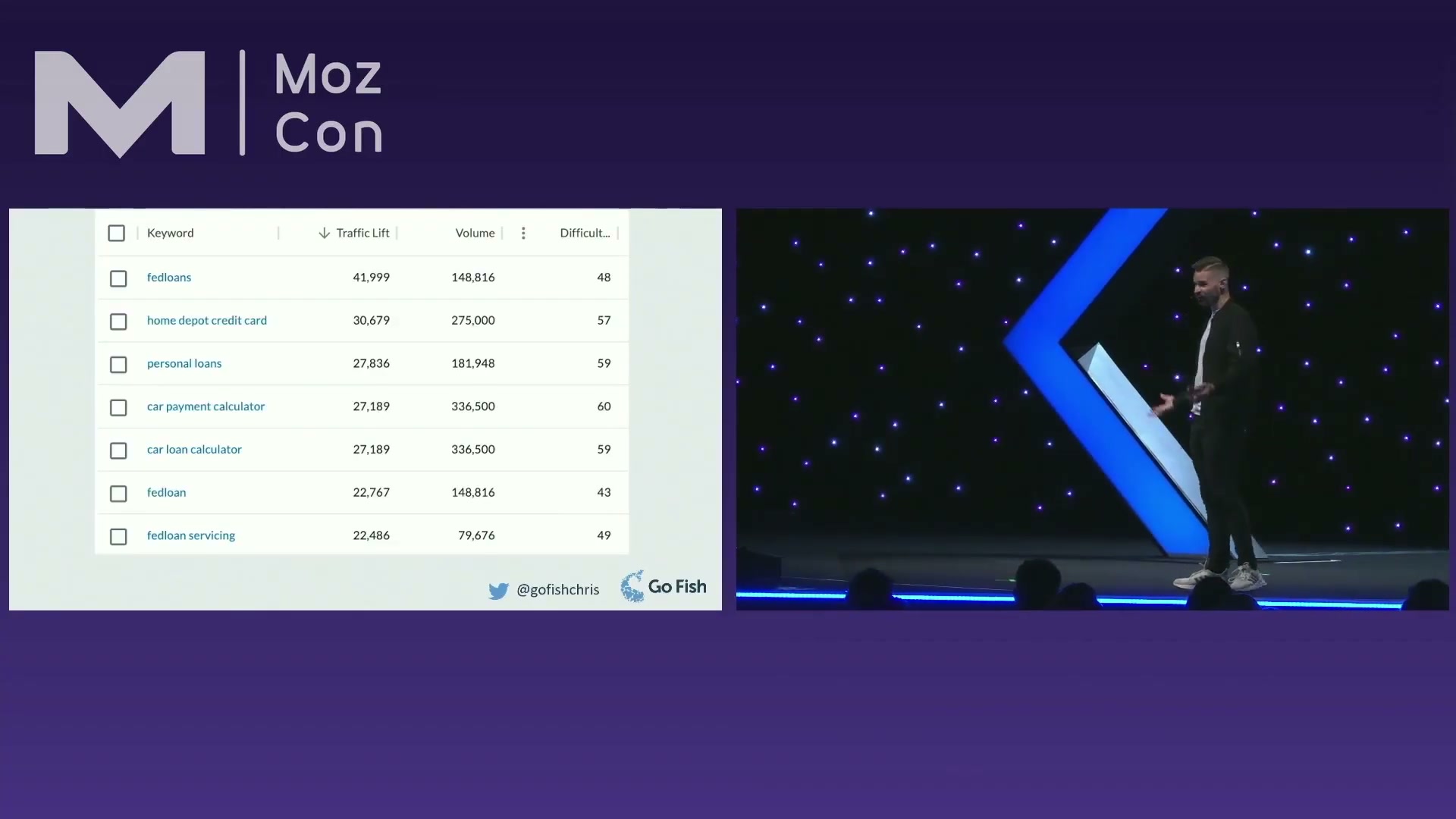
- In Moz Pro, run a content gap analysis using your domain plus up to three competitor domains to surface keywords those competitors rank for that you don’t.
- Filter the gap results to a specific high-priority topical area — a product line, a service category, or a customer persona segment — rather than consuming the full competitive list. This reframes the exercise around business intent, not competitor behavior.
- Build content hubs and internal linking structures around each filtered topical cluster to establish the kind of concentrated topical authority Google rewards at scale.
Tactic 2 — Choose Which Pages to Optimize
- Pull a GA4 landing page report and add a revenue or lead-generation KPI column. Sort by that metric — not by organic traffic — to surface the pages that actually matter to the business.
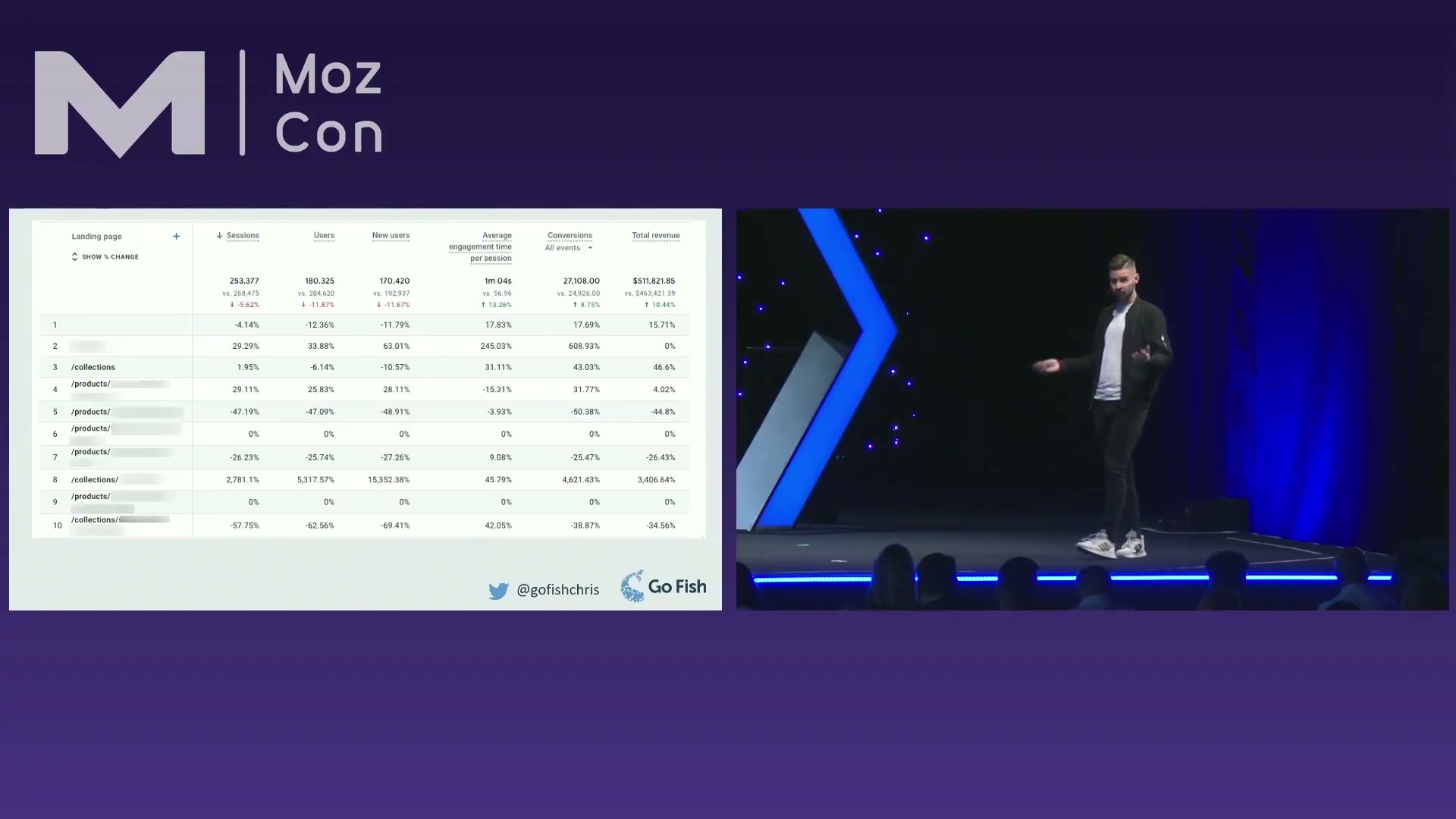
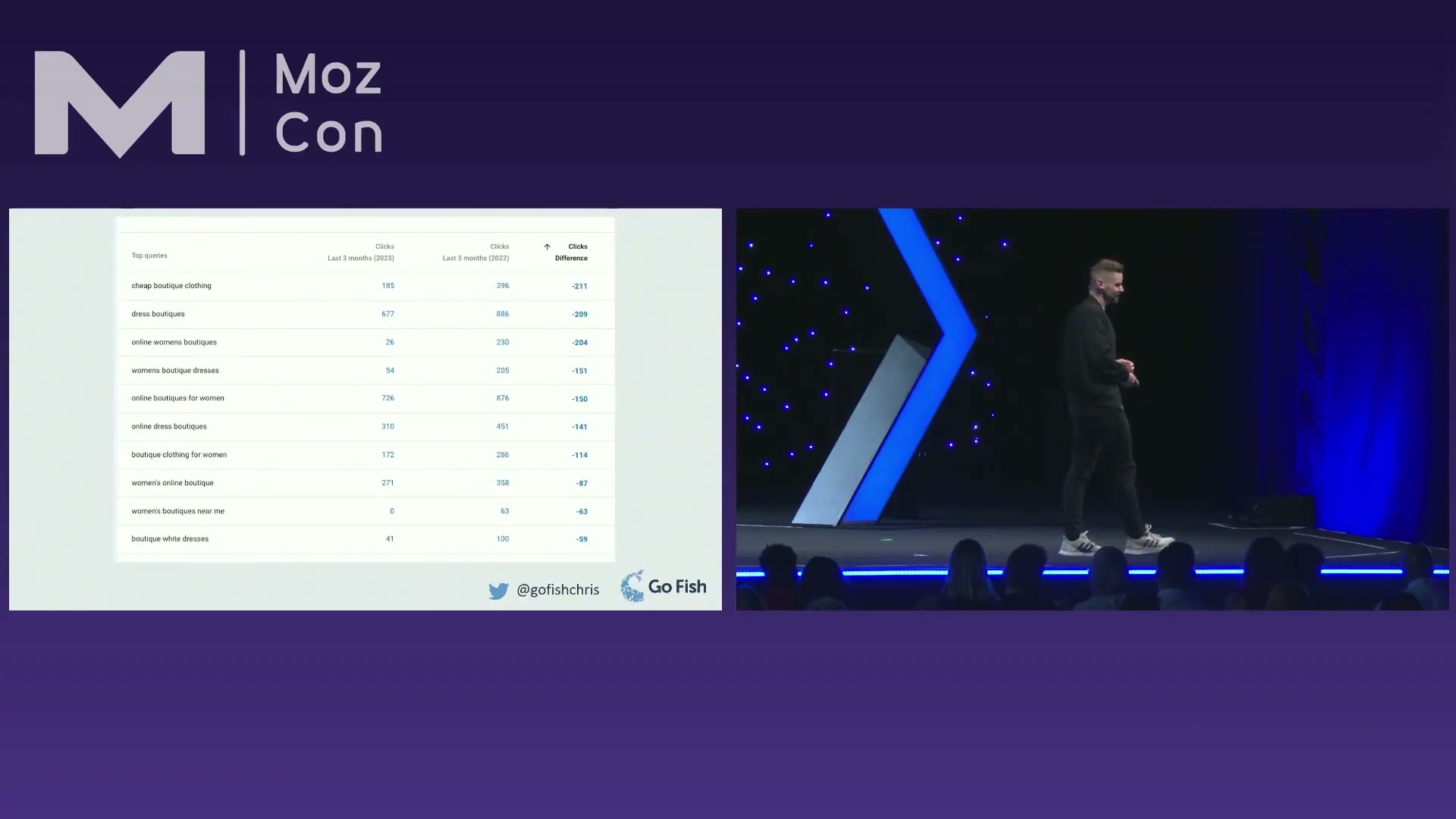
- Feed those revenue-priority pages into Google Search Console and run a year-over-year query comparison. The queries losing clicks and impressions become the specific targets for on-page work, connecting every recommendation back to a financial outcome.
Tactic 3 — Category-Level Rank Analysis
-
Implement breadcrumb navigation with BreadcrumbList structured data on larger sites to taxonomize content for both users and crawlers.
-
Crawl the site with Screaming Frog, extract the breadcrumb structured data, and export it.
-
In Excel, map each breadcrumb category to the corresponding keywords tracked in your rank tracking tool.
Warning: this step may differ from current official documentation — see the verified version below.
- Create keyword segments in STAT — or any equivalent rank tracker — corresponding to each breadcrumb category.
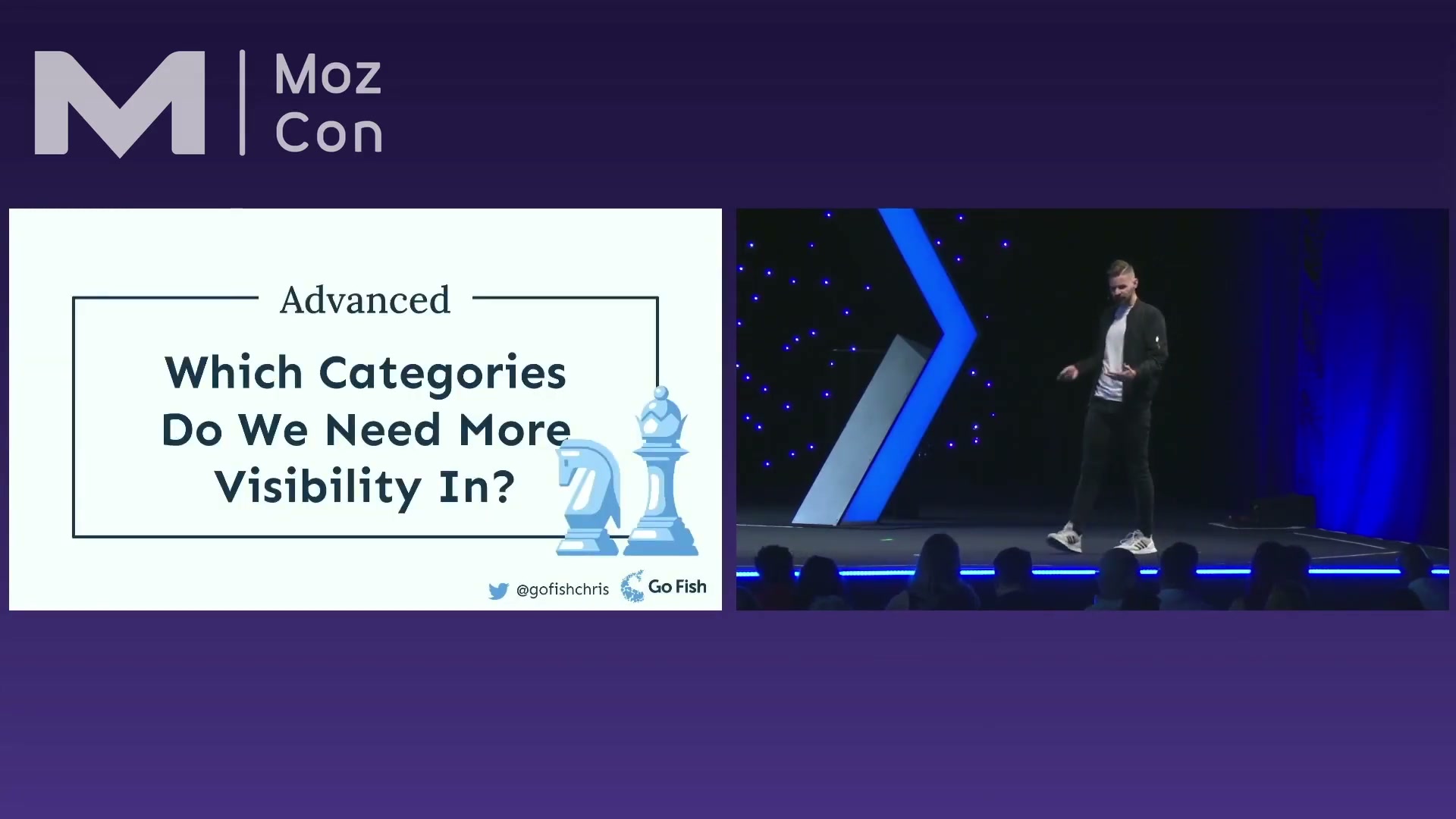
- Compare category-level ranking performance against the site mean. Categories performing below that mean that represent high-priority business lines move to the top of the optimization queue.
Tactic 4 — Technical SEO Prioritization
-
Measure technical issues as a percentage of total site pages, not as a raw URL count — scale changes the urgency calculation entirely.
-
Classify each issue by type: treat indexation problems as highest severity, crawling issues as medium, and response codes or redirect chains as lower priority unless site-specific context elevates them.
-
When escalating a fix to developers, use WebPageTest to isolate the exact moment of Cumulative Layout Shift in the page load sequence and attach before/after screenshots to the ticket.
-
For any structured data recommendation, supply sample schema markup scoped to the affected page template rather than a generic directive — a concrete example moves through a dev queue far faster.
How does this compare to the official docs?
Long’s framework draws on tools and tactics widely used across the industry, but several implementation steps — particularly the breadcrumb extraction workflow and the Excel-based rank segment mapping — diverge in notable ways from how Google, Moz, and STAT document their intended use, and those gaps are worth pressure-testing before you ship this approach to a client.
Here’s What the Official Docs Show
Chris Long’s four-tactic framework is well-grounded — the docs confirm the core tool-specific claims across most steps. What follows adds a few material pricing details, one tool-ownership update, and flags the steps where no official documentation exists to verify or extend what the video shows.
Tactic 1 — Identify New Content Opportunities
Step 1. Moz Pro’s competitive research tools are confirmed in the current feature comparison table. The video’s approach here matches the current docs exactly. One caveat: the “up to three competitor domains” limit stated in Act 1 is not confirmed or denied in any current Moz documentation captured — treat that cap as approximate until verified in-platform.
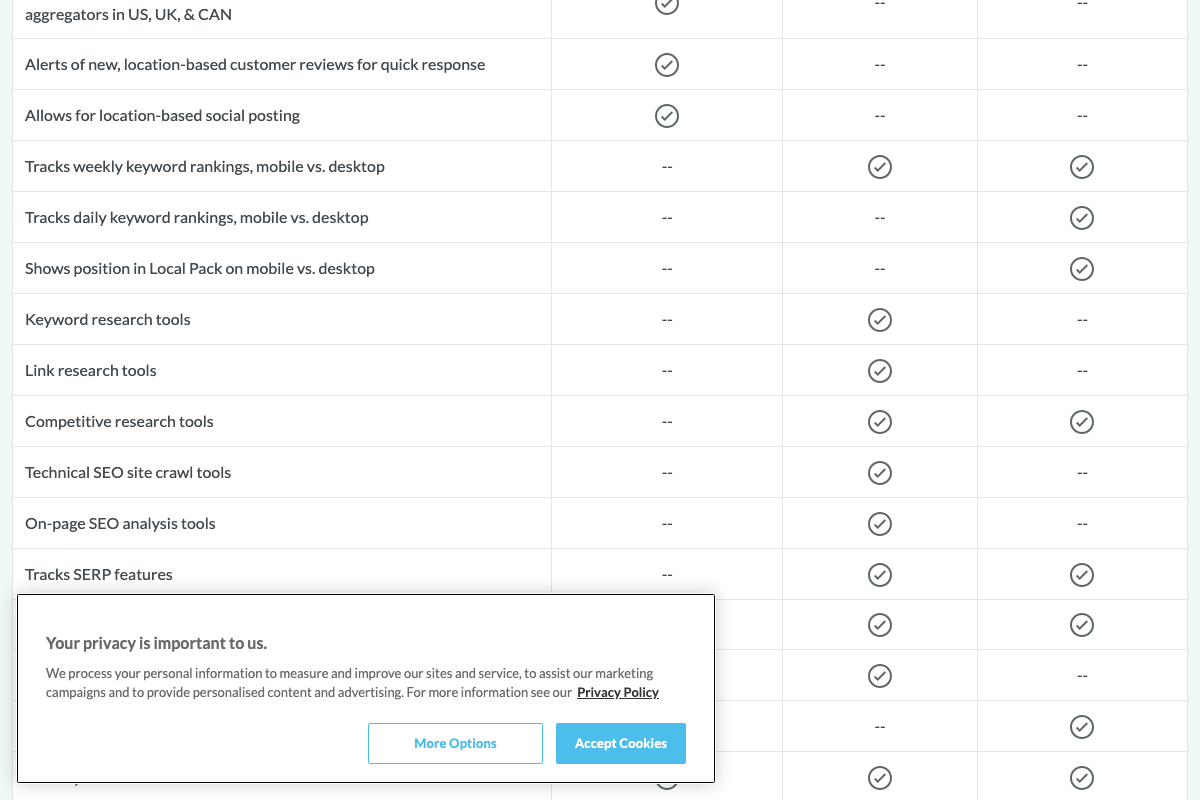
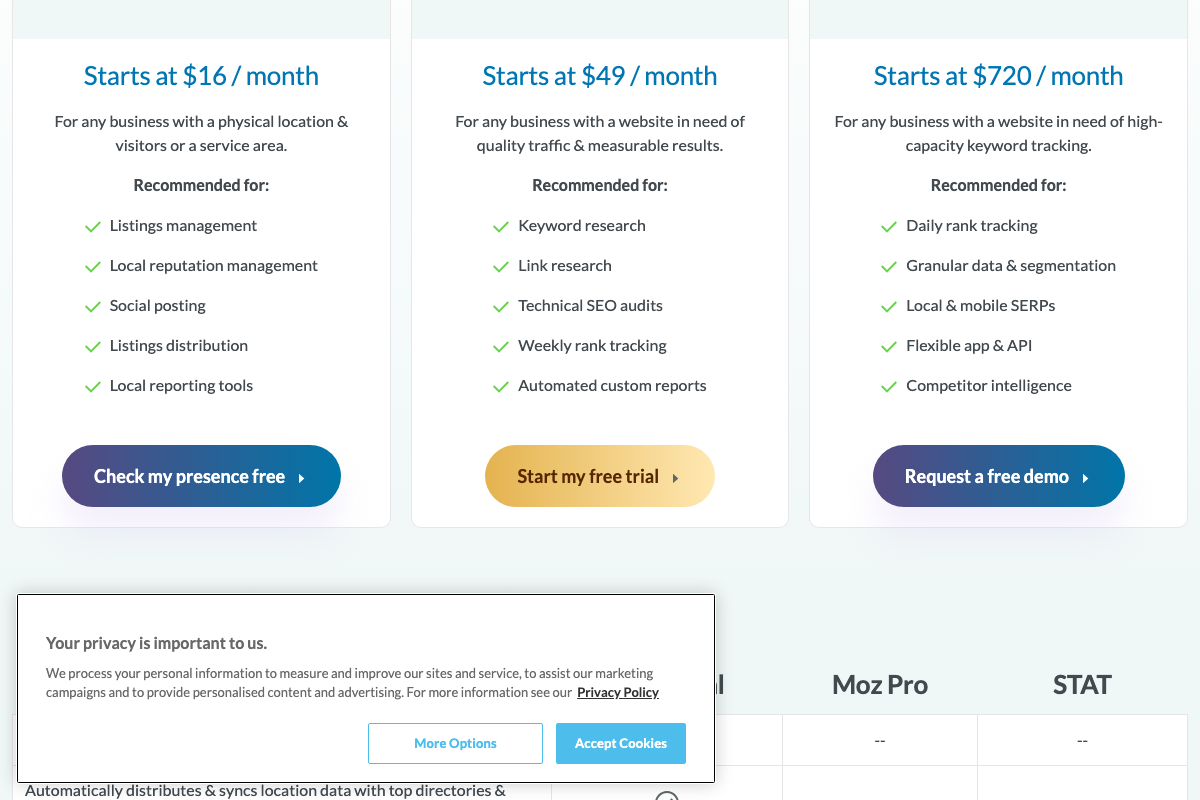
Step 2. The video’s approach here matches the current docs exactly. One pricing distinction worth keeping on hand: Moz Pro’s rank tracking is weekly, not daily. Daily keyword frequency requires STAT at $720/month — a separate product, not a Moz Pro feature, and a meaningful budget line for anyone building the workflow described in Steps 9–10.
Step 3.
No official documentation was found for this step —
proceed using the video’s approach and verify independently.
Tactic 2 — Choose Which Pages to Optimize
Step 4.
No official documentation was found for this step —
proceed using the video’s approach and verify independently.
Step 5. The video’s approach here matches the current docs exactly. One boundary to respect: GSC surfaces query-level clicks, impressions, and position — it does not track revenue or lead conversions. The revenue linkage from Step 4 must come from GA4 or your CRM before you bring the filtered page list into the Performance report.
Tactic 3 — Category-Level Rank Analysis
Step 6.
No official documentation was found for this step —
proceed using the video’s approach and verify independently.
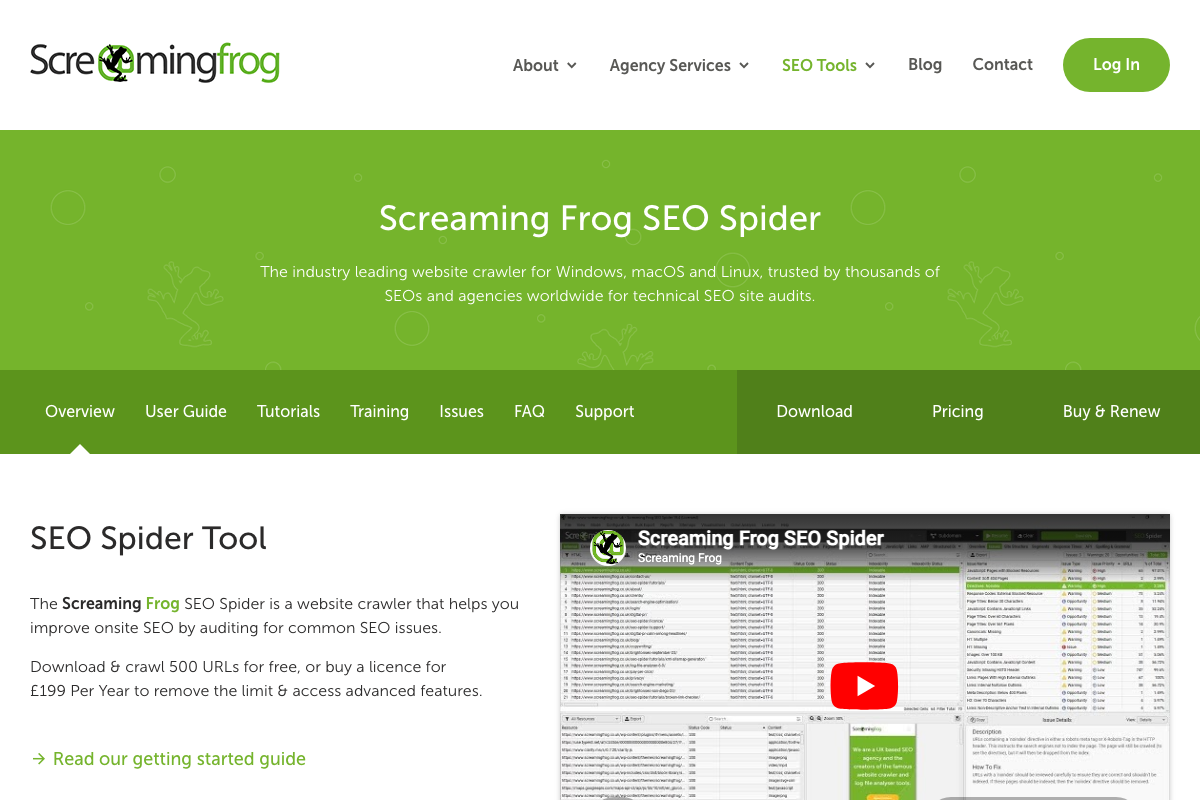
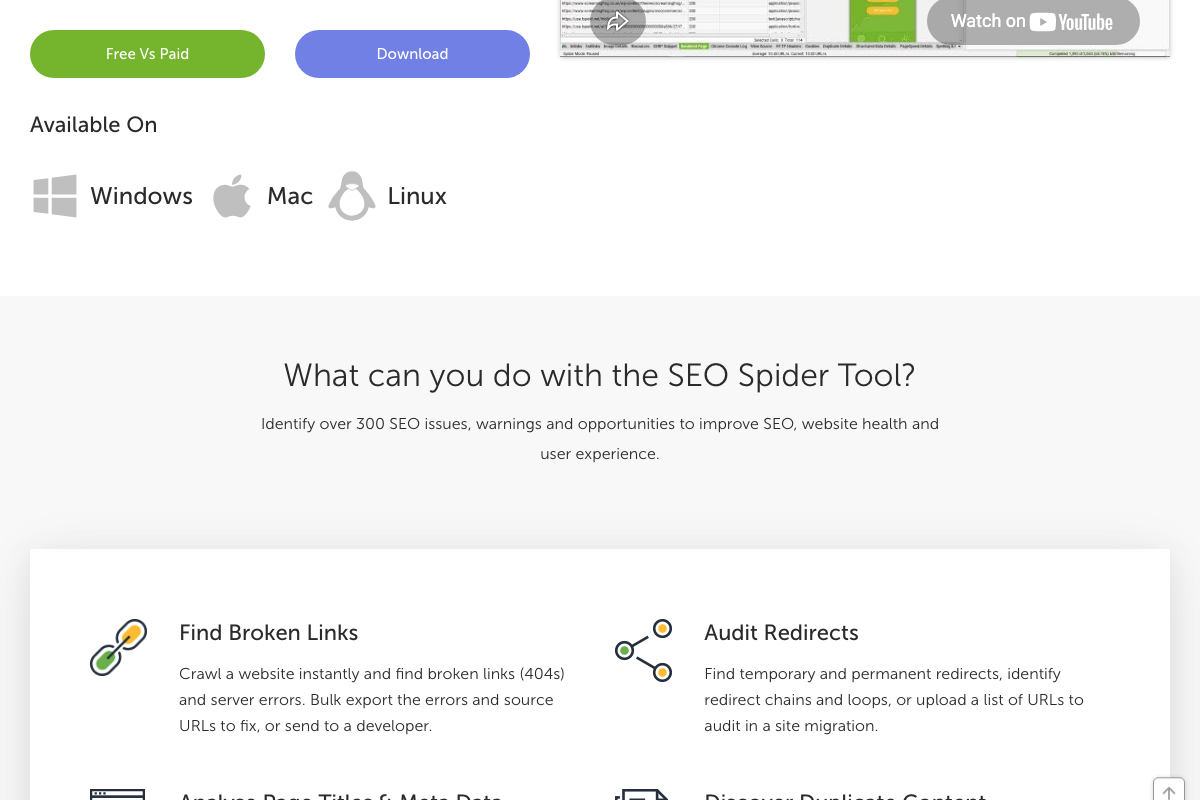
Step 7. The video’s approach here matches the current docs exactly. One addition that’s material given the “larger sites” context: Screaming Frog’s free tier is capped at 500 URLs. For any enterprise or mid-market site, budget the £199/year paid license before scoping this workflow into a client engagement.
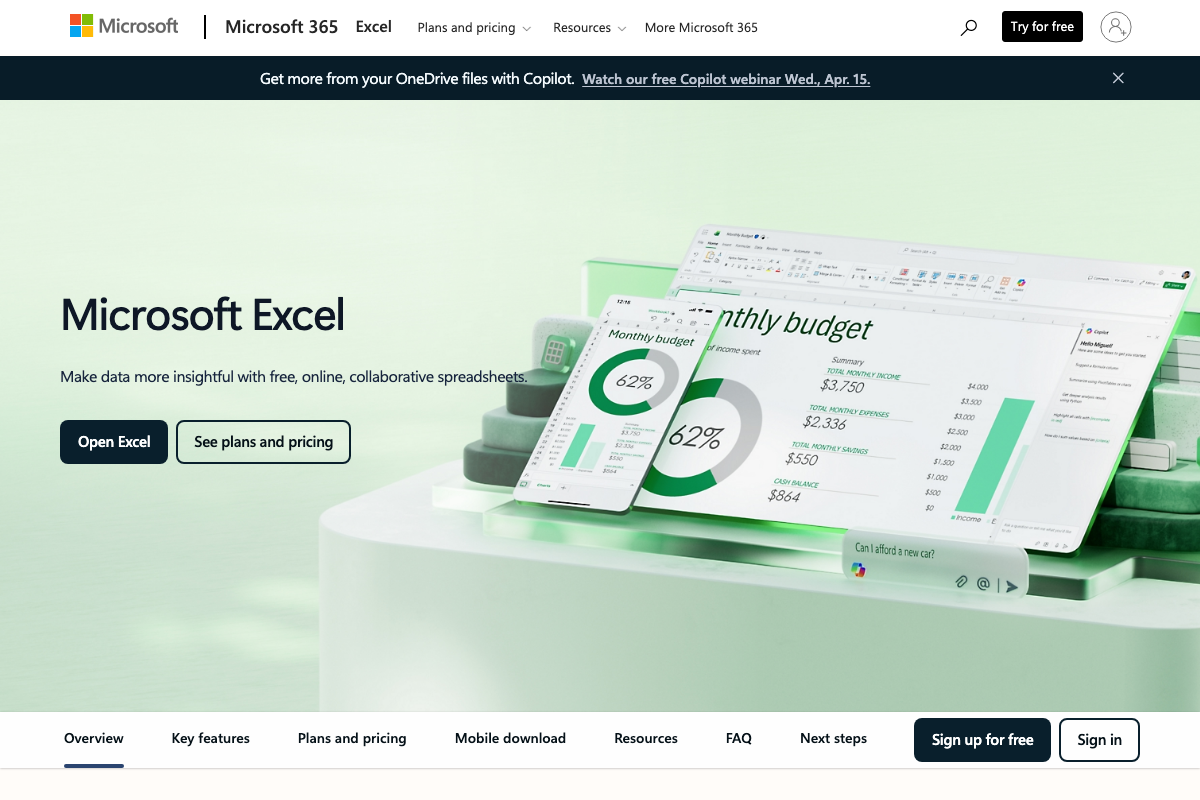
Step 8. The video’s approach here matches the current docs exactly. Standard Excel — sort, filter, VLOOKUP — is all this mapping step requires. The current product page leads with Copilot AI features; none of those are needed here, and a free web-based tier covers the full workflow.
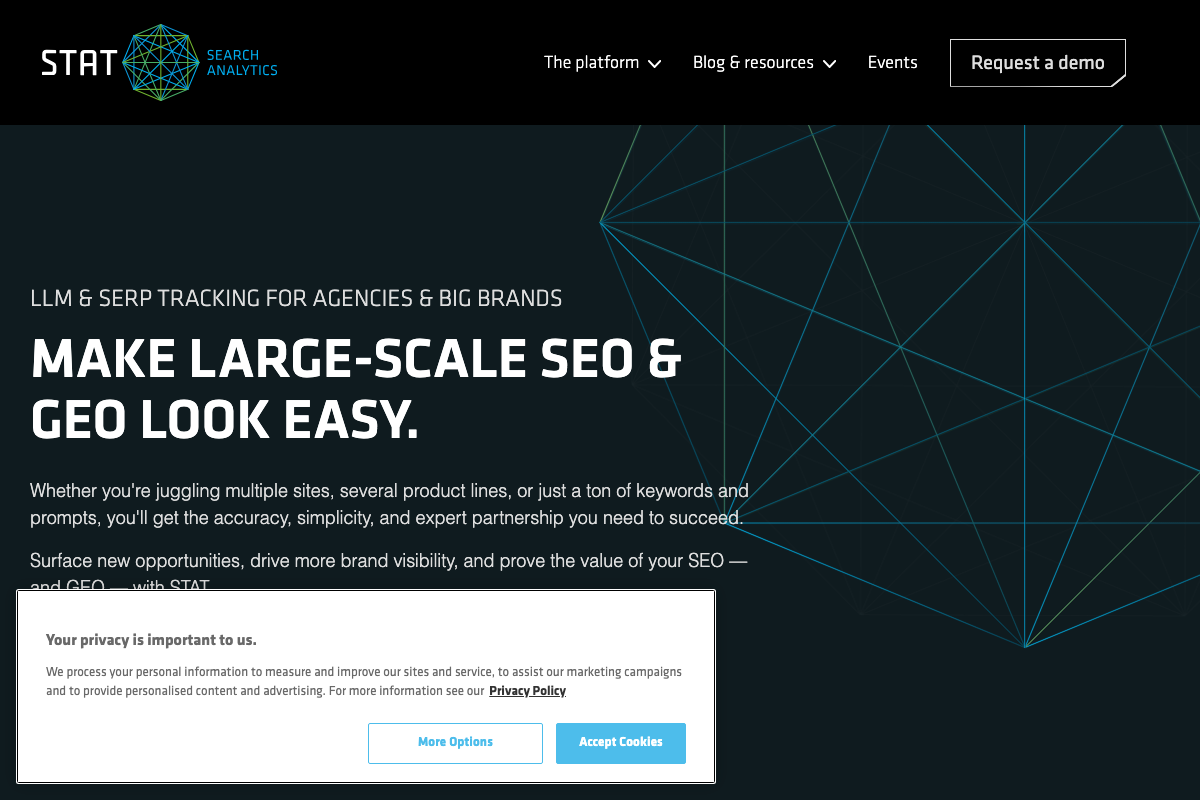
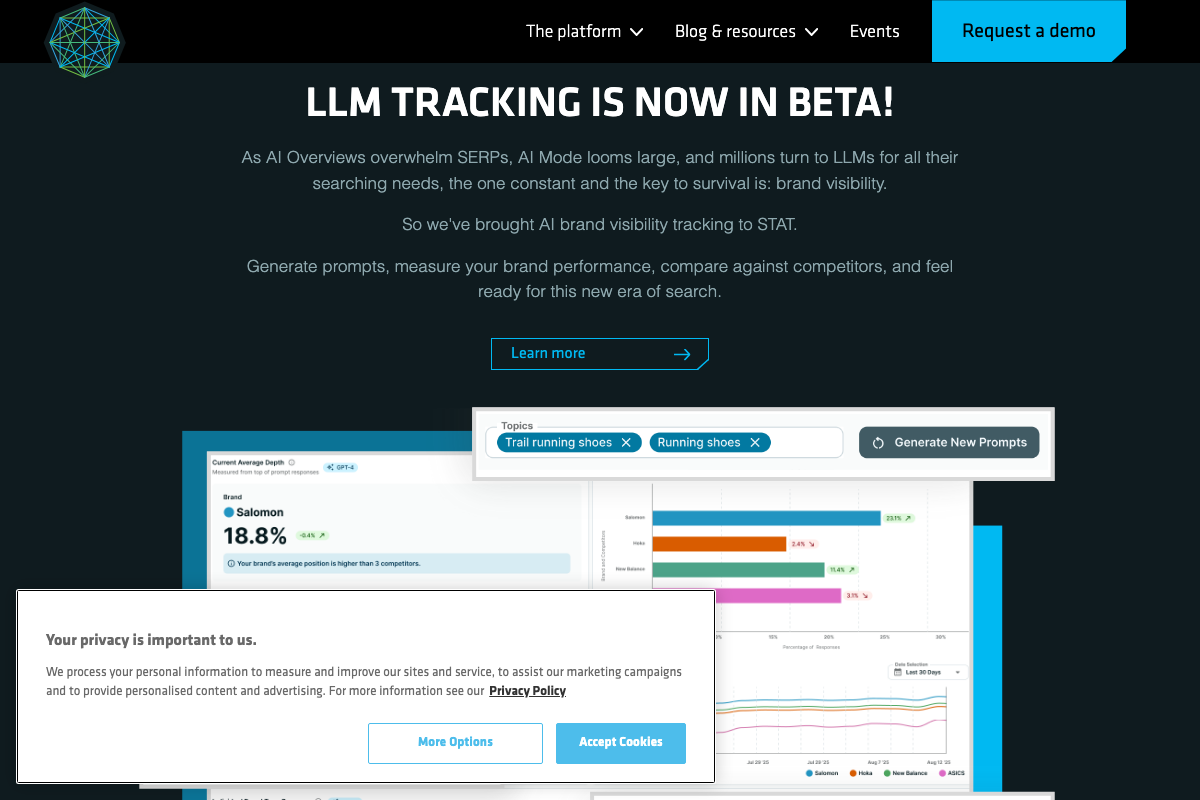
Step 9. The video’s approach here matches the current docs exactly. One meaningful platform update since MozCon 2023: STAT now markets itself as “LLM & SERP TRACKING” and has added an LLM/GEO tracking beta for measuring brand visibility inside AI-generated responses. The category-level rank segment workflow in Act 1 maps to STAT’s SERP tracking side, which is unchanged — the LLM tracking is an additive capability worth flagging to clients asking about AI search visibility.
Step 10. The video’s approach here matches the current docs exactly.
Tactic 4 — Technical SEO Prioritization
Step 11.
No official documentation was found for this step —
proceed using the video’s approach and verify independently.
Step 12.
No official documentation was found for this step —
proceed using the video’s approach and verify independently.
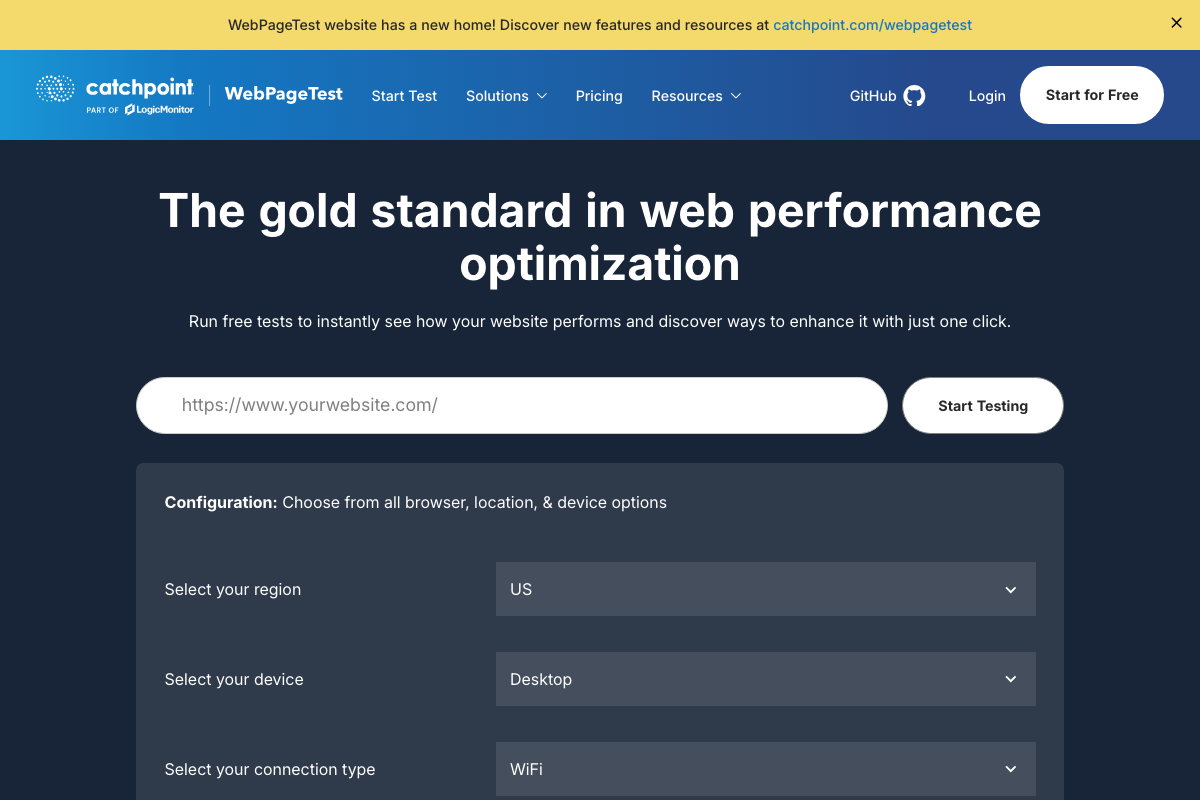
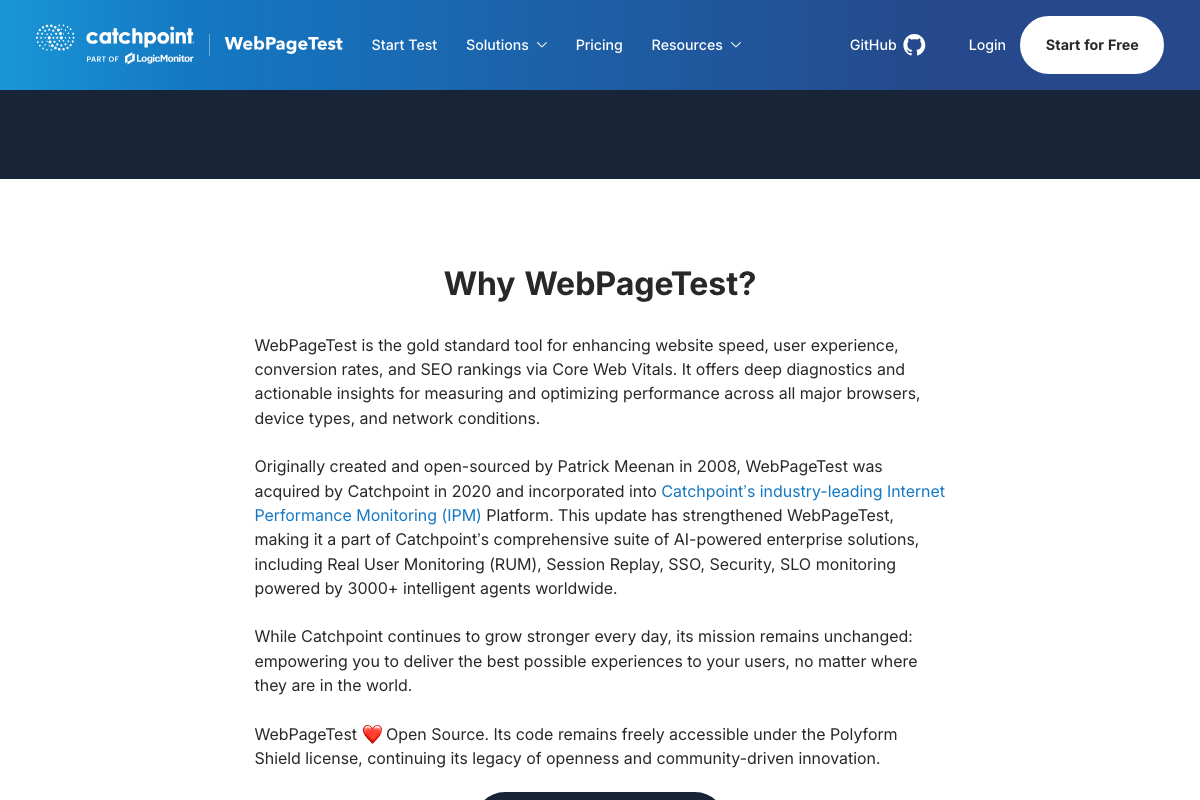
Step 13. The video’s approach here matches the current docs exactly — WebPageTest’s filmstrip view for isolating CLS remains available on the free tier. As of March 2026, the correct primary home for WebPageTest is catchpoint.com/webpagetest; the video’s framing of it as a standalone independent tool reflects an earlier era. Catchpoint acquired WebPageTest in 2020, and the tool now operates under Catchpoint/LogicMonitor branding with paid Pro and Enterprise plans layered on top of the free diagnostic test the tutorial describes. Also worth noting: WebPageTest’s code is licensed under the Polyform Shield license, not a permissive open-source license — commercial SaaS use warrants a license review.
Step 14.
No official documentation was found for this step —
proceed using the video’s approach and verify independently.
Useful Links
- Moz — SEO Products & Solutions — Confirms Moz Pro and STAT as separate products with distinct pricing tiers and rank-tracking cadences (weekly vs. daily).
- Google Search Console — Official about page for GSC’s Search Analytics query-level performance reporting.
- Screaming Frog SEO Spider — Product page detailing crawler capabilities, the free-tier 500 URL cap, and the £199/year paid license.
- STAT Search Analytics — Current STAT homepage reflecting the platform’s expanded LLM & SERP tracking positioning since the 2023 tutorial.
- WebPageTest — Tool homepage now under Catchpoint/LogicMonitor branding, with note on official migration to catchpoint.com/webpagetest and Core Web Vitals diagnostic capability.
- Microsoft Excel — Excel product page, now leading with Copilot AI branding; free web-based tier available and sufficient for the Step 8 mapping workflow.


0 Comments