

How to Adjust Your Content for LinkedIn’s New Feed Algorithm
LinkedIn’s algorithm is no longer the system you learned two years ago — it has been rebuilt from the ground up as a single unified AI, replacing five disconnected legacy tools. After completing this tutorial, you will understand how the new system evaluates your content, why niche consistency now matters more than follower count, and how to use your audience’s own words to generate an endless supply of on-topic posts that the algorithm will actively distribute.
-
Internalize what changed under the hood. The old LinkedIn algorithm was five separate systems loosely connected; the new one is a single unified AI model. This distinction matters because the new system makes holistic judgments about your content and profile together — not isolated, post-by-post calls.
-
Stop optimizing for exact keywords. The rebuilt algorithm understands semantic meaning and synonyms. A post about “reducing churn” now surfaces for users searching “customer retention,” even if those words never appear in your copy. Write for your reader’s intent, not a keyword match.
-
Understand that the algorithm is building a profile of each user’s professional journey over time — not just reacting to their last click. Content relevance is now evaluated against a longer behavioral history, which means your post competes differently depending on how well your established topic authority aligns with a given viewer’s interests.
-
Make comment response your first priority in the hours immediately after publishing. Half of a post’s total impressions occur within the first 48 hours. If engagement signals are thin in that window, the algorithm stops distributing the post. Replying quickly tells LinkedIn the content is worth showing to more people.
-
Aim for comment density, not comment volume. A “Nice post” / “Thanks” exchange registers as noise. Substantive back-and-forth — where a commenter raises a real point and you extend the conversation — is what the algorithm is specifically trained to detect and reward. The product head for LinkedIn company pages confirmed comment density as a primary signal.
-
Commit your profile to a single topic domain. Posting consistently on the same subject trains the algorithm to associate your profile with that area and serve your content to the right audience more reliably over time. This is no longer a soft best practice — it is how the ranking model builds confidence in what you cover.
-
Recognize that generalist, multi-topic posting carries algorithmic risk under the new system. If your profile is classified as a specialist in one area, posts that stray into unrelated subjects may receive significantly reduced distribution because the algorithm cannot match them to the audience it has calibrated for you.
Warning: this step may differ from current official documentation — see the verified version below.
-
Use AI tools to generate fresh angles within your niche rather than expanding into new topics. Tools like ChatGPT can produce new metaphors, sub-topics, and framings for the same core expertise — keeping your content varied without confusing the algorithm about what your profile is about.
-
Mine your existing comments and DMs for content ideas. Unanswered questions from your audience are high-signal prompts: they represent real gaps in what you have already published, and posts built around them are pre-validated by demand from people the algorithm already connects to your niche.
-
Make a deliberate strategic decision about LinkedIn’s role in your funnel. If LinkedIn serves as top-of-funnel only, lean hard into niche repetition and accept a narrower but highly relevant audience. If you want LinkedIn to carry both awareness and relationship-building, some reach trade-off is likely — but the depth of engagement may compensate.
How does this compare to the official docs?
The video draws on LinkedIn’s own engineering disclosures, but how those changes translate into specific content guidance is where interpretation enters — and where the official documentation tells a more precise (and occasionally different) story.
Here’s What the Official Docs Show
Act 1 gives you a practical framework worth acting on — this section maps each step against the available documentation so you know exactly where verified ground ends and informed inference begins. Nothing here contradicts the video’s strategic logic; it fills in the source picture so you can evaluate the claims yourself.
Step 1 — The unified AI system
No official documentation was found for this step — proceed using the video’s approach and verify independently.
Step 2 — Semantic understanding over keyword matching
No official documentation was found for this step — proceed using the video’s approach and verify independently.
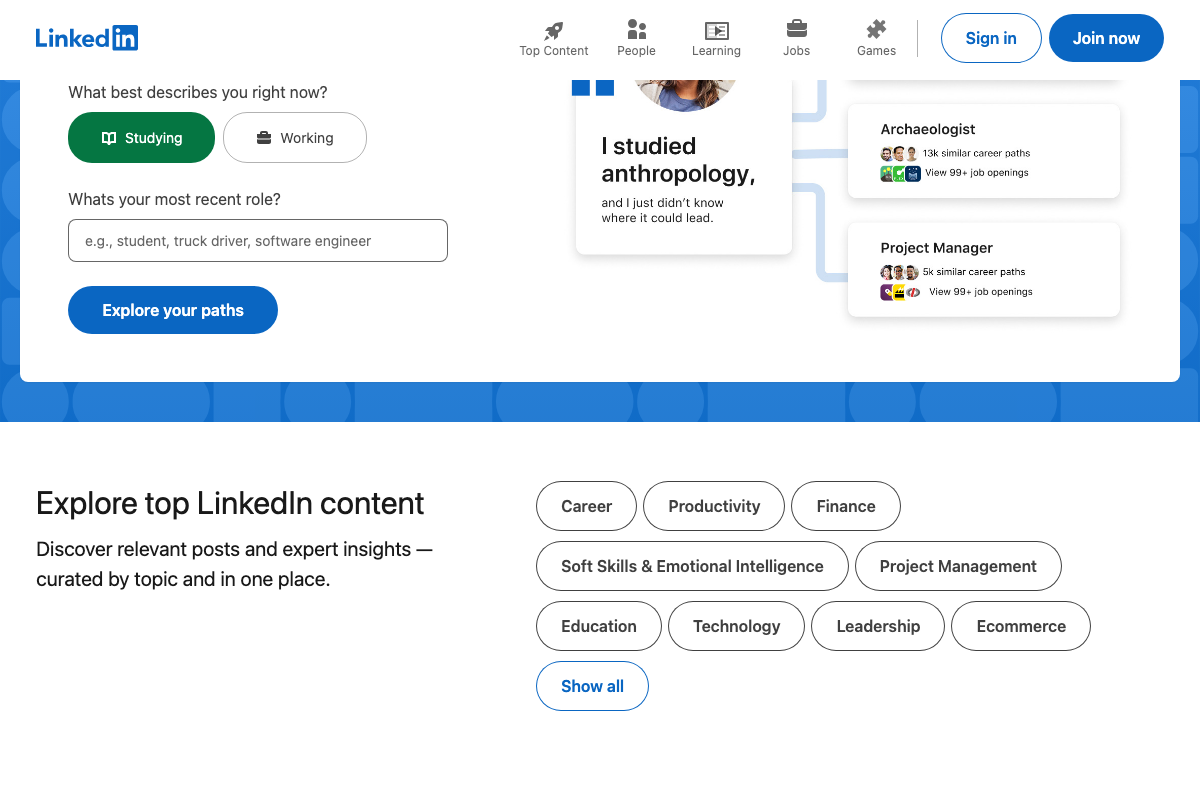
LinkedIn’s public homepage does organize discoverable content by subject area — Career, Productivity, Finance, Technology, Leadership, and others. That is consistent with the tutorial’s claim that the platform indexes by topic, but it is a content discovery UI for logged-out visitors, not documentation of how organic posts are ranked for authenticated users.
Step 3 — Professional journey tracking
No official documentation was found for this step — proceed using the video’s approach and verify independently.
Step 4 — Comment velocity in the first 48 hours
No official documentation was found for this step — proceed using the video’s approach and verify independently.
Step 5 — Comment density as a primary ranking signal
No official documentation was found for this step — proceed using the video’s approach and verify independently.
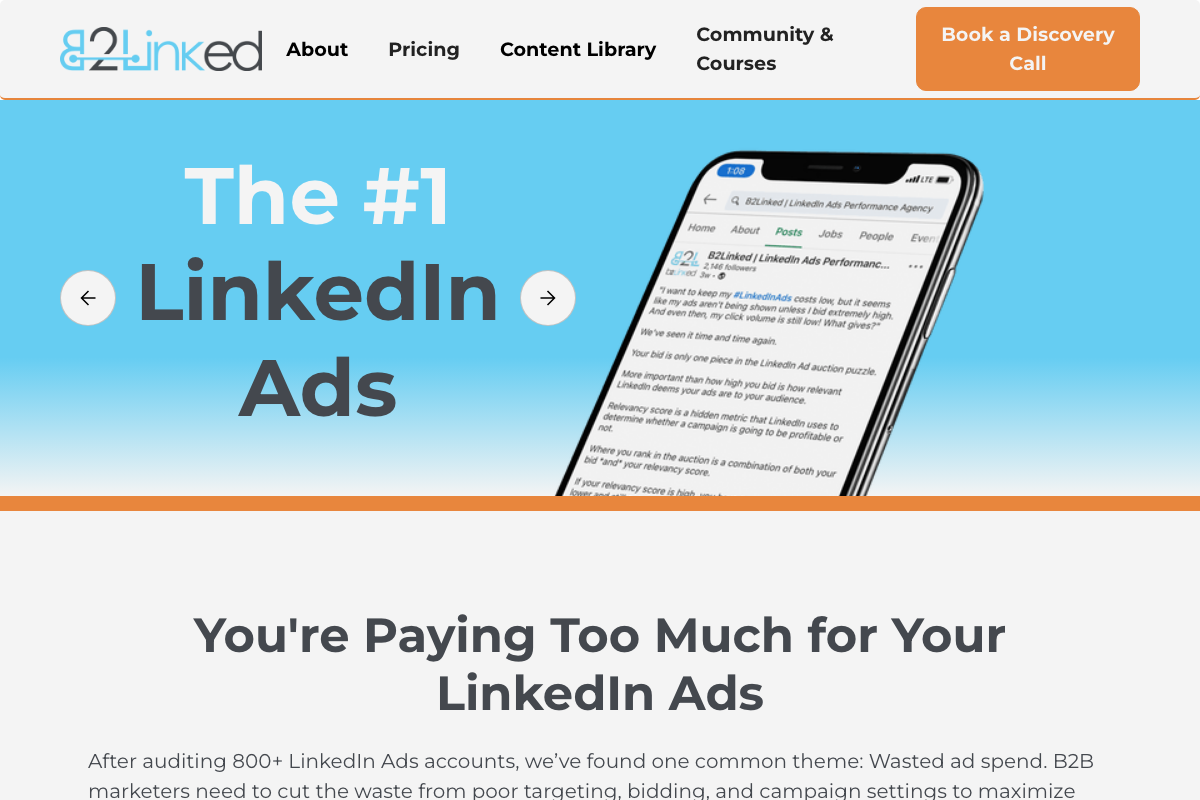
One terminology note worth flagging: B2Linked’s homepage references a LinkedIn “relevancy score” as a hidden metric determining campaign profitability. That signal belongs to LinkedIn’s paid ad auction — it is entirely separate from any organic post distribution scoring the tutorial describes. The two systems do not share a scoring mechanism.
Step 6 — Commit your profile to a single topic domain
No official documentation was found for this step — proceed using the video’s approach and verify independently.
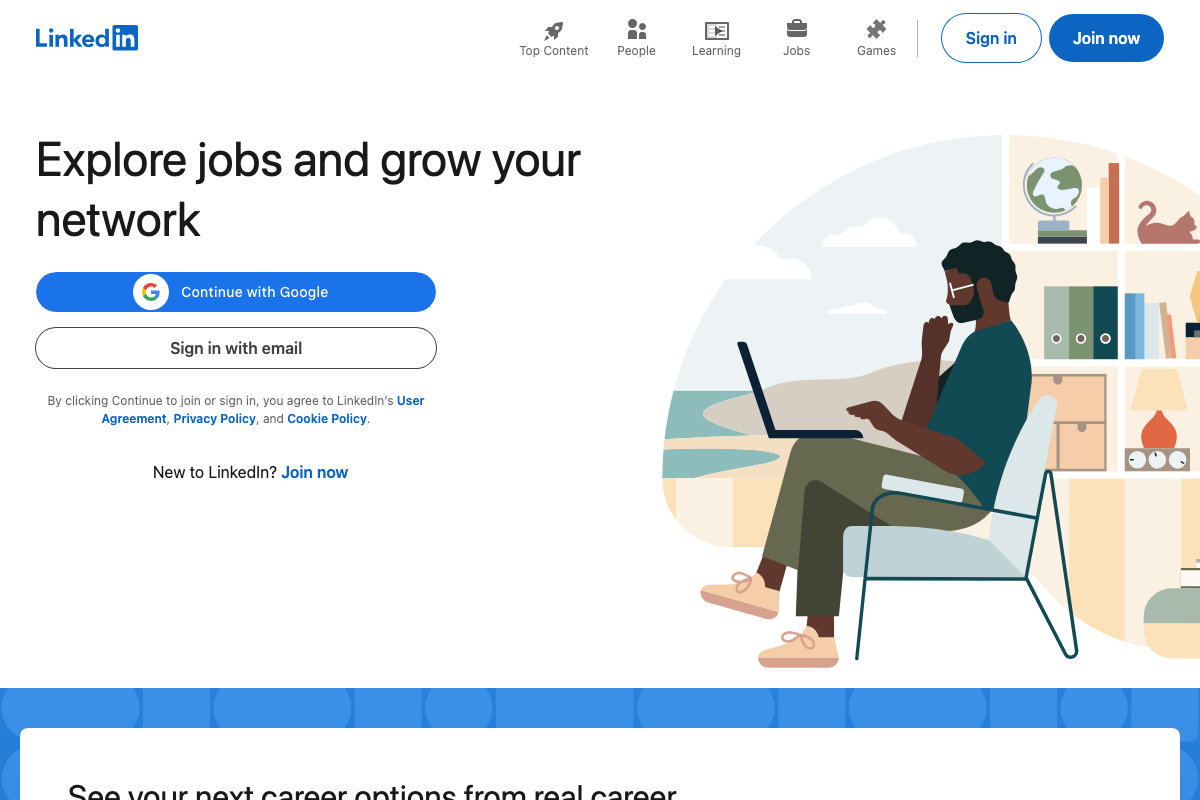
LinkedIn surfaces a dedicated “Top Content” tab alongside People, Learning, Jobs, and Games in its primary navigation — indicating topic-based content discovery is a first-class platform feature. That is contextually consistent with the tutorial’s niche-authority argument, but it is a UI design choice, not a published statement about feed ranking weights.
Step 7 — Generalist posting carries algorithmic risk
No official documentation was found for this step — proceed using the video’s approach and verify independently.
Step 8 — Use AI tools to generate fresh angles within your niche
No official documentation was found for this step — proceed using the video’s approach and verify independently.
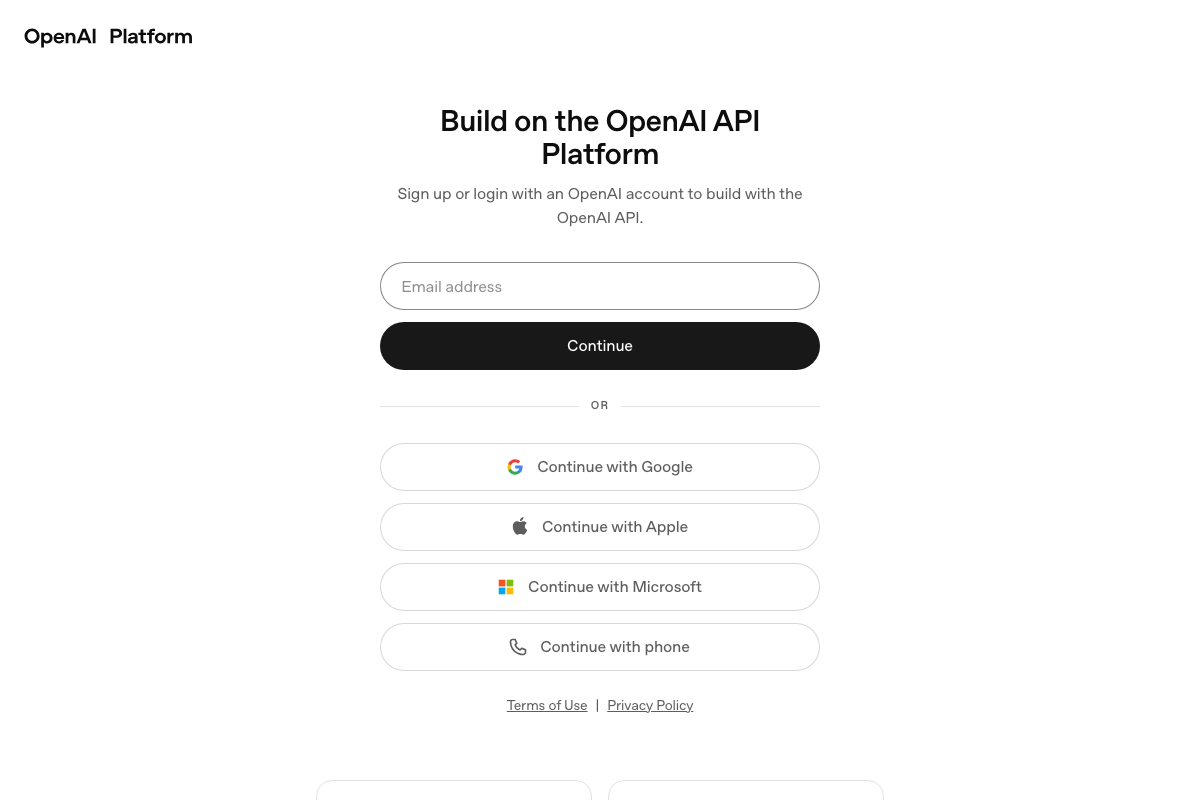
As of May 2026, the documentation screenshots captured show platform.openai.com — OpenAI’s developer API portal for engineers building applications. The tutorial references ChatGPT as a content generation tool, which lives at chatgpt.com. These are distinct products. If you are following Step 8 as a content creator, use chatgpt.com; platform.openai.com is not the correct destination.
Step 9 — Mine comments and DMs for content ideas
No official documentation was found for this step — proceed using the video’s approach and verify independently.
Step 10 — LinkedIn’s strategic role in your funnel
No official documentation was found for this step — proceed using the video’s approach and verify independently.
Useful Links
- LinkedIn: Log In or Sign Up — LinkedIn’s public homepage, showing topic-based content discovery navigation including a “Top Content” tab and categorized content sections for unauthenticated visitors.
- LinkedIn Ads: Targeted Self-Serve Ads — LinkedIn’s paid Campaign Manager advertising product page covering Sponsored Content formats and ad relevancy; pertains to paid placement, not organic feed distribution.
- OpenAI Platform — OpenAI’s developer API portal with docs, API reference, and starter apps; distinct from the consumer ChatGPT interface at chatgpt.com referenced in Step 8.
- LinkedIn Ads Agency | B2Linked.com — B2Linked’s agency homepage, which surfaces LinkedIn’s paid-ad relevancy score — a Campaign Manager auction signal separate from any organic post ranking mechanism.
- The LinkedIn Ads Show Podcast — Weekly podcast on paid LinkedIn Ads strategy produced by B2Linked; episode archive covers Campaign Manager, targeting, and budget topics, not organic algorithm optimization.
- TikTok – Make Your Day — TikTok’s public homepage; no LinkedIn organic algorithm content was present in the screenshots captured from this source.
- Facebook — Facebook’s login page; no LinkedIn algorithm content was present in the screenshots captured from this source.
- YouTube — YouTube’s unauthenticated homepage; no LinkedIn algorithm content was present in the screenshots captured from this source.


0 Comments