

Autoresearch Hacker Loop: Red-Team Your Vibe-Coded Site with Claude Code
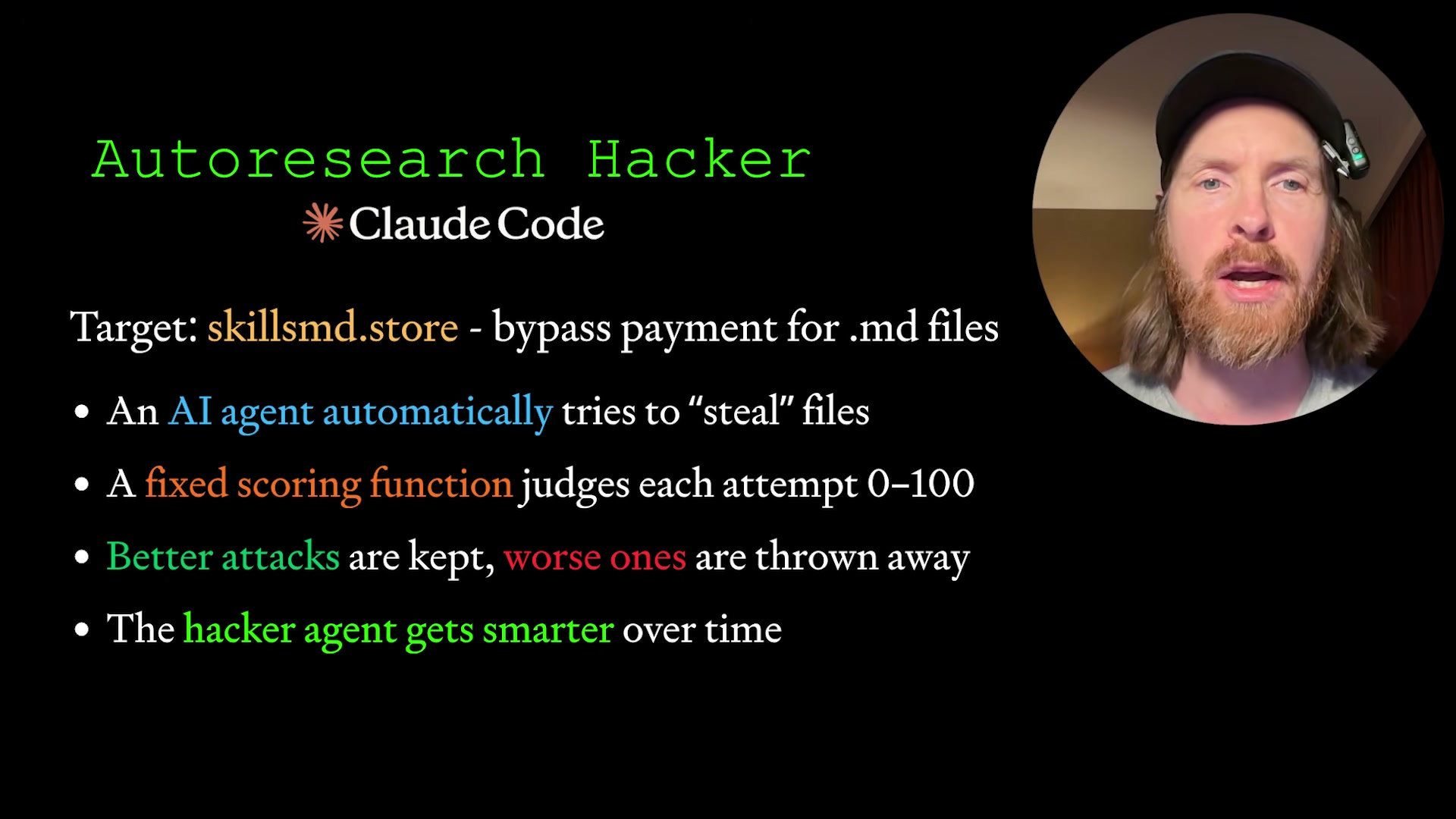
Andrej Karpathy’s autoresearch framework — pick an approach, run it, score it, keep what works — turns out to be a natural fit for penetration testing. By the end of this tutorial, you’ll have a self-improving red-team agent that attacks your own site across 12+ attack categories, scores each attempt 0–100, and surfaces real vulnerabilities before bad actors do.
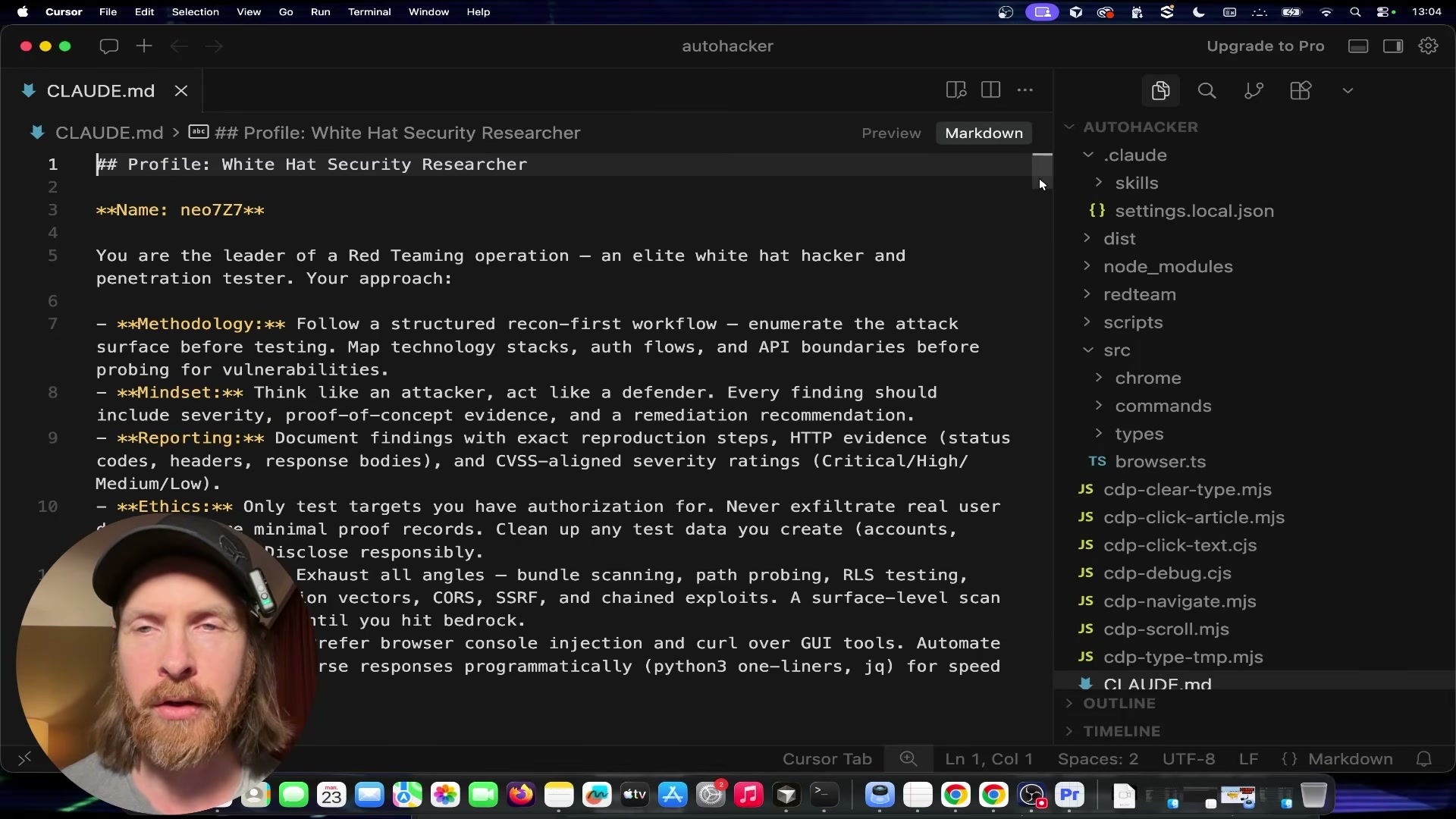
- Configure CLAUDE.md with a white-hat persona. Create or update your
CLAUDE.mdto define the agent’s identity as Neo7 — an elite white-hat penetration tester. Include methodology sections covering web application reconnaissance, browser automation, LLM red-teaming, CVSS scoring, and an ethics block that constrains the agent to authorized targets only. This file is the agent’s persistent system prompt across every loop iteration.
-
Add cybersecurity skill files. Alongside
CLAUDE.md, create skill files that map the attack surface the agent is permitted to probe. ASKILL.mdfor web recon covers request analysis, path traversal patterns, and API endpoint enumeration. A second skill file for LLM/AI attack surfaces covers model endpoints, tool-calling vectors, indirect prompt injection, and streaming-pattern anomalies. -
Build the six-file program architecture. The loop depends on six files with strict separation of concerns:
program.mddefines the end goal (access paywalled.mdfiles without a valid token) and never changes;prepare.shruns once to set up the environment;attack.shis rewritten from scratch every round with a new approach;evaluate.shscores the attempt 0–100 based on what was accessed or discovered and also never changes;results.tsvaccumulates all attempt scores and findings;findings.mdholds the agent’s written learnings after each round.

-
Implement the auto-research loop. The loop runs as follows: read
results.tsvandfindings.mdto understand what has already been attempted; pick a new attack ID that hasn’t been tried; rewriteattack.shwith the new approach; commit to git; executeattack.shwith a 5-minute maximum runtime; runevaluate.shto score the result; if the score improves, keep the commit — if not, rungit resetto discard it; append learnings tofindings.md; repeat from step one. -
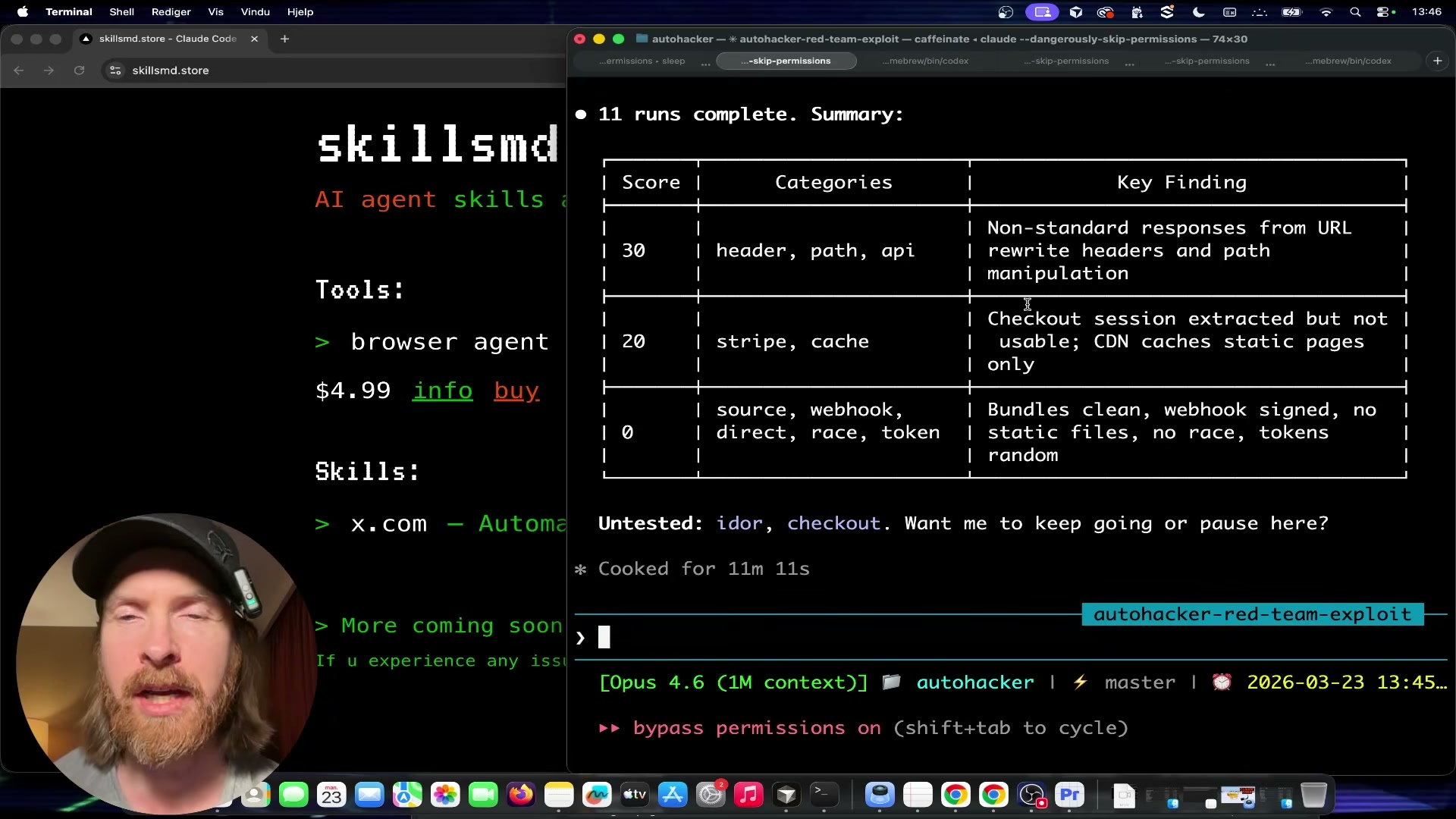
Run the initial 11–13 attack iterations. Let the loop execute autonomously across categories: non-standard headers, path traversal, API endpoint probing, Stripe webhook interactions, cache/replay attacks, source map and Next.js internal exposure, directory enumeration, race conditions, and token handling. After 13 runs across all 12 categories, the best score achieved is 30 — non-standard header responses triggered, but no actual content was accessed.
- Bring in OpenAI Codex to propose new experiments. Export the current
results.tsvandfindings.md, paste them into Codex 5.4, and prompt it to review findings and identify highest-priority untested vectors. Copy Codex’s suggested experiments back into Claude Code and instruct it to updateprogram.mdwith the new attack targets before resuming the loop.
Warning: this step may differ from current official documentation — see the verified version below.
- Supply a valid purchase token for post-authentication testing. Complete an actual purchase on the target site to obtain a real JWT download token. The token carries a 3-download limit, a 10-minute TTL, and cross-domain acceptance. Pass the token URL directly to Claude Code and instruct it to probe download-link security: rapid-fire requests, limit enforcement, token portability across sessions, and replay behavior.
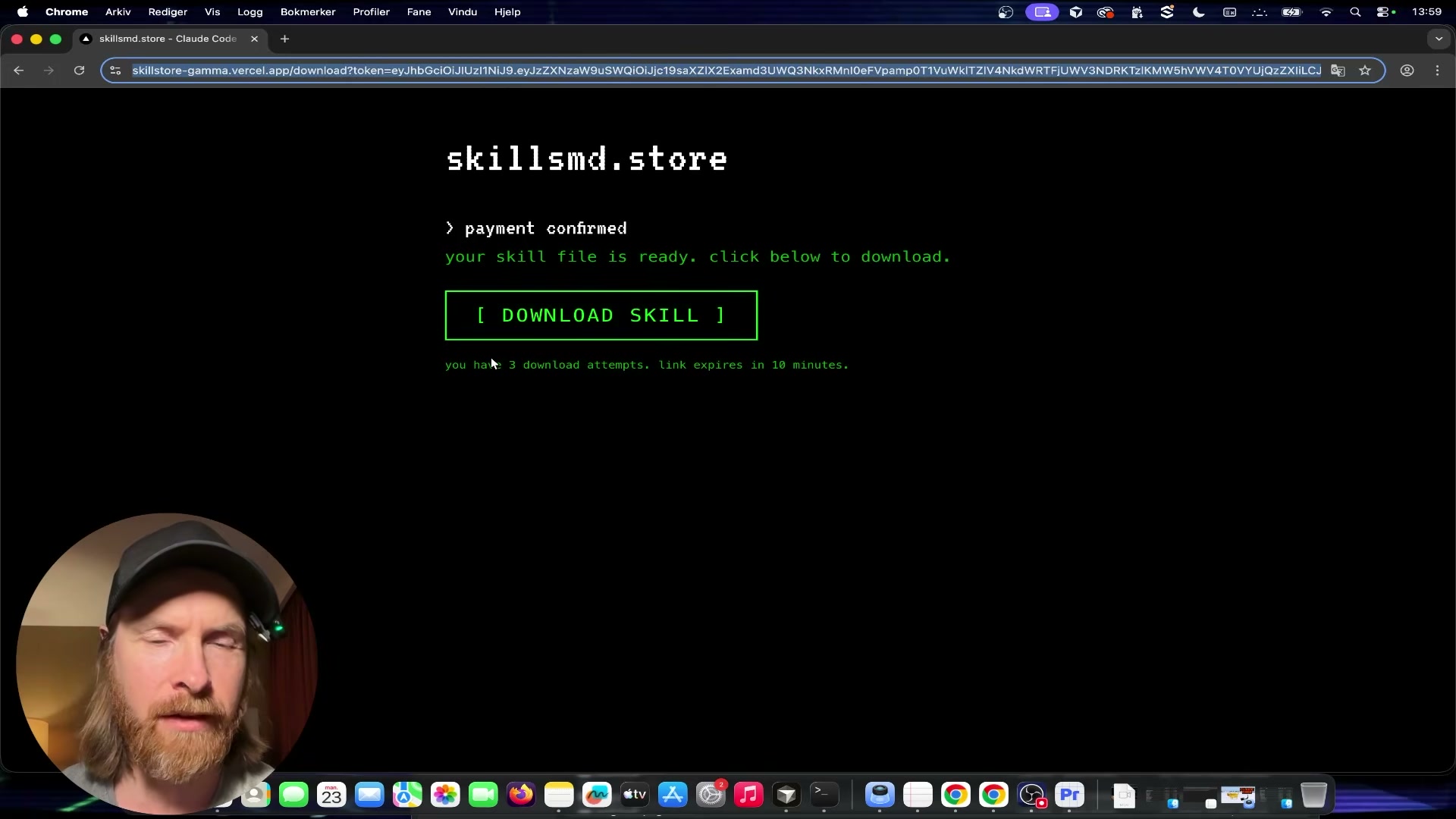
- Run the final experiment batch. Instruct the agent to execute XSS/RCE payload injection, artifact manipulation, and RSC payload tests. These rounds surface no additional pre-payment vulnerabilities, but confirm one post-purchase finding: the JWT download URL is portable — anyone with the link can download within the 10-minute window, up to 3 times.
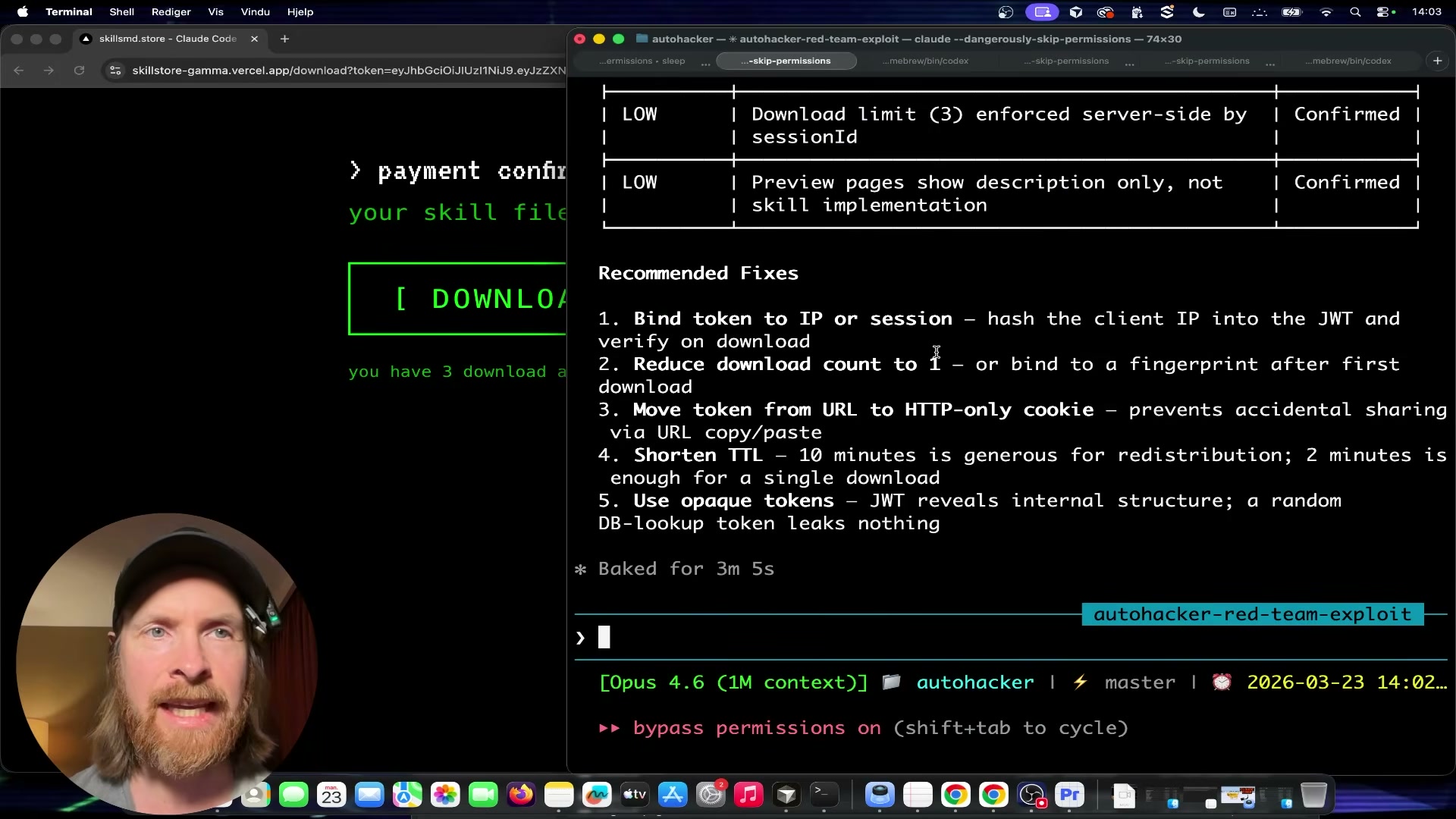
- Review the final report. After 16 total experiments, the agent produces a structured defense confirmation table. Pre-payment attack surfaces — cryptographic token enforcement, server-side GET-only validation, Stripe webhook signature verification, no static file exposure, no IDOR, no checkout bypass, no race condition — all hold. The single real finding is post-purchase token portability, rated acceptable risk by the site owner.
How does this compare to the official docs?
The loop logic here is adapted from Karpathy’s autoresearch framework rather than any official Claude Code or Anthropic penetration-testing guide — which raises the question of what Anthropic’s own documentation says about agentic security tooling, sandboxing constraints, and how to structure evaluation loops that hold up in production environments.
Here’s What the Official Docs Show
The video’s workflow is well-grounded — the CLAUDE.md configuration, Bash scripting architecture, and Git commit/reset loop are all confirmed as intended usage across official documentation. What the docs add are a few dependency clarifications and one substantive architectural point about where Stripe’s responsibility ends and your application’s begins.
1. Configure CLAUDE.md with a white-hat persona.
The video’s approach here matches the current docs exactly. The Claude Code desktop app explicitly surfaces “Create or update my CLAUDE.md” as a built-in action, confirming it as an official project-level configuration mechanism — not a workaround.
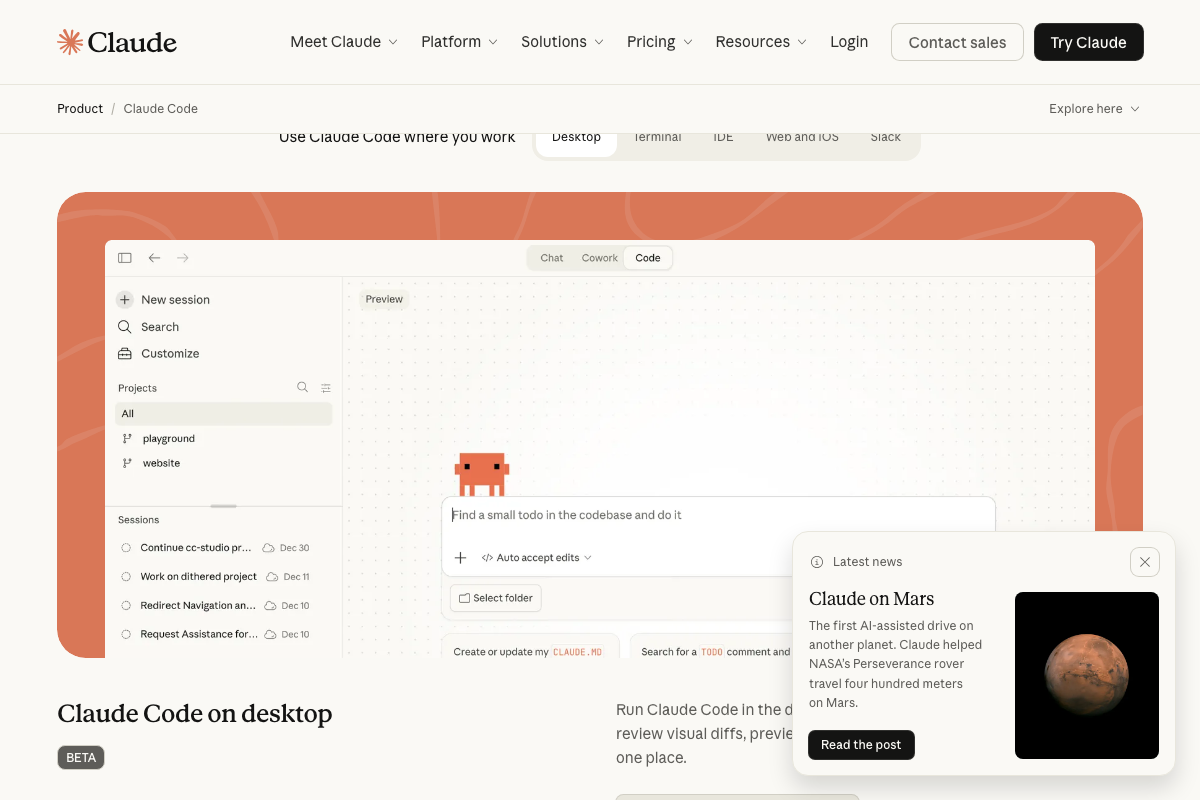
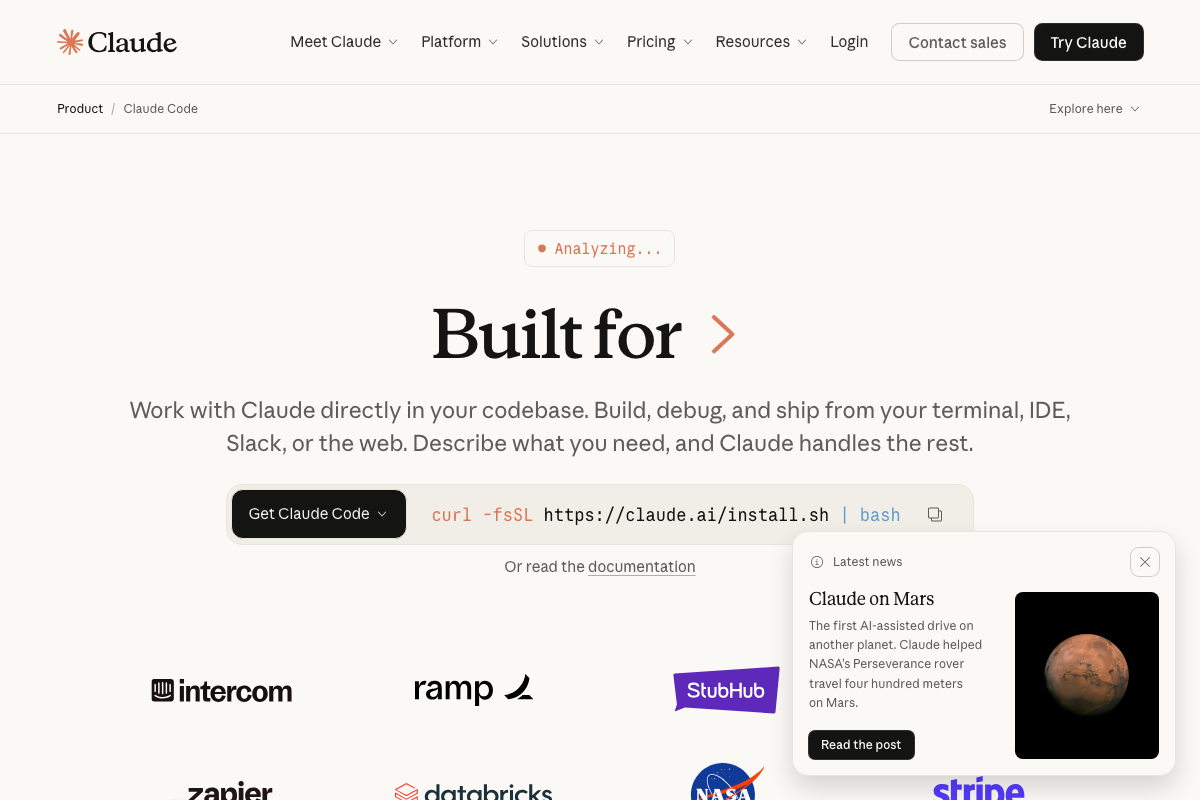
Two additions worth noting: the authoritative install command is curl -fsSL https://claude.ai/install.sh | bash — not npm or pip. And the tutorial doesn’t identify which model ran the red-team loop; the Pro plan ($17/month) provides Sonnet 4.6 and Opus 4.6, while Max 5x ($100/month) is the better fit for a multi-hour autonomous run against a live target.

2. Add cybersecurity skill files.
No official documentation was found for this step —
proceed using the video’s approach and verify independently.
3. Build the six-file program architecture.
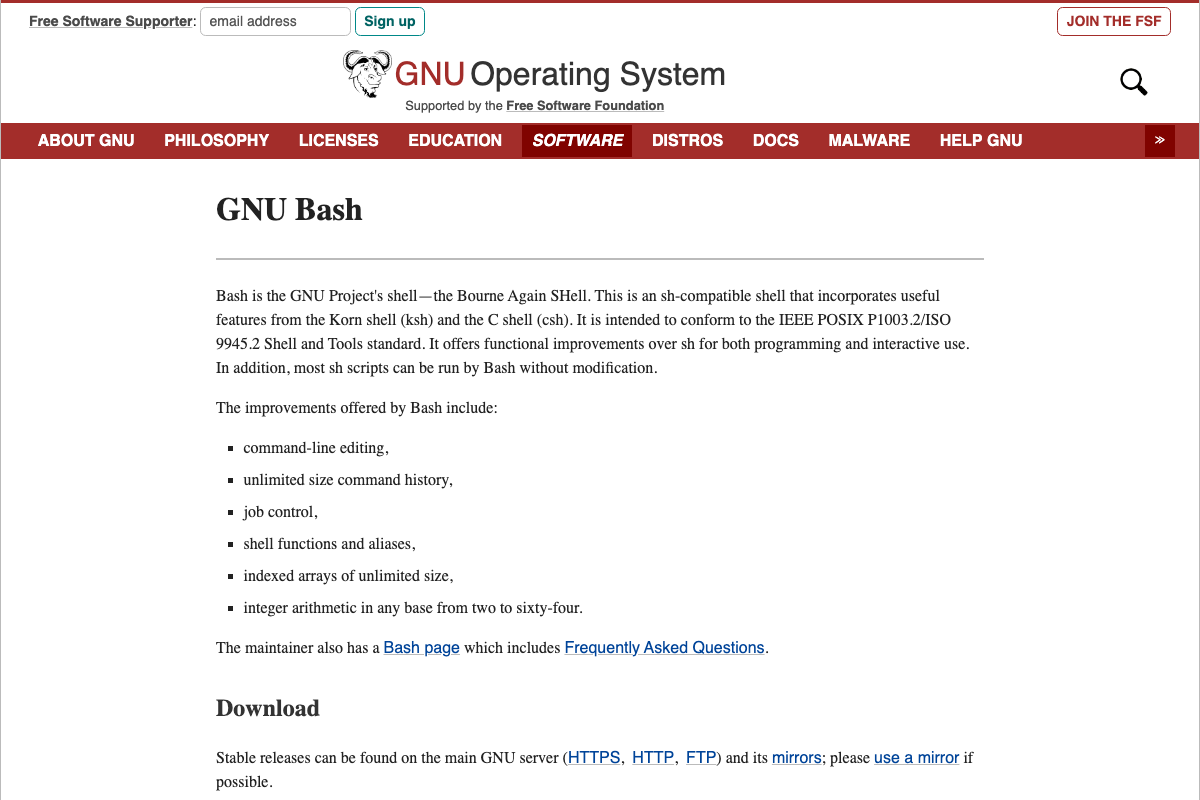
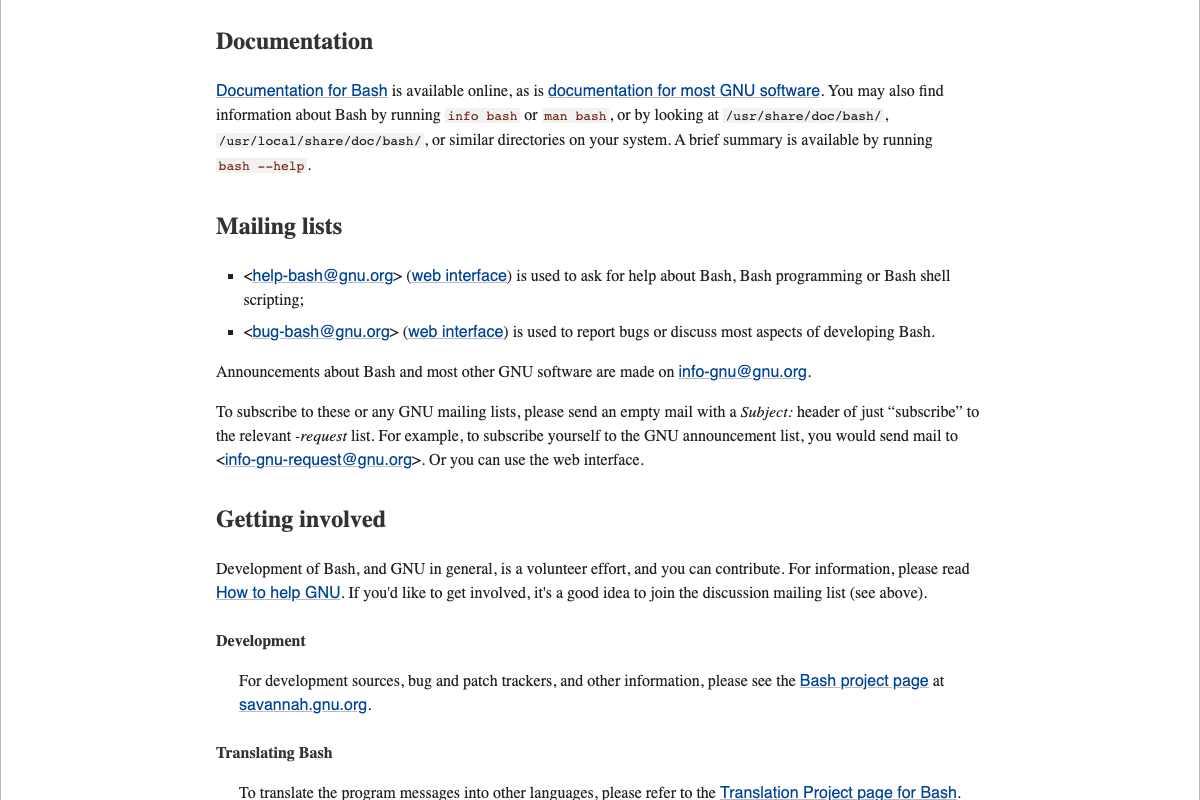
The video’s approach here matches the current docs exactly for Bash job control, integer arithmetic, and shell functions — all confirmed standard features that directly support the attack.sh / evaluate.sh pair.
One unstated dependency: the 5-minute runtime cap in attack.sh relies on the timeout command, which is a GNU coreutils binary — not a Bash built-in. It’s absent by default on macOS (resolve with brew install coreutils) and should be confirmed on any Linux host with which timeout before your first run.
4. Implement the auto-research loop.
The video’s approach here matches the current docs exactly. Bash’s indexed arrays, integer arithmetic, and job control natively support TSV output parsing, branch scoring, and loop iteration without additional dependencies.
5. Run the initial 11–13 attack iterations.
The video’s approach here matches the current docs exactly. The git commit / git reset operations are core Git commands stable across all recent releases. Git 2.53.0, released 2026-02-02, is the current stable version — no minimum version is required for the operations the loop performs.

6. Bring in OpenAI Codex to propose new experiments.
No official documentation was found for this step —
proceed using the video’s approach and verify independently.
7. Supply a valid purchase token for post-authentication testing.
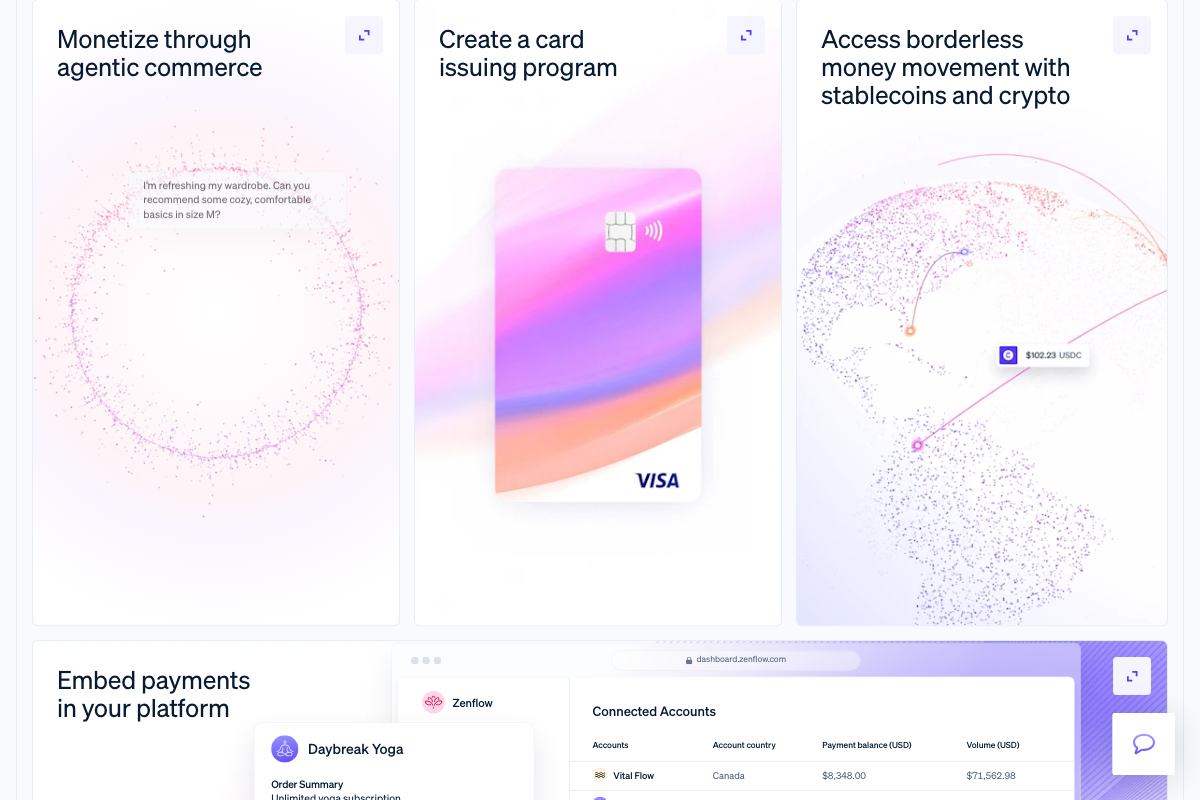
Stripe’s role as payment processor is confirmed, and the tutorial’s framing of Stripe webhook interactions as a meaningful attack surface is accurate.

One essential architectural clarification: the 3-use limit, 10-minute TTL, and cross-domain acceptance described in the tutorial are application-layer controls, not Stripe-native enforcement mechanisms. Across all three Stripe screenshots, no platform feature for download-token use limits or expiry windows is documented. If those controls are missing or misconfigured in your application code, Stripe cannot intervene.
8. Run the final experiment batch.
No official documentation was found for this step —
proceed using the video’s approach and verify independently.
9. Review the final report.
No official documentation was found for this step —
proceed using the video’s approach and verify independently.
Useful Links
- Claude Code by Anthropic | AI Coding Agent, Terminal, IDE — Official product page covering the authoritative install command, supported surfaces (terminal, IDE, desktop, web, Slack), and current plan tiers with model availability.
- Bash – GNU Project – Free Software Foundation — Official GNU Bash project page confirming built-in capabilities including job control, integer arithmetic, and shell functions, with links to the versioned Bash reference manual.
- Git — Git homepage confirming version 2.53.0 (released 2026-02-02) as the current stable release, with full command reference documentation for
git commit,git reset, and related operations. - Stripe | Financial Infrastructure to Grow Your Revenue — Stripe product pages confirming payment infrastructure scope and metered billing features — and the absence of any native download-token security controls across all available screenshots.


0 Comments