

AI Log File Analysis, JSON-LD Schema, and Multimodal Optimization for AI SEO
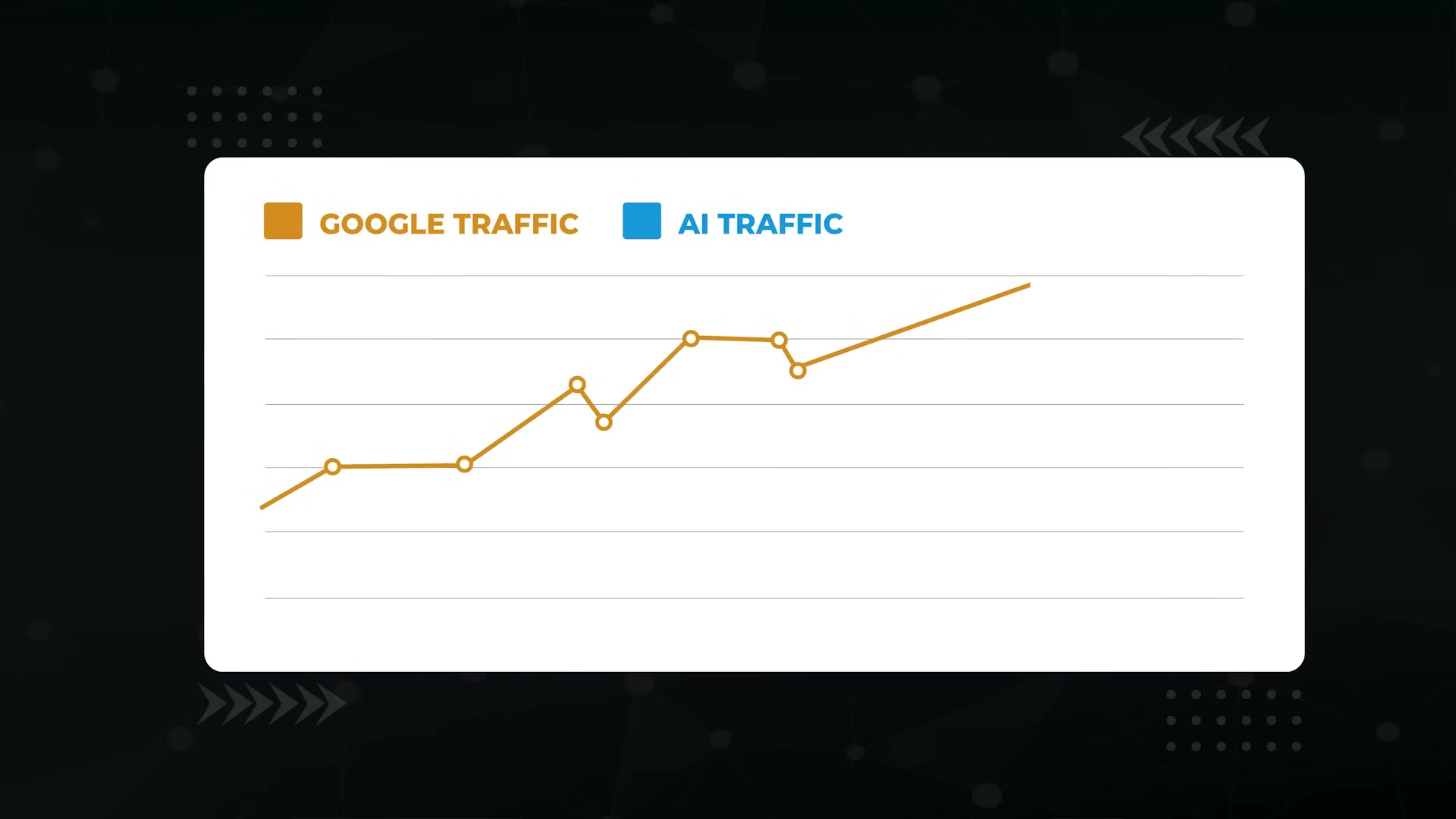
A client site was stuck with flat AI traffic while every major LLM was accelerating user adoption. Three techniques — server log analysis via ChatGPT, JSON-LD schema generation, and multimodal content optimization — changed that, producing a 1,400% increase in AI traffic and 164 newly ranking AI Overview keywords. Work through these steps and you’ll know exactly which pages AI bots ignore on your site, how to tell those bots what your content means, and how to give them richer material to cite.
Technique 1: Server Log File Analysis via ChatGPT
-
Log into your hosting control panel and locate the log directory — it’s usually named
logs,access_logs, or similar. Download the most recent log file to your machine. -
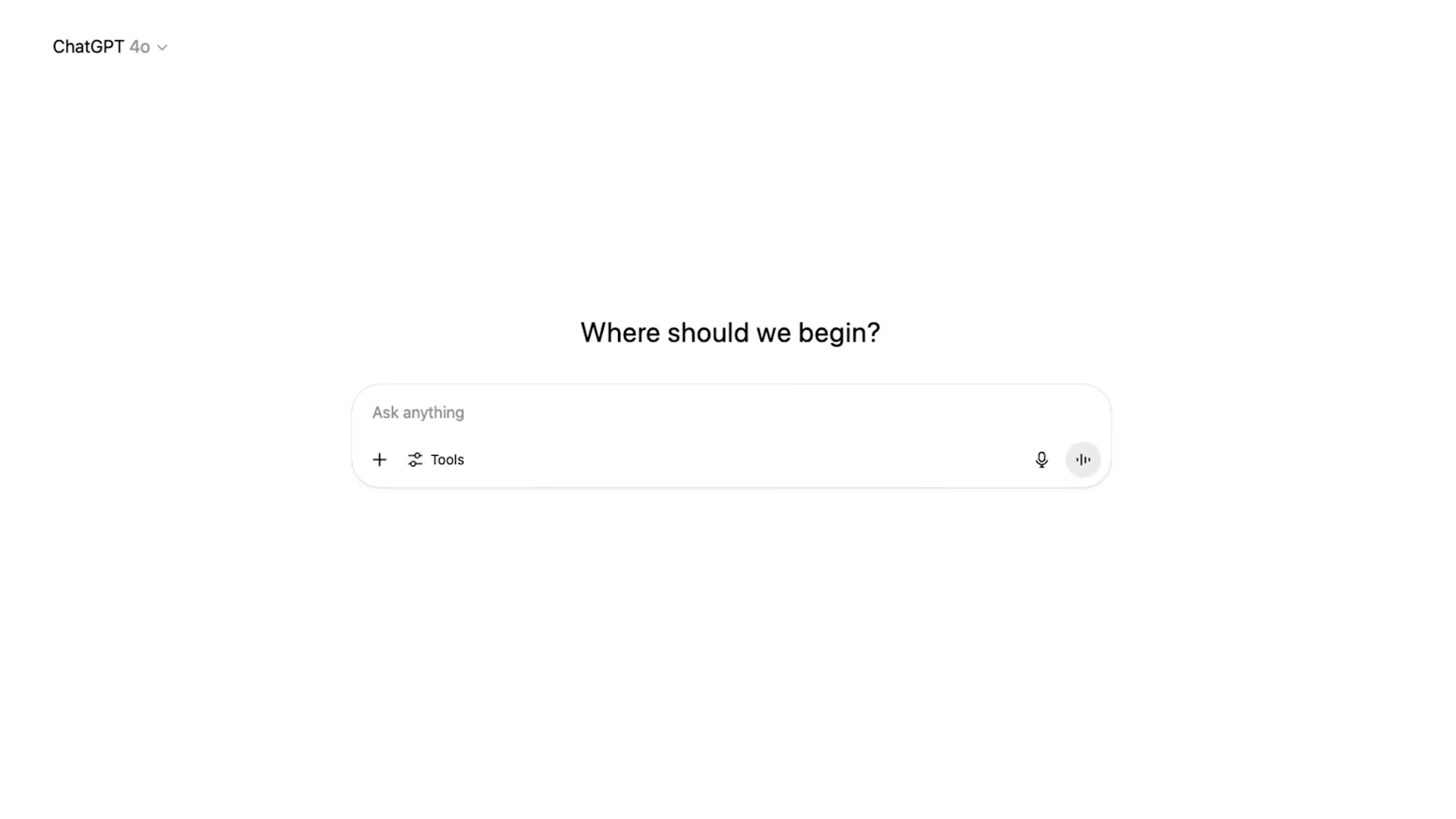
Open ChatGPT and upload the log file. Use this prompt to initialize the analysis session:
“I have attached log files from my website server. Please analyze the logs focusing on Googlebot and AI crawlers such as GPTBot, ClaudeBot, and similar. Identify all hits from user agents containing any of the following keywords: Google, GPTBot, ClaudeBot. Once you’ve analyzed this, I will ask you to perform a series of tasks.”
ChatGPT will return a summary of hit rates broken down by bot.
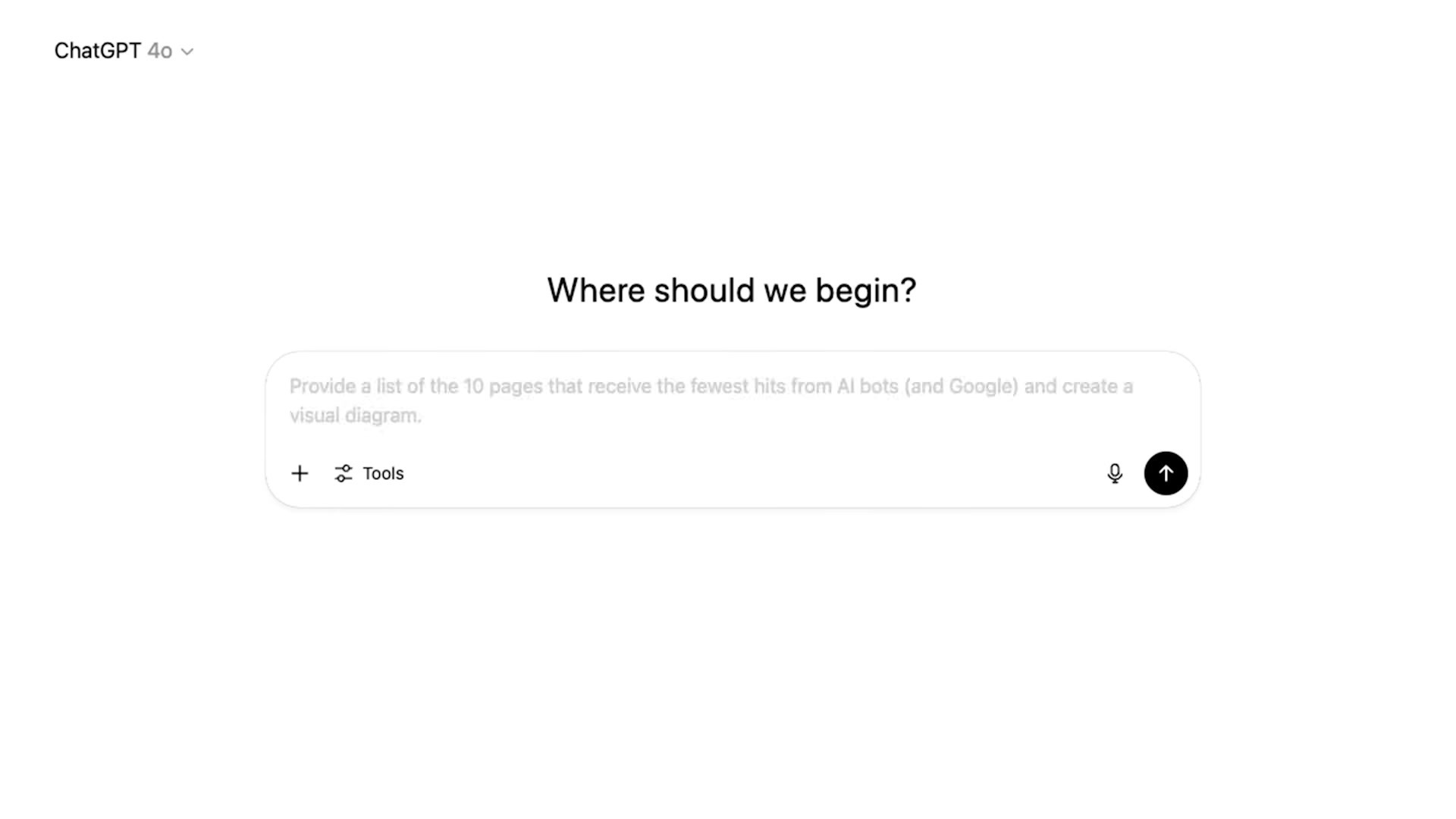
- Prompt ChatGPT for your lowest-crawled pages:
“Provide a list of the 10 pages that receive the fewest hits from AI bots and Google, and create a visual diagram.”
These are the pages AI is effectively skipping. For a plant-pot client site, the culprit was a high-value sales page with only one internal link pointing to it. The fix: add internal links to that page from the highly-crawled pages you’ll identify next.
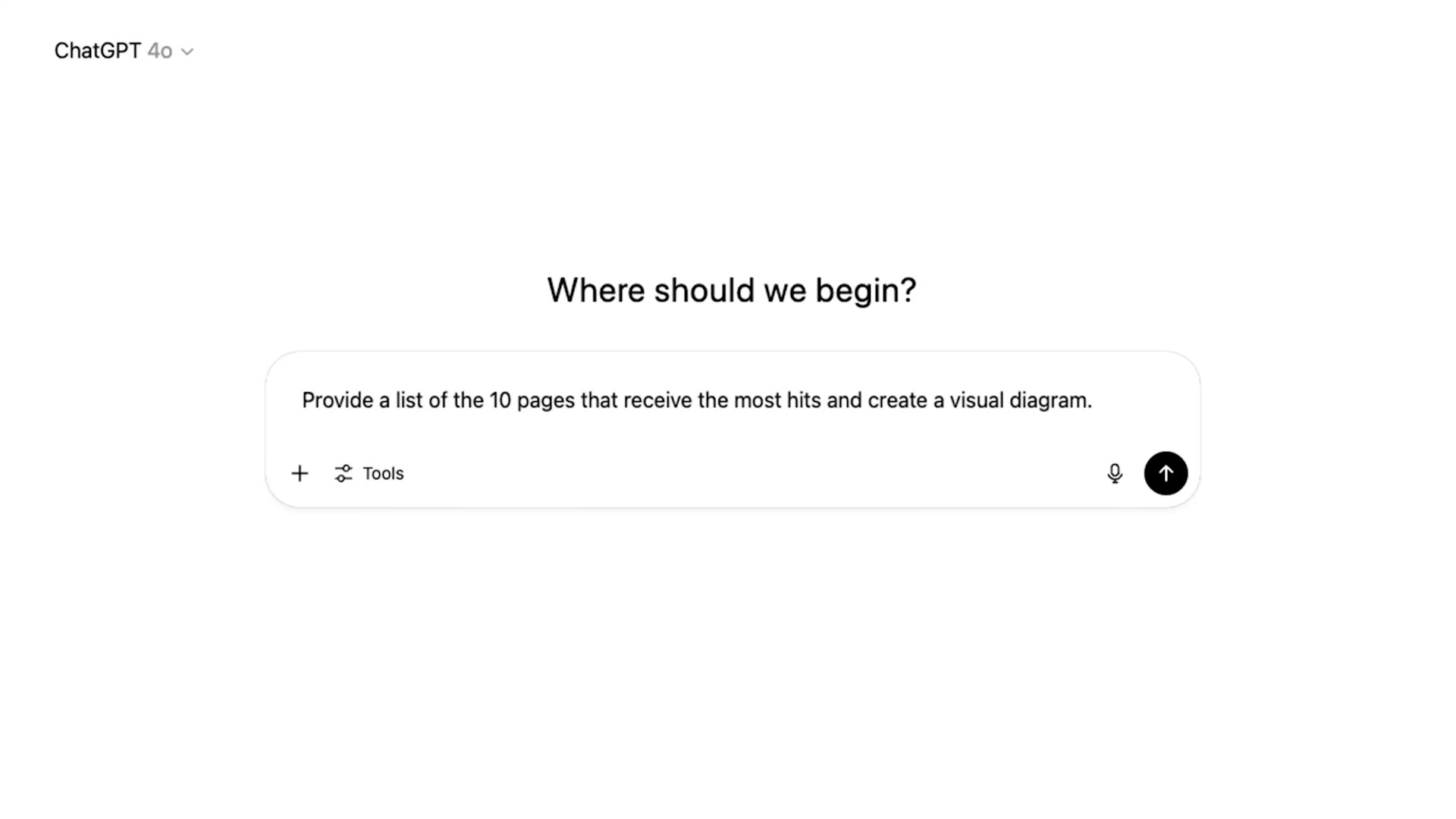
- Run the companion prompt to surface your highest-crawled pages:
“Provide a list of the 10 pages that receive the most hits, and create a visual diagram.”
Use these pages as internal-link sources pointing toward your under-crawled priority pages.
- Prompt ChatGPT to surface crawl errors:
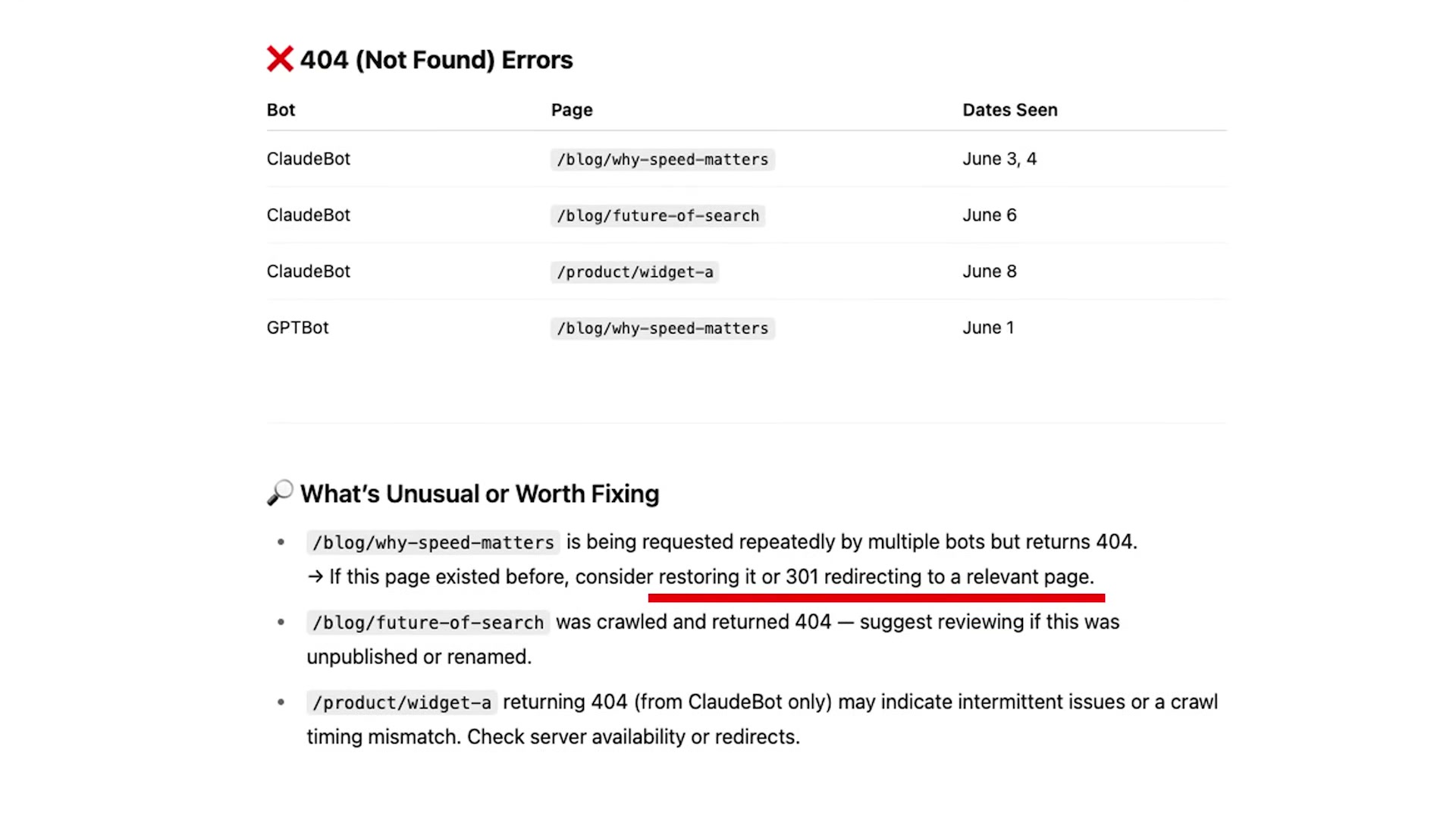
“Highlight any crawl errors from these bots and flag anything that looks unusual or worth fixing.”
ChatGPT will produce a table of 404s hit by GPTBot and ClaudeBot, grouped by page and date, along with a remediation section recommending whether to restore the page or implement a 301 redirect.
- Run one final log prompt for broader pattern detection:
“Provide any additional insights or patterns you observe, such as bots missing key commercial pages, pages being crawled unexpectedly often, and sudden spikes in crawl activity.”
This surfaces secondary issues like page-speed problems and content-quality signals that affect AI crawl behavior.
Technique 2: JSON-LD Schema Markup Generation
-
For each page you want to optimize, identify the correct schema type based on its content:
Articlefor blog posts,HowTofor instructional pages,FAQPagefor Q&A content, and so on. Schema.org lists the full taxonomy — you don’t need to memorize it. -
Prompt ChatGPT to generate the markup. For an FAQ page, the prompt structure looks like this:
“Please generate JSON-LD FAQPage schema for my web page. Below is the information for each question and answer: [Question 1], [Answer 1], [Question 2], [Answer 2]…”
Supply the actual content inline — questions and answers, steps, author name, organization, publication date — and ChatGPT returns ready-to-paste JSON-LD.
Warning: this step may differ from current official documentation — see the verified version below.
-
Place the generated markup inside a
<script type="application/ld+json">tag in the<head>section of the page’s HTML. Most CMS platforms support this via a plugin if you don’t have direct HTML access. -
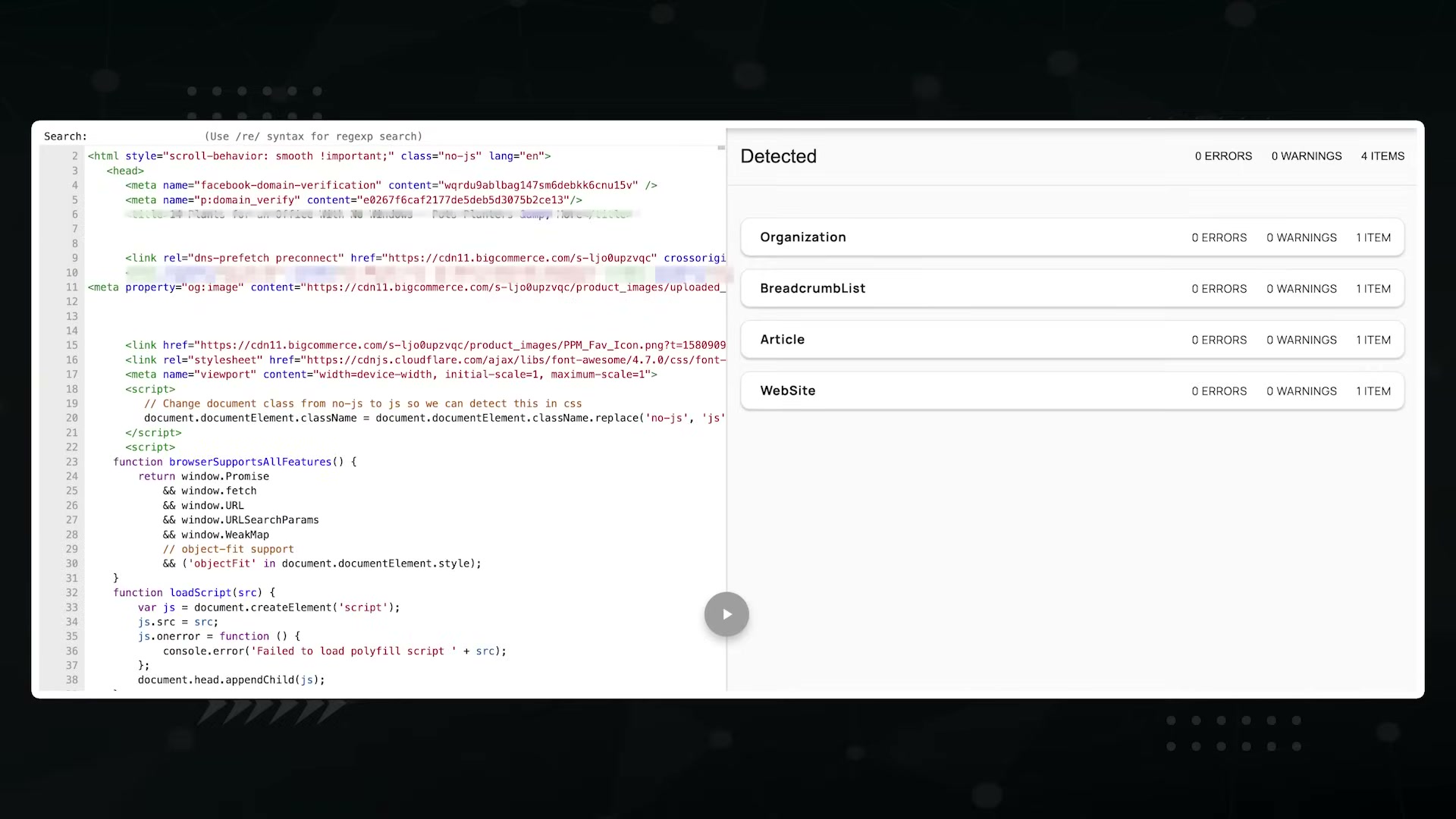
Validate the markup using Google’s Rich Results Test before publishing. A passing result shows detected schema types with zero errors and zero warnings.
Technique 3: Multimodal Content Optimization
-
Add high-quality images and video embeds to content pages. AI systems are more likely to cite pages that give them multiple signal types — text, visuals, and structured media.
-
Write descriptive alt text for every image. Describe what is actually in the image; don’t pad the attribute with target keywords.
-
Rename image files to clearly describe their subject before uploading. Generic filenames like
IMG_4821.jpgprovide no semantic signal. -
Replace any image-based tables (screenshots of spreadsheets, infographics containing tabular data) with actual HTML tables. LLMs parse structured HTML directly; they cannot reliably extract data from rasterized images.
-
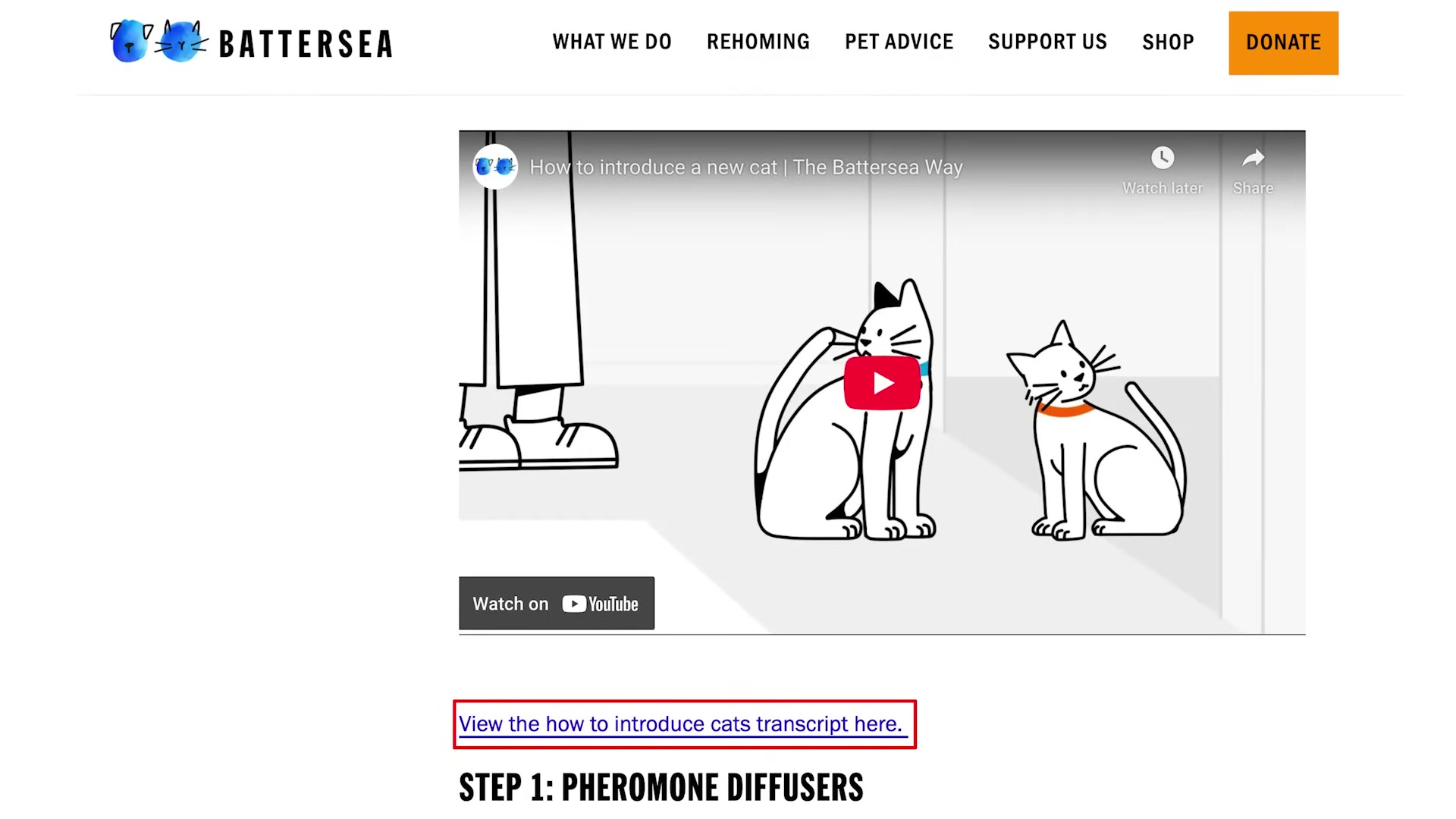
Add a written transcript to any page that contains an embedded video. The transcript gives AI a citable text layer tied to the video content — increasing the probability that both the video and the surrounding article appear as a source in AI Overviews.
How does this compare to the official docs?
The techniques above follow one practitioner’s implementation — but Google’s own documentation on structured data requirements and multimodal content signals tells a more precise story about what’s officially supported, what’s deprecated, and where the guardrails actually sit.
Here’s What the Official Docs Show
The video’s three-technique framework holds up well in its core recommendations, and the verified steps align closely with what the official documentation describes. What follows layers in the prerequisites, format options, and scope caveats the docs surface — filling the gaps rather than retracing ground the tutorial already covered accurately.
Technique 1: Server Log File Analysis via ChatGPT
Steps 1, 3–8 — Log file download, ChatGPT prompting sequence, crawl error analysis, and pattern detection
No official documentation was found for these steps —
proceed using the video’s approach and verify independently.
One important addition that is documented: Google Search Central explicitly recommends Google Search Console as the standard tool for crawl monitoring and performance analysis. If you want a baseline alongside your log file work — crawl coverage data, indexing alerts, traffic trends — Search Console belongs in this workflow.

Step 2 — Uploading the log file to ChatGPT
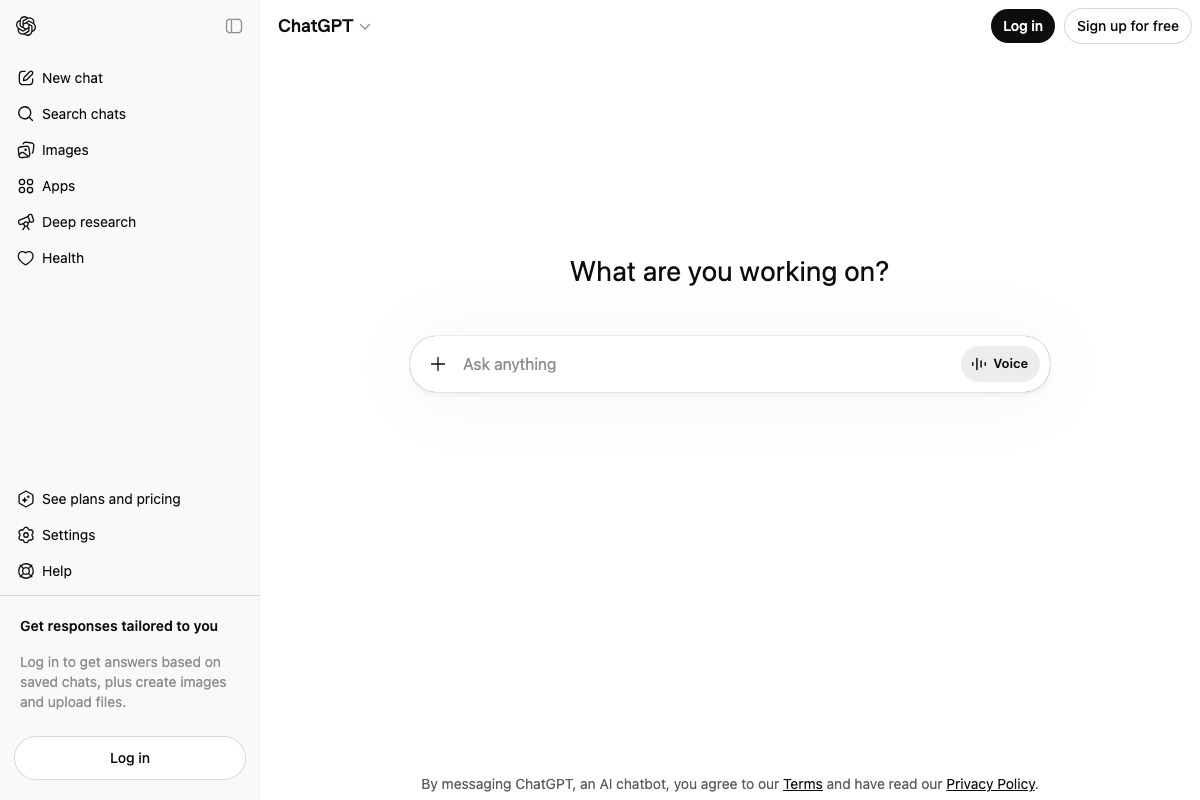
The video’s approach here matches the current docs exactly on the mechanics: the + button in the prompt input bar is present and functions as described.
One prerequisite the tutorial skips: ChatGPT’s own interface states plainly — “Log in to get answers based on saved chats, plus create images and upload files.” File upload requires a logged-in account. The tutorial does not mention this. A free ChatGPT account is sufficient to test, but you must be signed in before the upload option becomes functional. The interface also surfaces a model selector in the header; the tutorial does not specify which model to use for log analysis.
Technique 2: JSON-LD Schema Markup Generation
Steps 9–11 — Schema type selection, markup generation, and <script> tag placement
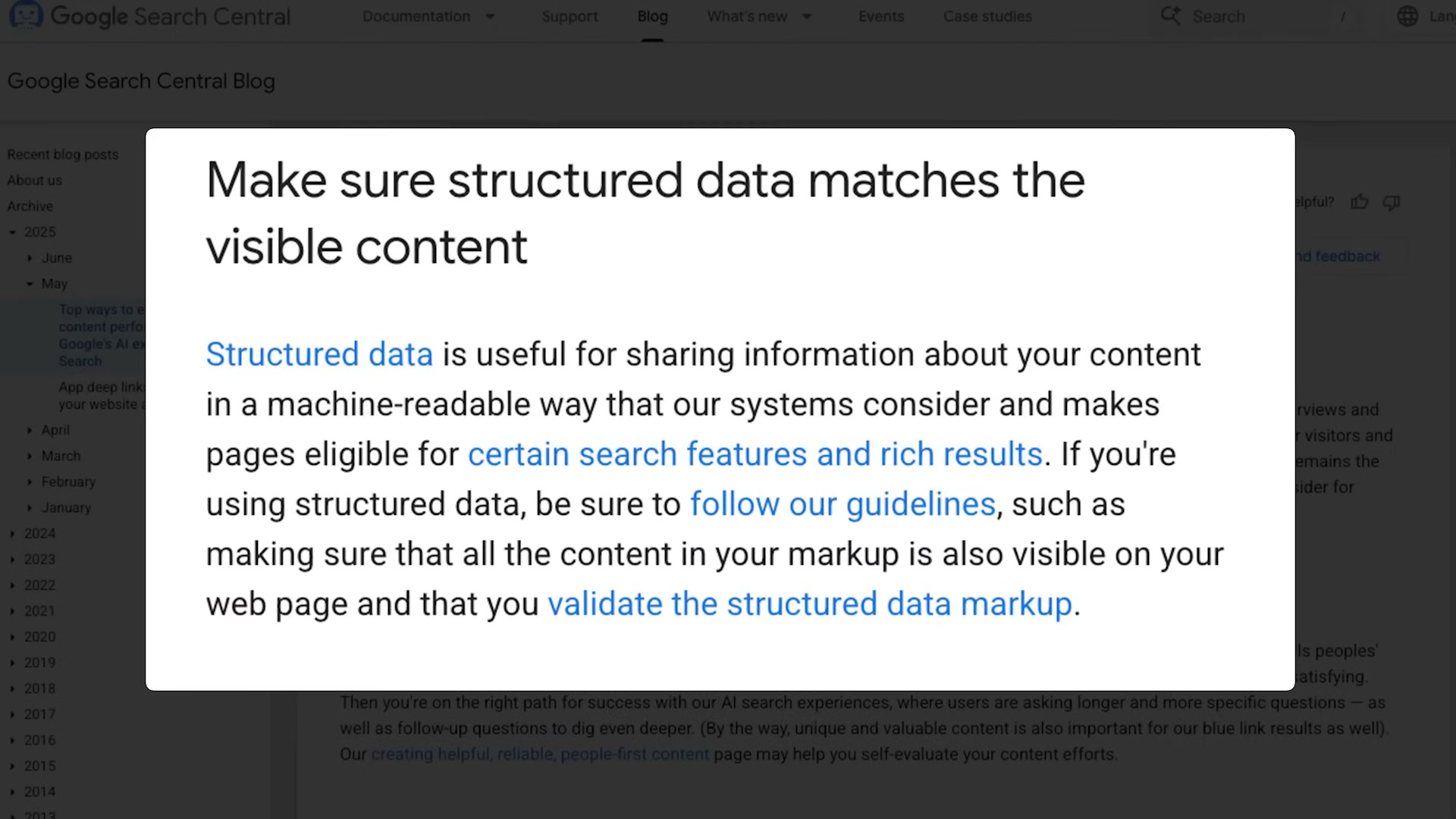
The video’s approach here matches the current docs exactly. Schema.org (V30.0, 2026-03-19) confirms JSON-LD as a valid, recognized structured data encoding, and Google Search Central confirms that structured data makes pages eligible for “certain features” in Search.
One clarification worth holding onto: Schema.org officially supports three encodings — RDFa, Microdata, and JSON-LD. The tutorial presents JSON-LD as the only option. JSON-LD remains the most widely recommended format and is what Google’s own documentation examples typically show, but RDFa and Microdata are fully valid alternatives if your CMS or stack makes them a better fit.

Google’s official framing of why this matters is slightly narrower than the tutorial implies. Search Central describes structured data as making pages eligible for “certain features” broadly — AI Overviews is not named as the specific target. That’s a useful distinction: the SEO case for structured data is strong and well-documented, but official guidance doesn’t draw a direct line from schema markup to AI Overviews citation probability.
Technique 3: Multimodal Content Optimization
Steps 12–13 — High-quality images and descriptive alt text
The video’s approach here matches the current docs exactly. Google Search Central states: “Use high quality images and describe them — By adding more context around images, results can become much more useful, which can lead to higher quality traffic to your site.” Image file naming (step 13) follows naturally from this guidance even though it isn’t called out separately.
Step 14 — AI traffic and AI Overviews citation rationale
The tutorial’s source for AI Overviews behavior is a May 2023 Google Keyword blog post — Elizabeth Reid’s Search Labs launch announcement — not current AI Overviews product documentation. As of March 28, 2026, no official Google documentation in the verified screenshots describes how AI Overviews selects sources or what content signals influence citation selection. The directional premise (AI Search includes links to source pages) is confirmed by that blog post, but the specific optimization claims are not validated by current guidance.
Steps 15–16 — HTML tables and video transcripts
No official documentation was found for these steps —
proceed using the video’s approach and verify independently.
Useful Links
- ChatGPT — The ChatGPT web interface where file upload (requiring a logged-in account) and log file analysis prompting takes place.
- Google Search Central — Google’s official hub for SEO documentation, structured data guidance, and Search Console recommendations.
- Schema.org — The cross-industry structured data vocabulary (V30.0) maintained by Google, Microsoft, Yahoo, and Yandex, documenting JSON-LD, RDFa, and Microdata encodings.
- How Google is improving Search with Generative AI — May 2023 Google Keyword blog post by Elizabeth Reid announcing early generative AI Search experiments via Search Labs; the source behind the tutorial’s AI Overviews citation claims.


0 Comments