

Monetize a YouTube Channel With 1,000 Subscribers (No Ad Revenue Required)
A creator with just over 1,000 subscribers generated more than $20,000 in 12 months — and YouTube ads accounted for less than 2% of it. This tutorial walks you through the six monetization strategies they used, how to stack them for compounding income, and one unconventional sponsorship pitch that works even when your view counts are small.
- Set up affiliate marketing as your baseline revenue layer. Recommend products that are already relevant to your content, drop unique affiliate links in every video description, and earn a commission each time a viewer buys. The model compounds because every new video that gets views — including old ones — keeps generating clicks. Start with the products you already use and mention on camera.
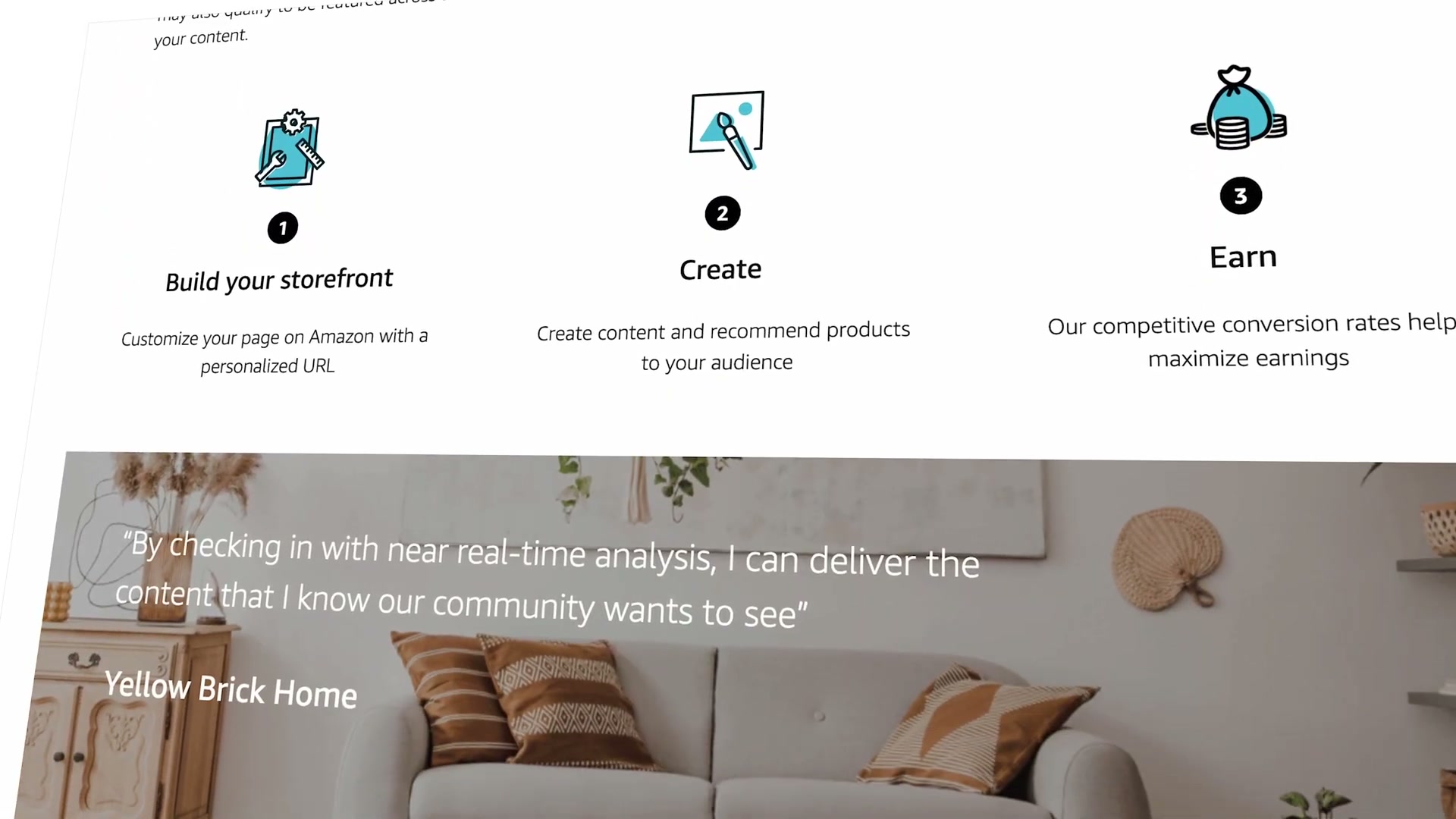
- Apply to the Amazon Influencer Program. This is distinct from the standard Amazon Associates affiliate program. You create short product review videos, post them directly to Amazon to build a shoppable storefront, and earn commissions when viewers purchase after watching. You can cross-post the same videos to YouTube for a second monetization layer. Amazon also sends free products for review, which reduces your production costs.
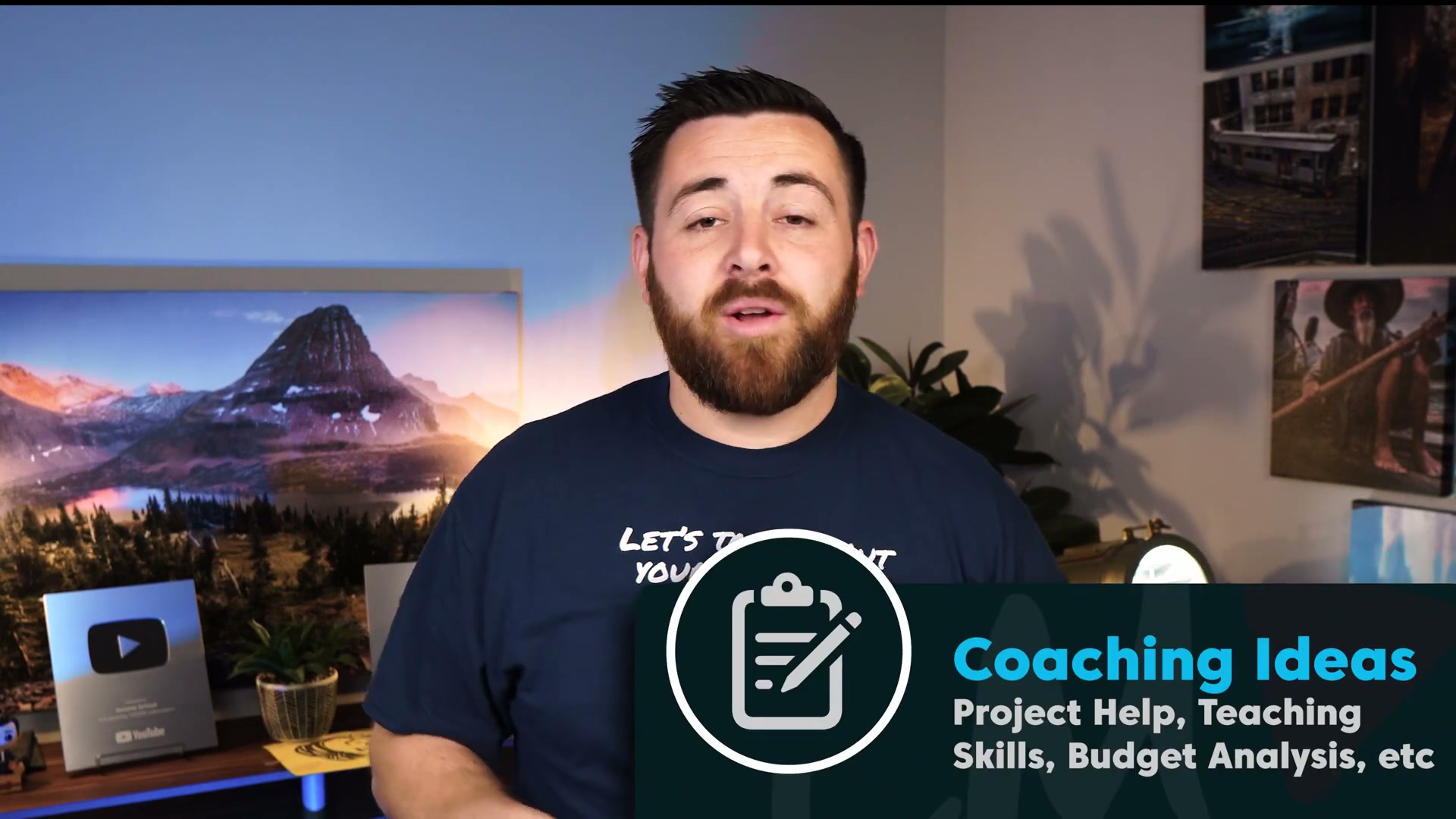
- Offer coaching or consulting at accessible price points. You don’t need expert-level credentials — you need to know more than the person asking. A woodworking channel can sell 30-minute technique feedback sessions for $20–$50. A finance channel can offer an hour of budget analysis for $50. Price to the value delivered, not to your ego about your skill level. Use a form (the creator used ClickUp) to collect intake information and manage a waitlist as demand grows.
-
Create digital products built to scale. A woodworking plan, a template, a checklist — anything you build once and sell repeatedly. The leverage is the point: coaching is capped by your hours, but a $2 digital product can sell a thousand times. Accelerate reach by partnering with creators in adjacent channels on a revenue-share arrangement — they promote the product to their audience and earn a cut of each sale, doubling your distribution without doubling your work.
-
Sell niche-specific physical products, not generic merch. T-shirts and branded hats are audience-size plays that require a large, loyal fanbase before they move units. Instead, identify a functional gap in your niche. The transcript cites a woodworker who 3D-prints tool accessories — small parts that solve real problems for his viewers — and has built a full-time business around it. The product has to earn its place in your niche, not just carry your logo.
-
Launch a membership tier, even a free one. YouTube Memberships, Patreon, and Buy Me a Coffee all let you offer tiered access. A free tier is the underrated move here: it builds a living, opted-in list of your most engaged viewers. Every future product launch — coaching, digital downloads, physical goods — has a warm audience ready to receive it. Think of it as pre-loading your funnel for later monetization.

- Pitch sponsorships by guaranteeing a cumulative view count. Rather than quoting a per-video rate (which terrifies sponsors when your per-video numbers are modest), guarantee a total view count across however many videos it takes. Tell the sponsor you’ll carry their segment in every video until you hit 10,000 guaranteed views — whether that takes 5 videos or 20. This shifts the risk conversation and gives brands the confidence to commit to a small channel.
Warning: this step may differ from current official documentation — see the verified version below.
How does this compare to the official docs?
Each of these strategies pulls from a different platform with its own rules, eligibility requirements, and payout structures — and what works in a creator’s lived experience doesn’t always map cleanly to what the platforms actually specify.
Here’s What the Official Docs Show
The video’s six-strategy framework holds up as a starting structure — this act adds the platform prerequisites and flags one membership claim that the official interface doesn’t currently reflect. Nothing here changes the playbook; it sharpens the eligibility details so you know exactly what you’re walking into.
Step 1 — Affiliate marketing
No official documentation was found for this step — proceed using the video’s approach and verify independently.
Step 2 — Amazon Influencer Program
As of March 2026, the help URL used in this research (affiliate-program.amazon.com/help/node/topic/202164580) returns a 404 error — the documentation has moved or been removed. The program itself is live; navigate to it from the main Amazon Associates portal. The video’s specific claims about the storefront and commission structure could not be verified against official documentation.
Step 3 — Coaching and consulting
No official documentation was found for this step — proceed using the video’s approach and verify independently.
Step 4 — Digital products
No official documentation was found for this step — proceed using the video’s approach and verify independently.
Step 5 — Physical products
No official documentation was found for this step — proceed using the video’s approach and verify independently.
Step 6 — Membership tiers
Both Patreon and Buy Me a Coffee are confirmed as active platforms — the video’s approach here matches the current docs on that point.
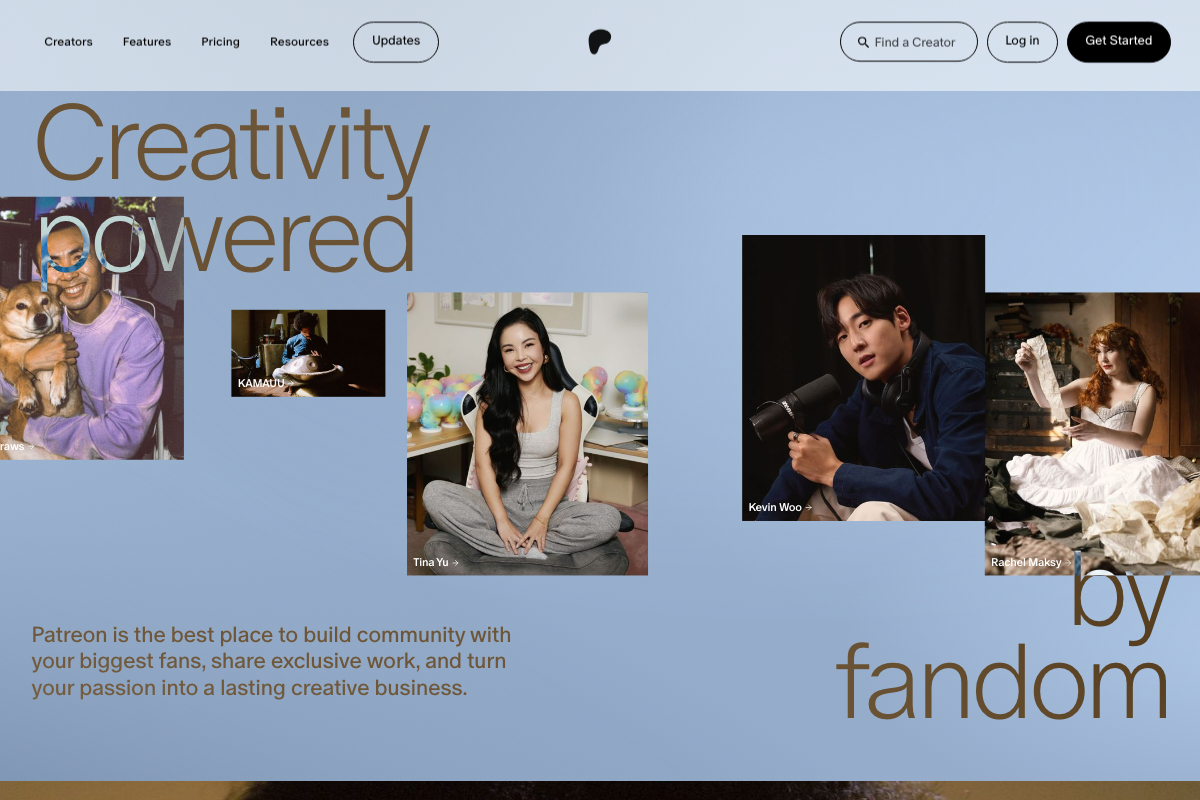

Two additions before you build this layer:
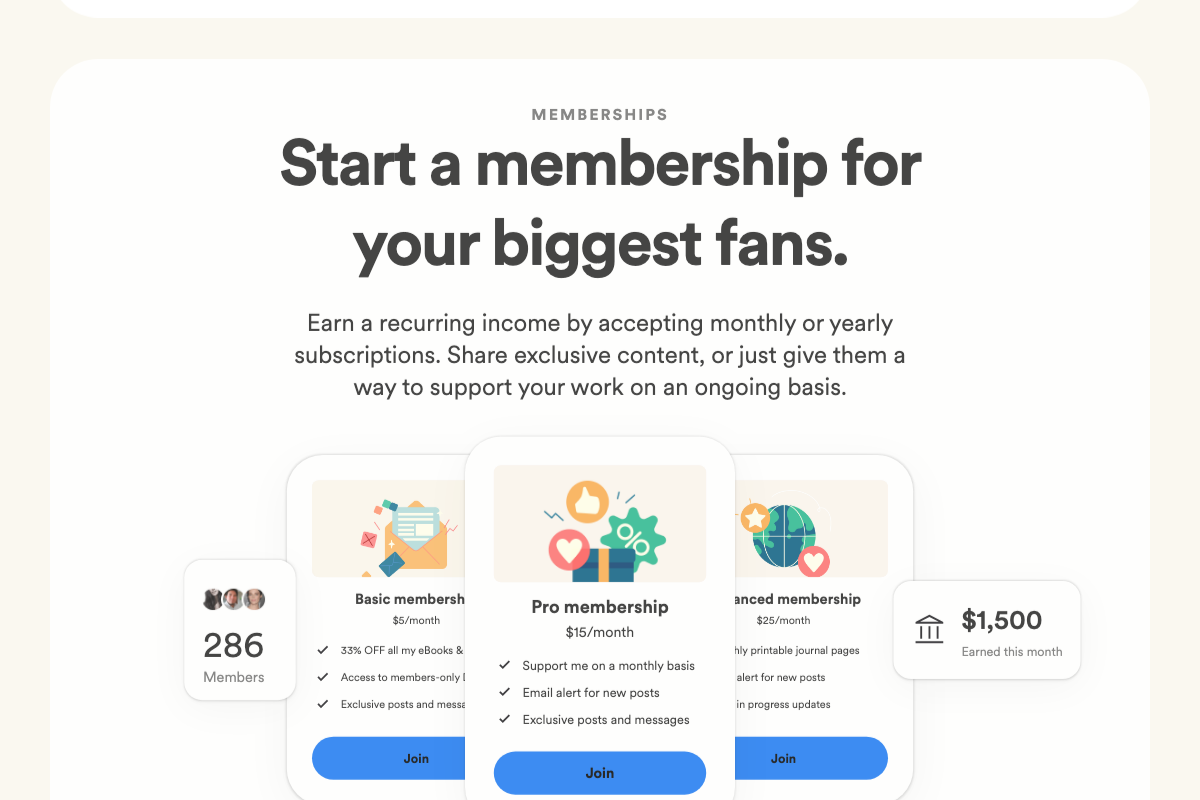
On the free tier. The video recommends launching a free membership tier on Buy Me a Coffee to “build a living list.” As of March 2026, Buy Me a Coffee’s membership UI shows only paid tiers — Basic at $5/month, Pro at $15/month, and Advanced at $25/month. No free tier is visible in the current interface.
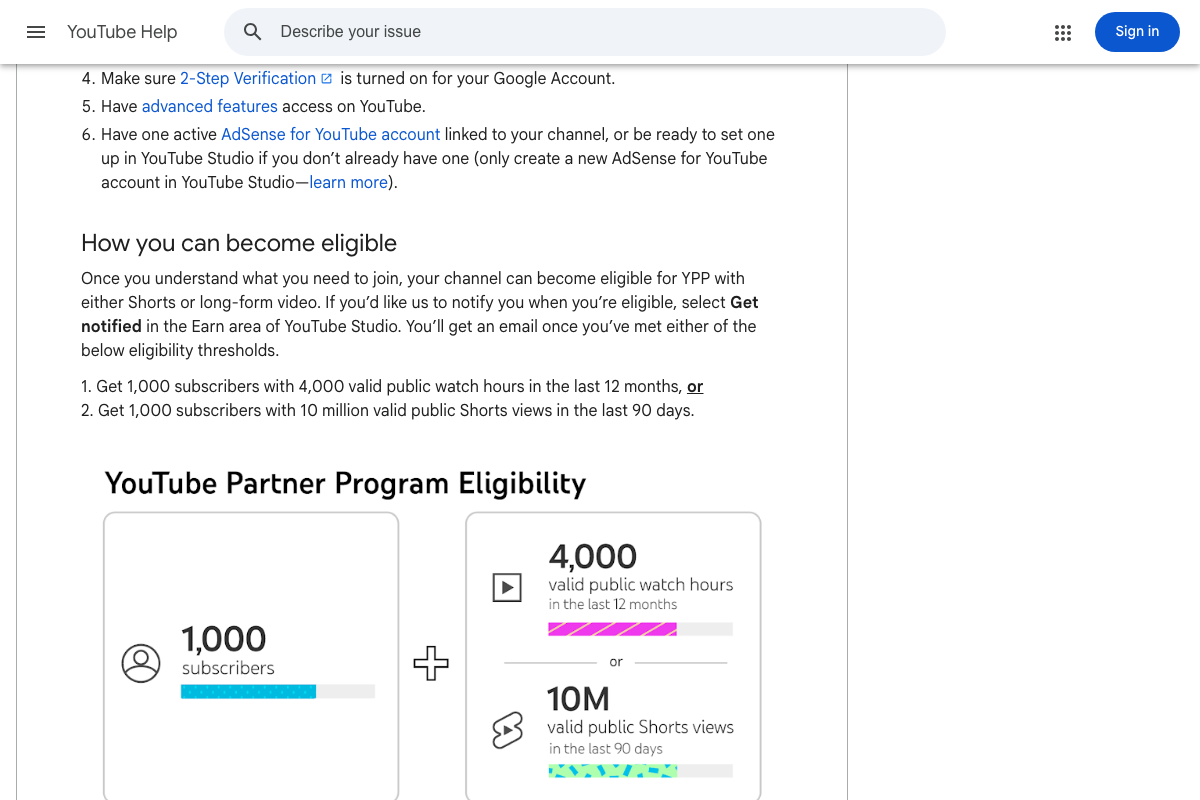
On YouTube Memberships specifically. The video recommends them without stating the prerequisite: you must be enrolled in the YouTube Partner Program first, which requires 1,000 subscribers and either 4,000 valid public watch hours in the past 12 months or 10 million valid public Shorts views in the past 90 days. At 1,000 subscribers, you’re at the minimum eligibility floor — watch hours will be the gating factor for most channels.
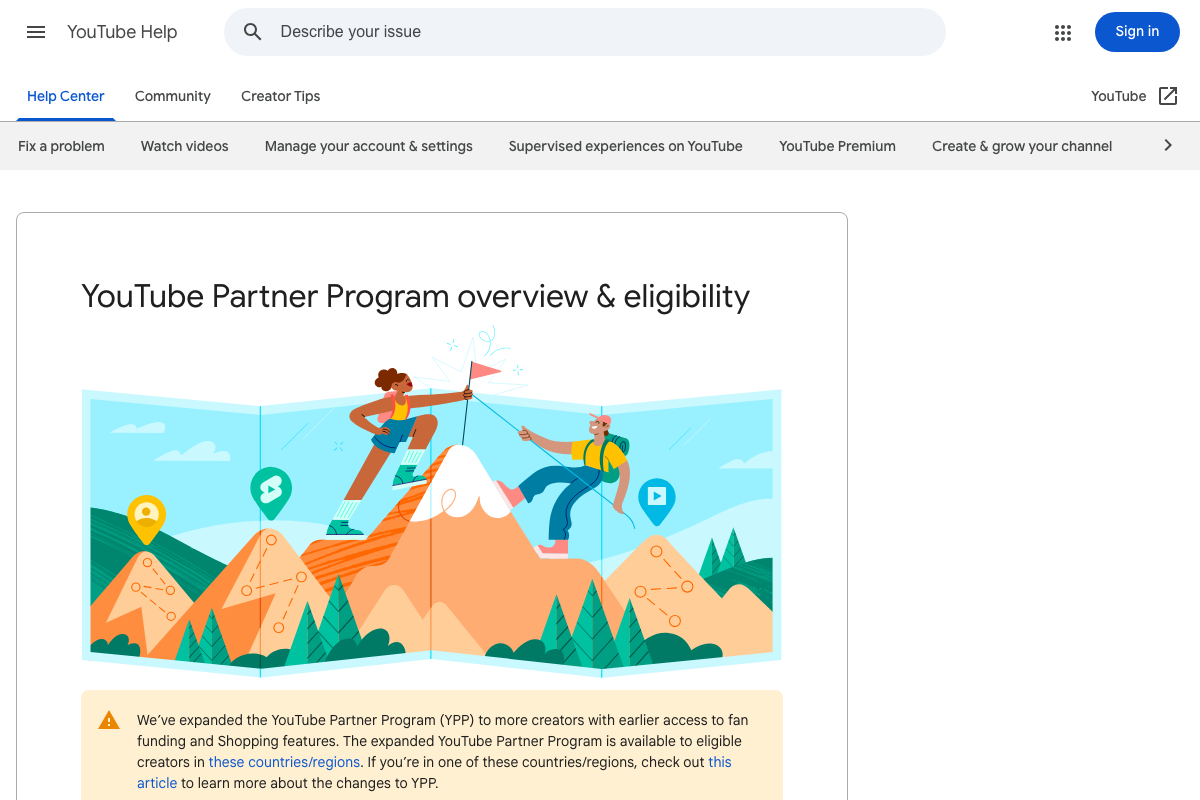
Worth knowing: YouTube has since expanded YPP to include native fan funding and Shopping features for creators in eligible regions — additional monetization layers that sit alongside the strategies covered in this tutorial.
Step 7 — Sponsorship pitching
No official documentation was found for this step — proceed using the video’s approach and verify independently.
Useful Links
- YouTube Partner Program Overview & Eligibility — Official YPP requirements including the subscriber threshold, watch hour minimums, and expanded fan funding features available in eligible regions.
- Create or Manage Your YouTube Channel’s Memberships Levels & Perks — YouTube Help article on setting up channel membership tiers; note that YPP enrollment is a prerequisite before this option becomes available.
- Patreon — Creator membership and community platform supporting recurring fan support and exclusive content across content formats.
- Buy Me a Coffee — Platform for one-time fan payments and recurring membership tiers, used by 2M+ creators; also supports a built-in shop feature not covered in the video.
- Amazon Influencer Program Help — Note: this URL currently returns a 404 error; navigate from the main Amazon Associates portal to locate current program documentation.


0 Comments