

AI Agent Orchestration Platforms: What Paperclip’s 24,000-Star Rise Actually Tells You
Agent orchestration platforms — tools that let you run an entire company through a hierarchy of AI agents — are generating serious traction, and Paperclip is their current poster child. This analysis walks through how these platforms work under the hood, where the architecture holds up, and where it collapses into what the presenter calls “productivity theater.” By the end, you’ll have a clear framework for deciding when a multi-agent org chart adds genuine leverage and when it just adds overhead.
- Understand the category and its momentum. Paperclip crossed 24,000 GitHub stars in under two weeks — a signal that the agent orchestration idea has escaped developer circles entirely. The pitch across every platform in this category is identical: replace coordination overhead with AI agents arranged in a corporate org chart, set a goal, and step back.
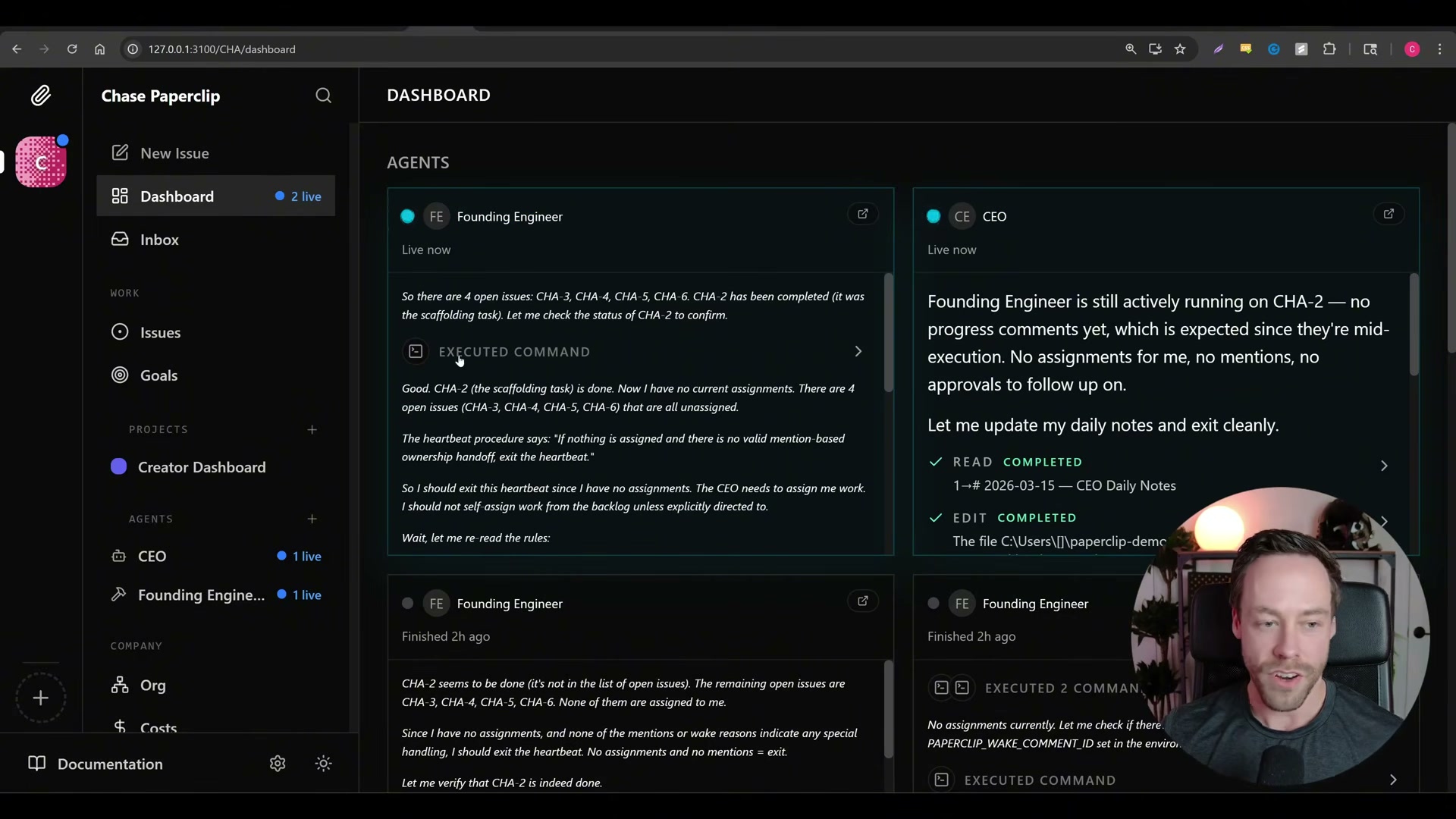
2. Map how orchestration platforms structure their agents. Each agent receives a business role — CEO, CTO, founding engineer — and connects through a central dashboard. You set a high-level goal, the CEO agent breaks it into directives, and those directives cascade down through managers to worker agents. The human sits at the top as the board of directors, retaining approval rights but otherwise staying out of daily execution.
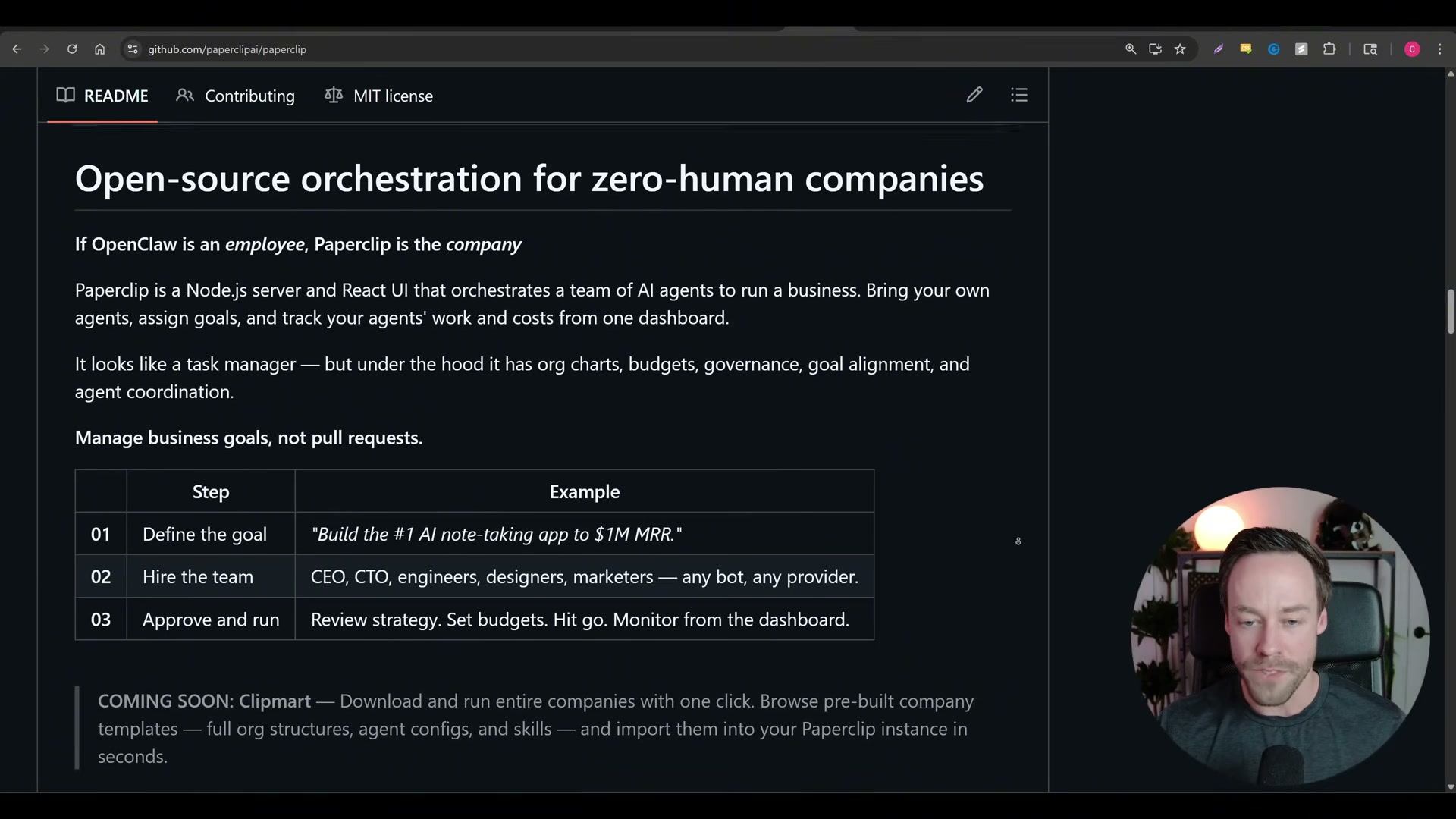
3. Understand the heartbeat system. Rather than running continuously, agents operate on a timer — every 5, 30, or 60 minutes, an agent spins up, checks for new instructions from the user or a superior agent, acts if there’s work, then goes dormant again. This is architecturally close to how OpenClaw handles agent scheduling.
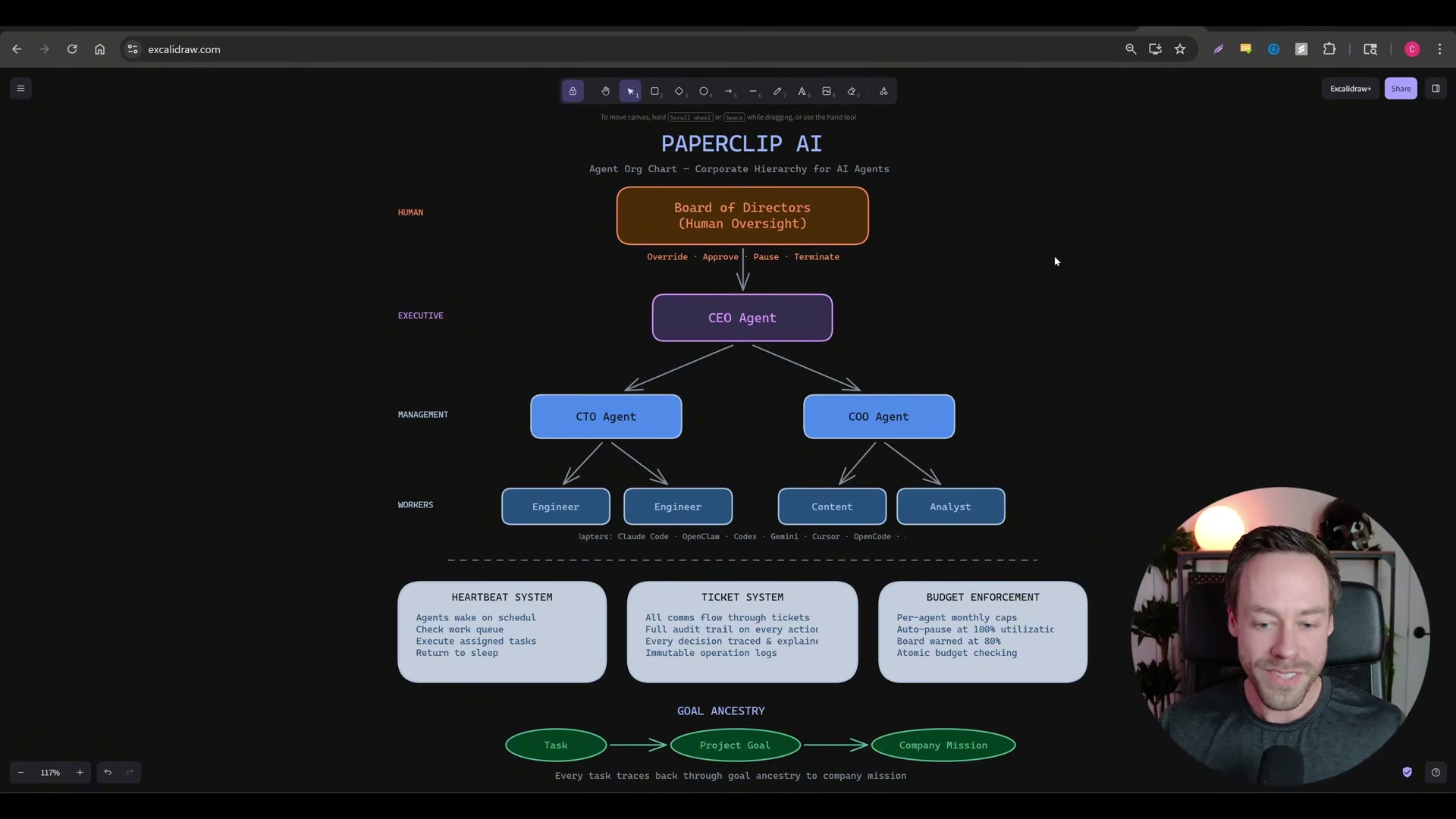
4. Navigate the live Paperclip dashboard. Once Paperclip is running, the dashboard at localhost:3100 surfaces active agents, live status, recent activity logs, per-agent cost tracking, and heartbeat controls in a single view. During the walkthrough shown here, a CEO and a founding engineer both appear as “Live now,” with the founding engineer’s full reasoning log visible in real time — including an entire heartbeat cycle spent deciding it has nothing to do.

5. Watch the agent-hiring approval flow. When the system determines it needs additional capability — a new engineering role, for example — it doesn’t expand the org chart autonomously. It surfaces an approval prompt first, keeping headcount and cost under human control. This is one of Paperclip’s more practical UX decisions.
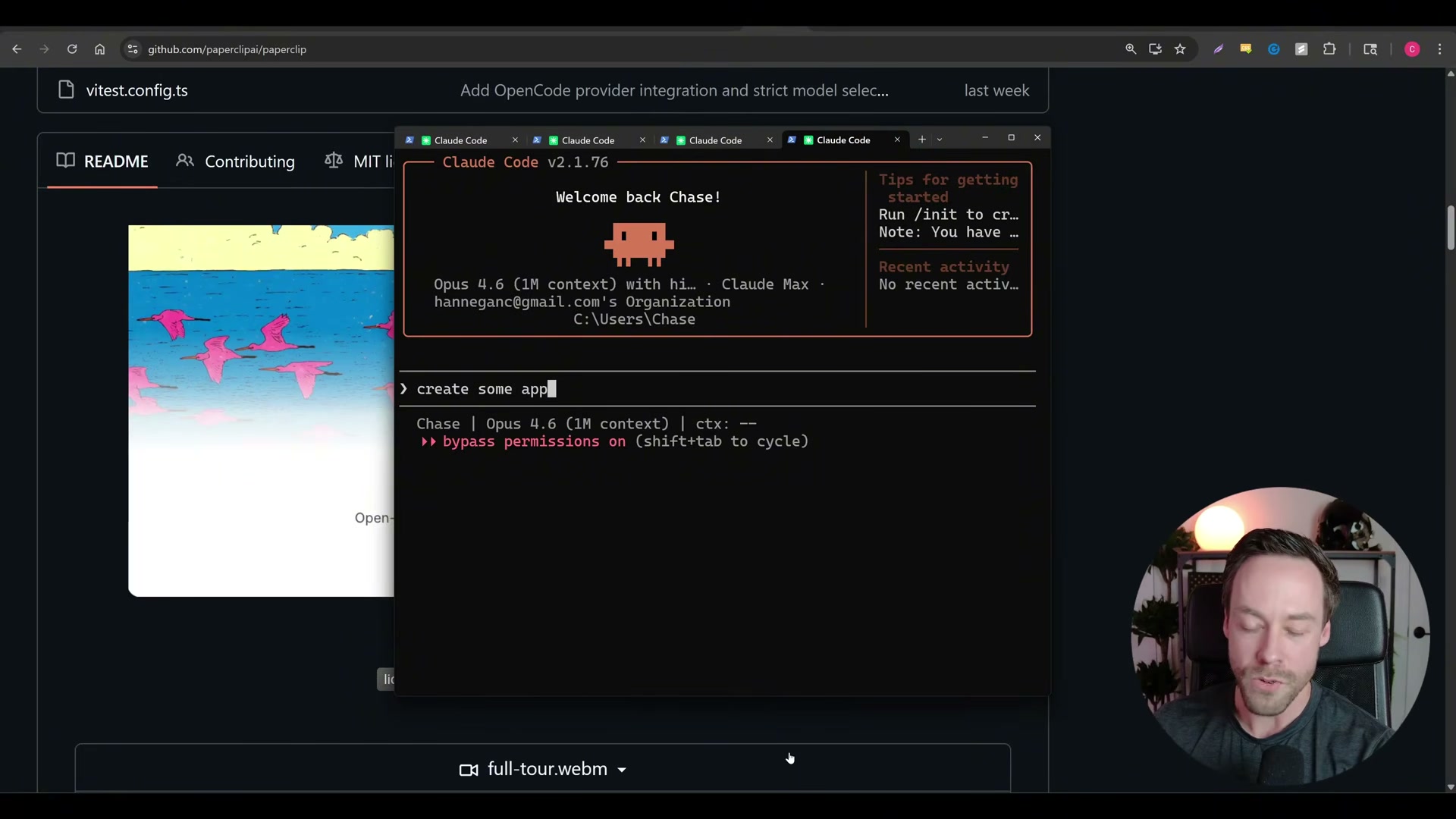
6. Recognize how this maps to Claude Code’s existing sub-agent model. Telling a Paperclip CEO to build a product is structurally identical to telling Claude Code to build something and letting it spawn sub-agents on its own. The org-chart framing doesn’t add capability — it adds layers. A single Claude Code session with bypass permissions enabled can issue and execute the same task that Paperclip routes through four agent hops.
Warning: this step may differ from current official documentation — see the verified version below.
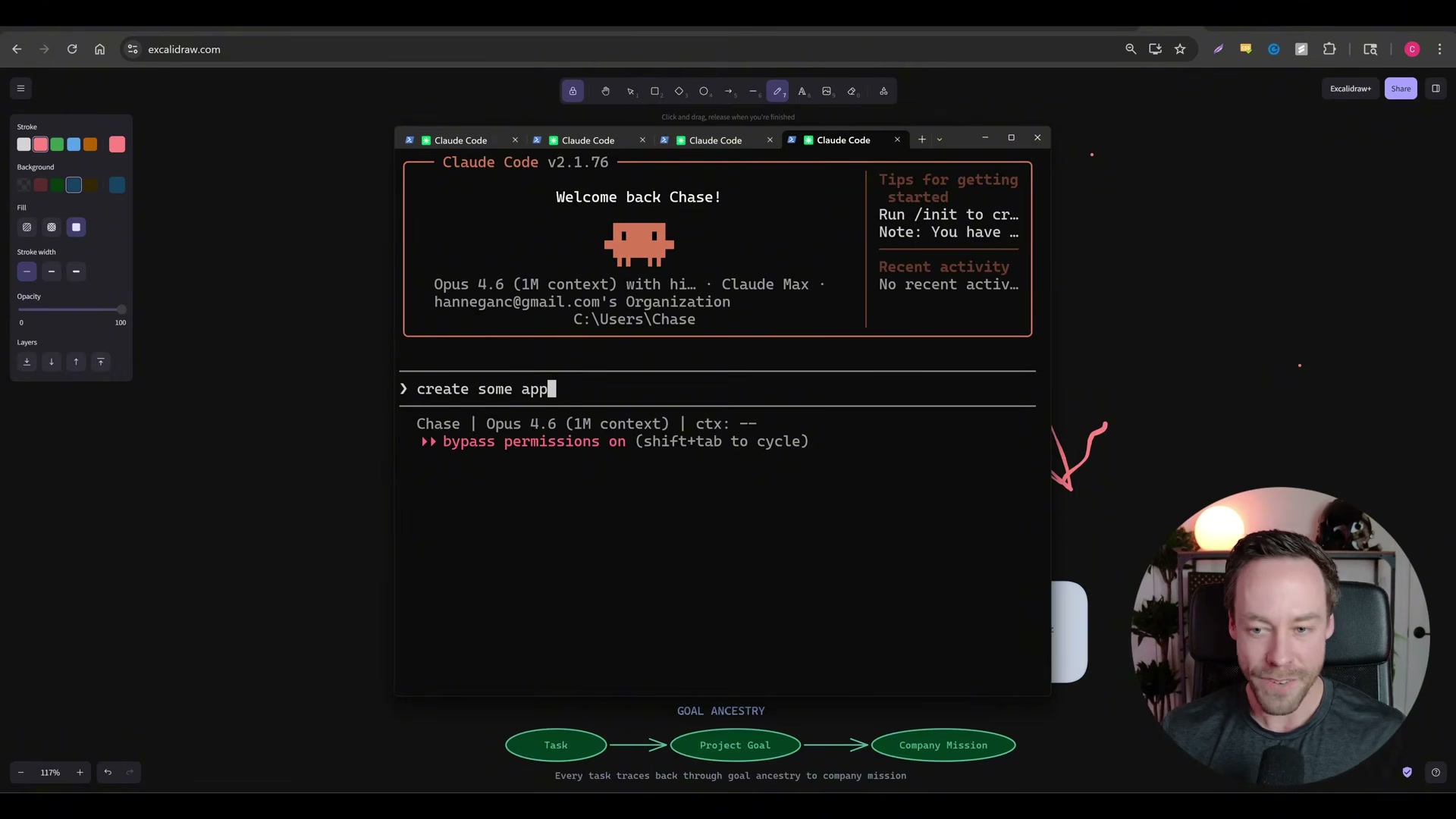
7. Diagnose the quality-of-direction problem. Multi-hop agent chains introduce a telephone effect: each handoff from CEO to COO to analyst dilutes the original intent. Over 10 or 15 autonomous iterations without human course-correction, output regresses toward an average — meaning greenfield products built entirely through these chains tend to land in mediocrity. The tight feedback loop you get working directly with Claude Code is precisely what the org-chart model removes.
8. Apply the delegation-versus-creation framework. Orchestration platforms earn their keep when workflows are already defined and discretized — recurring tasks, known processes, or autonomous operation while you’re offline. They are a poor fit for building something new from scratch, where subjective judgment calls and iterative direction are unavoidable. Pre-built workflows become leverage; open-ended creation becomes a game of telephone.
How does this compare to the official docs?
Paperclip’s own architecture documentation describes the heartbeat, ticket, and budget enforcement systems in detail — and the gap between what the README promises and what those docs constrain reveals exactly which of the video’s critiques hold at production scale.
Here’s What the Official Docs Show
Act 1 delivers a sharp, video-grounded breakdown of how Paperclip’s orchestration model works and where it earns its keep. The documentation review adds one important product distinction to the Step 6 comparison and is transparent about where screenshot coverage runs out.
Step 1 — Category momentum and GitHub growth
No official documentation was found for this step — proceed using the video’s approach and verify independently.
Step 2 — How orchestration platforms structure their agents
No official documentation was found for this step — proceed using the video’s approach and verify independently.
Step 3 — The heartbeat system
No official documentation was found for this step — proceed using the video’s approach and verify independently.
Step 4 — The live Paperclip dashboard
No official documentation was found for this step — proceed using the video’s approach and verify independently.
Step 5 — The agent-hiring approval flow
No official documentation was found for this step — proceed using the video’s approach and verify independently.
Step 6 — How this maps to Claude Code’s sub-agent model
This is the only step the available screenshots address — and the clarification matters. The video draws a comparison between Paperclip’s org-chart model and Claude Code’s internal sub-agent behavior. The documentation retrieved for this post, however, covers Cowork, a separate Anthropic product that lives at claude.ai, not the Claude Code toolchain documented at docs.anthropic.com.
Cowork executes a visible sequential task chain inside a single session — a Progress panel walks through discrete steps (read transcripts → pull key points → find action items → build deck) using context injected from named sources at session start. Claude Code’s sub-agents are architecturally different: they are spawned as discrete processes assigned to independent subtasks, not chained steps in one session. The two products solve different problems and should not be used interchangeably as reference points.
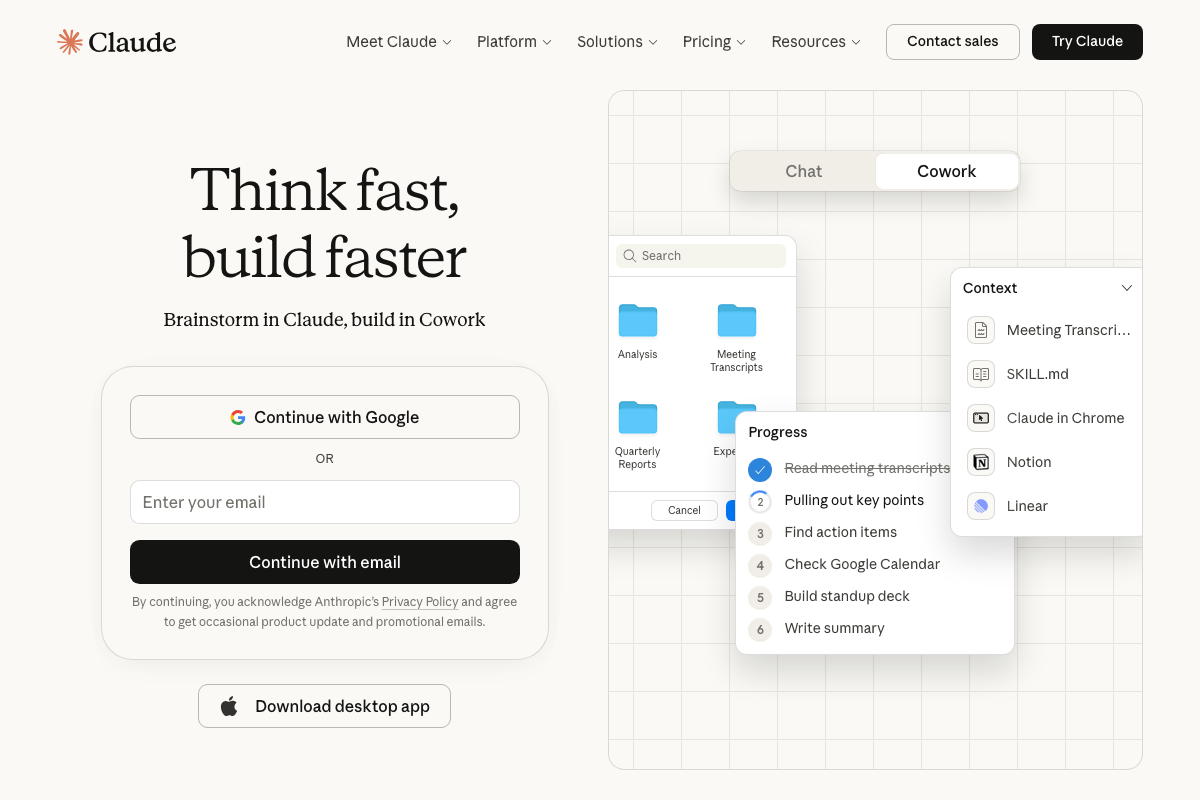
As of 2026-03-15, any comparison to Claude Code’s sub-agent model requires documentation from docs.anthropic.com/en/docs/claude-code — which is not present in this screenshot set. The video’s directional point may hold, but it cannot be confirmed from the sources available here.
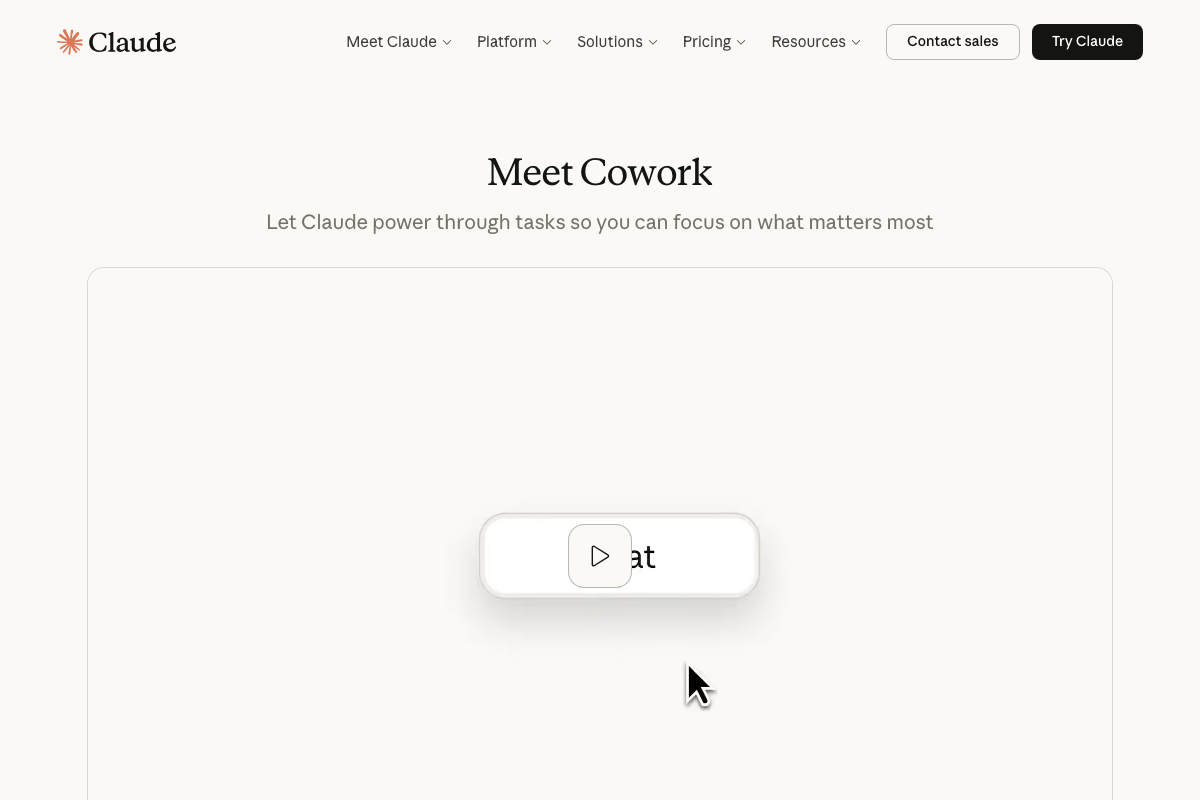
Cowork’s own positioning — “Let Claude power through tasks so you can focus on what matters most” — does incidentally reinforce the video’s Step 8 conclusion: Anthropic’s own sequential-task product is designed explicitly for throughput on defined workflows, not open-ended creation.
Step 7 — The quality-of-direction problem
No official documentation was found for this step — proceed using the video’s approach and verify independently.
Step 8 — The delegation-versus-creation framework
No official documentation was found for this step — proceed using the video’s approach and verify independently.
Useful Links
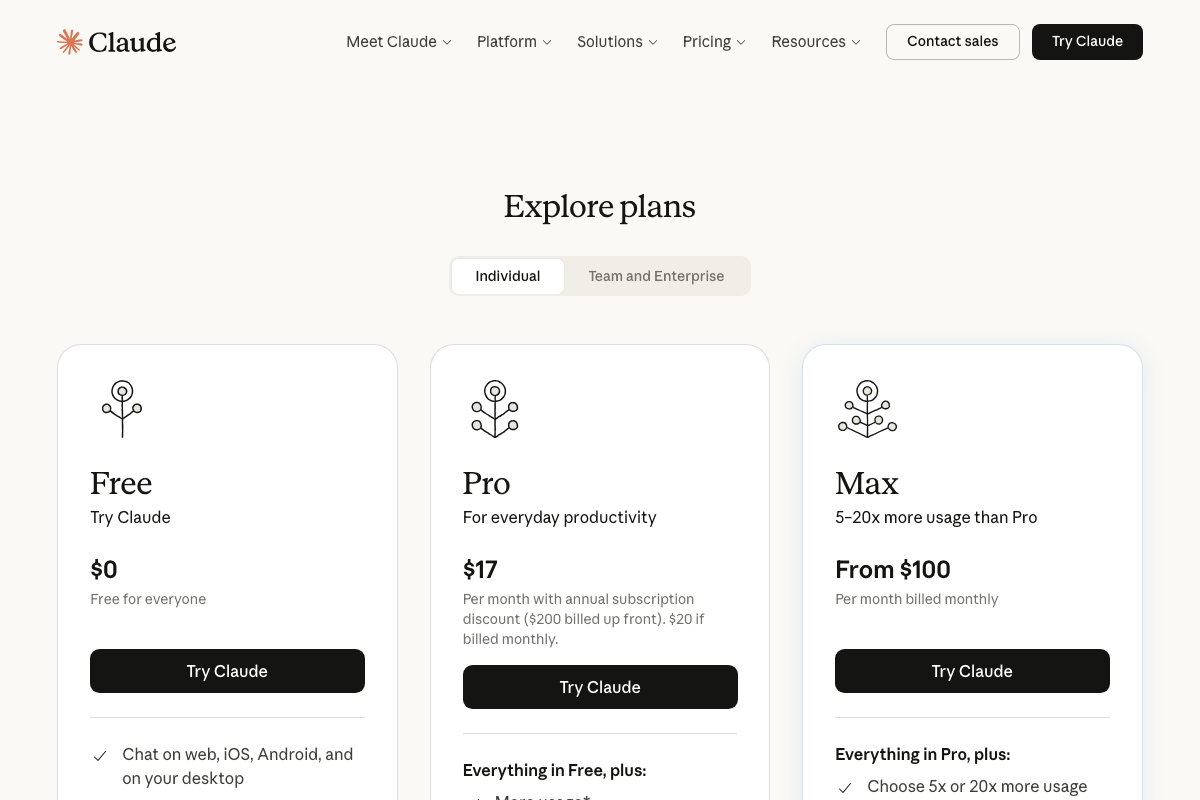
- Claude Code — Anthropic’s claude.ai product page, currently surfacing the Cowork multi-step task feature, individual plan pricing, and sign-in options; not the Claude Code developer documentation.


0 Comments