

Set Up ZipChat to Automate Sales and Support on Your Shopify Store
ZipChat is an AI-powered chat agent that trains itself on your store content and proactively engages visitors before they bounce. After completing this walkthrough, you’ll have a fully deployed AI agent that answers product questions, handles objections, and triggers outreach based on real visitor behavior — in under five minutes, without writing a single conversation flow.
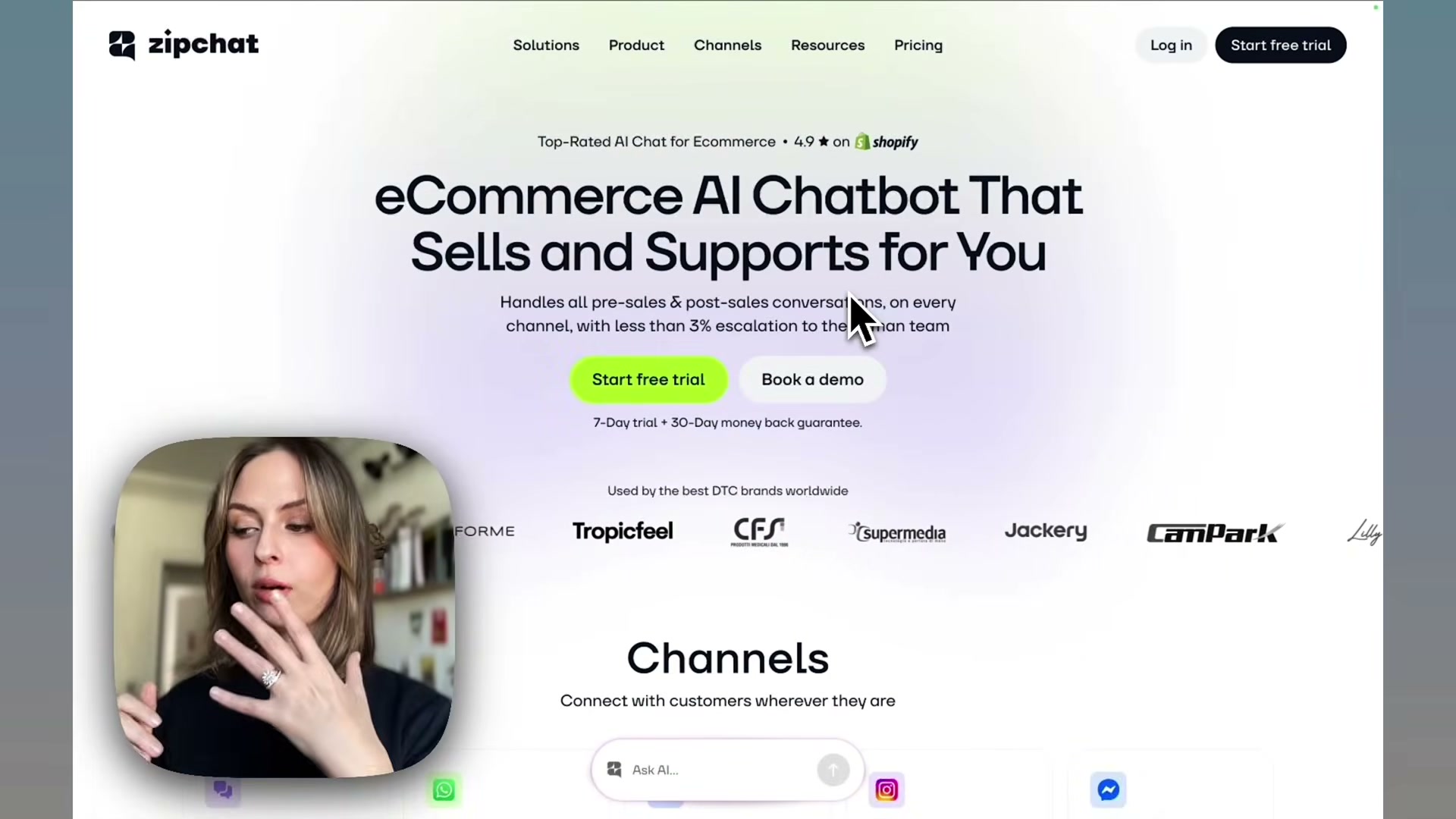
- Navigate to ZipChat and open the Create agent dialog. Paste your store URL into the input field and confirm. ZipChat immediately begins crawling your site automatically — no API keys, no manual configuration required.
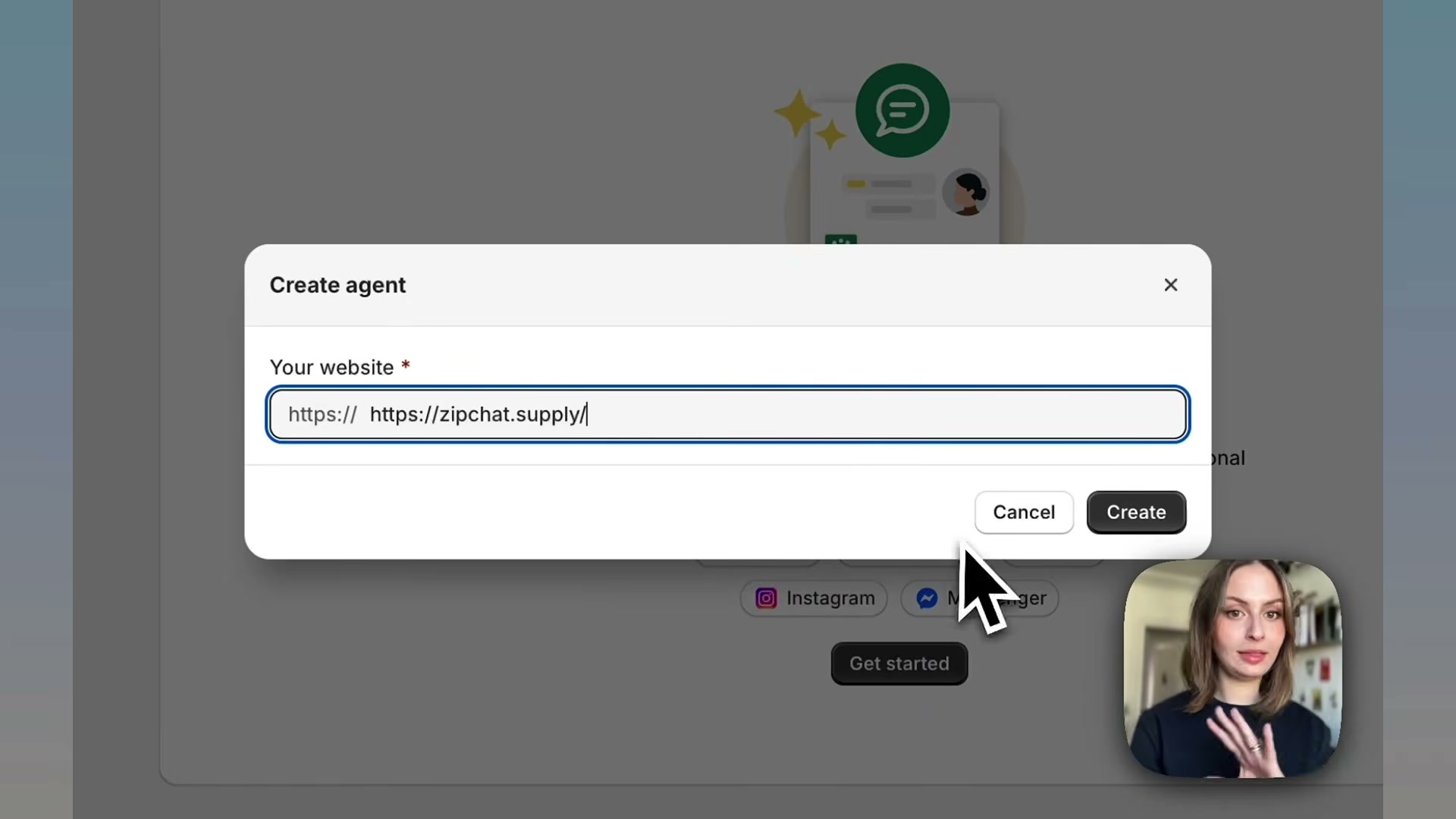
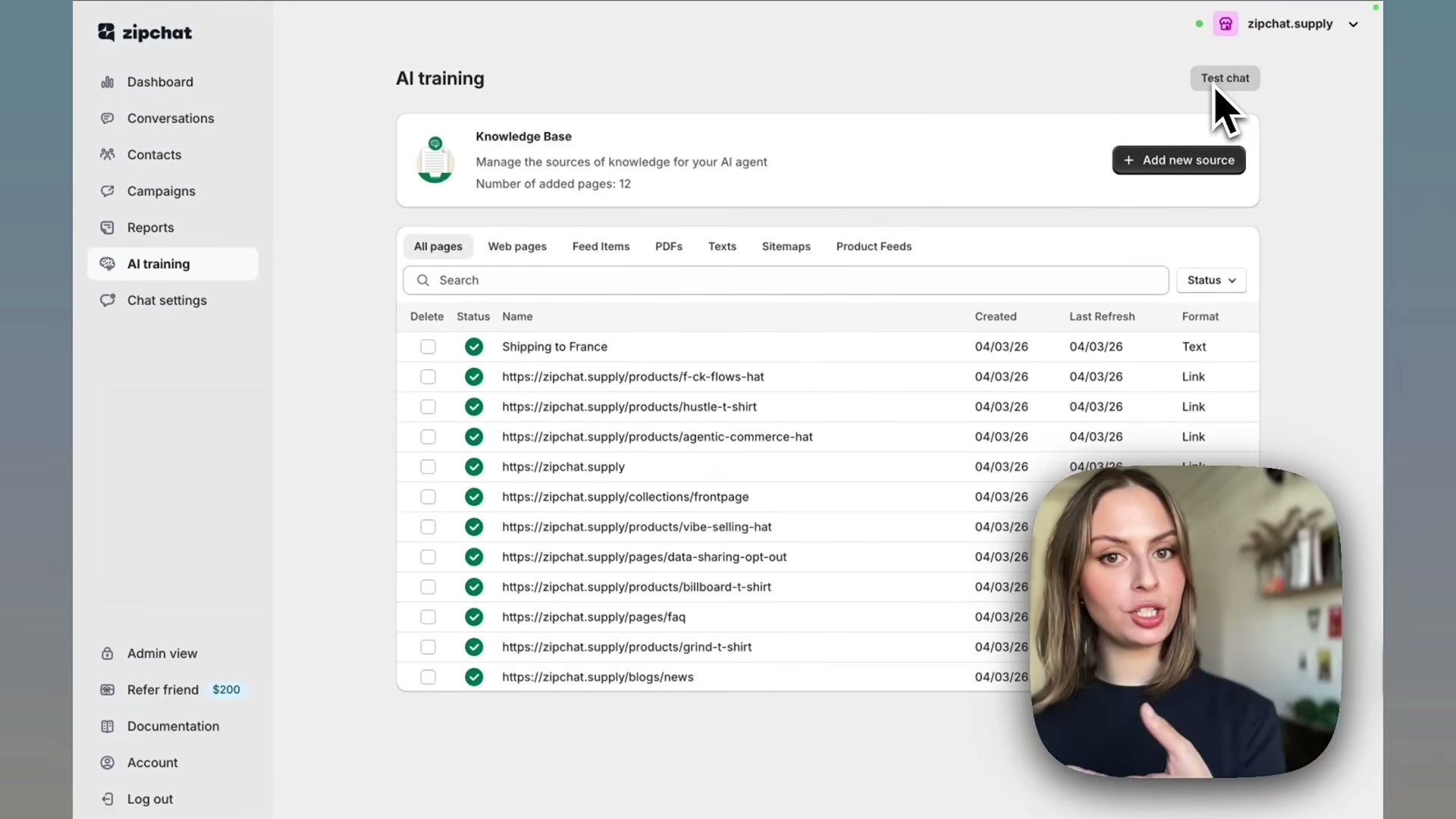
2. Wait for the crawl to complete. ZipChat indexes every product page, collection, FAQ, policy, and blog post it finds, marking each source with a green checkmark in the Knowledge Base view. The agent is already trainable at this point — you haven’t written a word of content yourself.
3. Open the AI Training tab to review what was ingested and identify gaps. The auto-crawl covers whatever is published on your site, but knowledge that lives off-site — supplier lead times, regional shipping rules, internal sizing guides — won’t be captured automatically.
4. Click Add new source and choose your input method: a single page URL, a sitemap import, or a custom text block. For anything not published on your store, the custom text option lets you paste content directly. Add one source per knowledge gap you identified in the previous step.
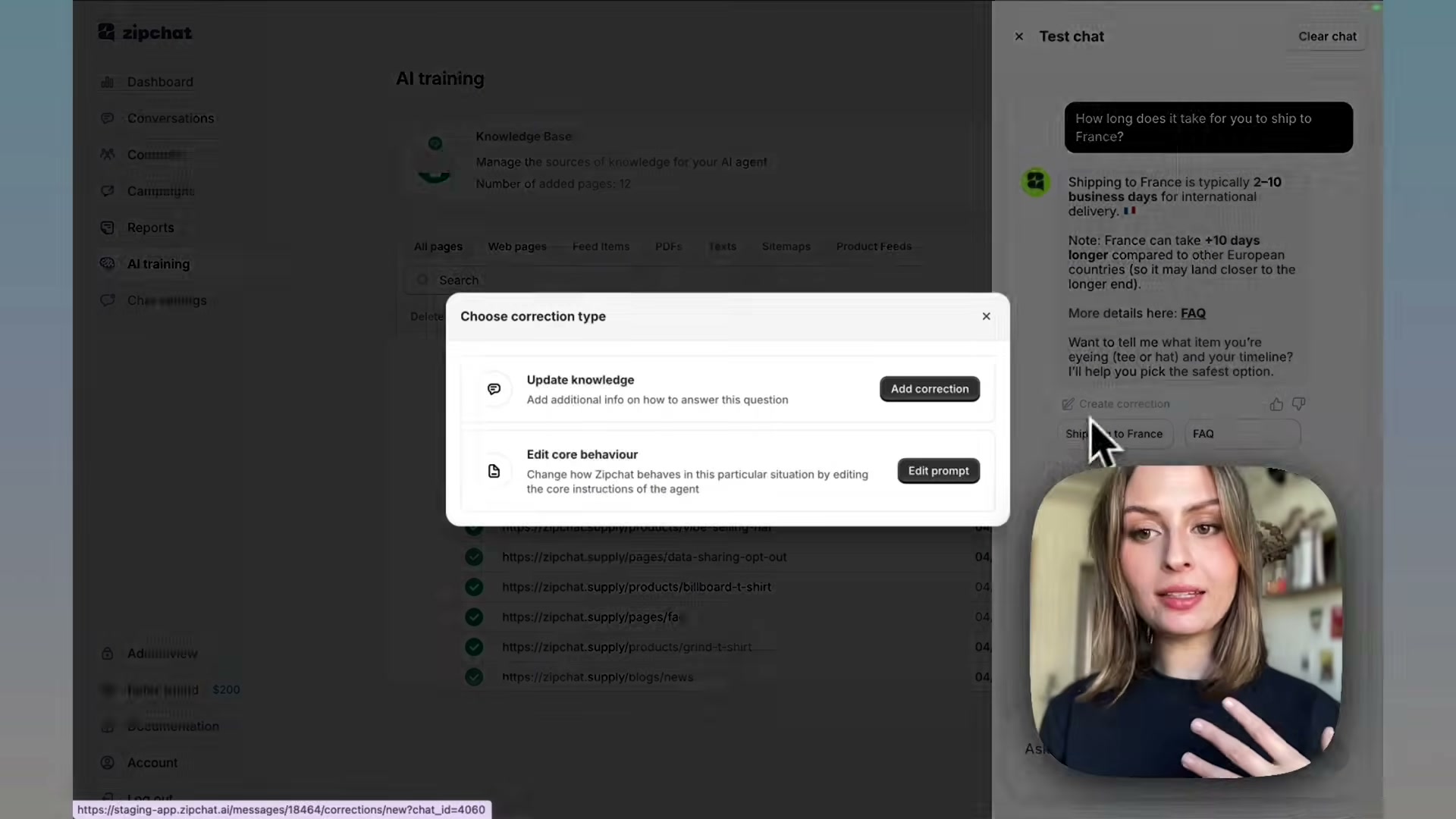
5. Click Test chat and ask a question that relies on the knowledge you just added. Confirm the response references the new source correctly. If ZipChat answers accurately, the source is live and active.
6. If a response is wrong or incomplete, click Create correction. ZipChat presents two options: Update knowledge to add missing context, or Edit core behaviour to modify how the agent constructs responses at a prompt level. Choose the option that matches the failure — factual gaps go to knowledge, tone or framing issues go to core behaviour.
7. Write your correction note, save it, and re-run the same test question to verify the updated output before proceeding.
8. Navigate to the widget customization panel and match the chat bubble to your brand — colors, greeting copy, agent name, and tone. These settings apply immediately to the live widget.
9. Enable proactive chat triggers in the engagement settings. Configure conditions based on visitor behavior: time spent on a product page, adding to cart without checking out, or exit intent detection. Each trigger fires a targeted message timed to the moment hesitation is highest.
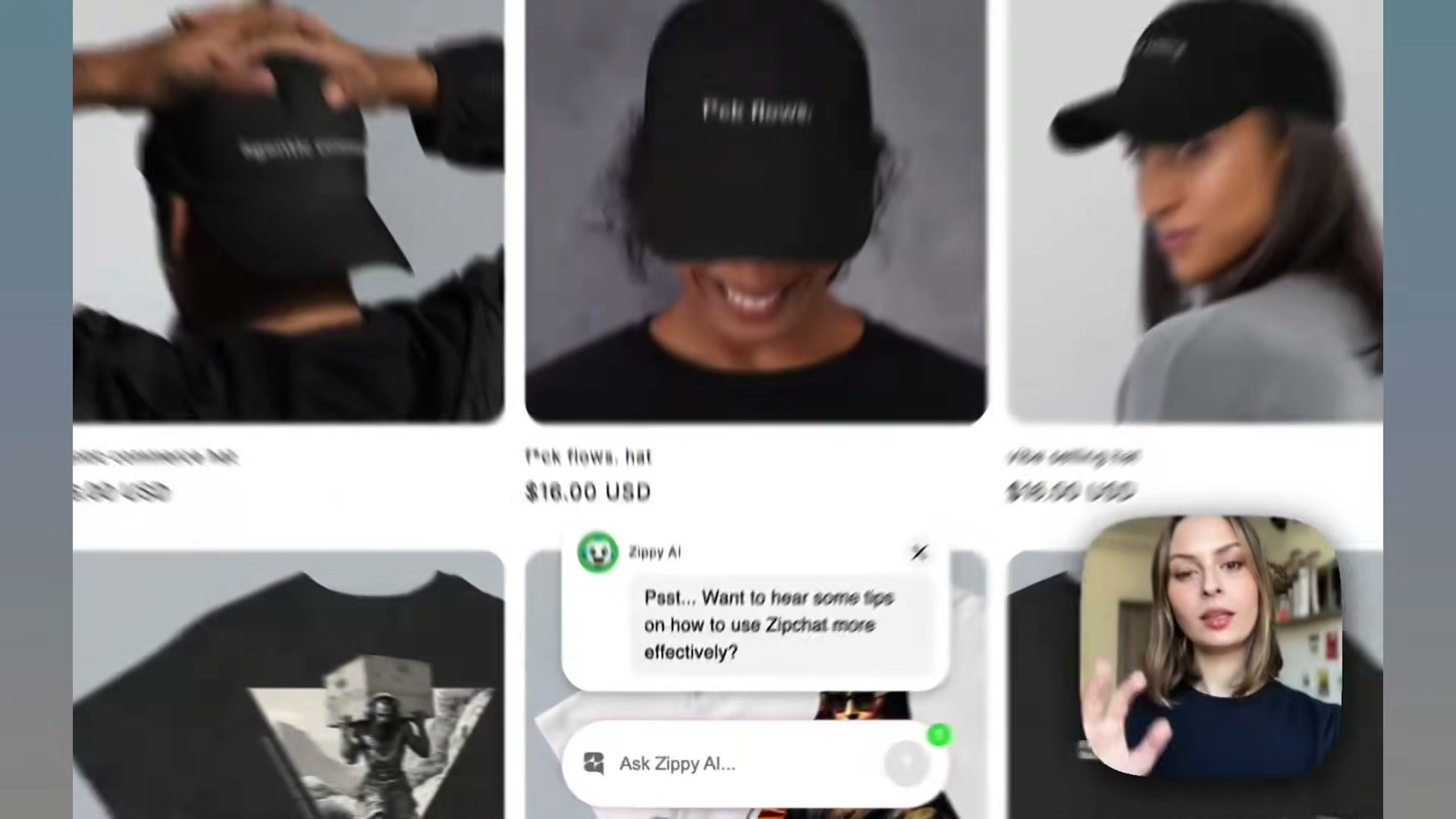
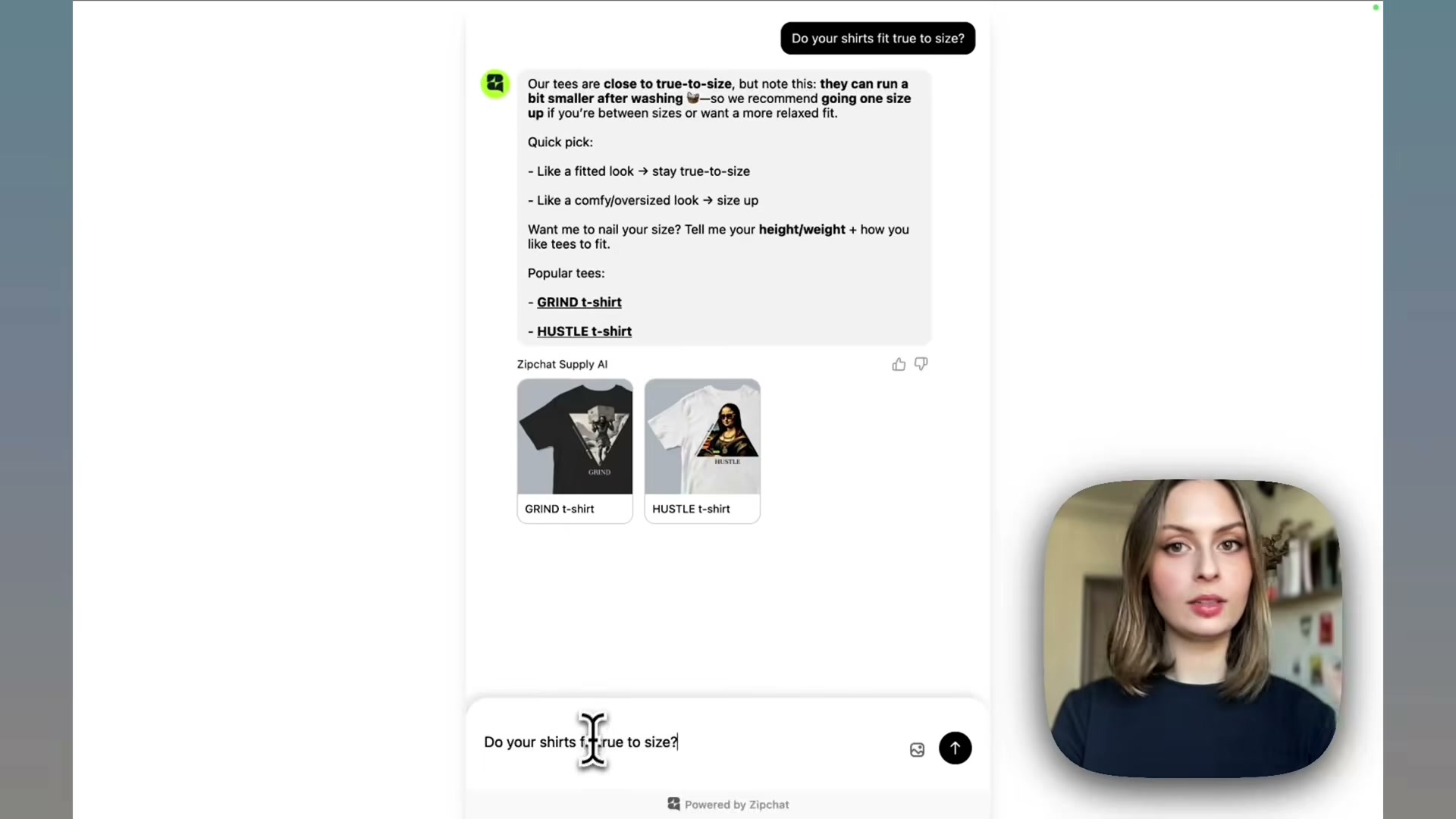
10. After the agent has handled real conversations, open Analytics to review the top questions customers asked, where sessions dropped off, and which exchanges converted. Use this data to update product page copy, refine your knowledge base, and adjust trigger conditions.
How does this compare to the official docs?
The video covers the full onboarding arc at a confident pace, but several configuration options — including the full range of proactive trigger logic, channel integrations beyond website chat, and the tool-toggle panel for order lookup and escalation — get only passing mentions, which is exactly where the official documentation fills in the gaps.
Here’s What the Official Docs Show
The video covers ZipChat’s onboarding arc end-to-end, and the official product pages layer in a handful of details worth having before you go live. None of the ten steps could be confirmed against internal dashboard documentation — but the official marketing pages do verify the product’s core capabilities and surface two features the tutorial doesn’t touch.
Steps 1–2: Create agent / Knowledge Base crawl
ZipChat’s homepage confirms Shopify as a primary integration (4.9★ on Shopify) and the product’s positioning as a multi-channel pre- and post-sale agent. The AppSumo listing independently corroborates this framing.
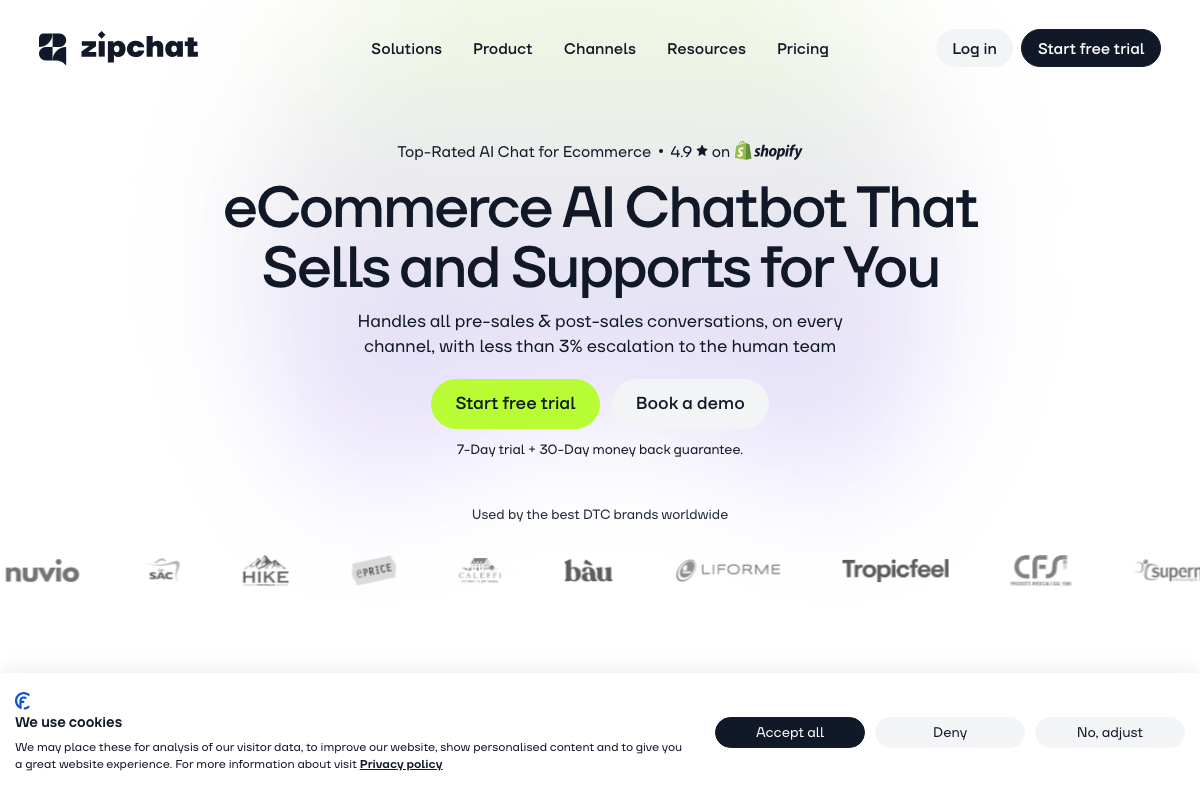

One metric worth double-checking: zipchat.ai displays “<3% escalation” in the hero section and “<7% of conversations” in the body copy — both figures on the same domain. Confirm the current number directly from the source before using it in any reporting or pitch deck.

No official documentation was found for this step —
proceed using the video’s approach and verify independently.
Steps 3–4: AI Training tab / Add new source
No official documentation was found for these steps —
proceed using the video’s approach and verify independently.
Step 5: Test chat
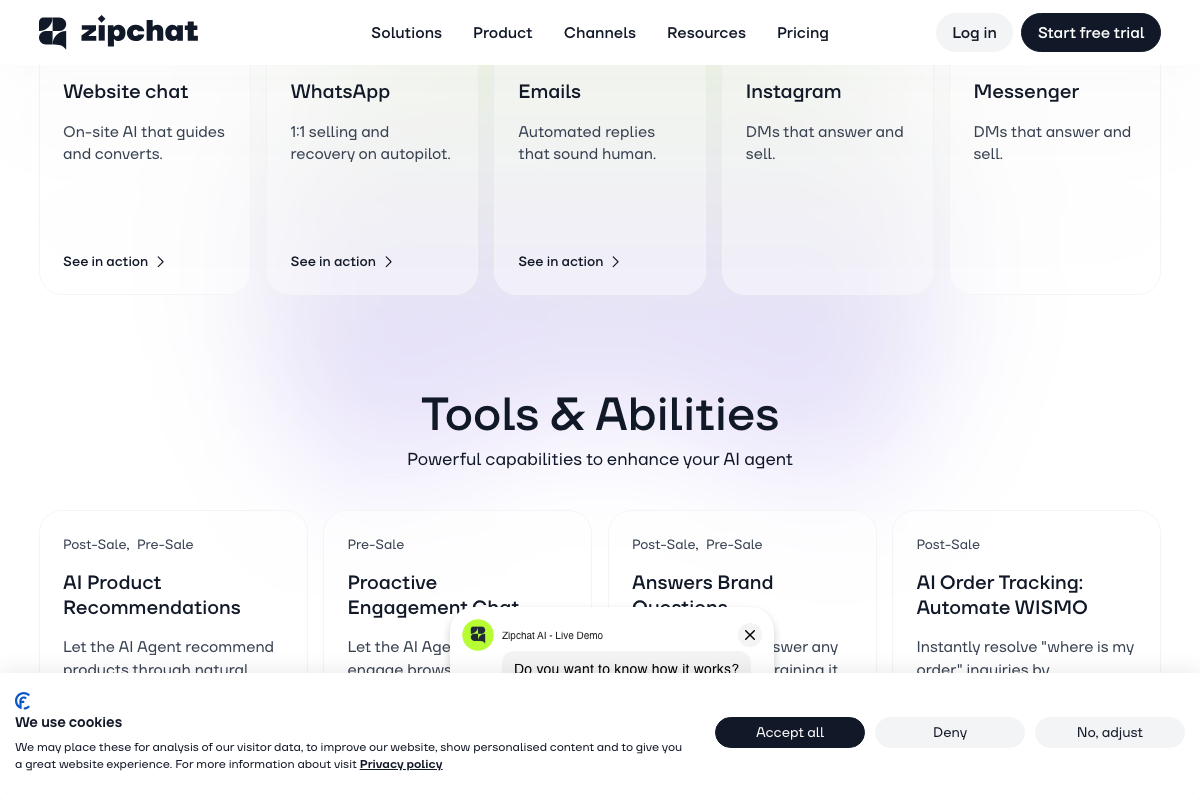
The official product page shows a live demo chat widget, but this is a marketing demo — not the in-dashboard test interface the video references.
No official documentation was found for this step —
proceed using the video’s approach and verify independently.
Steps 6–8: Correction workflow / Widget customization
No official documentation was found for these steps —
proceed using the video’s approach and verify independently.
Step 9: Proactive chat triggers
“Proactive Engagement Chat” appears by name on the official product page under Tools & Abilities — the capability is real and product-confirmed. It is labeled “Pre-Sale” there, while the video presents it in a broader ongoing-engagement context. The specific trigger conditions (time on page, cart abandonment, exit intent) are not detailed in any available official screenshot.
No official documentation was found for this step —
proceed using the video’s approach and verify independently.
Step 10: Analytics
No official documentation was found for this step —
proceed using the video’s approach and verify independently.
Two features the video doesn’t cover: The official product page lists a Shopify Discounts capability — unique, single-use discount codes generated through the chat agent — that none of the ten steps mention. Email is also confirmed as a supported channel on both zipchat.ai and the AppSumo listing (“chat, email, and social”). Both are worth building out after initial setup.
Useful Links
- Zipchat AI | Best AI Chatbot for Ecommerce: Sales & Support — Official ZipChat product page covering features, channel support, Shopify Discounts, and trial/guarantee details.
- AppSumo — AppSumo marketplace entry for ZipChat AI describing pre- and post-sale coverage across chat, email, and social.
- Shopify Help Center — Shopify’s official help documentation; note that the captured screenshots showed the marketing homepage rather than integration-specific guidance.
- WooCommerce Documentation — WooCommerce docs portal; captured screenshots showed the marketing homepage rather than any ZipChat plugin documentation.
- WhatsApp — Consumer WhatsApp homepage; ZipChat’s WhatsApp integration operates via the WhatsApp Business API, not this interface.
- Instagram — Instagram consumer login page; ZipChat’s DM integration operates via the Instagram Messaging API.
- Messenger — Facebook Messenger consumer homepage; ZipChat connects to Messenger via the Meta Messenger Platform API.
- TikTok Shop — TikTok Shop buyer storefront; no seller API or ZipChat integration documentation was present in the captured screenshots.
- Tidio — A competing AI customer service platform; included in the screenshot set but not a ZipChat documentation source.
- Zendesk help — A competing enterprise support platform; included in the screenshot set but not a ZipChat documentation source.


0 Comments