

GSD2 vs Claude Code: Building a Personal Expense Tracker
GSD2 marks a fundamental shift — from a Claude Code orchestration layer to a fully standalone agentic coding CLI built on the Anthropic Python SDK. That architectural change has direct consequences for cost, autonomy, and how you structure your AI dev workflow. By the end of this tutorial, you’ll have GSD2 installed and configured, understand its Milestone → Slice → Task execution model, and see exactly how it performs against Claude Code on a real full-stack build. The benchmark: a Next.js + Tailwind + SQLite personal expense tracker with live charts and 30 days of seeded data.
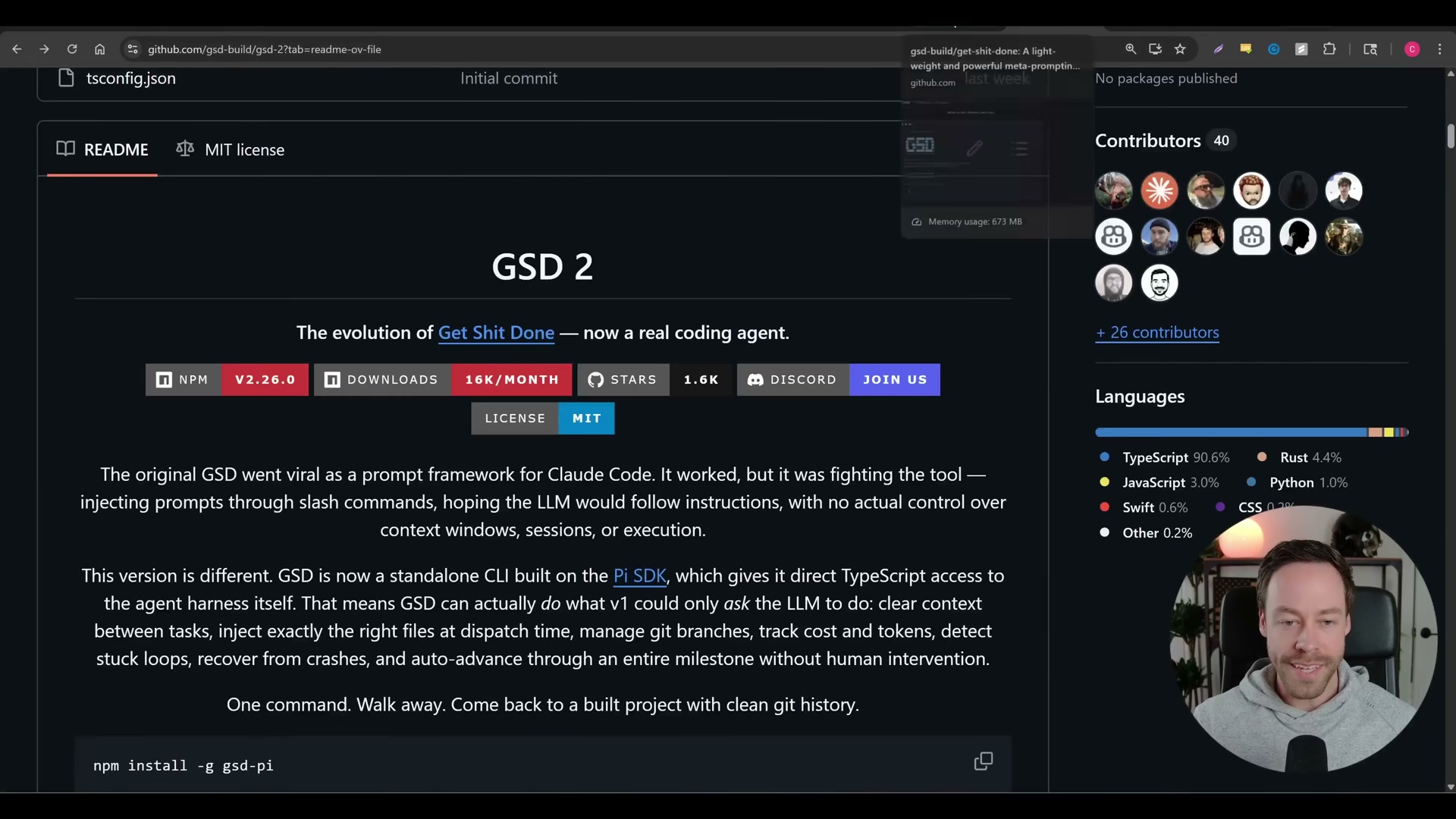
- Install GSD2 globally by running
npm install -g gsd-piin your terminal. The package resolves in roughly 13 seconds and adds 30 dependencies. - Launch the setup wizard by typing
gsdin your terminal. The wizard walks you through authentication method selection and API key entry. - Select API key authentication when prompted — do not choose OAuth or your Claude Max plan.
Warning: this step may differ from current official documentation — see the verified version below.
Anthropic’s Terms of Service do not explicitly permit using a Max subscription outside Claude’s own apps. GSD2 surfaces the OAuth option, but accounts using it for external API access have been suspended. Pay API rates directly to avoid the risk.
4. Paste in your OpenRouter API key or a direct Anthropic API key at the prompt. Either works; OpenRouter adds model-routing flexibility at no extra overhead.
5. Enter your Brave Search API key to enable web research during GSD2’s planning phases. Brave Search has a free signup tier.
6. Skip the remote questions and tool keys for now — both are optional and unnecessary for a standard local build.
7. Open the preferences menu with /gsd prefs and navigate to the Models section.

8. Set the research and planning model to anthropic/claude-opus-4.6. GSD2 deliberately separates thinking from doing, so the heavier model handles architecture and research only.
9. Set the execution model to anthropic/claude-sonnet-4.6 to keep per-task costs lower without sacrificing output quality.
10. Set a budget ceiling of $20. GSD2 pauses execution when the limit is hit rather than running an uncapped bill — a non-negotiable guardrail when running autonomous multi-hour builds.
11. Open two terminal windows before starting any project: one for GSD2’s auto execution loop (the workhorse) and one discussion terminal where mid-build instructions feed into the running context via disk reads.
12. In the discussion terminal, initialize the project with /gsd followed by your full prompt. GSD2 returns a milestone breakdown and asks you to confirm the plan before touching any code.

13. Review GSD2’s task roadmap, confirm it reflects your intent, then switch to auto mode.
14. Let GSD2 run. Each slice cycles through Research → Plan → Execute → Validate before moving to the next. Token spend and current task track live at the bottom of the interface.

15. Observe the behavioral difference in context management: Claude Code asks for execution permission at each phase boundary; GSD2 does not. When Claude Code hits an npm naming error mid-build and self-corrects, GSD2 continues its research phase uninterrupted.
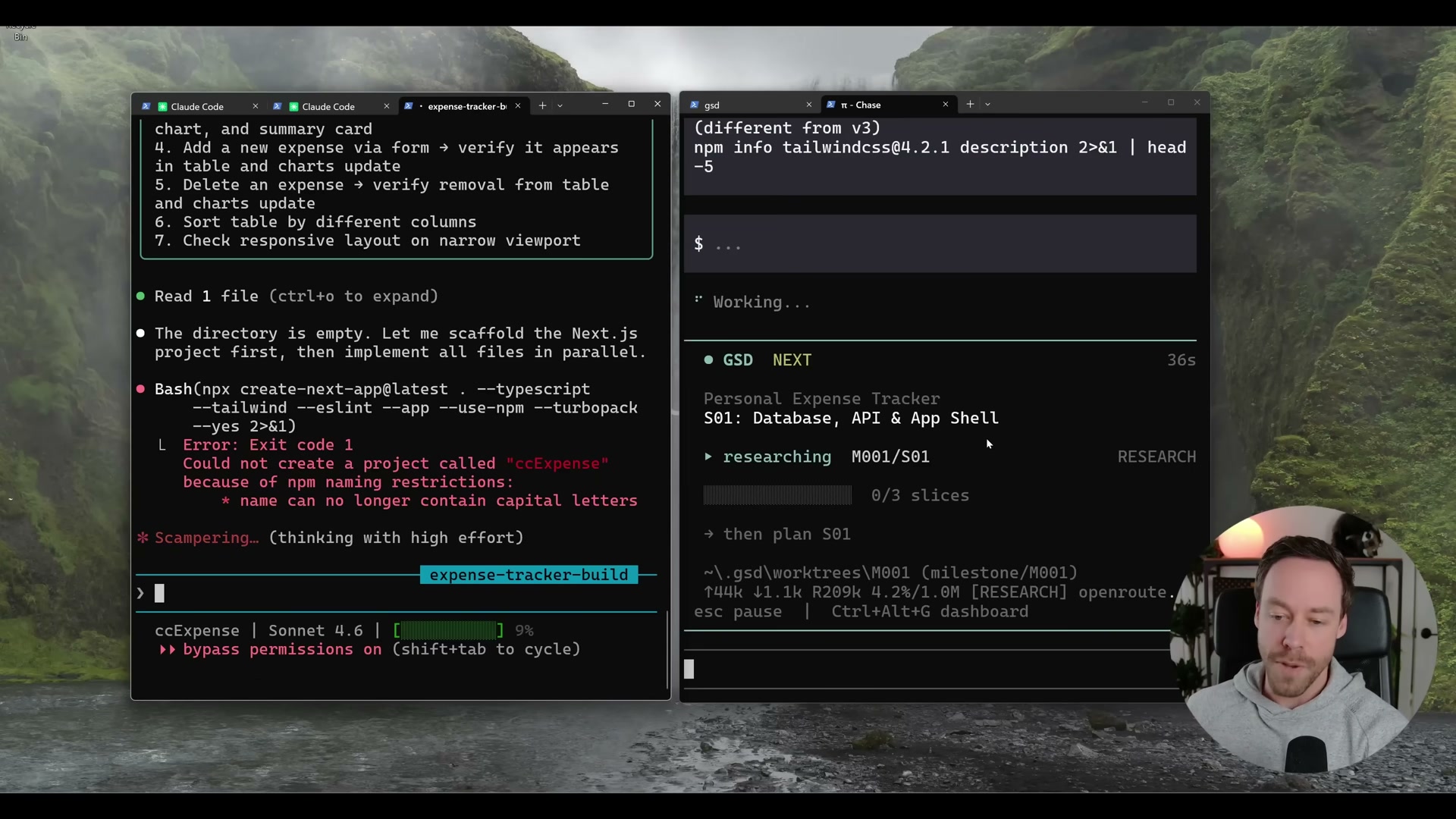
16. Compare final outputs. Claude Code delivers the working app at 4 minutes 38 seconds. GSD2 completes with browser-verified charts, 69 seeded expenses, and all four required features live at localhost:3000 — but at a measurably different API cost.

How does this compare to the official docs?
The steps above follow what was demonstrated in the video — but the official GSD2 documentation and Anthropic SDK guidance surface important differences around token profiles, model versioning, and the authentication rules that reframe how you should weigh these results.
Here’s What the Official Docs Show
The video’s GSD2 setup sequence is solid and the overall structure translates cleanly to current documentation. What follows layers in official sources from Anthropic, OpenRouter, and Brave to sharpen a few details that matter before you run a live benchmark.
Step 1 — Install GSD2
No official documentation was found for this step — proceed using the video’s approach and verify independently.
Step 2 — Launch the setup wizard
No official documentation was found for this step — proceed using the video’s approach and verify independently.
Step 3 — Select API key authentication
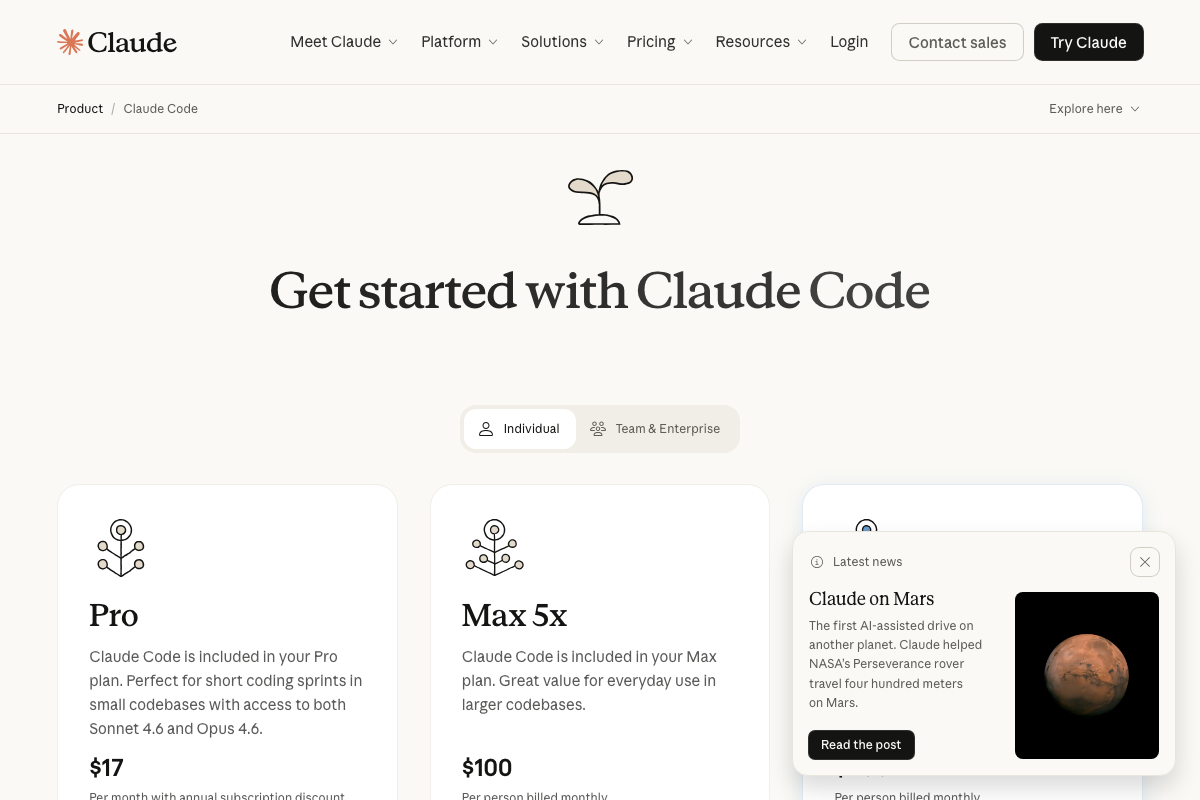
As of March 2026, the official Claude Code pricing page presents the Max 5x plan ($100/month) as a standard, supported subscription tier — the video’s TOS caution around this plan is not reflected in any language on that page. Both the Pro ($17/month) and Max 5x plans are documented, legitimate options. Notably, the Pro plan also includes access to both Sonnet 4.6 and Opus 4.6, making it a lower-cost Claude Code entry point the comparison setup doesn’t mention.
Step 4 — Paste in your API key
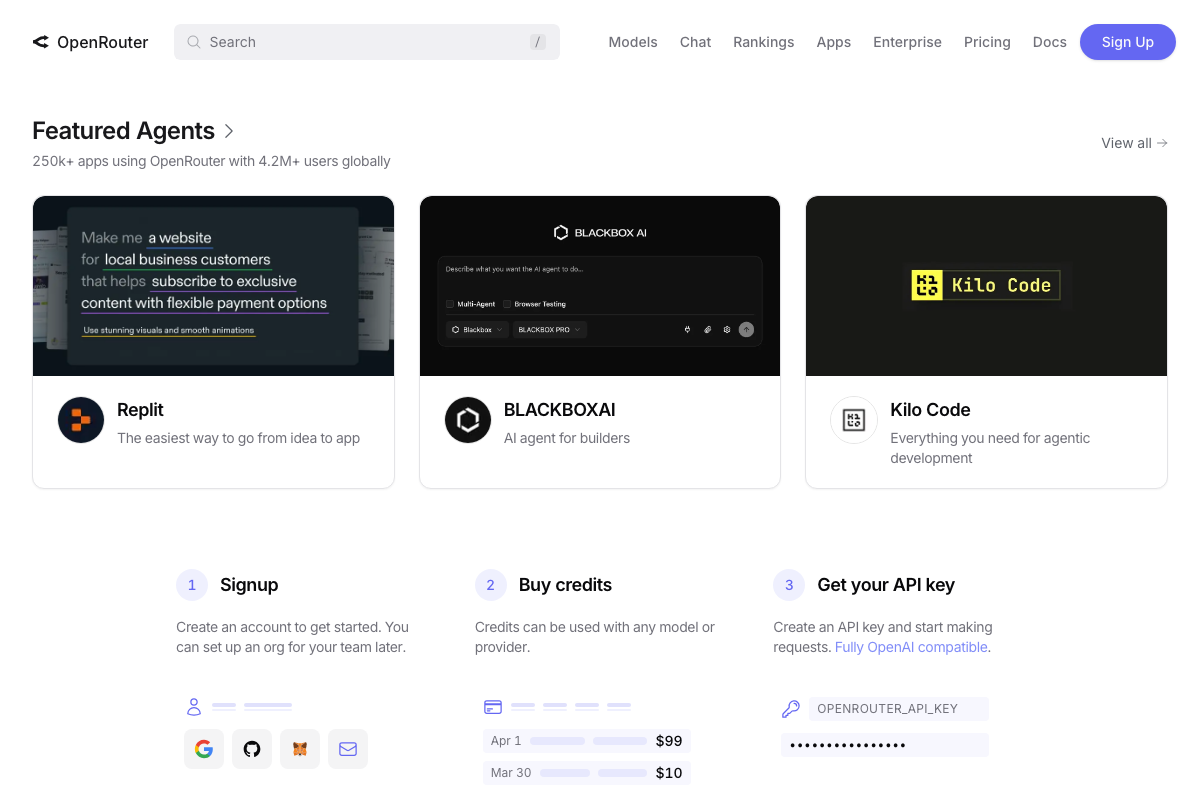
The video’s approach here matches the current docs exactly. One addition: OpenRouter’s official onboarding is a three-step sequence — Signup, Buy credits, then Get your API key. Credits must be purchased before any API call will process. Budget for this before launching GSD2’s setup wizard.
Step 5 — Enter your Brave Search API key
The video’s approach here matches the current docs exactly. One routing note: the API key is generated at the developer portal (api.search.brave.com), not the consumer Brave Search site — the signup and tier options live there, not on the product marketing pages.
Steps 6–7 — Skip optional keys; open preferences
No official documentation was found for these steps — proceed using the video’s approach and verify independently.
Step 8 — Set the research and planning model
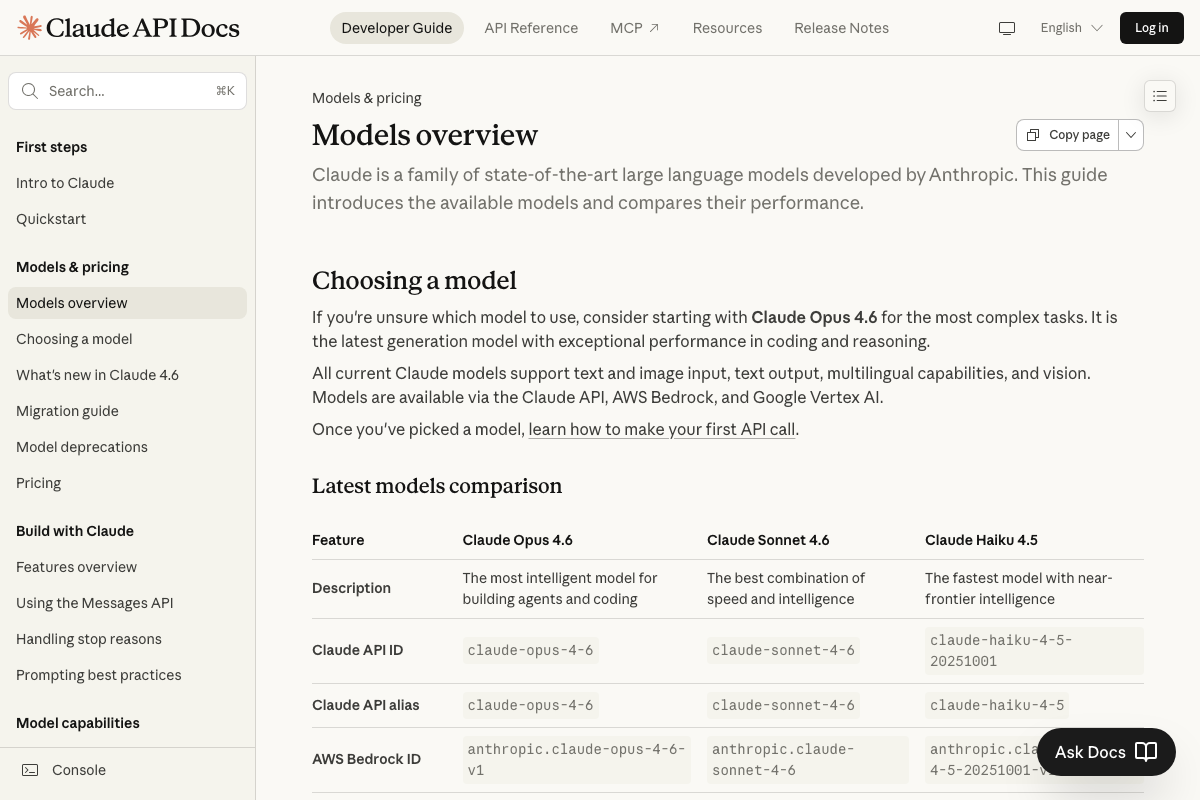
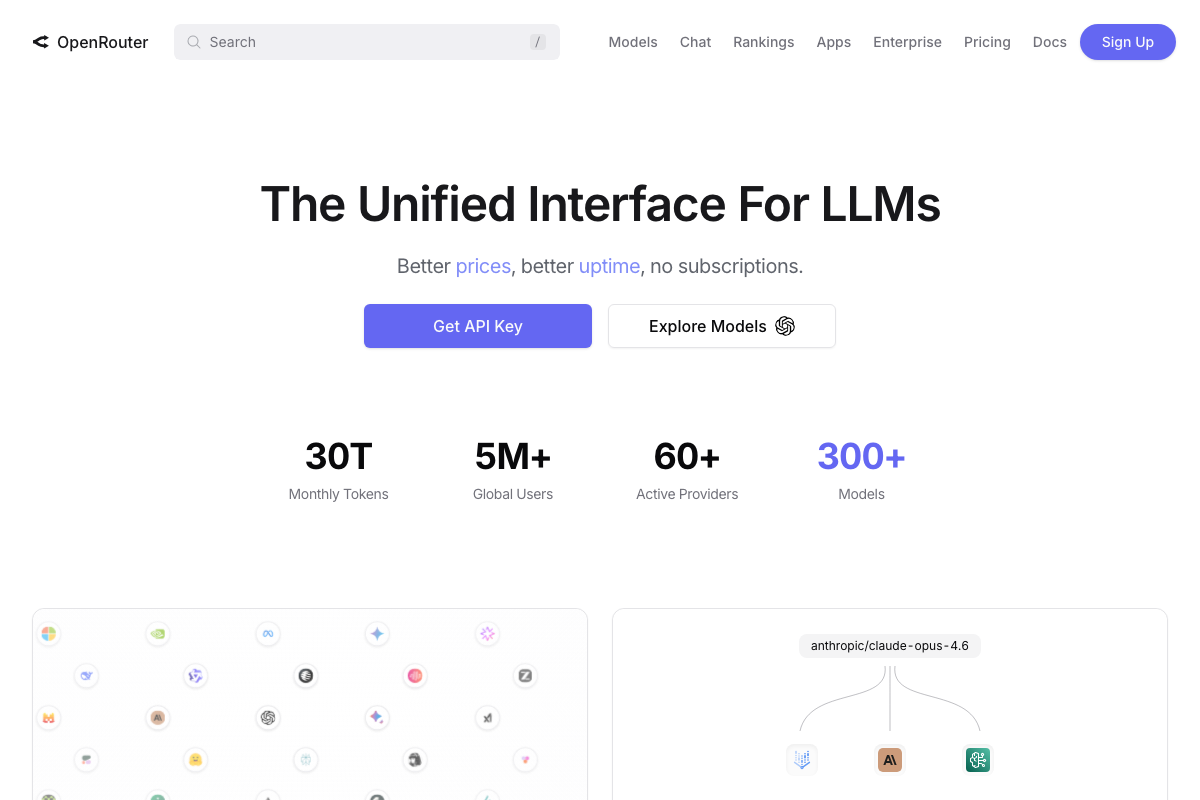
The video’s approach here matches the current docs exactly. Two additions: use the exact string anthropic/claude-opus-4.6 when configuring GSD2 in OpenRouter — not the display name. And per Anthropic’s official model table, Opus 4.6 supports both Extended Thinking and Adaptive Thinking. The tutorial does not confirm whether GSD2 enables these capabilities; if it doesn’t, the benchmark in step 16 reflects Opus 4.6 running without its full reasoning stack.
Step 9 — Set the execution model
The video’s approach here matches the current docs exactly. Anthropic’s current guidance positions Sonnet 4.6 for execution tasks — the tutorial’s model hierarchy aligns with official recommendations.
Steps 10–13 — Budget ceiling, terminal setup, project initialization, task review
No official documentation was found for these steps — proceed using the video’s approach and verify independently.
Steps 14–15 — Auto execution; behavior observation
No official documentation was found for these steps — proceed using the video’s approach and verify independently.

Worth noting for context: Claude Code ships a BETA desktop GUI with an “Auto accept edits” toggle directly analogous to GSD2’s auto mode. The terminal-only framing of the comparison doesn’t account for this interface.
Step 16 — Compare final outputs
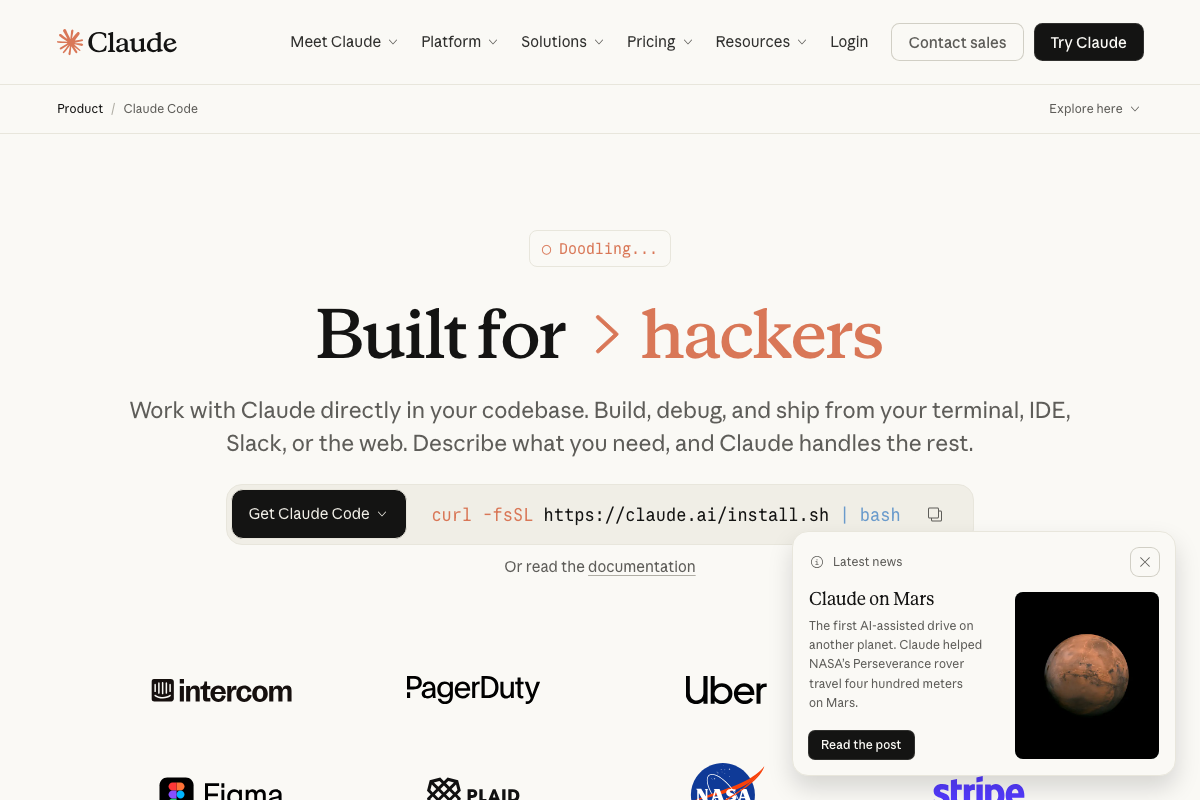
The video’s approach here matches the current docs exactly. One framing addition: the benchmark tests terminal Claude Code specifically — the product also supports IDE and Slack interfaces that could shift results depending on workflow context. Read the comparison as terminal-vs-terminal, not tool-vs-tool in full.
Useful Links
- Claude Code by Anthropic | AI Coding Agent, Terminal, IDE — Official product page covering installation, Pro and Max 5x pricing tiers, and Claude Code’s cross-platform availability including terminal, IDE, Slack, and desktop GUI.
- Models overview – Claude API Docs — Anthropic’s authoritative model reference listing Opus 4.6 and Sonnet 4.6 specifications, context windows, Extended Thinking support, and knowledge cutoff dates.
- OpenRouter — Multi-provider API platform for 300+ models; official onboarding requires credit purchase before API key activation, with
OPENROUTER_API_KEYas the environment variable. - What is Brave Search? | Brave — Consumer Brave Search product page; the developer API key used in step 5 is obtained separately at
api.search.brave.com. - Home \ Anthropic — Anthropic homepage confirming Claude Sonnet 4.6 and Opus 4.6 as current flagship models, with release context from the February–March 2026 announcement window.


0 Comments