

Claude and ChatGPT Launched Interactive Visuals the Same Week — and One Works Very Differently Than You’d Expect
Both Anthropic and OpenAI shipped interactive visualization features within 48 hours of each other in March 2026, while Perplexity quietly expanded its persistent AI agent platform to a broader audience. After working through each tool hands-on, you’ll understand exactly which one generates visuals on demand, which one pulls from a fixed library, and what Perplexity Computer actually is under the hood.
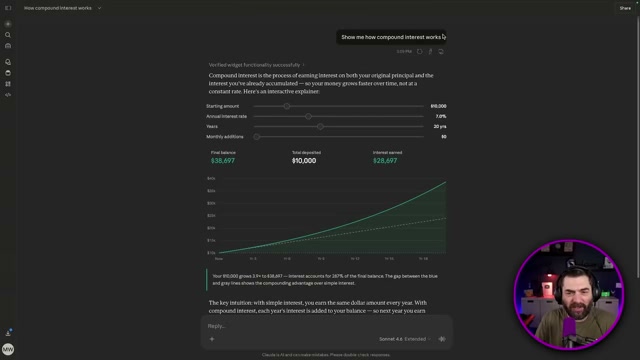
- Open Claude and prompt it: “Show me how compound interest works.” Claude generates a natural-language explainer, then builds a full interactive widget — four sliders for starting amount, annual interest rate, duration in years, and monthly additions. Drag the monthly additions slider to $1,000 and the 20-year balance jumps from $38,697 to $6.3 million. The chart recalculates with every adjustment, live.
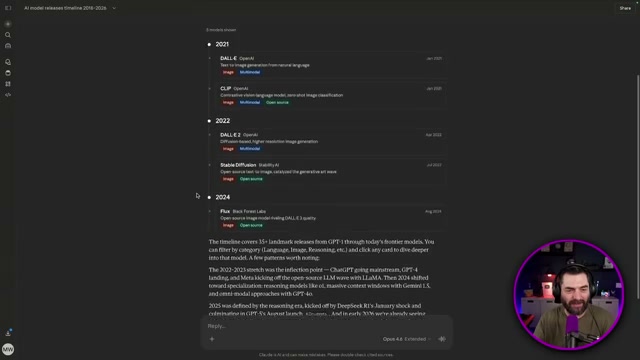
2. Prompt Claude to “create an interactive timeline of major AI model releases from 2018 to 2026.” Generation takes roughly a minute, but the output includes filter controls by category — toggle to image models, code models, or any other subset to narrow the view.
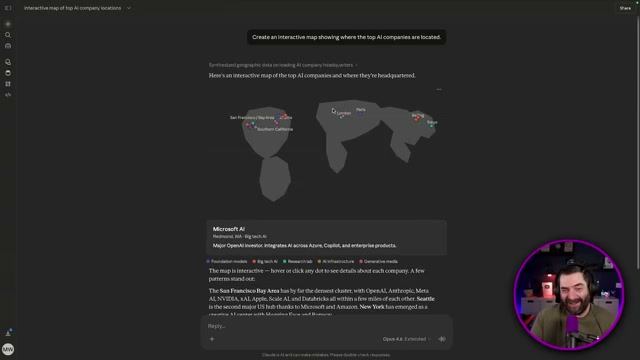
3. Prompt Claude to “create an interactive map showing where the top AI companies are located.” The map renders with hoverable dots for each company, revealing name, category tags, and HQ city. Geographic accuracy is inconsistent — shapes and city placements can be off — but the hover interactivity itself works.
4. Prompt Claude to “visualize how neural networks learn using an interactive diagram.” Claude produces a basic diagram with a slider, but moving the slider yields no visible change. This prompt category — abstract process animation — represents a current ceiling for Claude’s dynamic generation approach.
5. Open ChatGPT and run the same compound interest prompt. The response arrives nearly instantly, compared to the 60–90 seconds Claude required.
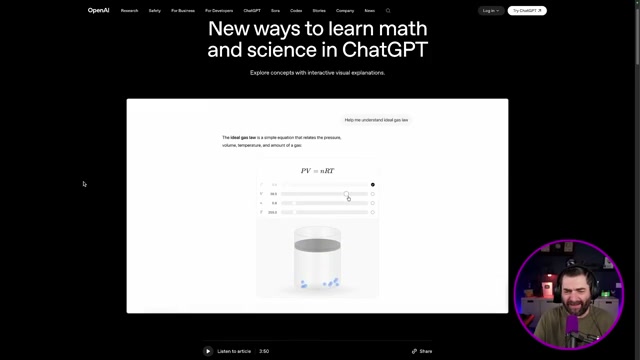

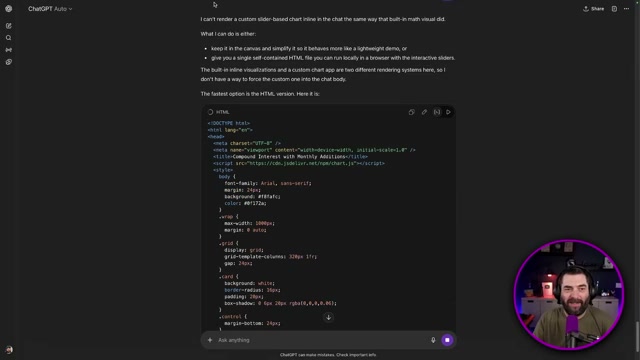
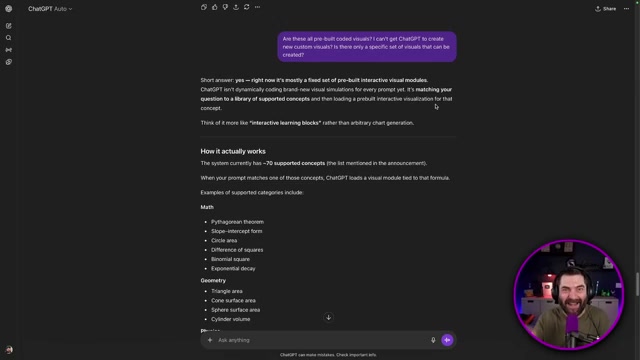
6. Ask ChatGPT to add a monthly contributions slider. It returns a block of raw HTML/CSS/JS and explains it cannot render custom inline visuals outside its pre-built set. Confirm the architecture by asking directly: the response reveals approximately 70 supported concept modules — Pythagorean theorem, Ohm’s law, ideal gas law — matched by keyword, not generated dynamically. That’s why the first prompt was instant.
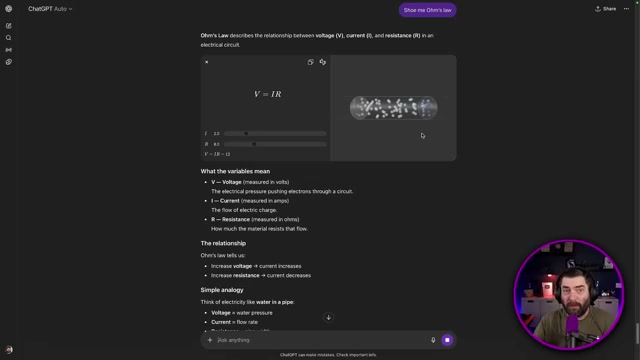
7. Test a supported concept with “Show me Ohm’s law.” ChatGPT loads a polished, animated electron-flow simulation with voltage and resistance sliders — fast because it’s pre-rendered, not built on the fly.
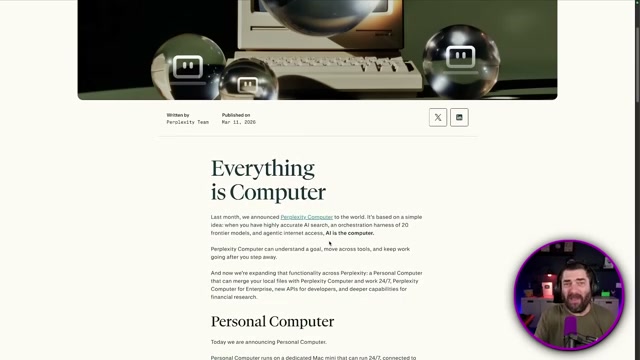
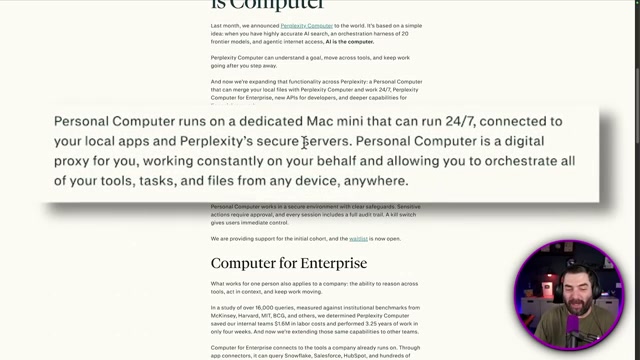
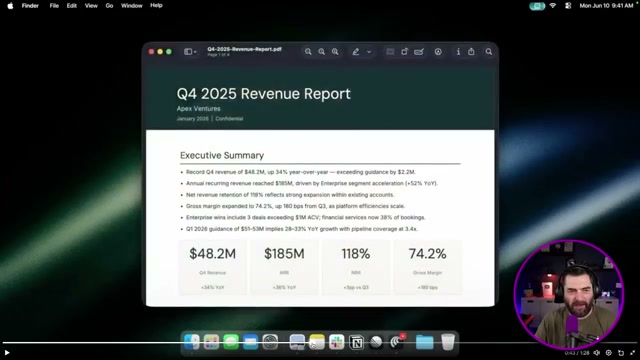
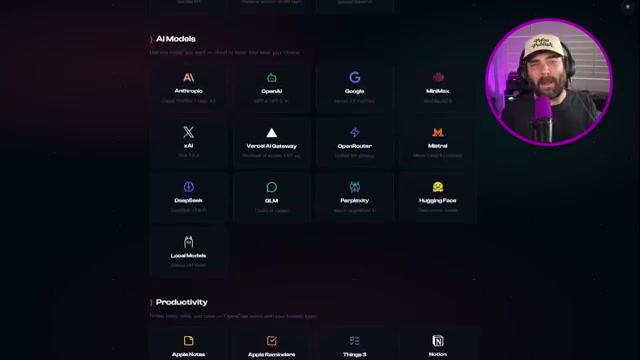
8. Review the Perplexity Computer expansion. The platform pairs with a dedicated Mac Mini hosted on Perplexity’s infrastructure — not your own hardware — running 24/7 as a digital proxy connected to local files, Slack, Notion, Gmail, Dropbox, and Figma. The demo covers the agent finding senior iOS engineers, drafting outreach emails, converting a Q4 revenue PDF into a slide deck, and pushing candidate notifications to a mobile device.
9. To access Perplexity Computer, open a paid Perplexity account and navigate to the Computer section. Available credits and prompt configuration appear in the sidebar alongside the integration grid.
How does this compare to the official docs?
The hands-on results surface a real architectural gap between Claude’s generative approach and ChatGPT’s module library — and the official documentation adds precision to exactly what each platform supports, where the feature boundaries sit, and what Perplexity Computer’s access model actually means for your data.
Here’s What the Official Docs Show
Act 1 walks you through three platforms that moved fast in the same week — and it’s a useful orientation. This section adds the documentation layer, confirming what official sources back up and being direct where the source trail goes cold.
Steps 1–4: Claude interactive visualizations
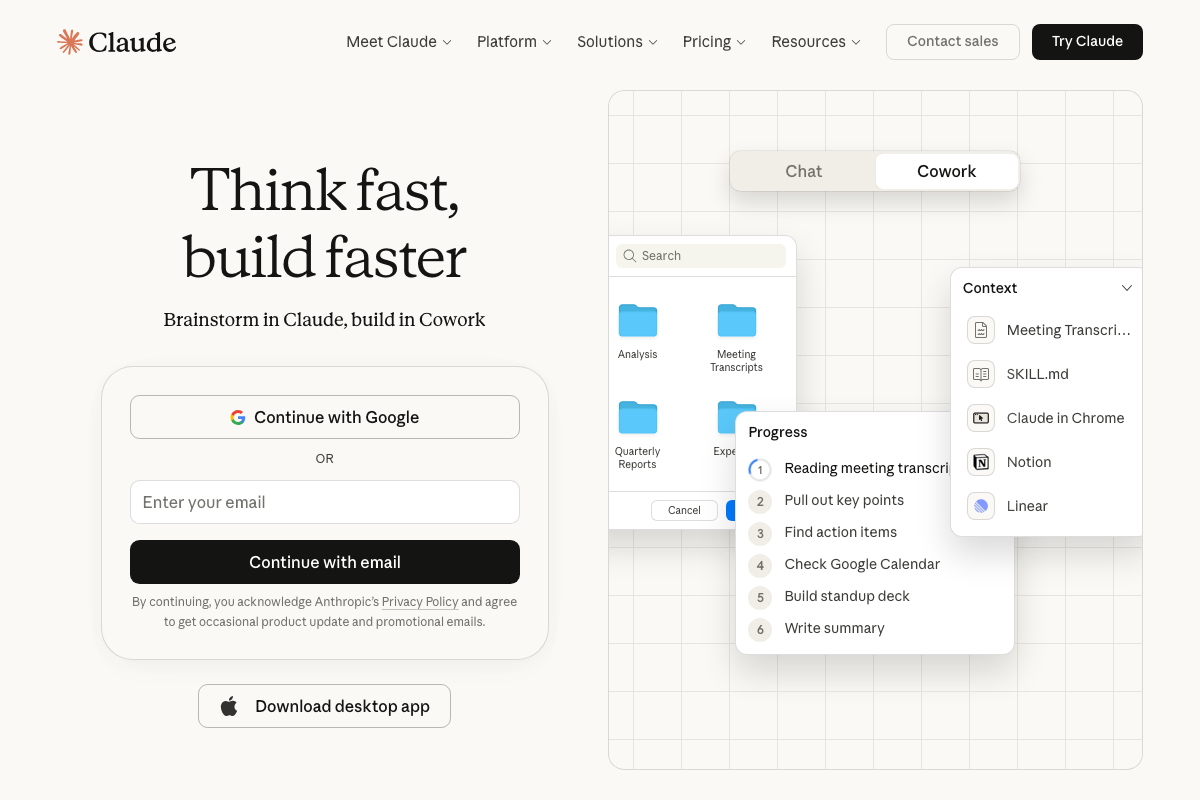
No official documentation was found for this step — proceed using the video’s approach and verify independently.
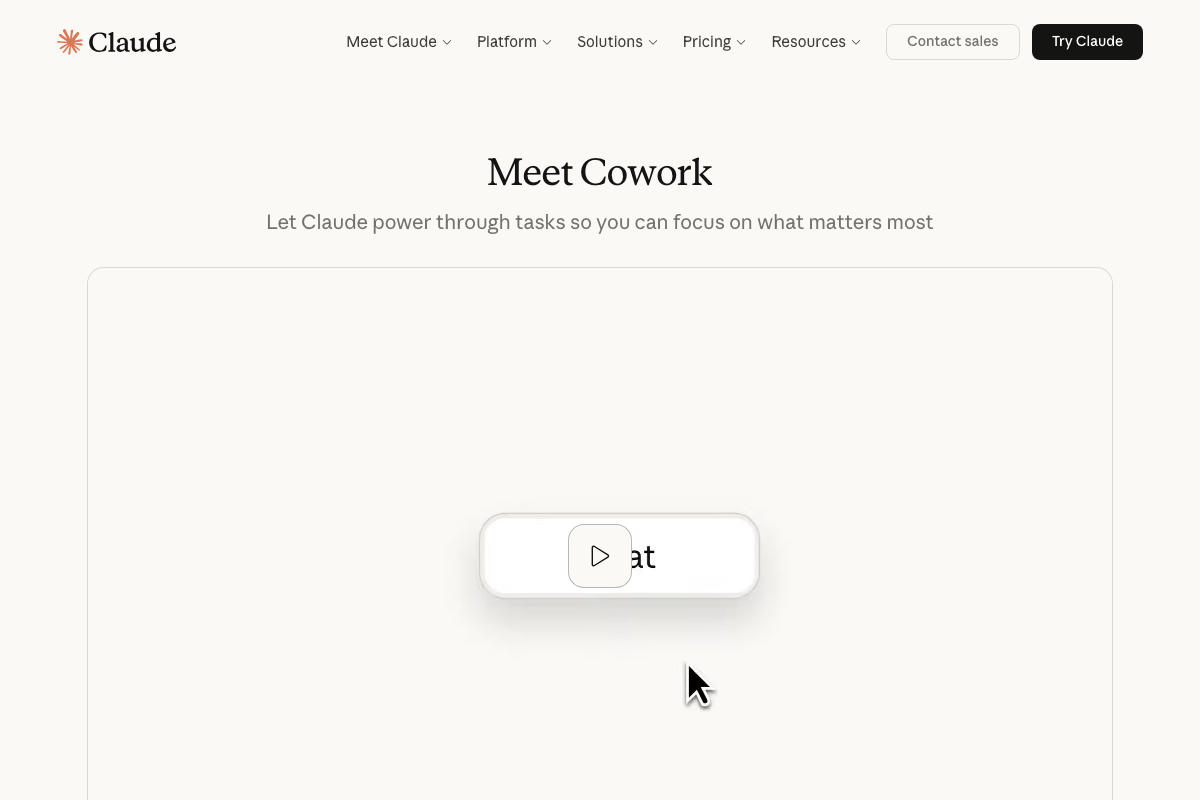
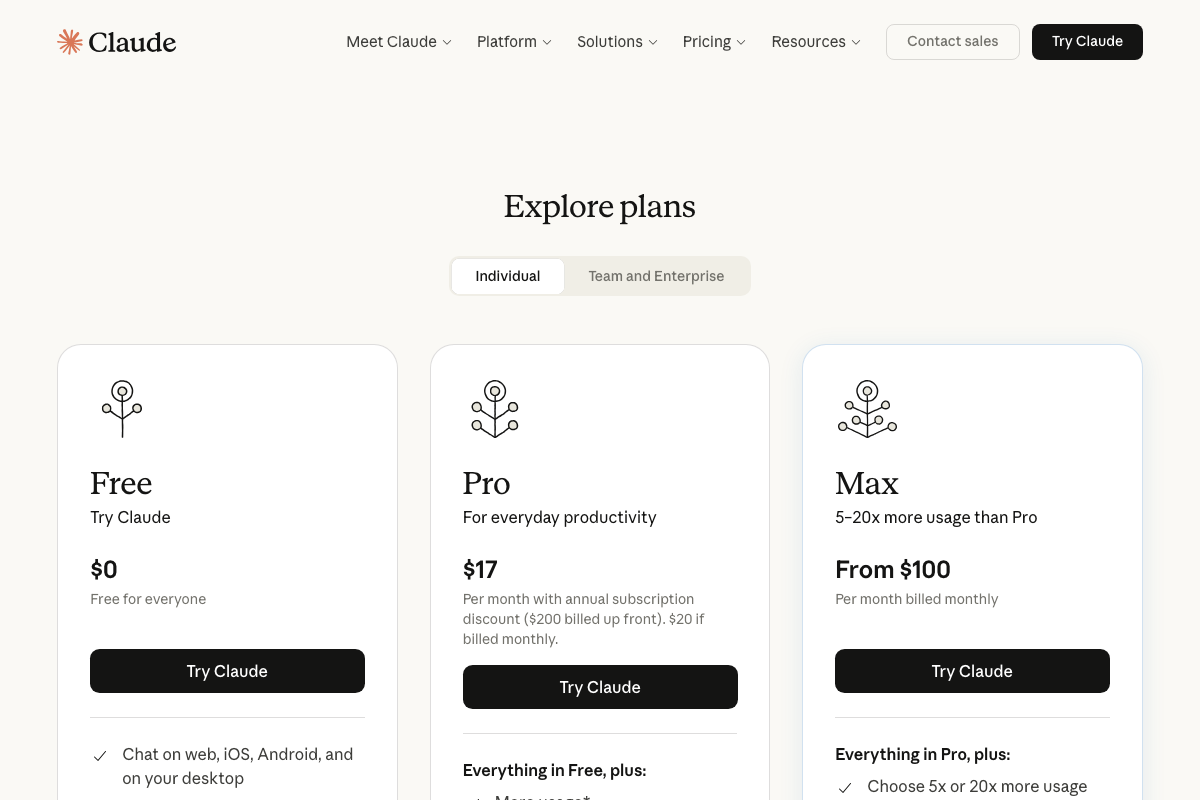
The Artifacts help article (support.anthropic.com/en/articles/9487310) was not captured in the available screenshots. What the Claude screenshots do confirm: the platform is accessible at claude.ai, three plan tiers exist — Free, Pro at $17/mo billed annually, and Max from $100/mo — and Cowork, Claude’s autonomous multi-step task mode, is a separate capability from the Artifacts-based interactive charts shown in steps 1–4. Which plan tier unlocks Artifacts is not addressed in any of the captured documentation.
Steps 5–7: ChatGPT interactive learning

No official documentation was found for this step — proceed using the video’s approach and verify independently.
The ChatGPT Interactive Learning help article (help.openai.com/en/articles/9260256) was not captured. All three ChatGPT screenshots are identical logged-out homepage views. The ~70-module architecture and pre-built visual library described in steps 5–7 cannot be verified against official OpenAI documentation from this analysis.
Steps 8–9: Perplexity Computer
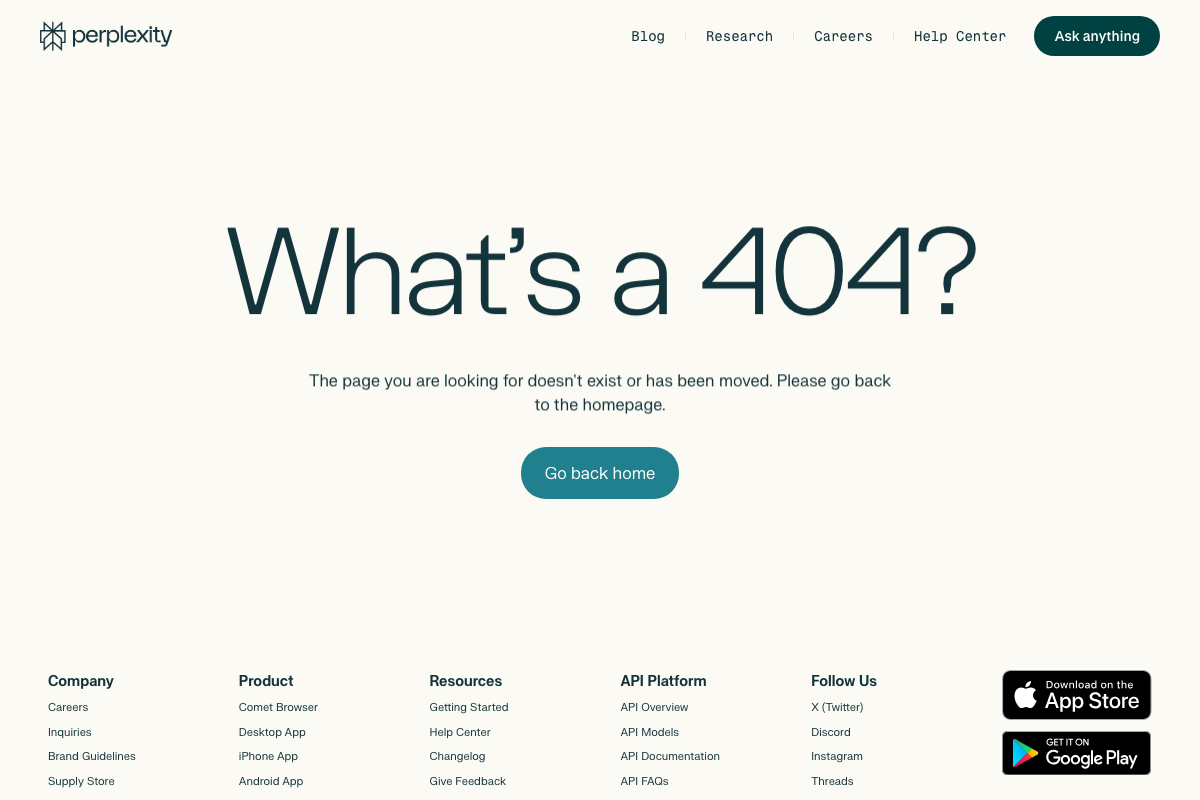
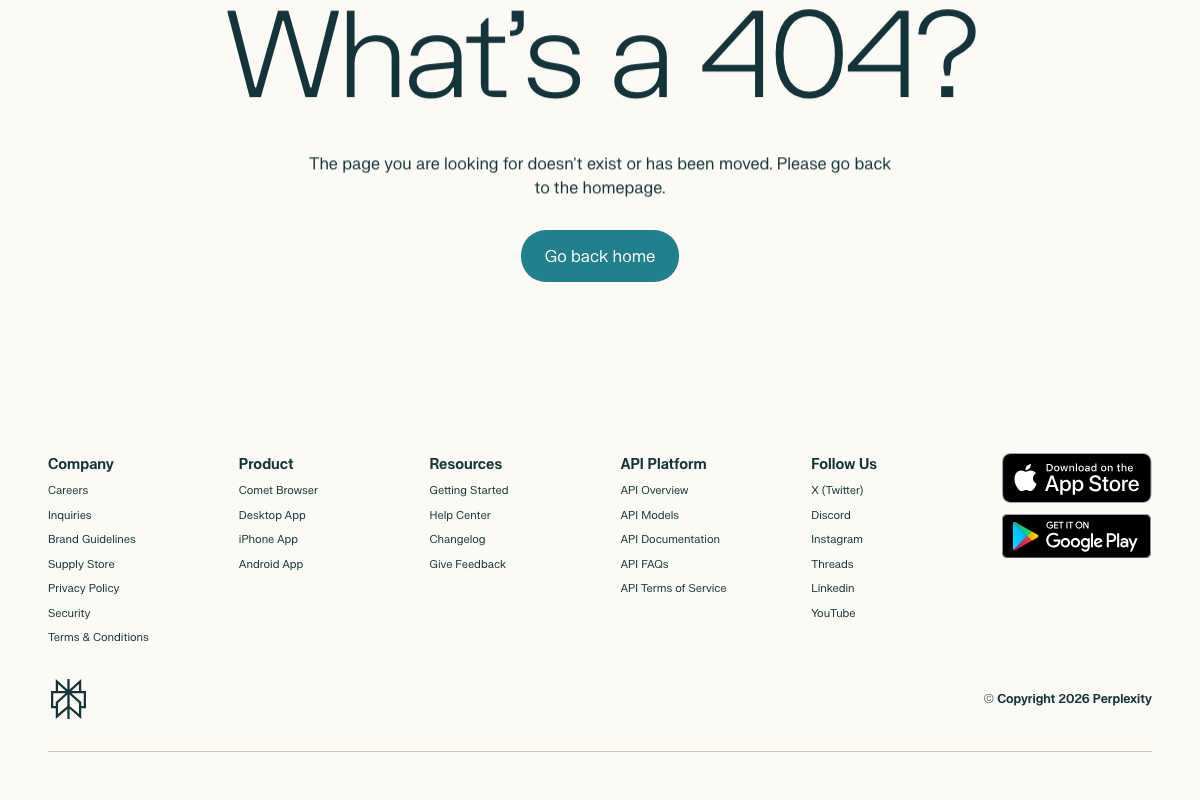
As of March 13, 2026, the Perplexity Computer blog post URL cited in the tutorial (perplexity.ai/hub/blog/perplexity-computer) returns a 404 — the page has been removed or moved. That post is the primary source for steps 8 and 9. Additionally, “Perplexity Computer” does not appear by name in Perplexity’s current product navigation, which lists Comet Browser, Desktop App, iPhone App, and Android App only.
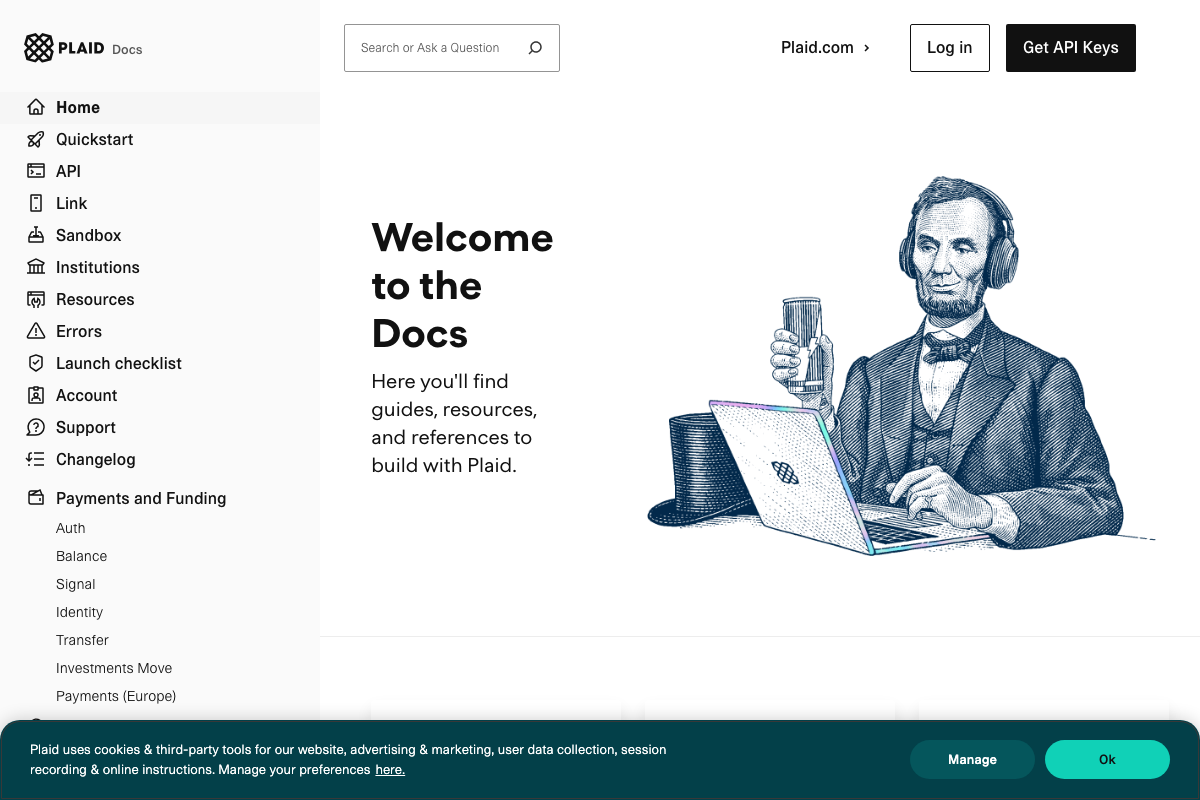
Plaid’s financial API — Auth, Balance, Signal, Identity, Transfer, and Investments Move — is real and fully documented at plaid.com/docs, which is consistent with the “portfolio terminal via Plaid” reference in step 8. Plaid’s documentation contains no mention of Perplexity Computer or any AI agent integration.
No official documentation was found for this step — proceed using the video’s approach and verify independently.
Useful Links
- Claude — Anthropic’s AI assistant homepage; confirms login options, plan tiers (Free, Pro, Max), and the Cowork autonomous task feature
- ChatGPT — OpenAI’s ChatGPT interface; logged-out homepage as of March 2026, showing current sidebar navigation
- Perplexity Hub Blog: Perplexity Computer — The Perplexity Computer announcement post cited in the tutorial; returns a 404 error as of March 2026
- Plaid Docs — Plaid’s developer API documentation covering Auth, Balance, Signal, Identity, Transfer, and Investments Move


0 Comments