

Register for NVIDIA GTC 2026 Virtually and Enter the DGX Spark Giveaway
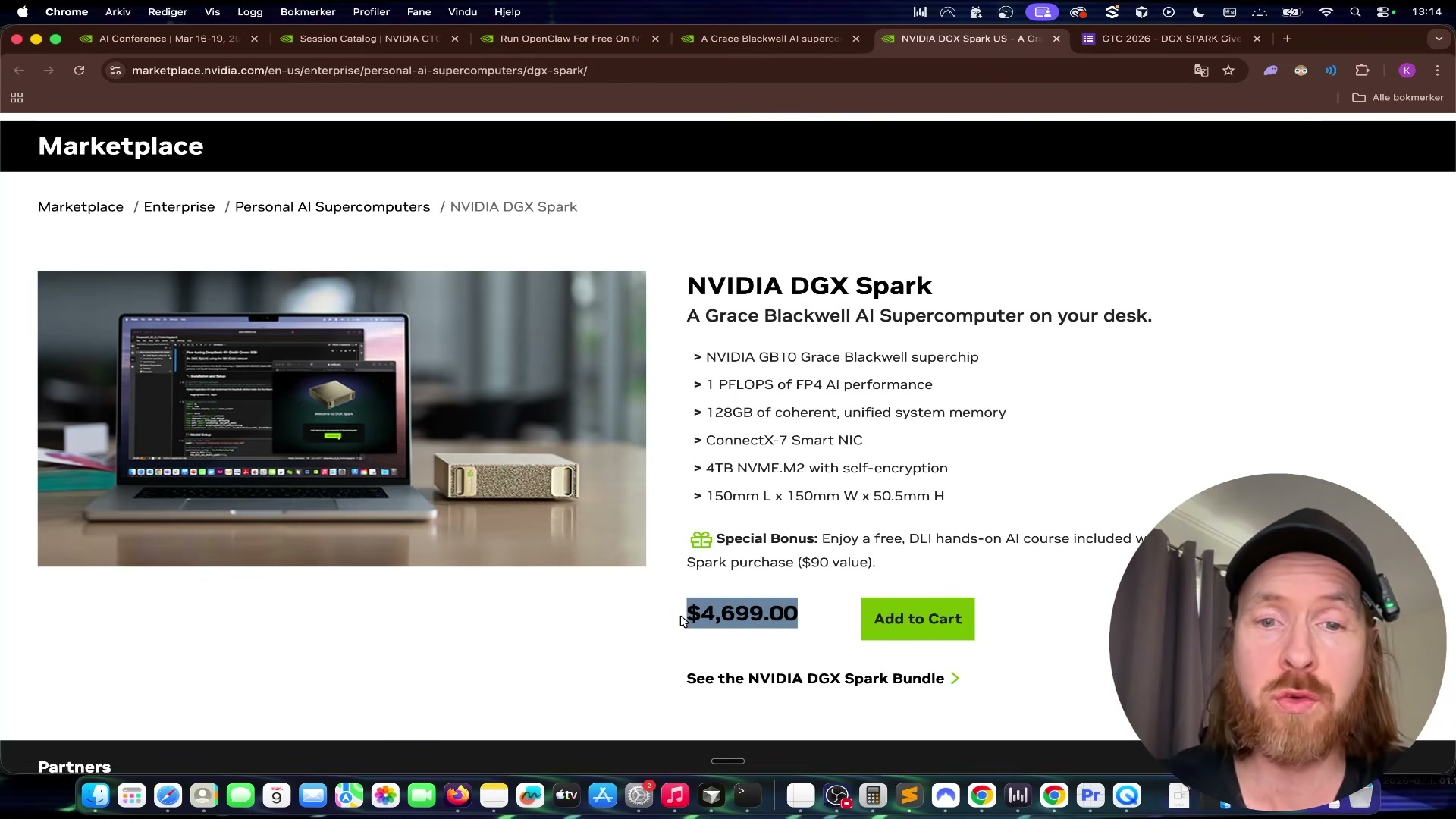
NVIDIA GTC 2026 runs March 16–19 in San Jose — and free virtual attendance is open to anyone worldwide. Attending a single eligible session qualifies you to enter a raffle for an NVIDIA DGX Spark, a Grace Blackwell AI supercomputer with 1 PFLOPS of FP4 performance and 128 GB of unified memory. After completing this tutorial, you’ll have a confirmed virtual registration, a session on your schedule, and a submitted giveaway entry. The entry window closes March 24, 2026.
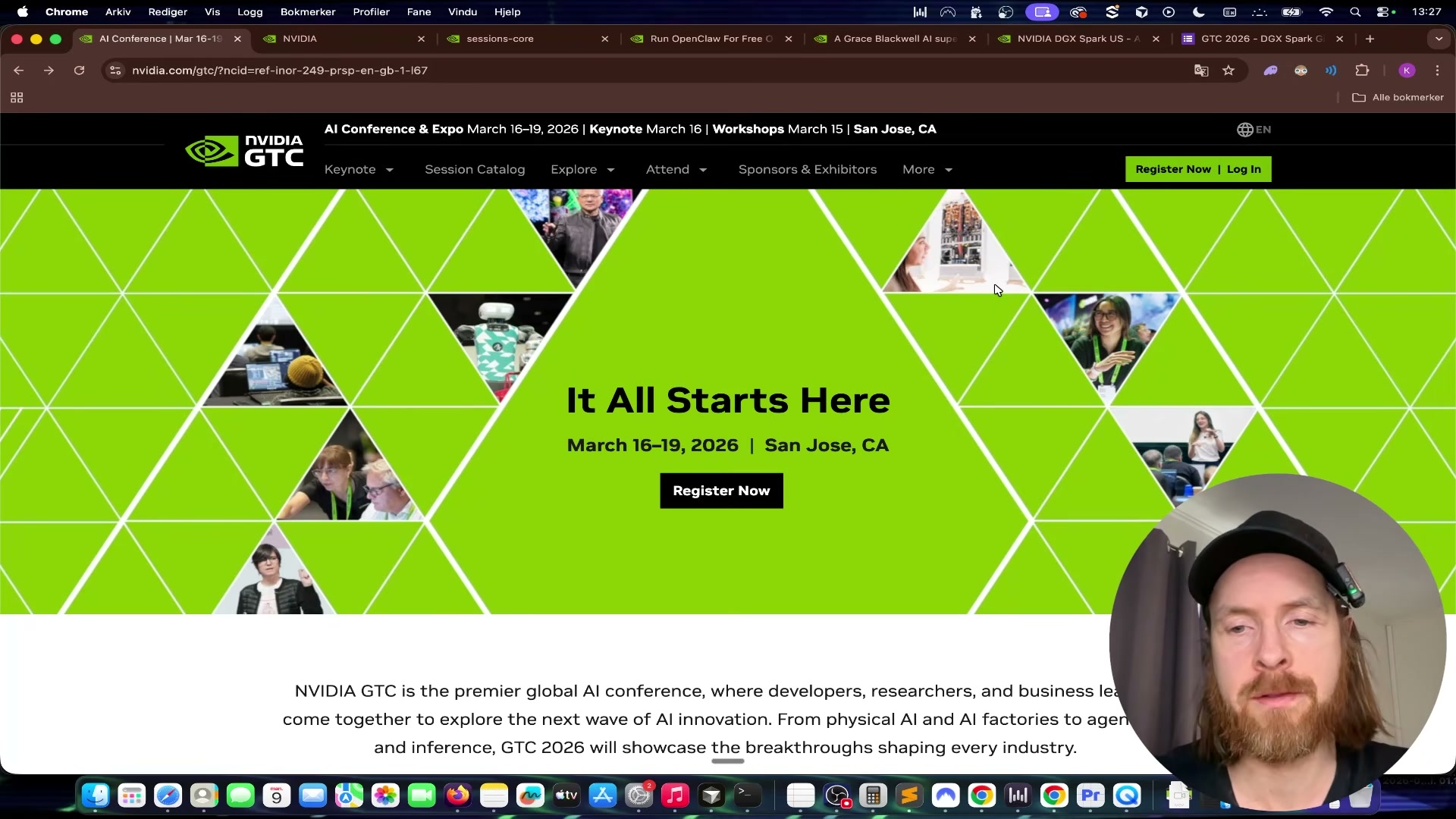
- Click the link in the video description to reach the GTC 2026 registration page at nvidia.com/gtc.
-
Click Register Now and select Virtually Only to create your free attendee account.
-
Enter your email address and complete the registration flow.
- Log in to your GTC account and navigate to the Session Catalog from the main dashboard.
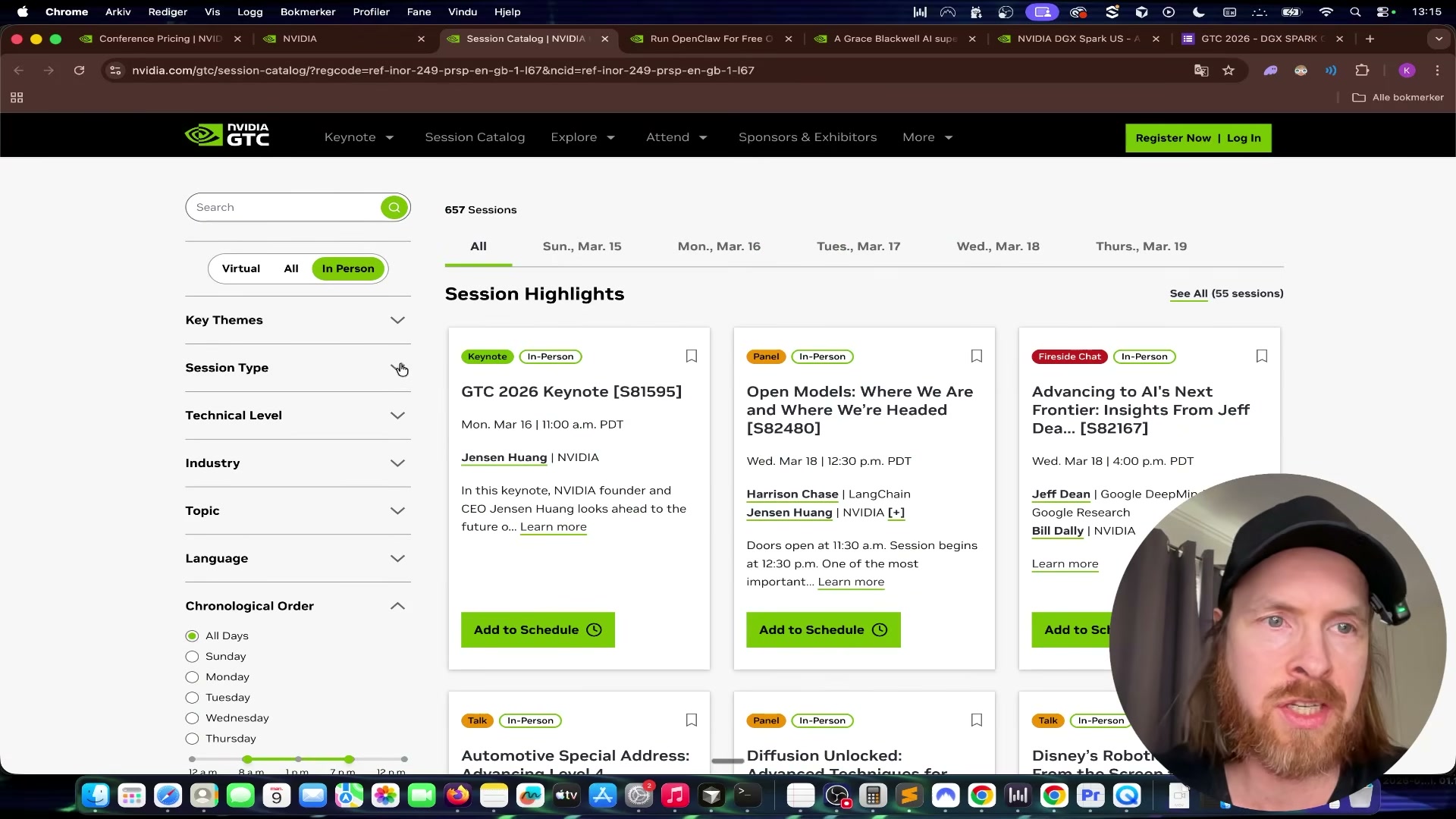
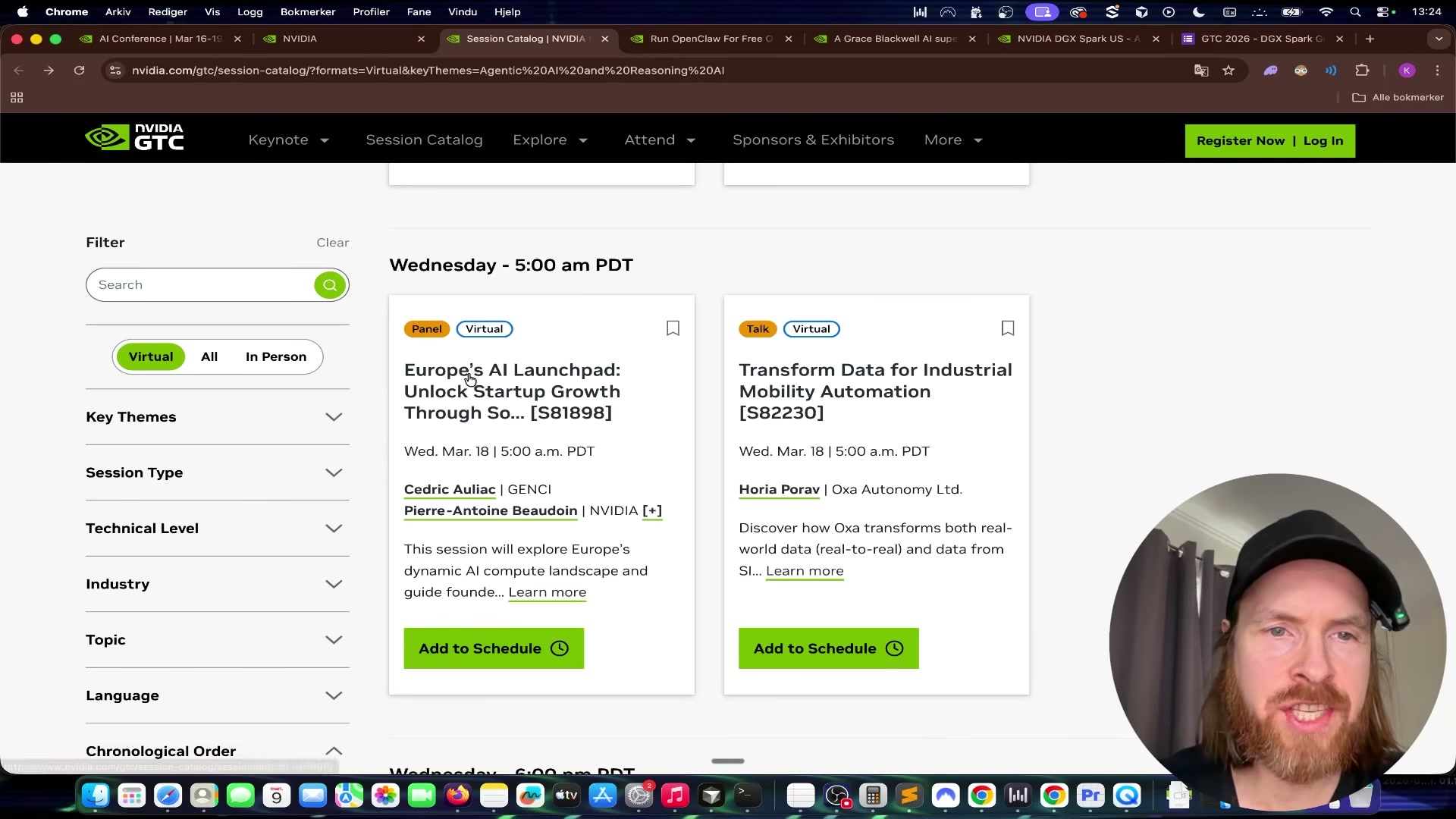
- In the Session Catalog filter sidebar, select Virtual. Browse the available sessions and choose one that matches your interests. Note that the Jensen Huang keynote is explicitly excluded from giveaway eligibility — pick any other session.
-
Click Add to Schedule on your chosen session to lock it into your agenda.
-
Record the full session name and the session number — the alphanumeric ID displayed in the catalog listing (for example,
S81898). You’ll need both when filling out the entry form. -
Attend the virtual session on its scheduled date. While viewing, take a screenshot of the session in progress; this screenshot is your proof of attendance.
-
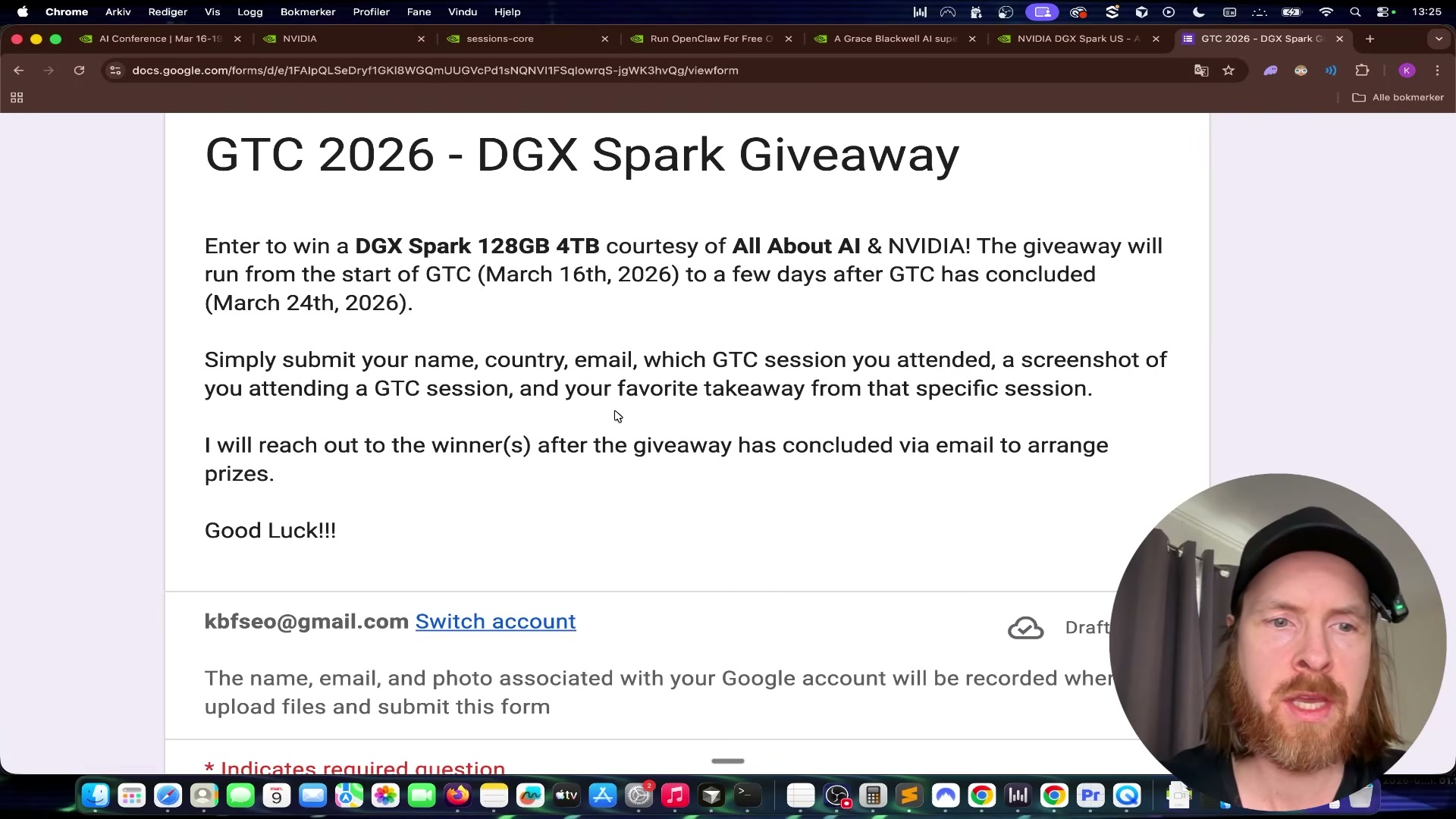
Open the giveaway entry form linked by the creator in the video description.
-
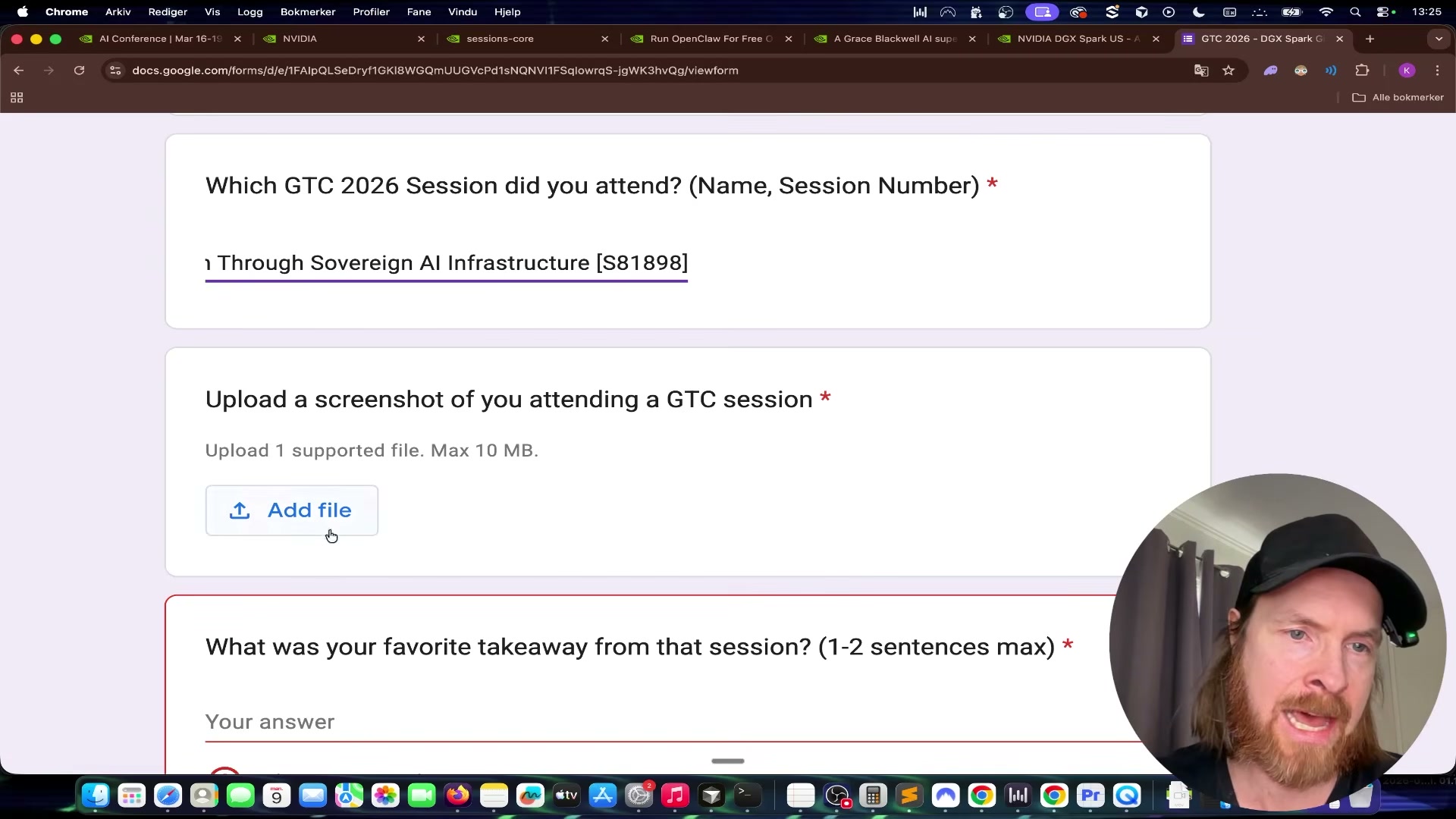
Enter your email address, first name, last name, and country.
-
Paste the full session name and session number into the corresponding form fields.
-
Upload the screenshot you captured during the session.
-
Write a few sentences describing your key takeaway from the session.
- Click Submit to finalize your raffle entry.
How does this compare to the official docs?
NVIDIA’s own GTC registration flow, session-access timing, and virtual attendee eligibility rules carry a few details the video doesn’t cover — and those specifics matter when a hardware prize is on the line.
Here’s What the Official Docs Show
The video gives you a clean, efficient path to registration and giveaway entry — and the official NVIDIA documentation backs up the core of that flow. What follows layers in a few confirmed details from the docs that sharpen the picture, particularly around event scope and prize credentials.
Step 1 — Navigate to nvidia.com/gtc
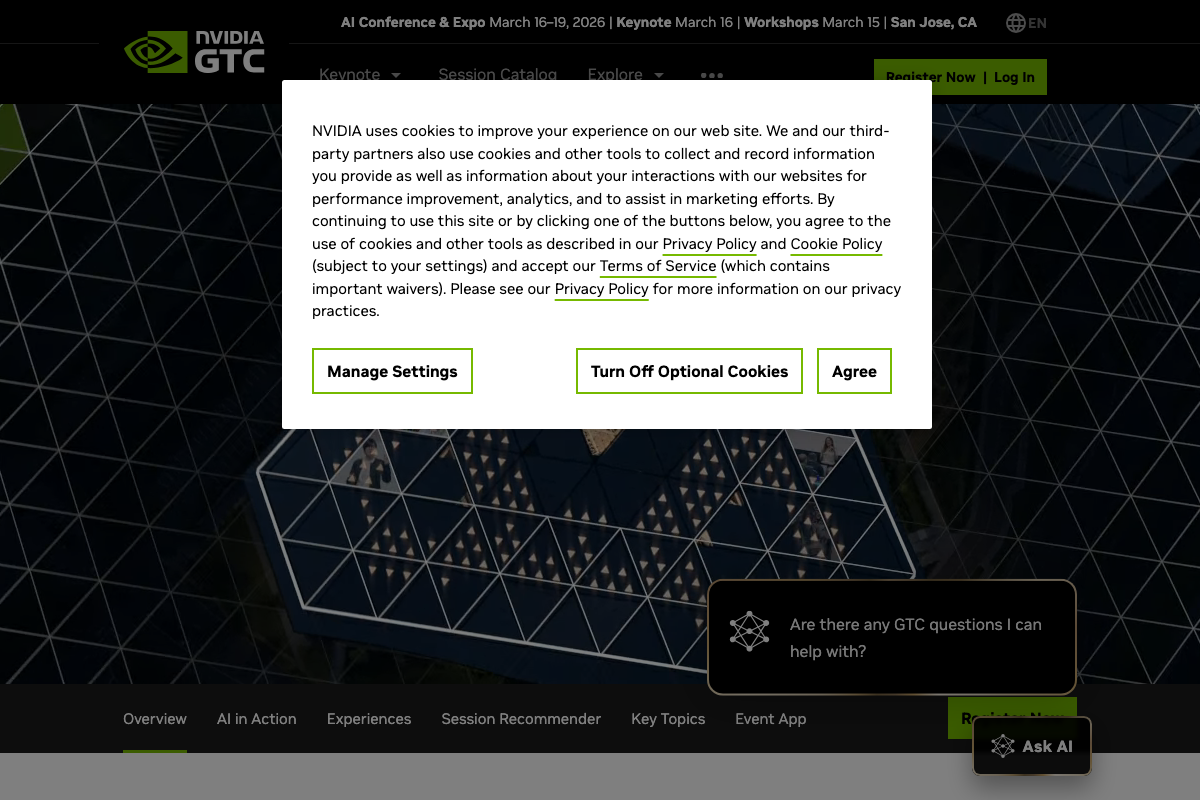
The official GTC 2026 landing page lives exactly where the video says it does: nvidia.com/gtc. The video’s approach here matches the current docs exactly. One addition worth noting: the page header confirms GTC 2026 runs March 16–19, 2026 in San Jose, CA — but also lists Workshops on March 30 as a separate event component the tutorial doesn’t mention. If you’re building out a longer learning sprint around GTC, that date is worth putting on your calendar.
Step 2 — Click Register Now and select virtual attendance
The green Register Now CTA is confirmed in the top navigation bar, exactly as the video describes. The video’s approach here matches the current docs exactly on that click. One clarification: the specific label “Virtually Only” as an attendance-type option does not appear in any official NVIDIA screenshot — the docs confirm the button but not the in-flow wording. The option likely exists inside the registration flow, but verify the exact phrasing as you step through it.

Step 3 — Complete the registration email flow
No official documentation was found for this step — proceed using the video’s approach and verify independently.
Step 4 — Log in and navigate to the Session Catalog
Both the Log In link and the Session Catalog navigation item are confirmed in the GTC top nav, exactly as the video instructs. The video’s approach here matches the current docs exactly.
Step 5 — Filter for Virtual sessions and choose one to attend
The Session Catalog link is confirmed as a persistent top-nav element across multiple page states. The video’s approach here matches the current docs exactly. Worth knowing: the catalog includes Hackathons, Code Challenges, and Meetups in addition to standard talks and panels — applying the Virtual filter the video recommends is the right move to avoid scheduling an in-person-only session by accident. The Jensen Huang Keynote is confirmed as a separately promoted, featured event; the video is correct to flag it as a distinct item.

Steps 6–8 — Add to schedule, record session details, attend and screenshot
No official documentation was found for these steps — proceed using the video’s approach and verify independently.
Steps 9–14 — Open and complete the giveaway entry form
The giveaway entry form referenced across these steps is a creator-linked third-party form, not a page hosted on nvidia.com. None of these steps can be verified or contradicted by official NVIDIA documentation. Follow the video’s instructions for the form fields — email, name, country, session name, session number, attendance screenshot, and key takeaway — and confirm the form link is still active before March 24, 2026.
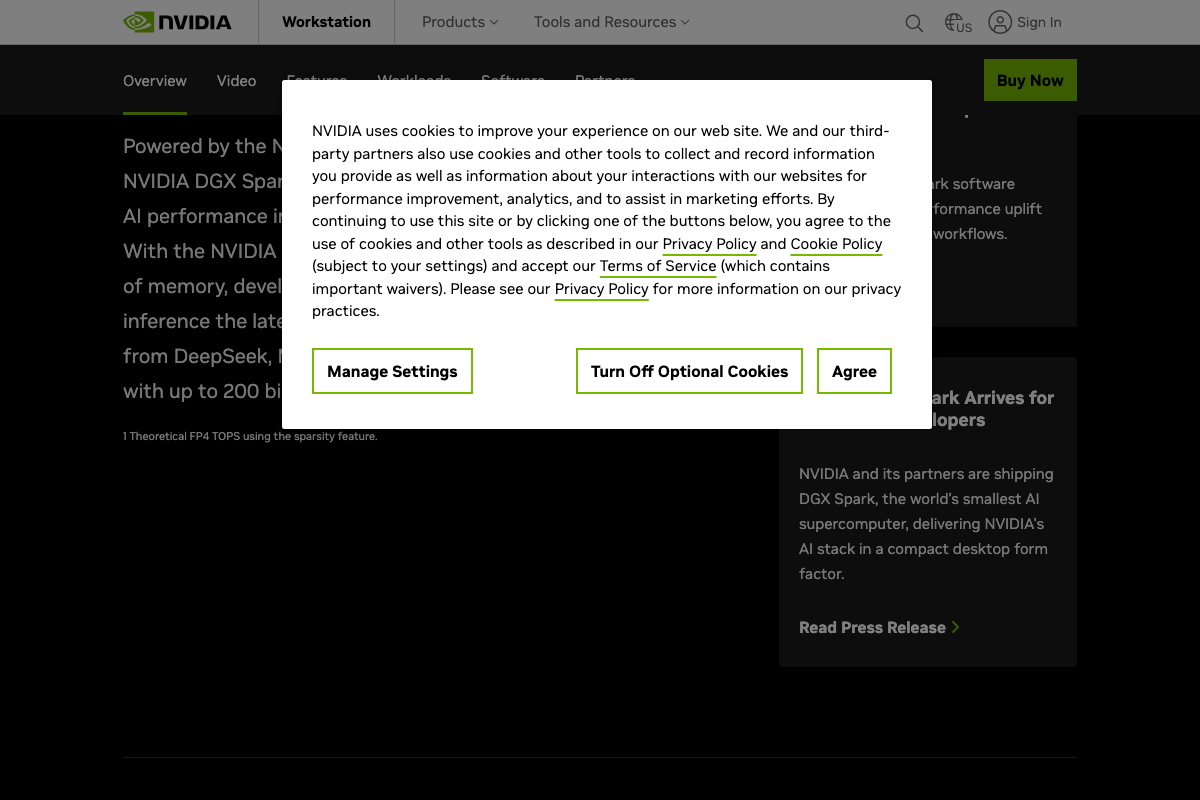
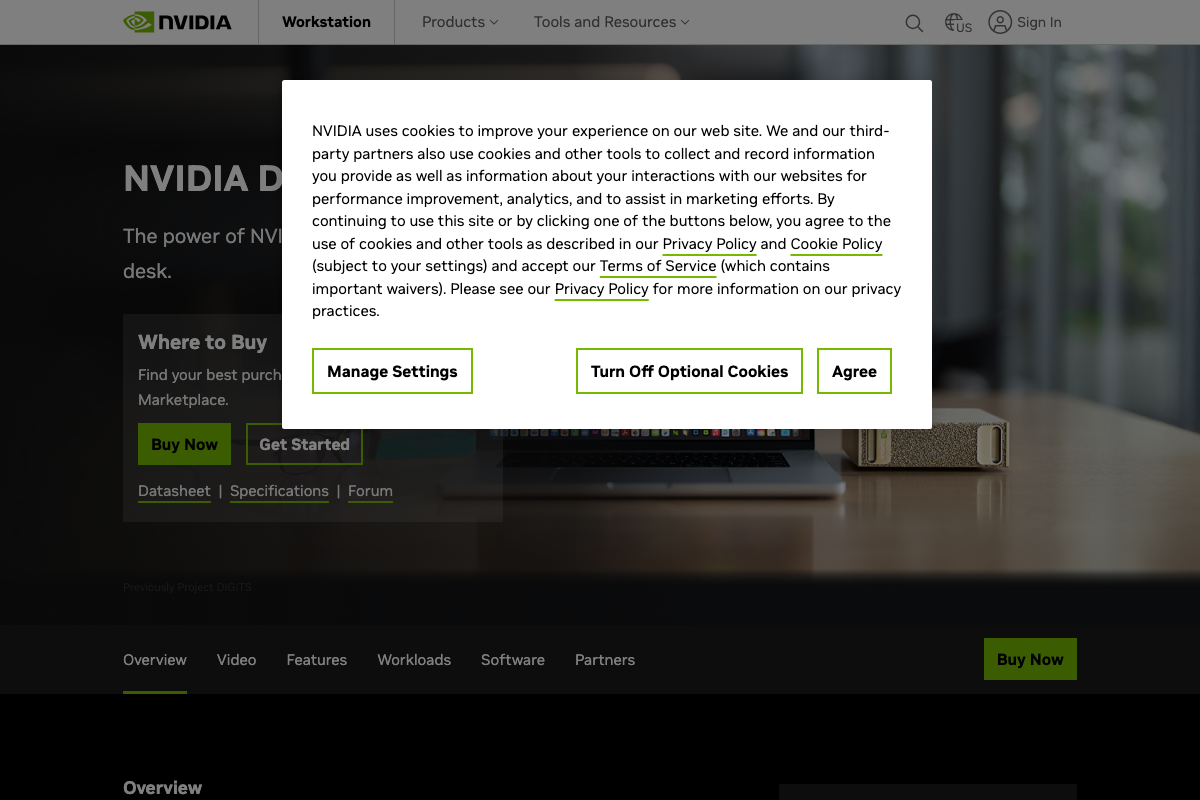
One thing the docs do confirm cleanly: the prize is real. NVIDIA’s own product page describes the DGX Spark as “the world’s smallest AI supercomputer, delivering NVIDIA’s AI stack in a compact desktop form factor” — a workstation-class device with a Buy Now CTA, meaning it’s a shipping commercial product, not a concept or pre-order.
Useful Links
- AI Conference | Mar 16–19, 2026 San Jose | NVIDIA GTC — Official GTC 2026 landing page with registration, session catalog access, and full event details including Workshops on March 30.
- A Grace Blackwell AI supercomputer on your desk | NVIDIA DGX Spark — Official NVIDIA product page for the DGX Spark, confirming availability, specifications, Quick Start Guide, and purchase options.


0 Comments