

Building a Hyperliquid AI Agent Trader From Scratch
After completing this tutorial, you’ll have a funded Hyperliquid account wired to a Claude Code agent that autonomously researches perpetual and spot market opportunities and executes trades through custom slash-command skills. The build covers everything from Arbitrum wallet funding to deploying a /find-trades pipeline that fires six parallel sub-agents. You’ll need MetaMask, a funded Arbitrum account, and Claude Code installed before you start.
-
Create a MetaMask wallet at metamask.io, then connect it to Hyperliquid by clicking Connect on the Hyperliquid homepage and selecting MetaMask. Accept the connection and signature requests when prompted.
-
Inside MetaMask Portfolio, navigate to Buy, filter by the Arbitrum network, and purchase Arbitrum USDC via your preferred fiat on-ramp — the video uses Revolut Pay for approximately $200. Once the USDC settles, swap $2–$5 worth into Arbitrum ETH to cover gas fees on subsequent transactions.
-
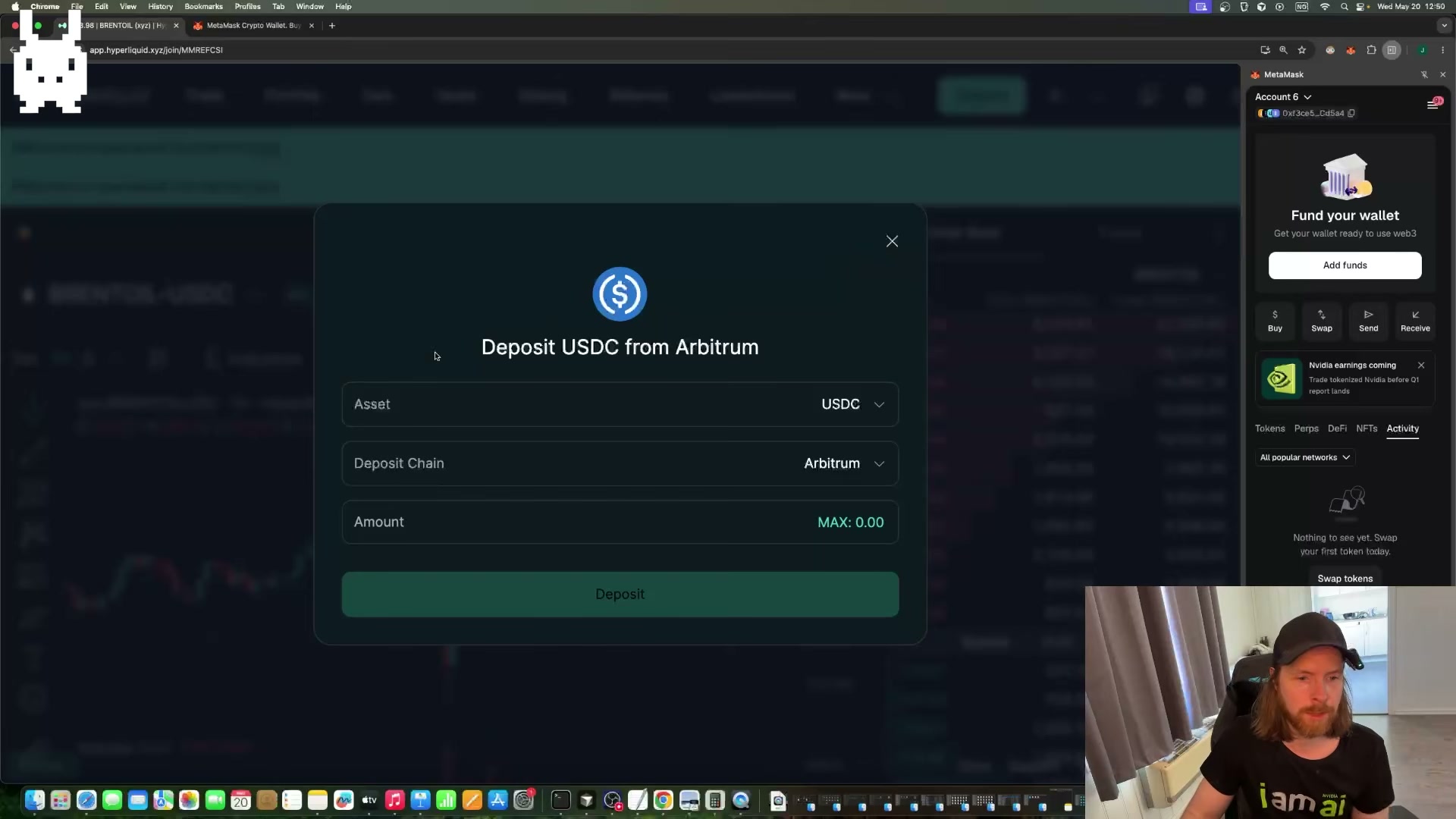
Return to Hyperliquid, open the Deposit modal, select USDC as the asset and Arbitrum as the deposit chain, enter your amount, and sign the MetaMask transaction. Your portfolio balance should update within a few minutes.
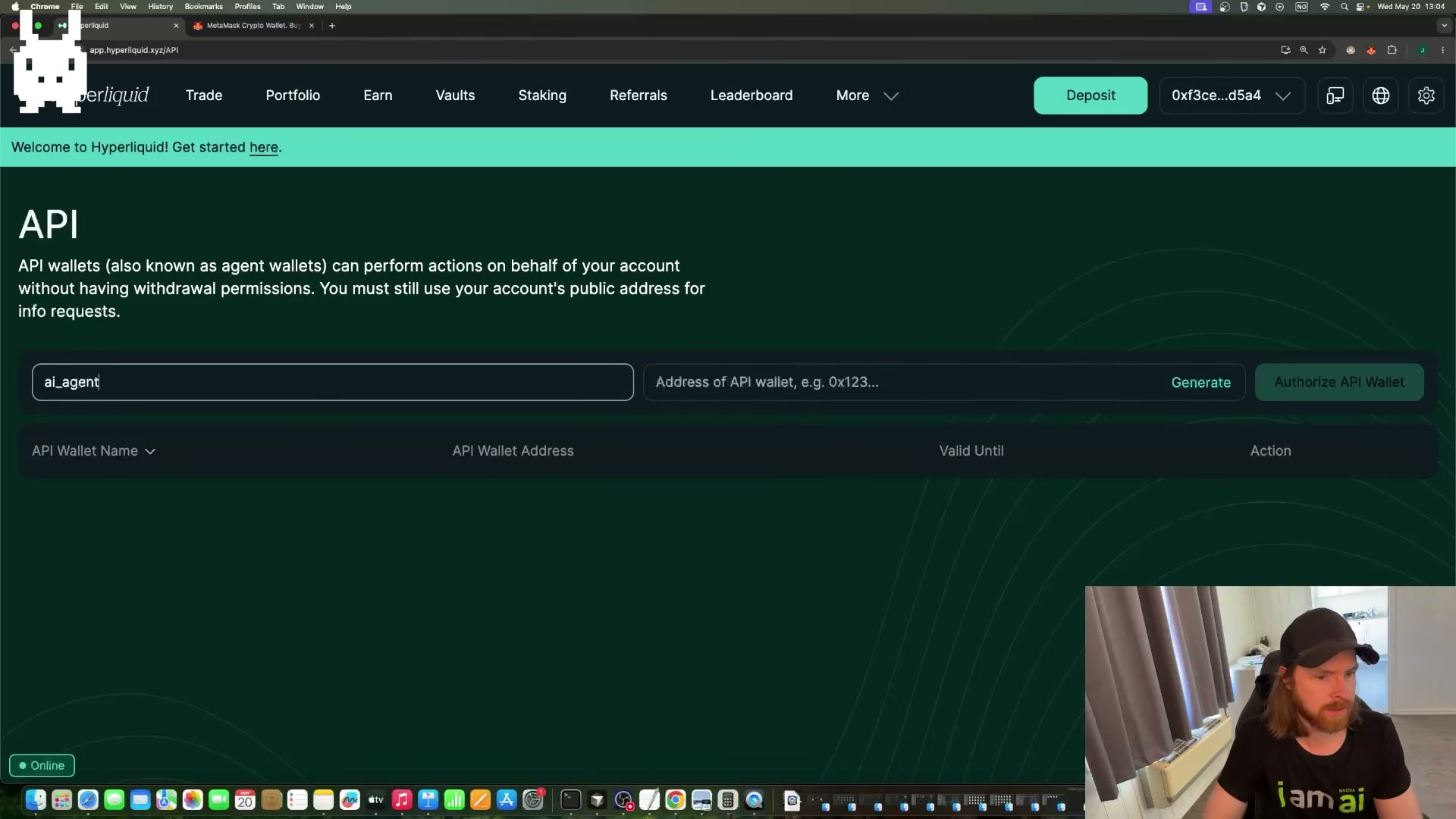
- Navigate to More > API in Hyperliquid, enter
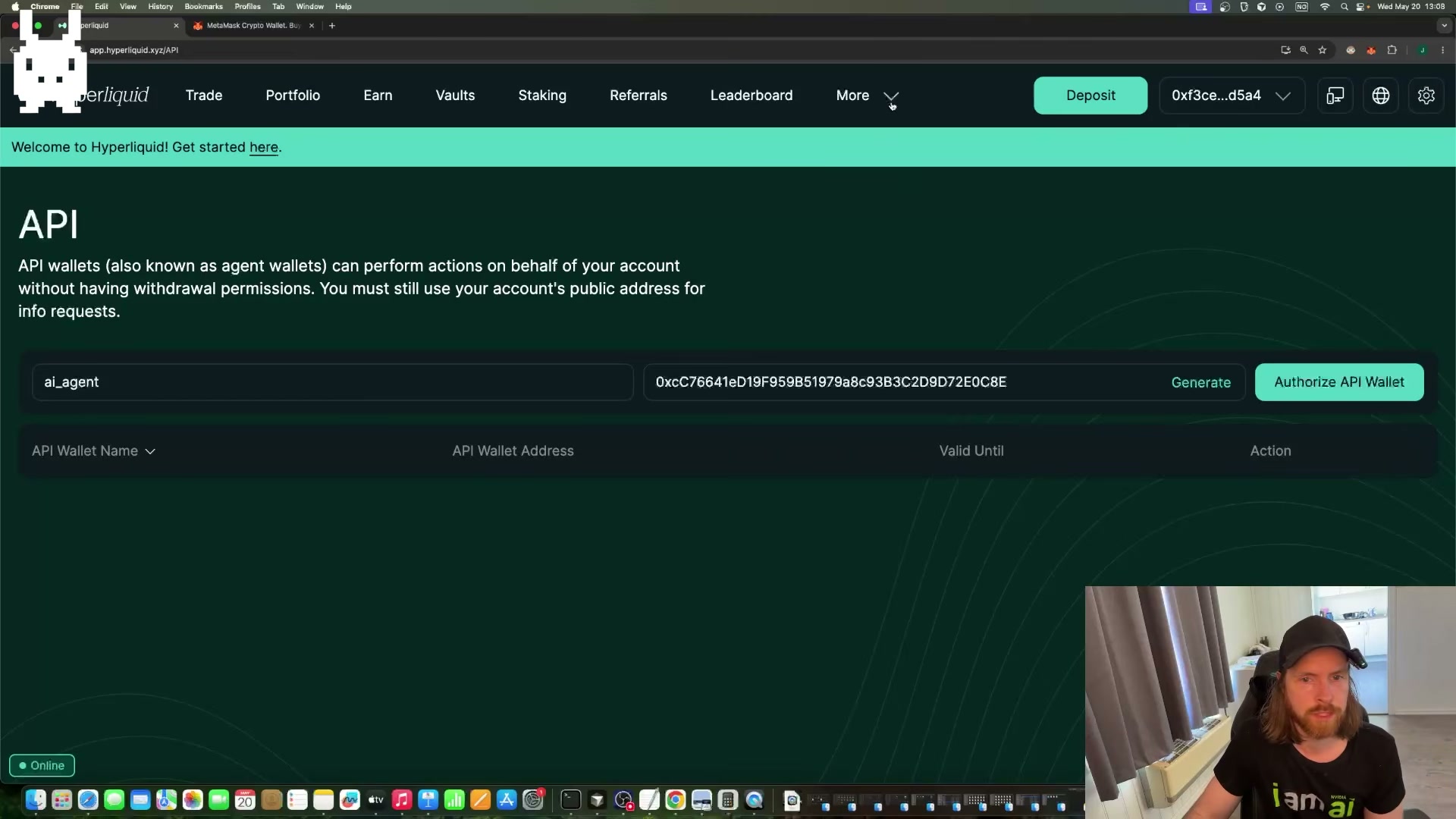
ai_agentas the wallet name, click Generate, and save the displayed private key immediately — it is shown only once. Then paste the generated wallet address into the Authorize API Wallet form and submit.
- Create a project directory (
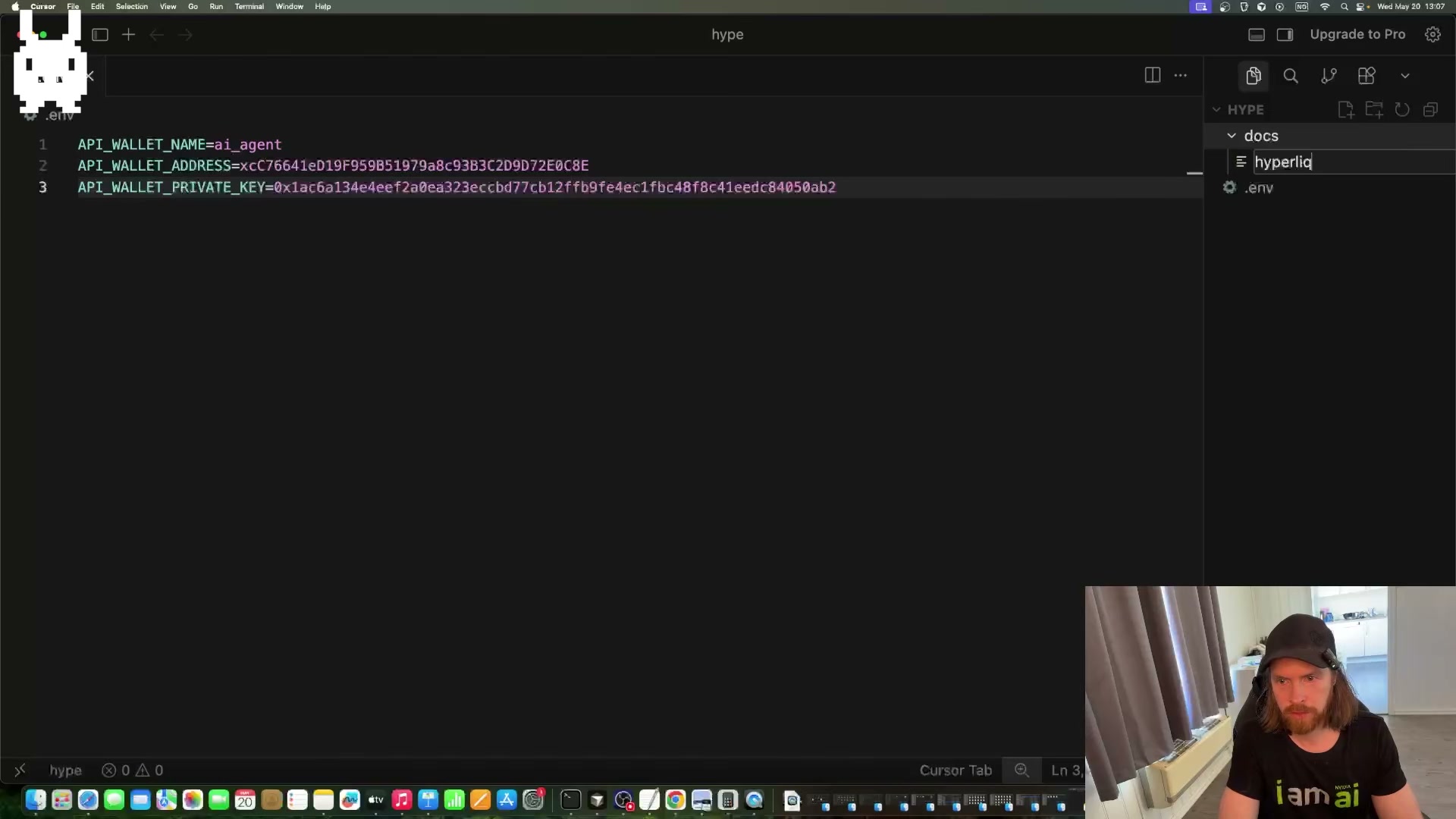
mkdir hype && cd hype) and add a.envfile with three variables:API_WALLET_NAME,API_WALLET_ADDRESS, andAPI_WALLET_PRIVATE_KEY, populated from the values generated above. Add adocs/subfolder containing a markdown file with just the Hyperliquid GitBook URL — the agent fetches the full documentation from that pointer at runtime.
-
In Hyperliquid Settings, toggle on Disable HIP-3 DEX Abstraction to decouple your spot and perpetuals accounts. Use the Perps-to-Spot toggle on the Portfolio page to move your deposited USDC into the perpetuals account, where the agent will trade.
-
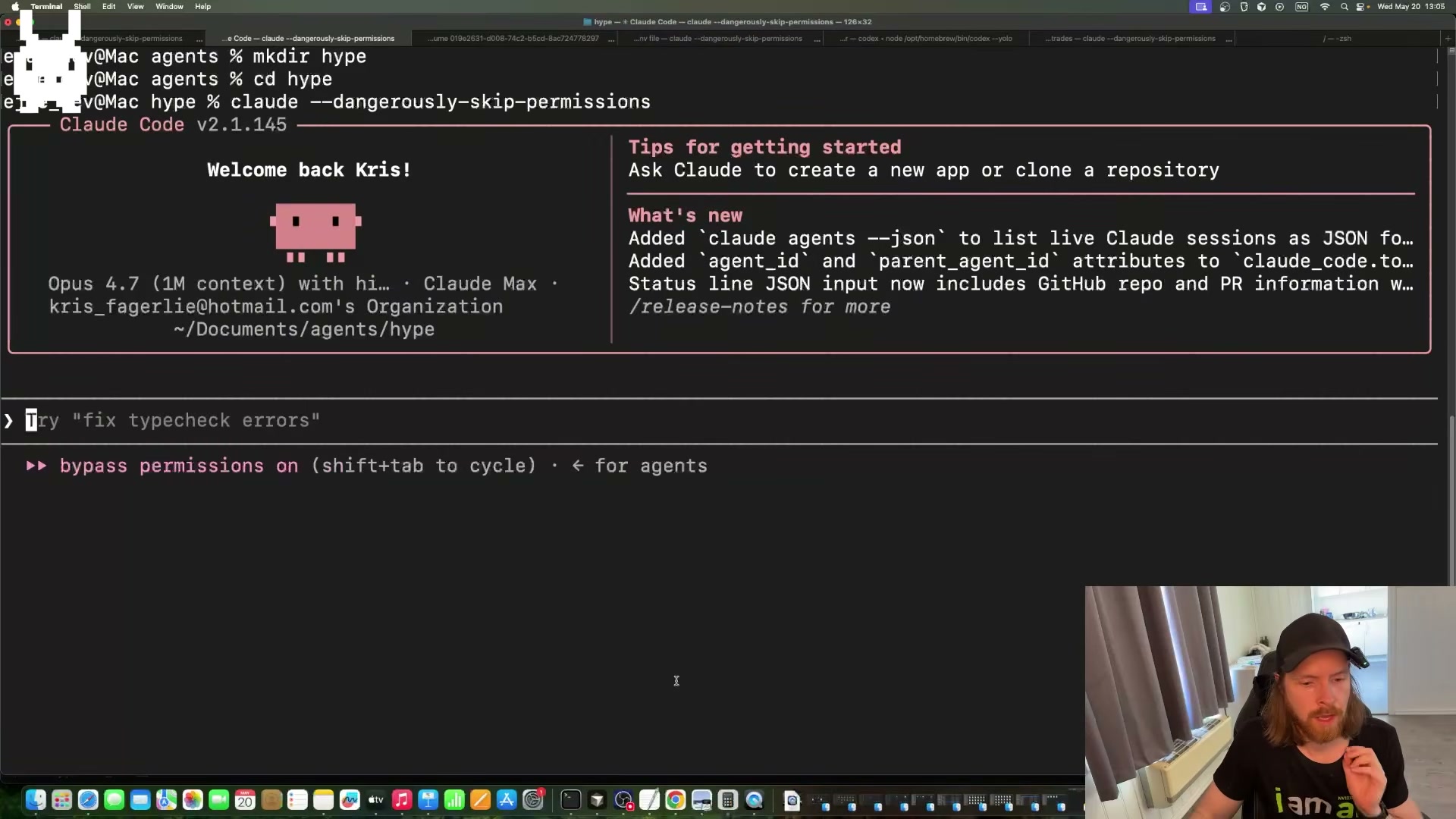
Launch Claude Code from inside
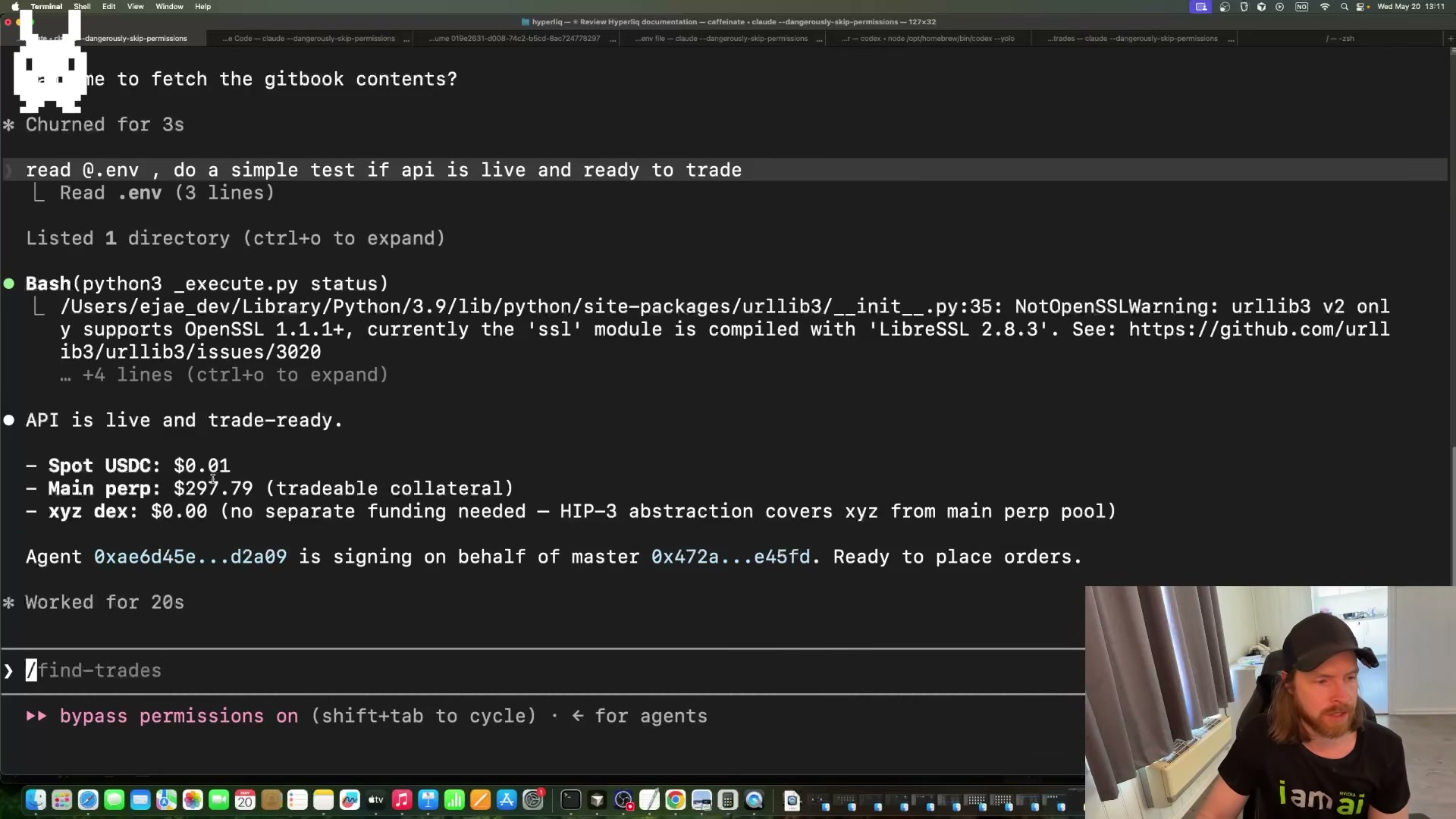
hypeusing--dangerously-skip-permissions, instruct it to read your.env, and run a live connectivity check against the Hyperliquid API. A successful response confirms your perp balance and verifies the agent wallet can sign orders.
Warning: this step may differ from current official documentation — see the verified version below.
-
Create a
CLAUDE.mdfile defining your agent’s trading persona: risk tolerance, instrument preferences, position sizing, and any behavioral guardrails. This file is read at the start of every session and shapes every downstream decision the agent makes. -
Build the
/find-tradesslash-command skill. It grounds the current date via a bash call, spawns six parallel sub-agents to scan Hyperliquid for intraday setups, and returns a kanban board of trade candidates. Run/find-trades, score each idea 1–10 against your trading profile, and drop anything below your conviction threshold. -
Run the
/research-tradeslash-command skill against your shortlisted candidates. Browser-use sub-agents pull live data on each idea and return an expected-value summary. Select the highest-conviction trade and instruct the agent to execute.
How does this compare to the official docs?
The video moves quickly past wallet authorization, HIP-3 account separation, and API permission scoping — exactly the areas where the official Hyperliquid documentation adds critical detail that Act 2 unpacks directly.
Here’s What the Official Docs Show
The tutorial gives you a solid working path from an empty wallet to a live AI trader. The documentation layers in a few prerequisites the video moves past quickly — most critically Claude Code’s subscription requirement and a skill-scope decision that determines whether /find-trades and /research-trade travel with you to future projects.
Steps 1–3 — MetaMask setup, funding, and Hyperliquid deposit
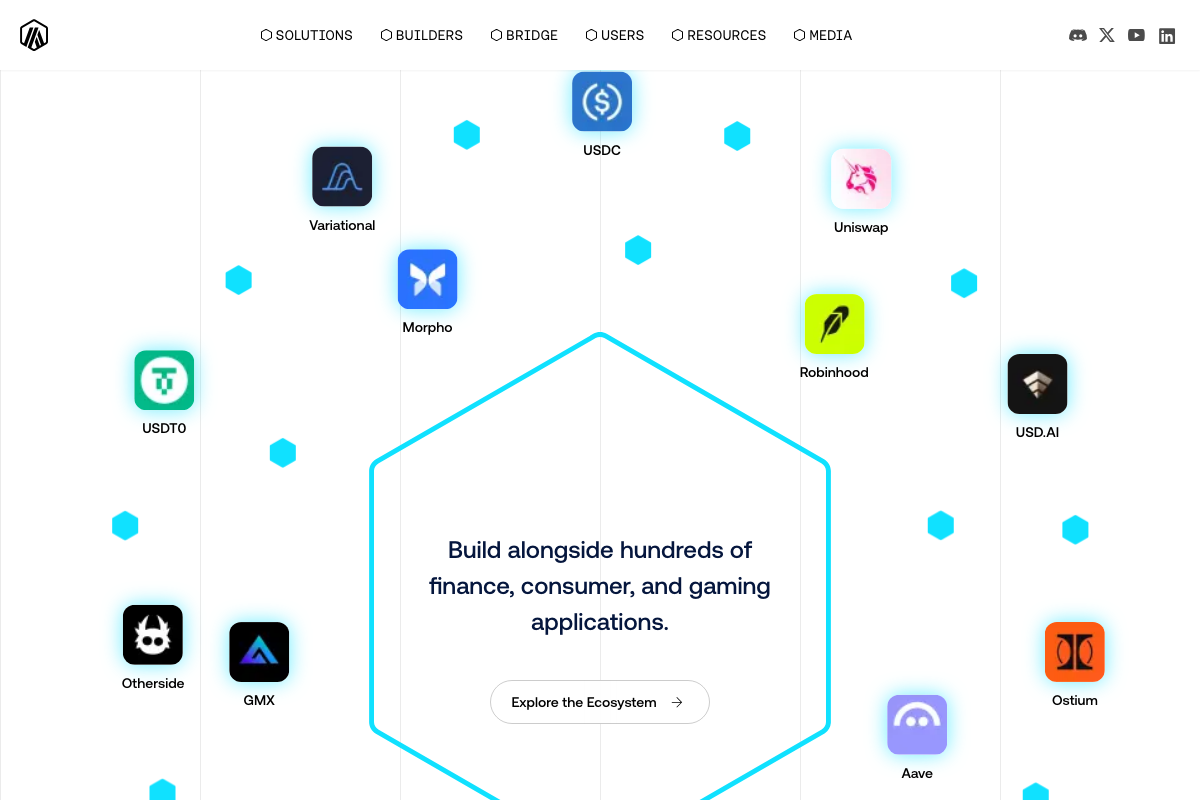
The video’s approach here matches the current docs exactly. MetaMask is confirmed at metamask.io, Hyperliquid’s entry point is the “Launch App” button at hyperliquid.xyz, and both Arbitrum USDC and Uniswap are verified as live participants on the Arbitrum network — confirming your purchase and USDC-to-ETH gas-swap path. The Arbitrum Bridge is also an official alternative if the MetaMask buy flow isn’t available in your region.
One addition on Revolut: the screenshots confirm it as a 70M+ customer payment provider, but the Revolut Pay option you see inside MetaMask’s buy flow is a separate embedded checkout integration — not documented in any captured screenshot. Availability may also vary by region given Revolut’s UK-primary homepage.

Steps 4–6 — API wallet generation, HIP-3 toggle, Perps-to-Spot transfer
No official documentation was found for these steps — all three occur inside the Hyperliquid trading application. Proceed using the video’s approach and verify via the Docs link at hyperliquid.xyz.

Step 7 — Launch Claude Code
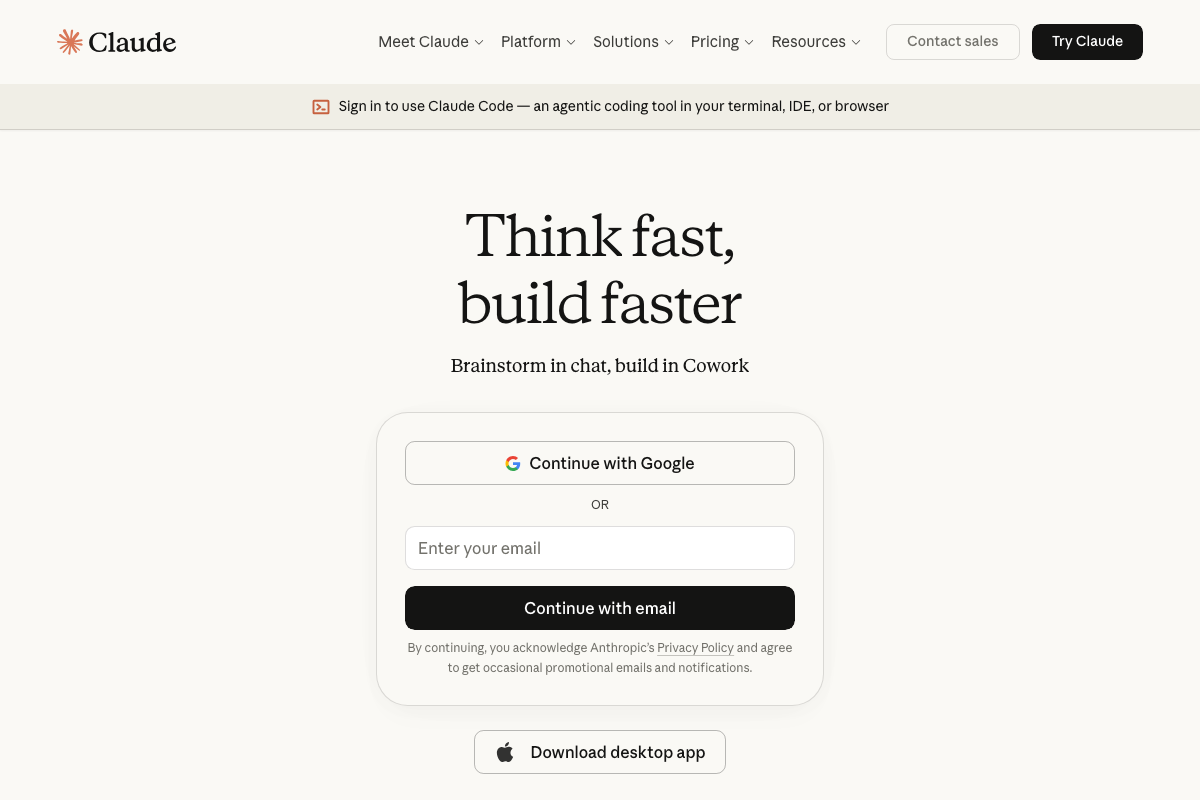
Two prerequisites the video skips. First, Claude Code requires a paid claude.ai subscription — as of 2026-05-20, the entry-level tier is Pro at $17/month billed annually. The Free plan is not confirmed to include Claude Code access. Second, while the video demonstrates terminal usage, Claude Code is officially available in your terminal, IDE, or browser — all three modes are supported.

Step 8 — Create CLAUDE.md
No official documentation was found for this step — proceed using the video’s approach and verify independently.
Steps 9–10 — Build and invoke /find-trades and /research-trade
The video’s approach here matches the current docs exactly — with one terminology note and one scope decision to make before you build.
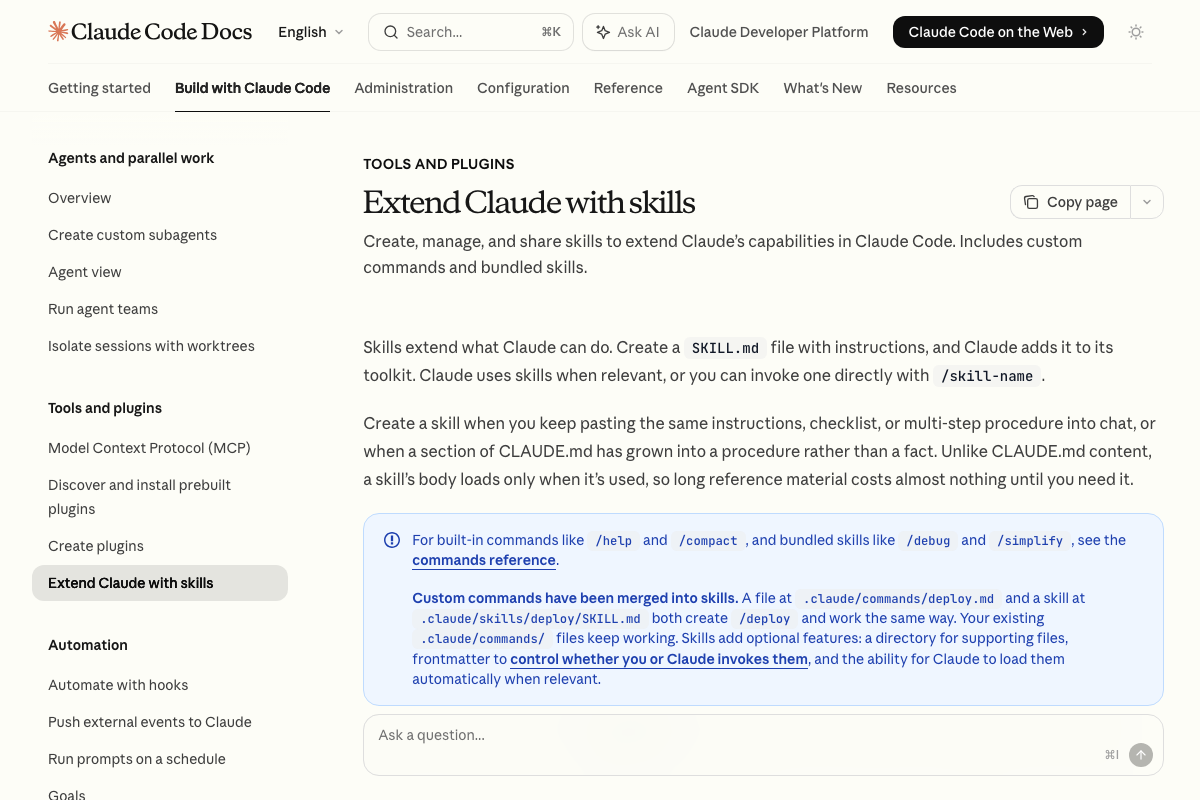
As of 2026-05-20, the official term is skill, not “slash-command skill.” The legacy .claude/commands/ file path still works and creates the same /skill-name invocation, so nothing you’ve already built breaks.
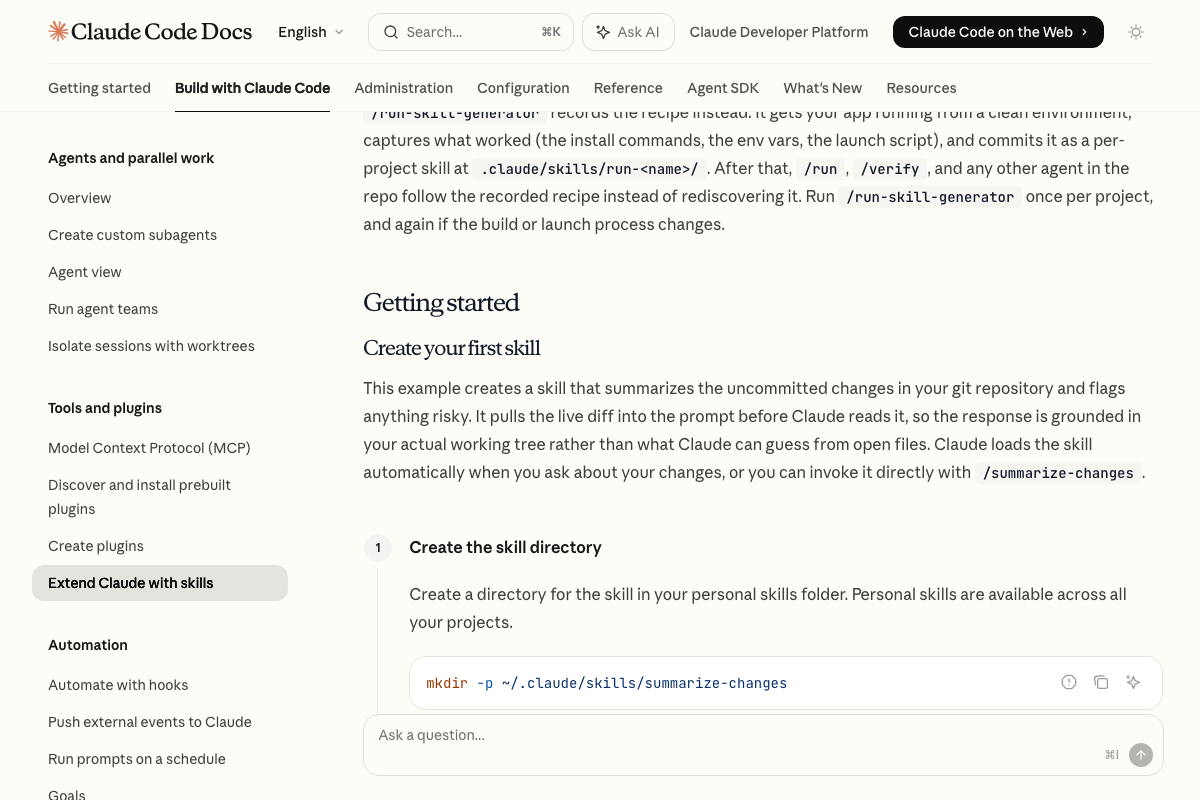
On scope: skills placed in .claude/skills/ are project-scoped and disappear when you move to a new repo. If you want /find-trades and /research-trade available across every future trading project, place them at ~/.claude/skills/ instead — that’s the personal skills directory the docs explicitly recommend for cross-project reuse.
Useful Links
- MetaMask — Official MetaMask wallet homepage and download entry point
- Hyper Foundation — Hyperliquid trading platform with Launch App and Docs navigation for API and in-app settings
- Arbitrum – Powering the programmable economy — Arbitrum network home confirming USDC support, Uniswap ecosystem participation, and the official Arbitrum Bridge
- Banking & Beyond | Revolut United Kingdom — Revolut consumer banking homepage; note that Revolut Pay (the MetaMask buy-flow integration) is a distinct embedded product not documented here
- Extend Claude with skills – Claude Code Docs — Official documentation for creating, scoping, and invoking custom skills, including personal vs. project-level file paths
- Sign in – Claude — Claude Code authentication and pricing page confirming the paid subscription requirement and the Pro tier at $17/month annually


0 Comments