

How to Build a $250K/Month YouTube Funnel After Google’s AI Overviews Destroyed Your Traffic
Jacky Chou lost a significant chunk of his content site revenue overnight when Google’s AI Overviews eliminated the need for users to click through to his pages. He responded by doubling down on YouTube — a platform he’d been quietly building for years — and used it to launch, distribute, and monetize a portfolio of 13 internet businesses now generating $250K/month. By the end of this tutorial, you’ll have his exact 7-step YouTube playbook and understand how a small, high-intent audience can outperform massive social reach.
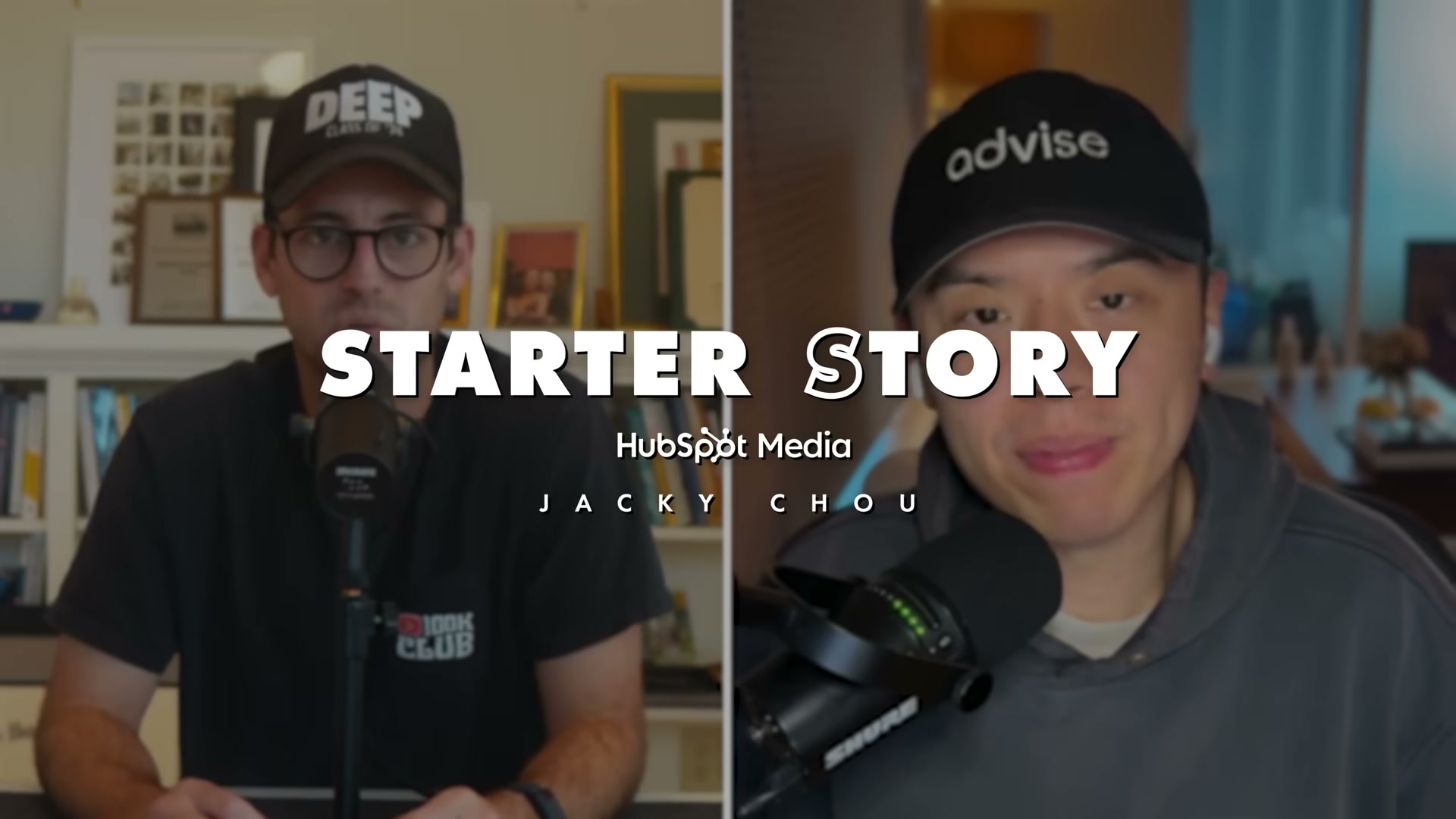
1. Pick a niche narrow enough to completely own. Jacky’s example: not “SEO” — but local SEO, SEO for plumbers, or marketing for lawyers. The narrower your lane, the faster an audience perceives you as the authority. Broad niches split attention; tight niches build trust at scale.

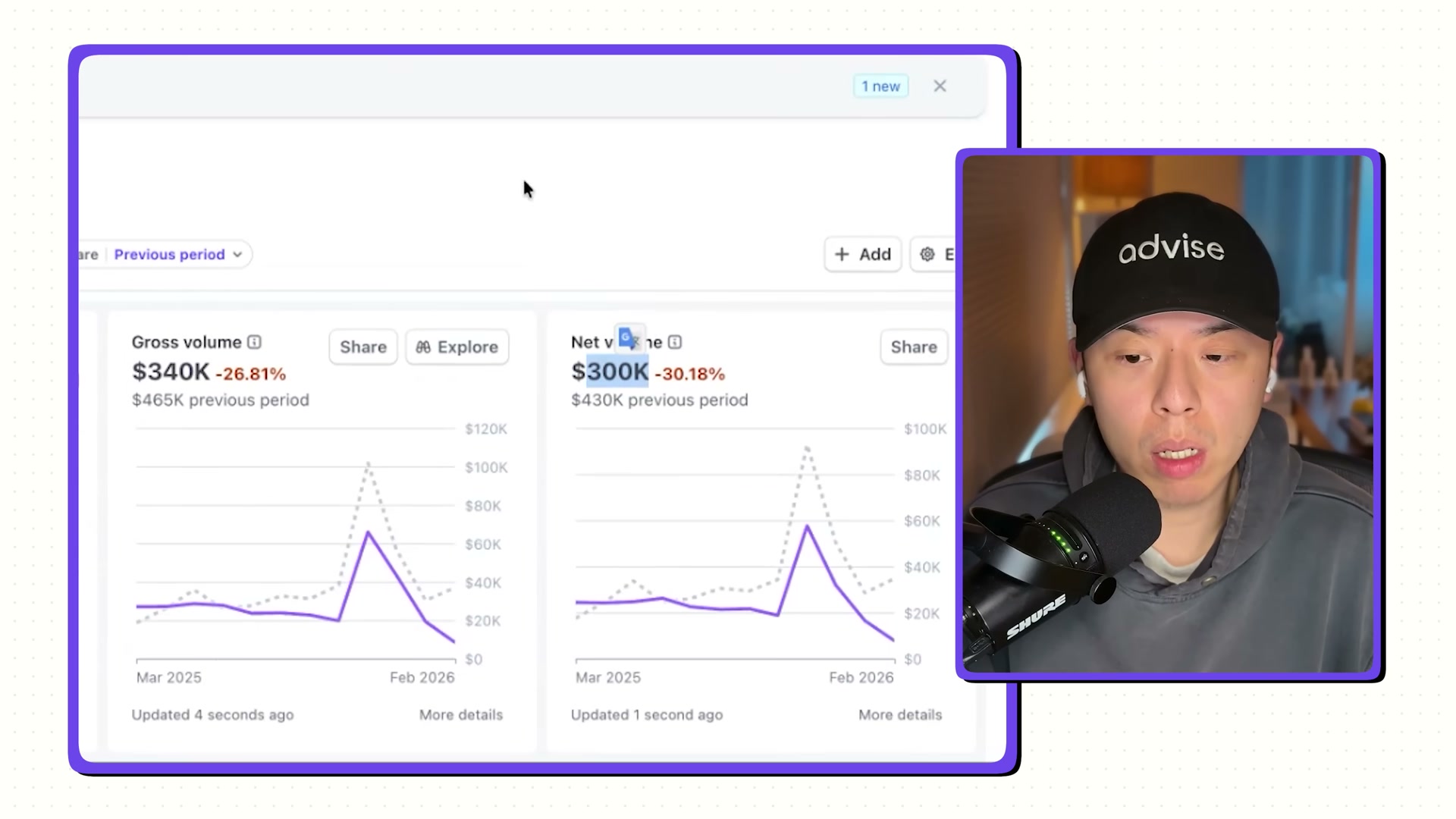
2. Understand what you’re actually recovering from before you build. Jacky’s Stripe dashboard showed gross volume dropping from $465K to $340K — a 26% collapse triggered directly by AI Overviews removing the click incentive from his content sites. The pivot to YouTube wasn’t a growth strategy; it was a survival move that became one.
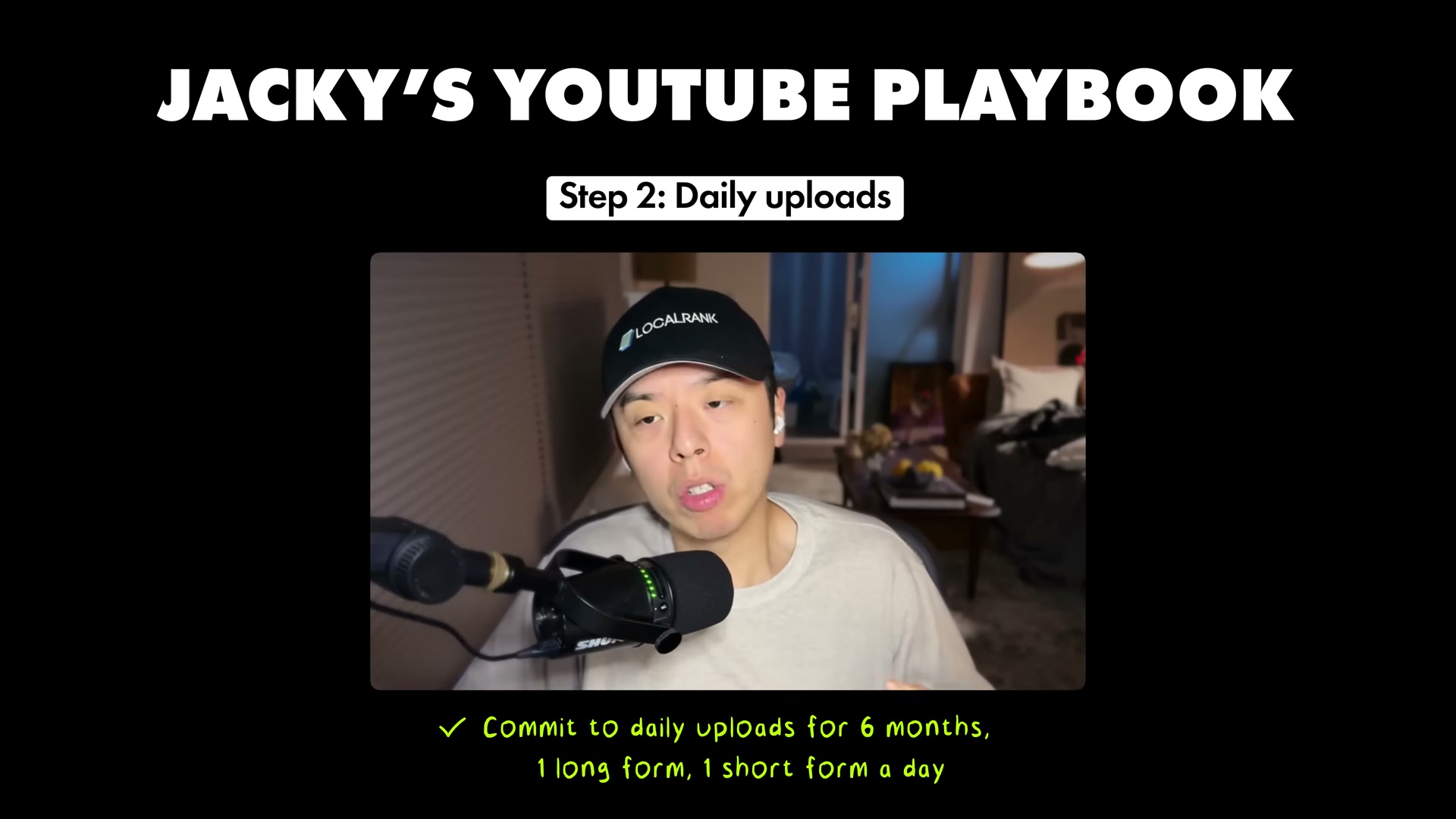
3. Commit to daily uploads for at least six months — one long-form video and one short-form video per day. Jacky is explicit: daily uploads force you to lower your standards and ship. You’ll learn more from 30 mediocre videos than two polished ones. His first video pulled 30 views in 24 hours. He kept going anyway.
4. Create content around problems your audience already has — especially problems you’re personally working through. Jacky’s example: a video titled “How do I rank on ChatGPT” doesn’t need to fully answer the question. Walking through your thought process in real time is enough. Authenticity about uncertainty outperforms manufactured expertise at low subscriber counts.
5. Open every video with a hook in the first five seconds that states a concrete outcome or curiosity gap. Jacky learned this the hard way — opening with a scoop of creatine killed retention immediately. The replacement formula: lead with a specific, time-bound result. “Here’s how I ranked in ChatGPT in 24 hours” gives the viewer a reason to stay.
6. Optimize for search and trends simultaneously. When new AI tools and LLM releases drop, move fast. Being first to publish on a topic like a new model release lets smaller channels rank before larger ones establish dominance. Trend-chasing and evergreen search aren’t in conflict — early trend content becomes evergreen once the tool gains adoption.
7. Build a simple funnel into every video description. Jacky links to his newsletter (show notes and useful documents) in every description. Viewers opt in for the lead magnet, join his list, and become warm leads he can pitch later — without a hard sell inside the video itself.

8. Make YouTube part of your daily routine so consistency becomes structural, not motivational. Jacky has posted daily for two and a half years. At this point, skipping feels uncomfortable. That psychological shift — where not posting is the friction state — is the actual goal of the six-month commitment in Step 2.
How does this compare to the official docs?
Jacky’s playbook is practitioner-built under real financial pressure — Act 2 cross-references YouTube’s own creator documentation and platform best practices to surface where his methods align, where the platform has shifted, and what the data actually supports.
Here’s What the Official Docs Show
Act 1 gives you the practitioner’s account straight from Jacky Chou’s playbook — this section adds what the official documentation does (and in several cases, doesn’t) confirm. One immediate note before the steps: the official trackings.ai website spells the subject’s name Jacky Chou — some references circulating with this tutorial use the spelling “Jackie Chow.”
Step 1 — Pick a narrow niche
No official documentation was found for this step — proceed using the video’s approach and verify independently.
Step 2 — Know your revenue baseline before you pivot
Stripe’s platform confirms the billing infrastructure behind a multi-product internet business portfolio: usage-based metering, subscription models, and multi-method payment acceptance are all natively supported. The specific revenue figures cited in the video are not verified by any official source captured here.
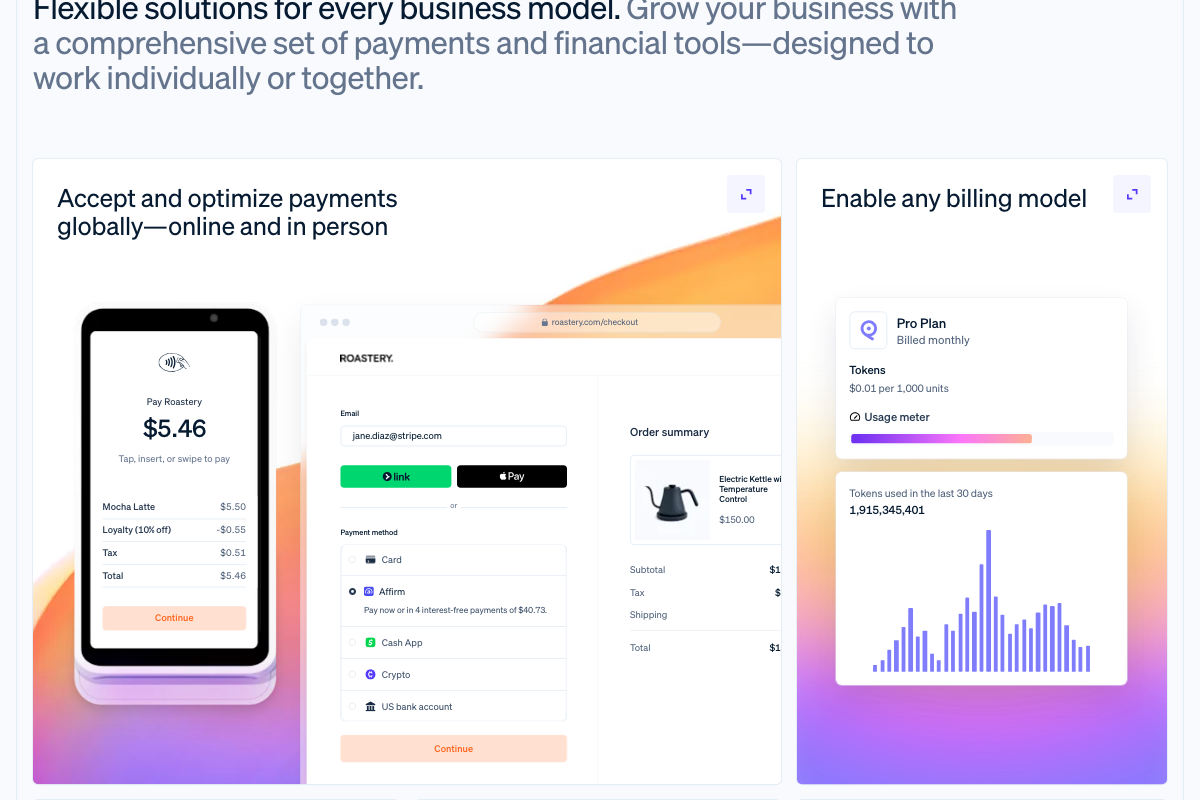
No official documentation was found to verify the specific revenue figures cited in this step — proceed using the video’s approach and verify independently.
Step 3 — Commit to daily uploads: one long-form, one short
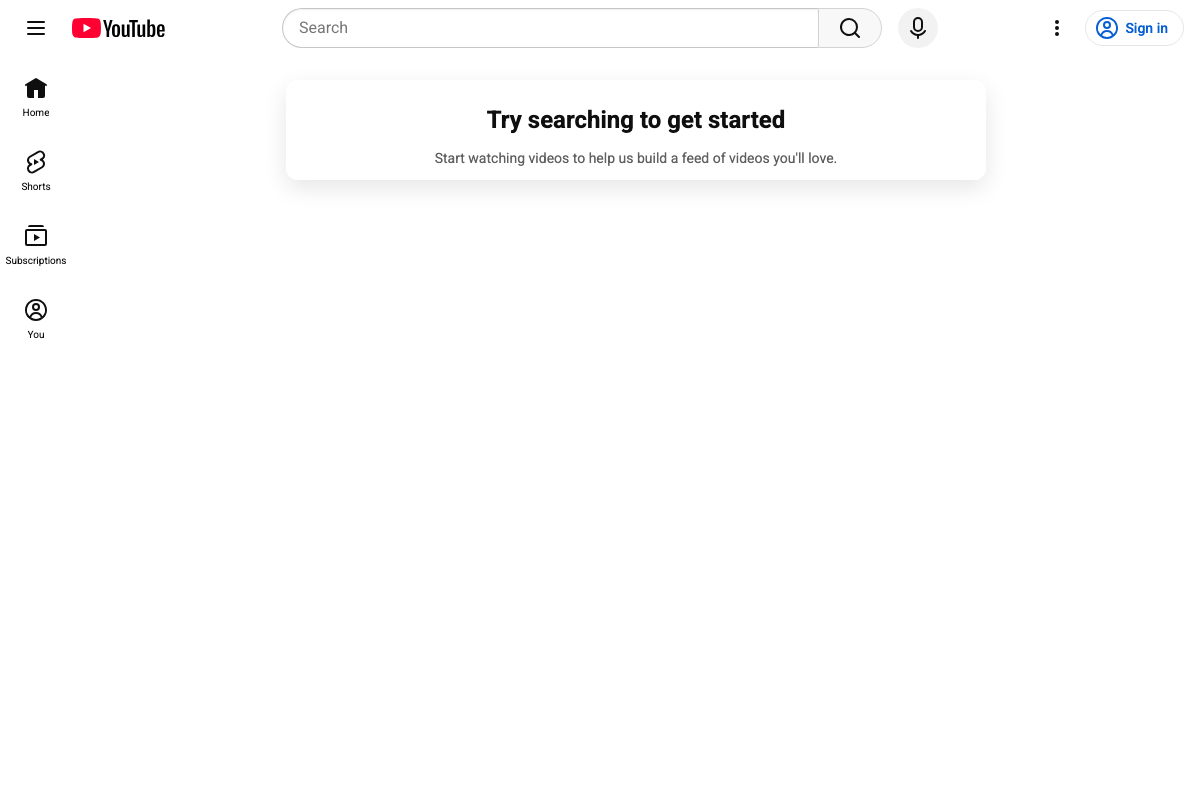
The video’s approach here matches the current docs exactly. YouTube’s own platform UI confirms Shorts as a first-class, platform-native content format — listed as a primary navigation destination alongside Home and Subscriptions.
Step 4 — Create content around problems you’re personally working through
No official documentation was found for this step — proceed using the video’s approach and verify independently.
Step 5 — Open every video with a hook in the first five seconds
No official documentation was found for this step — proceed using the video’s approach and verify independently.
Step 6 — Publish fast on new AI tool releases and LLM launches
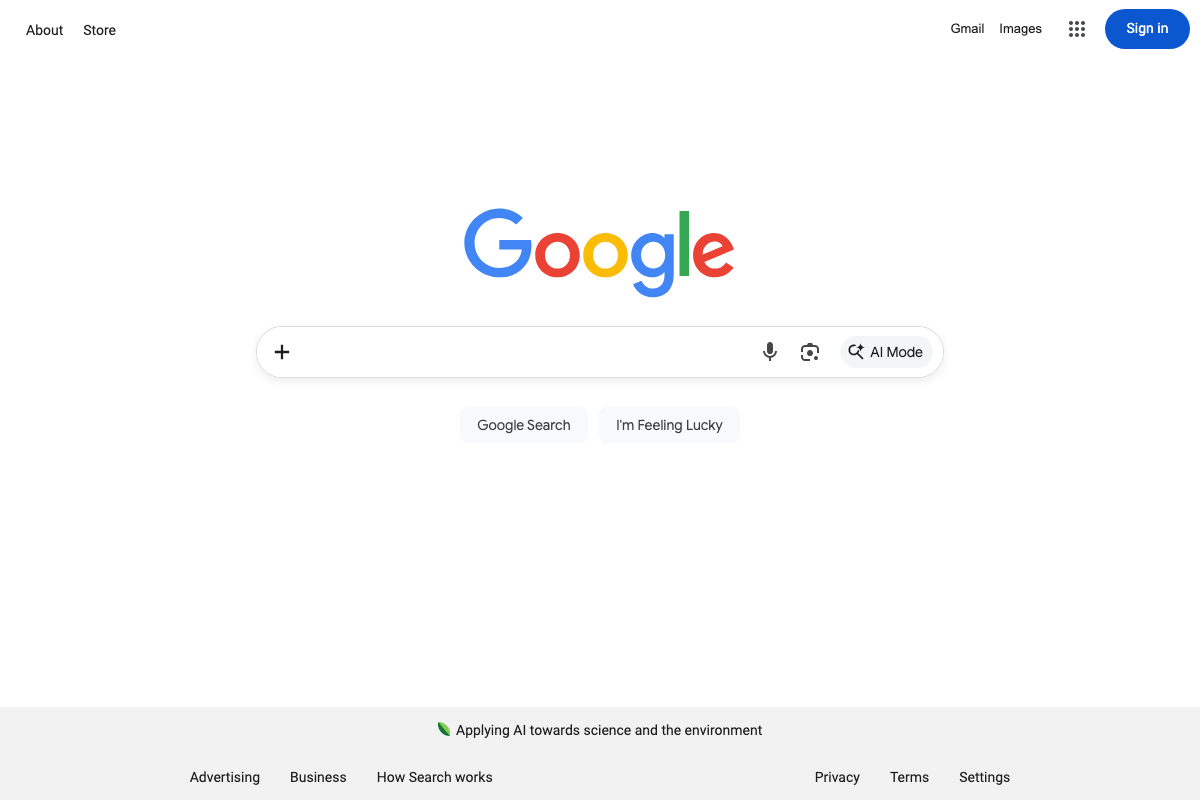
The Google Search Central documentation on AI Overviews did not load during capture — all three screenshot attempts returned the google.com homepage instead. What is visible across every capture: Google Search now displays a dedicated AI Mode button in the search bar. As of March 2026, this represents a further evolution of AI integration in Search beyond the AI Overviews product the tutorial references. The tutorial’s core premise — that Google AI features are actively restructuring organic search behavior — is consistent with what the live product shows.
Step 7 — Build a funnel into every video description
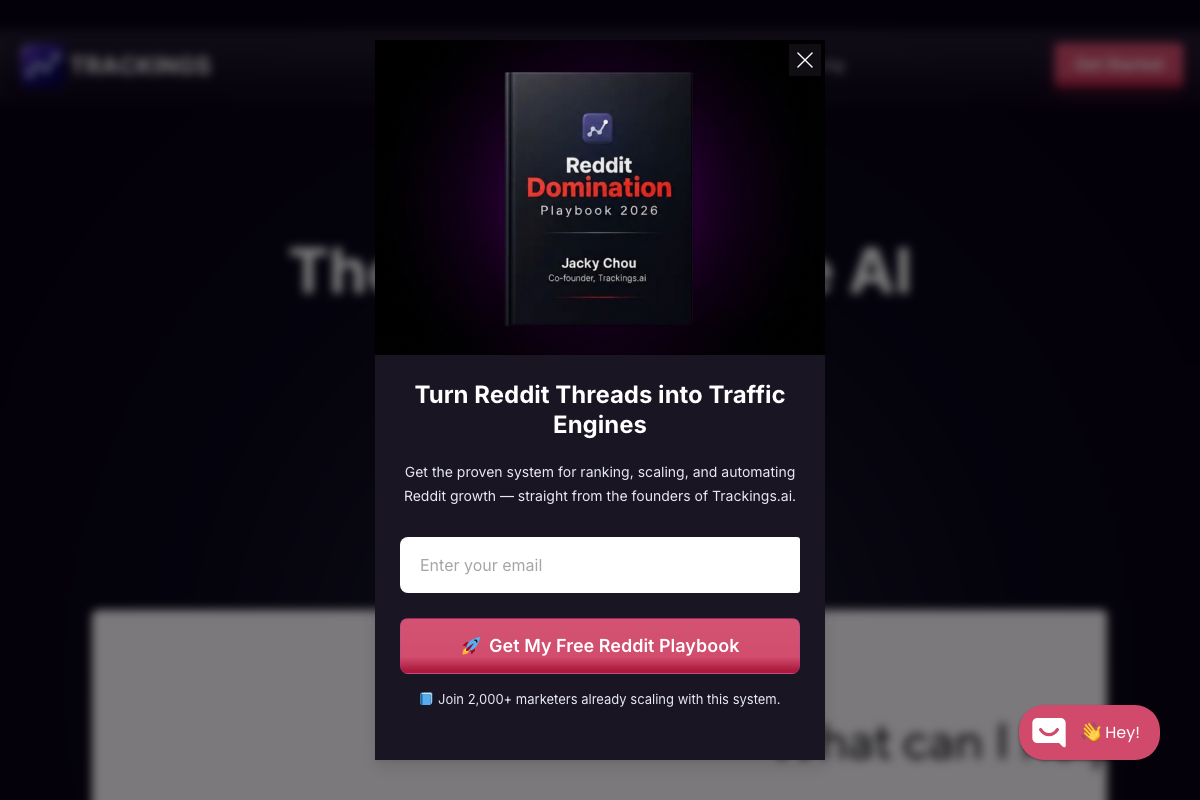
The video’s approach here matches the current docs exactly. Jacky Chou’s live site confirms email capture is actively deployed on trackings.ai. One natural extension: the current lead magnet at time of capture is the Reddit Domination Playbook 2026, not a YouTube-specific offer — confirming the funnel strategy extends across multiple traffic channels. The underlying principle holds either way: the email list is the channel-agnostic asset that survives any single platform’s algorithm shift.
Step 8 — Make daily posting structural, not motivational
No official documentation was found for this step — proceed using the video’s approach and verify independently.
Useful Links
- YouTube Help — Official YouTube creator support hub; the documentation page did not load during capture but is the primary reference for creator guidance on upload formats, hook structure, and description best practices.
- AI Rank Tracker | Track AI Search Visibility | Trackings.ai — Jacky Chou’s AI search rank-tracking product and the live demonstration of the email-capture funnel strategy from Step 7.
- Stripe | Financial Infrastructure to Grow Your Revenue — Payment infrastructure supporting usage-based, subscription, and embedded billing models consistent with a multi-product internet business portfolio.
- AI Features and Your Website | Google Search Central | Documentation | Google for Developers — Official Google documentation on AI Overviews and Search AI features; the page did not load during capture but remains the authoritative reference for Step 6 claims about AI search impact on content sites.


0 Comments