

Turn ‘People Also Ask’ Questions into a Topical Authority Engine
Google already tells you exactly what your audience is searching for — you just have to know where to look. This strategy uses the “People Also Ask” box as a free keyword research tool, converting those questions into a network of optimized pages that build topical authority and funnel that authority directly to your commercial landing pages. By the end, you’ll have a repeatable system for ranking informational content and using it to lift the pages that actually drive revenue.
- Go to AlsoAsked.com and enter your niche topic. The tool pulls a tree of real PAA questions directly from Google search results — not guesses or approximations, but the exact questions Google is already surfacing to users.
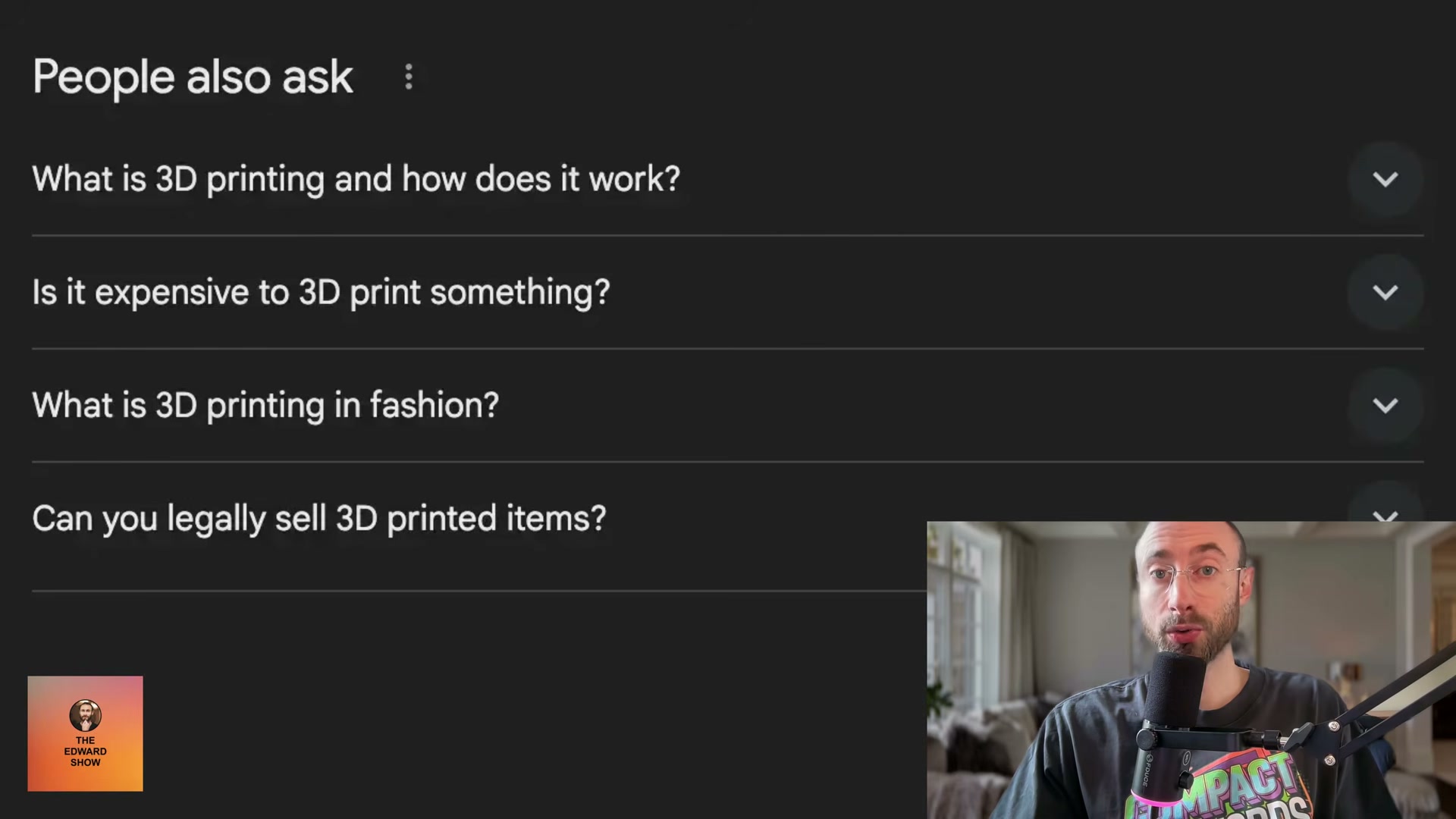
- Select 10–12 relevant questions from the tree. Click into individual questions to reveal eight or more sub-questions, giving you a full map of your topical cluster. Resist the urge to grab more than a dozen — newer sites that scale content too fast risk triggering a Google penalty before they’ve built enough authority to support it.

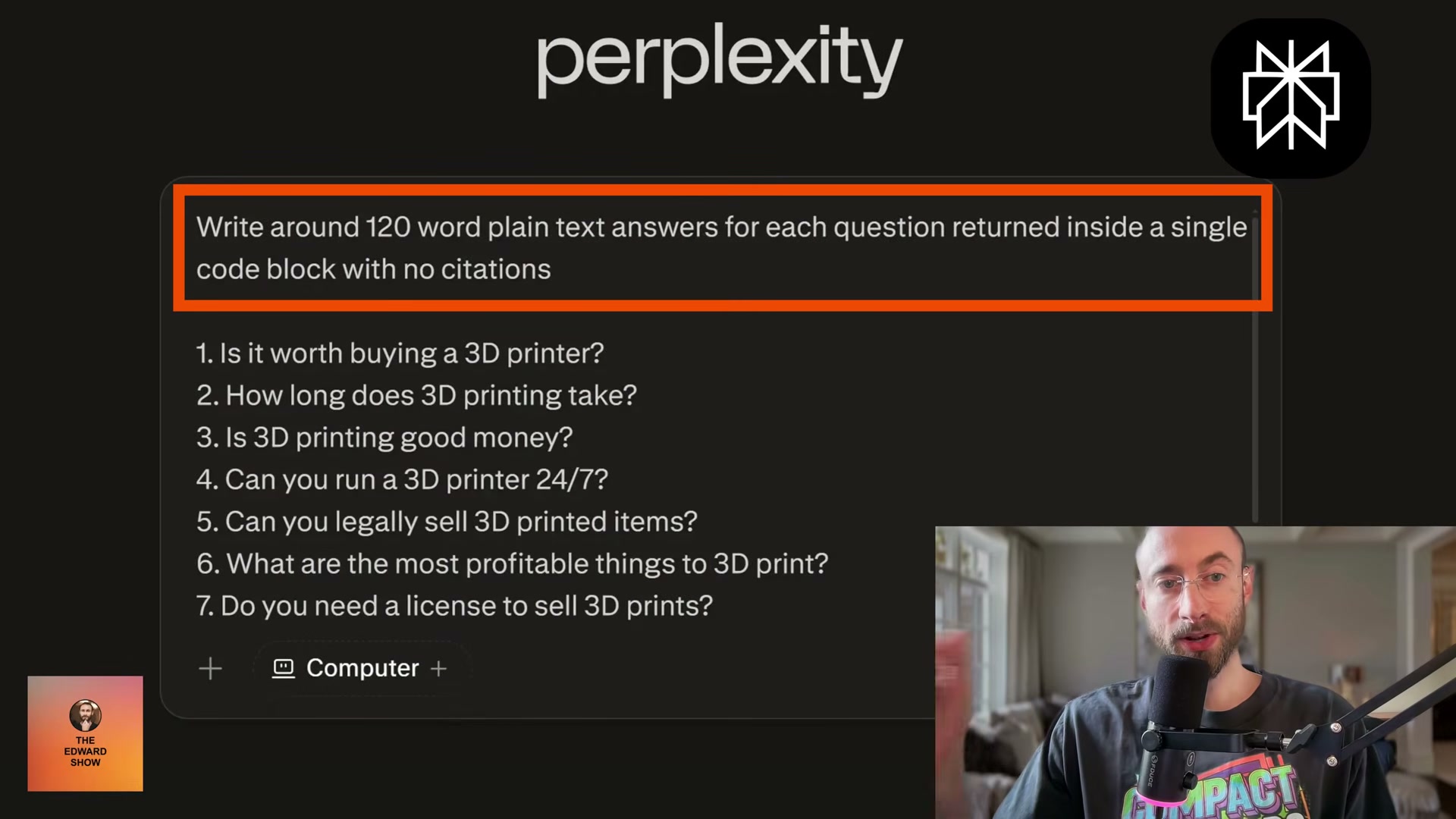
- Open Perplexity and paste all your selected questions into a single prompt: “Write around 120-word plain text answers for each question returned inside a single code block with no citations.” Perplexity returns clean, structured answers for every question in one pass.
Warning: this step may differ from current official documentation — see the verified version below.
-
Edit every answer before it goes live. Strip em dashes, generic buzzwords, and any phrasing that reads as machine-generated. Adjust for brand voice and verify factual accuracy — these pages will carry your brand’s credibility.
-
Create a subfolder on your site dedicated to the topic cluster. For a 3D printing niche, that looks like
/3d-printing-faq/. Register this URL mentally as the hub — every individual question page lives beneath it. -
Link the subfolder from your site’s footer under a “Resources” section, using the topic as anchor text (e.g., 3D Printing FAQ). Footer placement ensures Google discovers it during every crawl without requiring it to live in your primary navigation.
-
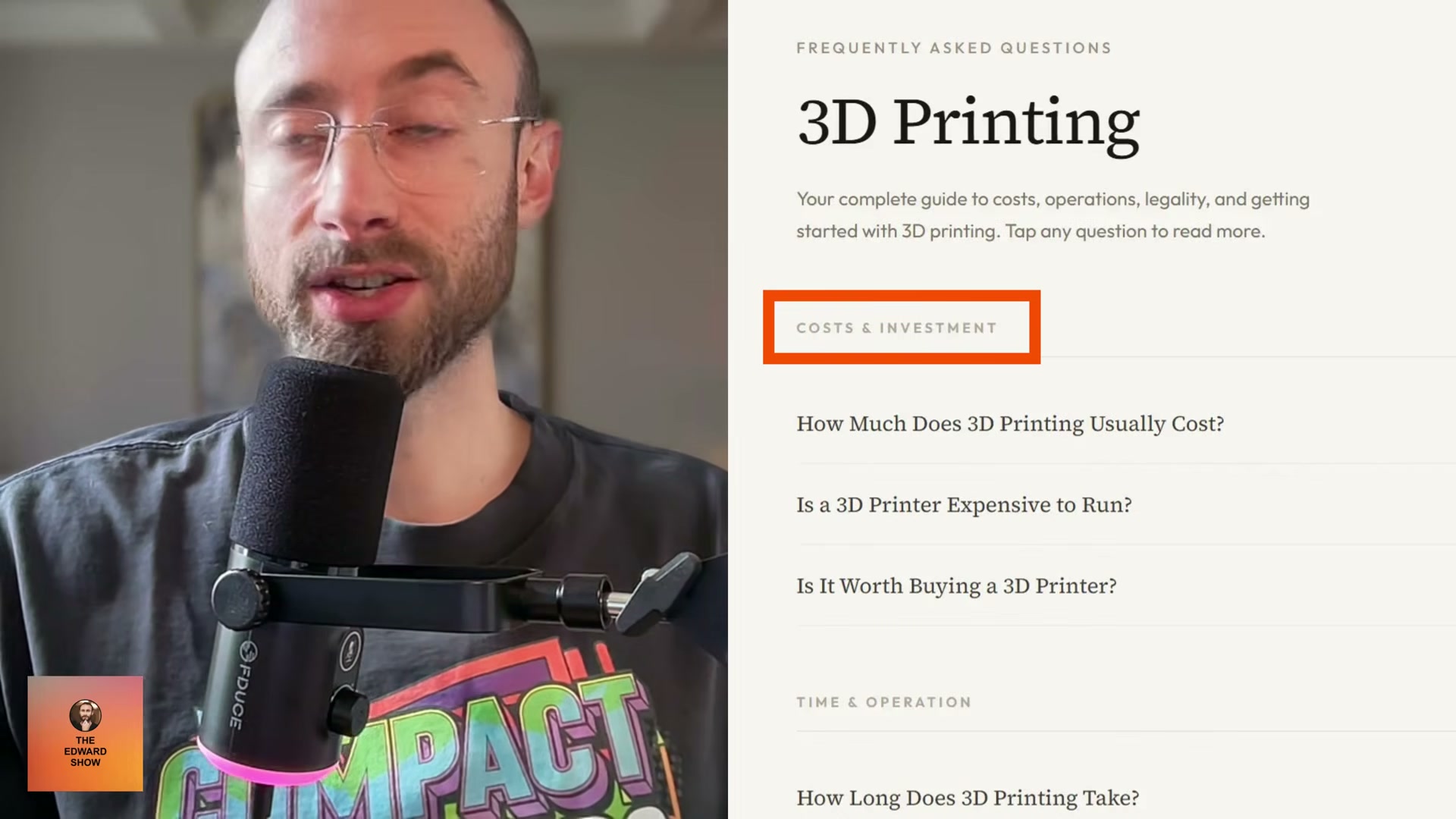
Build a styled hub page at the subfolder URL. Organize questions under H2 category headings, avoid a plain list of blue links, and make sure each question links to its own standalone page rather than expanding inline.
-
On each individual question page, set the question as the H1, use the question slug in the URL, include it in the page title, and paste the cleaned answer directly after the H1. No preamble, no padding.
-
Submit the FAQ subfolder URL to Google Search Console. For newer sites without strong crawl budgets, this step forces Google to discover and index every page within the cluster immediately.
-
Watch which individual pages begin ranking. Double down on those by expanding them with relevant supporting sections — each addition gives the page more surface area to capture additional keywords and organic traffic.
-
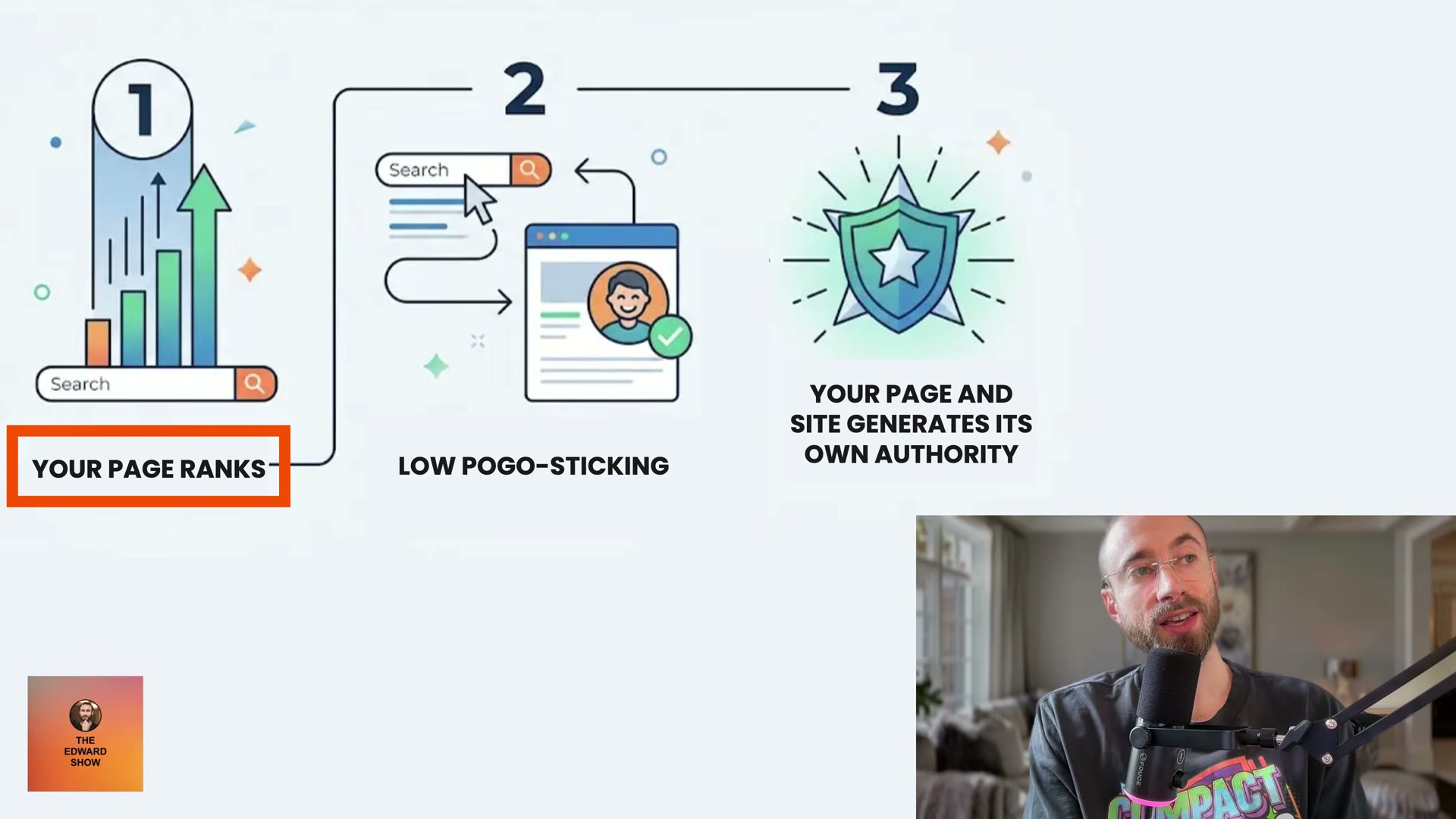
Add calls-to-action, lead magnets, and minimal non-intrusive popups to ranking pages. Aggressive exit-intent popups increase pogo-sticking, which signals dissatisfaction to Google and erodes the authority signal you’re building.
-
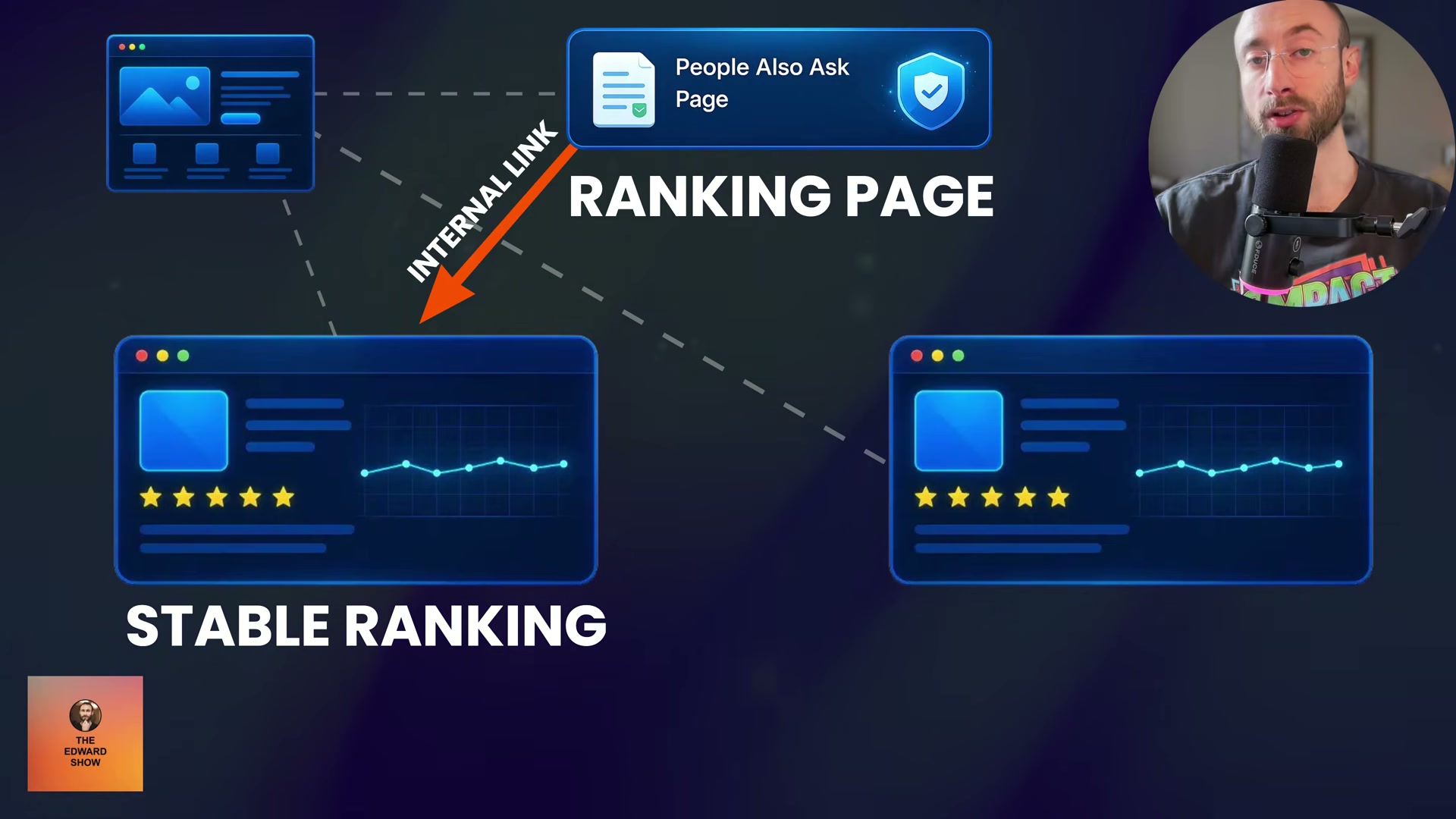
Add a single internal link from each ranking PAA page to a bottom-of-funnel commercial landing page. These are the pages targeting transactional keywords — searchers who are ready to buy and just need to find the right brand.
-
Once a commercial page’s rankings stabilize, redirect that internal link toward your next target page. A stable page doesn’t need ongoing reinforcement — point the authority where it still creates movement.
-
Build external backlinks in parallel throughout this process. A site accumulating ranking pages without a corresponding growth in backlinks can look unnatural to Google. Referral-traffic-generating backlinks are especially valuable — they reinforce the authority signal your PAA pages are already generating organically.
How does this compare to the official docs?
The strategy Edward demonstrates pulls from several intersecting areas — Google’s crawling behavior, internal linking best practices, and AI-assisted content workflows — and the official guidance on each has meaningful nuance that’s worth examining against what the video presents.
Here’s What the Official Docs Show
The video’s PAA-to-authority strategy is structurally sound and the core tools check out against their current documentation. This section adds the details that don’t fit in a walkthrough — account limits, a key product distinction, and one evolving Google change that’s worth keeping on your radar.
Step 1 — Harvest PAA questions with AlsoAsked.com
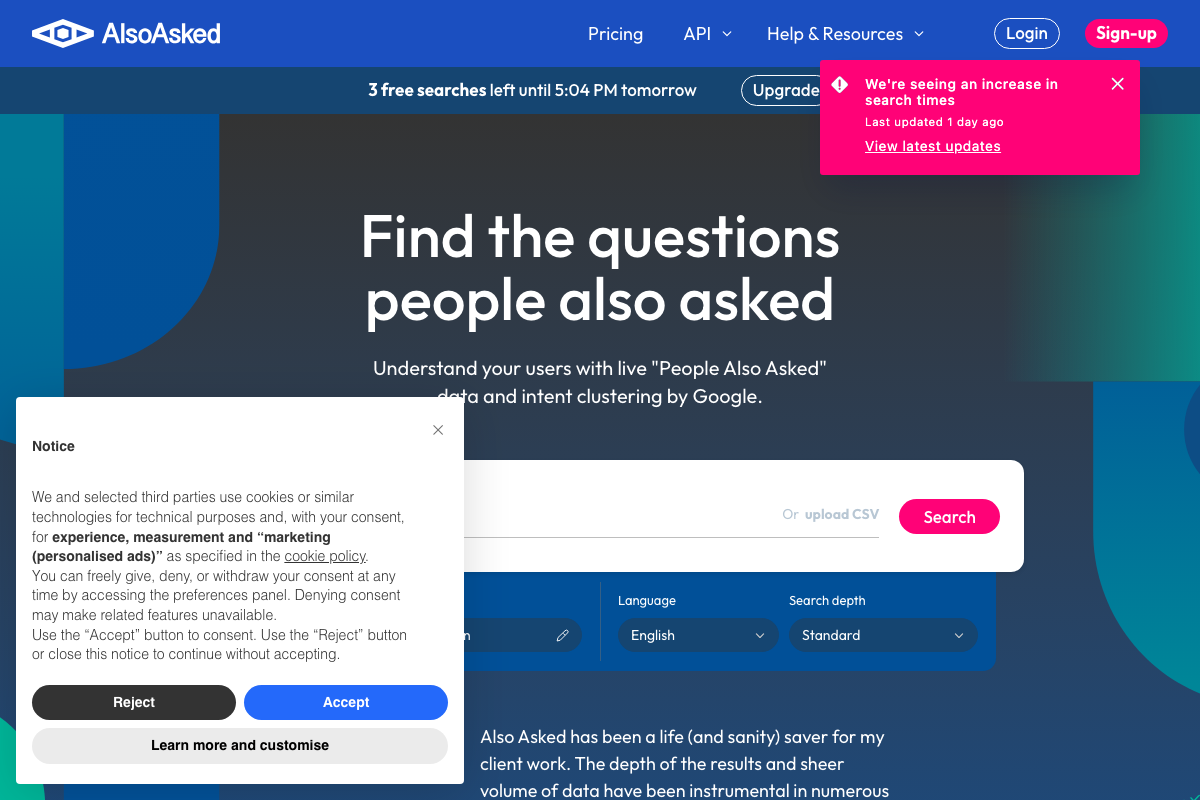
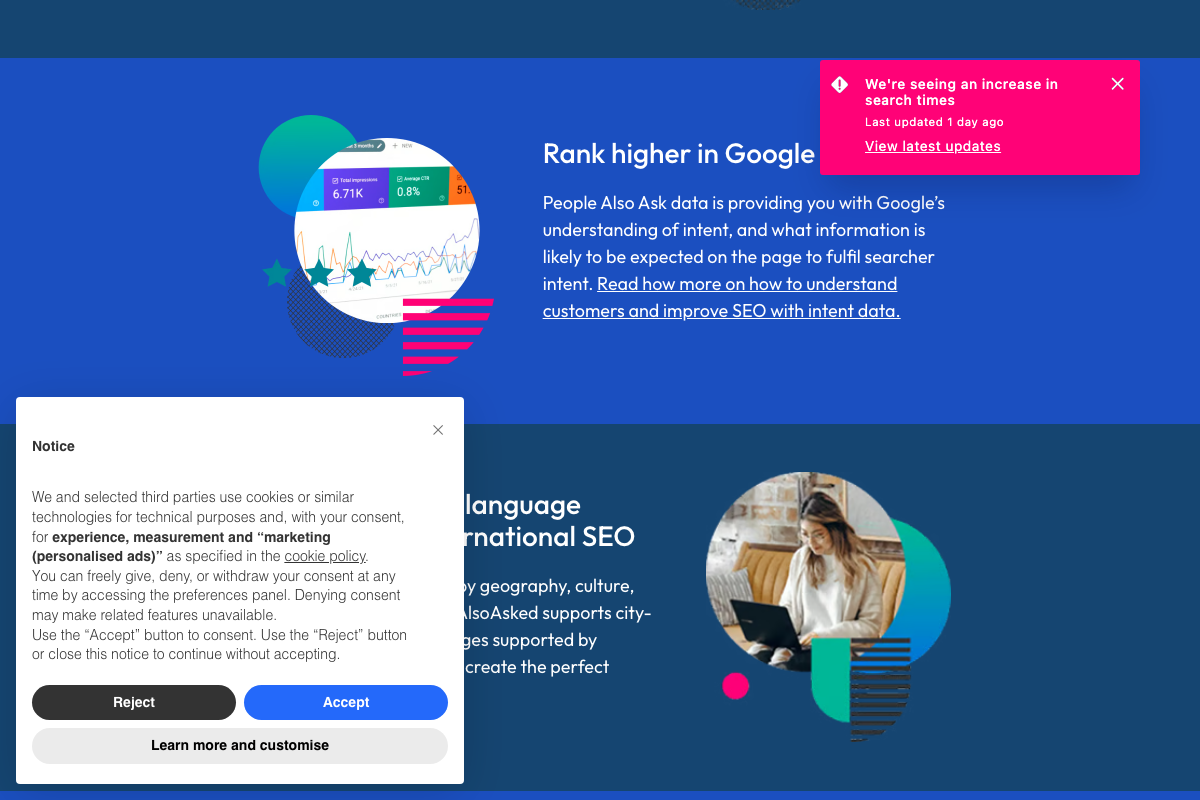
The video’s approach here matches the current docs exactly. AlsoAsked.com is live at alsoasked.com, the search interface works as shown, and the tool explicitly ties its data to “Google’s understanding of intent” — the same rationale the video uses for building content around these questions.
Two things visible in the docs that the video skips: the Search Depth dropdown defaults to Standard, but a Deep option exists and likely returns a broader question tree. More practically, the free tier caps you at 3 searches per day. If you’re mapping multiple clusters in one session, you’ll hit that wall quickly. For agency-scale workflows, AlsoAsked also offers CSV bulk upload and a dedicated API — neither mentioned in the video.
Step 2 — Select 10–12 questions and map sub-questions
No official documentation was found for this step — proceed using the video’s approach and verify independently.
Step 3 — Generate answers in Perplexity
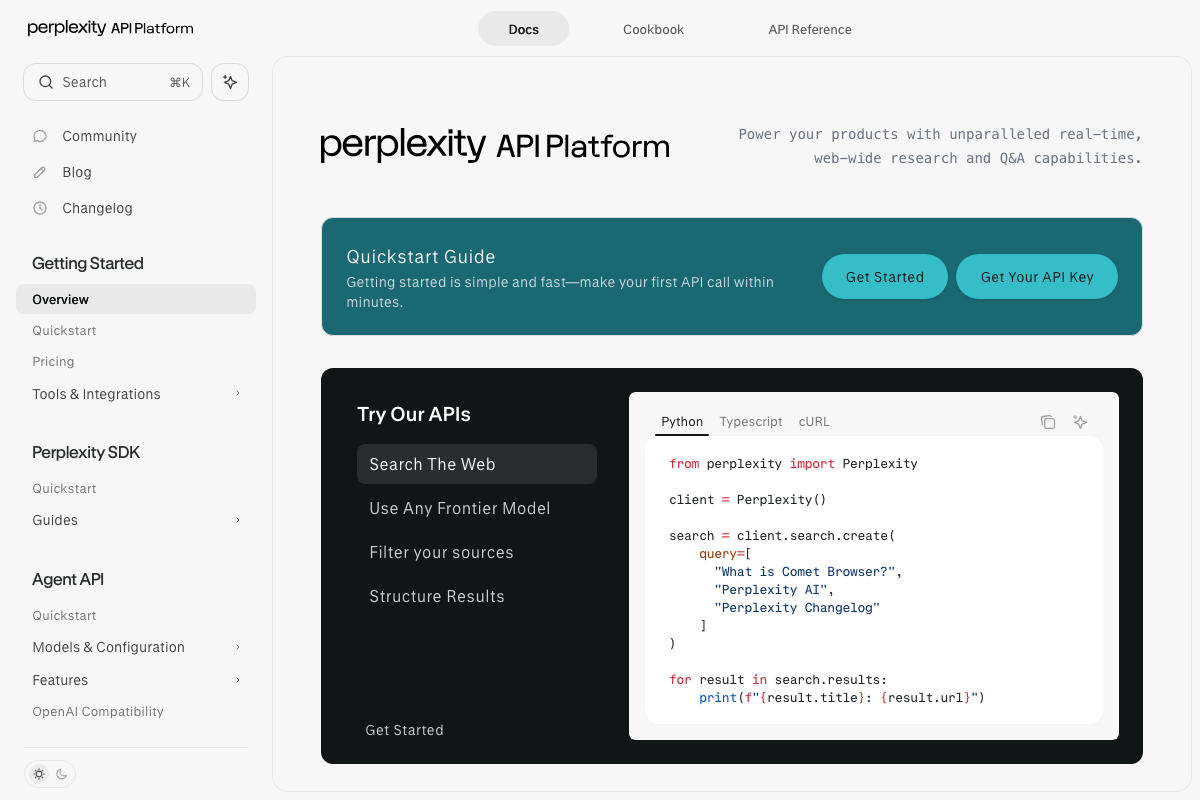
The video sends you to the consumer chatbot at perplexity.ai. The documentation captured here covers the Perplexity API Platform at docs.perplexity.ai — a separate paid developer product with distinct pricing and access requirements. As of April 21, 2026, no official documentation validates the specific 120-word plain-text prompt format described in the video. The consumer chatbot workflow is reasonable in practice; treat step 3 as a practitioner technique, not a documented feature.
Steps 4–8 — Edit answers, build subfolder, hub page, and individual question pages
No official documentation was found for these steps — proceed using the video’s approach and verify independently.
Step 9 — Submit to Google Search Console
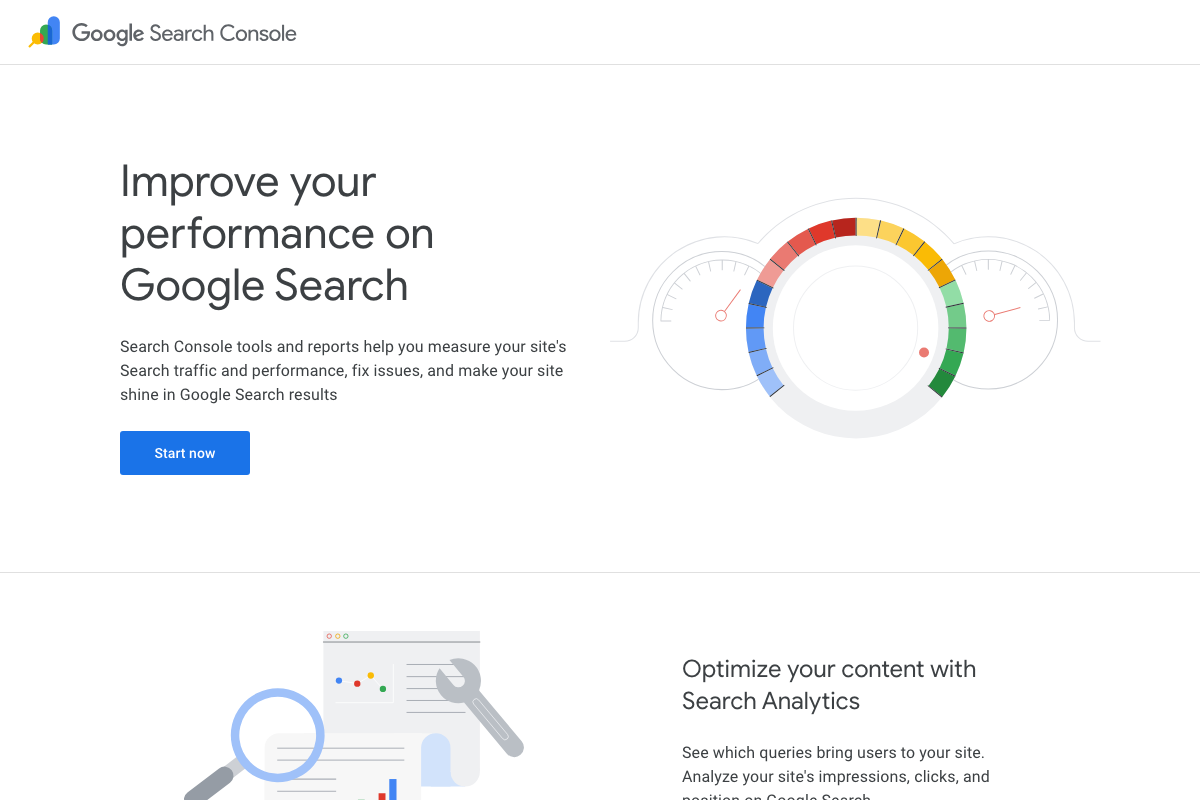
Google Search Console is confirmed at search.google.com/search-console. One prerequisite the video doesn’t mention: site ownership verification is required before any Search Console feature is accessible. The URL Inspection and Request Indexing tool the video references lives inside the authenticated dashboard — it exists, but you’ll need a verified property to reach it.
Step 10 — Monitor rankings and expand winning pages
The video’s approach here matches the current docs exactly. Search Analytics shows impressions, clicks, and position by query — precisely the signal the video tells you to act on.
Steps 11–14 — CTAs, internal linking, link rotation, and backlink building
No official documentation was found for these steps — proceed using the video’s approach and verify independently.
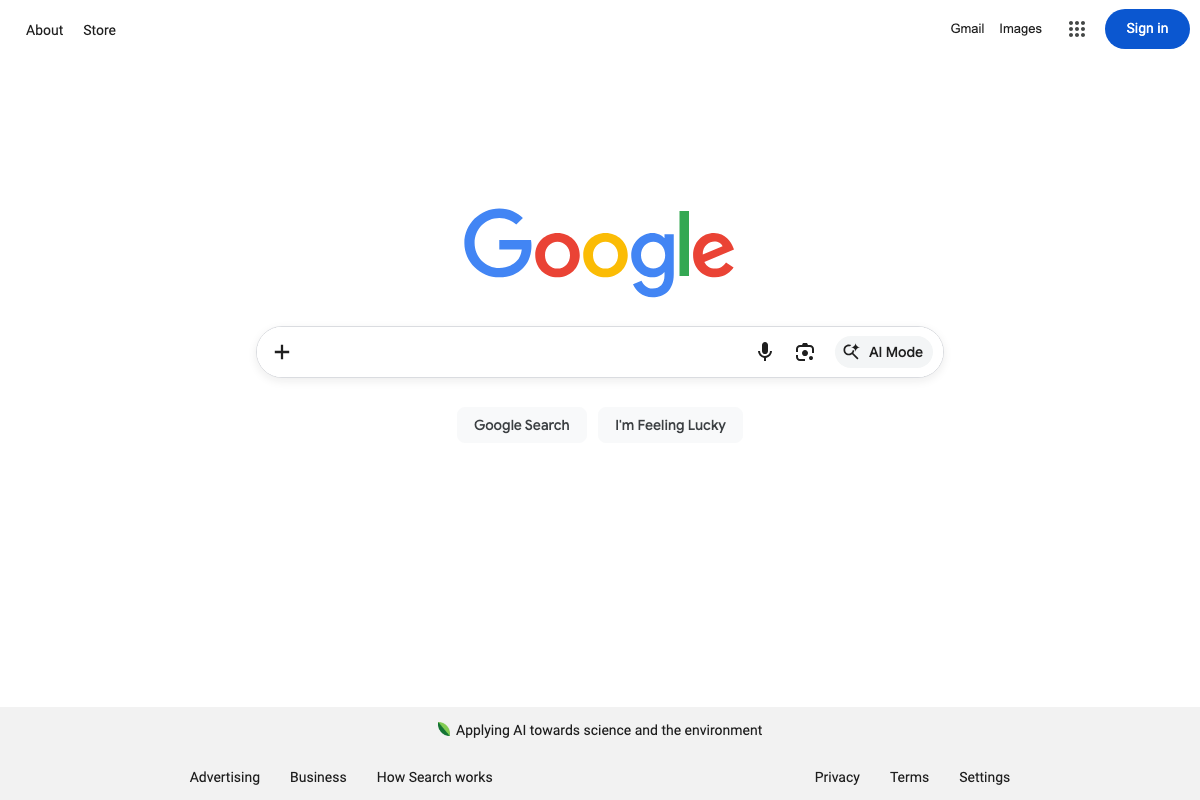
One live platform change to note: Google’s search interface now displays a prominent “AI Mode” button alongside standard search. The video predates this change, and its long-term effect on PAA question generation and visibility is not yet documented. Worth monitoring — this entire strategy depends on the PAA box remaining a prominent surface in Google’s results.
Useful Links
- People Also Ask keyword research tool | AlsoAsked — The PAA question harvesting tool used in step 1; includes Search Depth controls, CSV bulk upload, a free-tier limit of 3 searches per day, and a separate API product for scale.
- Overview — Perplexity API Platform — Developer API documentation for Perplexity; a distinct paid product from the consumer chatbot at perplexity.ai that the video references in step 3.
- Google Search Console — Google’s official tool for measuring search traffic, monitoring query performance, and submitting URLs for indexing; requires verified site ownership before use.
- Google Search Central — Featured Snippets — Official Google documentation on featured snippets and PAA eligibility criteria; not successfully captured during the screenshot session — verify directly for PAA optimization guidance.


0 Comments