

AI Ad Creative at Scale: A Strategic Framework for Paid Social Advertisers
Platform algorithms now reward creative diversity at a volume most teams can’t produce with traditional UGC. After working through this tutorial, you’ll know how to evaluate your brand’s risk tolerance for AI-generated creative, stay on the right side of FTC rules, and use tools like Arcads and ChatGPT to generate ad variations that feed Meta’s algorithm at scale — without building a content studio.
- Assess your brand’s safety tolerance for AI-generated personas before you produce a single ad. The risk level varies by category: lead generation for services like solar installation carries minimal brand exposure, while women’s apparel or skincare — where body representation and product accuracy matter to buyers — sits at the other end of the spectrum. Draw your line before you start building creative, not after a campaign launches.
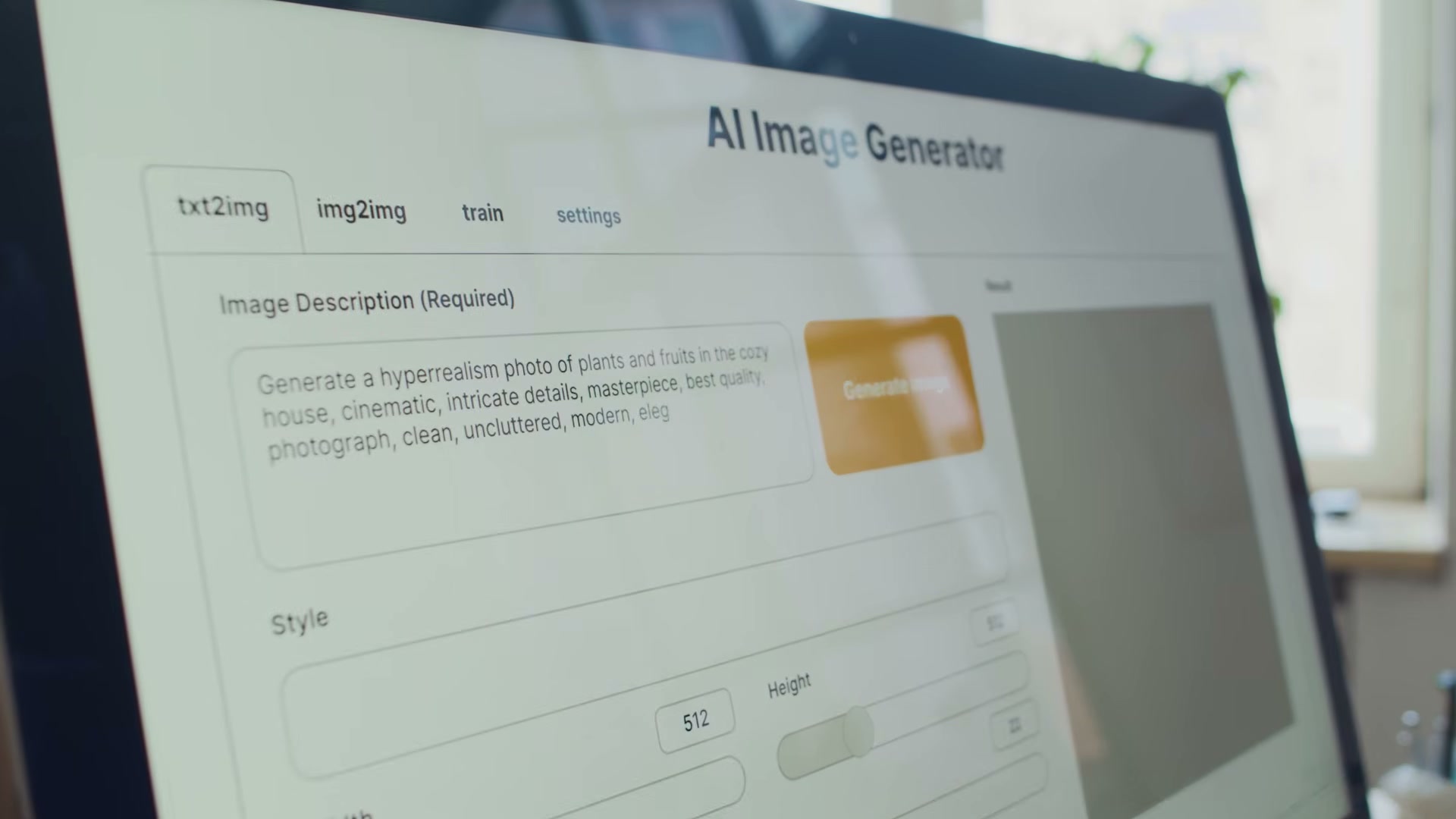
- Review FTC guidance on AI creative and apply the same compliance standards you would to any real UGC creator. The core rule is straightforward: a fake testimonial is a fake testimonial, regardless of whether a human or an AI avatar delivers it.
Warning: this step may differ from current official documentation — see the verified version below.
- Avoid first-person testimonial language in scripts written for AI avatars. Phrases like “I used this acne treatment and my skin cleared up overnight” carry the same legal exposure whether a real person or a generated persona delivers them — and regulators treat them identically.
-
Reframe scripts around third-person or product-claim language instead. Rather than scripting “I” statements, write lines like “This acne cleanser is thirty percent more effective than the leading competitor.” The claim shifts from personal testimony to product assertion, which sits in cleaner regulatory territory and is easier to substantiate.
-
Use Arcads to access and test new AI video and image models as they ship. The platform aggregates emerging generative models in one place, letting you evaluate output quality for ad-ready formats — image ads, talking-head video, product demonstrations — without stitching together separate tools.
-
Generate multiple creative variations from a single script by swapping personas, backgrounds, and visual styles. One script running across eight different AI avatars targeting different demographic pockets gives the platform’s delivery system distinct creative signals to optimize against.
-
Use ChatGPT or a comparable language model to brainstorm ad copy variations and script drafts before you move into video generation. This step compresses the ideation phase from days to minutes and produces the raw material your AI creative tools need to generate at volume.
-
Scale total creative output to meet platform requirements for creative diversity. Meta’s Andromeda update shifted how the algorithm evaluates and distributes ads, placing greater weight on the number of distinct creative signals an advertiser feeds the system. AI generation is the practical mechanism for hitting that volume without proportional increases in production cost or time.
How does this compare to the official docs?
The framework Caleb outlines maps closely to platform and regulatory guidance — but the specifics around FTC disclosure requirements for AI-generated content have evolved faster than most practitioners realize, and the gap between practitioner shorthand and the actual rule text is worth examining carefully.
Here’s What the Official Docs Show
The tutorial builds a solid strategic foundation for AI creative at scale, and the framework holds up in broad strokes. What follows layers in documentation findings that extend and, in a few cases, flag open questions where official sources couldn’t be confirmed.
Steps 1–4: Brand safety, FTC compliance, and testimonial framing
No official documentation was found for these steps —
proceed using the video’s approach and verify independently.
Step 5: Accessing and testing AI video models
The tutorial recommends Arcads as your entry point for testing AI video tools. As of April 9, 2026, the official Google DeepMind Veo page shows Veo 3 and Veo 3.1 are directly accessible via Gemini, Flow, and a developer API — no third-party platform required.
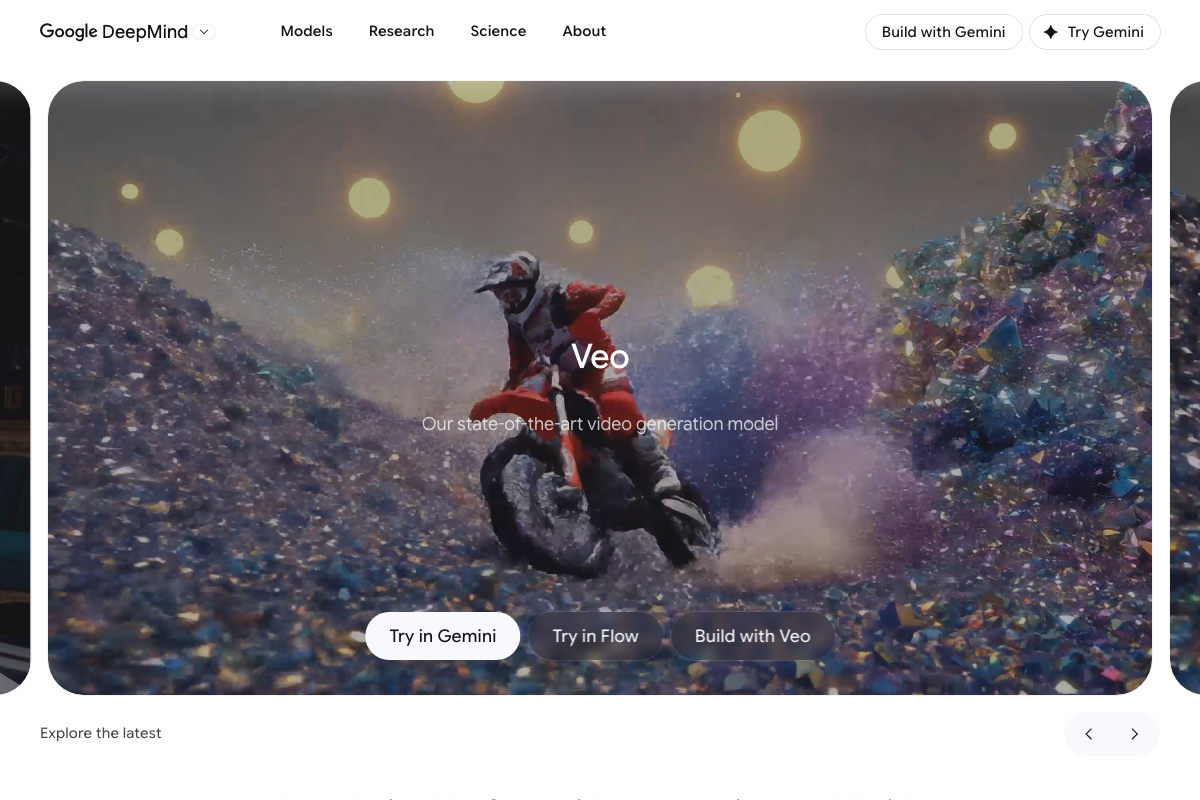
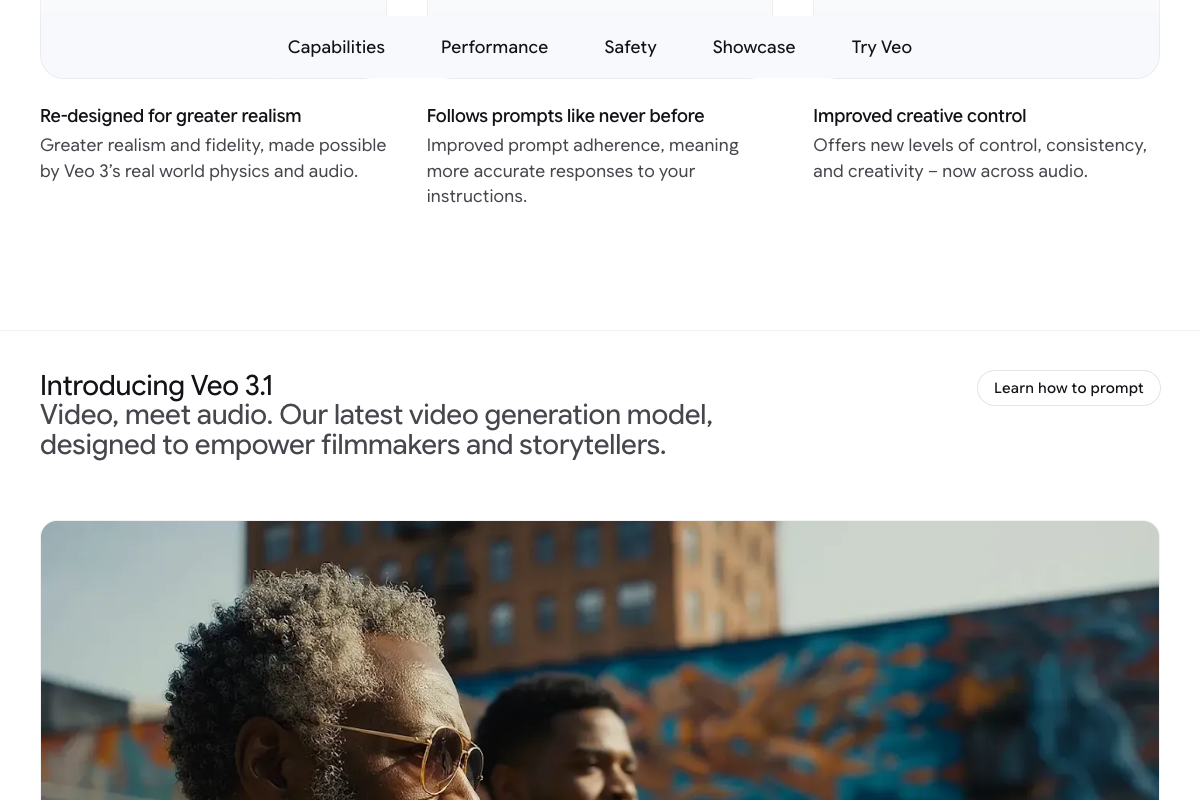
Two capabilities the tutorial doesn’t flag: Veo 3 includes native audio generation alongside video output, and a subsequent model — Veo 3.1 (“Video, meet audio”) — is documented on the same page. Verify which version is active in your chosen access tool before committing to a production workflow. Google DeepMind also publishes a dedicated Safety tab on the Veo product page, which is worth reviewing before deploying Veo-generated creative in regulated categories.
Sora is also positioned as a testable AI video model in this context. All three sora.com screenshots rendered as blank white images — no capability, availability, or policy documentation could be confirmed from those captures.
No official documentation was found for Sora —
proceed using the video’s approach and verify independently.
Step 6: Generating creative variations across personas
No official documentation was found for this step —
proceed using the video’s approach and verify independently.
Step 7: Using ChatGPT for ad copy brainstorming
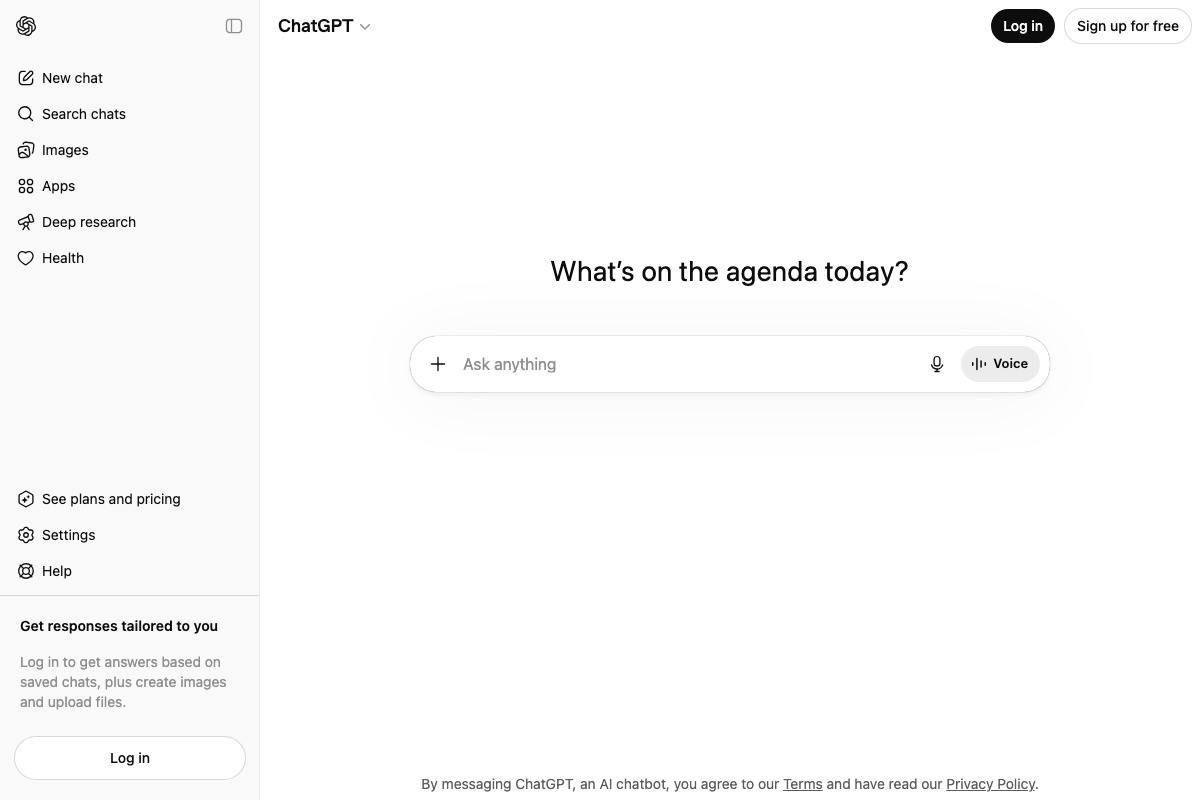
The video’s approach here matches the current docs exactly. ChatGPT is live at chat.openai.com with a free tier available, consistent with using it as a low-barrier ideation tool at any budget level. One useful distinction the tutorial doesn’t draw: the consumer interface at chat.openai.com and the developer API documentation at platform.openai.com are separate products — for prompt engineering and scripting workflows at volume, the developer platform is the correct reference.
Step 8: Scaling creative output for platform diversity
As of April 9, 2026, the Meta Business Help Center URL for AI creative tools (https://www.facebook.com/business/help/creative) returns a “This page isn’t available” error — confirmed broken across three separate screenshot captures. The Andromeda creative diversity claim cannot be verified from Meta’s official documentation at this path. Check Meta’s Ads Manager help center directly for current guidance on creative diversity requirements.

One finding outside the tutorial’s eight steps: Manus (manus.im), an AI agent tool relevant to this broader workflow, now displays a persistent banner stating “Manus is now part of Meta — bringing AI to businesses worldwide.” This acquisition was not referenced in the tutorial and carries direct implications for data handling and Meta Ads workflow integration if Manus is part of your creative stack.
Useful Links
- ChatGPT — Consumer AI chat interface with a free tier; the practical starting point for ad copy brainstorming and script drafting at any budget level.
- Veo — Google DeepMind — Official documentation for Veo 3 and Veo 3.1, including capabilities, a dedicated Safety tab, and direct access via Gemini, Flow, and developer API.
- TikTok for Business — TikTok’s advertising platform homepage; the Resources section is the expected location for AI creative policy and Symphony AI documentation.
- Meta Business Help Center — AI Creative Tools — Currently returning a “Page Not Found” error; Meta’s AI creative documentation has likely moved or been restructured.
- Sora — OpenAI’s video generation tool; documentation capture failed across all attempts — visit directly to confirm current availability and platform policies.
- Manus — AI agent platform, recently acquired by Meta; evaluate data handling and privacy implications before integrating into Meta Ads workflows.


0 Comments