

Using Agentic AI as Your Decision-Ready Intelligence Layer
Marketing and data teams that deploy agentic AI correctly can compress a 45-minute analyst workflow into an unattended overnight run — and still validate every output before it reaches a client. This tutorial walks through the adoption framework, security considerations, and live demonstration covered by Michael Brito, Cara Buscaglia, and Tom Fitz on a Hootsuite panel. By the end, you’ll have a repeatable process for moving from raw data to structured reporting with an AI agent doing the heavy lifting.
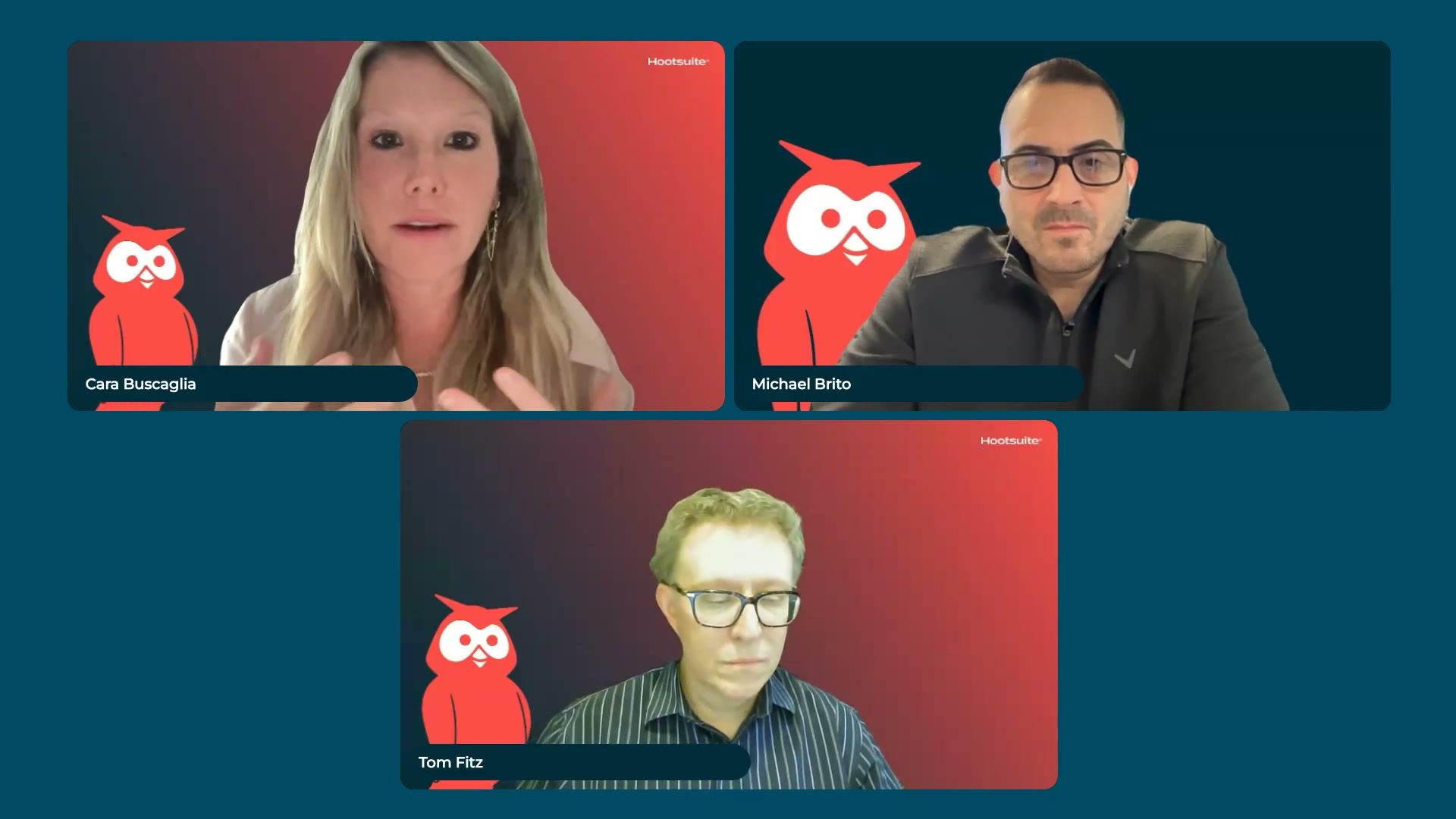
- Frame agentic AI adoption around business value and time savings — not job displacement. When introducing agents to your team, anchor every conversation to what analysts gain: less time cleaning CSVs in Excel, more time on strategic interpretation. Resistance drops when people see a working demo rather than an abstract promise.

-
Secure executive sponsorship before rolling out agentic AI across teams. Tom Fitz identifies the absence of a confident executive sponsor as the single biggest brake on enterprise adoption. Without a leader willing to disrupt existing workflows, individual team efforts produce competing experiments rather than organizational momentum.
-
Audit and clean your data foundation before connecting any AI agent. An agent scales your existing processes — including broken ones. Verify that your data is accurate, consistently structured, and unambiguously labeled before wiring anything to a pipeline. The panel’s example: an AI monitoring setup that failed because the input keyword was a single ambiguous word.

-
Decide whether to build, buy, or rent AI expertise for your organization. Most teams end up with some combination of all three. Make a deliberate choice based on your timeline, budget, and internal capability — rather than defaulting to whichever option surfaces first.
-
For regulated industries, deploy small language models inside private architecture. Organizations in healthcare or financial services should avoid routing sensitive data through public large language model endpoints. Running small language models within an internal architecture creates a hard security boundary that keeps confidential data and intellectual property out of external training pipelines.

- Upload a structured CSV to ChatGPT and specify the desired output outcome rather than writing a traditional prompt. Describe the business problem and the deliverable you want. Michael Brito’s demonstration: a dataset containing media coverage, social data, and engagement metrics, paired with an instruction that defined the final output — a PowerPoint with insight-driven headlines and brand-accurate formatting.
Warning: this step may differ from current official documentation — see the verified version below.
-
Allow the agent to run unattended. Once you’ve defined the output, close the session. The demonstration produced a formatted PowerPoint in 45 minutes with no further input — not client-ready, but structurally coherent and a defensible starting point.
-
Download and review the AI-generated output for structure, color, and insight quality. Evaluate whether the agent interpreted the data correctly, whether formatting matches brand standards, and whether the headline insights hold up before involving anyone else.
-
Validate AI data processing results against a manual analyst workflow before using the output with clients. Run the same dataset through your standard process — pivot tables, lookups, charts — and compare. This isn’t redundancy; it’s calibration. Parallel verification protects client credibility until you’ve established trust in a specific agent’s accuracy on a specific data type.
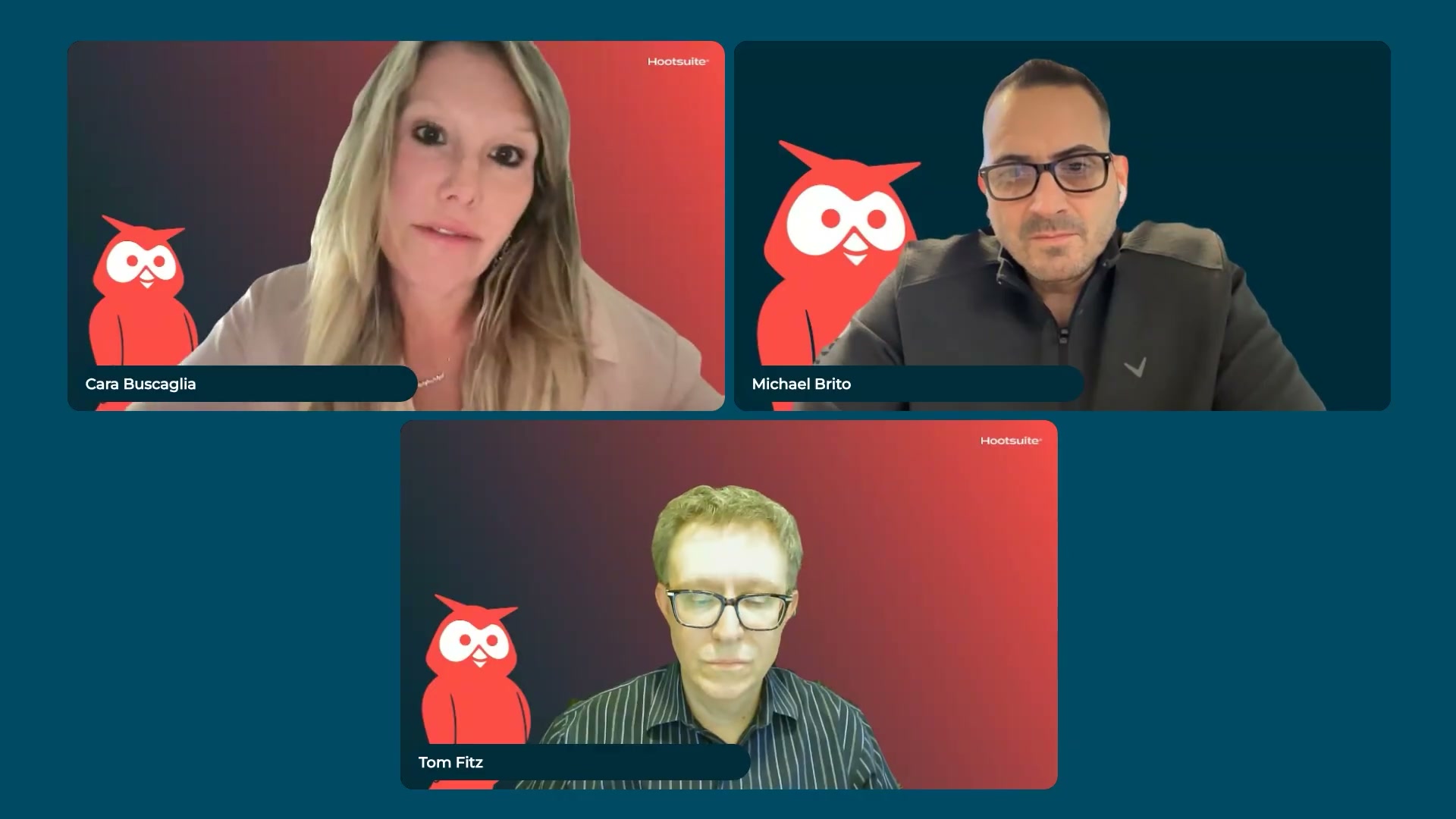
- Use an internal agent to pull, cleanse, and organize social data from a platform like Hootsuite, then pipe the output directly into a BI tool like Domo for dashboard creation. This removes the manual export-and-transform step from the analyst’s workflow without sacrificing visibility into the underlying data.
How does this compare to the official docs?
The panel’s workflow is grounded in practitioner experience, but several steps — particularly the ChatGPT-based data analysis approach and the security architecture for regulated industries — have direct counterparts in vendor documentation that fill in what the video leaves open.
Here’s What the Official Docs Show
The panel walkthrough holds up well against current vendor documentation — what follows layers in platform-specific context the live format didn’t have time to cover. Steps 1–5 and step 7 fall outside the documentation reviewed; proceed on the video’s guidance for those.
Steps 1, 2, 3, 4, 5, and 7
No official documentation was found for these steps —
proceed using the video’s approach and verify independently.
Step 6 — Upload a structured CSV to ChatGPT
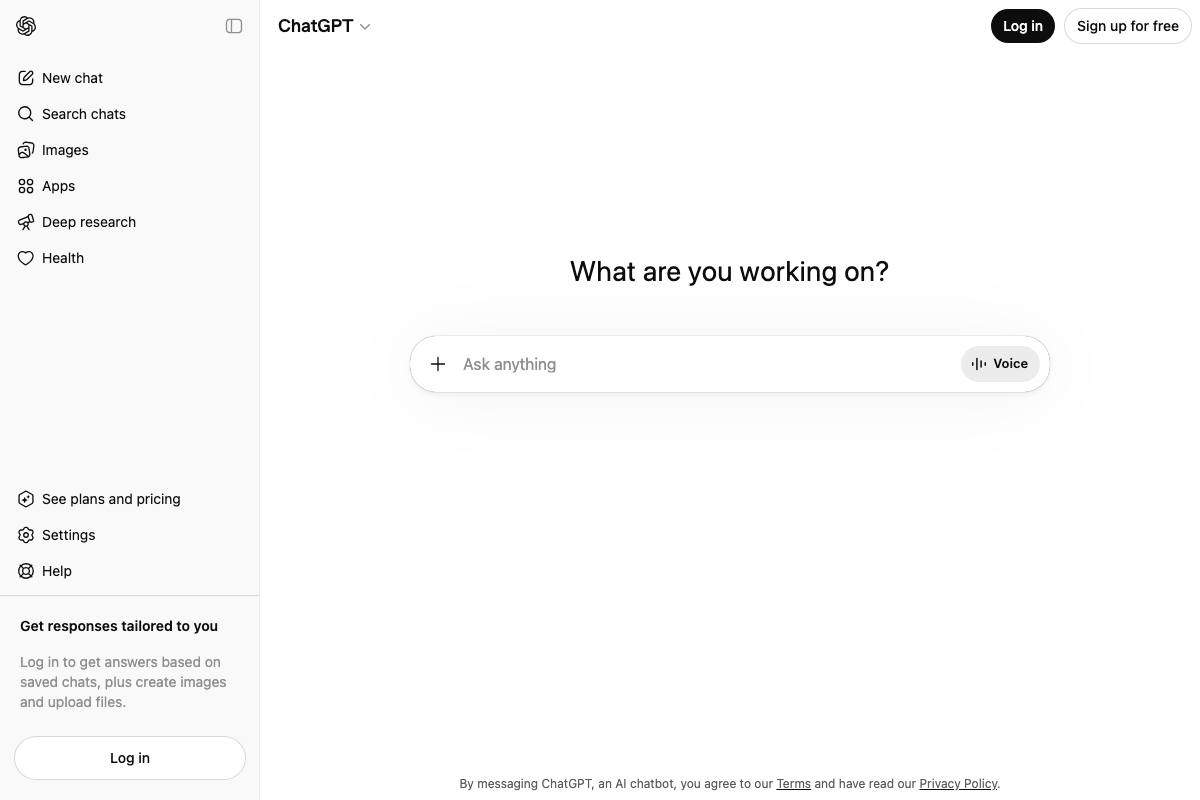
The video’s approach here matches the current docs exactly. One prerequisite the tutorial skips: file upload requires a logged-in account, confirmed explicitly in the ChatGPT sidebar. Also worth noting — “Deep research” appears as a separate autonomous agent mode in the current UI; it is not the same workflow as the basic file-upload-and-analyze session the panel demonstrates. Don’t conflate the two when briefing your team.
Step 8 — Download and review the AI-generated PowerPoint
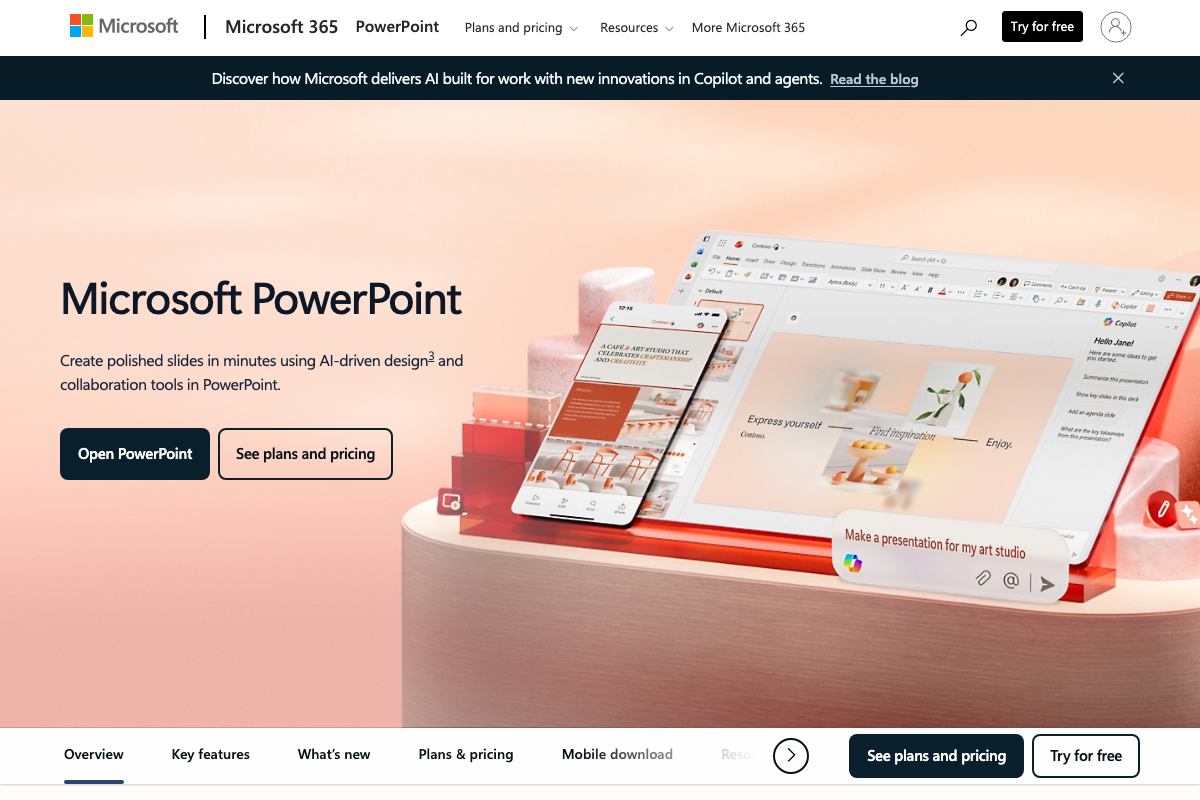
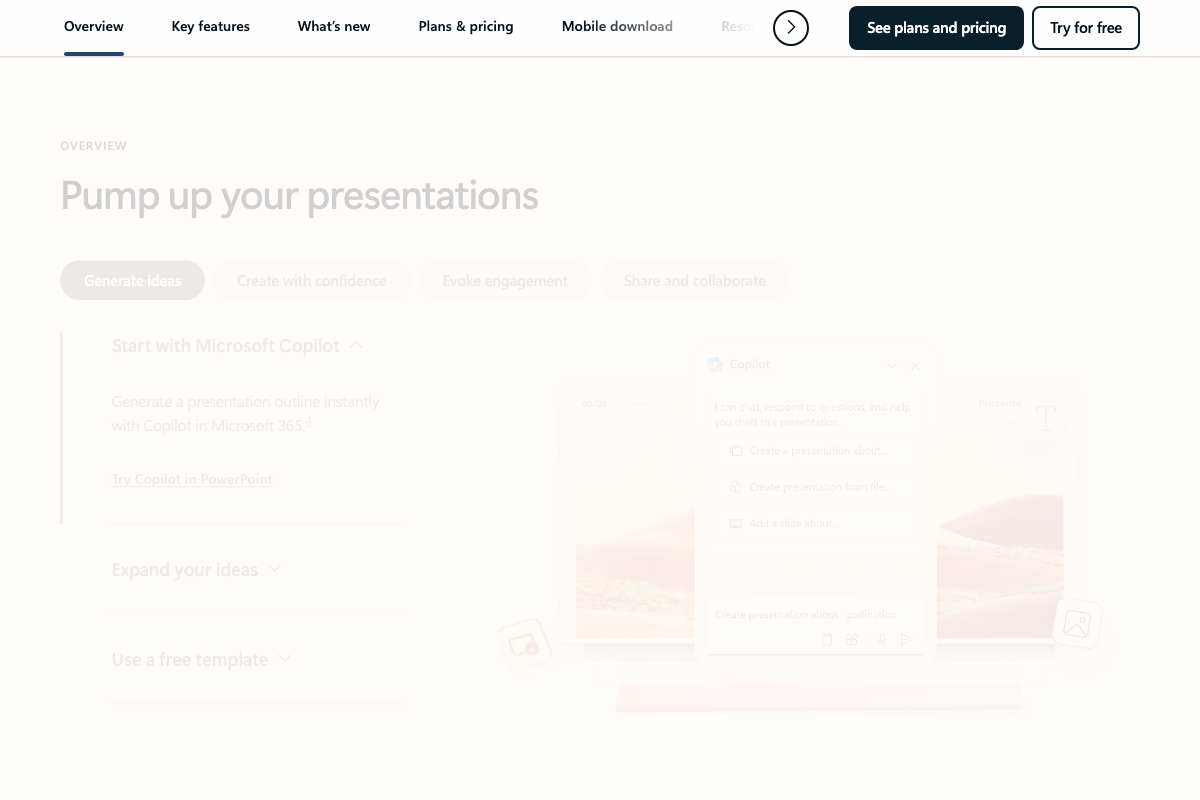
The video’s approach here matches the current docs exactly in outcome — AI-generated .pptx files are a documented, supported use case. The distinction worth holding: Microsoft’s native AI slide path runs through Copilot in PowerPoint, not ChatGPT. Both produce AI-authored presentations, but Copilot operates inside the application and requires a Microsoft 365 subscription — a separate commercial relationship from the ChatGPT workflow the tutorial shows. If your team is already in the Microsoft ecosystem, “Create presentation from file” in the Copilot panel is the native equivalent.
Step 9 — Validate AI output against a manual analyst workflow in Excel
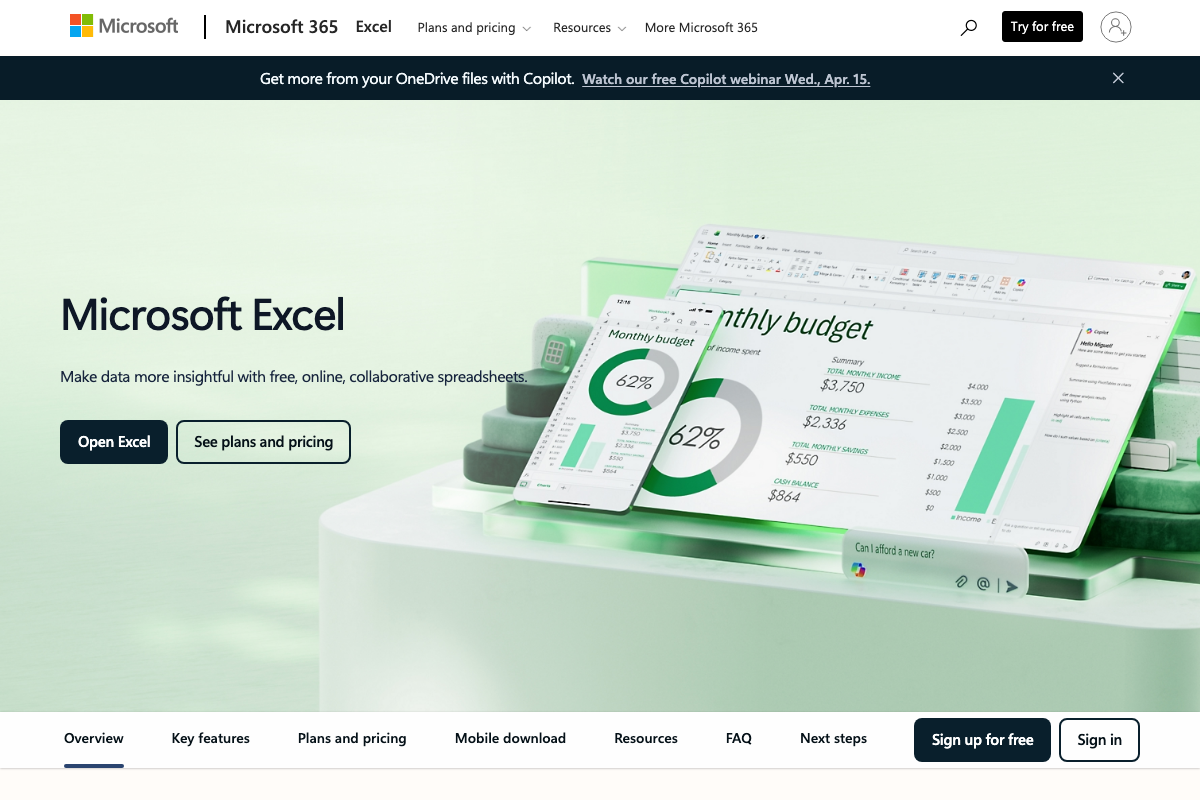
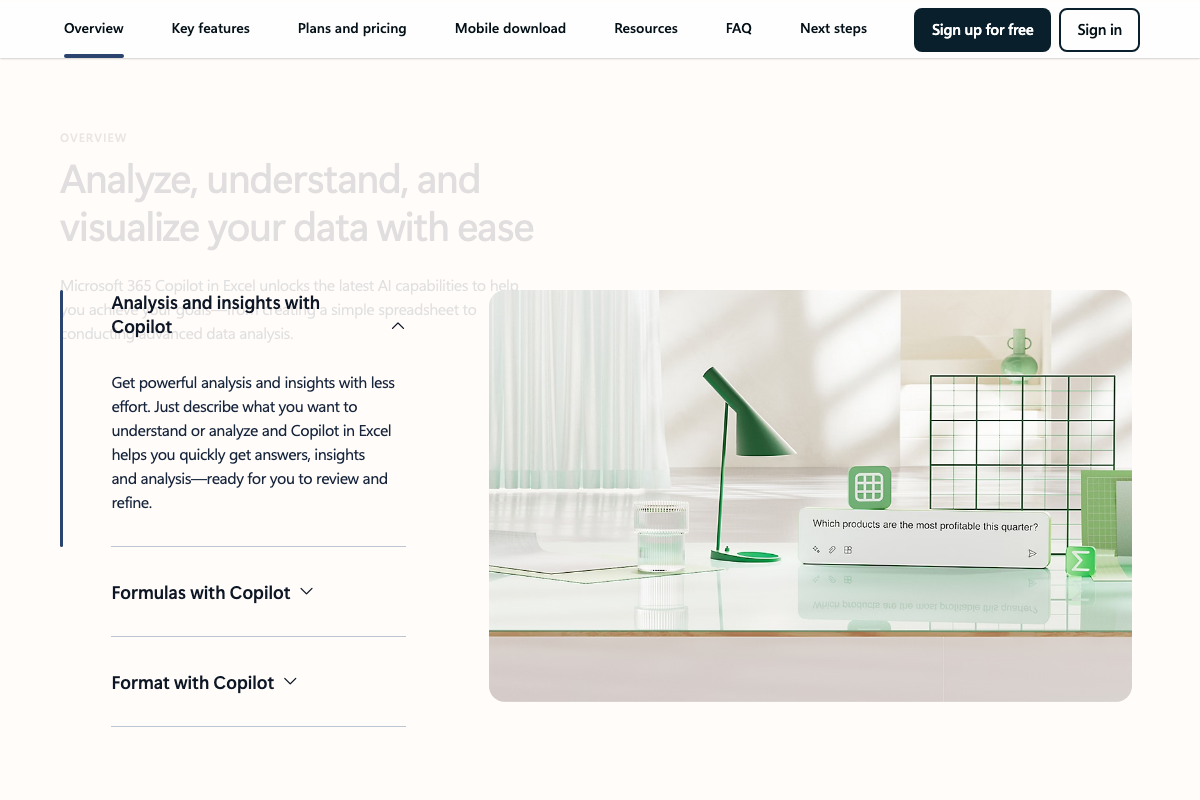
The video’s approach here matches the current docs exactly in principle. The nuance: Excel’s product page is now titled Copilot in Excel: AI Data Analysis & Spreadsheets, and native natural language querying against datasets — “Which products are the most profitable this quarter?” — is a documented Excel feature. The manual-vs-AI comparison in step 9 is less binary than the tutorial presents; your validation environment now ships with its own AI layer.
Step 10 — Pipe social data from Hootsuite into Domo
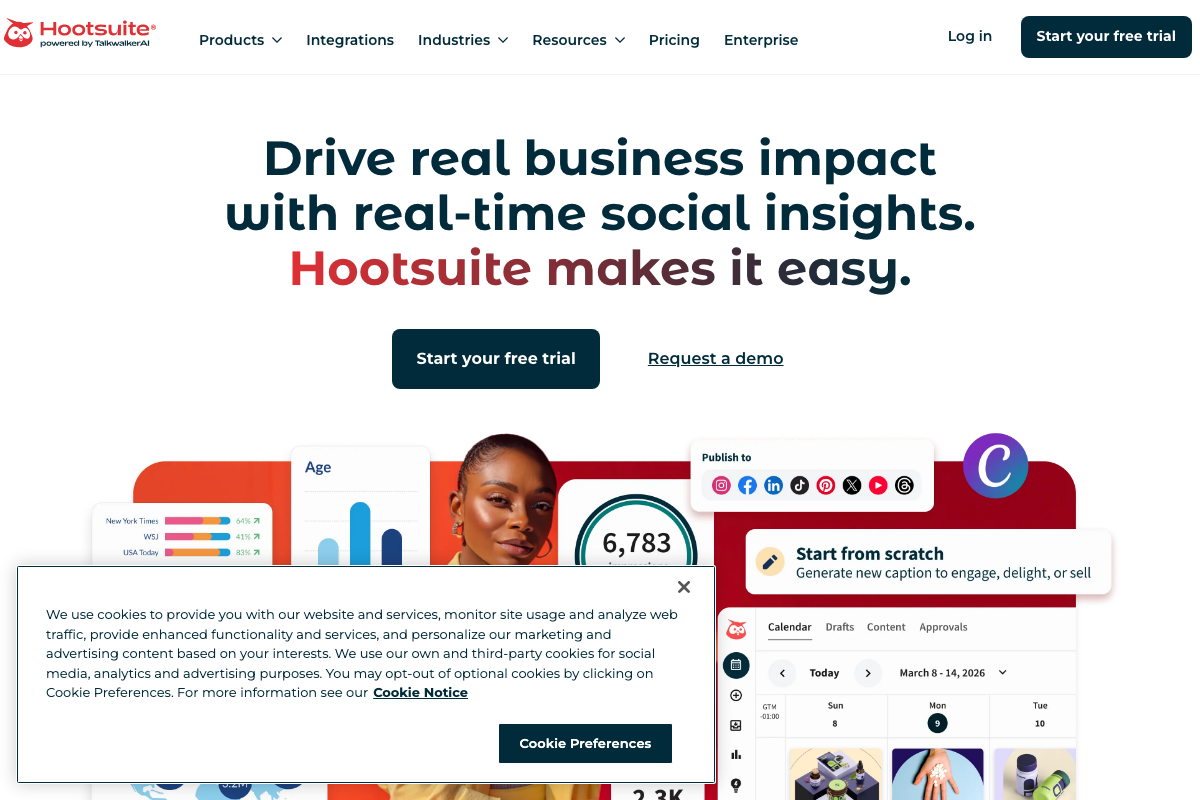
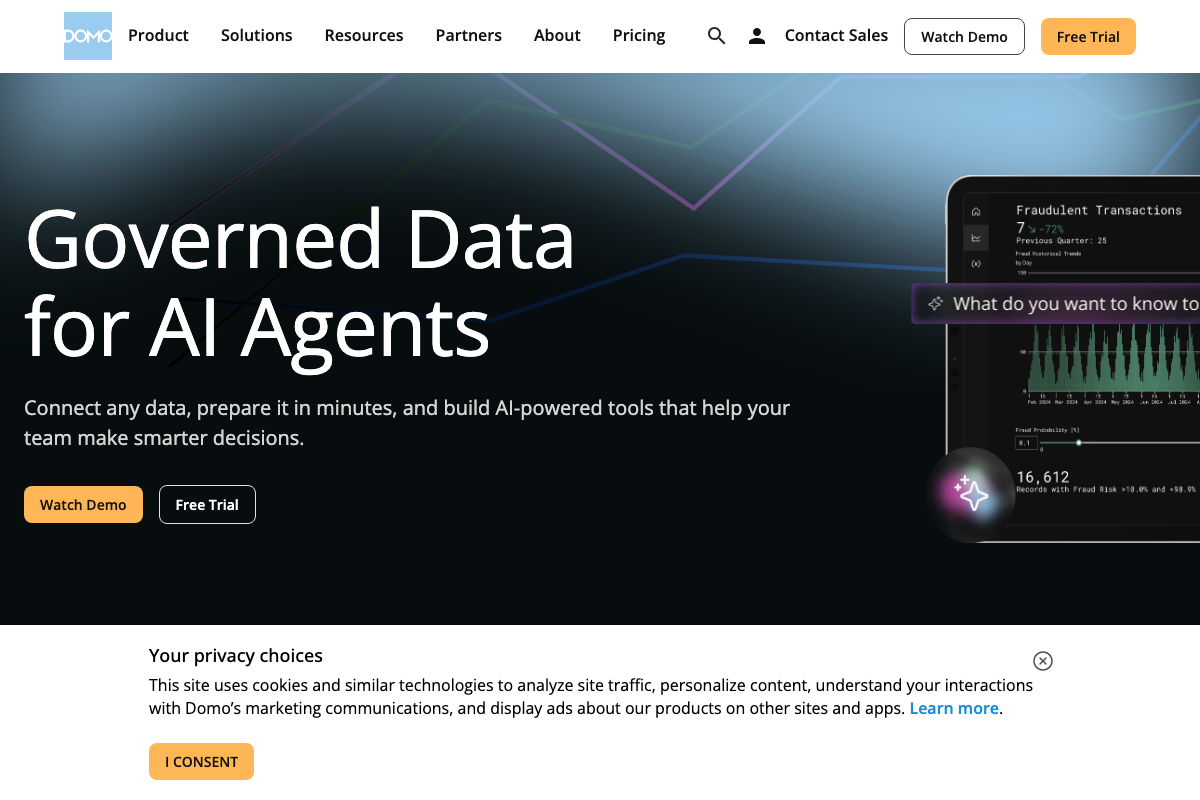
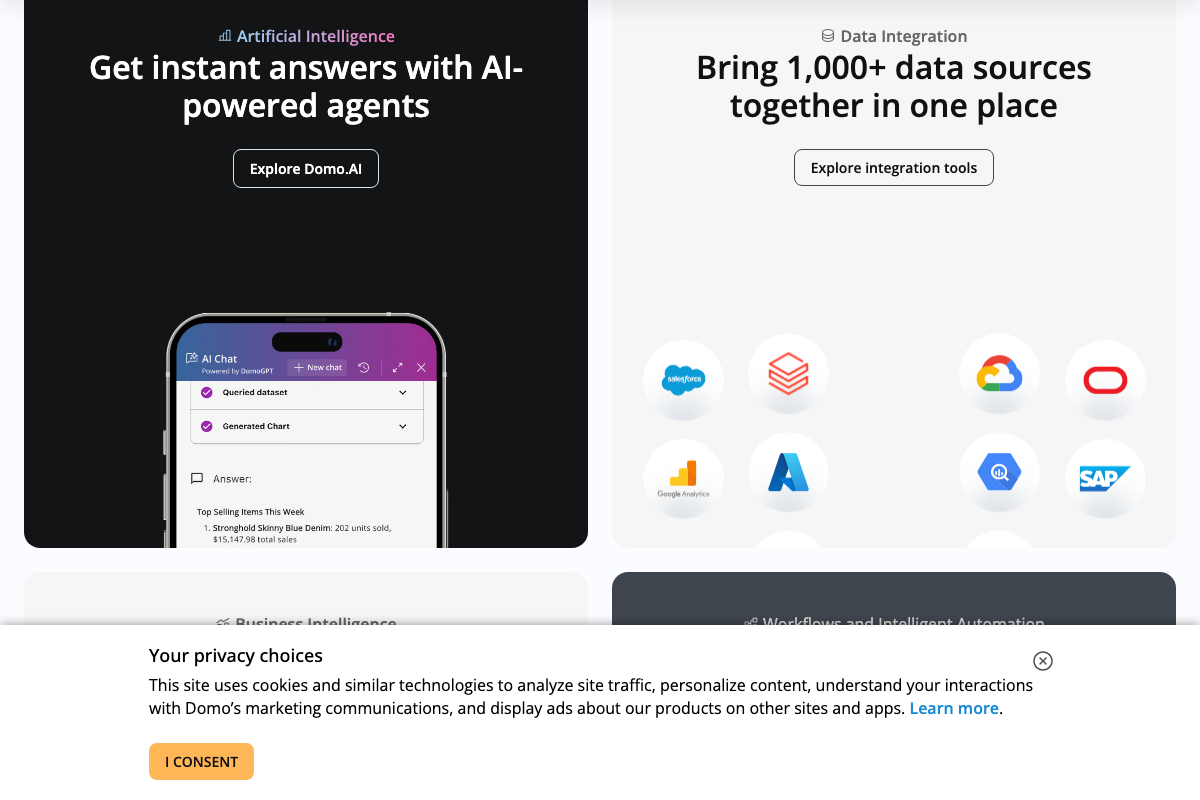
The video’s approach here matches the current docs exactly for the core pipeline concept, with two platform updates to register. Hootsuite’s logo now reads “powered by TalkwalkerAI” — the platform has integrated Talkwalker’s social listening and AI analytics capabilities since the tutorial was recorded; the social data source use case in step 10 is intact, but the platform’s scope is broader than described. Domo’s current headline is “Governed Data for AI Agents” — DomoGPT’s query-then-chart agent pattern confirms the agentic BI workflow the tutorial describes. One verification flag: Hootsuite is not visible among Domo’s featured integration logos (Salesforce, Google Analytics, Azure, SAP, and Oracle are shown). Confirm Hootsuite connector availability in current Domo integration documentation before building this pipeline. As of April 6, 2026, the developer portal URL from the tutorial metadata — developer.domo.com/portal/2a7a1e59c8db5-domo-apis — returns a 404 and is no longer a valid API documentation link.
Useful Links
- ChatGPT — ChatGPT homepage confirming file upload support and the separate ‘Deep research’ autonomous agent mode
- PowerPoint | Presentations and Slides Online | Microsoft 365 — Official PowerPoint page documenting Copilot AI slide generation, including the ‘Create presentation from file’ native workflow
- Copilot in Excel: AI Data Analysis & Spreadsheets | Microsoft Excel — Official Excel page documenting native AI analysis, natural language dataset querying, and Copilot formula assistance
- Social Media Marketing and Management Tool | Hootsuite — Hootsuite homepage reflecting current TalkwalkerAI integration and expanded AI-powered social listening positioning
- The AI and Data Products Platform | Domo — Domo homepage documenting the platform’s ‘Governed Data for AI Agents’ positioning and DomoGPT agentic query-and-visualization workflow


0 Comments