

Prepare Your Website for AI Agent Interactions With Web MCP
AI agents from Perplexity, OpenAI, and Google are no longer just answering questions about the web — they’re visiting websites and completing tasks on users’ behalf. By working through the five preparation steps in this tutorial, you’ll know how to audit and adapt your existing site so AI agents can actually use it, using a proposed browser-level standard called Web MCP. The gap between agent-ready and agent-ignored is already costing conversions; the sites closing that gap now will inherit traffic that slower competitors lose.
-
Recognize why the two current AI agent interaction methods fail. Today’s agents either use UI automation — mimicking human clicks and keystrokes — or rely on APIs. UI automation breaks the moment a developer renames a CSS class or repositions a button. APIs are reliable but most sites don’t expose them publicly, and those that do often omit features available through the normal interface. Neither approach gives a website a standardized way to declare, “Here’s what you can do here, and here’s how.”
-
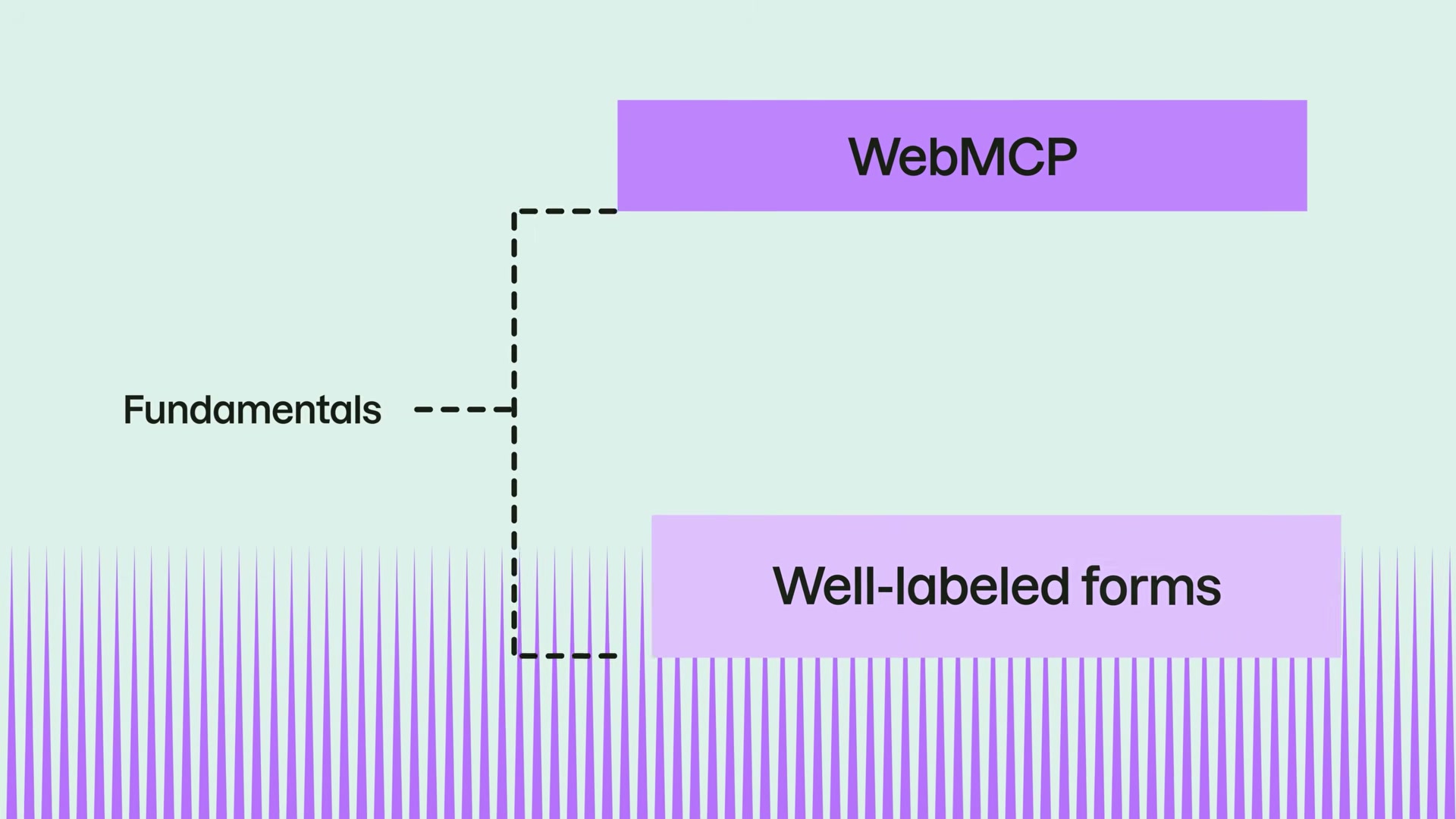
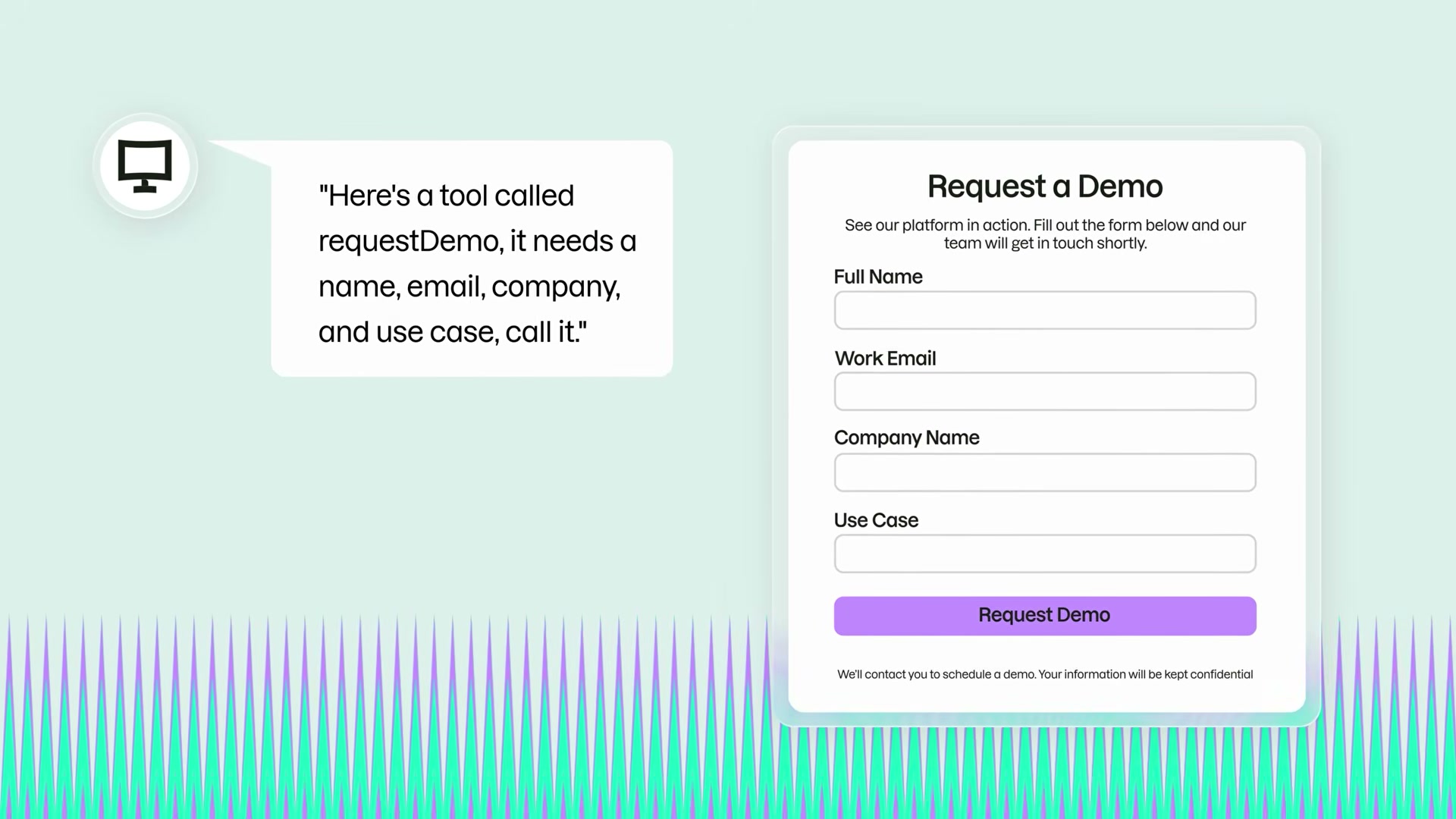
Understand what WebMCP is. Web Model Context Protocol is a proposed browser-level standard co-developed by Google Chrome and Microsoft Edge through a W3C community group. Its draft spec was published in February 2026. Instead of an agent guessing which field maps to “company name” on your demo form, your site declares a tool called
requestDemo, lists its required parameters, and the agent calls it directly — no public API required.
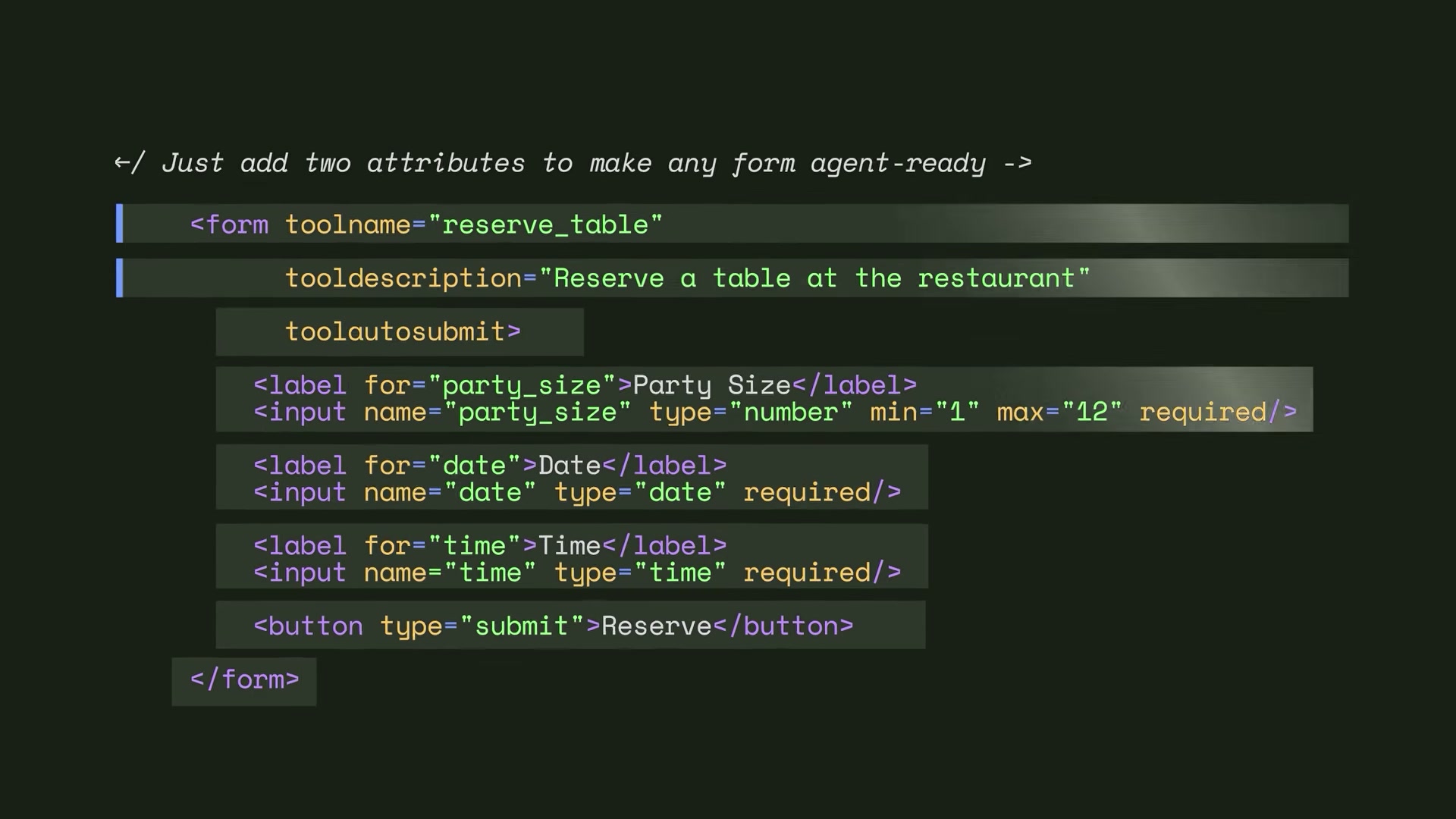
- Add WebMCP declarations using the declarative approach. For standard HTML forms, add a
toolnameattribute, atooldescriptionattribute, and optionallytoolautosubmitto an existing<form>element. The browser reads your labeled input fields and translates them into a format agents can call directly. No new infrastructure is required — only clean, well-labeled markup you likely already have.
Warning: this step may differ from current official documentation — see the verified version below.
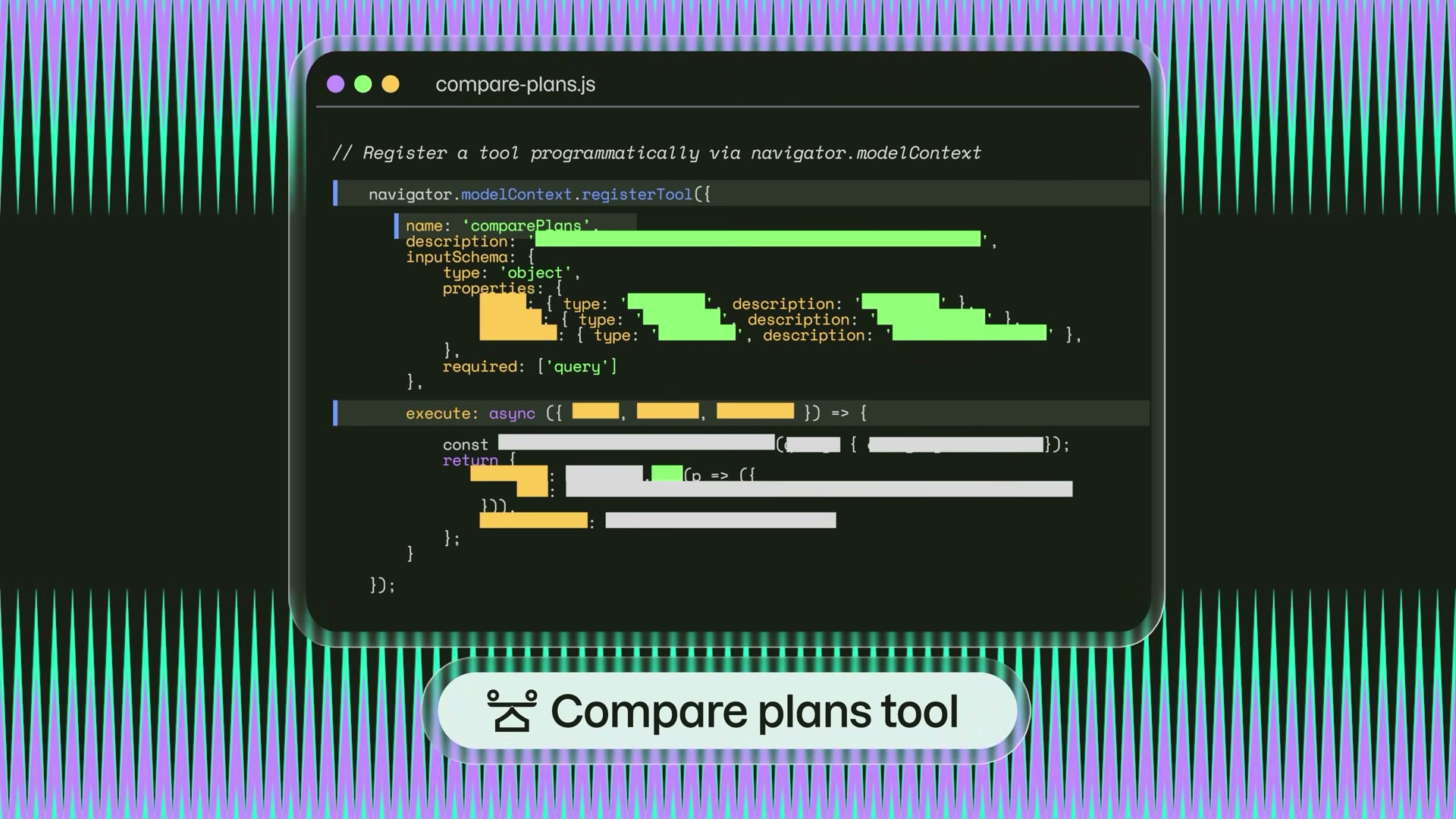
- Register dynamic tools with the imperative approach. For complex interactions — multi-step checkouts, conditional pricing tools, dashboards where available actions shift with page state — register tools programmatically via
navigator.modelContext.registerTool(). Pass aname,description,inputSchema, and anexecutecallback. A compare-plans tool, for example, can be registered only when a user reaches the pricing page, so the agent’s available actions stay contextually accurate.
Warning: this step may differ from current official documentation — see the verified version below.
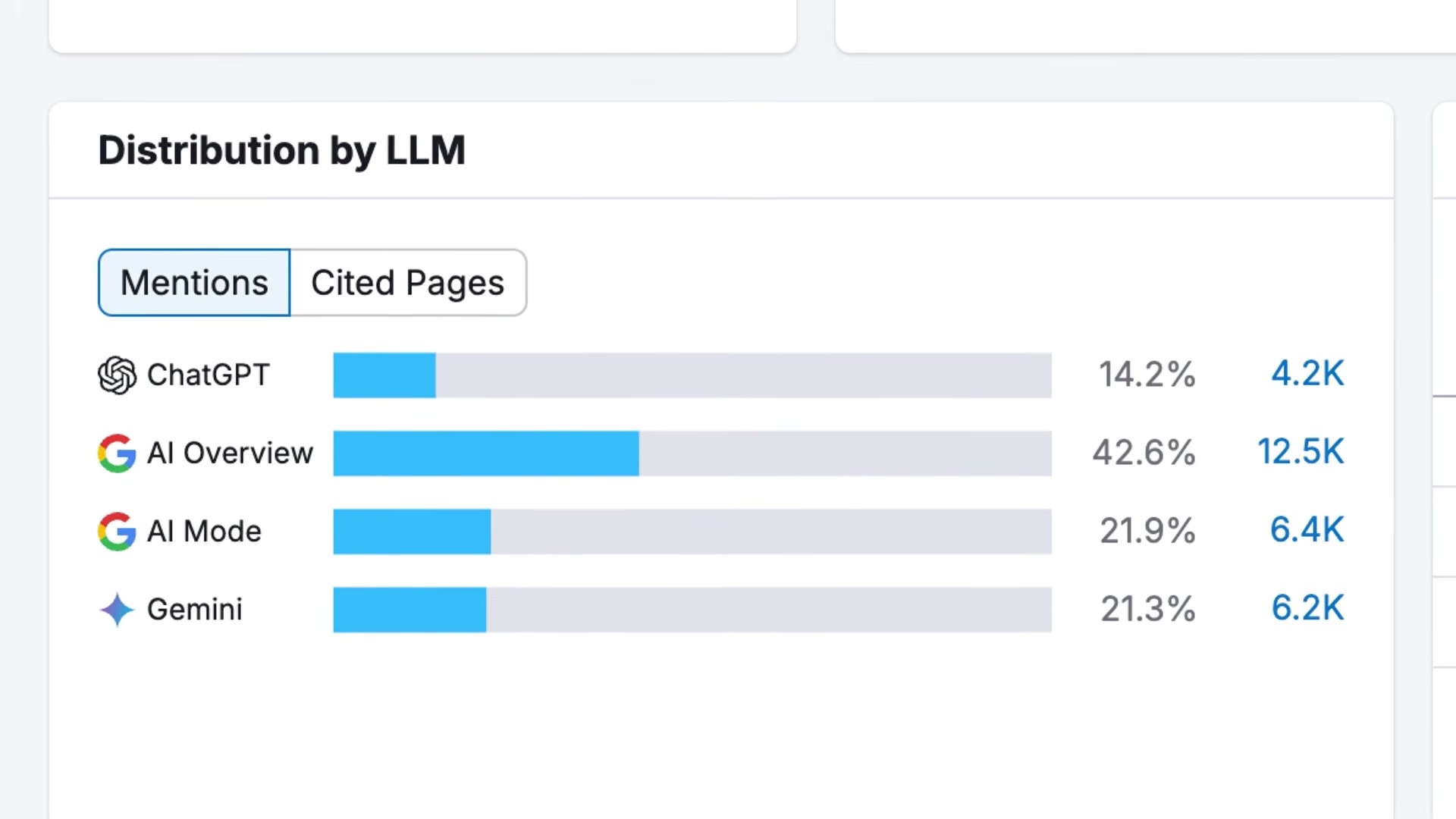
- Measure your AI visibility baseline. Before any implementation work, confirm that agents can actually find your brand. Use Semrush’s AI Visibility Toolkit to check where your brand is cited — and where it isn’t — across ChatGPT, Perplexity, and Google AI Mode. Agent-ready forms on a site agents never encounter won’t move a metric.
-
Map your site’s actions, not just its content. Shift your optimization lens from informational pages to transactional actions: book a demo, get a quote, filter products, compare plans. If you can’t list your site’s top five user actions in thirty seconds, an AI agent cannot reliably find them either.
-
Audit each action for agent-readiness. For every action you mapped, verify that form labels are unambiguous, input names are predictable, redirect URLs are stable, and forms render as clean HTML rather than JavaScript-dependent markup. The declarative approach can only work with forms the browser can read at parse time.
-
Brief your dev team and introduce the concept to clients. Share the Search Engine Land breakdown, the Semrush blog deep dive, Chrome’s preview docs, and the W3C community group link with your developers. For agency clients, frame WebMCP as an emerging standard their current SEO work is already laying the groundwork for — awareness, not alarm.
-
Test WebMCP yourself in Chrome Canary. Enable the WebMCP feature flag in Chrome Canary’s experimental settings, then install the Model Context Tool Inspector browser extension to see which tools any page is currently exposing to agents. Google’s flight search demo shows an agent completing a task in real time and serves as the clearest live reference available today.

How does this compare to the official docs?
The attribute names, JavaScript API signatures, and browser behavior shown in the video come from a draft spec that was still being finalized at time of publication — so before you hand implementation tickets to your dev team, it’s worth checking what the W3C community group and Chrome’s preview documentation actually specify today.
Here’s What the Official Docs Show
The tutorial above gives you a strong conceptual foundation for Web MCP — the steps below add documentation-grounded context where official sources exist and flag the areas where the video’s specifics couldn’t be confirmed against current public documentation. Think of this as the verified layer sitting alongside Act 1, not a replacement for it.
Step 1 — Why current agent methods fail
No official documentation was found for this step — proceed using the video’s approach and verify independently.
Step 2 — What WebMCP is
No official documentation was found for this step — proceed using the video’s approach and verify independently.
Step 3 — Declarative approach: adding WebMCP to HTML forms
No official documentation was found for this step — proceed using the video’s approach and verify independently.
Step 4 — Imperative approach: registering dynamic tools
No official documentation was found for this step — proceed using the video’s approach and verify independently.
Step 5 — Measure your AI visibility baseline
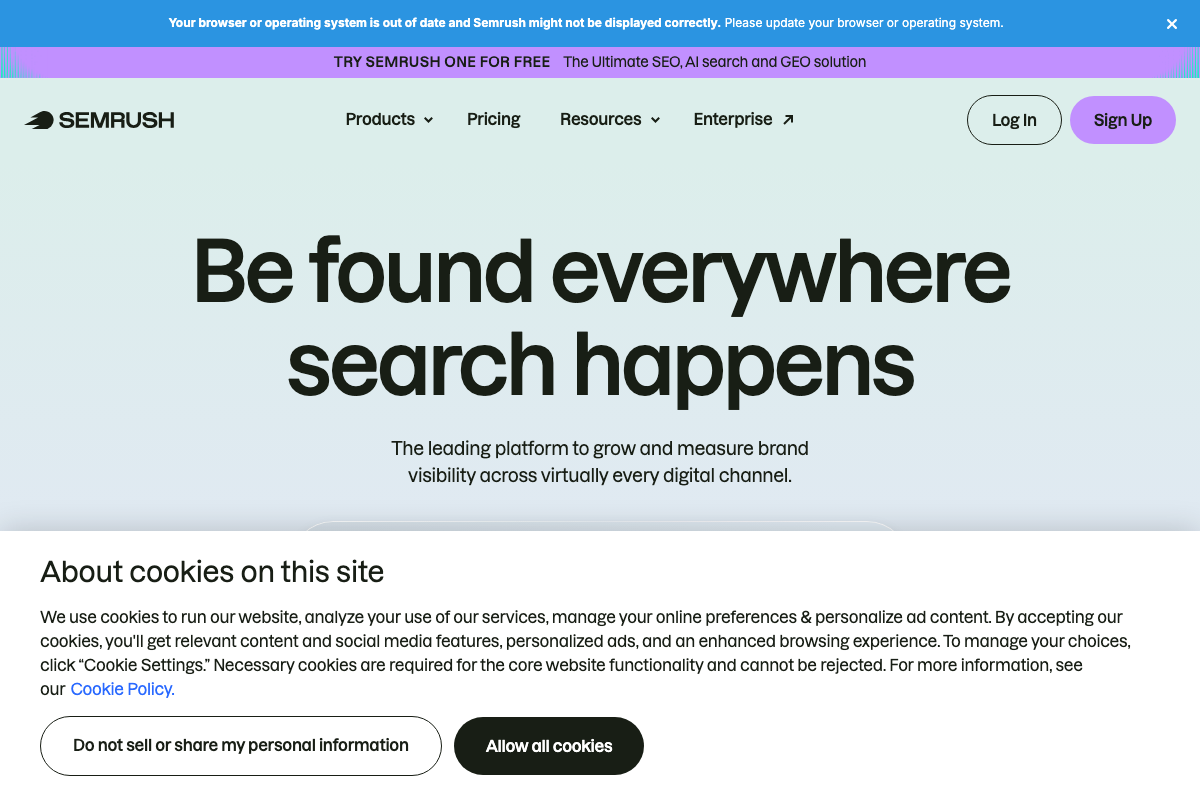
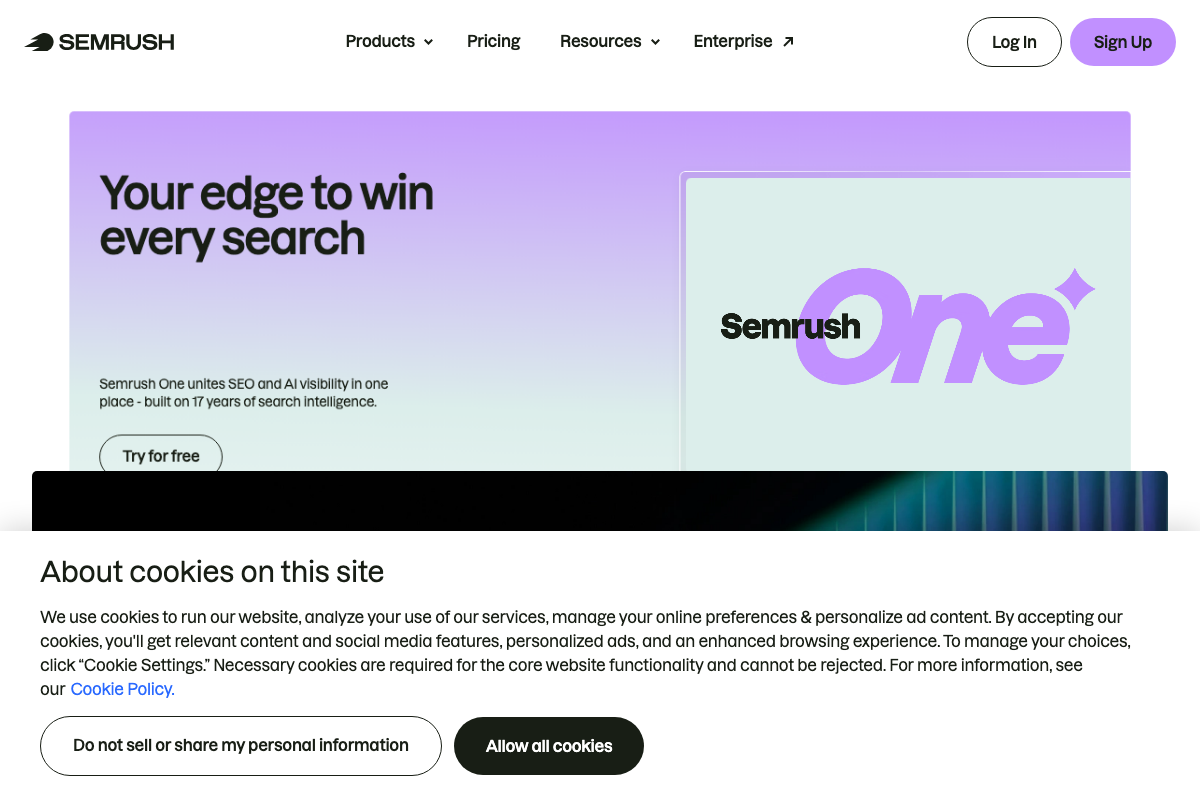
Semrush is a real, active platform covering AI search visibility, and the video’s recommendation to use it is directionally sound. What the docs clarify is the product name. As of April 2, 2026, there is no product named “AI Visibility Toolkit” visible on Semrush’s site — the relevant product is Semrush One, described on-page as uniting “SEO and AI visibility in one place — built on 17 years of search intelligence.” A free tier is available via the “Try for free” button on the product page.
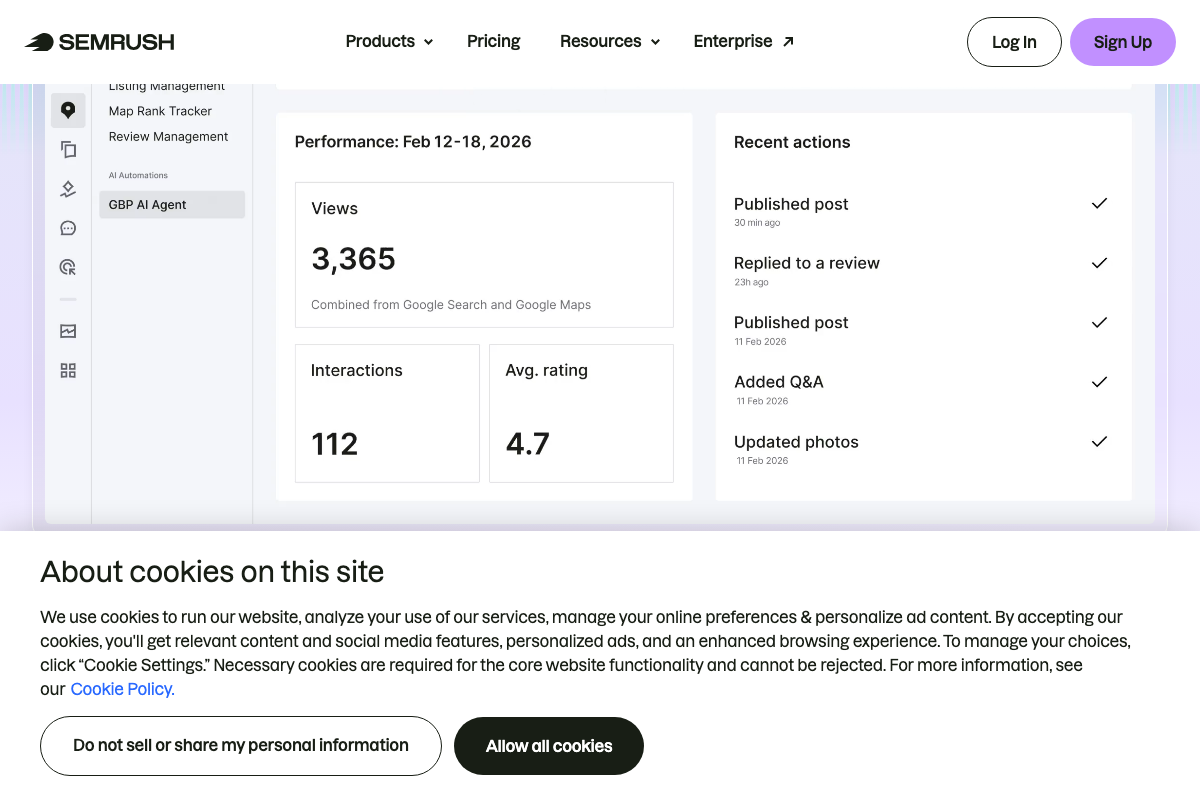
One additional clarification worth flagging before you go hunting for chatbot-level brand data: as of April 2, 2026, the Semrush dashboard screenshot that appears in this context shows the GBP AI Agent panel — a Google Business Profile and local listing tool that pulls performance data from Google Search and Google Maps only. It does not display brand mention tracking across ChatGPT, Perplexity, or Google AI Mode as the video describes.
Step 6 — Map your site’s actions
No official documentation was found for this step — proceed using the video’s approach and verify independently.
Step 7 — Audit each action for agent-readiness
No official documentation was found for this step — proceed using the video’s approach and verify independently.
Step 8 — Brief your dev team and clients
No official documentation was found for this step — proceed using the video’s approach and verify independently.
Step 9 — Test WebMCP in Chrome Canary
Chrome Canary is a real, official Google product — a nightly developer build available at google.com/chrome/canary/ — and it is the correct environment for testing experimental browser features. Two things the video does not surface: the download page carries a prominent warning that “Canary can be unstable,” and as of April 2, 2026, that page contains no reference to a WebMCP feature flag or a “Model Context Tool Inspector” extension. The specific setup steps the video describes for enabling WebMCP testing could not be confirmed against any current public documentation.
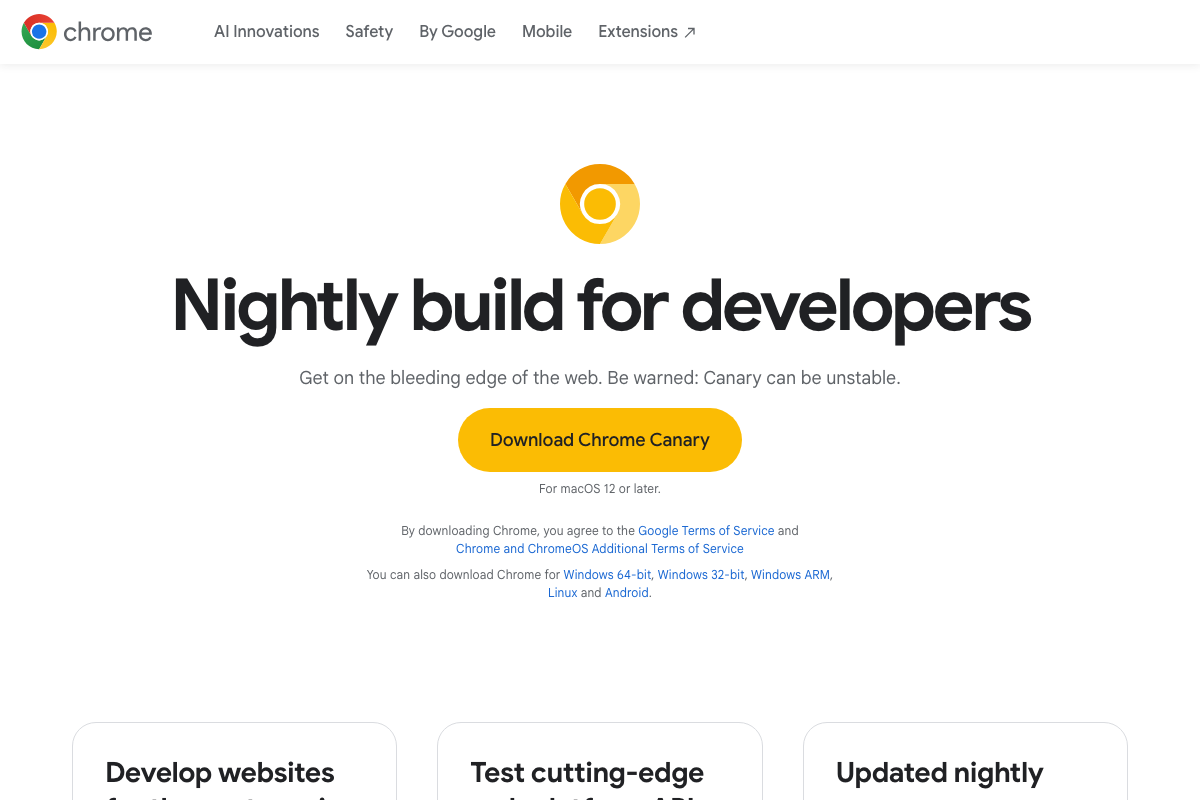
The page footer does list Chrome Experiments under “Dev and Partners” — the section where experimental feature flag documentation typically lives — and that is the most promising starting point for tracking down current WebMCP flag details as the spec continues to evolve.

Useful Links
- Semrush: Your Unfair Advantage for Growing Brand Visibility — Official Semrush homepage detailing the platform’s SEO, AI search, and GEO visibility capabilities, including the Semrush One product suite and its free tier.
- Chrome Canary Features For Developers – Google Chrome — Official Chrome Canary download page with system requirements, an instability warning, and footer links to Chrome Experiments and other developer-facing resources.


0 Comments