

Turn YouTube Into a Lead Machine With the WISPER System
Most business owners chase viral moments on YouTube and burn out with nothing to show for it. Elise Darma generated nearly $20,000 from her channel during a six-month hiatus — no new posts, no viral hits — by building a repeatable content system instead of a content calendar. This walkthrough covers every step of that system, called WISPER, as taught inside her course YouTube Vault, so you can set up the same compounding asset for your own business.
-
W — Identify who your target audience is already watching. Before you ideate a single topic, research which creators your ideal clients already follow on YouTube. This gives you a proven content map: you know what problems they’re curious about, what formats hold their attention, and what gaps you can fill. You’re not starting from scratch — you’re starting from existing demand.
-
I — Ideate video topics using search data and audience signals. Once you know who your audience watches, you use that intelligence to generate topics backed by actual search behavior. The goal is to stop guessing and start validating. Topics chosen this way have a structural advantage: they match what people are already typing into YouTube, Google, and AI tools.

- S — Script your videos with AI prompts tuned to your voice. Darma’s scripting method uses AI prompts specifically designed to preserve your natural speech patterns, not produce generic content. You feed the prompt your talking points and get a script that sounds like you wrote it on your best day. The output is structured for a camera, not a blog post.
-
P — Produce and film quickly with what you already own. No gear upgrade required. The WISPER system is built around batch filming with existing equipment — phone, basic lighting, whatever you have. Speed and consistency outperform production quality for the kind of search-driven content this system targets.
-
E — Edit the video yourself or hand it off. The editing phase has one objective: get the video finished and out the door.
- R — Release and optimize so YouTube, Google, and AI tools can find it. Publishing is not the finish line — discoverability is. This step covers metadata, titles, and structure so your video surfaces across YouTube search, Google results, and AI-powered answer engines like ChatGPT. A well-optimized video keeps accumulating views and leads long after you’ve moved on to the next one.
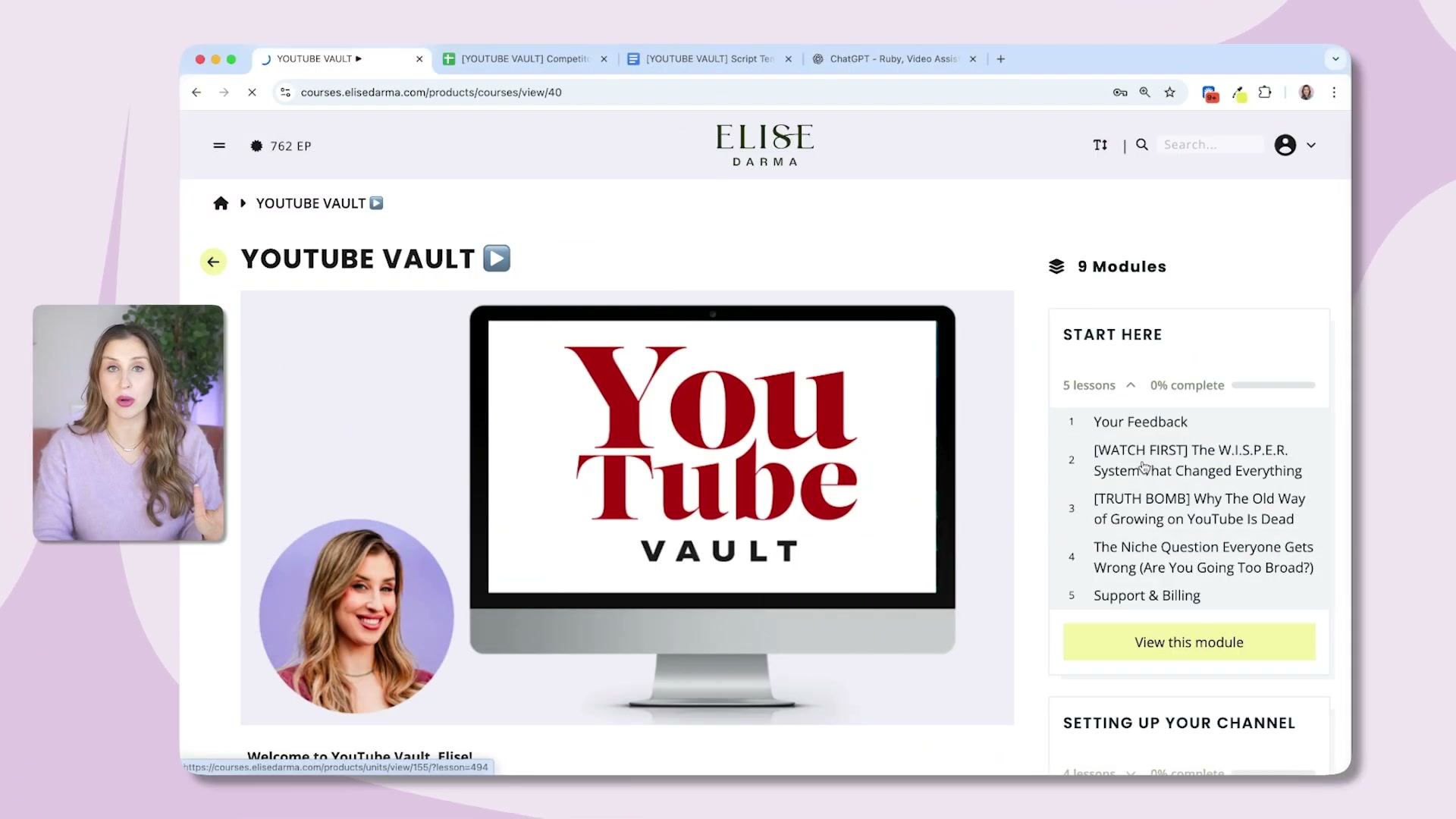
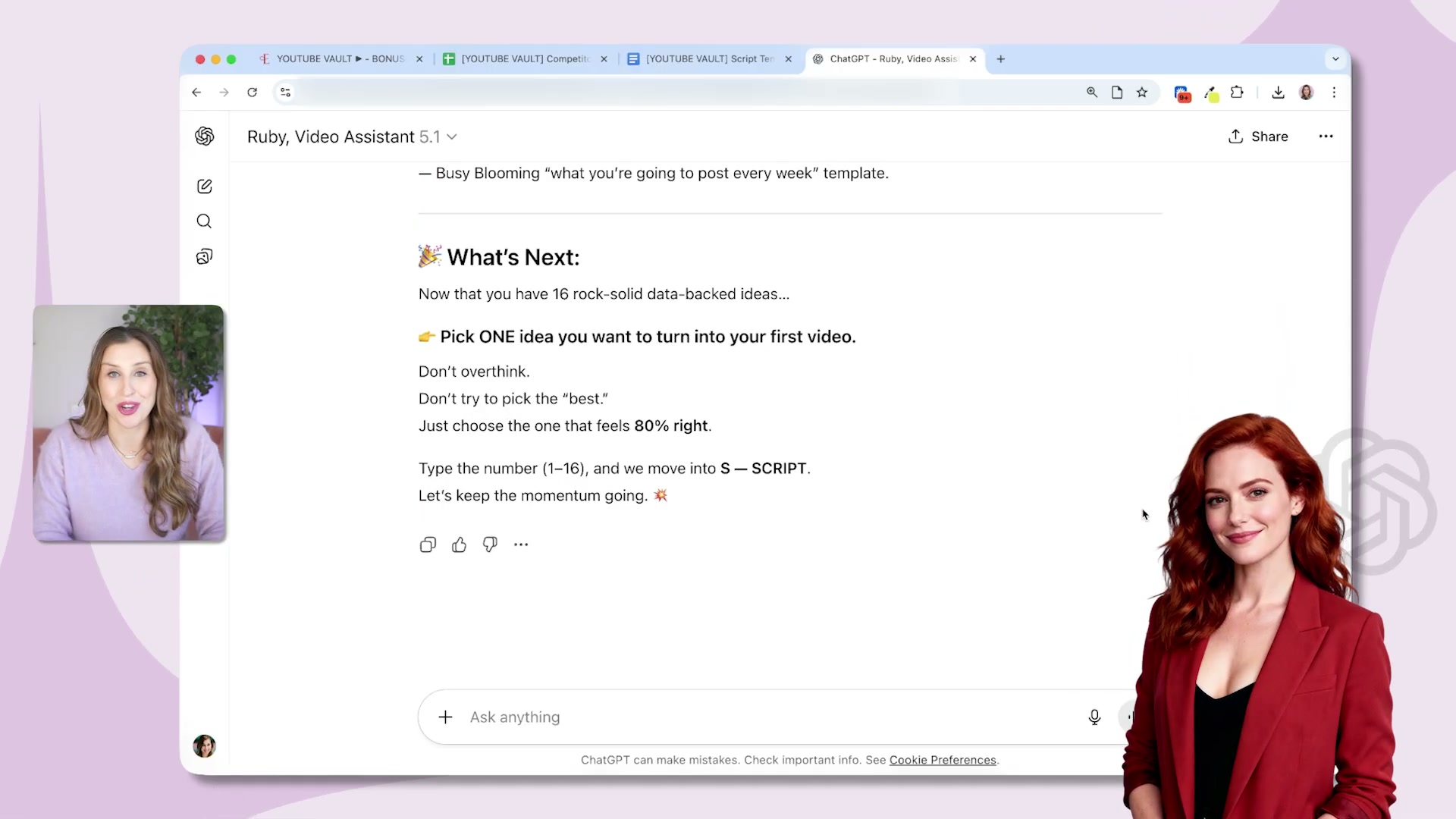
- Use Ruby, the built-in AI assistant, to generate ideas and scripts on demand. Ruby is a custom AI trained on the entire YouTube Vault course. You can ask it what your next video should be, and it returns a list of data-backed ideas and walks you directly into scripting — no blank page, no context-switching to an external tool.
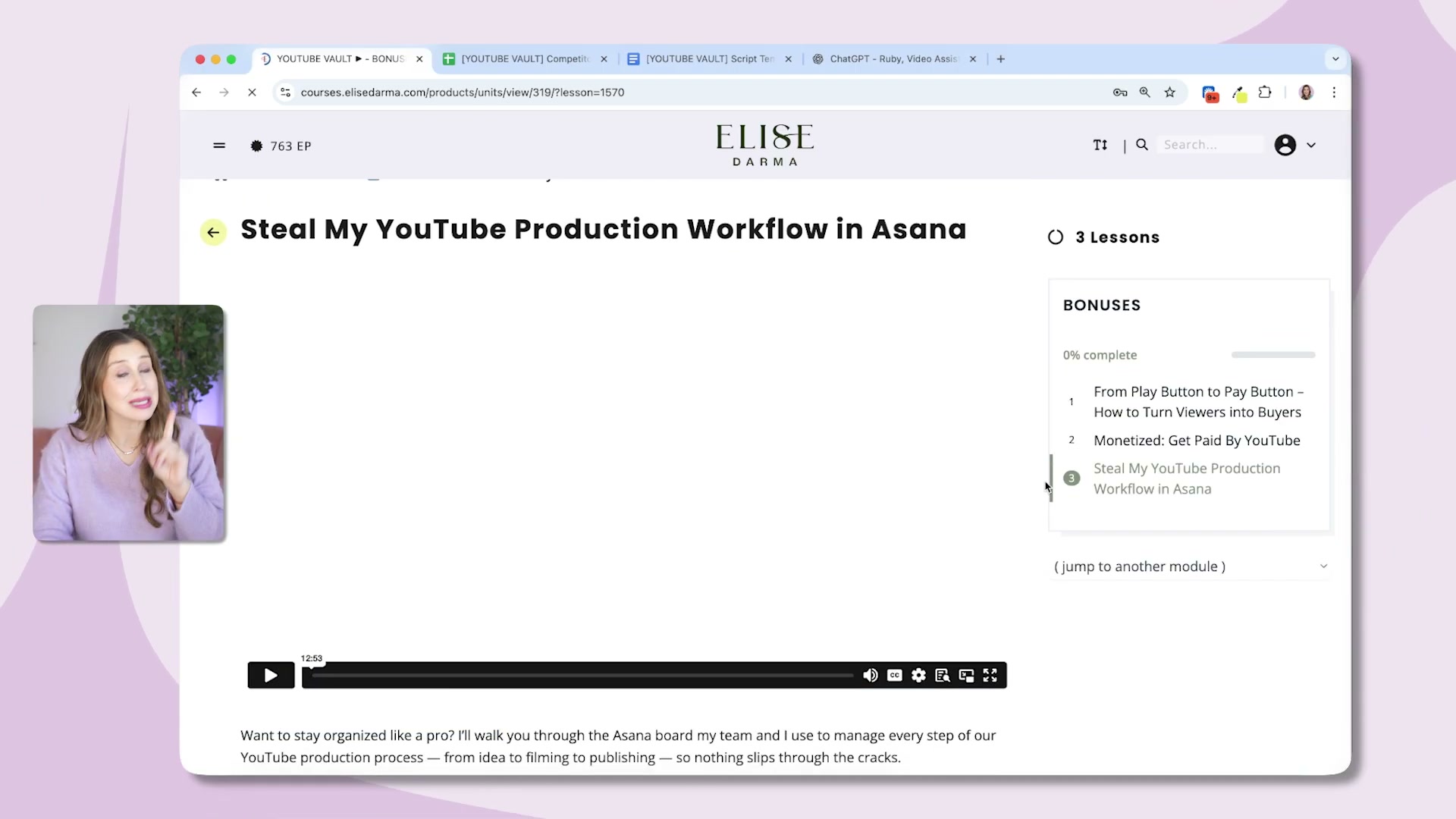
- Follow the included Asana workflow template to manage your publish schedule. YouTube Vault ships with the exact Asana board Darma’s team uses to move videos from idea to published. It removes the organizational friction that stalls most solo creators and gives you a repeatable production pipeline from day one.
- Review analytics inside YouTube Vault to find what works, then repeat it. The final loop in the system is pattern recognition. You track which videos drive views, leads, and sales — then you rebuild the same conditions for the next one. The channel compounds because each successful video informs the next.

How does this compare to the official docs?
The WISPER system is a proprietary framework taught inside a paid course, which means the next step is checking how each stage maps to YouTube’s own published guidance on channel growth, SEO, and content strategy — and where the two diverge is where things get interesting.
Here’s What the Official Docs Show
The video does a solid job outlining the WISPER framework as a repeatable content system — what follows layers in what the publicly available platform documentation actually confirms, clarifies, and leaves open as of March 27, 2026.
Step 1 — W: Research who your audience is already watching
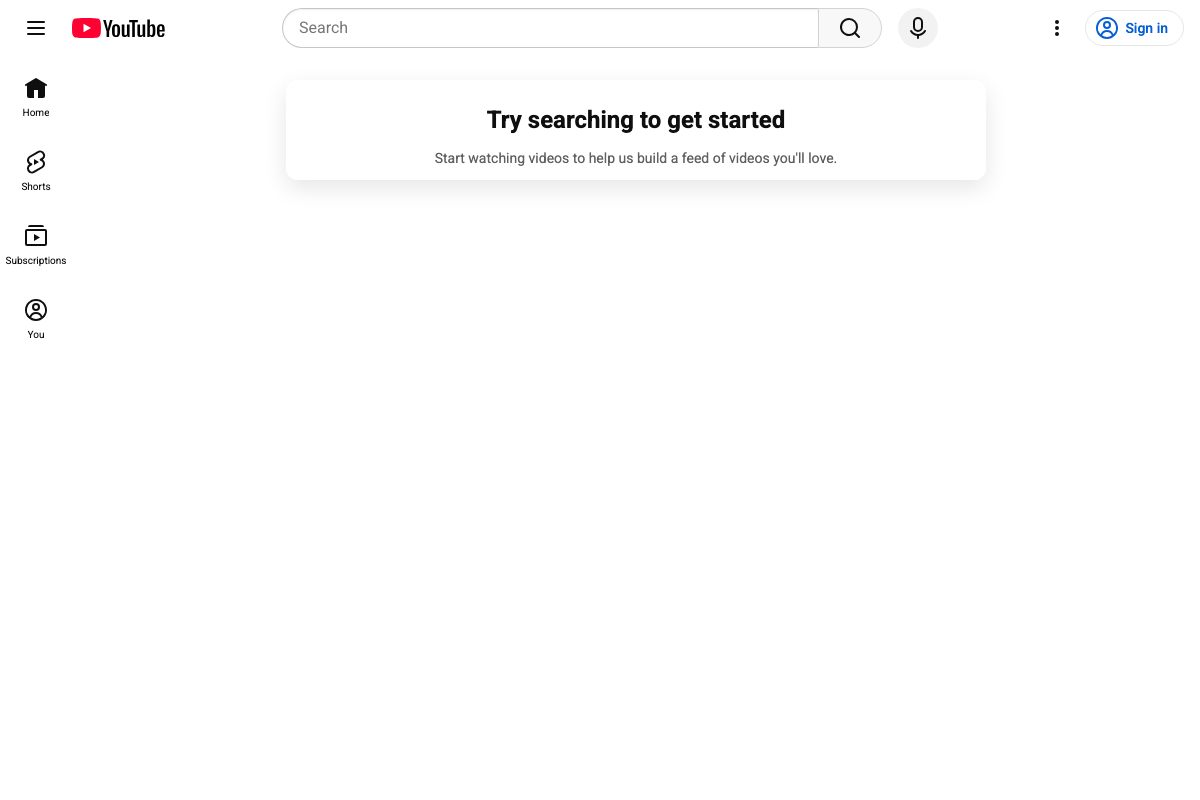
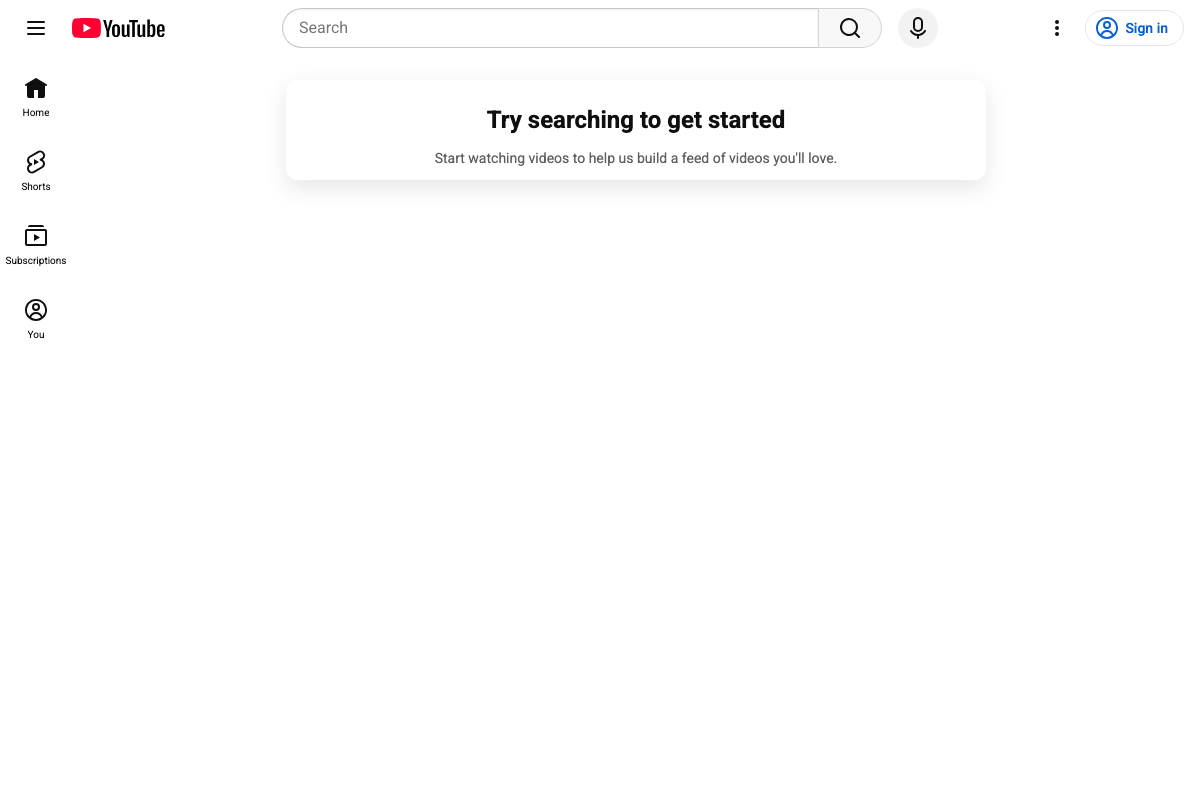
YouTube’s search interface confirms exactly what this step describes. The platform’s public search bar is designed for deliberate, keyword-driven discovery — which means audience research here is an active task, not passive feed observation. Worth noting: the logged-out state of YouTube shows “Try searching to get started,” reinforcing that this kind of research requires intentional queries, not algorithmic browsing.
The video’s approach here matches the current docs exactly.
Step 2 — I: Ideate topics using search data and audience signals
YouTube’s search surface, confirmed across the available platform screenshots, supports the premise that topics validated against real search behavior carry a structural advantage. The video’s approach here matches the current docs exactly.
Step 3 — S: Script with AI prompts tuned to your voice
No official documentation was found for this step —
proceed using the video’s approach and verify independently.
Step 4 — P: Produce and batch-film quickly with existing gear
No official documentation was found for this step —
proceed using the video’s approach and verify independently.
Step 5 — E: Edit yourself or hand it off
No official documentation was found for this step —
proceed using the video’s approach and verify independently.
Step 6 — R: Release and optimize for YouTube, Google, and AI discovery
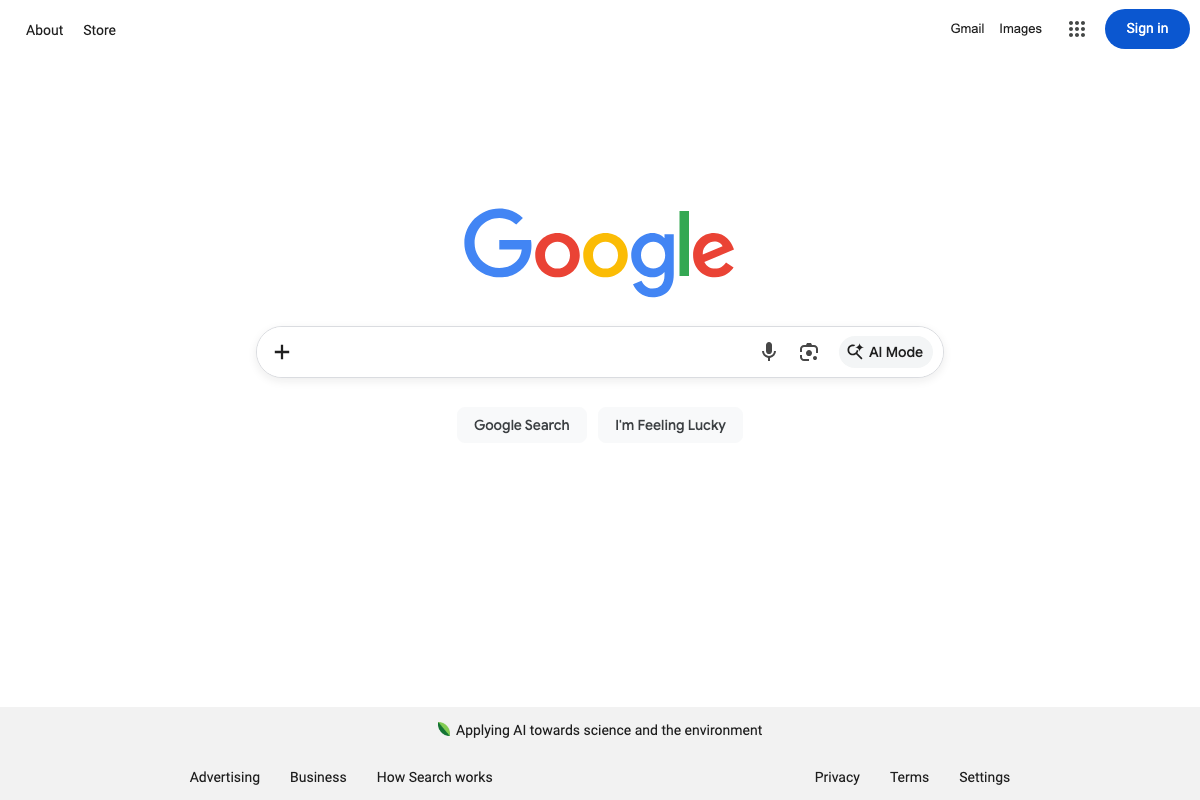
YouTube and Google Search are both confirmed as live, publicly accessible discovery surfaces — consistent with the tutorial’s claim that a well-optimized video compounds over time across multiple platforms.
The video’s approach here matches the current docs exactly.
One meaningful addition: as of March 2026, Google Search prominently features an AI Mode button directly in the search bar — a Google-native AI search layer that operates separately from standard web results. The tutorial’s optimization guidance does not address this surface. If your goal is maximum discoverability, your title, description, and metadata should be structured to surface inside AI Mode responses, not only traditional SERPs.
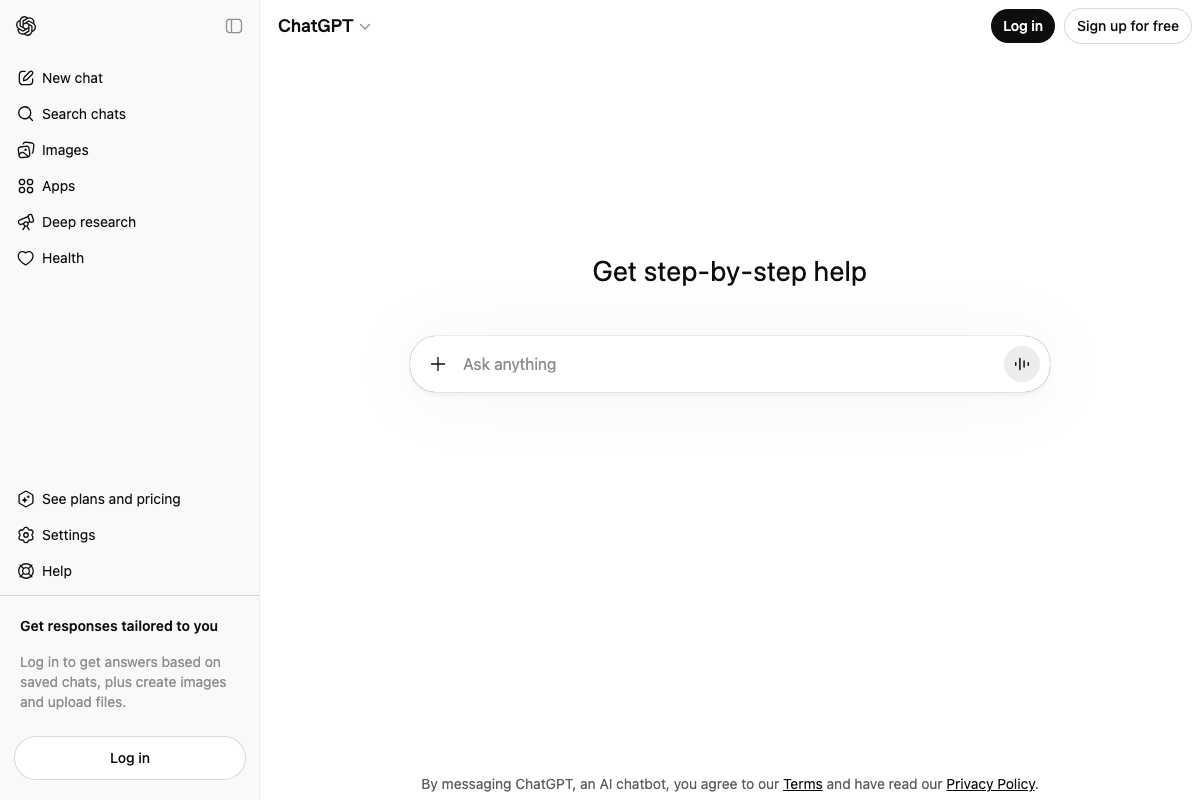
ChatGPT is also confirmed as a live public platform at chatgpt.com. The current interface includes Deep research, Images, and Apps features not mentioned in the tutorial. The tutorial references ChatGPT only as a passive discovery surface in Step 6; personalized outputs relevant to any scripting use would require a logged-in account with chat history enabled.
Step 7 — Use Ruby, the built-in AI assistant, for ideas and scripts
No official documentation was found for this step —
proceed using the video’s approach and verify independently.
Ruby is a proprietary AI assistant inside YouTube Vault; no public platform documentation can confirm or contradict its features or outputs.
Step 8 — Follow the included Asana workflow template
No official documentation was found for this step —
proceed using the video’s approach and verify independently.
The Asana board described is a course-exclusive asset; its existence and structure cannot be verified from any public documentation.
Step 9 — Review analytics inside YouTube Vault and repeat what works
No official documentation was found for this step —
proceed using the video’s approach and verify independently.
YouTube Studio — where creator-side analytics actually live — is not accessible from the public YouTube homepage shown in the available screenshots. The analytics dashboard described in Step 9 is a YouTube Vault-native view, not a native YouTube Studio feature, and neither surface was captured in the documentation provided.
Useful Links
- YouTube — YouTube’s public homepage and search interface, the platform surface referenced in WISPER Steps W, I, and R.
- ChatGPT — OpenAI’s ChatGPT product homepage, referenced in Step 6 as an AI-powered content discovery surface.
- Google — Google Search homepage, including the AI Mode button, the standard web discovery surface referenced in Step R.


0 Comments