

Browser Automation for AI Agents with SurfAgent
SurfAgent is an open-source npm package that gives AI agents direct control of your already-logged-in Chrome browser through the Chrome DevTools Protocol — no third-party browser APIs, no credential plumbing, no headless sandbox setup. After working through this tutorial, you’ll have SurfAgent running locally, connected to Claude Code, and capable of navigating live authenticated pages, reading their content, filling spreadsheets, and publishing social posts autonomously. The key constraint to know upfront: this is not headless. You need a machine with a running Chrome session.
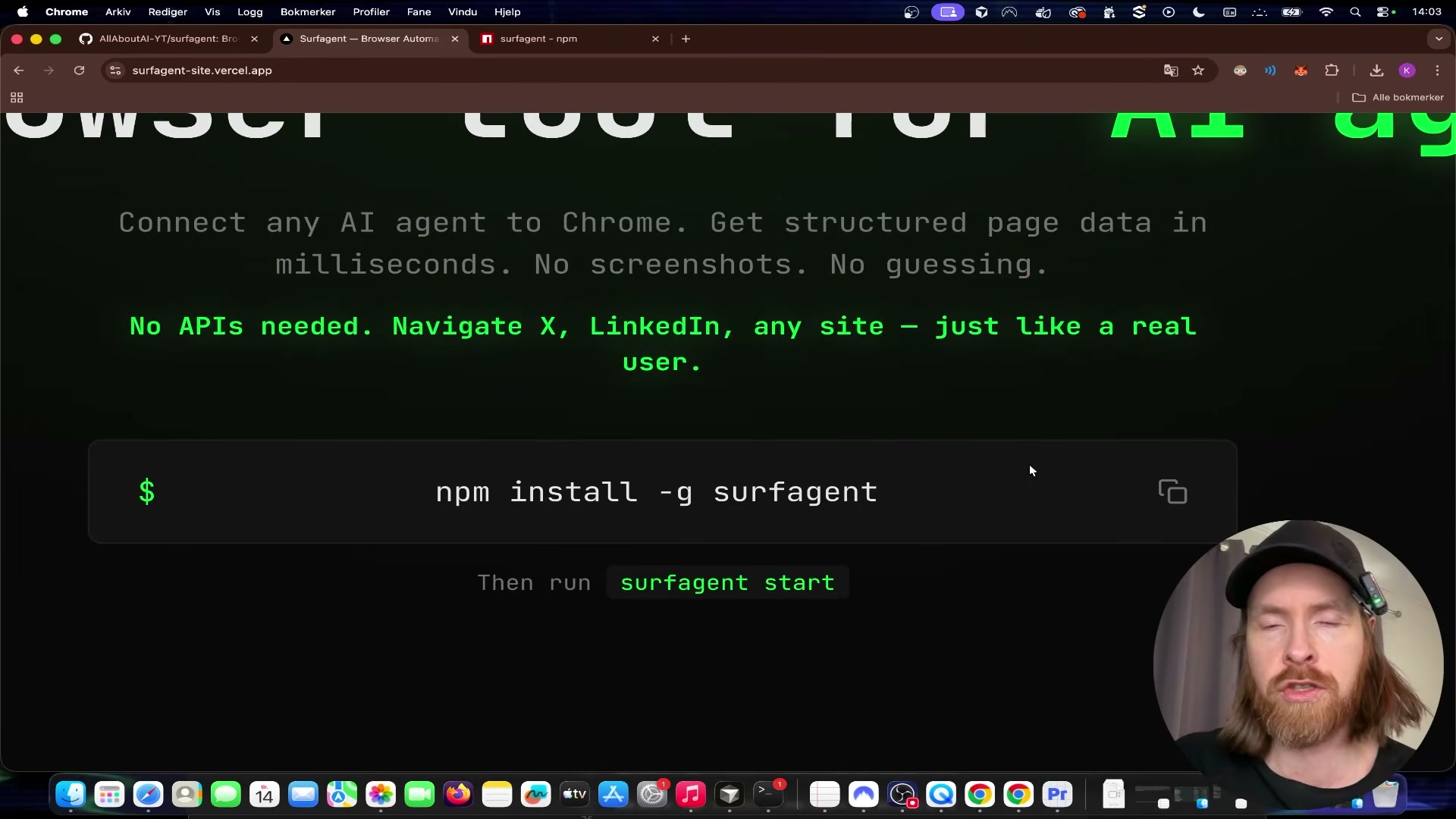
- Install SurfAgent globally by running
npm install -g surfagentin your terminal. The npm registry page lists the package assurfagent(no hyphen), though the transcript referencessurf-agent— use the unhyphenated form shown on the registry to avoid a failed install.
Warning: this step may differ from current official documentation — see the verified version below.
-
Start the server by running
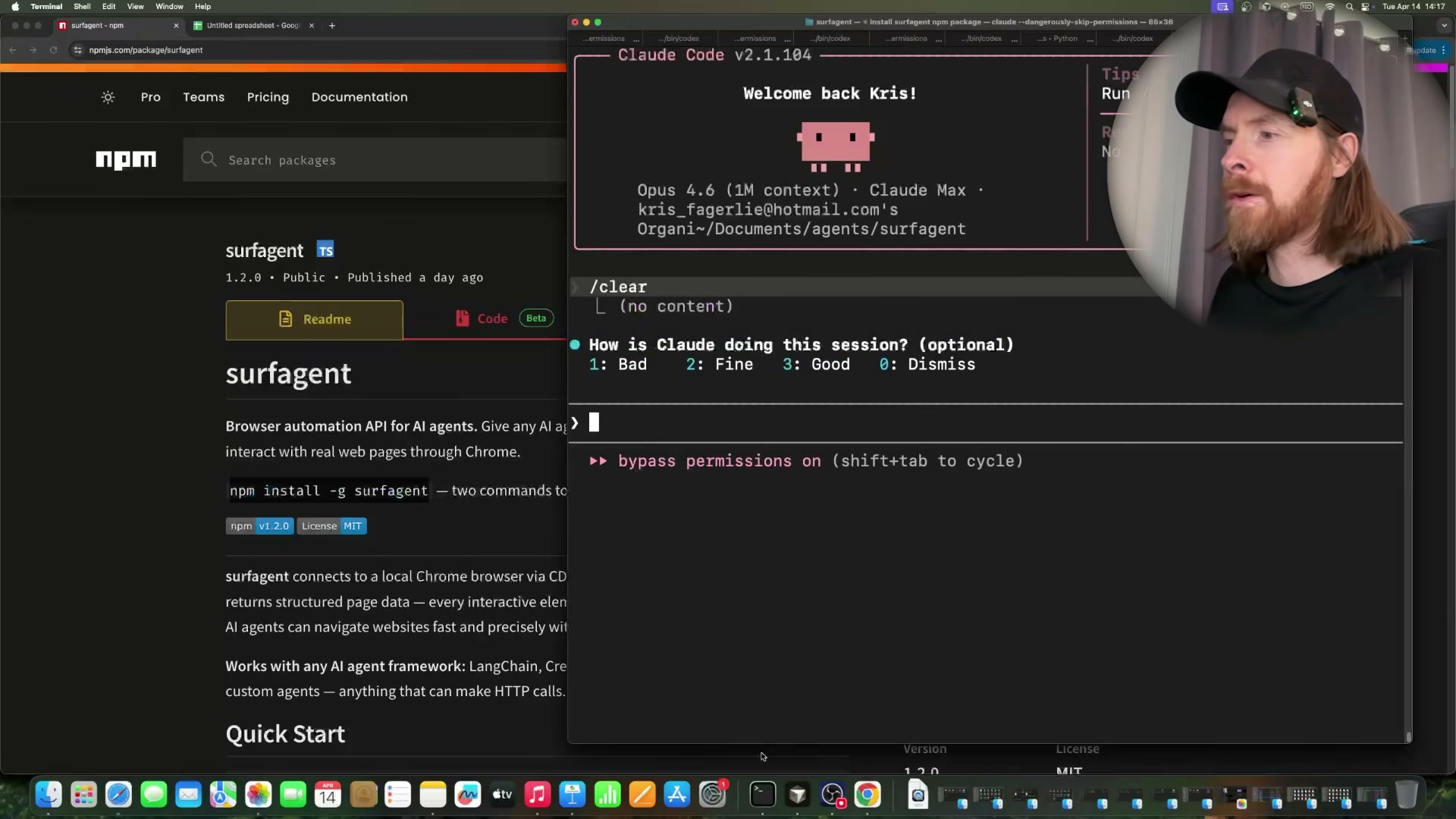
surfagent start. If the default port is already occupied, SurfAgent detects the conflict and binds to an available port automatically — no manual port configuration required. -
Open Claude Code inside any project directory. Because SurfAgent registers itself as a local API server, Claude Code picks up its tool definitions automatically. Confirm the tools are present before issuing any browser commands.
-
Issue a natural-language prompt to navigate to a logged-in service. The tutorial uses Discord as the first example: instruct the agent to navigate to a specific server and read the general channel. SurfAgent targets the live authenticated session already open in Chrome, so no OAuth tokens or cookies need to be passed explicitly.
-
Run a
reconcommand against the current page. Recon maps every interactive element — links, buttons, input fields — and returns them as a structured list the agent uses for subsequent clicks and form fills. This single call is what enables reliable autonomous navigation across dynamically rendered pages.

- Navigate to Hacker News, read the front-page post list, then instruct the agent to click a specific article by its numbered position. SurfAgent’s
/readendpoint returns structured headline data; the agent then uses the element map from recon to resolve the correct link and navigate directly.

- Open a blank Google Sheet in Chrome, then prompt the agent to visit the Anthropic, OpenAI, and Google pricing pages in sequence, extract API token costs, and write the data into the sheet. The agent uses recon on each pricing page, reads the relevant figures, switches back to the Sheets tab, and fills cells by targeting them through SurfAgent’s fill and click endpoints.
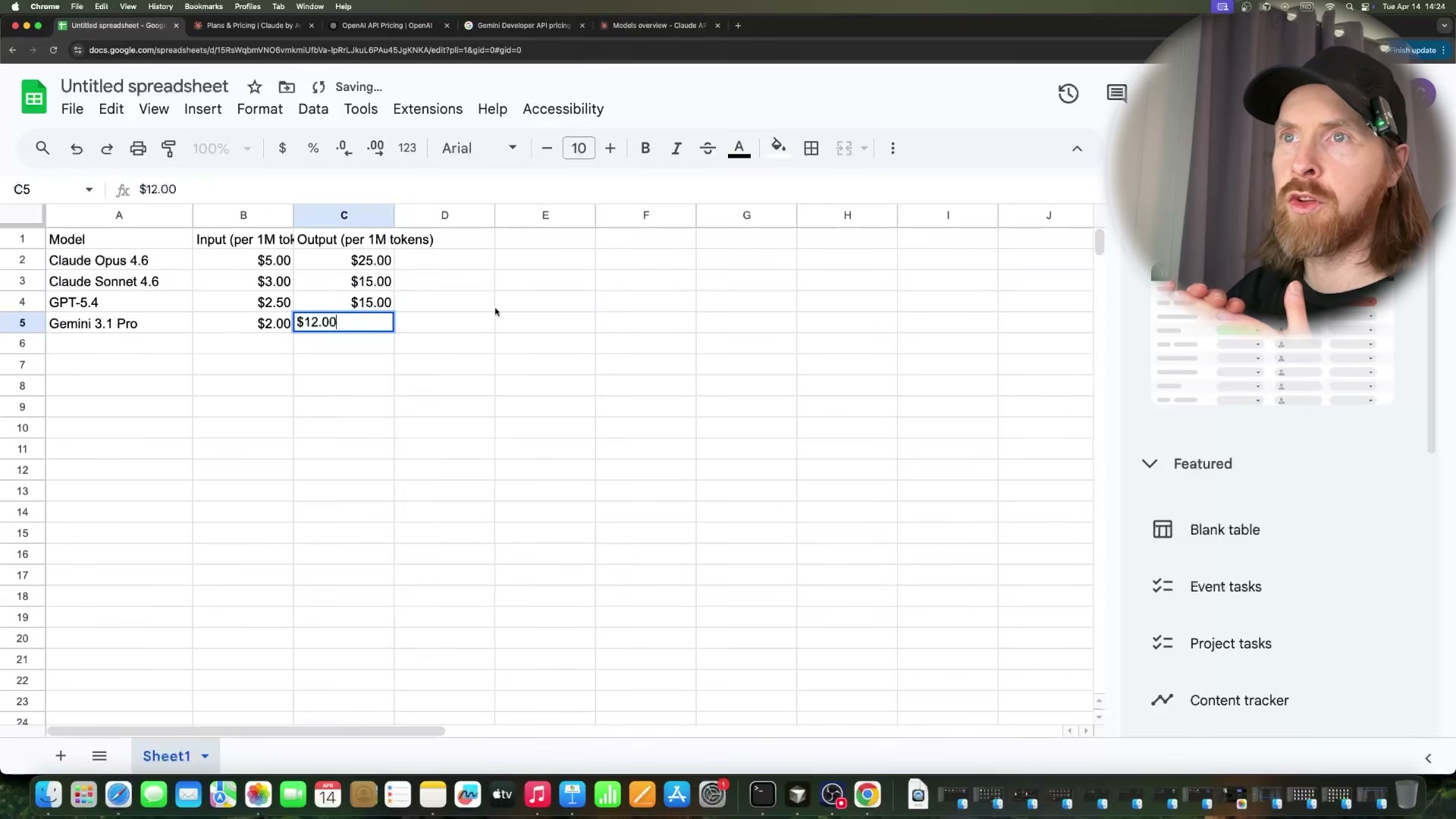
- Ask the agent to insert a comparison chart based on the populated range. It selects the data range, opens the Insert menu, and steps through the chart editor — all via CDP commands. Expect at least one recoverable error during this flow; the demo shows SurfAgent hitting an unsupported endpoint mid-task and self-correcting via a page reload.

- Navigate to X.com Explore, search a topic, compose a post with a natural-language content brief, and instruct the agent to publish it. SurfAgent reconns the page to locate the compose button and post input, fills the text, and clicks post.
Warning: this step may differ from current official documentation — see the verified version below.
- Navigate YouTube, search for a target video, open it, trigger the transcript panel, and extract the full transcript text for downstream summarization inside the same Claude Code session.
How does this compare to the official docs?
The video moves fast and the package name inconsistency is just the first place where the transcript diverges from what the npm registry actually documents — the official readme has more to say about endpoint behavior, error handling, and the Chrome launch requirements that will determine whether this works on your machine.
Here’s What the Official Docs Show
The video covers solid, working ground — the additions below fill in three prerequisite gaps the tutorial moves past without flagging. Nothing in Act 1 is wrong in principle; the docs just surface requirements that will stop the workflow cold if you hit them mid-session.
Step 1 — Install SurfAgent globally
Node.js is confirmed as the runtime prerequisite; npm ships bundled so no separate install step is needed. The current LTS release at verification time is v24.14.1 — the tutorial doesn’t specify a minimum version for SurfAgent, so if you’re on anything older than v18, verify compatibility before proceeding. The video’s approach here matches the current docs exactly.

Step 2 — Start the server
No official documentation was found for this step — proceed using the video’s approach and verify independently.
Step 3 — Connect Claude Code
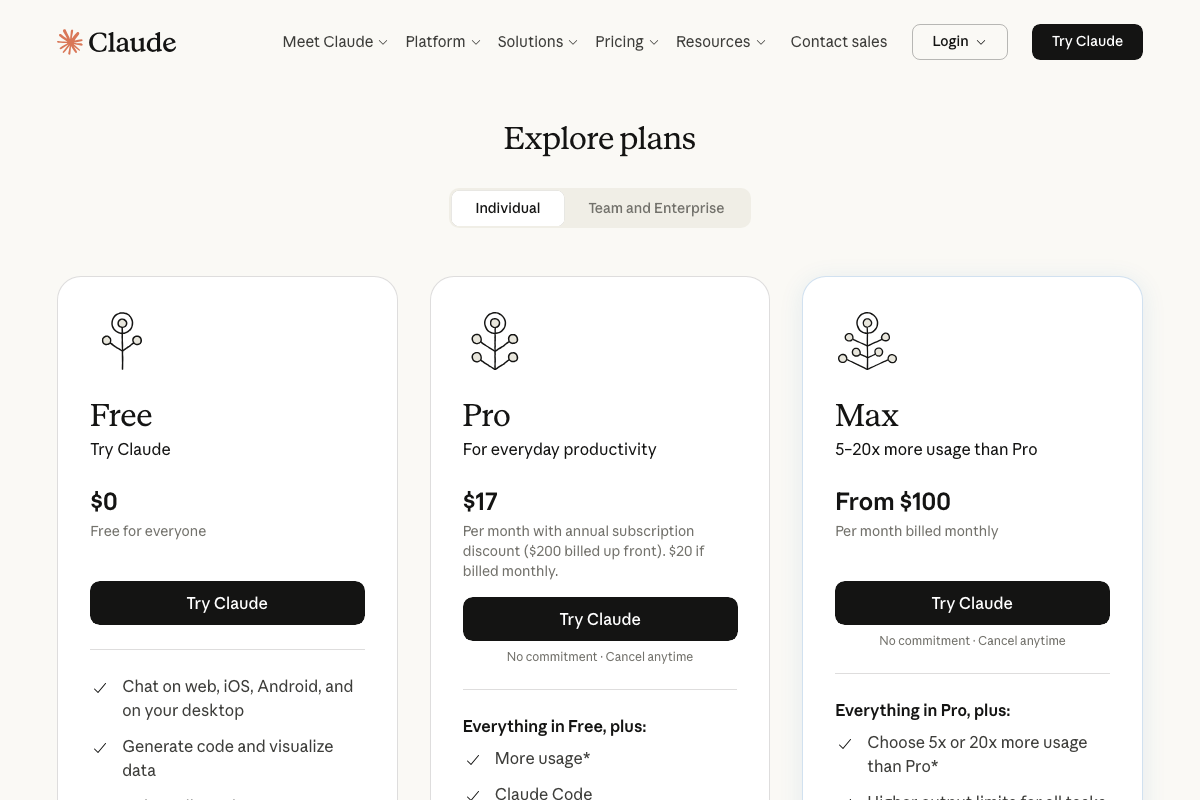
One prerequisite the tutorial skips entirely: Claude Code is not available on Anthropic’s free tier. You need a paid Pro subscription — $17/month billed annually or $20/month billed monthly — before the CLI is accessible at all. Budget this before you start.
Step 4 — Navigate to a logged-in service (Discord)
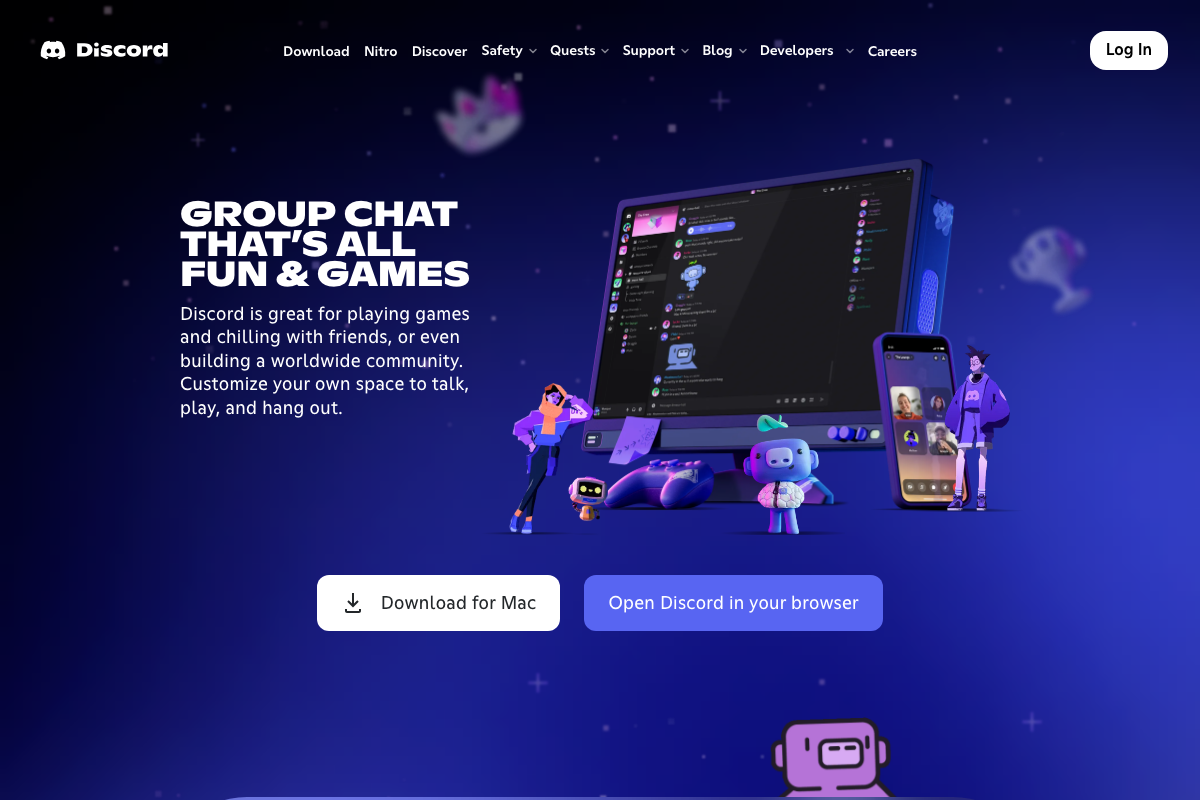
Discord browser access is first-party and officially supported. The video’s approach here matches the current docs exactly. What the tutorial doesn’t state plainly: Chrome must already hold an active, authenticated Discord session before you issue the command — SurfAgent will land on the public marketing homepage otherwise and cannot reach any server or channel.
Step 5 — Run the recon command
No official documentation was found for this step — proceed using the video’s approach and verify independently.
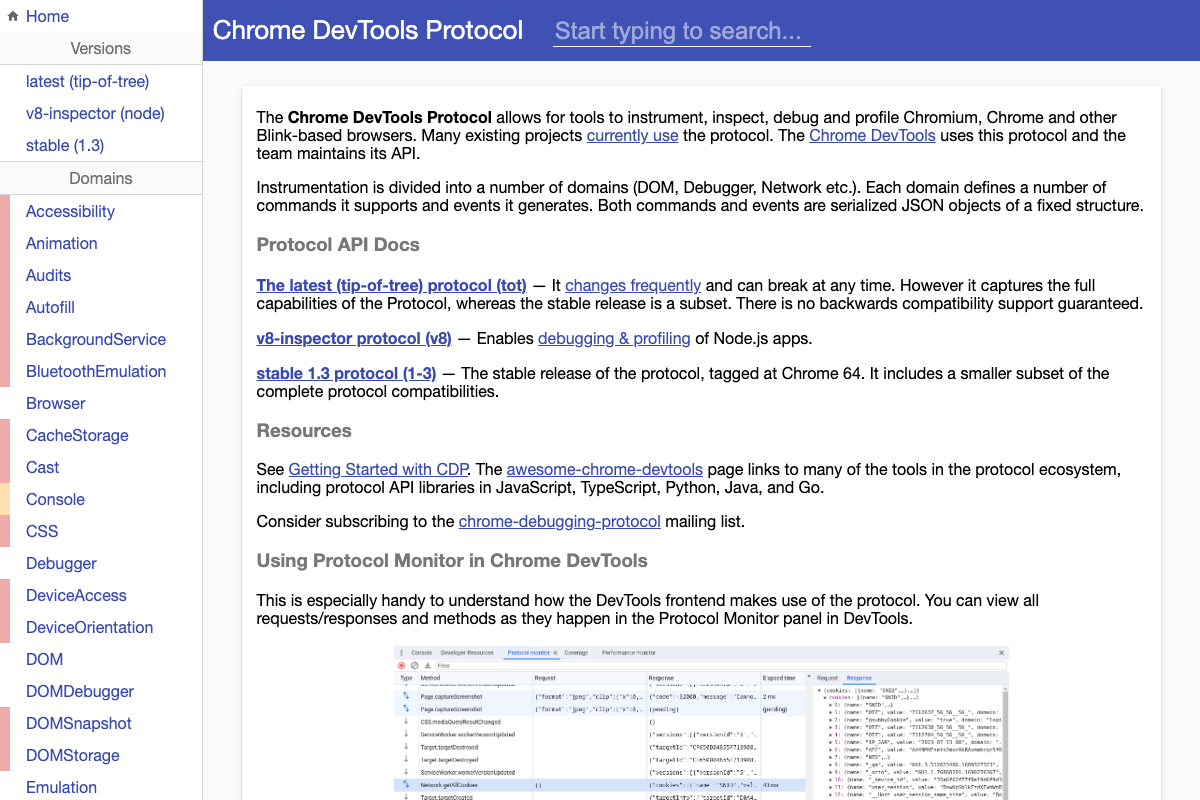
CDP’s DOM and DOMSnapshot domains — the protocol primitives that would underlie any element-mapping command — are confirmed in the official CDP docs, but no SurfAgent-specific recon documentation was captured to verify the command’s exact behavior or output format.
Step 6 — Browse Hacker News
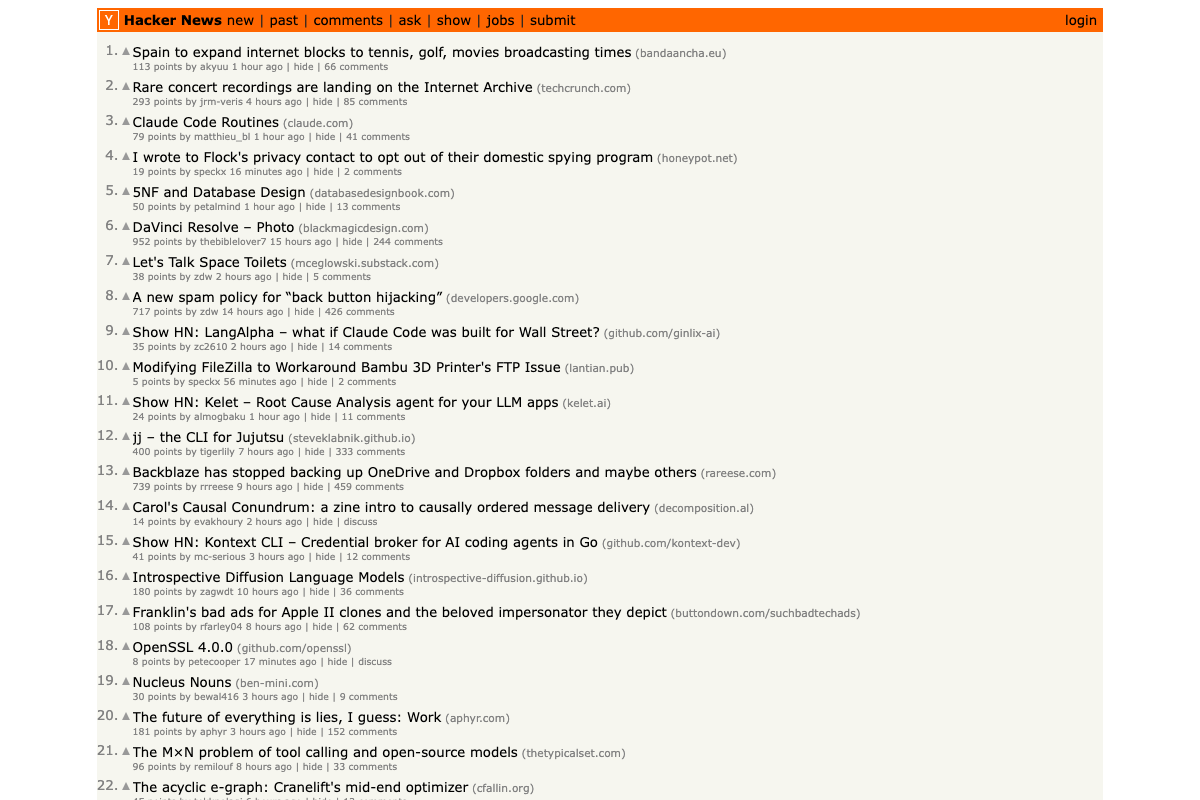
The video’s approach here matches the current docs exactly. One structural note worth knowing: post number labels are plain text, not clickable elements — the agent must target the title anchor link to navigate to an article. A “More” link handles pagination beyond the initial 30-post batch.
Step 7 — Populate a Google Sheet with pricing data
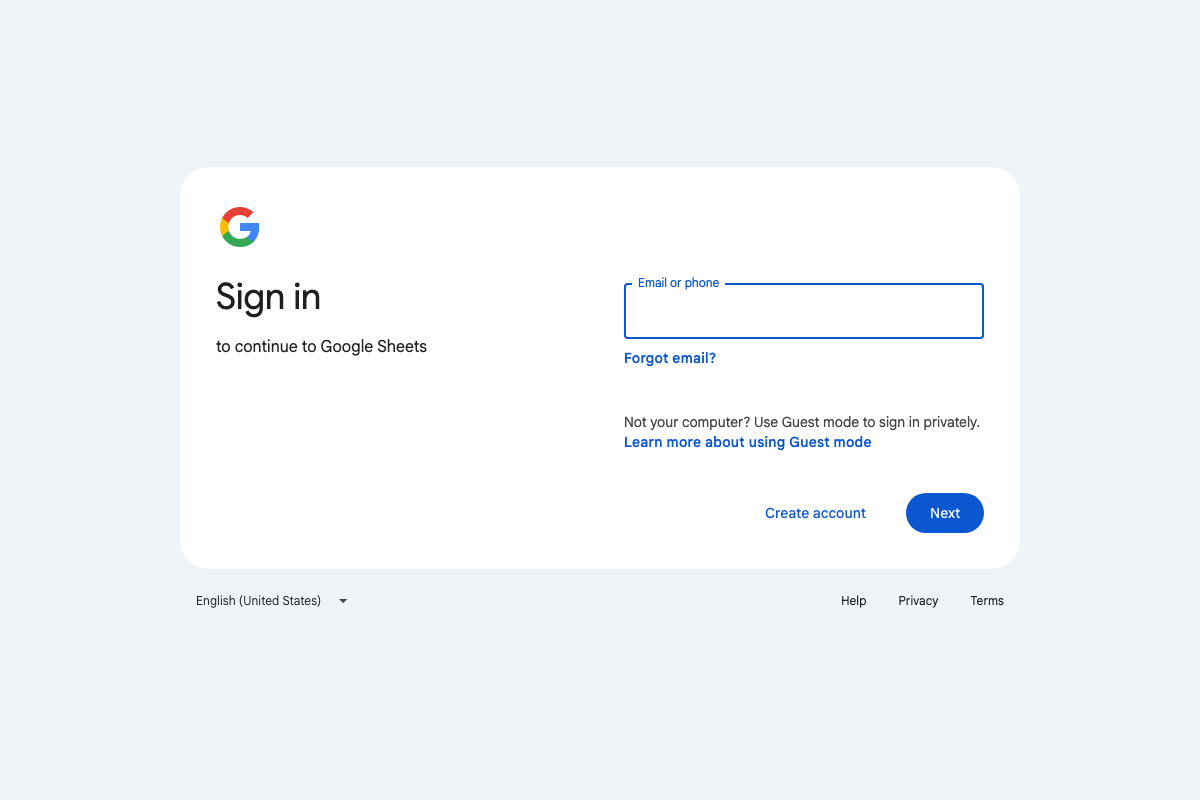
The video’s approach here matches the current docs exactly for the navigation pattern. The missing prerequisite: Google Sheets requires a pre-authenticated Chrome session. An unauthenticated browser hits the sign-in gate before it can access any spreadsheet — Steps 7 and 8 both fail silently without this in place.
Step 8 — Insert a comparison chart
No official documentation was found for this step — proceed using the video’s approach and verify independently.
Step 9 — Compose and publish on X.com
No official documentation was found for this step — proceed using the video’s approach and verify independently.
Step 10 — Extract a YouTube transcript
The video’s approach here matches the current docs exactly for the search step. One structural detail the tutorial skips: YouTube’s transcript panel appears only on individual video watch pages, accessed via the “…” menu or a “Show transcript” button — it is not reachable from the homepage or search results. SurfAgent must navigate fully to the watch page before that control exists in the DOM.
Useful Links
- Node.js — Run JavaScript Everywhere — Official Node.js runtime download page; current LTS v24.14.1 includes npm bundled at install.
- Chrome DevTools Protocol — Full CDP domain reference covering the three API version tracks (tip-of-tree, v8-inspector, and stable 1.3) that underpin SurfAgent’s browser control layer.
- Claude Code — Anthropic’s Claude Code product and pricing page confirming a Pro subscription ($17–$20/month) is required before CLI access is granted.
- Discord — Official Discord site confirming browser-based access as a supported first-party entry point alongside the desktop app.
- Hacker News — Hacker News front page used in Step 6 to verify the numbered post list structure and pagination behavior.
- Google Sheets: Sign-in — Google Sheets entry point confirming that a pre-authenticated Google account session in Chrome is required before any spreadsheet is accessible.
- YouTube — YouTube homepage confirming search availability; transcript panel access requires a fully loaded individual video watch page, not the search results or homepage.


0 Comments